Best Document Management Software for Accountants in 2026: 9 Tools Compared
WLWPLegible EditorsLast verified 23 Nov 2026How we rank14 min read
★ Short answer
SmartVault is the best document management software for accountants: built for tax firms, with deep Lacerte and UltraTax integrations, rated 4.3 out of 5 on G2. Pick TaxDome at $1,500 a year for documents plus full practice management, or Karbon at $59 a user a month if your workflow starts in email.
How we make this list: we compare pricing pages, product documentation and public user reviews, then re-check every price before each update. No product paid for a place. Disclosure.
SmartVault is the best document management software for accountants at 4.3 on G2 from 103 reviews, with Accounting Pro at $65 a user a month billed annually, confirmed on the vendor pricing page on 23 November 2026.
TaxDome starts at $1,500 a year for 150 active clients with 20 seats included, vendor-confirmed, and is the strongest pick when documents are one part of running the whole firm.
Karbon Team is $59 a user a month billed annually, vendor-confirmed, and is the best pick for firms whose workflow starts in email.
Canopy Standard is reported at $74 a user a month billed annually and Financial Cents Solo at $19 a month, but neither price was confirmed on the vendor's own pricing page on 23 November 2026.
Liscio's 4.6 G2 rating rests on only 12 reviews, the smallest sample on this list, so treat it as a hint rather than proof.
What document management for accountants actually does
Accountants do not just store files; they route them through tax season workflows with client portals, e-signatures and retention rules. The wrong document manager becomes a shared drive with a login page, and January exposes it fast.
The accountant-first tools on this list, SmartVault, TaxDome, Karbon, Canopy, Financial Cents and Liscio, integrate with tax software such as Lacerte, ProSeries, UltraTax and Drake. The general tools, ShareFile, DocuWare and M-Files, do not, and firms buy them for security or Microsoft depth instead.
Pricing is the hardest part of this category. Only Karbon, SmartVault and TaxDome publish prices on their own sites, and most of the rest require a demo or a quote based on firm size. The figures in this list come from vendor pricing pages checked on 23 November 2026, or from published comparisons where the vendor does not publish a price.
Security credentials matter for client trust. Most tools here are SOC 2 certified and support IRS Publication 4557 and FTC Safeguards requirements, and the pure document managers compete with all-in-one practice platforms that bundle documents with workflow, billing and client communication.
The 9 best document management software tools for accountants
01
SmartVault
4.3/5on G2 (103 reviews, checked Nov 2026)
Starts at$65/user/mo
Best document management for tax firms
Starting price$65/user/mo (annual)
Accounting Unlimited$85/user/mo
IntegrationsLacerte, ProSeries, UltraTax, Drake
ComplianceSOC 2 Type 2, IRS 4557
smartvault.com
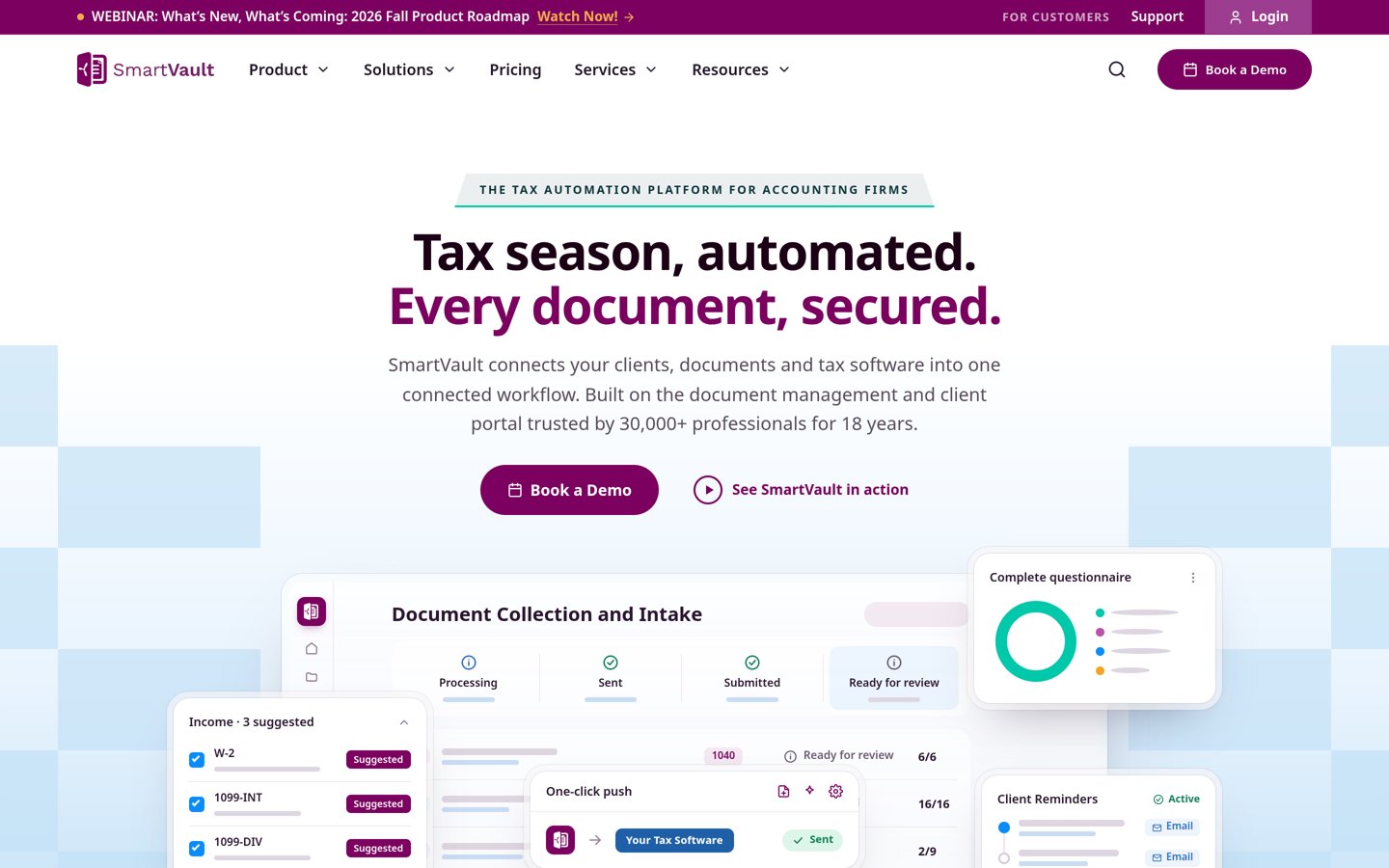
SmartVault homepage, captured Nov 2026.
SmartVault is the document vault built for tax firms: returns print straight into the right client folder from Lacerte, ProConnect, ProSeries, UltraTax CS and Drake, and clients upload, review and eSign forms such as 8879s from any device. Its SmartRequestAI reads the prior-year 1040 and builds personalised intake questionnaires.
The trade off is narrow focus and a two-user minimum. Pricing is published at $65 a user a month billed annually, but the vendor pushes demos, and firms outside tax season workflows get little from the deep tax integrations. With 103 G2 reviews behind its 4.3 rating, the sample is smaller than rivals.
What we like
Deep tax software integrations with automatic filing
Client portal with unlimited eSignatures on top tier
SOC 2 Type 2 with IRS Publication 4557 support
Rated 4.3 out of 5 on G2 from 103 reviews
Watch out for
No free plan or self-serve trial
Two-user minimum on Accounting plans
Built for tax firms, not general business
Accounting Unlimited at $85 a user a month adds unlimited eSignaturesVisit smartvault.com
02
TaxDome
4.7/5on G2 (732 reviews, checked Nov 2026)
Starts atFrom $1,500/yr
Best all-in-one practice platform
Starting priceFrom $1,500/yr (150 clients)
Seats20 included
StorageUnlimited
AIAI document organisation, tax delivery
taxdome.com
TaxDome homepage, captured Nov 2026.
TaxDome is the whole practice in one place: CRM, workflow automation, client portal, time and billing, payments and document management share one client record, so uploads land against the engagement they belong to. Its AI auto-tags, categorises and renames client documents, turning files like 4353458223.pdf into clean records.
The trade off is migration, not storage. Pricing starts at $1,500 a year for 150 active clients with 20 seats, onboarding runs six to eight weeks with a dedicated manager, and firms that only need a file cabinet pay for a platform. It is the strongest pick when documents are one part of running the firm.
What we like
All-in-one platform with unlimited storage and e-signatures
AI auto-tagging and renaming of client documents
IRS transcripts and tax software integrations
Rated 4.7 out of 5 on G2 from 732 reviews
Watch out for
No free plan and no per-user pricing
Six to eight week onboarding with a dedicated manager
Karbon is the practice platform that starts where work arrives: the inbox. Email, clients, jobs, tasks, billing and payments live in one place, and documents store automatically against clients and jobs, so threads stay connected to the record they belong to. Its AI coworker Kai answers from real firm data in seconds.
The trade off is price and no self-serve trial. Team costs $59 a user a month billed annually, monthly billing needs four or more users, and evaluation runs through guided sessions on your own firm data. Document storage is part of a bigger platform, not a standalone vault.
What we like
Email-based workflow keeps documents with the work
Published pricing with no hidden per-client charges
G2 category leader for 20 consecutive quarters
Rated 4.8 out of 5 on G2 from 931 reviews
Watch out for
No free trial, evaluation needs a guided demo
Monthly billing needs teams of four or more
Document tools sit inside a full platform
Business at $89 a user a month adds task automation and integrationsVisit karbonhq.com
04
Canopy
4.6/5on G2 (862 reviews, checked Nov 2026)
Starts at$74/user/mo
Best one-login practice suite
Starting price$74/user/mo (Standard, annual)
Plus$109/user/mo
Free trialNo
AICanopy Coworker AI assistant
getcanopy.com
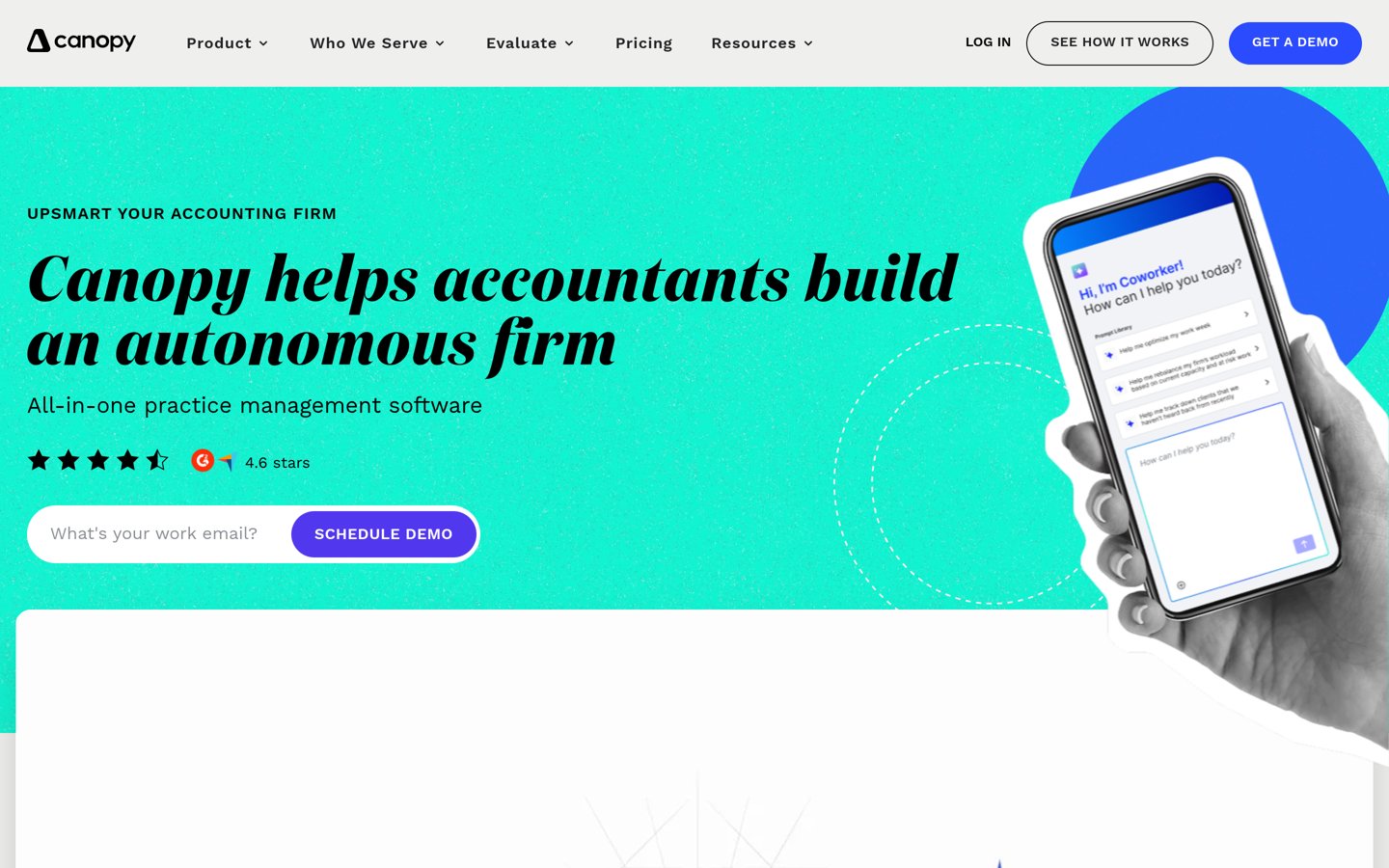
Canopy homepage, captured Nov 2026.
Canopy is the all-in-one suite rebuilt around one login: CRM, document management, client portal, time tracking, billing, proposals and e-signature share one record, and uploads match to the right engagement automatically. Its AI assistant renames and organises documents, builds checklists from prior-year returns and matches IRS notices.
The trade off is that pricing is not published on the vendor site. Standard is reported at $74 a user a month billed annually, so expect a demo and a quote, and the September 2026 API launch matters mainly to firms building custom dashboards. The domain moved to getcanopy.com, which can confuse.
What we like
Single login across CRM, documents, billing and portal
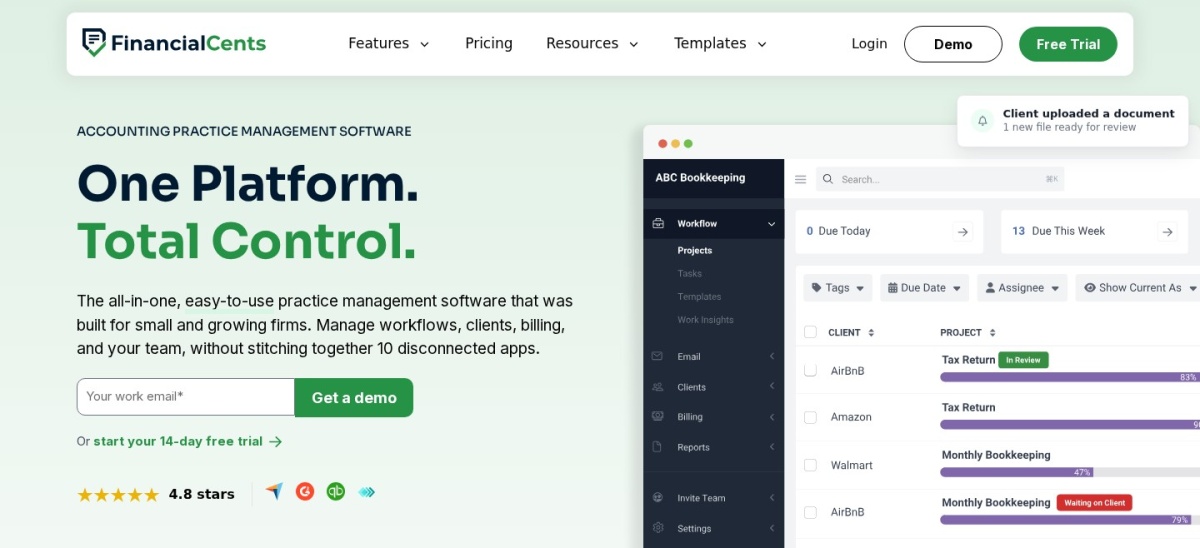
Financial Cents is built for the smaller end of the market on purpose: 250-plus pre-built templates for bookkeeping, tax, payroll and client work, with recurring engagements on autopilot and tasks that assign themselves. Three AI agents on every plan check uploads, rename files and route them to the right folder.
The trade off is scale. Solo starts at $19 a month billed annually, the 14-day trial is the most generous here, but larger firms outgrow a tool designed for owners who still answer their own client emails. Document tools sit inside a full workflow platform rather than a standalone vault.
What we like
Built for solo and small firms with 250+ templates
ShareFile is the established generalist: more than 20 years on the market, over 7 million daily users and 90,000 subscribers, with secure client portals, built-in e-signatures, document request lists and AI-powered collection, summarisation and Q&A. Integrations cover Microsoft 365, Google Workspace, Salesforce and Zapier.
The trade off is breadth over accounting depth. There is no public pricing, so expect a quote, and unlike SmartVault it has no tax-software integrations or tax-season workflows. It suits firms that want a vendor that has been around for decades rather than an accounting-first startup.
What we like
Long track record with enterprise-grade security
AI document features with dedicated tax season workflow
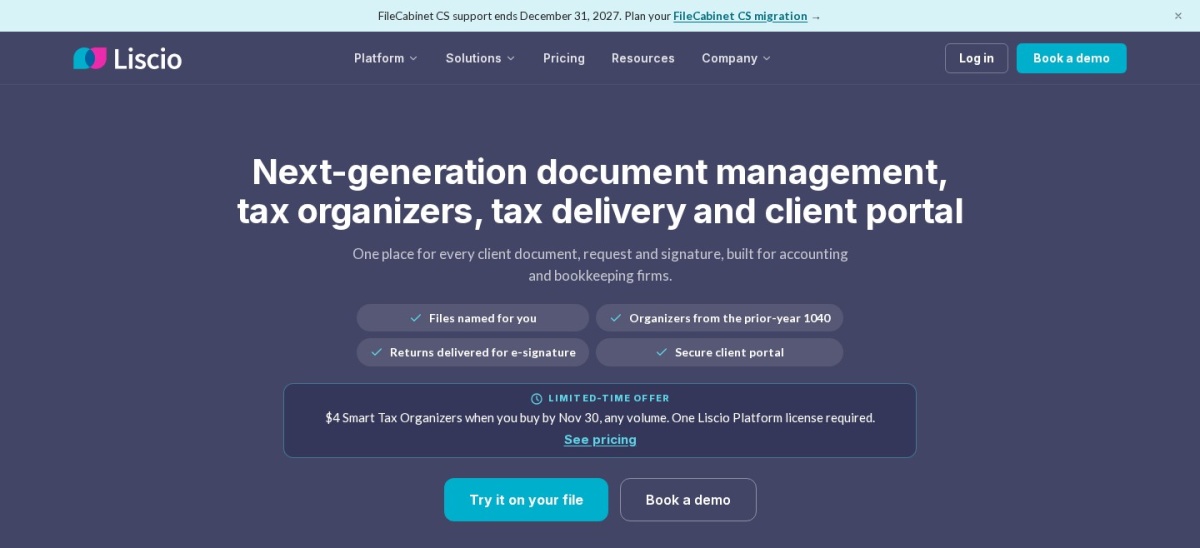
Liscio is the client-experience bet: its File Intelligence reads each document page by page, pulls the key fields and suggests a filename matching your firm's convention, and smart organisers print from UltraTax, Lacerte, ProSeries, Drake and CCH Axcess. The homepage leads with a live demo that needs no login.
The trade off is evidence. File Intelligence starts at $19 a user a month billed annually, but the 4.6 G2 rating rests on only 12 reviews, the smallest sample on this list, so treat the score as a hint rather than proof. It is a portal and document tool, not a full practice platform.
What we like
File Intelligence reads documents and suggests filenames
Smart organisers for major tax software
Live demo with no login required
Rated 4.6 out of 5 on G2 from 12 reviews
Watch out for
Rating rests on only 12 reviews
No free plan
Narrower than all-in-one rivals
Platform at $49 a user a month adds organizers and messagingVisit liscio.me
08
DocuWare
4.4/5on G2 (251 reviews, checked Nov 2026)
PricingCustom/yr
Best general document platform with AI
Starting priceCustom (quote only)
DeploymentCloud, on-premises, hybrid
AIGenAI extraction and AI assistant
Recognition2026 Gartner Magic Quadrant
docuware.com
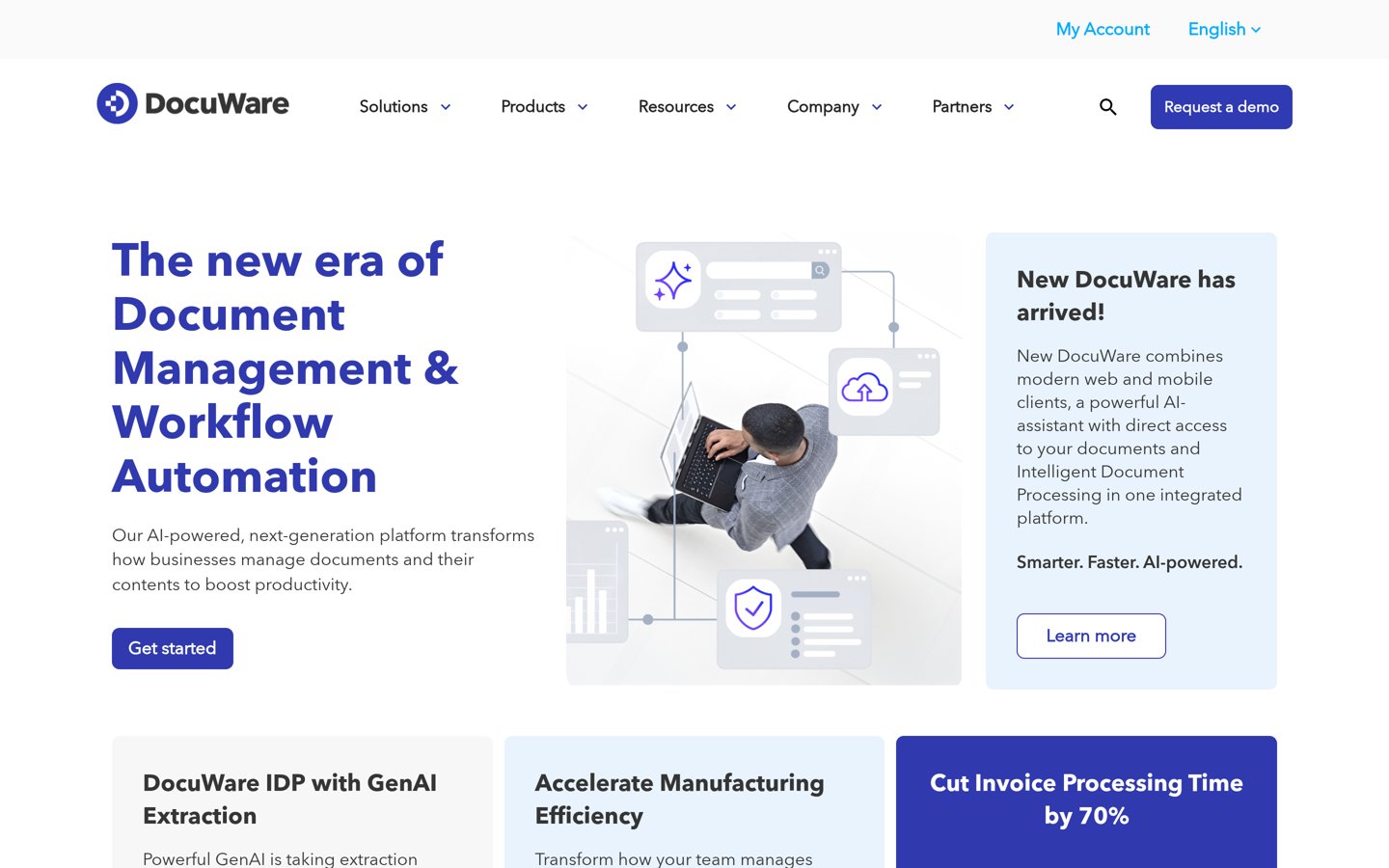
DocuWare homepage, captured Nov 2026.
DocuWare is the generalist on this list: document management and workflow automation for companies of all sizes, available as cloud, on-premises or hybrid with identical functionality. Its newest release adds an AI assistant with direct access to your documents and GenAI-powered extraction that reads data from any document type.
The trade off is that it is not built for accountants. Pricing is quote-based with no public numbers, there is no tax-software integration, and firms that want accounting-specific workflows should shortlist SmartVault or TaxDome first. It suits firms that want a proven general platform instead.
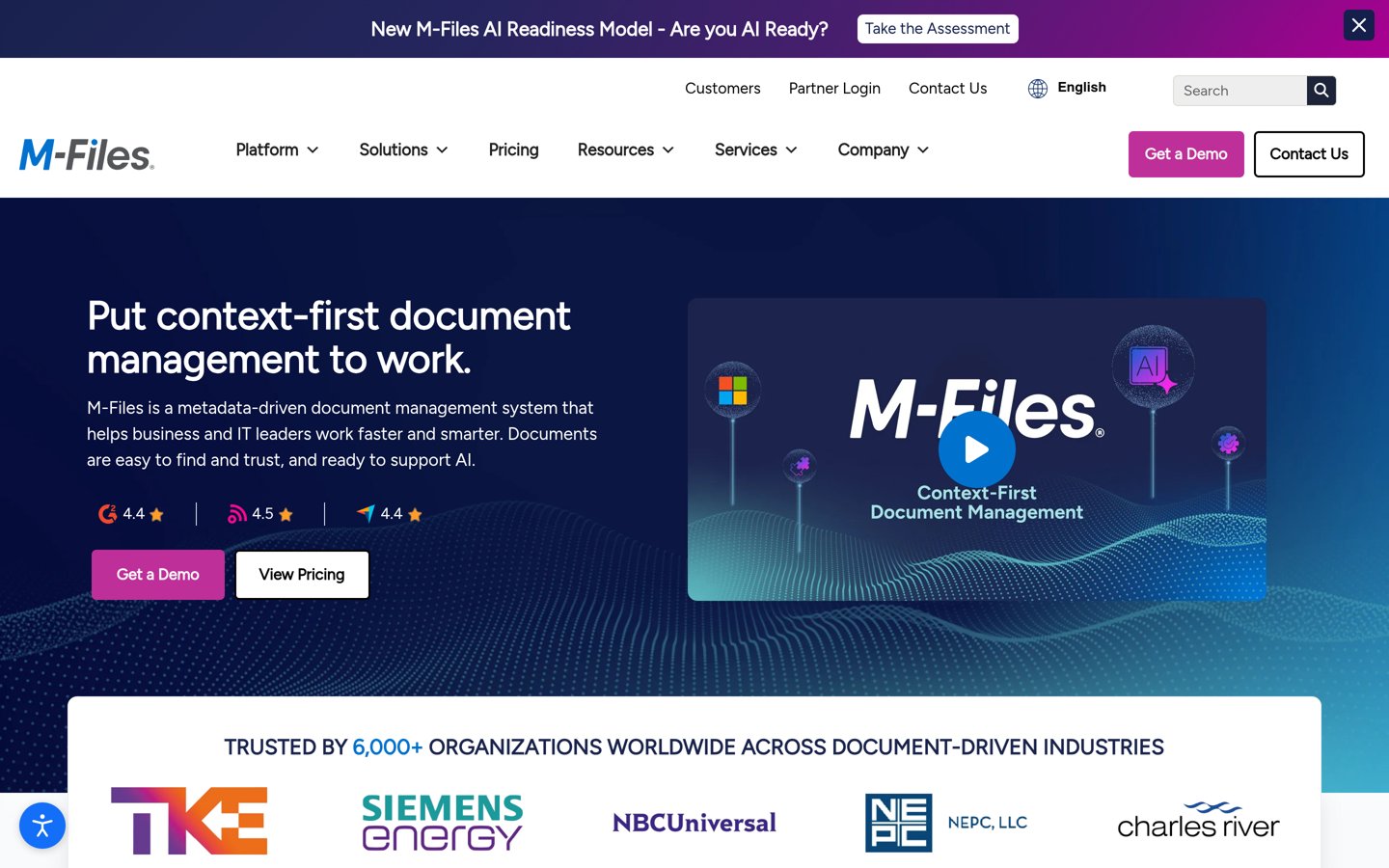
M-Files is the metadata-driven document platform: it organises files by what they are, not where they sit, classifying documents automatically and connecting them to the related people, projects and work, so you find a client file by searching its meaning rather than remembering a folder. Microsoft 365 integration is the headline for firms living in Teams, SharePoint, Outlook and Copilot.
The trade off is price and scale. Pricing is quote-based with no public numbers, and the platform leans enterprise for very small firms, though an interactive self-guided demo lets you evaluate it by industry. For a firm standardised on Microsoft, it is the most natural document platform here.
What we like
Metadata-driven organisation, no folder hunting
Native Microsoft 365 support across Teams and SharePoint
Strong governance with Gartner Peer Insights badge
Pure document manager or all-in-one platform: pick the job first
If documents are the job, buy a pure document manager. SmartVault, ShareFile, DocuWare and M-Files store, organise and share files without dragging a practice platform behind them, and SmartVault adds the tax integrations accountants actually need.
If documents are one part of running the firm, buy the platform. TaxDome, Karbon, Canopy and Financial Cents attach documents to jobs, clients and invoices, so uploads land against the engagement they belong to and nothing needs a second system.
Many firms end up with both: a platform for the work and a vault for the archive. That is fine, as long as one system owns the client record and the other does not become a second source of truth.
How we chose
We compared document management tools accountants actually use, from accountant-first vaults to general platforms, and kept only tools with a verifiable rating on G2. Every tool here has a published price, a reported starting price or a vendor-confirmed custom quote.
Prices come from each vendor's pricing page, checked on 23 November 2026, or from published comparisons where the vendor page does not publish a price. Ratings come from G2 on the same day. Where a vendor shows a sale, the list shows the regular price.
We left out tools with no verifiable rating, including Client Hub, Content Snare, Uku, SafeSend, Suralink and TaxCaddy, and general tools that firms rarely use for accounting documents. No vendor paid for a place, and we do not claim hands-on testing for this list.
How to choose document management software for accountants
Start with whether documents are the job or one part of running the firm, then check the tax integrations.
Decide whether documents are the job or one part of it. If storage and sharing are the job, buy a pure document manager such as SmartVault or ShareFile. If documents ride along with workflow, billing and client communication, buy a platform such as TaxDome or Karbon.
Check the tax integrations before anything else. Lacerte, ProSeries, UltraTax and Drake integrations decide whether returns print into the right client folder automatically. A tool without your tax software costs hours every January.
Price the tier with your minimums and add-ons. SmartVault needs two or three users depending on the plan, TaxDome starts at 150 clients, and Karbon monthly billing needs four users. Price the tier your firm actually qualifies for, not the headline.
Test the client portal with a real client. Send a real document request during the trial and watch the client upload, sign and reply. Portal friction is where firms lose clients, and it only shows up with real people.
FAQ
What is the best document management software for accountants?
SmartVault is the best document management software for accountants because it is built for tax firms, with deep Lacerte, ProSeries, UltraTax and Drake integrations, a client portal with eSignatures, and a 4.3 out of 5 rating on G2. TaxDome is the better pick when documents are part of running the whole firm.
How much does document management software for accountants cost?
Published prices start at $19 a month for Financial Cents Solo and $65 a user a month for SmartVault, both billed annually. TaxDome starts at $1,500 a year for 150 clients, Karbon at $59 a user a month, and ShareFile, DocuWare and M-Files price by quote.
Do accountants need a client portal?
Yes, for most firms. A portal with secure upload, e-signatures and document requests replaces email attachments and keeps client files in one audited place, which matters for IRS Publication 4557 and FTC Safeguards compliance. SmartVault, TaxDome and Liscio all lead with the portal.
What is the difference between SmartVault and TaxDome?
SmartVault is a document vault built for tax firms, with deep tax-software integrations and a client portal. TaxDome is a full practice platform that adds CRM, workflow, billing and payments to document management, priced per client rather than per user.
Is there free document management software for accountants?
No tool on this list offers a free plan. ShareFile and Financial Cents offer free trials, SmartVault and Karbon offer demos, and Liscio offers a live demo with no login. Budget for at least $19 a month for a solo firm.
Which document management software integrates with Lacerte?
SmartVault integrates with Lacerte, ProConnect, ProSeries, UltraTax CS and Drake, printing returns straight into the right client folder. Liscio organisers print from UltraTax, Lacerte, ProSeries, Drake and CCH Axcess, and TaxDome integrates with Drake and other tax software.