WLWPLegible EditorsLast verified 23 Nov 2026How we rank12 min read
★ Short answer
Google Docs is the best document app for most people: free, with the best real-time co-editing and suggestion mode in a browser. Pick Microsoft Word for formal documents and track changes, or Notion if your documents live inside a workspace of wikis and databases.
How we make this list: we compare pricing pages, product documentation and public user reviews, then re-check every price before each update. No product paid for a place. Disclosure.
Google Docs is the best document app for most people: free, with the best real-time co-editing and suggestion mode in a browser.
Microsoft Word stays the standard for formal documents at 4.7 on G2 from 2,062 reviews, with Word for the web free for anyone.
Notion is the highest-reviewed workspace tool here at 4.6 on G2 from 13,834 reviews, but it is weak for review with people outside your team.
Confluence Standard is $5.78 a user a month, confirmed on Atlassian's pricing page on 23 November 2026, replacing the older $5.42 figure in published comparisons.
Coda rebranded to Superhuman Docs in 2026, and its Pro price is reported as $10 or $12 per Doc Maker a month depending on the source; a free tier could not be confirmed.
What a document app actually does
A document app is where writing happens, and the choice shapes how a team reviews, approves and stores its work. The best apps in 2026 split into browser editors built for collaboration, desktop editors built for control, and workspace tools where documents live inside databases and wikis.
Most teams need more than one. Google Docs wins drafting and review with outside collaborators, Word wins the formal document clients and lawyers expect, and Notion or Confluence win the living documentation that changes every week. Picking one tool for every job is how teams end up exporting and re-importing files all day.
Price is rarely the deciding factor here, because the best editors are free. Google Docs, Word for the web, Pages, LibreOffice Writer and Zoho Writer all cost nothing for personal use. Paid plans matter when a team needs admin controls, more storage or AI features, and the paid figures in this list come from vendor pages or published comparisons.
Check the file format reality before you commit. If clients, lawyers or publishers expect DOCX, Word and WPS give the cleanest round trips. If the answer is PDF or a web link, Google Docs and Notion are fine. Test a real document from your own work, because formatting loss always shows up in the details.
Google Docs is the tool most teams actually write in. Anyone with a Google account can create documents, co-editing means no more versions bouncing through email, and suggestion mode still handles outside reviewers better than anything else in a browser. It converts Word files or edits them directly, leaving the original intact.
The trade off is depth. Power formatting, long structured documents and offline work are all weaker than Word. For drafting, reviewing and collaborating, Docs wins. For the final polished artifact, many teams still export to Word.
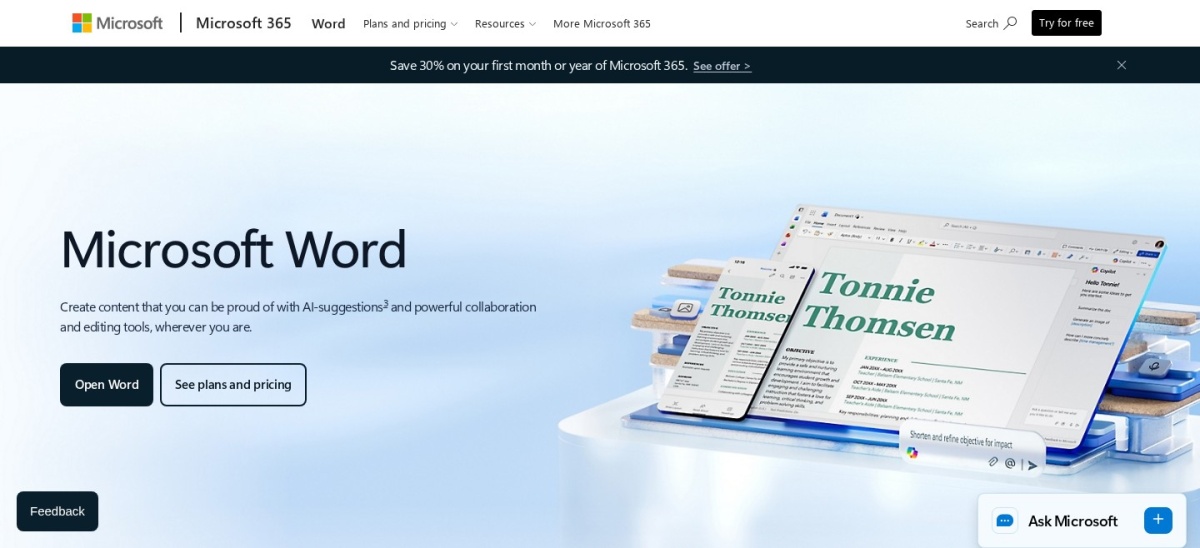
Microsoft Word is the document format of business, and that gravity still matters. Contracts, proposals and reports arrive as DOCX files, and Word's track changes remains the review system clients and lawyers expect. Word for the web is free for anyone with an email address, with real-time co-authoring and 5 GB of cloud storage.
The trade off is the subscription. The full desktop apps and the serious Copilot features sit behind Microsoft 365, with Personal at $99.99 a year. For teams that exchange formal documents with clients, Word stays the safe default.
What we like
Still the standard for professional documents and track changes
Word for the web is free for anyone
Copilot drafts and edits inside Word
5 GB cloud storage on the free web plan
Watch out for
Desktop apps require a Microsoft 365 subscription
Advanced AI features are paid
External reviewers face more friction than in Docs
Notion treats a document as one block in a larger workspace. A team can keep a handbook, a project tracker and meeting notes in the same place, link pages together and build simple databases for tasks or content calendars. Real-time editing and comments work well for small groups drafting together.
The trade off is boundaries. Notion is weak for review with people outside your team, who must be workspace members or invited guests, and pages export as PDF, HTML or Markdown rather than clean DOCX. Use Docs for drafts sent to clients and Notion for the living system behind them.
Confluence is a wiki first and a document editor second, which is why engineering teams adopt it. Product specs, runbooks and decision records live in a structured space with templates, page trees and version history, and Jira issues can link directly to the pages that explain them.
The trade off is polish. Confluence is the enterprise wiki standard with real governance, but it is less suited to polished client-facing documents, and its strength sits inside Atlassian. Usage-based billing starts on 3 December 2026, so check the new allowance before budgeting.
What we like
Wiki-first structure with templates and page trees
Jira issues link directly to pages
Free plan for up to 10 users
Governance with space permissions and audit trails
Watch out for
Less suited to polished client-facing documents
Strongest inside Atlassian
Usage-based billing starts 3 December 2026
Standard confirmed at $5.78 a user a month on the vendor pageVisit atlassian.com
05
Superhuman Docs (formerly Coda)
4.6/5on G2 (493 reviews, checked Nov 2026)
Starts at$10/Doc Maker/mo
Best document app that acts like software
Starting price$10/Doc Maker/mo (Pro)
Free planNot confirmed on current site
EditorsFree (viewers and editors)
Integrations600+
coda.io
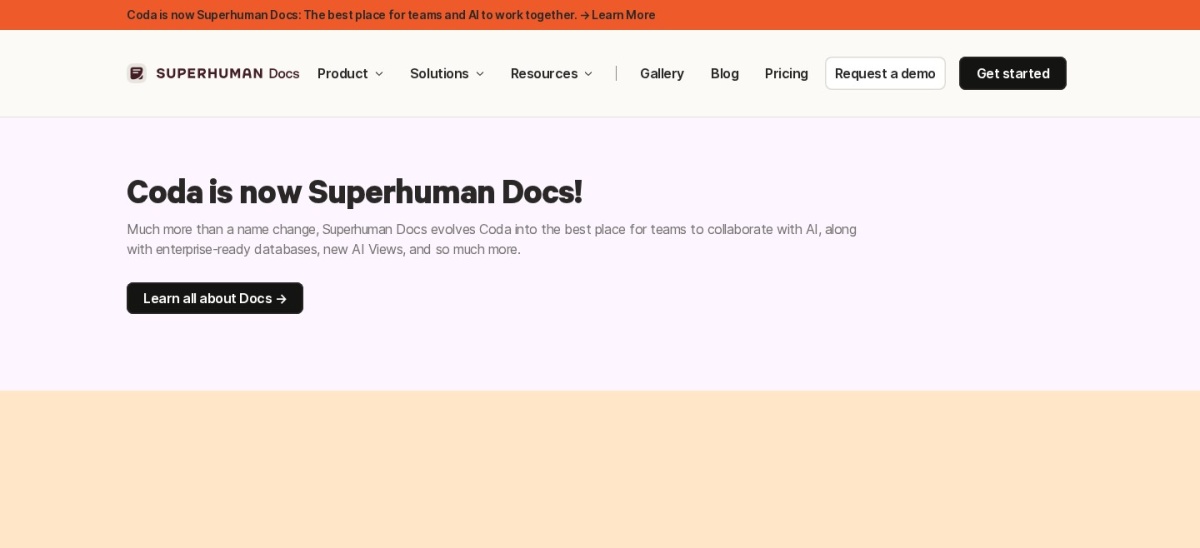
Superhuman Docs (formerly Coda) homepage, captured Nov 2026.
Superhuman Docs, formerly Coda, reads like a normal doc until you notice the page can hold live tables with formulas, buttons that change status and automations that send reminders. Documents become small apps, with enterprise-ready databases used by more than 50,000 teams.
The trade off is complexity. It takes longer to learn than Notion, and with the 2026 rebrand a current free tier could not be confirmed on the site. For operations teams that want documents to run processes, not just record them, it remains the most capable option.
What we like
Docs that behave like apps with buttons, formulas and automations
600+ integrations
New AI Views for team collaboration
Enterprise-ready databases
Watch out for
Steeper learning curve than Notion or Docs
Free access not confirmed on the current site
Pro price conflicts: $10 vs $12 per Doc Maker a month
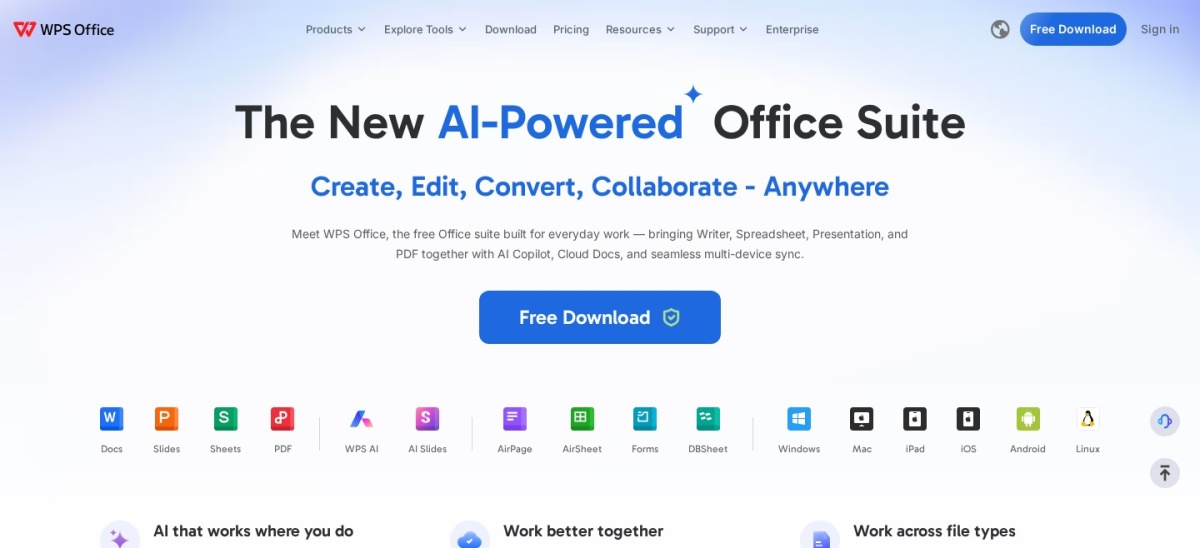
WPS Office is the free suite that looks and feels most like Microsoft Office. The core suite is completely free to download and use, with Writer, spreadsheet, presentation and PDF tools included. It opens, edits and saves DOCX, XLSX and PPTX files, and the installer is small and fast.
The trade off is monetization. The free version shows ads, and premium features require a subscription, with Premium at $29.99 a year. WPS added Copilot, an AI assistant for drafting and summarizing, but it sits behind the paid tier.
What we like
Completely free core suite with Writer, spreadsheets and PDF tools
Strong Microsoft format compatibility
Lightweight and fast
Opens, edits and saves DOCX, XLSX and PPTX
Watch out for
Free version includes ads
Advanced AI and premium features require a subscription
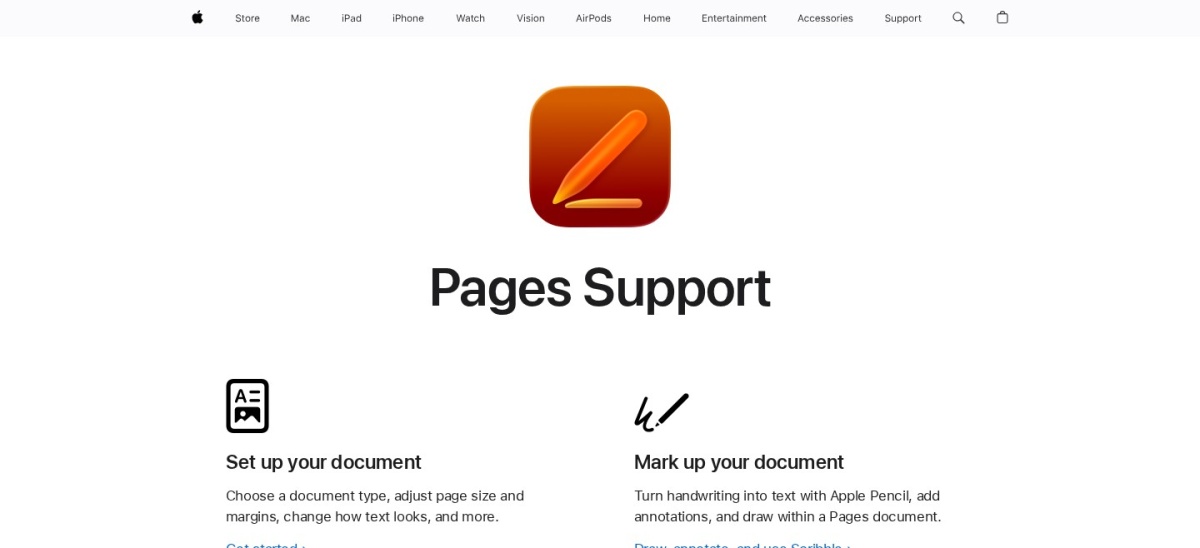
Apple Pages is the quiet gem of this list. It comes included with most Apple devices, offers over 90 Apple-designed templates, and handles layout-heavy documents with gradients, shapes, charts and embedded video. Real-time collaboration works across Mac, iPad, iPhone and PC through iCloud, and it exports cleanly to Word.
The trade off is the ecosystem. Teams on Windows or Android get a web version at best, and round-tripping complex Word files can introduce quirks. For Apple shops, it is a genuinely good editor that most people already own.
What we like
Included free with most Apple devices
Beautiful templates and design tools
Real-time collaboration even with PC users via iCloud
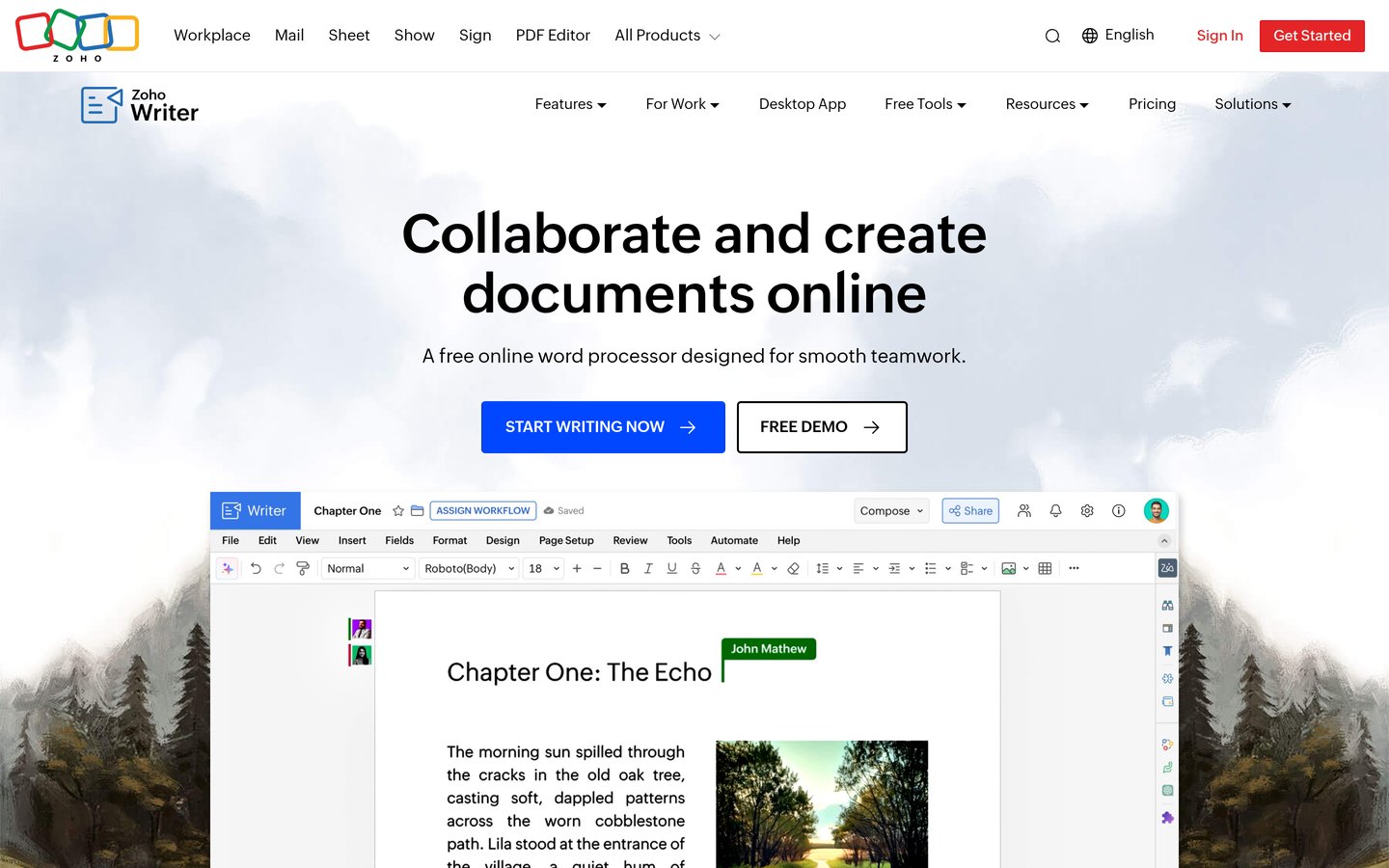
Zoho Writer is a free online word processor with real-time collaboration, review workflows and clean formatting. Users praise its ease of use and the way documents share and edit across a team, and it handles DOCX, PDF and ODT formats. It fits naturally inside the Zoho suite.
The trade off is scale. Some users note the software can be slow with larger documents, and the ecosystem is smaller than Google or Microsoft. With 97 G2 reviews behind its 4.4 rating, it is the least-reviewed tool here, but the free price makes it easy to try.
What we like
Intuitive interface with real-time collaboration
Strong review and approval workflows
Integrates with the whole Zoho suite
Free with no meaningful catch
Watch out for
Can be slow with larger documents
Smaller ecosystem than Google or Microsoft
Review count of 97 is a small sample
Zoho Workplace bundles Writer from $3 a user a monthVisit zoho.com
09
LibreOffice Writer
4.1/5on G2 (87 reviews, checked Nov 2026)
PriceFree
Best free offline document app
Starting priceFree
LicenceMozilla Public License
PlatformsWindows, macOS, Linux
AINone forced
libreoffice.org
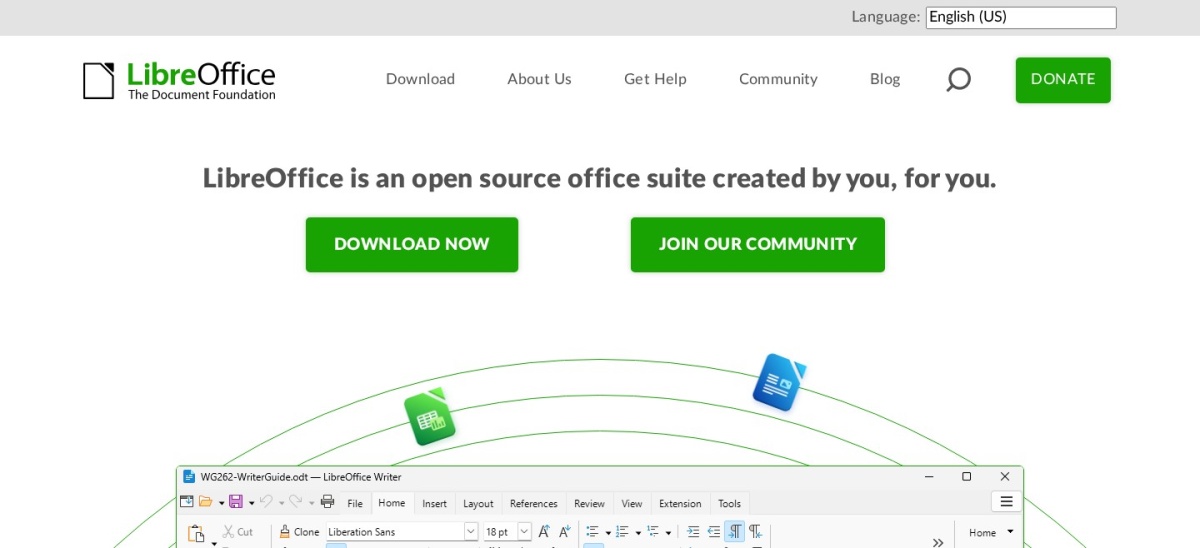
LibreOffice Writer homepage, captured Nov 2026.
LibreOffice Writer is the best completely free Word replacement. It opens, edits and saves DOCX files, runs on Windows, macOS and Linux, and is free for commercial use under the Mozilla Public License. The homepage sells free and private office software with no forced AI.
The trade off is the cost of free desktop software. The interface is dated, real-time collaboration is limited, and complex Word documents can lose formatting in conversion. For offline writing, government work and anyone avoiding subscriptions, it is hard to argue with the price.
What we like
Completely free and open source with no licensing restrictions
Strong Word format compatibility
No forced AI and full privacy
Free for commercial use
Watch out for
Interface feels dated
Cloud collaboration is limited compared to browser editors
Complex Word documents can lose formatting in conversion
If your documents are reviewed by other people, pick Google Docs, Word for the web or Notion. Suggestion mode, comments and version history matter more than formatting depth when three people edit the same draft.
If your documents are long, formatted, offline or sensitive, pick Word desktop, LibreOffice or Pages. Desktop editors handle complex layouts, work without a connection and keep files on your own machine.
Most teams need both, and the winners of this category are the tools that move between the two gracefully. Google Docs edits Word files directly, Pages exports cleanly to Word, and LibreOffice opens and saves DOCX without a subscription.
How we chose
We compared document editors people actually write in, from browser editors to desktop suites to workspace tools, and kept only tools with a verifiable rating on G2. Every tool here has a free plan or a free tier, except Superhuman Docs, where a current free tier could not be confirmed.
Prices come from each vendor's pricing page, checked on 23 November 2026, or from published comparisons where the vendor page did not render a price. Ratings come from G2 on the same day. Where a vendor shows a sale, the list shows the regular price.
We left out note-taking apps and tools with no verifiable rating. No vendor paid for a place, and we do not claim hands-on testing for this list.
How to choose a document app
Start with who reviews your documents, then check the format your clients expect.
Decide who reviews your documents. If reviewers sit outside your team, Google Docs or Word for the web wins on suggestion mode and sharing. If review stays internal, Notion or Confluence adds structure.
Check the format your clients expect. If the answer is DOCX, Word and WPS give the cleanest round trips. If the answer is PDF or a web link, Google Docs, Notion and Pages are fine.
Test a real document from your own work. Open a long, formatted document with tracked changes and export it back. Formatting loss always shows up in the details, and it is cheaper to find it in a trial.
Decide your AI position. Notion, Word, WPS and Superhuman Docs push AI drafting and agents. LibreOffice explicitly sells privacy with no forced AI. Pick the tool whose AI story matches your organisation.
FAQ
What is the best document app?
Google Docs is the best document app for most people because it is free, with the best real-time co-editing and suggestion mode in a browser. Microsoft Word is the better pick for formal documents, and Notion wins when documents live inside a workspace of wikis and databases.
What is the best free document app?
Google Docs is the best free editor for collaboration, LibreOffice Writer the best free offline replacement for Word, and WPS Office the closest free match to Microsoft Office's look and feel. Apple users already have Pages free, and Zoho Writer is free too.
Can I edit Word documents without Microsoft Word?
Yes. Google Docs edits Word files directly without conversion, LibreOffice and WPS Office open and save DOCX files, and Pages imports and exports Word format. For perfect compatibility with complex tracked-changes documents, Word for the web is free.
Is Notion a replacement for Google Docs?
For internal writing, notes and wikis, yes. For review with people outside your team, no: reviewers must be workspace members or invited guests, and export to DOCX is weaker. Many teams use both, with drafts in Docs and living documentation in Notion.
What happened to Coda?
Coda rebranded to Superhuman Docs in 2026, positioning itself as an AI-first collaborative workspace. The product, integrations and team plans continue under the new name at coda.io, with Pro listed from $10 per Doc Maker a month.
Which document app is best for privacy?
LibreOffice is the strongest pick: free, open source, offline by default, and explicitly marketed with no forced AI. Your documents never leave your machine unless you choose to share them.