Best Document Creation Software in 2026: 7 Tools Compared
WLWPLegible EditorsLast verified 23 Nov 2026How we rank10 min read
★ Short answer
PandaDoc is the best document creation software for most teams: proposals, e-signatures and payments in one place, rated 4.7 out of 5 on G2 from 3,621 reviews. Pick Proposify for design-led proposals at $39 a user a month, or Docupilot at $29 a month if you generate documents from data.
How we make this list: we compare pricing pages, product documentation and public user reviews, then re-check every price before each update. No product paid for a place. Disclosure.
PandaDoc is the best document creation software for most teams at 4.7 on G2 from 3,621 reviews, with Starter reported at $19 a user a month billed annually.
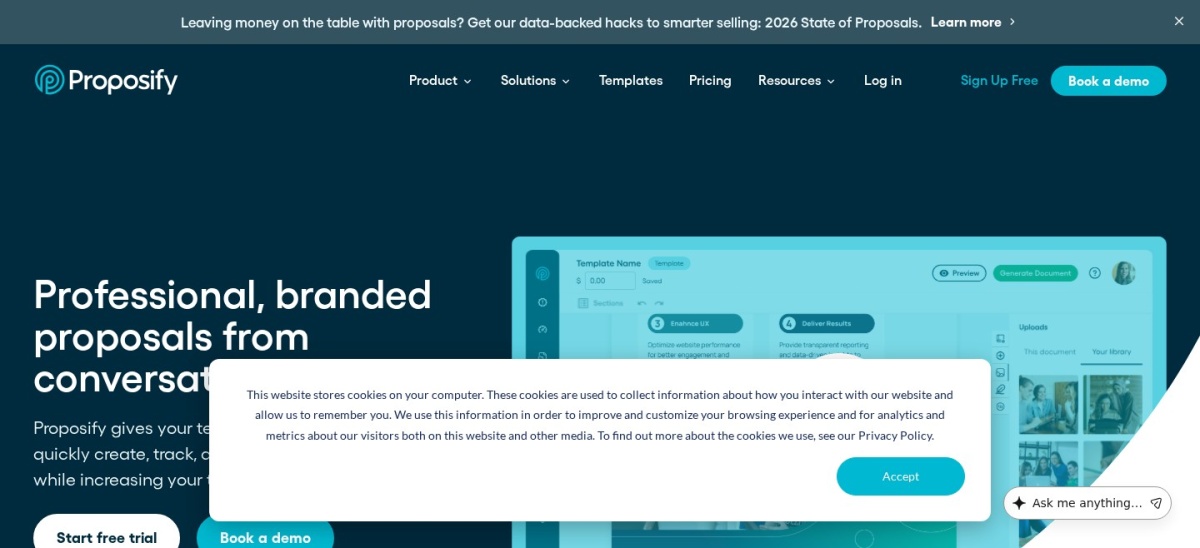
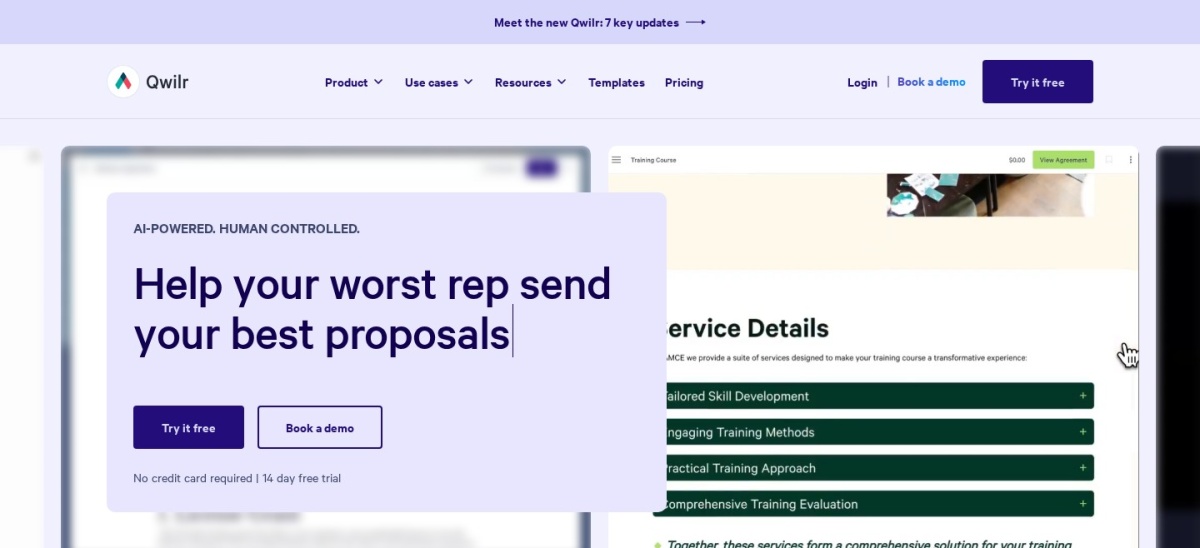
Proposify Build is $39 a user a month billed annually, confirmed on the vendor pricing page on 23 November 2026, and Qwilr Starter is $35 a user a month, also vendor-confirmed.
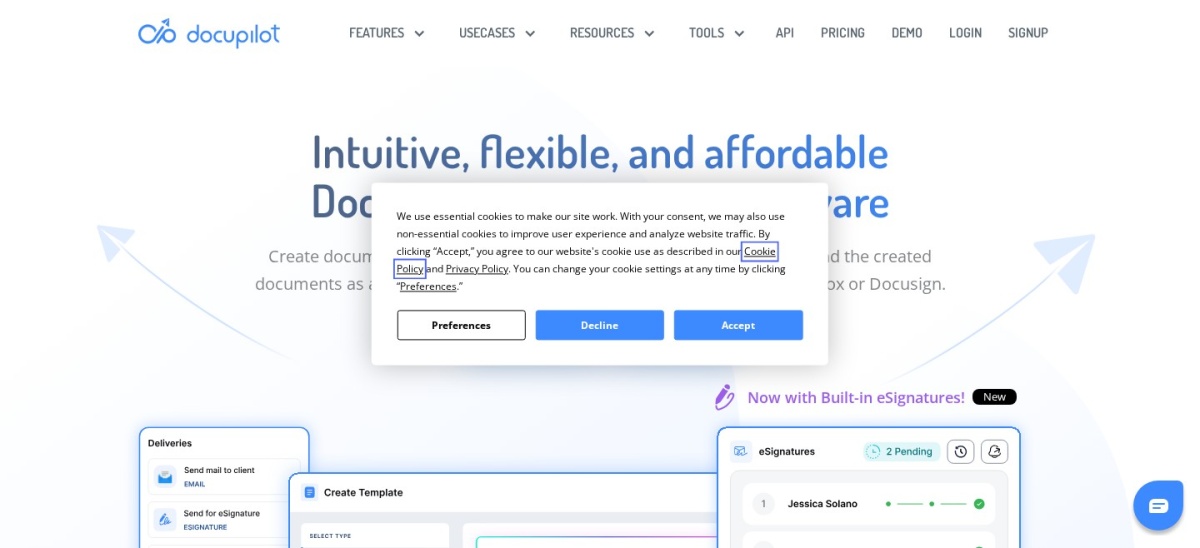
Docupilot is the cheapest generation tool at $29 a month for 100 documents, confirmed on its own pricing page, with flat-rate monthly billing small businesses can predict.
Formstack Documents costs $250 a month for the Suite on annual billing per published comparisons, while another source quotes $92 a month; the vendor page publishes no standalone Documents price.
Better Proposals is the cheapest proposal tool at $13 a user a month billed annually, corroborated by six sources quoting the vendor pricing page.
What document creation software actually does
Document creation splits into two jobs that look similar but buy differently. One is proposals: designed, interactive, tracked documents that help sales teams win deals. The other is document generation: templated paperwork such as contracts, invoices and HR letters produced automatically from data in your CRM or forms.
Buying a proposal tool for a generation job, or vice versa, is the classic mistake in this category. PandaDoc, Proposify, Qwilr, Better Proposals and GetAccept serve the proposal side; Formstack Documents and Docupilot serve the generation side. Know which job you are hiring for before you compare.
Pricing is the hardest part of this category. PandaDoc, Proposify and Qwilr charge per user per month with tiered plans, while generation tools charge platform or flat-rate monthly fees. The figures in this list come from vendor pricing pages checked on 23 November 2026 or from published comparisons where the vendor page did not render a price.
Model the tier that includes your must-have integrations, not the entry tier. Salesforce integration, API access, SSO and CPQ features sit at higher tiers on most of these tools, and usage-based features such as bulk send can add fees on top of the headline price.
PandaDoc is the broadest proposal platform here: quoting, content locking, approval workflows, e-signature and payment collection in one account. For sales teams with a repeatable process that is not complex enough for enterprise CPQ, that breadth replaces several tools.
The trade off is cost creep. Salesforce integration typically needs the Business tier, API access and CPQ features sit higher, and usage-based features like bulk send can add fees. Price the tier that includes your must-have integrations, not the entry tier.
What we like
End-to-end workflow from proposals to e-signature and payments
Deep CRM integrations with content library and approvals
Recipient tracking and document analytics
Rated 4.7 out of 5 on G2 from 3,621 reviews
Watch out for
Per-user pricing scales steeply with team size
API, CPQ and SSO need higher tiers or add-ons
2026 pricing is usage-based with document allowances
Proposify leads with design. The editor produces genuinely good-looking proposals with interactive pricing tables that clients can configure themselves, which shortens the negotiation loop. Content libraries, engagement metrics and e-signature come standard rather than gated.
The trade off is the send cap. The entry Build plan allows a limited number of sends a month, so active sales teams budget for higher tiers, and the integrations that matter, such as Salesforce, SSO and API, sit at the top tier.
What we like
Design-first editor with interactive quoting clients can adjust
Content library, metrics and e-sign included from low tiers
Gentler learning curve than broader suites
Rated 4.6 out of 5 on G2 from 1,143 reviews
Watch out for
Entry plan caps document sends
Salesforce integration, SSO and API need the top tier
Qwilr rethinks the proposal as a web page, not a document. Interactive pages with embedded video, expandable pricing and accept-and-sign built in produce engagement data PDFs cannot: you see which pages the buyer read and for how long. For teams selling to buyers who live in browsers, that experience edge is real.
The trade off is formality. Buyers who need printable, legal-department-friendly contracts may still need a traditional document tool alongside. Entry pricing runs high for solo users, so this fits teams rather than freelancers.
What we like
Proposals as interactive, mobile-responsive web pages
Rich embeds including video and interactive pricing
Page-level engagement analytics
Rated 4.6 out of 5 on G2 from 933 reviews
Watch out for
Weaker fit for traditional printable contract workflows
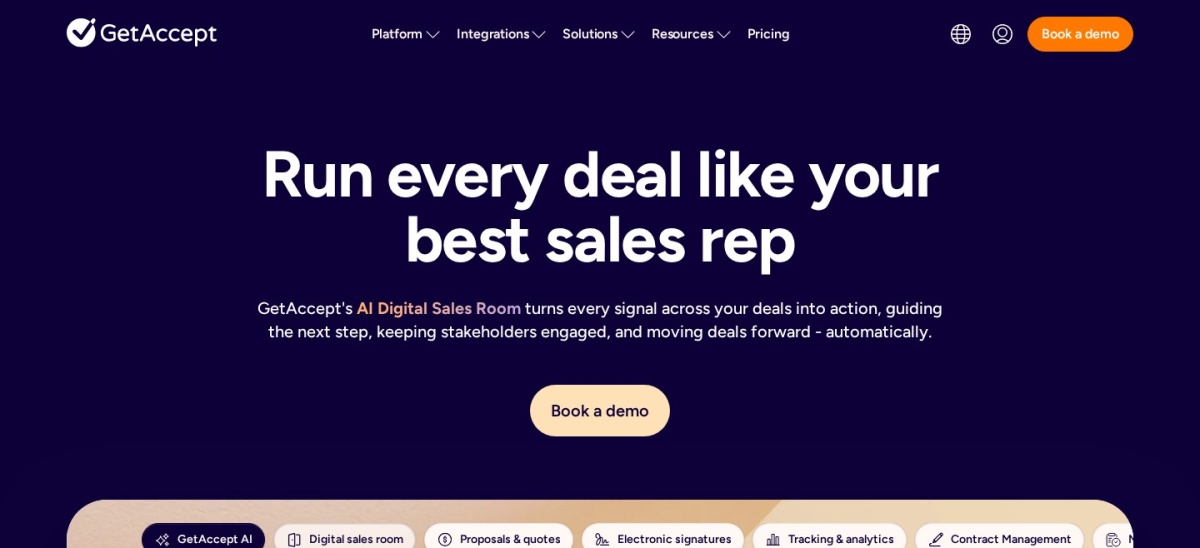
GetAccept's unit is the deal room, not the document. Proposals live alongside personal video messages, live chat and mutual action plans, with engagement analytics showing exactly how each stakeholder interacts. For complex B2B deals with buying committees, that visibility changes how reps follow up.
The trade off is scope and price transparency. If you only need document generation, simpler tools cost less, and public pricing detail is thin, so expect a sales conversation. GetAccept earns its price on collaborative selling.
What we like
Digital sales room combining proposals, video, chat and e-sign
Strong buyer-engagement tracking
Mutual action plans for complex deals
Rated 4.6 out of 5 on G2 from 1,268 reviews
Watch out for
Sales-room-centric, narrower as a pure document tool
Docupilot is the SMB generation tool: templates plus integrations get routine paperwork automated in hours, with e-signatures available as a paid add-on. Invoices, contracts, HR letters and reports flow from your existing apps through Zapier or direct integrations, on flat-rate monthly billing that small businesses can predict.
The trade off is enterprise depth. Complex document assembly with heavy governance still belongs to the Conga and HotDocs class of tools. But for the large middle of businesses automating standard paperwork, Docupilot's speed-to-value and straightforward pricing are the appeal.
What we like
No-code document automation with a real API
Generates PDF, DOCX, Excel and PowerPoint from thousands of apps
Transparent SMB-friendly pricing
Rated 4.6 out of 5 on G2 from 73 reviews
Watch out for
Newer, smaller vendor with less enterprise governance depth
Very high-volume or regulated use cases may need more
Formstack Documents, formerly WebMerge, is generation, not proposals. Upload a Word or PDF template, map fields to your data sources, and generate documents in bulk: contracts, invoices, reports, certificates. Conditional logic, audit trails and HIPAA compliance suit regulated operations.
The trade off is the pricing model. It bills as a platform rather than per seat, so low-volume users may overpay compared to per-user proposal tools; high-volume automated generation is where the economics work. It can be bought standalone or as part of the Formstack Suite.
What we like
Merges data from forms, CRMs and spreadsheets into templates
100-plus native integrations including Salesforce
HIPAA-compliant with conditional logic
Rated 4.5 out of 5 on G2 from 153 reviews
Watch out for
Platform pricing runs higher than per-user tools at small scale
Better Proposals does one thing well: getting a good-looking proposal out the door fast. Pick a template, customize, send, track. For freelancers and small agencies, that simplicity beats the feature depth of enterprise suites they will never configure.
The trade off is the ceiling. Growing sales organizations with approval workflows, role-based permissions and governance needs will outgrow it; that is when PandaDoc or Proposify take over. Setup takes hours, and the value is immediate.
What we like
Streamlined proposal workflow with minimal training
Large template library with strong out-of-the-box design
Fast adoption
Rated 4.3 out of 5 on G2 from 51 reviews
Watch out for
Lacks depth for complex approval chains and enterprise governance
Proposal tool or generation tool: pick the job first
If salespeople write and send the documents, buy a proposal tool. PandaDoc, Proposify, Qwilr, Better Proposals and GetAccept all include e-signatures, and their editors are built for documents that persuade.
If systems produce the documents from data automatically, buy a generation tool. Formstack Documents merges data from forms, CRMs and spreadsheets into templates, and Docupilot fills Word, Excel and PDF templates from Zapier, Make, Airtable or an API.
Many companies eventually need both. A sales team that also auto-generates invoices and HR letters should budget for a proposal tool plus a generation tool, rather than forcing one product to do both jobs badly.
How we chose
We compared proposal platforms and document generation tools, and kept only tools with a verifiable rating on G2. Every tool here has a published price, a reported starting price or a vendor-confirmed custom quote.
Prices come from each vendor's pricing page, checked on 23 November 2026, or from published comparisons where the vendor page did not render a price. Ratings come from G2 on the same day. Where a vendor shows a sale, the list shows the regular price.
We left out tools with no verifiable rating, including Conga Composer, Documentero and S-Docs, and cloud AI services that charge per page. No vendor paid for a place, and we do not claim hands-on testing for this list.
How to choose document creation software
Start with whether you sell with documents or generate them from data, then price the tier with your integrations.
Decide whether you sell with documents or generate them. If salespeople write and send the documents, buy a proposal tool. If systems produce documents from data automatically, buy a generation tool.
Price the tier with your integrations. Salesforce, API access, SSO and CPQ features sit at higher tiers on most tools. Price the tier that includes your must-have integrations, not the entry tier.
Test on a real deal, not a demo template. Send a real proposal or generate a real contract during the trial. Template quality, e-signature flow and tracking matter more than any feature list.
Check the send and volume limits. Starter plans cap sends or documents: Proposify Basic allows 10 sends a month, Better Proposals Starter 10 documents, Docupilot Starter 100 documents. Budget for the tier that covers your real volume.
FAQ
What is the best document creation software?
PandaDoc is the best document creation software for most teams because it covers proposals, quotes, contracts, e-signatures and payments in one place, rated 4.7 out of 5 on G2 from 3,621 reviews. Proposify is the better pick when the proposal itself is part of the pitch.
How much does document creation software cost?
Proposal tools charge per user per month: PandaDoc from $19, Better Proposals from $13, Qwilr from $35 and Proposify from $39 a user a month on annual billing. Generation tools charge flat rates: Docupilot from $29 a month and Formstack Documents from $250 a month for the Suite.
Should I buy a proposal tool or a document generation tool?
Proposals persuade; generation produces. If salespeople write and send the documents, buy a proposal tool such as PandaDoc or Proposify. If systems produce documents from data automatically, buy a generation tool such as Formstack Documents or Docupilot.
Do these tools include e-signature?
Most proposal tools do: PandaDoc, Proposify, Qwilr, Better Proposals and GetAccept all include signing. Generation tools vary: Docupilot offers e-signatures as a paid add-on, and Formstack Documents delivers to signature workflows.
Is there free document creation software?
PandaDoc has a limited free plan. The other tools offer 14-day free trials instead: Proposify, Qwilr, Better Proposals, GetAccept, Formstack Documents and Docupilot all run trials with no permanent free tier.
What is the difference between PandaDoc and Docupilot?
PandaDoc is a proposal workflow platform for sales teams: proposals, quotes, contracts, e-signatures and payments. Docupilot is a generation tool that fills templates from your apps and charges by document volume, starting at $29 a month for 100 documents.