OneCommander is the best file manager for most Windows users, with dual panes, Finder-style Miller columns and a built-in preview, free for home use with Pro at $30 once. Pick Commander One for Mac, or Double Commander if you want a free tool on Windows, Mac and Linux.
How we make this list: we compare pricing pages, product documentation and public user reviews, then re-check every price before each update. No product paid for a place. Disclosure.
OneCommander leads with a 4.8 Microsoft Store rating from 1,250 reviews and a $30 one-time Pro licence.
Commander One is the strongest Mac pick, rated 4.7 out of 5 from 1,103 Mac App Store reviews, with PRO at $29.99 once.
Double Commander is free and open source on Windows, Mac and Linux, rated 4.7 out of 5 from 161 SourceForge reviews.
Seven of the nine tools have a free plan, and OneCommander and Commander One both cost under $35 as a one-time purchase.
Path Finder is the only subscription in the list at $29.95 a year, and Directory Opus is priced in Australian dollars at A$89.
What to look for in a file manager
A file manager earns its place by cutting the time you spend moving, renaming and finding files. Dual panes, tabs and a good preview cover most of that work.
Start with your operating system. Most of these tools run on Windows only, two are Mac only, and only Double Commander covers Windows, Mac and Linux in one app.
Check what the free version actually includes. Some free editions cover everything for home use, while others lock commercial use, server connections or the 64-bit build behind a paid licence.
Keep a copy of anything you cannot lose before a big move or rename. Our 3-2-1 backup rule guide explains the simple version: three copies, on two kinds of storage, with one off site.
4.8/5on Microsoft Store (1,250 reviews, checked Nov 2026)
Paid from$30/once
Best file manager overall
PlatformsWindows 10 and 11
Dual panesYes, plus Miller columns
Free planYes, home use
Paid planPro, $30 one-time
onecommander.com
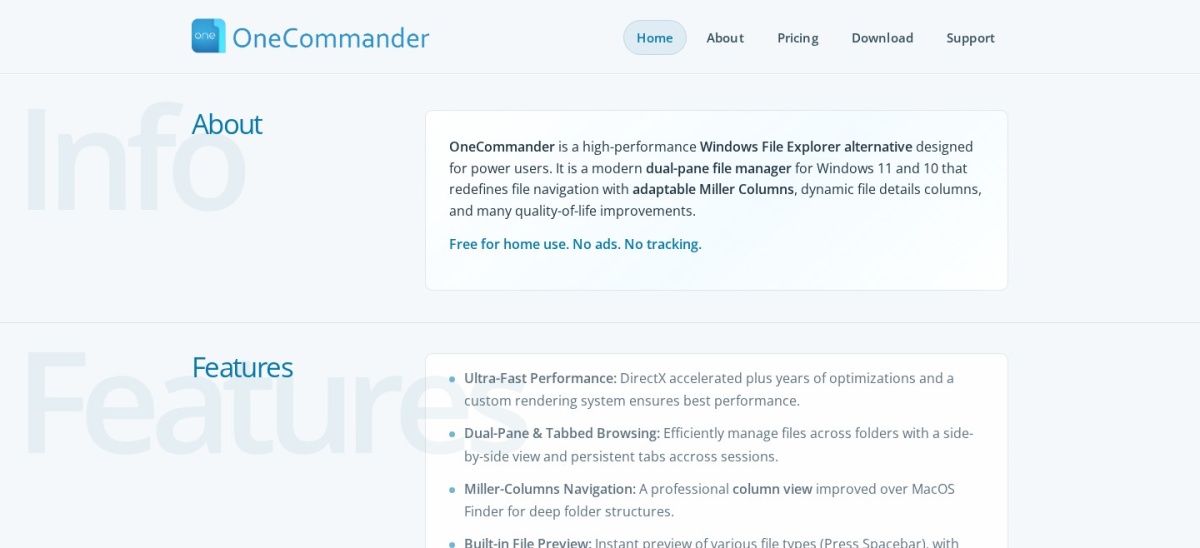
OneCommander homepage, captured Nov 2026.
OneCommander is a modern Windows file manager with dual panes, tabs that survive restarts and Finder-style Miller columns that show nested folders side by side. The free home version includes the core manager with no ads, plus a built-in preview, themes and colour tags.
The trade off is licensing. Any work, freelance or business use needs the Pro licence at $30 once per named user, even for the standard feature set, and the app runs on Windows 10 and 11 only. It suits Windows users who want a clean, fast Explorer replacement at home or at work.
What we like
Rated 4.8 out of 5 from 1,250 Microsoft Store reviews
Miller columns make deep folders easy to browse
Free for home use with no ads
One-time $30 Pro licence with future updates
Watch out for
Windows only, no Mac or Linux version
Commercial use always needs the paid Pro licence
Microsoft Store version runs one or two versions behind
4.7/5on Mac App Store (1,103 reviews, checked Nov 2026)
Paid from$29.99/once
Best file manager for Mac
PlatformsmacOS 10.13 and later
Dual panesYes, with tabs
Free planYes
Paid planPRO Pack, $29.99 once
commander-one.com
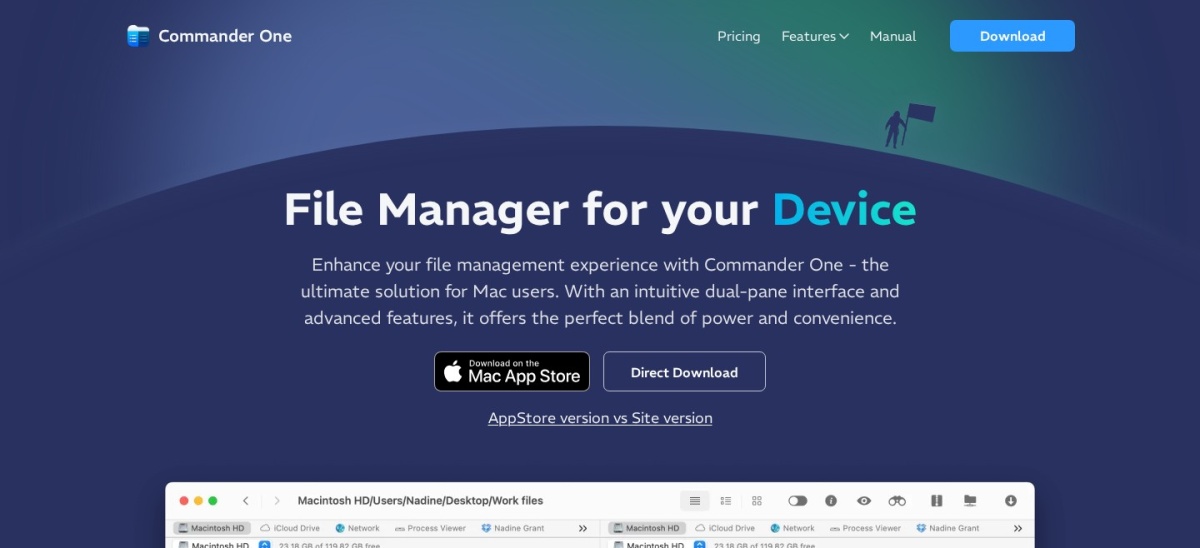
Commander One homepage, captured Nov 2026.
Commander One is a free dual-pane file manager for Mac with tabs, a file viewer, regex search, root access and custom hotkeys. The free version already covers everyday browsing, and it runs on macOS 10.13 and later, so it suits older Macs too.
The trade off is connections. FTP and SFTP, cloud storage, mounting iOS and Android devices, and the terminal emulator need the PRO Pack at $29.99 once for one Mac. It suits Mac users who want a classic two-panel manager with a real free tier.
What we like
Rated 4.7 out of 5 from 1,103 Mac App Store reviews
Genuine free version with dual panes and tabs
Runs on macOS 10.13 and later
PRO adds FTP, SFTP and cloud connections
Watch out for
Mac only, no Windows or Linux version
PRO personal licence covers one Mac and non-commercial use
4.7/5on SourceForge (161 reviews, checked Nov 2026)
PriceFree
Best free cross-platform file manager
PlatformsWindows, Mac, Linux
Dual panesYes, with tabs
LicenceGPL-2.0, open source
Paid planNone, free
doublecmd.sourceforge.net
Double Commander homepage, captured Nov 2026.
Double Commander is a free, open-source dual-pane file manager for Windows, Mac and Linux, inspired by Total Commander. It includes tabs, a built-in viewer and editor, full-text search, a multi-rename tool with regex support, and support for Total Commander plugins.
The trade off is polish. The interface looks plain next to OneCommander or Files, and the keyboard-first style takes a day to learn. It suits people who work on more than one desktop system and want the same file manager everywhere for free.
What we like
Rated 4.7 out of 5 from 161 SourceForge reviews
Free on Windows, Mac and Linux
Built-in viewer, editor and multi-rename tool
Portable versions run from a USB stick
Watch out for
Plain, dated interface
Keyboard-first workflow takes time to learn
Mac build is unsigned, so macOS may block it at first
4.5/5on Microsoft Store (2,280 reviews, checked Nov 2026)
PriceFree
Best modern Windows Explorer replacement
PlatformsWindows 10 and 11
Dual panesYes, optional
Free planYes, classic installer
Paid planStore version, $9.99 once
files.community
Files homepage, captured Nov 2026.
Files is a free, open-source file manager that looks like a modern Windows 11 app, with tabs, a sidebar, a preview pane and colour tags. It adds a dual-pane layout, archive extraction, hash comparison and custom keyboard shortcuts to the familiar Explorer layout.
The trade off is speed and stability. Reviews note it can feel slower than Explorer on large folders, and the Microsoft Store version costs $9.99 once as a way to support the project. It suits Windows users who want tabs and tags in a clean, native-looking window.
What we like
Rated 4.5 out of 5 from about 2,280 Microsoft Store reviews
Clean Windows 11 design with tabs and tags
Free through the classic installer
Dual pane, previews and hash comparison included
Watch out for
Can feel slow on large folders
Automatic updates need the paid Store version
Needs an unmodified Windows install with App Installer working
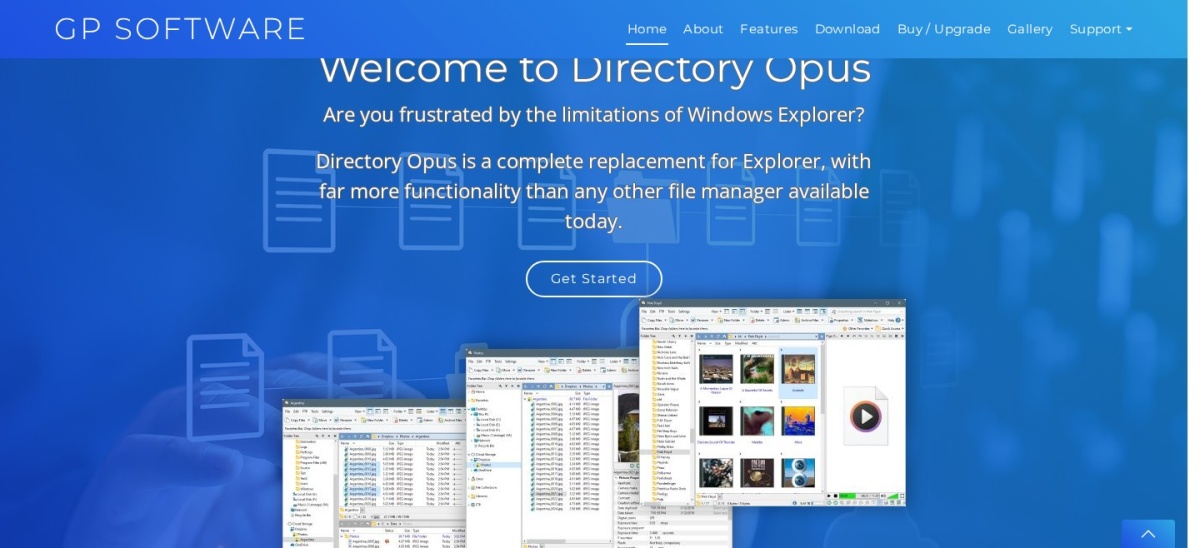
Directory Opus is a highly configurable Windows file manager that can fully replace Explorer, with single or dual panes, folder trees, tabs and an integrated viewer. It includes batch renaming, a duplicate finder, folder synchronisation, file tagging, FTP and archive support.
The trade off is price and learning time. A single licence costs A$89 once and includes one year of updates, then A$25 a year to keep getting them, and the settings run deep. It suits power users who live in their file manager all day.
What we like
Deepest customisation in this list
Batch rename, duplicate finder and folder sync included
4.1/5on SourceForge (18 reviews, checked Nov 2026)
PriceFree
Best tiny free file manager for Windows
PlatformsWindows only
Dual panesNo, tabs and split view
LicenceGPL-3.0, open source
Paid planNone, free
explorerplusplus.com
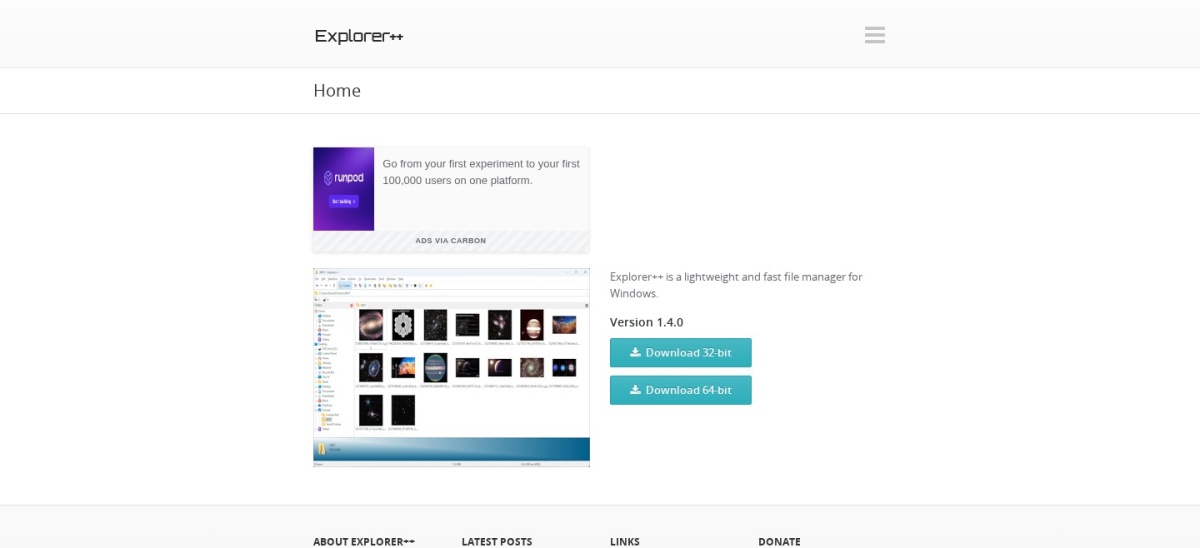
Explorer++ homepage, captured Nov 2026.
Explorer++ is a small, free, open-source file manager for Windows with tabs, bookmarks, file filtering and a portable build that runs from a USB stick. It keeps the familiar Explorer layout and adds secure file deletion, file merging and splitting, and quick command-line access.
The trade off is support and age. The only stable version is 1.4.0 from January 2024, and a wrong move or delete cannot be undone. It suits technicians and owners of older laptops who want a light, portable manager.
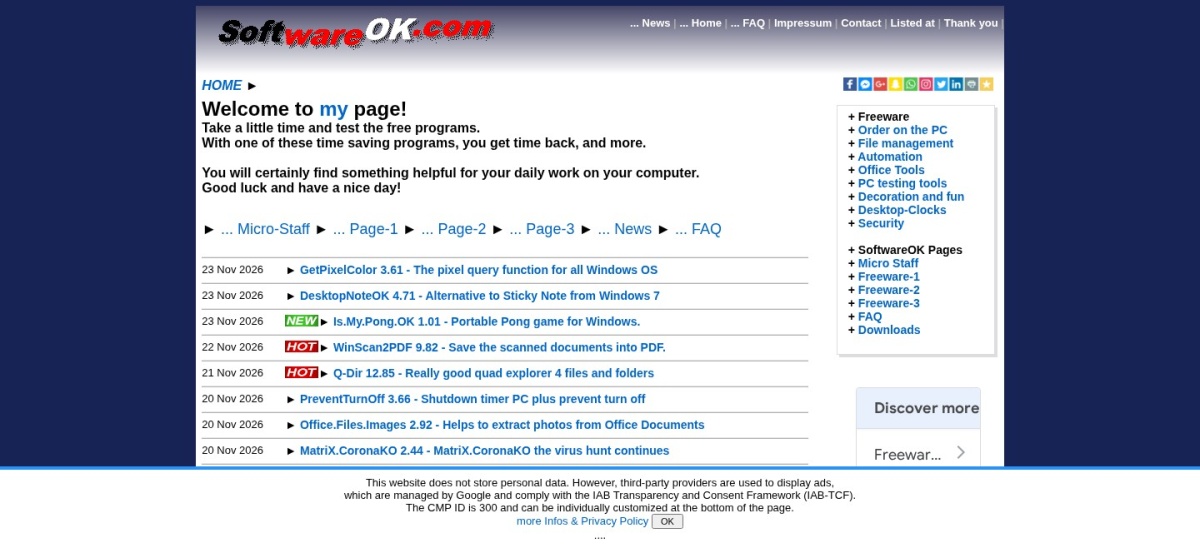
Q-Dir is a free Windows file manager that shows up to four folder panes in one window, with tabs, colour filters and saved folder combinations. It is a small portable download of about 1 MB, and it can export file lists and print folder views.
The trade off is the interface. Four panes in a small window look cramped at first, and the app can forget open tabs and sort order. It suits people who compare or copy between several folders at once.
What we like
Rated 4.5 out of 5 from 42 TechSpot ratings
Four panes in one window
Free for home and business use
Portable, about 1 MB download
Watch out for
Cramped, dated interface
Can forget tabs, view mode and sort order
A licence screen appears on first start on each PC
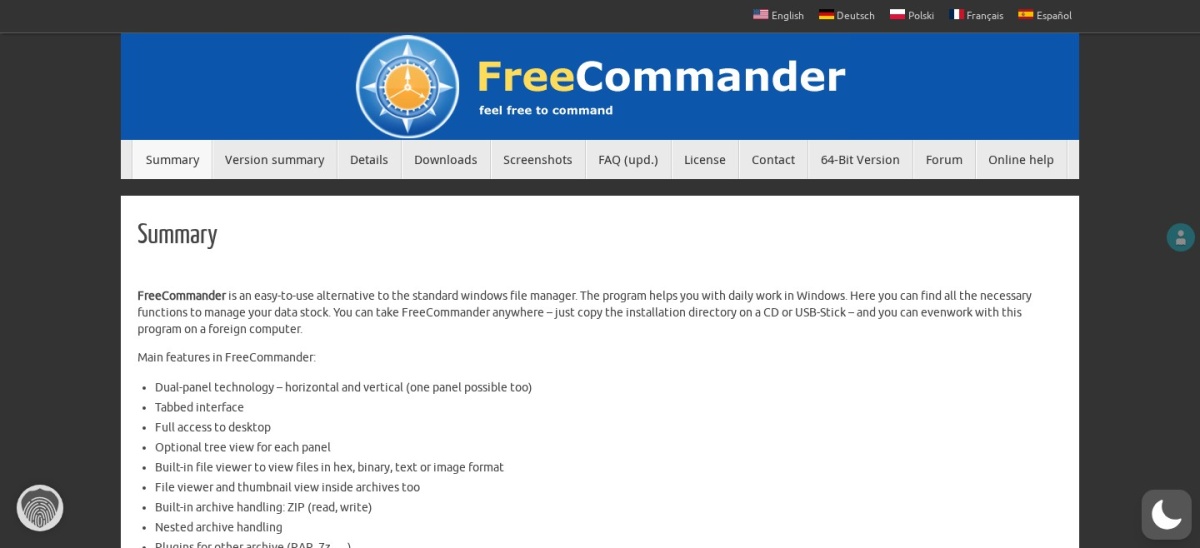
FreeCommander is a free dual-pane file manager for Windows with tabs, archive handling, folder comparison and synchronisation, and a multi-rename tool. The free public release is the 32-bit build, which runs on 64-bit Windows and covers everyday browsing and organising.
The trade off is the split edition. The native 64-bit build is donor-only, the free build is updated about once a year, and commercial users may only use the free build for 30 days. It suits home users who want a classic two-panel manager at no cost.
What we like
Free dual-pane manager with folder sync and compare
Multi-rename tool and archive handling included
Portable version available
Long-running project, maintained for over 20 years
Watch out for
Rated 3.0 out of 5 from only 2 SourceForge reviews
Free edition is 32-bit only and updated about once a year
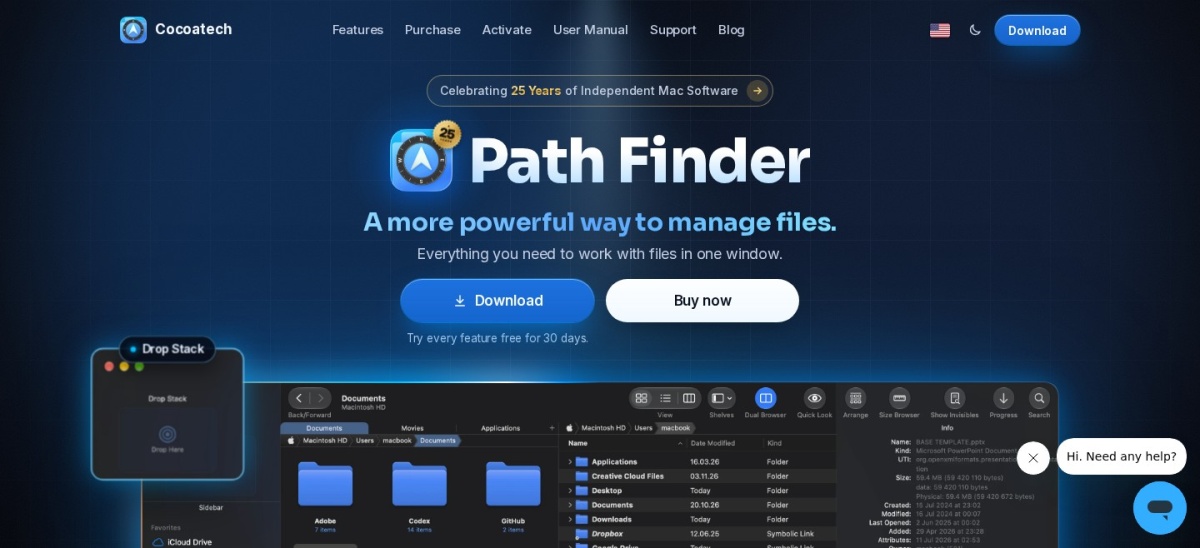
Path Finder is a long-running Finder replacement for Mac with dual panes, tabs, batch renaming, a Drop Stack for collecting files before a move, and FolderSync for comparing and syncing folders. It also includes a terminal module, a Size Browser and a hex editor.
The trade off is the subscription. It costs $29.95 a year, or $2.95 a month, and there is no permanent licence, so updates stop when you stop paying. It suits Mac power users who rely on its modules every day.
What we like
Rated 3.8 out of 5 from 787 MacUpdate reviews
FolderSync, Drop Stack and batch rename included
Terminal module and Size Browser built in
30-day trial with full access
Watch out for
Subscription only, no permanent licence
Mac only, needs macOS 13 or later
Recent versions have drawn crash and support complaints
Windows users have the widest choice. OneCommander, Files and Explorer++ feel modern, while Double Commander, FreeCommander and Q-Dir cover the classic dual-pane style for free.
Mac users choose between Commander One and Path Finder. Commander One is free with a one-time PRO upgrade, while Path Finder is a yearly subscription with deeper modules.
If you switch systems, Double Commander is the only pick here that runs the same way on Windows, Mac and Linux.
How we chose
We started from the file managers most often recommended for Windows and Mac, then kept nine with a live homepage, a published price and a public rating.
Prices come from each vendor's pricing page, checked on 25 November 2026. Ratings and review counts come from the Microsoft Store, Mac App Store, SourceForge, TechSpot and MacUpdate on the same day. Where a vendor prices in another currency, the list shows that currency.
We left out cloud storage apps and backup tools, which belong in their own lists. No vendor paid for a place, and we do not claim hands-on testing for this list.
How to choose a file manager
Start with your operating system, then match the layout to how you move files.
Check the platform first. Most picks here are Windows only or Mac only. Only Double Commander covers Windows, Mac and Linux.
Decide if you need two panes. Dual panes suit moving files between folders all day. A single pane with tabs is enough for light browsing.
Read the free plan terms. Some free editions cover home use only, and commercial use needs a paid licence even for the standard features.
Try the trial with real folders. Copy, rename and search in your own folders for a few days before paying, and keep a backup of anything you cannot lose.
FAQ
What is the best file manager software?
OneCommander is the best pick for most Windows users, with dual panes, Miller columns and a 4.8 Microsoft Store rating from 1,250 reviews. Commander One is the best Mac pick, and Double Commander is the best free option across Windows, Mac and Linux.
Is there a free file manager for Windows?
Yes. Double Commander, Files, Explorer++, Q-Dir and FreeCommander are all free on Windows. OneCommander is also free for home use, while its Pro licence at $30 once is needed for any work or business use.
What is the best file manager for Mac?
Commander One is the best Mac pick for most people, with a free dual-pane version and a PRO Pack at $29.99 once. Path Finder is the deeper alternative at $29.95 a year, with folder sync, a Drop Stack and a terminal module.
Do I need a paid file manager?
No, not for everyday browsing. The free picks here cover dual panes, tabs, search and previews. Pay only if you need commercial-use rights, server connections, or the deep customisation of Directory Opus or Path Finder.
Can one file manager work on Windows and Mac?
Double Commander is the only tool in this list that runs on Windows, Mac and Linux with the same layout. The other picks are tied to one system, so switching systems means learning a new manager.
Is Directory Opus worth A$89?
It is worth it only if you spend hours in your file manager each day and want its deep customisation, batch renaming and folder sync. Most users will be happy with OneCommander at $30 once, or with a free pick such as Double Commander.
SaaS SEO and WordPress specialist with about 8 years of experience. Rakib compares WordPress plugins, themes, hosting and software using public pricing, documentation and user reviews. See how we rank.