Best Document Sharing Platforms in 2026: 9 Tools Compared
WLWPLegible EditorsLast verified 23 Nov 2026How we rank13 min read
★ Short answer
Google Drive is the best document sharing platform for most teams, with Business Starter at $7 a user a month for 1 TB of storage per user, real-time editing and link controls, rated 4.8 out of 5 on Capterra from 28,541 reviews. Pick DocSend for tracked sharing and Dropbox for large-file sync.
How we make this list: we compare pricing pages, product documentation and public user reviews, then re-check every price before each update. No product paid for a place. Disclosure.
Google Drive gives the most for the money: 1 TB per user, real-time editing in Docs, Sheets and Slides, and sharing controls at $7 a user a month.
DocSend is the pick when you need to know who opened a file and for how long, with link analytics and NDAs on its $10 a month Personal plan.
Dropbox Business still leads on large-file sync, with Smart Sync keeping files off local drives on Standard at $15 a user a month.
WeTransfer is the simplest way to send a big file once, with a free tier and Teams at $25 a user a month after a November 2026 price rise.
Box is the cheapest business plan here at $5 a user a month, and Sync.com is the cheapest privacy-first option at $6 a user a month.
What a document sharing platform should cover
A document sharing platform does three jobs: store files, let people open them from anywhere, and control who can see or change them. The best tools do all three without making people learn a new system.
Storage is the first limit to check. Most business plans give 1 TB per user, but the cheapest plans cap total storage or charge per user, so a three-person team and a thirty-person team pay very different amounts.
Sharing controls matter more than storage once a team grows. Look for link expiry, password protection, download limits and view-only sharing, so a link sent to the wrong person does not stay live forever. Tools that summarise documents can help too; our list of the best AI platforms for summarizing documents covers that job.
Price is usually per user per month, with a three-user minimum on several business plans. Annual billing saves 15 to 20 percent against monthly billing on most tools in this list, and first-year discounts can hide the regular price.
4.8/5on Capterra (28,541 reviews, checked Nov 2026)
Paid from$7/user/mo
Best document sharing platform overall
Storage on cheapest paid1 TB per user
Real-time editingDocs, Sheets, Slides
Sharing controlsLink expiry and download limits
Paid planBusiness Starter, $7/user/mo
drive.google.com
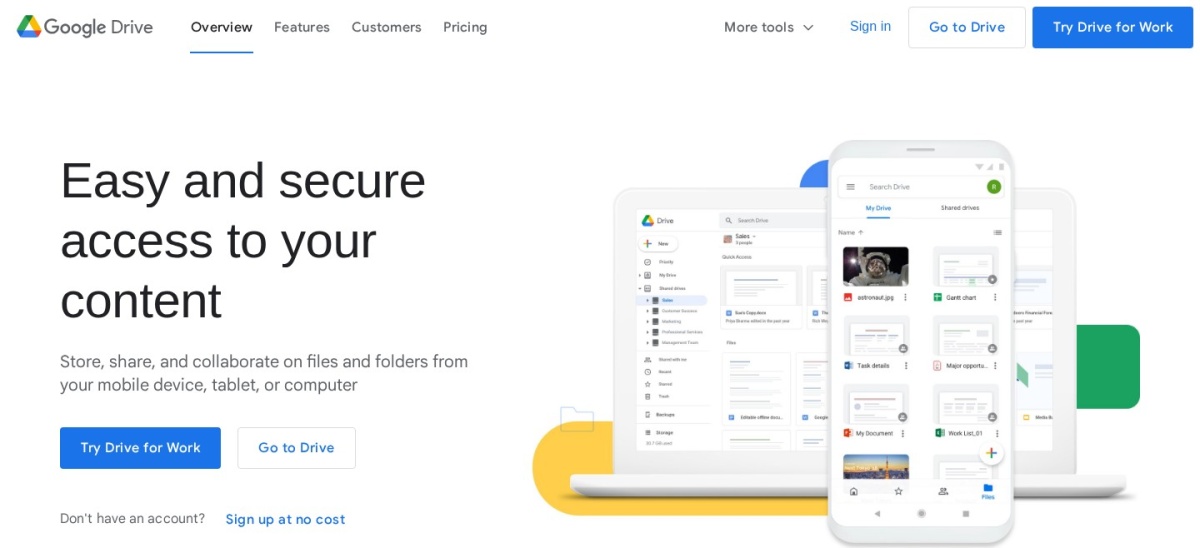
Google Drive homepage, captured Nov 2026.
Google Drive is the document sharing platform most teams already use, built into Google Workspace with 1 TB of storage per user on Business Starter. Files open in Docs, Sheets and Slides for real-time editing, and sharing controls cover link expiry, download limits and view-only access.
The trade off is the upsell. Business Starter caps shared drives at 1 TB per user and leaves out Vault archiving and advanced endpoint controls, which start on Business Standard at $14 a user a month. It suits teams that already live in Gmail and Google Docs.
What we like
1 TB per user on the cheapest business plan
Real-time editing with no extra software
Largest review base in this list
Watch out for
Shared drive storage is capped per user on Starter
DocSend is a document sharing tool built around tracked links, so you can see who opened a file, how long they spent on each page and whether they forwarded it. Personal at $10 a user a month adds password protection, link expiry and NDAs, which makes it a fit for fundraising and sales.
The trade off is that it is not a storage platform. DocSend has no free plan and no built-in editor, so files live in Drive or Dropbox first and DocSend only controls the sharing layer. It suits teams that send documents to outsiders and need to know what happened next.
What we like
Shows who viewed each page and for how long
NDAs and expiry on every paid plan
Simple setup with no admin work
Watch out for
No free plan, only a 14-day trial of Advanced Data Rooms
4.5/5on Capterra (21,671 reviews, checked Nov 2026)
Paid from$15/user/mo
Best for large-file sync
Storage on cheapest paid5 TB for the team
Smart SyncFiles on demand, off local disk
Sharing controlsLink expiry and passwords
Paid planStandard, $15/user/mo
dropbox.com
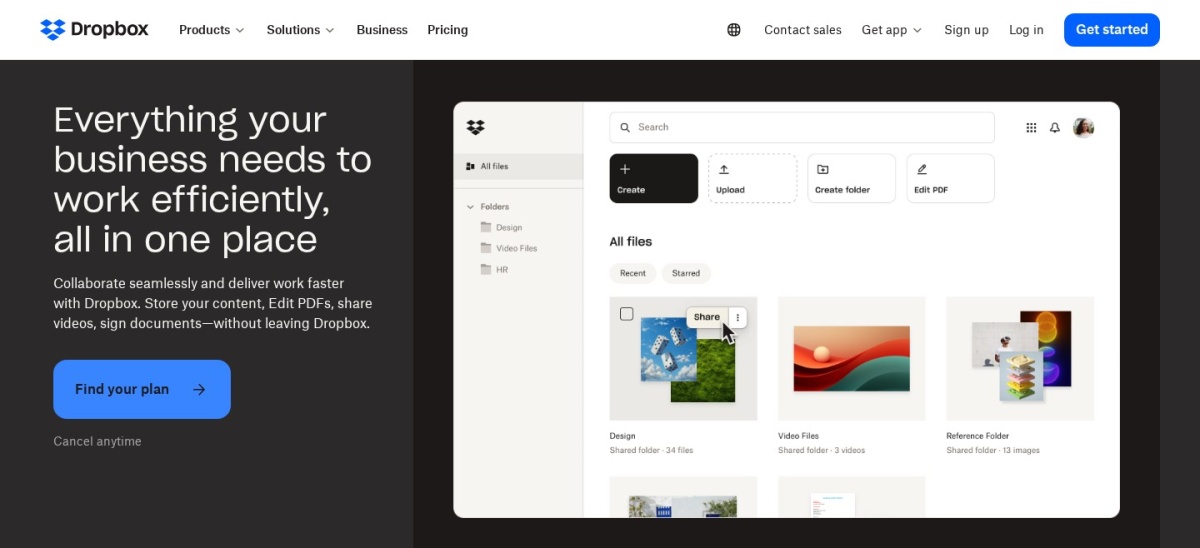
Dropbox Business homepage, captured Nov 2026.
Dropbox Business is the file sync tool most people already know, with Smart Sync keeping large files in the cloud until you open them. Standard at $15 a user a month includes 5 TB of team storage, link expiry, passwords and version history, and the desktop app works on Windows, Mac and Linux.
The trade off is the minimum. Some business plans need at least three users, and the cheapest plan leaves out advanced admin controls and unlimited signing, which arrive on Advanced at $24 a user a month. It suits teams that move large files between offices and home.
4.8/5on Capterra (2,956 reviews, checked Nov 2026)
Paid from$25/user/mo
Best for sending a big file once
Free tier10 transfers or 3 GB per 30 days
Transfer limit200 GB per transfer on Teams
Branded pagesCustom backgrounds and URLs
Paid planTeams, $25/user/mo
wetransfer.com
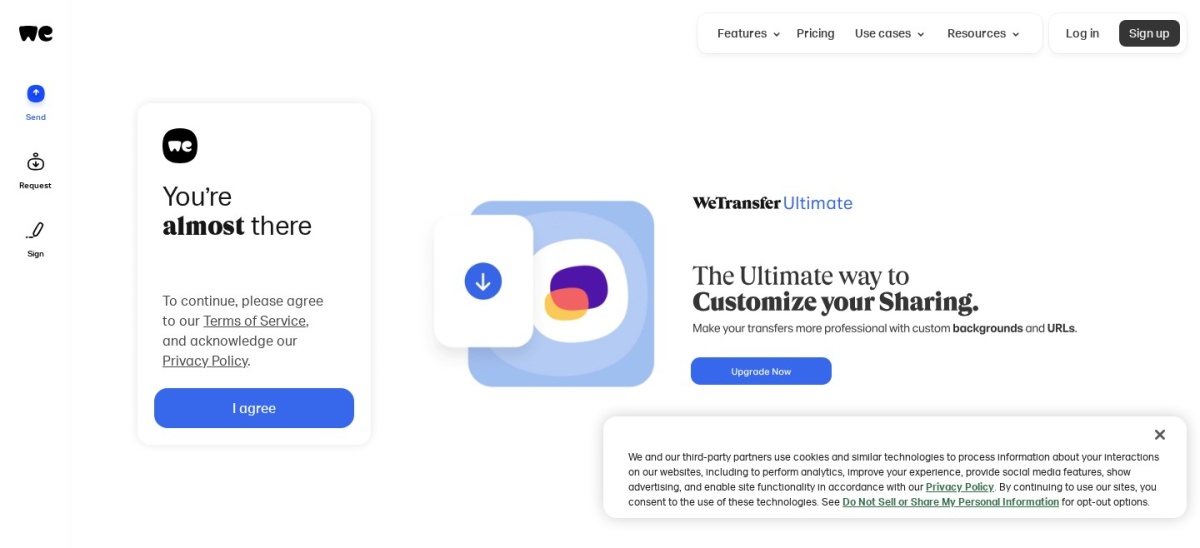
WeTransfer homepage, captured Nov 2026.
WeTransfer is the simplest tool in this list for sending a large file to someone once, with no account needed on the receiving side. The free tier covers 10 transfers or 3 GB every 30 days, and Teams at $25 a user a month adds unlimited transfers, branded pages and 1 TB of storage per user.
The trade off is the price rise. Teams went from $19 to $25 a user a month in November 2026, and WeTransfer is a transfer tool, not a shared workspace, so files expire and there is no folder sync. It suits anyone who sends big files to clients occasionally.
What we like
No account needed for recipients
Free tier covers occasional large sends
Branded transfer pages on paid plans
Watch out for
Teams price rose to $25 a user a month in Nov 2026
4.5/5on Capterra (12,863 reviews, checked Nov 2026)
Paid from$7/user/mo
Best for Microsoft 365 teams
Storage on cheapest paid1 TB per user
Apps includedSharePoint, Teams and web Office
Sharing controlsLink expiry and block download
Paid planBusiness Basic, $7/user/mo
onedrive.live.com
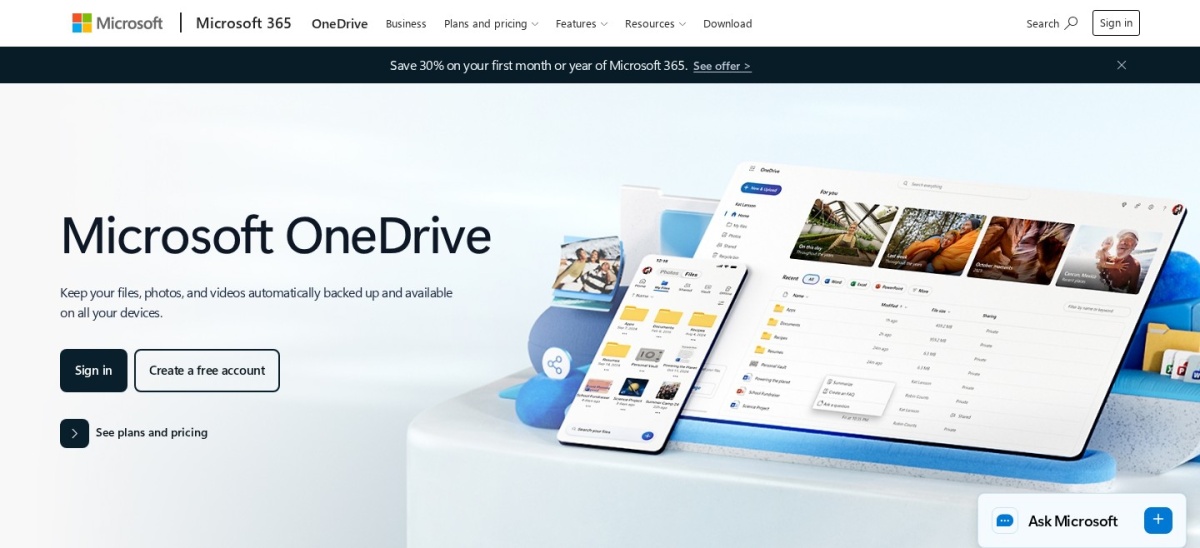
Microsoft OneDrive homepage, captured Nov 2026.
Microsoft OneDrive is the file storage inside Microsoft 365 Business Basic, with 1 TB per user plus SharePoint, Teams and web versions of Word, Excel and PowerPoint. Files sync to Windows, Mac and mobile, and sharing controls include link expiry and blocking downloads.
The trade off is the desktop apps. Business Basic covers only the web and mobile versions of Office, so full desktop Word and Excel need Business Standard at $14 a user a month. It suits teams that already pay for Microsoft 365.
4.4/5on Capterra (5,648 reviews, checked Nov 2026)
Paid from$5/user/mo
Best budget business plan
Storage on cheapest paid100 GB
User limits3 to 10 users on Starter
Sharing controlsPassword and expiry on links
Paid planBusiness Starter, $5/user/mo
box.com
Box homepage, captured Nov 2026.
Box is a business file sharing platform with the cheapest paid plan in this list, Business Starter at $5 a user a month. It includes 100 GB of storage, password-protected links, expiry dates and version history, plus integrations with Google Workspace and Microsoft 365.
The trade off is scale. Starter covers 3 to 10 users and 100 GB of storage, so growing teams move to Business at $15 a user a month for unlimited storage. It suits small teams that want business controls without paying $10 or more per user.
What we like
Cheapest business plan in this list
10 GB free Individual plan
Strong admin and compliance controls
Watch out for
Starter caps storage at 100 GB
Starter is limited to 3 to 10 users
Business at $15/user/mo adds unlimited storageVisit box.com
07
Egnyte
4.4/5on G2 (1,162 reviews, checked Nov 2026)
Starts at$10/user/mo
Best for regulated file sharing
ComplianceHIPAA, GDPR and CCPA support
Sharing controlsLink expiry and passwords
Audit logsWho opened what, and when
Paid planTeam, $10/user/mo
egnyte.com
Egnyte homepage, captured Nov 2026.
Egnyte is a file sharing platform built for regulated teams, with compliance support for HIPAA, GDPR and CCPA and detailed audit logs on who opened what. Team at $10 a user a month covers shared folders, link controls and mobile access for small teams.
The trade off is the plan itself. A November 2026 changelog suggests the Team plan may have been removed, with Business at $22 a user a month as the new entry point, so check the pricing page before you buy. It suits teams in health, finance or legal work.
What we like
Strong compliance and audit logging
Works with existing on-site file servers
Granular permission controls
Watch out for
No free plan
Team plan may have been removed in Nov 2026
Business at $22/user/mo is the likely entry plan nowVisit egnyte.com
08
ShareFile
4.4/5on Capterra (442 reviews, checked Nov 2026)
Starts at$16.50/user/mo
Best for client file requests
Paid planAdvanced, $16.50/user/mo
Client portalsBranded request and upload pages
StorageUnlimited on paid plans
User minimum3 users on business plans
sharefile.com
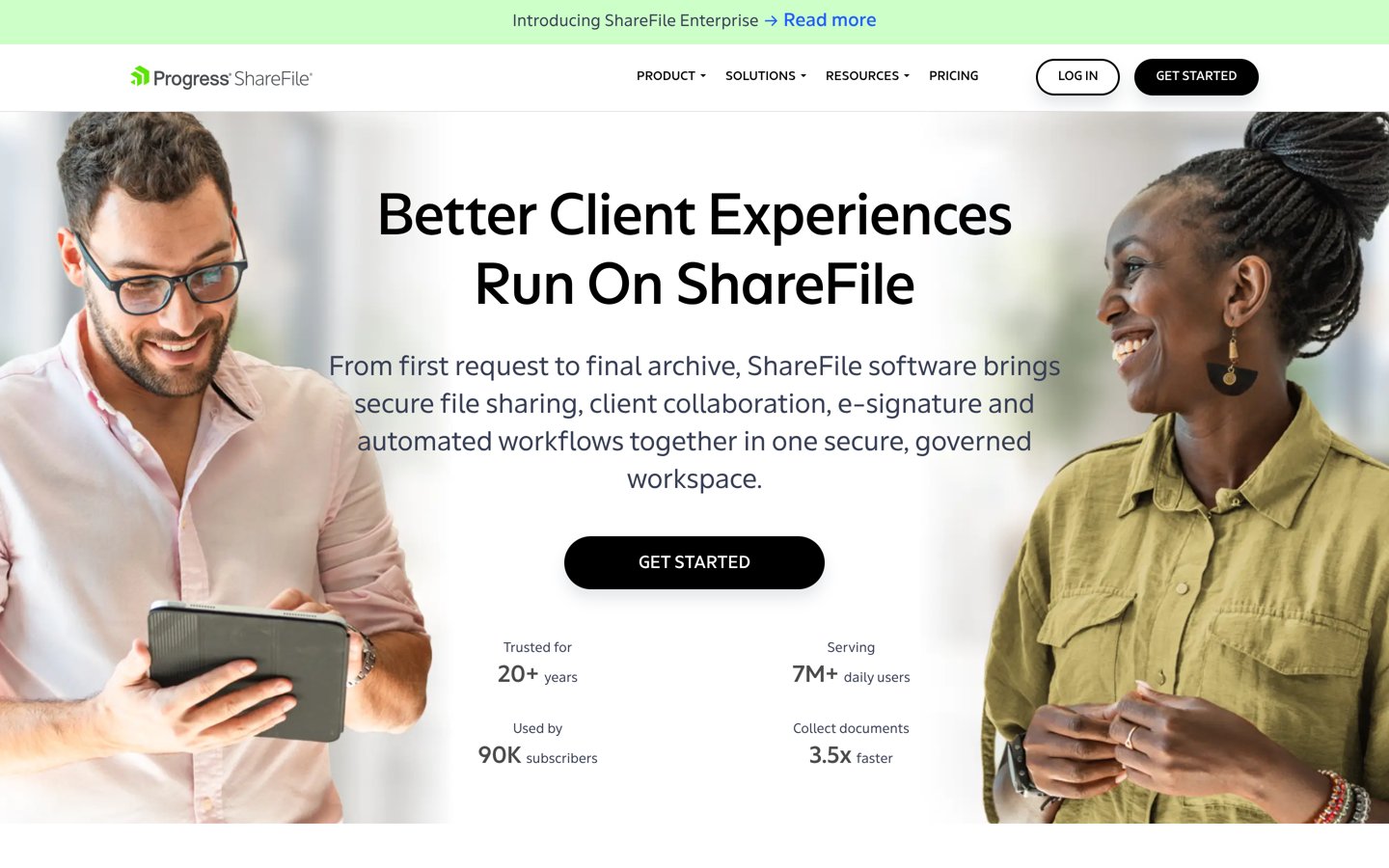
ShareFile homepage, captured Nov 2026.
ShareFile is a client file sharing platform from Progress Software, built around branded portals where clients upload and download documents. Advanced at $16.50 a user a month includes unlimited storage, link controls and Outlook and Gmail plugins for sending large files.
The trade off is the entry price and the minimum. Advanced needs at least three users, and e-signatures and advanced workflows sit on Premium at $26 a user a month. It suits accountants, lawyers and agencies that collect files from clients.
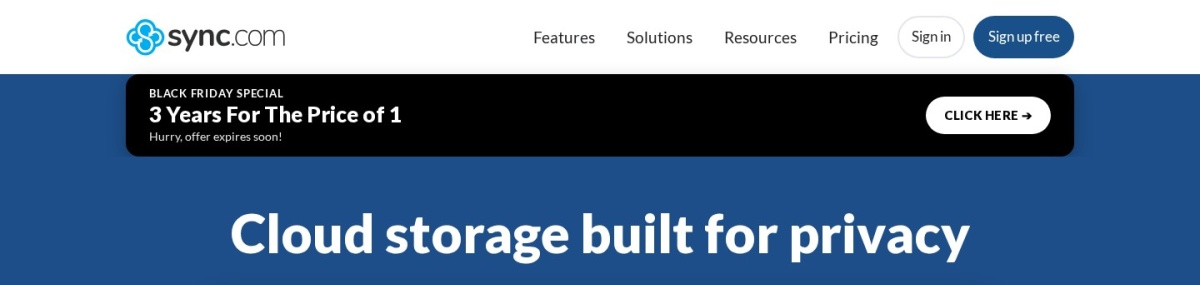
Sync.com is a privacy-first file sharing service with zero-knowledge encryption, so even Sync cannot read your files. Teams 1 TB at $6 a user a month includes 1 TB per user, link expiry, passwords and version history, with a 5 GB free plan for personal use.
The trade off is the smaller ecosystem. Sync has fewer third-party integrations than Drive or Dropbox, and the cheapest business plan needs three users. It suits teams that want strong encryption at a low price.
Free plans cover the basics well. Drive gives 15 GB, OneDrive 5 GB, Box 10 GB and Sync 5 GB, which is enough for light sharing.
Paid plans mostly add storage and controls. You get 1 TB per user, link expiry, passwords and admin tools that free plans leave out.
DocSend, Egnyte and ShareFile have no free plan at all, so budget from their cheapest paid tier. WeTransfer's free tier is the exception for one-off sends.
If you share files with clients every day, the first year of a paid plan often costs less than one lost file or one missed deadline.
How we chose
We started from the established document sharing platforms with a verifiable rating on G2 or Capterra and a published paid price, then kept the nine that cover storage, sharing and access controls.
Prices come from each vendor's pricing page, checked on 23 November 2026, with secondaries quoting the vendor page where the page itself did not render its prices in text. Ratings and review counts come from G2 or Capterra on the same day. Where a vendor shows a sale, the list shows the regular price.
We left out tools with no verifiable US price and consumer-only transfer tools with no business plan. No vendor paid for a place, and we do not claim hands-on testing for this list.
How to choose a document sharing platform
Start with who you share with, then check storage, controls and price.
Count your users and storage. Most business plans charge per user and give 1 TB each. A three-user minimum changes the real monthly cost.
Check the sharing controls. Look for link expiry, passwords and download limits if you send files outside your team.
Test the free tier first. Drive, Dropbox, OneDrive, Box, Sync and WeTransfer all have free tiers. Check the storage and limits before paying.
Watch for first-year discounts. Several tools discount the first year by 25 to 50 percent. Budget for the regular price that follows.
FAQ
What is the best document sharing platform?
Google Drive is the best document sharing platform for most teams. Business Starter costs $7 a user a month and includes 1 TB of storage per user, real-time editing in Docs, Sheets and Slides, and sharing controls, rated 4.8 out of 5 on Capterra from 28,541 reviews.
Is Google Drive free for document sharing?
Yes, with limits. A personal Google account includes 15 GB of free storage and sharing, which covers light use. Business features such as shared drives, admin controls and 1 TB per user start with Business Starter at $7 a user a month.
What is the cheapest document sharing platform?
Box Business Starter is the cheapest business plan in this list at $5 a user a month, with 100 GB of storage for 3 to 10 users. Sync.com Teams 1 TB is next at $6 a user a month, and Google Drive and OneDrive both start at $7 a user a month.
Which platform is best for sharing large files?
Dropbox Business is the strongest pick for large files, with Smart Sync keeping files in the cloud until you open them. WeTransfer is simpler for one-off sends, with a free tier covering 10 transfers or 3 GB every 30 days.
Can I track who opened my document?
Yes, with DocSend. Its tracked links show who opened a file, how long they spent on each page and whether they forwarded it. Personal costs $10 a user a month and adds password protection, link expiry and NDAs.
Is Sync.com safe for private documents?
Sync.com uses zero-knowledge encryption, which means only you and the people you share with can read your files. Teams 1 TB costs $6 a user a month and includes link expiry, passwords and version history, with a 5 GB free plan.