Best WordPress Forms Plugins for File Uploads in 2026: 9 Tools Compared
WLWPLegible EditorsLast verified 22 Nov 2026How we test12 min read
★ Short answer
Forminator is the best WordPress form plugin for file uploads, with a 4.8 out of 5 rating and free uploads in the free version. Pick Everest Forms for the highest rating, or Contact Form 7 when you want free uploads on the most-installed form plugin.
How we make this list: we compare pricing pages, product documentation and public user reviews, then re-check every price before each update. No product paid for a place. Disclosure.
Only four plugins here include file uploads free: Forminator, Everest Forms, MetForm and Contact Form 7.
WPForms Lite and Fluent Forms Free both lock the upload field: you need Basic at $99 or Single Site at $79 a year.
Forminator is the cheapest paid plan at $50 a year, against $99 for WPForms and Ninja Forms.
Contact Form 7 is free-only and runs on 10 million sites, but it has no visual builder and stores no entries.
WS Form is the highest-rated builder at 5.0, but file uploads wait for the $59 Pro plan.
What to look for in a file upload form
A file upload form needs three things: a field that accepts the file, a size and type limit you control, and a way to find the file after it arrives. Most form plugins offer the first two only in their paid version.
Free uploads are rarer than the marketing suggests. In an October 2026 test of the free versions, only Contact Form 7 and Forminator included an upload field, and Everest Forms and MetForm list it free too. WPForms Lite and Fluent Forms Free both show the field locked. Our guide to free vs premium WordPress plugins explains when paying is worth it.
Check where the file ends up. Forminator and Everest Forms store submissions in your dashboard, while Contact Form 7 attaches the file to an email and deletes it from a temporary folder, so a missed email means a lost file.
Set the limits before you publish. A 10 MB cap and a short list of allowed types stop oversized uploads and executable files, and every plugin here lets you set both.
The 9 best WordPress forms plugins for file uploads
01
Forminator
4.8/5on WordPress.org (2,153 reviews, checked Nov 2026)
Paid from$50/yr
Best free file uploads overall
Free planYes, uploads included
File uploadsFree, with size limits
Entry storageYes, in dashboard
Paid planPro Basic, $50/yr
wpmudev.com
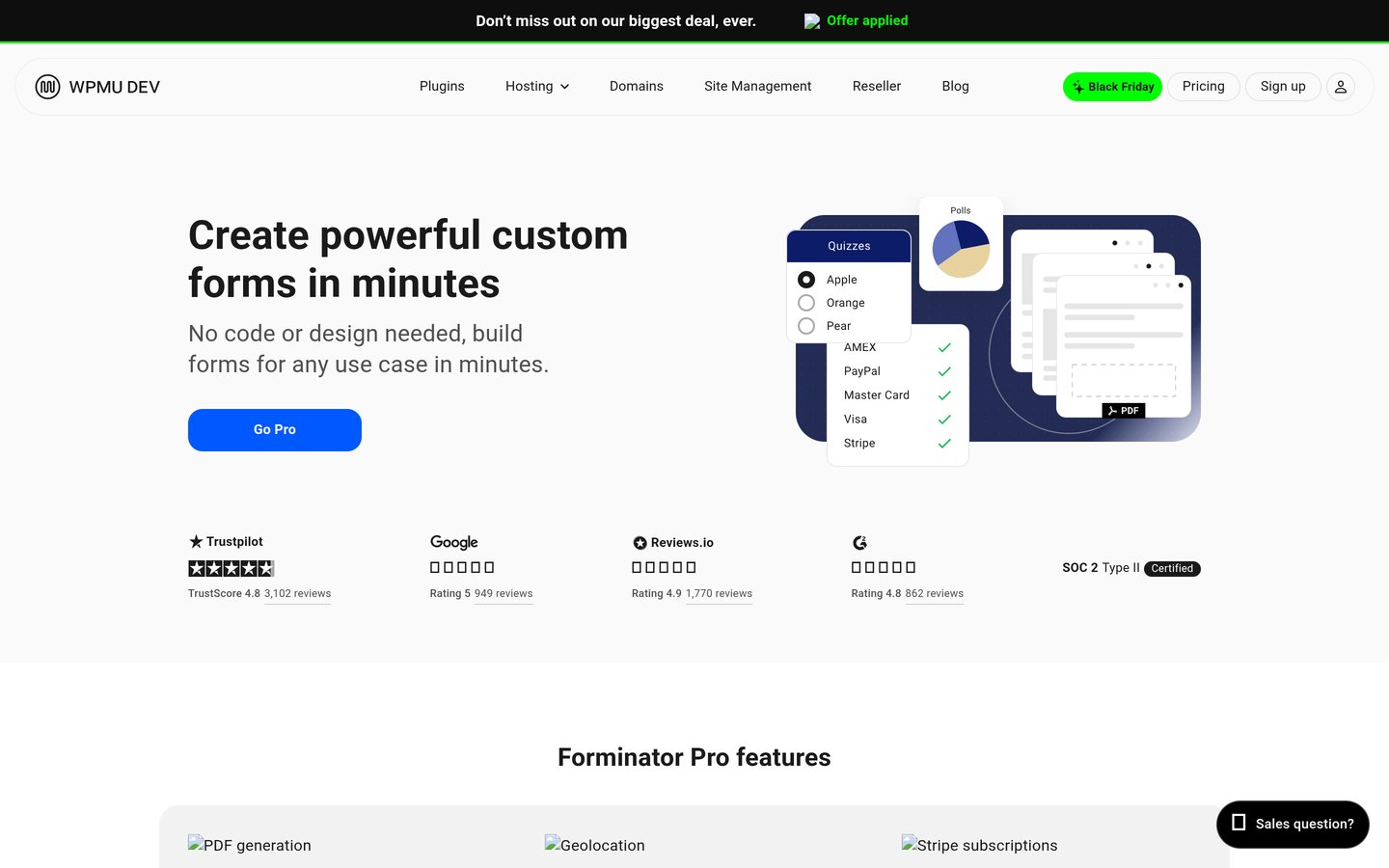
Forminator homepage, captured Nov 2026.
Forminator is a free form builder from WPMU DEV, with 600,000 active installs and a 4.8 out of 5 rating from 2,153 reviews. The free version includes a file upload field with size and type limits, stores every entry in your dashboard and covers quizzes, polls and calculations.
The trade off is the membership model. Paid features come through the WPMU DEV Pro Basic membership at $50 a year, which also unlocks Hustle, SmartCrawl and the other WPMU DEV plugins. It suits sites that want free uploads and a visual builder without paying.
4.9/5on WordPress.org (375 reviews, checked Nov 2026)
Paid from$69/yr
Highest rated for uploads
Free planYes, uploads included
File uploadsFree since v3.0.0
Entry storageYes, unlimited
Paid planPersonal, $69/yr
everestforms.net
Everest Forms homepage, captured Nov 2026.
Everest Forms is a drag-and-drop form builder from WPEverest, with 90,000 active installs and a 4.9 out of 5 rating from 375 reviews. The free version includes file and image upload fields, stores every entry in your dashboard and covers 35+ fields with spam protection.
The trade off is the smaller community. At 90,000 installs it is far behind WPForms and Fluent Forms, and Personal costs $69 a year at renewal after a $49 first year. It suits sites that want free uploads plus entry storage from day one.
4/5on WordPress.org (2,189 reviews, checked Nov 2026)
PriceFree
Most installed free uploads
Free planYes, fully free
File uploadsFree, [file] tag
Entry storageNo, email only
Paid planNone, free only
contactform7.com
Contact Form 7 homepage, captured Nov 2026.
Contact Form 7 is the most-installed form plugin on WordPress.org, with more than 10 million active installs and a 4.0 out of 5 rating from 2,189 reviews. The free plugin adds a file upload field with a shortcode tag, limits file types and size, and attaches the file to the notification email.
The trade off is the missing dashboard. Contact Form 7 stores no entries and has no visual builder, so you write forms in shortcodes and a missed email means a lost file. It suits developers and simple sites that want free uploads with no paid plan at all.
4.8/5on WordPress.org (14,395 reviews, checked Nov 2026)
Paid from$99/yr
Best form builder overall
Free planYes, Lite builder
File uploadsBasic plan and up
Entry storagePaid plans only
Paid planBasic, $99/yr
wpforms.com
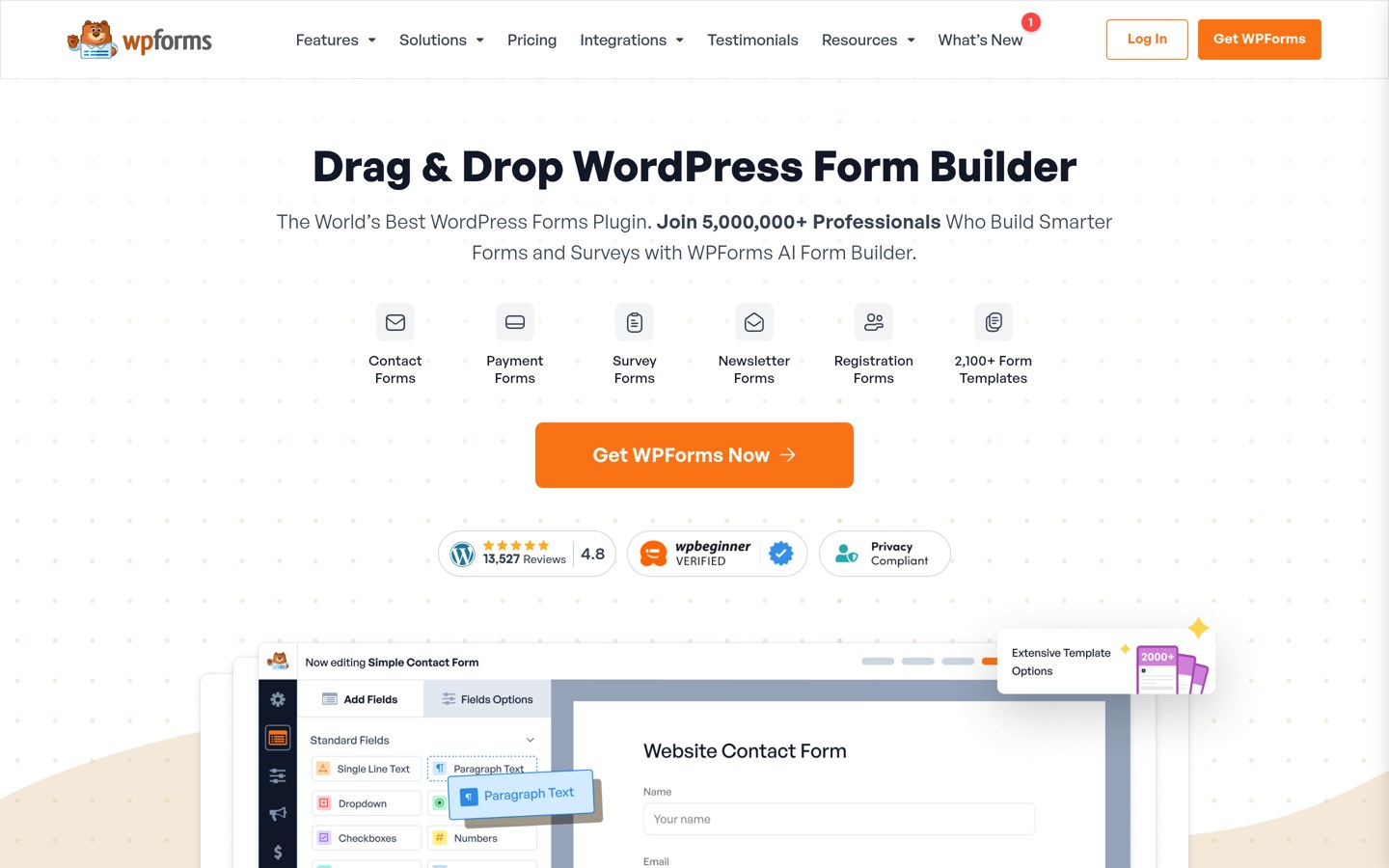
WPForms homepage, captured Nov 2026.
WPForms is the most popular visual form builder, with more than 5 million active installs and a 4.8 out of 5 rating from 14,395 reviews. The free Lite version covers drag-and-drop forms, spam protection and 2,100+ templates, but the file upload field is locked behind Basic.
The trade off is the renewal price. Basic costs $49.50 for the first year and renews at $99 a year, and Lite stores no entries, so uploads only make sense on a paid plan. It suits beginners who want the easiest builder and will pay for uploads.
4.8/5on WordPress.org (812 reviews, checked Nov 2026)
Paid from$79/yr
Best fast form builder
Free planYes, builder free
File uploadsSingle Site and up
Entry storageYes, free
Paid planSingle Site, $79/yr
fluentforms.com
Fluent Forms homepage, captured Nov 2026.
Fluent Forms is a fast form builder with 800,000 active installs and a 4.8 out of 5 rating from 812 reviews. The free version covers drag-and-drop forms, conversational forms and entry storage, but the file upload field is locked behind the paid Single Site plan.
The trade off is the locked field. Single Site costs $79 a year at renewal after a $47 first year, which is cheaper than WPForms Basic but still a paid step for one field. It suits sites that want a fast builder and free entry storage.
4.8/5on WordPress.org (1,392 reviews, checked Nov 2026)
Paid from$79/yr
Best for calculated forms
Free planYes, builder free
File uploadsBasic plan and up
Entry storageYes, free
Paid planBasic, $79/yr
formidableforms.com
Formidable Forms homepage, captured Nov 2026.
Formidable Forms is a developer-friendly form builder with 300,000 active installs and a 4.8 out of 5 rating from 1,392 reviews. The free version covers drag-and-drop forms, calculations and entry storage, but the file upload field needs the paid Basic plan.
The trade off is the price for one field. Basic costs $79 a year at renewal after a $39.50 first year, so uploads cost the same as Fluent Forms for a smaller community. It suits sites that need calculations and views beside their upload form.
4.4/5on WordPress.org (1,398 reviews, checked Nov 2026)
Paid from$99/yr
Best add-on form builder
Free planYes, builder free
File uploadsPaid add-on
Entry storageYes, free
Paid planPlus, $99/yr
ninjaforms.com
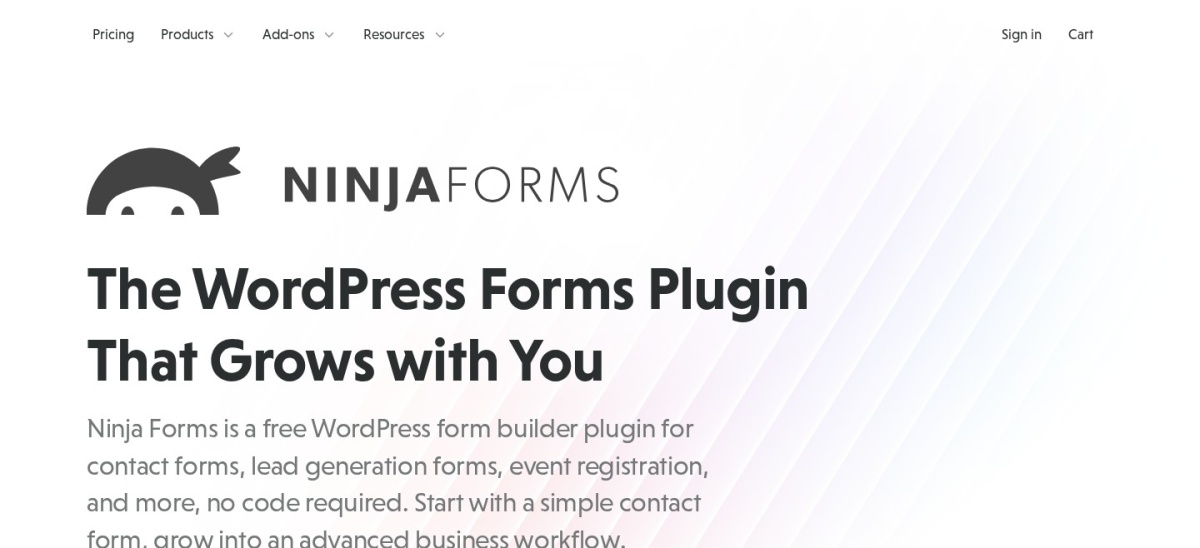
Ninja Forms homepage, captured Nov 2026.
Ninja Forms is a modular form builder with 500,000 active installs and a 4.4 out of 5 rating from 1,398 reviews. The free version covers drag-and-drop forms, conditional logic and entry storage, but file uploads need the paid File Uploads add-on or the Plus plan.
The trade off is the add-on cost. Plus costs $99 a year at renewal after a $59.40 first year, and covers three sites, so it is better value for agencies than for one site. It suits sites that build forms from add-ons and want conditional logic free.
4.7/5on WordPress.org (510 reviews, checked Nov 2026)
Paid from$49/yr
Best for Elementor sites
Free planYes, uploads listed
File uploadsFree per vendor lists
Needs ElementorYes, or standalone
Paid planPersonal, $49/yr
wpmet.com
MetForm homepage, captured Nov 2026.
MetForm is a form builder for Elementor with 500,000 active installs and a 4.7 out of 5 rating from 510 reviews. The free version covers 40+ Elementor form widgets, templates and entry handling, and its free field list includes a file upload widget.
The trade off is the Elementor tie. MetForm works best inside Elementor, and one secondary lists file upload as a Pro field, so test the free version before you rely on it. Personal costs $49 a year for one site. It suits Elementor sites that want forms in the same builder.
5/5on WordPress.org (322 reviews, checked Nov 2026)
Paid from$59/yr
Best for developers
Free planYes, LITE builder
File uploadsPRO only
Entry storageYes, CSV export free
Paid planPRO Personal, $59/yr
wsform.com
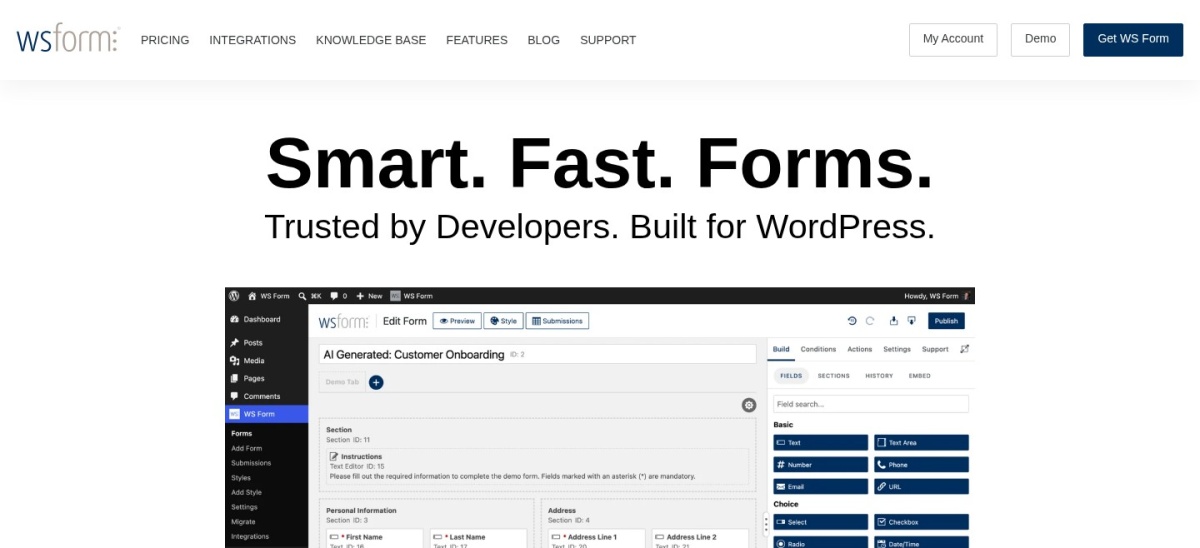
WS Form homepage, captured Nov 2026.
WS Form is a developer-focused form builder with 10,000 active installs and a 5.0 out of 5 rating from 322 reviews. The free LITE version covers unlimited forms and submissions, a drag-and-drop layout editor and CSV export, but the file upload field needs PRO.
The trade off is the small base. At 10,000 installs WS Form is the smallest plugin here, though PRO Personal costs only $59 a year for one site and adds 65+ field types. It suits developers who want unlimited free forms and will pay for uploads.
Free uploads exist, but only in four plugins here. Forminator, Everest Forms, MetForm and Contact Form 7 all accept files without paying.
Paid plans mostly add storage, logic and support. You get entries stored in the dashboard, conditional logic, multi-step forms and help when something breaks.
Contact Form 7 is the exception: it is free-only, so there is no paid plan at all, and no dashboard storage either.
For a site that collects applications every week, one paid plan often costs less than the time lost chasing files that arrived by email.
Common mistakes when picking an upload form
Assuming the free version uploads files is the most common mistake. WPForms Lite and Fluent Forms Free both show the upload field locked behind a paid plan.
Forgetting where the file goes is the second. Contact Form 7 emails the file and deletes it, so check your inbox rules before you publish the form.
Ignoring the file size limit is the third. A 2 MB default cap rejects most phone photos, so raise it and list the allowed types on the form.
How we chose
We started from the most-installed WordPress form plugins, then checked each free version for a file upload field, entry storage and file size controls.
Prices come from each vendor's pricing page, checked on 22 November 2026. Ratings and install counts come from WordPress.org on the same day. Where a vendor shows a sale, the list shows the regular price.
We left out plugins with fewer than 10,000 active installs and plugins not updated in the last 12 months. No vendor paid for a place, and we do not claim hands-on testing for this list.
How to choose a form plugin for file uploads
Start from the file, not the form.
Check the free version first. Install the free plugin and look for the upload field. If it shows a lock icon, uploads need the paid plan, whatever the homepage says.
Decide where files should land. A dashboard inbox keeps files searchable. Email delivery works for a few files a week, but a missed email means a lost application.
Set size and type limits. Allow only the types you need, such as PDF and JPG, and set a size cap that fits phone photos, usually 10 MB or more.
Test with a real file. Upload a large photo from your phone before you publish. If the form times out or rejects it, adjust the limit first.
FAQ
Which WordPress form plugin has free file uploads?
Four plugins in this list include file uploads free: Forminator, Everest Forms, MetForm and Contact Form 7. The rest, including WPForms, Fluent Forms, Formidable, Ninja Forms and WS Form, lock the upload field behind a paid plan starting at $49 to $99 a year.
Does WPForms Lite allow file uploads?
No. WPForms Lite shows the File Upload field in the builder, but clicking it opens an upgrade prompt. File uploads need Basic, which costs $49.50 for the first year and renews at $99 a year for one site.
What is the best free file upload form plugin?
Forminator is the best free pick for most sites. It has a 4.8 out of 5 rating from 2,153 reviews, includes file uploads in the free version, stores entries in your dashboard and costs $50 a year when you want the paid plan.
Does Contact Form 7 store uploaded files?
No. Contact Form 7 attaches the uploaded file to the notification email and then deletes it from a temporary folder on your server. If the email is missed or lands in spam, the file is gone, so check your inbox rules first.
How much does Forminator Pro cost?
Forminator Pro costs $50 a year for one site through the WPMU DEV Pro Basic membership, which also unlocks Hustle, SmartCrawl and the other WPMU DEV plugins. It is the cheapest paid plan in this list.
What file types can visitors upload?
You choose the allowed types in each plugin's field settings. Common choices are PDF, DOC, DOCX, JPG, PNG and ZIP, with a size cap of 10 MB or more for phone photos. Block executable files such as EXE and PHP for safety.