Best WordPress Document Management Plugins in 2026: 9 Tools Compared
WLWPLegible EditorsLast verified 22 Nov 2026How we test13 min read
★ Short answer
Document Library Pro is the best WordPress document management plugin for most sites, with a searchable table, grid or folder library and a 4.99 out of 5 vendor rating. Pick WP File Download for cloud-synced member libraries at $49 a year, and PDF Embedder to show PDFs inside a page.
How we make this list: we compare pricing pages, product documentation and public user reviews, then re-check every price before each update. No product paid for a place. Disclosure.
Document Library Pro is the most complete library: table, grid and folder layouts with instant search, from $149 a year.
WP File Download is the cheapest paid pick at $49 a year for unlimited sites, with full-text search and file versions.
PDF Embedder, Download Manager and Download Monitor all pair a useful free version with a paid plan under $140 a year.
FileBird and Document Embedder are the cheapest paid upgrades here, at $49 and $47 a year.
WP Document Revisions is the only free version-control tool here, but it is rated 3.7 out of 5 from just 23 reviews.
What a document management plugin should cover
A document management plugin turns a pile of media files into a library visitors can search, filter and download. Without one, PDFs and Word files sit in the media library with no order and no front-end list.
The tools in this list do different jobs. Some build a public library page, some track downloads, some show files inside a page, and one keeps a version history. Pick the job first, then the plugin.
Access control is the feature most buyers get wrong. Free versions usually show files to everyone, and locking files by user or role is often paid. Keeping copies matters too: our guide on backing up WordPress shows how to protect the files once they are organised.
Price is the second trap. Several vendors show a low first-year price and renew at double or more, so the ladder below uses the regular yearly price for every tool.
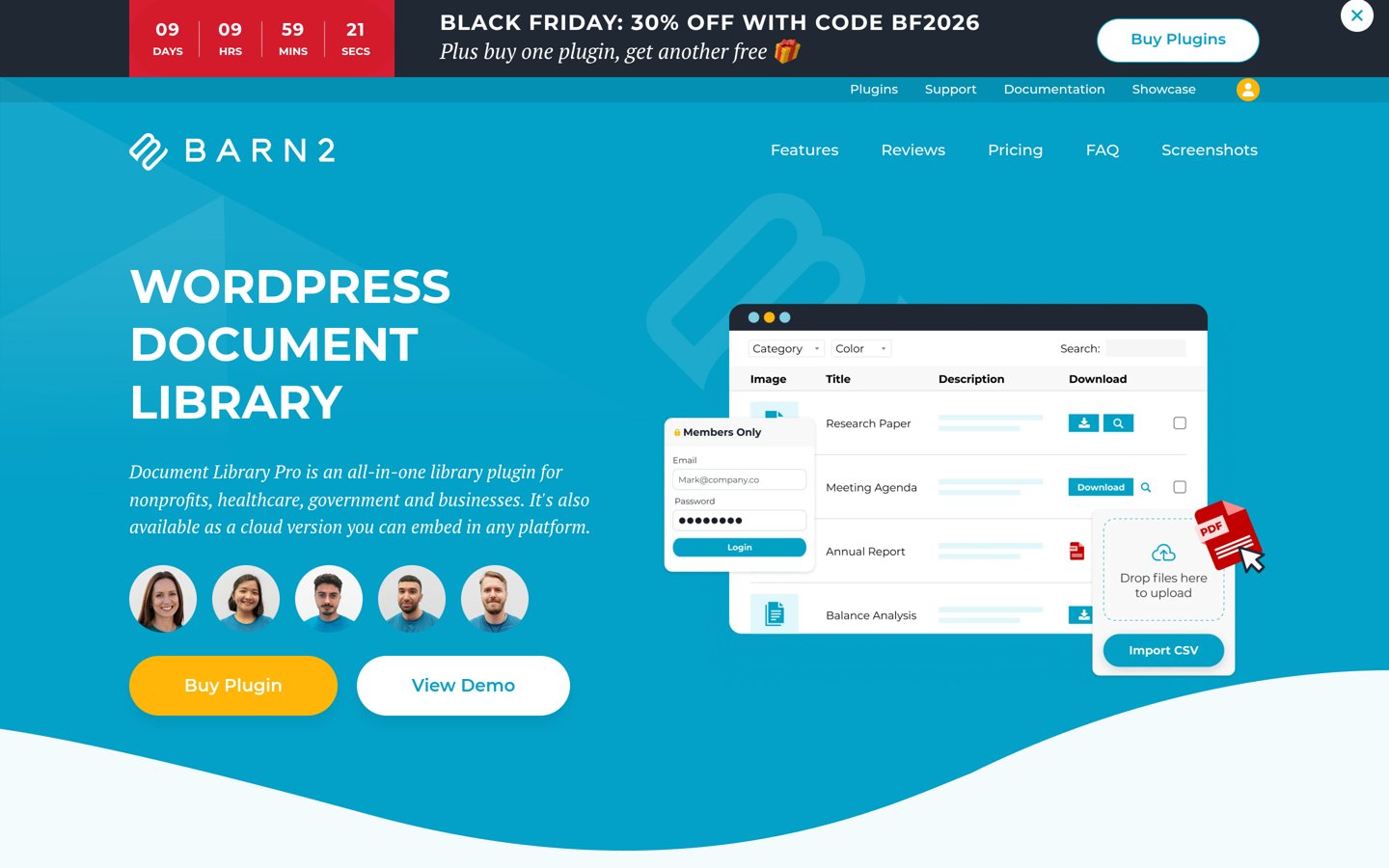
Document Library Pro is a purpose-built library plugin from Barn2 that lists documents in a searchable table, grid or folder layout. It supports any file type, from PDFs and Word files to audio and video, and visitors can search, sort and filter without leaving the library page.
The trade off is that there is no free version beyond the separate Document Library Lite plugin, and the features most teams want sit higher up. Access control, version control and CSV import need the Advanced plan at $199 a year. It suits organisations with hundreds of public documents or a client portal.
What we like
Three layouts: table, grid and folder
Instant search with sort and filters
Rated 4.99 out of 5 from 89 vendor reviews
Watch out for
No free version of the Pro plugin itself
Access control and version control need Advanced at $199 a year
Most expensive starting price in this list
Advanced adds access control, versions and CSV importVisit barn2.com
02
WP File Download
4.9/5on JoomUnited (226 reviews, checked Nov 2026)
Starts at$49/yr
Best for members-only and cloud libraries
Cloud syncAdd-ons bundle, $69/yr
SearchFull text inside files
Access controlRole, user, per file
Paid planPro, $49/yr
joomunited.com
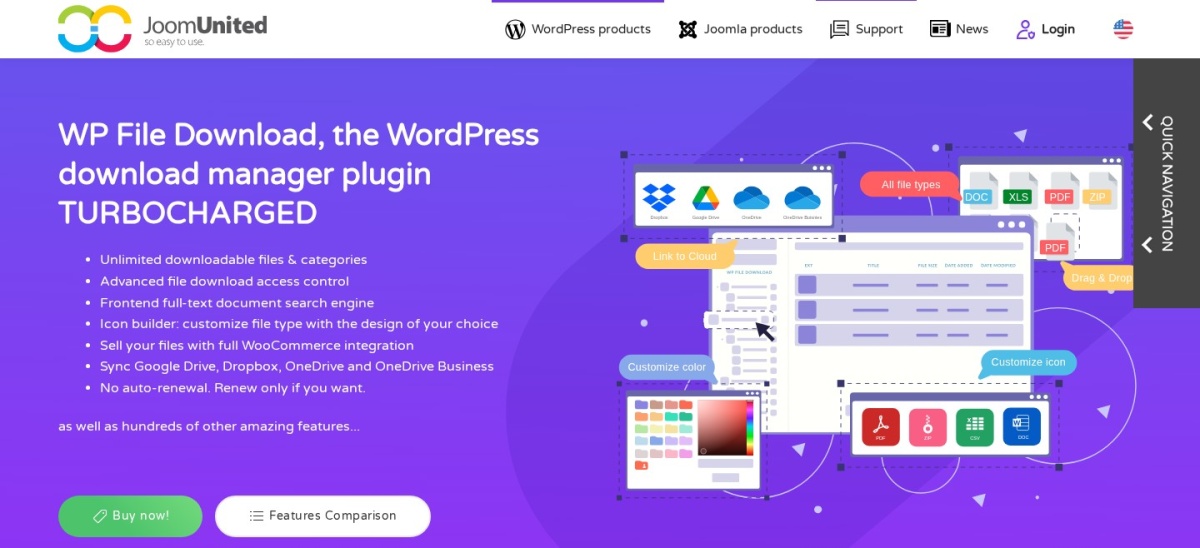
WP File Download homepage, captured Nov 2026.
WP File Download is a premium file manager from JoomUnited that organises files into folder categories with drag and drop. It searches inside document content, keeps file versions, and adds front-end upload and WooCommerce selling for digital products.
The trade off is that there is no free version to try, so you buy before you can test it on your own files. The $49 licence covers unlimited sites for one year of updates and support, with no auto-renewal. It suits teams whose documents already live in cloud storage.
4.7/5on WordPress.org (532 reviews, checked Nov 2026)
Paid from$59/yr
Best for viewing PDFs in the page
ViewerPDF.js, in the page
Embed limitsUnlimited
Download buttonPremium only
Paid planBasic, $59/yr
wp-pdf.com
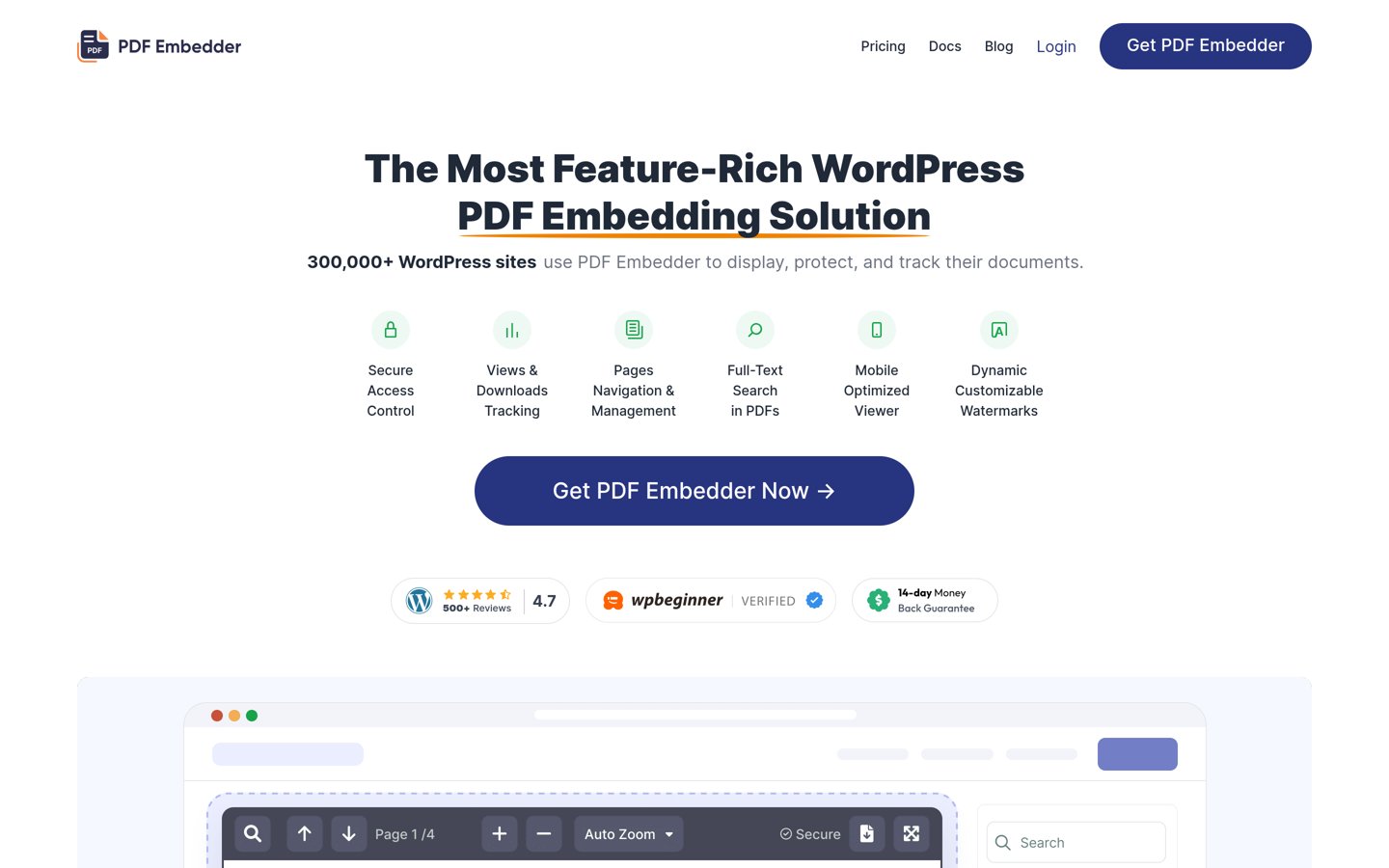
PDF Embedder homepage, captured Nov 2026.
PDF Embedder is a lightweight viewer that puts PDFs straight into a WordPress page using Mozilla's PDF.js, so visitors read the file without downloading it or leaving your site. The free version covers unlimited embeds with a clean viewer, zoom and page navigation.
The trade off is that the free version shows no download button and keeps the wp-pdf.com branding. Premium Basic costs $29.50 in the first year and renews at $59 a year for one site, adding downloads, full-screen mode and more. It suits sites that publish PDFs people should read first.
What we like
300,000+ installs, the largest free base here
Files render on your own server, with no per-view fees
Clean viewer with zoom and page navigation
Watch out for
No download button in the free version
Secure file handling needs the Pro plan
Only handles PDFs, not Word or Excel files
Premium adds downloads, full-screen mode and branding removalVisit wp-pdf.com
04
Download Manager
4.1/5on WordPress.org (1,007 reviews, checked Nov 2026)
Paid from$99/yr
Best for gated downloads and selling files
Access controlPassword, role, email lock
Download trackingYes, with logs
Selling filesPro, with cart
Paid planPro, $99/yr
wpdownloadmanager.com
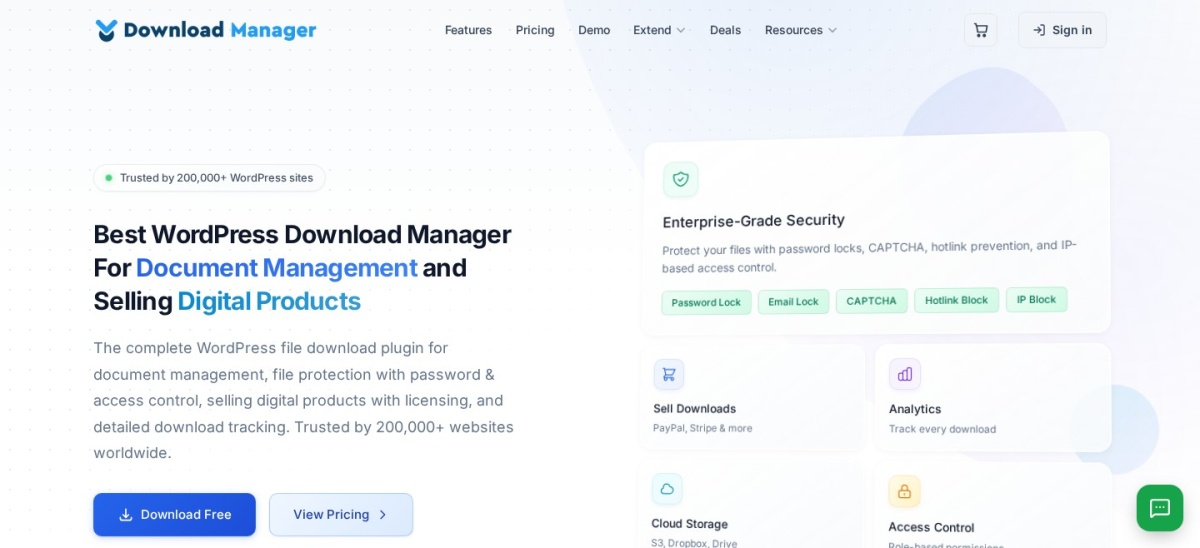
Download Manager homepage, captured Nov 2026.
Download Manager is a file download plugin that turns files into managed packages with passwords, user-role rules, email locks and download counts. The free version covers download tracking, shortcodes and multi-file packages, and Pro adds a cart for selling digital products.
The trade off is the lowest WordPress.org rating in this list, 4.1 out of 5 from 1,007 reviews, and a busy settings area. Pro costs $99 a year for one site. It suits sites that gate downloads behind an email address or sell files outright.
What we like
Most reviews in this list: 1,007 on WordPress.org
Email, password and role locks in the free version
4.5/5on WordPress.org (525 reviews, checked Nov 2026)
Paid from$138/yr
Best for tracking who downloads what
Download trackingYes, with reports
VersionsOne link, many versions
Library viewPopular plan
Paid planBasic, $138/yr
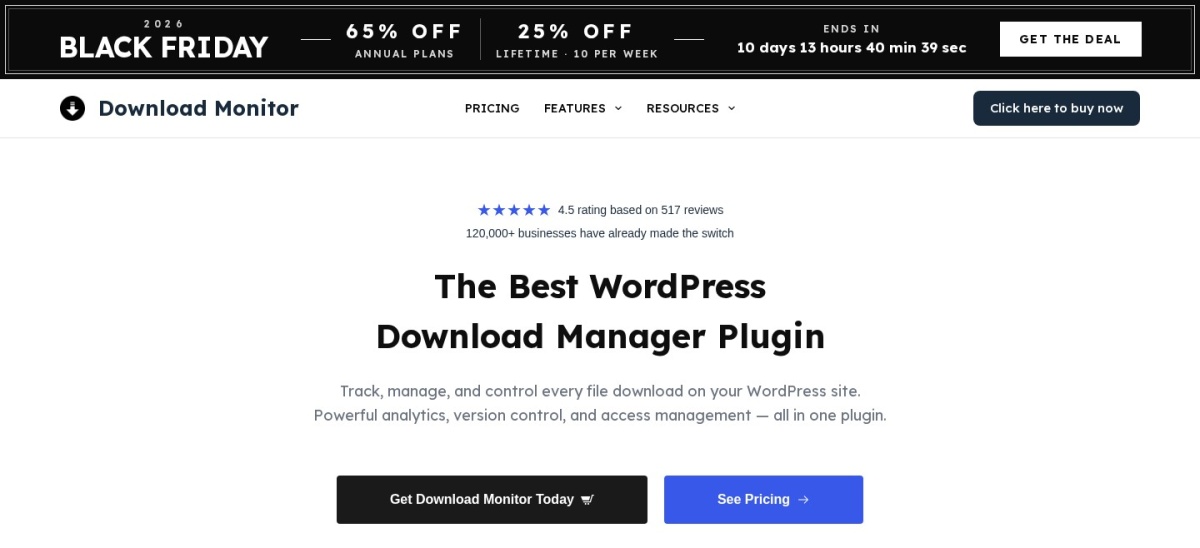
download-monitor.com
Download Monitor homepage, captured Nov 2026.
Download Monitor is a download manager that gives every file its own download link, keeps versions under one link and logs every download. The free version covers download tracking, categories and a terms-and-conditions gate before the download starts.
The trade off is the renewal price. Basic costs $48 in the first year and renews at $138 a year for one site, and the document library view needs the Popular plan at $258 a year. It suits sites that need download reports and gated files more than a pretty library.
4.7/5on WordPress.org (1,125 reviews, checked Nov 2026)
Paid from$49/yr
Best for organising the media library
FoldersUnlimited, drag and drop
SubfoldersPro only
Works withPosts, pages, WooCommerce
Paid planPro, $49/yr
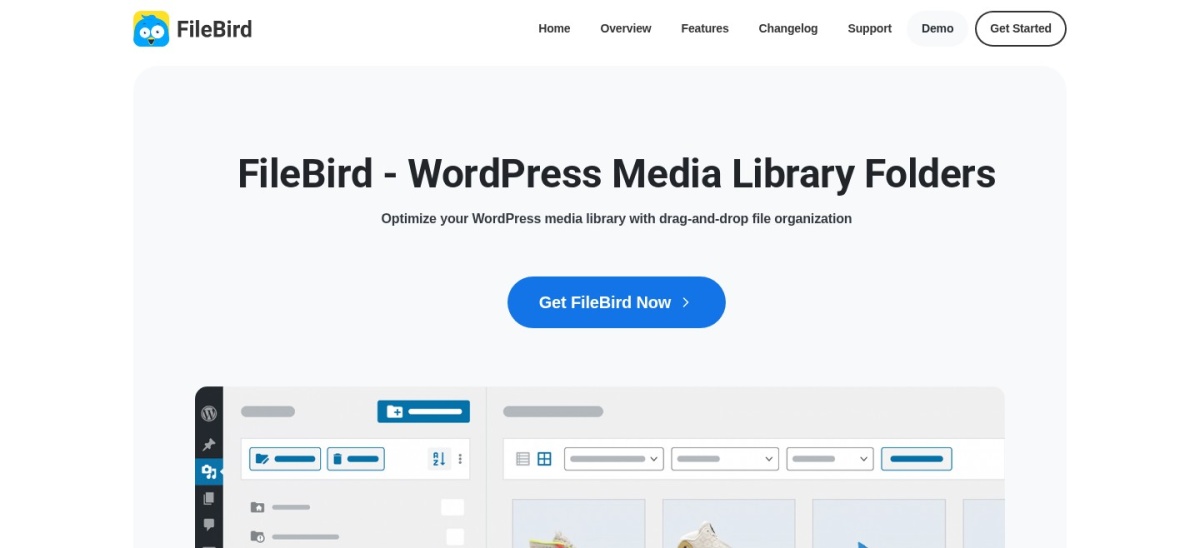
ninjateam.org
FileBird homepage, captured Nov 2026.
FileBird is a media library folder plugin that adds a drag-and-drop folder panel to WordPress, so images, PDFs and other uploads sit in folders instead of one long list. The free version covers unlimited folders with one level of subfolders.
The trade off is that FileBird organises files, it does not build a public document library. Unlimited subfolders, smart folders and page-builder folders need Pro, which lists at $49 a year for one site. It suits sites with a messy media library and no need for a front-end library page.
4.9/5on WordPress.org (120 reviews, checked Nov 2026)
Paid from$47/yr
Best for viewing many file types in the page
File typesPDF, Word, Excel, PowerPoint
Library viewYes, grid of cards
Free limit5 documents per library
Paid planPro, $47/yr
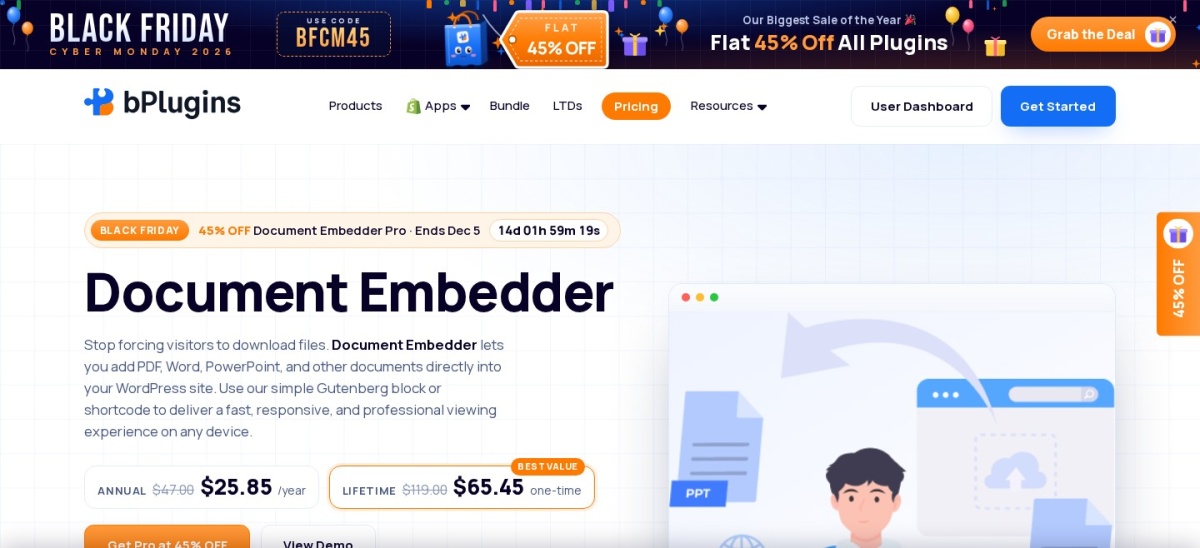
bplugins.com
Document Embedder homepage, captured Nov 2026.
Document Embedder is a viewer and library plugin from bPlugins that shows PDF, Word, Excel and PowerPoint files inside a page, with a toolbar and a download button. The free version covers a document library as a searchable grid of cards, limited to five documents per library.
The trade off is the small user base, 9,000+ installs and 120 reviews, so there is less community help than the bigger names here. Pro costs $47 a year for one site and lifts the five-document limit. It suits sites that want visitors to read many file types without downloading them.
What we like
Views PDF, Word, Excel and PowerPoint in the page
Free library view as a searchable grid
Highest WordPress.org rating here at 4.9 out of 5
Watch out for
Only 9,000+ installs, the smallest base here
Free libraries hold five documents each
Fewer tutorials and answers than the bigger plugins
4.4/5on WordPress.org (34 reviews, checked Nov 2026)
Paid from$7.99/mo
Best for sharing files with front-end upload
Front-end uploadYes, with categories
Access controlPro, by role and user
Download trackingYes, with logs
Paid planPro, $7.99/mo
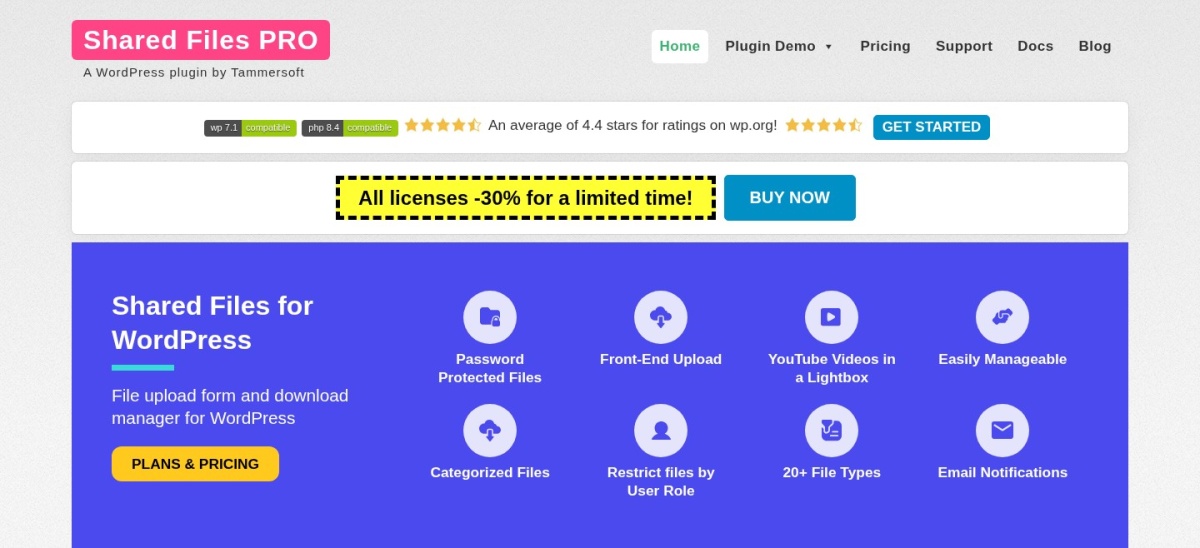
sharedfilespro.com
Shared Files homepage, captured Nov 2026.
Shared Files is a file sharing plugin that lists files as cards on the front end, with a front-end uploader so visitors can send files too. The free version covers file lists, categories and download counts, and Pro adds password protection, download limits and search logs.
The trade off is the small user base, 3,000+ installs and 34 reviews, and pricing that is hard to pin down. The vendor's own blog lists Pro at $7.99 a month, while the pricing page now sells lifetime licences. It suits small teams that want visitors to upload files as well as download them.
3.7/5on WordPress.org (23 reviews, checked Nov 2026)
PriceFree
Best free version control for documents
Version controlYes, with workflow
Access controlBy user role
Front-end libraryNo
Paid planNone, free only
ben.balter.com
WP Document Revisions homepage, captured Nov 2026.
WP Document Revisions is a free document management plugin that adds version control to WordPress documents, with a workflow for drafting, review and publishing. Each document keeps its revision history, so an older version is never lost when a file is replaced.
The trade off is that there is no front-end library and no paid plan, so support comes from the community. It is also the lowest-rated tool here at 3.7 out of 5 from 23 reviews, on only 2,000+ installs. It suits teams that need document versions and a review workflow more than a public library.
Free versions cover the core job well. PDF Embedder, Download Manager, Download Monitor, FileBird, Document Embedder and Shared Files all do useful work without paying, and WP Document Revisions is free outright.
Paid plans mostly add access control, search inside files and support. Document Library Pro keeps its version control and access rules on the Advanced plan, and Download Monitor keeps its library view on Popular.
Two tools never charge a subscription. WP File Download sells a one-year licence for $49 with no auto-renewal, and Shared Files sells lifetime licences, so check whether the price you see is yearly or once.
How we chose
We started from every document management plugin on WordPress.org with a recent update, then added the leading paid-only tools, Document Library Pro and WP File Download, which have no WordPress.org listing.
Prices come from each vendor's pricing page, checked on 22 November 2026. Ratings and install counts come from WordPress.org on the same day, except Document Library Pro and WP File Download, which are rated on their vendors' own pages. Where a vendor shows a sale, the list shows the regular price.
We left out plugins not updated in the last 12 months. No vendor paid for a place, and we do not claim hands-on testing for this list.
How to choose a WordPress document management plugin
Start with the job your library has to do, then check who may see each file.
Decide what visitors should see. A public resource library needs search and filters. A members-only area needs access rules, which are often paid.
Check how files get in. Front-end upload and bulk import save hours on a large library. WP File Download covers both, and Document Library Pro adds CSV import on its Advanced plan.
Try the free version first. Every tool here except Document Library Pro and WP File Download has a free version. Use it with real files before you pay.
Check the renewal price, not the first year. Download Monitor renews at $138 after a $48 first year, and PDF Embedder renews at $59 after a $29.50 first year. Budget for year two.
FAQ
What is the best WordPress document management plugin?
Document Library Pro is the best pick for most sites. It builds a searchable library with table, grid or folder layouts, supports any file type and is rated 4.99 out of 5 on Barn2's own site from 89 reviews. The Essentials plan costs $149 a year for one site.
Is there a free WordPress document management plugin?
Yes. WP Document Revisions is free and adds version control to WordPress documents, while PDF Embedder, Download Manager, Download Monitor, FileBird, Document Embedder and Shared Files all have useful free versions. The free versions usually show files to everyone, with access control behind a paid plan.
Can I search inside PDF files in WordPress?
Yes, with the right plugin. WP File Download and Document Library Pro on its Advanced plan search inside document content, not just file names. PDF Embedder and Document Embedder show PDFs inside a page but do not add full-text search on their own.
How do I restrict who can download a file?
Use a plugin with access rules. WP File Download restricts files by role, user or single file, and Document Library Pro Advanced does the same. Download Manager's free version covers passwords and roles, while Download Monitor keeps rule-based access on its Complete plan.
What is the cheapest document management plugin?
WP File Download and Document Embedder are the cheapest paid picks here at $49 and $47 a year. WP File Download covers unlimited sites for $49, while Document Embedder's $47 covers one site. Both are cheaper than Document Library Pro at $149 a year.
Do I need a plugin to manage documents in WordPress?
Not for a handful of files, which the media library handles fine. A plugin earns its place once you have dozens of documents, need a public library page, want download tracking, or must limit who sees each file.