PandaDoc is the best business automation software for docs for most teams, with templates, e-signatures and payments from $19 a month. Pick DocuSign for the widest signing support, or signNow if you want the cheapest paid plan at $8 a month.
How we make this list: we compare pricing pages, product documentation and public user reviews, then re-check every price before each update. No product paid for a place. Disclosure.
PandaDoc is the best all-round pick, with document templates, e-signatures, payments and approvals from $19 a month.
signNow is the cheapest paid plan here at $8 a month, charged flat per account with unlimited users.
DocuSign is the safest choice when the other side must sign, thanks to the widest recognition and compliance cover.
Formstack Documents costs far more than the rest at $250 a month, because document generation now sits in its Suite plan.
Dropbox Sign and Jotform both have useful free plans, while DocuSign, signNow and Proposify offer trials only.
What should business automation software for docs actually do?
Business automation software for docs should remove the copy-paste work between a template, a signature and a payment. The best tools turn a quote or contract into a tracked, signed and paid document without manual chasing.
Templates are the starting point. A good tool lets you build reusable templates with fields, pricing tables and approval steps, then sends each document with a clear audit trail.
E-signatures matter more than most buyers expect. A signature that courts and clients accept in many countries is worth more than a cheap tool with a signature image and no legal cover.
Price is often flat, not per user. signNow charges $8 a month per account with unlimited users, while PandaDoc and DocuSign charge per user, so count seats before comparing prices.
PandaDoc is the strongest all-round tool in this list, covering document templates, quotes, approvals, e-signatures and payments in one place. Essentials costs $19 a month per user on annual billing, and a free eSign plan covers basic signing.
The trade off is per-user pricing. A five-person team pays about $95 a month on Essentials, while flat-priced rivals like signNow charge $8 a month for the whole account. It suits teams that send quotes and contracts every day.
DocuSign is the best-known e-signature tool in the world, and the safest choice when the other side must trust the signature. Personal costs $11 a month on annual billing for one user and five envelopes a month, with Standard at $30 a month per user.
The trade off is scope. DocuSign signs documents well but does not build quotes or proposals the way PandaDoc does, and the envelope limits on cheap plans can bite. It suits teams that need signing above all else.
signNow is the cheapest paid tool in this list, with Business at $8 a month charged flat per account and unlimited users included. It covers e-signatures, reusable templates, bulk sending and signing links, and sits inside the airSlate workflow family.
The trade off is depth. It has less proposal and quote tooling than PandaDoc, and there is no free plan, only a seven-day trial. It suits small teams that want cheap, unlimited-user signing without per-seat maths.
What we like
Cheapest paid plan in this list
Flat price with unlimited users
Bulk sending and signing links included
Watch out for
No free plan, only a trial
Weaker proposal and quote features
Business Premium adds more signing and workflow featuresVisit signnow.com
04
Dropbox Sign
4.7/5on G2 (2,287 reviews, checked Nov 2026)
Paid from$15/mo
Best simple signing for Dropbox users
Free planYes, 3 requests/mo
Paid planEssentials, $15/mo
E-signaturesYes, unlimited requests
TemplatesYes, on paid plans
hellosign.com
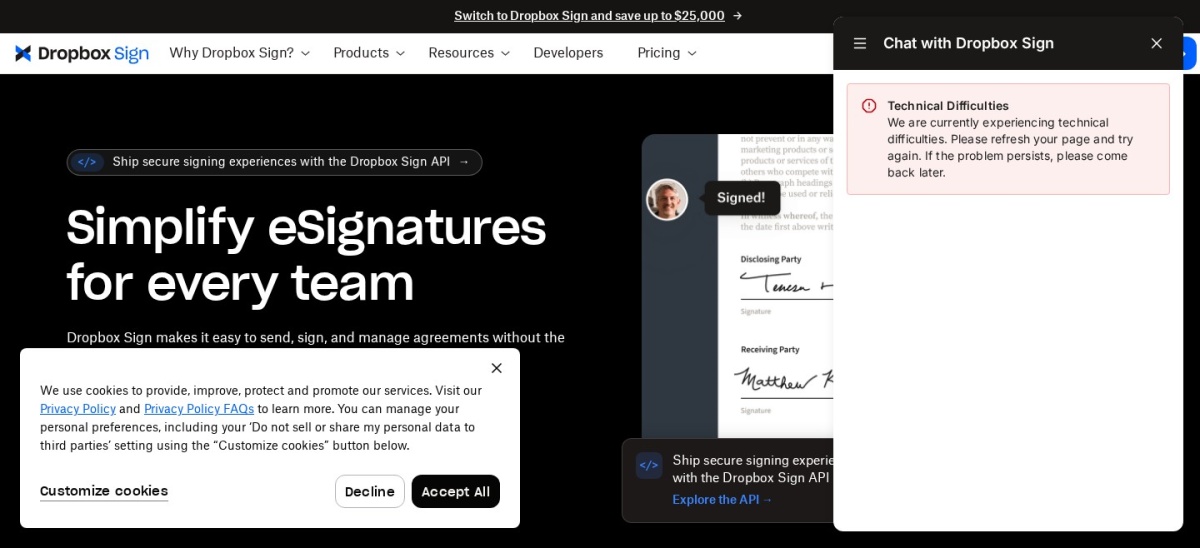
Dropbox Sign homepage, captured Nov 2026.
Dropbox Sign is the simplest signing tool in this list, with a free plan covering three requests a month and Essentials at $15 a month for one user with unlimited requests. It works inside Dropbox and Google Workspace, so documents stay where teams already keep them.
The trade off is a shifting plan list. A November 2026 report said Dropbox was replacing Essentials and Standard with a $15 a month Dropbox Sign plan, so check the current page before buying. It suits light signers who want signing without a new system.
Proposify is built for sales proposals, with polished templates, pricing tables, interactive quotes and built-in e-signatures. Basic costs $19 a month per user on annual billing and covers ten sends a month, with Team at $41 a month adding more.
The trade off is the send limit. Ten sends a month on Basic is tight for a busy sales team, and there is no free plan. It suits agencies and sales teams that live or die by the quality of their proposals.
Adobe Acrobat Sign is sold inside Acrobat, so teams that already live in PDF and Microsoft 365 get signing without a new app. Standard for teams costs $16.99 a month per licence on annual billing, and Pro for teams costs $23.99 a month.
The trade off is that there is no standalone free plan, only a trial, and the signing features sit inside a bigger Acrobat subscription. It suits teams that already pay for Acrobat and want signing in the same place.
What we like
Signing inside Acrobat and Microsoft 365
Strong compliance and audit trail
Familiar tools for PDF-heavy teams
Watch out for
No standalone free plan
Signing is bundled with Acrobat, not separate
Pro for teams at $23.99 a month adds more PDF toolsVisit adobe.com
07
Jotform
4.7/5on G2 (5,424 reviews, checked Nov 2026)
Paid from$34/mo
Best for forms and approvals
Free planYes, Starter
Paid planBronze, $34/mo
E-signaturesYes, Jotform Sign
Submissions1,000 per month on Bronze
jotform.com
Jotform homepage, captured Nov 2026.
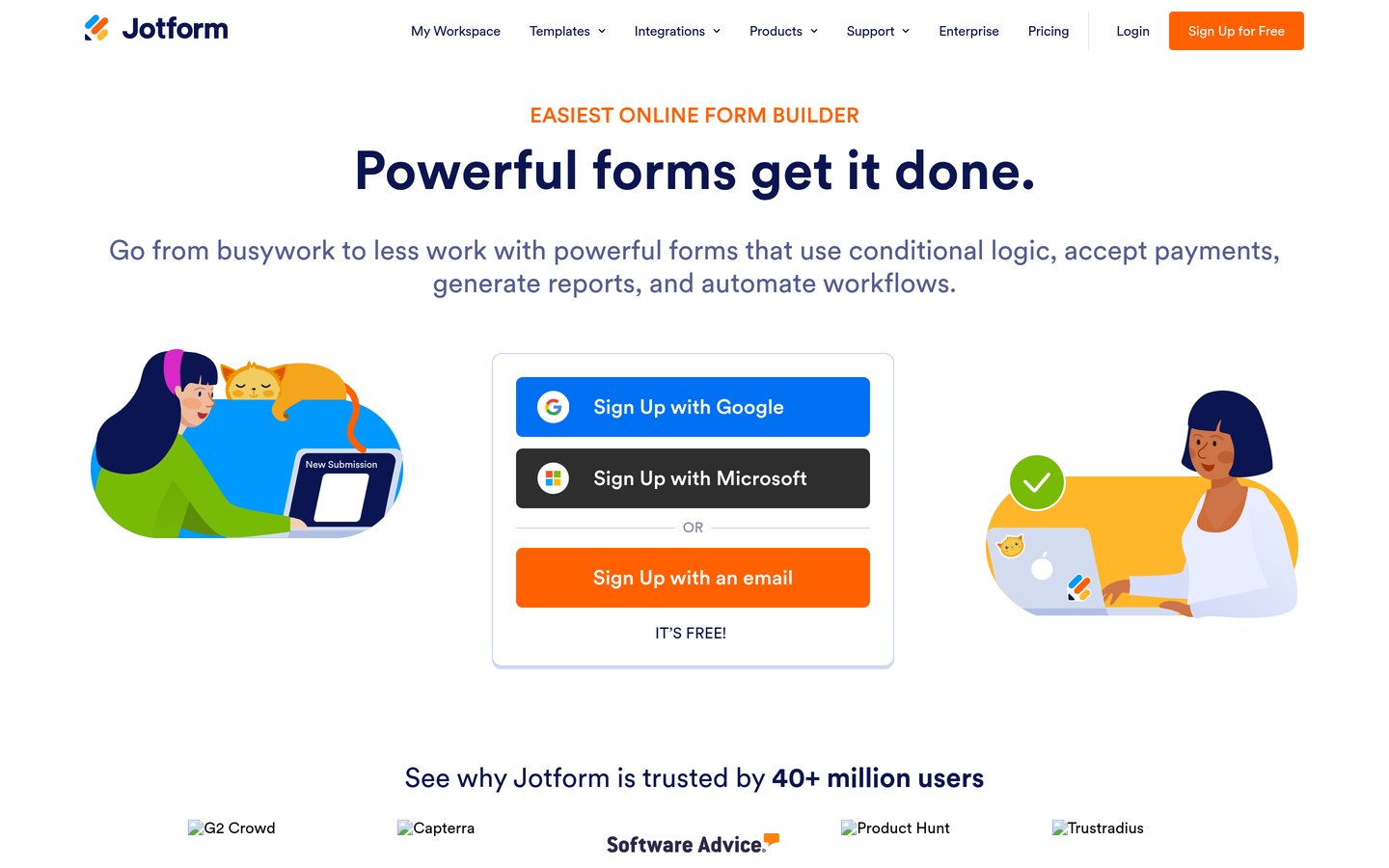
Jotform is a form builder that covers document automation through forms, approvals, e-signatures with Jotform Sign and PDF generation. The free Starter plan covers five forms and 100 submissions a month, and Bronze costs $34 a month on annual billing.
The trade off is price. Bronze at $34 a month is the most expensive starting plan in this list, and document generation is a side feature rather than the core. It suits teams that collect data with forms and need signatures on the result.
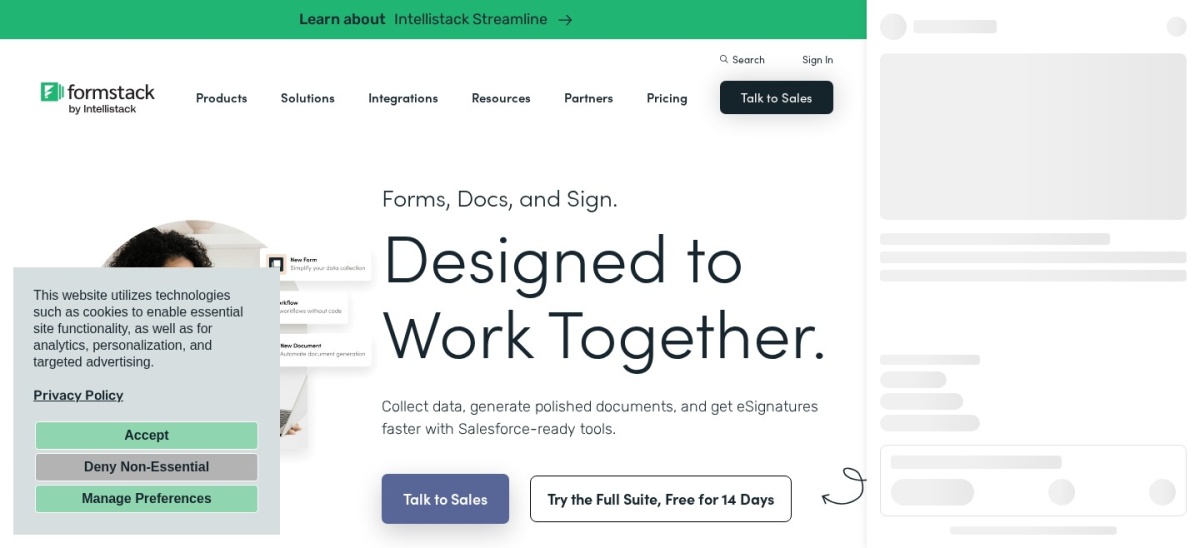
Formstack Documents is a document generation tool that builds contracts, invoices and reports from form entries and data sources, then routes them for signature. Document generation now sits in the Suite plan at $250 a month on annual billing.
The trade off is price. At $250 a month it costs more than ten times the cheapest tool here, and the old $110 a month Starter figure still shown on some listings is stale. It suits teams that generate hundreds of documents a month.
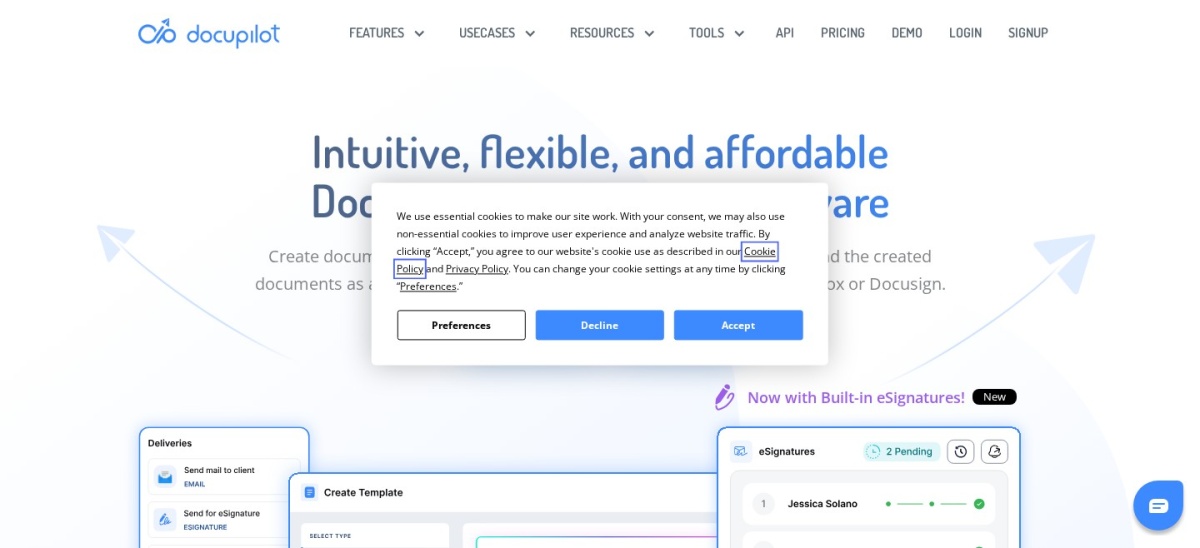
Docupilot is a flat-rate document generator that turns templates and data into contracts, invoices and reports, with 100 documents a month on Starter at $29 a month. The price is per account, not per user, so a whole team can share one plan.
The trade off is a small review base. With only 75 G2 reviews it is the least proven tool here, and e-signatures come through integrations rather than a built-in signer. It suits teams that generate many documents on a fixed budget.
Two tools in this list charge flat rates. signNow Business costs $8 a month per account with unlimited users, and Docupilot Starter costs $29 a month for 100 documents, which makes both cheap for large teams.
The rest charge per user. PandaDoc Essentials is $19 a month per user, DocuSign Personal is $11 a month for one user, and Jotform Bronze is $34 a month. A five-person team pays five times the headline price on per-user plans.
How we chose
We ranked tools on verified review scores, published starting prices and fit for the keyword. Every rating below comes from G2, Capterra or Trustpilot, using the listing with the most reviews, and every price is the cheapest paid plan at its regular rate.
We checked each vendor pricing page and review listing on 29 November 2026. Where a vendor sells by quote only, the price is shown as Custom and the notes record what we could and could not confirm.
No vendor paid for a place, and we do not claim hands-on testing for this list. Prices change, so check the vendor page before you buy, and treat directory figures as second-hand where the notes say so.
How to choose business automation software for docs
Start with your document volume and who signs, then check whether pricing is flat or per user.
Count your monthly documents. Flat plans like signNow and Docupilot suit high volume, while per-user plans suit small teams with few sends.
Check signature legality. DocuSign and Adobe Acrobat Sign carry the widest compliance cover for contracts that must hold up.
Test the template builder. PandaDoc and Proposify have the strongest templates for quotes and proposals with pricing tables.
Ask about approvals and payments. PandaDoc and Jotform add approval steps and payment collection, so a signed document can also be a paid one.
FAQ
What is the best business automation software for docs?
PandaDoc is the best business automation software for docs for most teams, with templates, e-signatures, payments and approvals from $19 a month. DocuSign is best for pure signing, and signNow is the cheapest paid plan at $8 a month.
Which business automation software for docs is cheapest?
signNow is the cheapest paid plan here at $8 a month, charged flat per account with unlimited users. DocuSign Personal costs $11 a month for one user, and Dropbox Sign Essentials costs $15 a month for one user.
Is there free business automation software for docs?
Yes. PandaDoc has a free eSign plan, Dropbox Sign has a free plan with three requests a month, and Jotform has a free Starter plan with five forms and 100 submissions a month. DocuSign, signNow and Proposify offer trials only.
Which tool is best for contracts and e-signatures?
DocuSign is the best choice for contracts, with the widest recognition, strong compliance cover and a Personal plan at $11 a month. Adobe Acrobat Sign is the best pick if your team already uses Acrobat and Microsoft tools.
What is the difference between PandaDoc and DocuSign?
PandaDoc covers the whole document workflow, with templates, quotes, approvals, signatures and payments from $19 a month. DocuSign focuses on signing, with the strongest legal cover, from $11 a month for one user.
Can small teams use these tools for free?
Small teams can start free with PandaDoc eSign, Dropbox Sign or Jotform Starter, all of which cover a few documents or forms a month. Teams that send more than a handful of documents a month will need a paid plan.
SaaS SEO and WordPress specialist with about 8 years of experience. Rakib compares WordPress plugins, themes, hosting and software using public pricing, documentation and user reviews. See how we rank.