XMind is the best mind map software for most people, with desktop and mobile apps, timelines and fishbone diagrams, and Pro at about 59 dollars a year. MindMeister suits live team mapping in the browser, while MindNode is the cheapest yearly pick for Apple users at 25 dollars a year.
How we make this list: we compare pricing pages, product documentation and public user reviews, then re-check every price before each update. No product paid for a place. Disclosure.
XMind is the best mind map software for most readers, with desktop apps, timelines and fishbone diagrams, and Pro at $4.92 a month billed annually.
MindNode is the cheapest yearly option for Apple users at $24.99 per year, while Coggle is the cheapest monthly option for private browser maps at $5 per month.
MindMeister is the only tool here that sells in euros, with Personal at 6 euros a month billed annually.
Miro and Whimsical are whiteboards first, so pick them when mind maps are one job among many.
How do you choose the best mind map software?
Free plans decide most mind map purchases, because the caps differ sharply: XMind allows 10 online maps free, MindMeister allows 3, Coggle allows 3 private diagrams, and Miro allows 3 editable boards.
Desktop apps matter for offline work. XMind, MindNode and MindManager run on your computer without a connection, while MindMeister, Coggle and Miro live in the browser.
Collaboration is where browser tools win. MindMeister and Miro let several people edit the same map at the same time, while desktop tools are stronger for solo, structured maps.
AI features are now standard on paid plans. XMind Premium, MindMeister Personal and Whimsical Pro all generate maps from a prompt, so compare the monthly AI credit allowance before you pay.
List prices in each vendor's currency, checked Nov 2026
MindNodeFREE$25
XMindFREE$59
CoggleFREE$60
MindMeisterFREE€72
MindomoFREE€72
MiroFREE$96
MindManager$99
LucidchartFREE$108
WhimsicalFREE$120
The 9 best mind map software tools
01
XMind
4.5/5on G2 (585 reviews, checked Nov 2026)
Paid from$4.92/mo
Best mind map software overall
Cheapest planPro, $4.92/mo
Free plan10 online maps
PlatformsWindows, Mac, Linux, iOS, Android
AI creditsPremium only
xmind.app
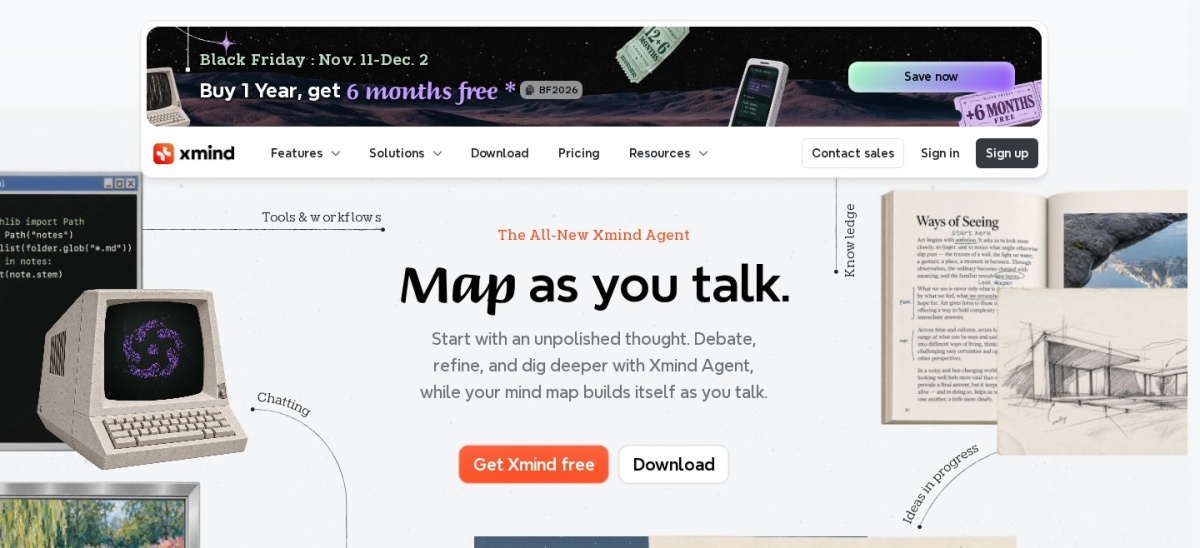
XMind homepage, captured Nov 2026.
XMind is a dedicated mind mapping app with desktop, web and mobile apps, and the editor includes mind maps, org charts, timelines, fishbone diagrams and matrices, plus a Pitch mode for presenting a map as slides. Pro costs $4.92 a month billed annually, about $59 a year, or $10 month to month.
The trade off is collaboration. Real-time co-editing and 500 AI credits a month arrive on Premium at $8.25 a month billed annually, so teams pay more. It suits solo mappers who want structured maps, offline apps and strong exports.
What we like
Full desktop apps on Windows, Mac and Linux
Timelines, fishbones and Pitch mode included
Free plan allows 10 online maps
Largest G2 review base among dedicated mappers
Watch out for
Real-time collaboration needs Premium
Monthly billing costs twice the annual rate
AI credits are limited on Pro
Premium at $8.25 a month adds collaboration and AI creditsVisit xmind.app
02
MindMeister
4.6/5on Capterra (299 reviews, checked Nov 2026)
Paid from€6/mo
Best for live team mapping
Cheapest planPersonal, €6/mo
Free plan3 mind maps
AI credits2,000 a month on Personal
IntegrationsMeisterTask
mindmeister.com
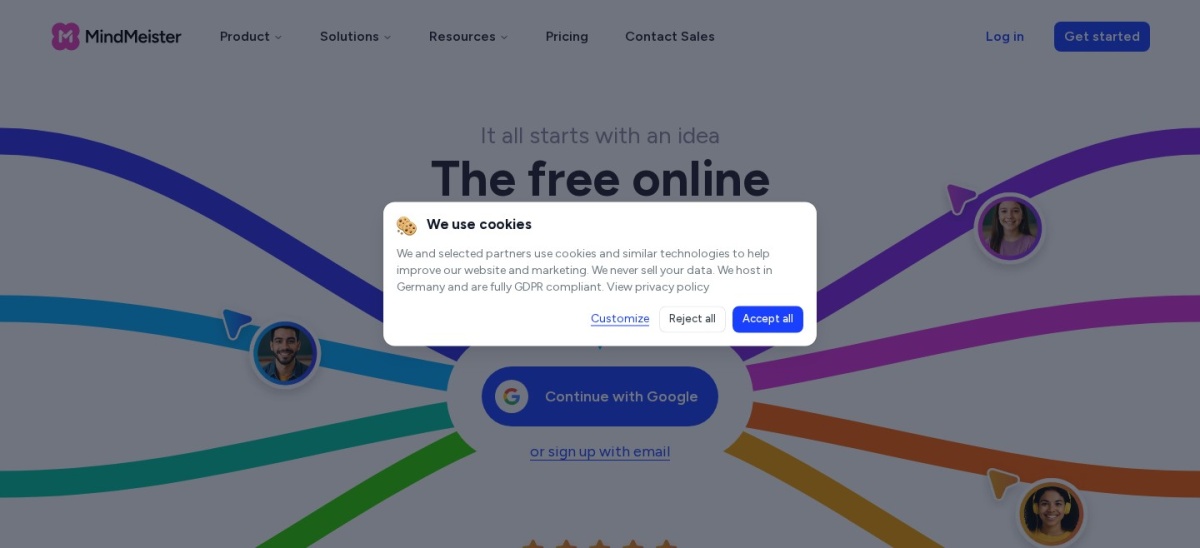
MindMeister homepage, captured Nov 2026.
MindMeister is a browser-based mind mapping tool built around several people editing the same map at the same time. The free Basic plan allows 3 mind maps, with unlimited collaborators, templates, presentation mode and 500 AI credits per user per month. Personal costs 6 euros a month billed annually and adds unlimited maps and file exports.
The trade off is the currency and the cap. Prices are in euros excluding VAT, and the free plan allows only 3 maps in total. It suits teams that map together live and want one shared, browser-based workspace.
Coggle is the simplest tool here. You open it in a browser, start typing, and branches appear, with real-time collaboration built in. The free plan covers 3 private diagrams and unlimited public diagrams, and Awesome costs $5 a month with unlimited private diagrams, shared folders and embedding.
The trade off is depth. Coggle has no desktop app, no AI mapping and fewer diagram types than XMind or Miro, so complex projects outgrow it. It suits students and small teams who want quick, shared maps with no learning curve.
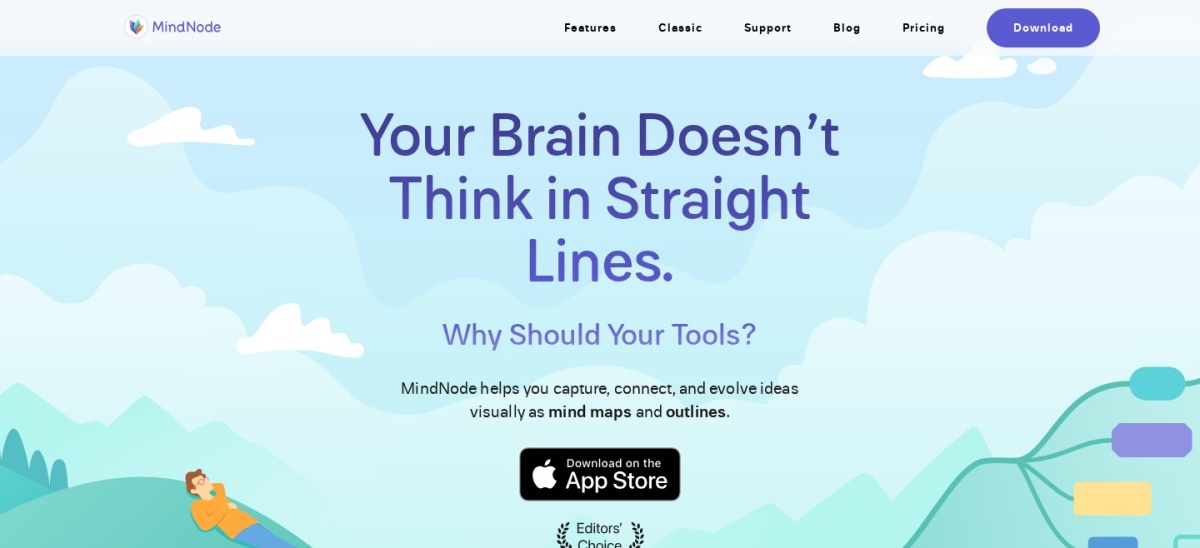
MindNode is a native mind mapping and outlining app for Apple platforms, with Focus Mode, Visual Tags and Quick Entry for capturing ideas fast. The free version covers basic maps, and Plus costs $2.99 a month or $24.99 a year, unlocking outlining, connections, tasks, images and collaboration.
The trade off is platform lock-in. MindNode runs only on Mac, iPhone, iPad and Watch, so mixed-device teams cannot use it. It suits Apple-only users who want a clean, fast, native app at the lowest yearly price here.
Miro is an online whiteboard for diagrams, flowcharts, mind maps and workshops, with real-time collaboration, thousands of templates and integrations with Slack, Jira and Google Workspace. The free plan covers 3 editable boards, and Starter costs $8 a member a month billed annually.
The trade off is focus. Miro is a whiteboard first, so its mind maps are templates on an open canvas rather than a structured outliner, and the free board cap is tight. It suits teams that already run workshops on Miro and want maps beside their other boards.
What we like
Largest review base in this list
Thousands of templates included
Deep Slack, Jira and Google integrations
Miro AI draws maps from prompts
Watch out for
Mind maps are templates, not a dedicated outliner
Free plan allows only 3 boards
Starter has a 2-licence minimum for solo buyers
Business at $20 a member adds advanced collaborationVisit miro.com
06
Whimsical
4.6/5on G2 (190 reviews, checked Nov 2026)
Paid from$10/mo
Best fast flowcharts and maps
Cheapest planPro, $10/editor/mo
Free plan3 documents
AIPrompt to mind map
PlatformsWeb, Mac, Windows
whimsical.com
Whimsical homepage, captured Nov 2026.
Whimsical is an all-in-one workspace for flowcharts, wireframes, mind maps and docs, with a minimal interface that stays out of the way. The free plan covers 3 documents, and Pro costs $10 per editor a month billed annually, with AI that turns one prompt into an editable flowchart or mind map.
The trade off is the free cap and the canvas. Three free documents run out fast, and large cross-team maps feel cramped beside Miro. It suits product teams who want quick, clean maps and flowcharts in one lightweight tool.
Lucidchart is a professional diagramming tool for flowcharts, org charts, network diagrams and UML, with data linking, version history and real-time collaboration. The free plan covers 3 documents and 60 shapes per document, and Individual costs $9 a month with unlimited documents and more shapes.
The trade off is that mind maps are one canvas type among many, not the home screen, so dedicated mappers get more structure from XMind. It suits teams that need precise, formal diagrams with data linked from spreadsheets.
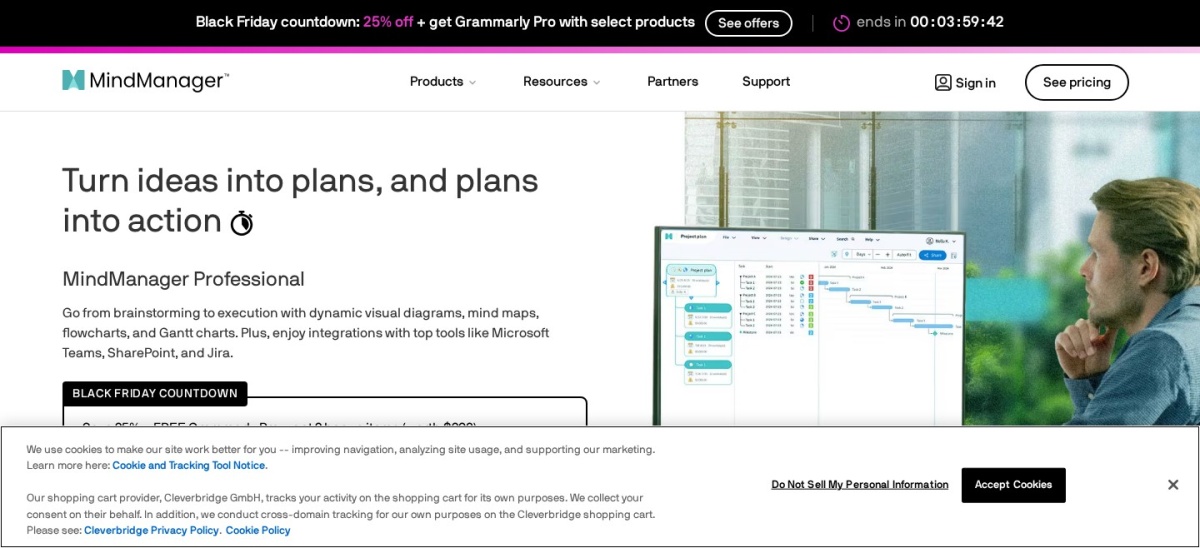
MindManager is the long-running business mind mapping tool, owned by Corel, with deep Microsoft Office integration and project planning features. Essentials costs $99 a year for the web version, with a 30-day trial, and the desktop edition with full Office links costs more.
The trade off is age and price. The interface shows its legacy roots, and $99 a year buys only the web version, so solo users get better value from XMind or MindNode. It suits enterprises with Office dependencies and complex project plans.
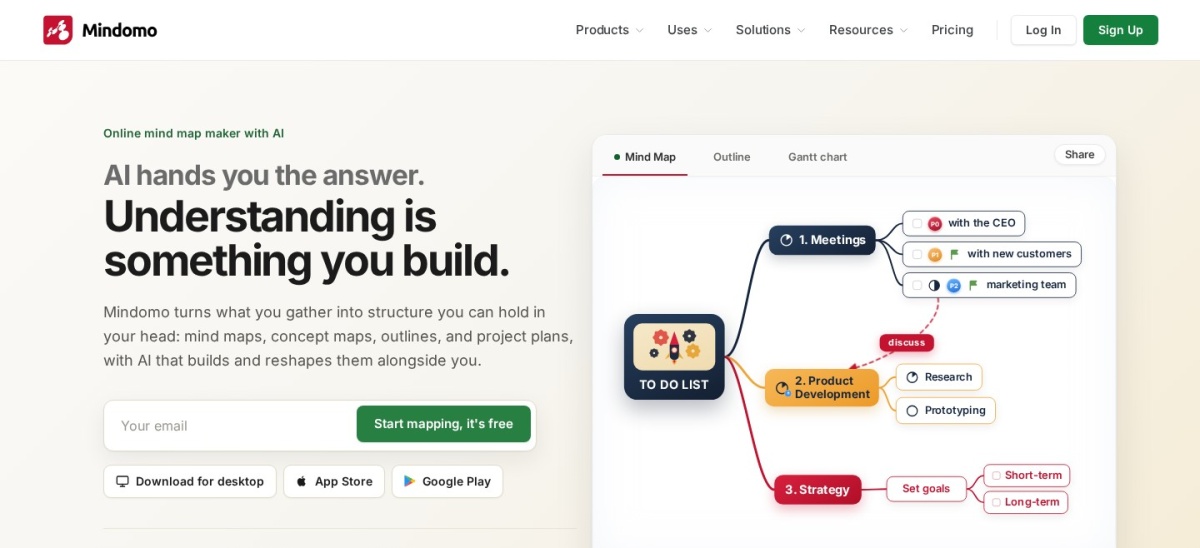
Mindomo is a mapping tool that covers mind maps, concept maps, outlines and Gantt charts in one place, with desktop apps that work offline and LMS integration for schools. The free plan allows 3 diagrams, and Premium costs 6 euros a month billed annually, while Professional at 13.50 euros a month adds Gantt charts.
The trade off is the audience. Mindomo is built for K-12 and higher education first, so business teams get fewer integrations than Miro or Lucidchart. It suits teachers and students who want maps, outlines and Gantt charts in one place.
Free plans are generous enough to test every tool here. XMind gives 10 online maps, Coggle gives unlimited public diagrams, and Miro gives 3 editable boards.
Paid plans mostly remove caps and add exports. XMind Pro removes the watermark and opens all export formats, MindMeister Personal adds unlimited maps and file exports, and Coggle Awesome adds unlimited private diagrams.
If you map every week, the cheapest paid plan that removes your cap is the right one. For most solo users that is MindNode at $24.99 a year or XMind Pro at about $59 a year.
How we chose
We started from the dedicated mind mapping tools and whiteboards with a real mind map mode, then kept the nine with a useful free plan or trial and a verifiable G2 or Capterra rating.
Prices come from each vendor pricing page, checked on 29 November 2026, with XMind, MindMeister and MindNode read on their official pages that day. Ratings and review counts come from G2 or Capterra on the same day.
We left out tools with no verifiable rating and pure whiteboards without a mind map mode. No vendor paid for a place, and we do not claim hands-on testing for this list.
How to choose mind map software
Start with where you map and who maps with you, then check the free plan cap.
Decide solo or team first. Desktop tools suit solo mappers, while browser tools suit live collaboration.
Check the free plan cap. Count your maps: XMind allows 10 free, MindMeister 3, Coggle 3 private, and Miro 3 boards.
Test exports before you pay. Check that your maps export to PDF, image or Markdown on the plan you will buy.
Compare the yearly price, not the monthly one. Annual billing cuts most of these tools by about 20 percent, and MindNode is cheapest by the year.
FAQ
What is the best mind map software in 2026?
XMind is the best mind map software for most people. It has desktop and mobile apps, timelines, fishbone diagrams and AI mapping, with Pro at $4.92 a month billed annually and a 4.5 out of 5 rating on G2.
Is there a free mind map software?
Yes. XMind, MindMeister, Coggle, MindNode, Miro, Whimsical, Lucidchart and Mindomo all have free plans. Coggle is the most generous for public diagrams, with unlimited free public maps.
How much does mind map software cost?
Paid plans run from $24.99 a year for MindNode Plus to $120 a year for Whimsical Pro. XMind Pro costs about $59 a year, Coggle Awesome $60 a year, and Miro Starter $96 a year per member.
Which mind map software is best for teams?
MindMeister is the best pick for teams that map together live in the browser, with real-time co-editing from 6 euros a month. Miro suits workshops that mix mind maps with sticky notes and flowcharts.
Which mind map software is best for Apple users?
MindNode is the best pick for Apple users, with a native app for Mac, iPhone, iPad and Watch. Plus costs $24.99 a year or $2.99 a month, and the free version covers basic maps.
XMind vs MindMeister: which should I pick?
Pick XMind if you want desktop apps, offline work and structured diagrams such as timelines and fishbones. Pick MindMeister if several people need to edit the same map live in the browser.
SaaS SEO and WordPress specialist with about 8 years of experience. Rakib compares WordPress plugins, themes, hosting and software using public pricing, documentation and user reviews. See how we rank.