Adobe Acrobat Pro is the best PDF remediation software for most teams, with a built-in accessibility checker, tagging tools and reading-order repair from twenty dollars a month. Foxit PDF Editor is the cheaper full editor, while PDFix Desktop Pro is the dedicated remediation specialist.
How we make this list: we compare pricing pages, product documentation and public user reviews, then re-check every price before each update. No product paid for a place. Disclosure.
Adobe Acrobat Pro is the best all-round PDF remediation tool, with a built-in checker, tag editor and reading-order repair at $19.99 a month.
Foxit PDF Editor is the best value full editor at $129.99 a year, with the highest G2 rating here at 4.6 from 3,784 reviews.
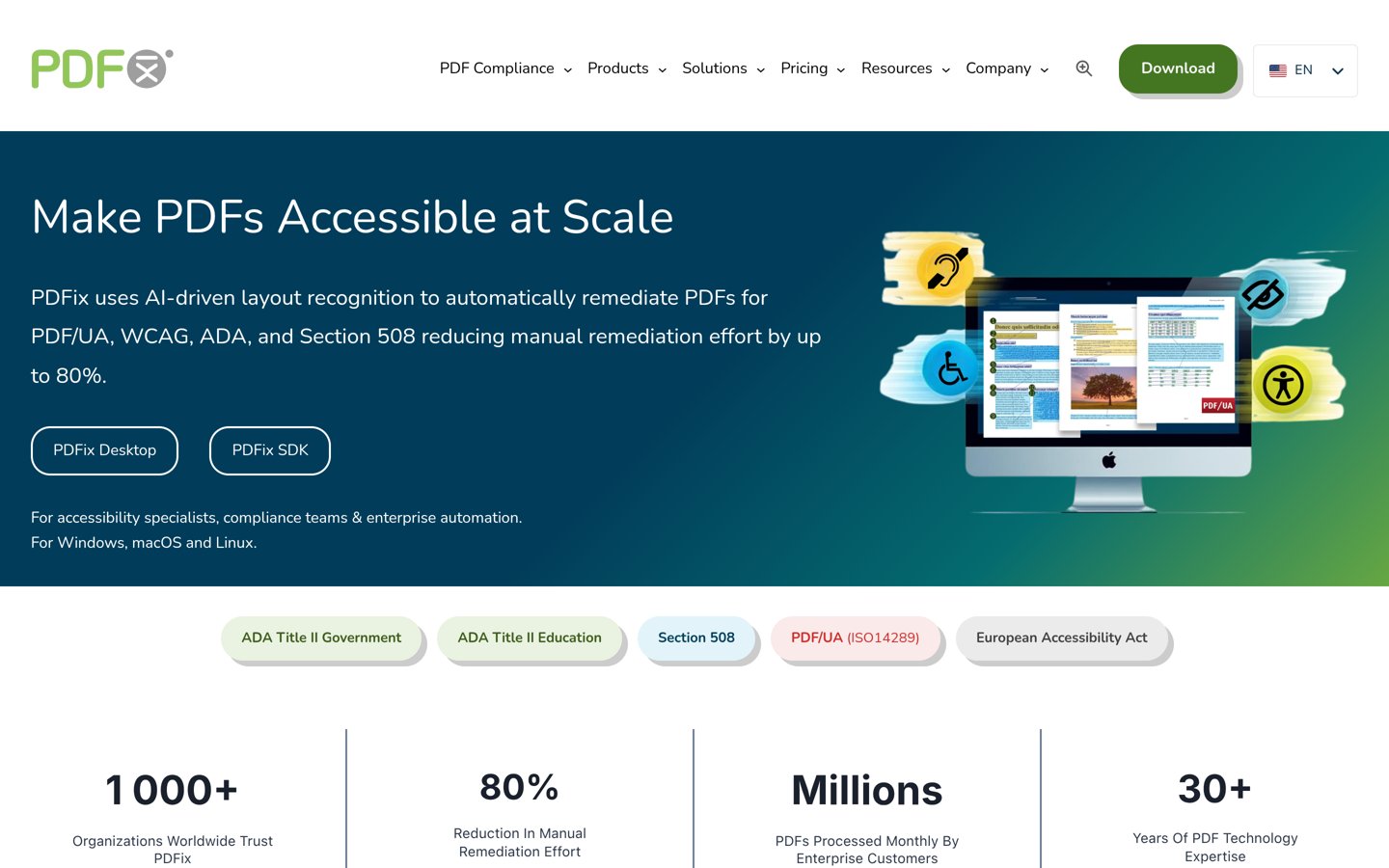
PDFix Desktop Pro is the only dedicated remediation specialist in the list, but its 5.0 G2 rating rests on a single review.
UPDF at $49.99 a year and PDFgear free are the budget routes, though both are general editors with basic accessibility support.
CommonLook and axesPDF are missing here because they publish no price and hold no G2, Capterra or Trustpilot rating.
How do you choose the best PDF remediation software?
Remediation means turning a flat PDF into a tagged, navigable document a screen reader can follow. That takes checks, tag editing and reading-order repair, not just a PDF viewer.
The tools split into three kinds. Acrobat, Foxit, Nitro, UPDF, PDFelement and PDFgear are general editors with accessibility features, while PDFix Desktop Pro is built only for remediation, with auto-tagging and batch processing.
Price runs from free to about twenty dollars a month, but the specialists do not publish prices. CommonLook and axesPDF, the other big names in this field, publish no list price and hold no G2, Capterra or Trustpilot rating, so they are not in this list.
Ratings are strong for the general editors. Foxit leads at 4.6 out of 5 on G2 from 3,784 reviews, while PDFix holds 5.0 from a single review, so treat that score as a hint. Our guide to the best PDF software for small business compares the same editors on general use.
Adobe Acrobat Pro is the baseline tool for most PDF accessibility work. Its accessibility checker flags missing tags, reading-order problems, missing alt text and untitled documents, and it offers automated fixes for some issues, plus a tag tree editor for manual repair.
The trade off is price and effort. At $19.99 a month on an annual plan it is the dearest subscription here, and real remediation still needs training in tagging. It suits teams that need the standard every auditor already knows.
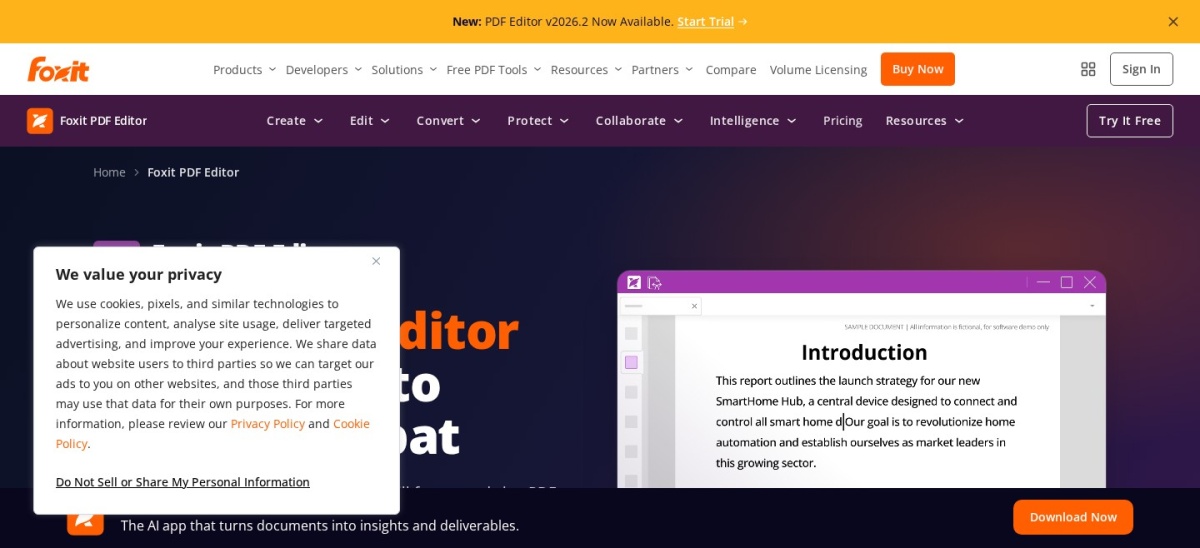
Foxit PDF Editor is a full Acrobat-style editor with an accessibility checker, tag editing, OCR and form tools at a lower annual price. It covers creating, editing, converting and signing PDFs, plus shared review and redaction, and it holds a 4.6 rating on G2 from 3,784 reviews.
The trade off is depth. Its accessibility tools cover the common checks but do not match Acrobat's tag tree control or the specialists' verification reports. It suits teams that want one editor for everyday PDFs and accessibility fixes together.
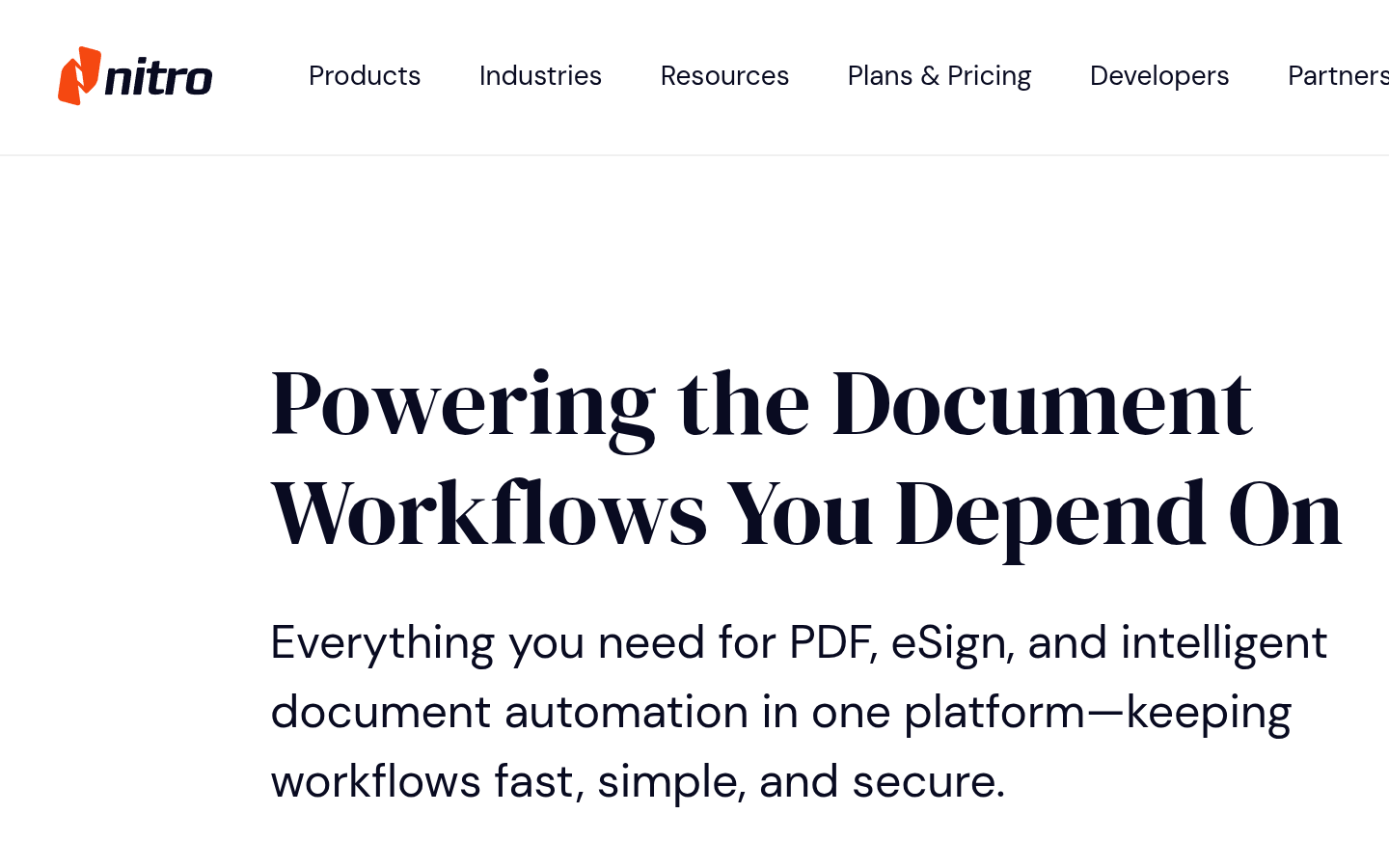
Nitro PDF is a full-featured editor for Windows-first teams, with PDF creation, editing, conversion, eSignatures and admin tools. It covers redaction, document automation and analytics, and it holds a 4.4 rating on G2 from 444 reviews.
The trade off is focus. It is strongest on Windows and Office workflows, and its accessibility checking is a feature of a general editor rather than a dedicated remediation workflow. It suits teams moving off Acrobat who want admin controls included.
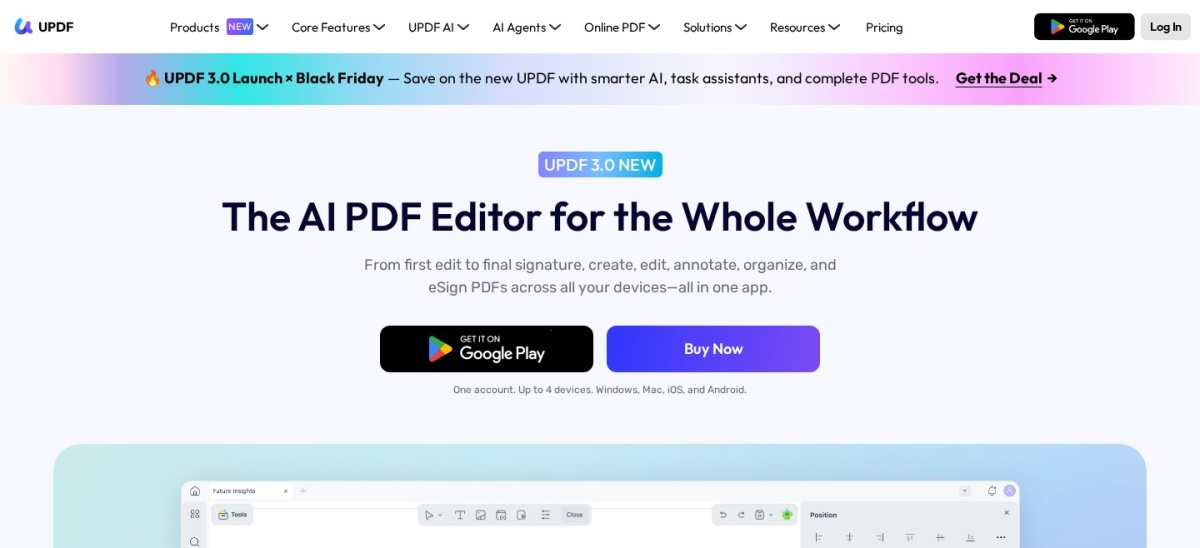
UPDF is a low-cost PDF editor with a free tier, AI tools and the usual editing, annotation, conversion and signing features. Paid plans start at $49.99 a year, or $79.99 as a one-time purchase, and it holds a 4.5 rating on G2 from 510 reviews.
The trade off is remediation depth. Its accessibility support is basic beside Acrobat and the specialists, so it covers quick fixes rather than verified compliance work. It suits small teams and solo users who need a cheap editor first.
PDFelement is a full PDF editor from Wondershare with editing, OCR, form filling, eSignatures and AI tools at about half the price of Acrobat. Pro costs $79.99 a year, and it holds a 4.5 rating on G2 from 1,044 reviews.
The trade off is polish and depth. Its accessibility tools handle the common fixes, but it lacks the verification reporting of the dedicated remediation tools. It suits buyers who want a perpetual licence and a low subscription.
PDFix Desktop Pro is a dedicated remediation tool that pairs automated tagging and standards checks with manual repair tools. It batch-processes documents, keeps data local on the desktop, and verifies the result, which is why specialists reach for it over general editors.
The trade off is the thin review record. G2 shows 5.0 out of 5 from a single review, and published prices conflict between listings, so ask for a quote before budgeting. It suits accessibility specialists with backlogs to clear.
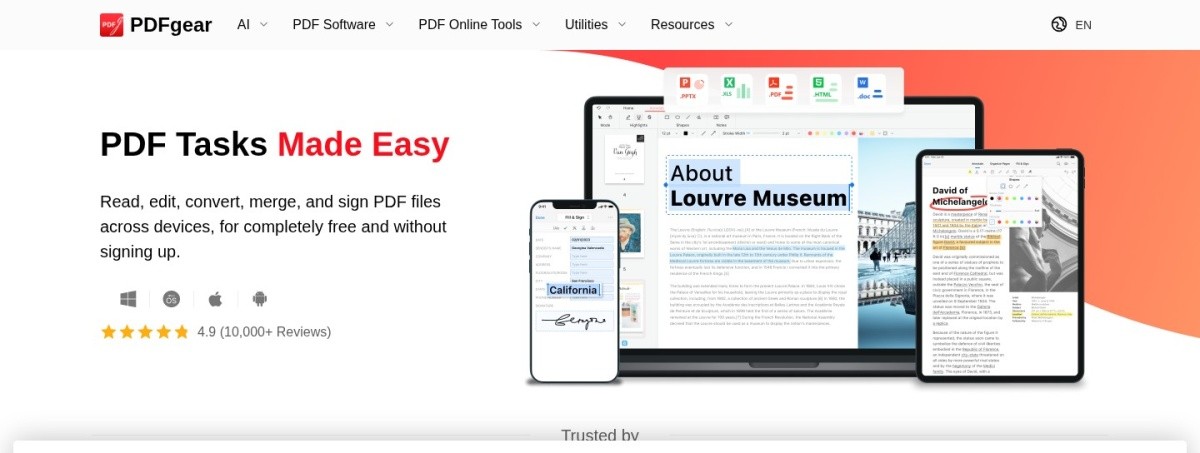
PDFgear is a free PDF editor for Windows, Mac and mobile with editing, conversion, annotation and signing at no cost. It holds a 4.8 rating on G2 from 189 reviews, the highest score in this list, and it needs no subscription at all.
The trade off is remediation scope. It is a general editor, not a dedicated accessibility tool, so it covers basic fixes and leaves standards verification to a checker. It suits anyone who needs a free editor beside a free validator.
Free checkers tell you what is wrong. veraPDF validates PDF/UA compliance and the free PAC checker tests accessibility, but neither repairs the file for you.
Paid tools do the repair. Acrobat and Foxit add tag editing and reading-order tools, while PDFix automates tagging across whole batches.
Start free if you have a few files. Run a free checker first, fix the small issues in Acrobat or PDFgear, and only pay a specialist when the backlog grows.
How we chose
We started from the PDF tools with a public G2 rating and a remediation workflow, then kept the seven that cover checking, tagging and repair between them.
Prices come from each vendor's pricing page as read in November 2026 price checks, cross-checked across independent round-ups. Ratings and review counts come from G2 on 29 November 2026.
We left out CommonLook, axesPDF and Equidox: they publish no list price and hold no verifiable G2, Capterra or Trustpilot rating. No vendor paid for a place, and we do not claim hands-on testing for this list.
How to choose PDF remediation software
Start with how many files you must fix, then match the tool to the standard you must meet.
Count the files you must fix. A handful of files suits Acrobat or a free editor. A backlog of hundreds needs batch automation from a specialist such as PDFix.
Check which standard you must meet. Section 508, WCAG, ADA Title II and PDF/UA each need different proof. Specialists produce verification reports; general editors do not.
Run a free checker first. veraPDF or the free PAC checker shows whether your files need tagging, reading-order repair or alt text before you spend anything.
Budget for training, not just the licence. Tagging is a skill. A cheaper editor plus training usually beats an expensive specialist licence used by someone who has never opened a tag tree.
FAQ
What is the best PDF remediation software in 2026?
Adobe Acrobat Pro is the best PDF remediation software for most teams. Its built-in checker, tag tree editor and reading-order tool cover the full repair workflow, and it holds a 4.5 rating on G2 from 5,788 reviews.
Is there a free PDF remediation tool?
PDFgear is the best free option, with editing, conversion and signing at no cost and a 4.8 G2 rating. It is a general editor, not a dedicated remediation tool, so pair it with a free checker such as veraPDF for verification.
How much does PDF remediation software cost?
Prices run from free for PDFgear to $19.99 a month for Adobe Acrobat Pro on an annual plan. Foxit costs $129.99 a year, Nitro $15 a month, UPDF $49.99 a year, and the specialist PDFix is priced by quote.
Can Adobe Acrobat Pro fix PDF accessibility on its own?
It covers most of the workflow: the checker flags missing tags, reading-order problems and missing alt text, and the tag editor repairs structure. Real remediation still needs training in tagging, and very complex tables may need a specialist tool.
Foxit vs Adobe Acrobat: which is better for remediation?
Acrobat is better for deep remediation, with fuller tag tree control and the workflow auditors expect. Foxit is better value at $129.99 a year against Acrobat at $239.88, and it covers the common checks well enough for most teams.
What is PDFix Desktop Pro?
PDFix Desktop Pro is a dedicated remediation tool with AI-driven auto-tagging, batch processing and built-in verification, and it keeps data local on the desktop. It holds 5.0 out of 5 on G2 from a single review, and its price is available by quote only.
SaaS SEO and WordPress specialist with about 8 years of experience. Rakib compares WordPress plugins, themes, hosting and software using public pricing, documentation and user reviews. See how we rank.