Adobe Acrobat is the best PDF to Word converter for accuracy, keeping tables, fonts and layout intact in most files. iLovePDF suits free occasional use from five dollars a month, while Smallpdf is the best all-round online converter.
How we make this list: we compare pricing pages, product documentation and public user reviews, then re-check every price before each update. No product paid for a place. Disclosure.
Adobe Acrobat Pro costs $19.99 a month and is the most accurate converter here, rated 4.7 out of 5 on Capterra.
iLovePDF costs $5 a month and is the cheapest paid pick, with a free plan for occasional use.
Smallpdf costs $9 a month and converts PDF to Word, Excel and PowerPoint in the browser.
PDFelement costs $79.99 a year and is the best desktop alternative to Acrobat.
Sejda costs $63 a year and is the simplest online converter, with a free plan for three tasks a day.
What makes a good PDF to Word converter
Accuracy is the test that matters. A good converter keeps tables, columns, fonts and images in place, so the Word file needs little cleanup.
Scanned PDFs need OCR. Acrobat, PDFelement, Foxit and Nitro all include OCR, while free online tools often convert scanned pages as images.
Batch conversion saves time for teams. Desktop tools like Acrobat and PDFelement convert many files at once, while online tools usually convert one at a time.
Privacy matters for sensitive files. Desktop converters keep files on your computer, while online tools upload them to a server, so check the privacy policy first.
4.7/5on Capterra (4,264 reviews, checked Nov 2026)
Starts at$19.99/mo
Best PDF to Word converter overall
ConversionPDF to Word, Excel, PPT
OCRYes, scanned PDFs
BatchYes, many files at once
EditingFull PDF editing
adobe.com
Adobe Acrobat Pro homepage, captured Nov 2026.
Adobe Acrobat Pro is the most accurate PDF to Word converter, keeping tables, fonts, columns and layout intact in most files, with OCR for scanned PDFs and batch conversion for many files at once. It costs $19.99 a month and is rated 4.7 out of 5 on Capterra from 4,264 reviews.
The trade off is price. At $19.99 a month it is the most expensive tool here, and it is a full PDF editor rather than a simple converter. It suits teams that convert PDFs daily and need the best accuracy.
iLovePDF is an online PDF tool with a free plan for occasional PDF to Word conversion, plus merge, split, compress and edit tools in the browser. Premium costs $5 a month and adds OCR, batch conversion and larger files, and it is rated 4.6 out of 5 on G2 from 583 reviews.
The trade off is that files upload to a server, so sensitive documents need care, and the free plan limits file size and tasks. It suits anyone who converts PDFs occasionally and wants a free start.
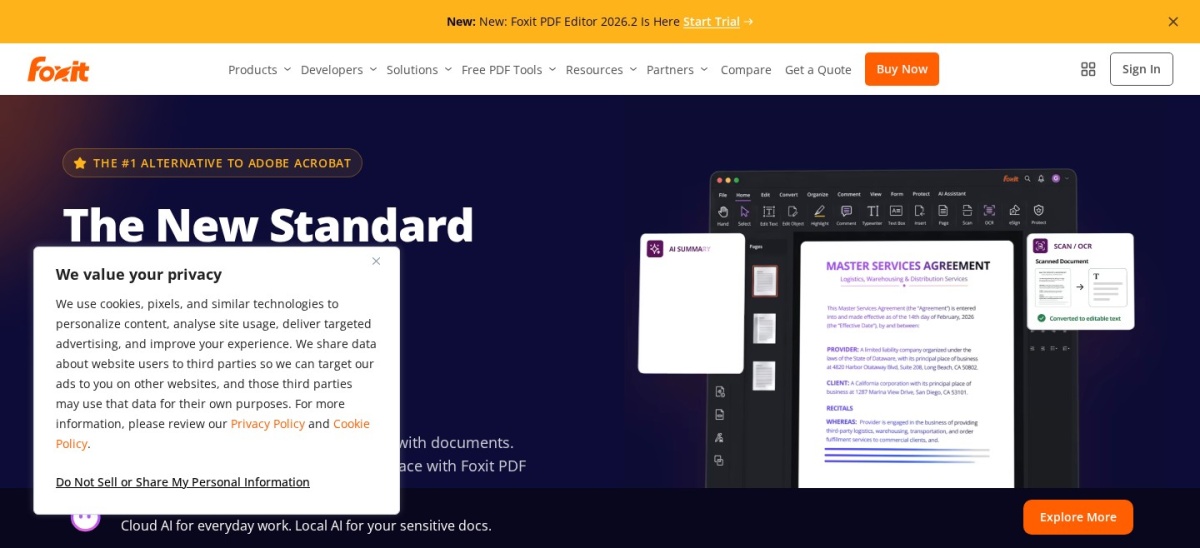
Foxit PDF Editor is a full desktop PDF editor with accurate PDF to Word conversion, OCR for scanned files and batch conversion, at $129.99 a year. It is rated 4.6 out of 5 on G2 from 3,783 reviews, the second-largest review base in this list.
The trade off is cost and complexity. At $129.99 a year it is a full editor, so casual users pay for tools they may not need. It suits teams that want an Acrobat alternative with a yearly license.
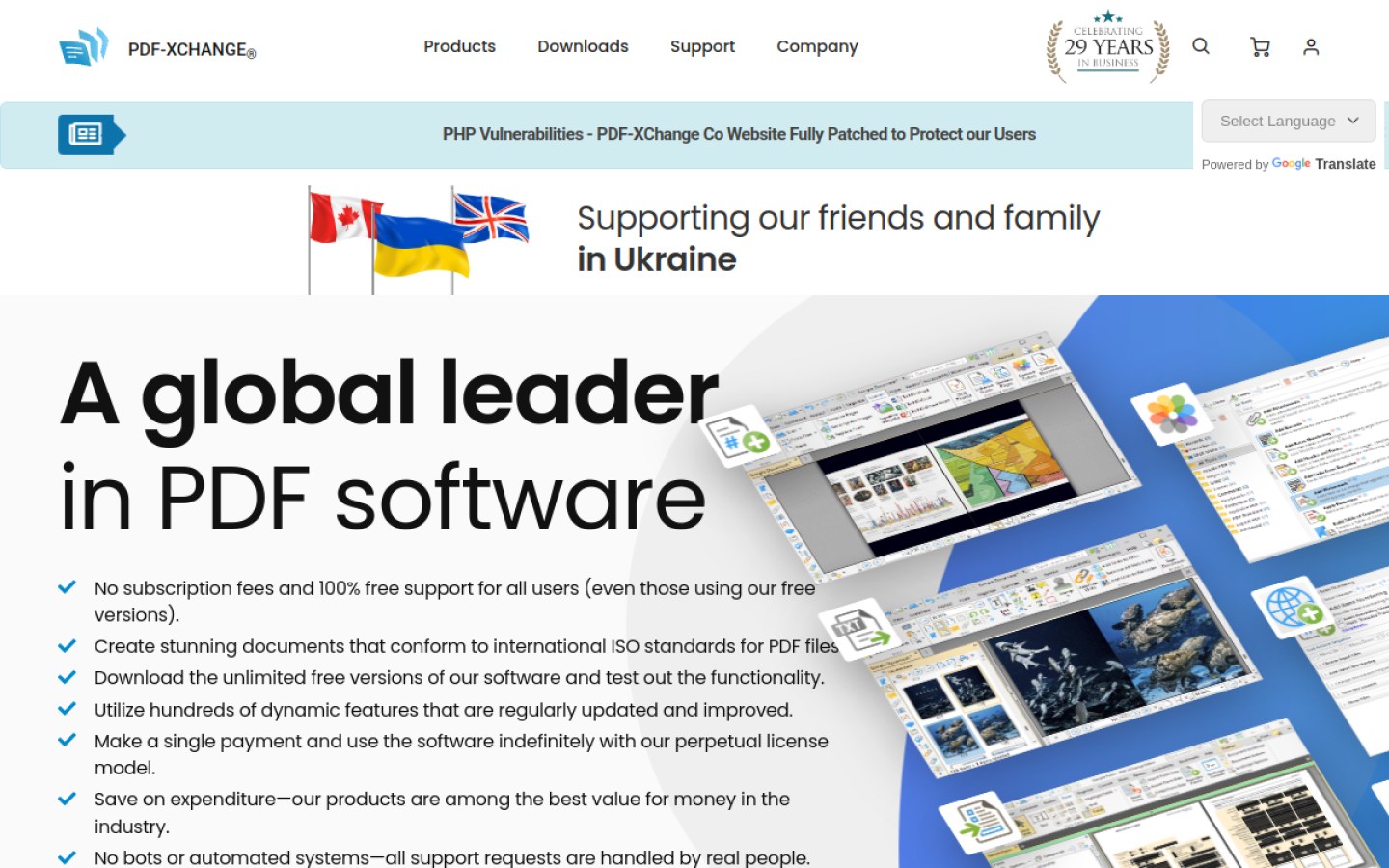
PDF-XChange Editor is a desktop PDF editor with PDF to Word conversion and OCR, sold as a $62 one-time license with no subscription. It is rated 4.6 out of 5 on G2 from 151 reviews, with a free version that watermarks some features.
The trade off is that OCR needs an add-on and the interface looks dated next to Acrobat. It suits Windows users who want a one-time purchase and convert PDFs regularly.
Smallpdf is an online PDF platform with PDF to Word, Excel and PowerPoint conversion in the browser, plus compress, merge, split and e-sign tools. Pro costs $9 a month and adds OCR and batch conversion, and it is rated 4.5 out of 5 on G2 from 306 reviews, with more than 1 billion users.
The trade off is the free plan. It allows only two tasks a day, and files upload to a server. It suits teams that want a simple online converter with many PDF tools in one place.
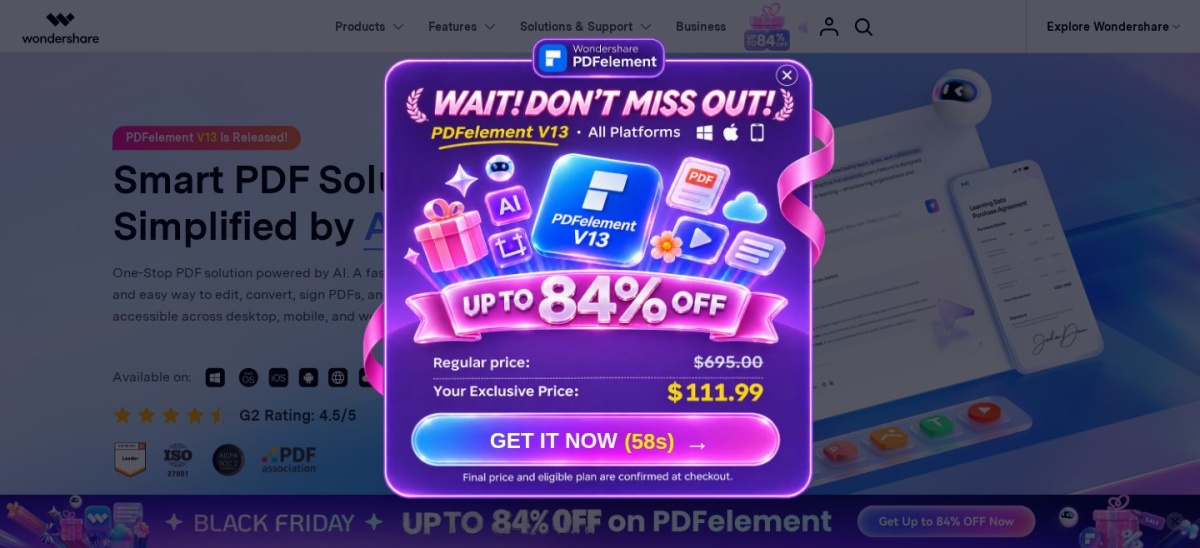
PDFelement is a desktop PDF editor from Wondershare with PDF to Word conversion, OCR for scanned files and batch conversion, at $79.99 a year. It is rated 4.5 out of 5 on G2 from 1,046 reviews and works on Windows, Mac, iOS and Android.
The trade off is that some features need higher tiers, and its conversion is slightly less accurate than Acrobat on complex layouts. It suits teams that want a good desktop converter at a lower yearly price.
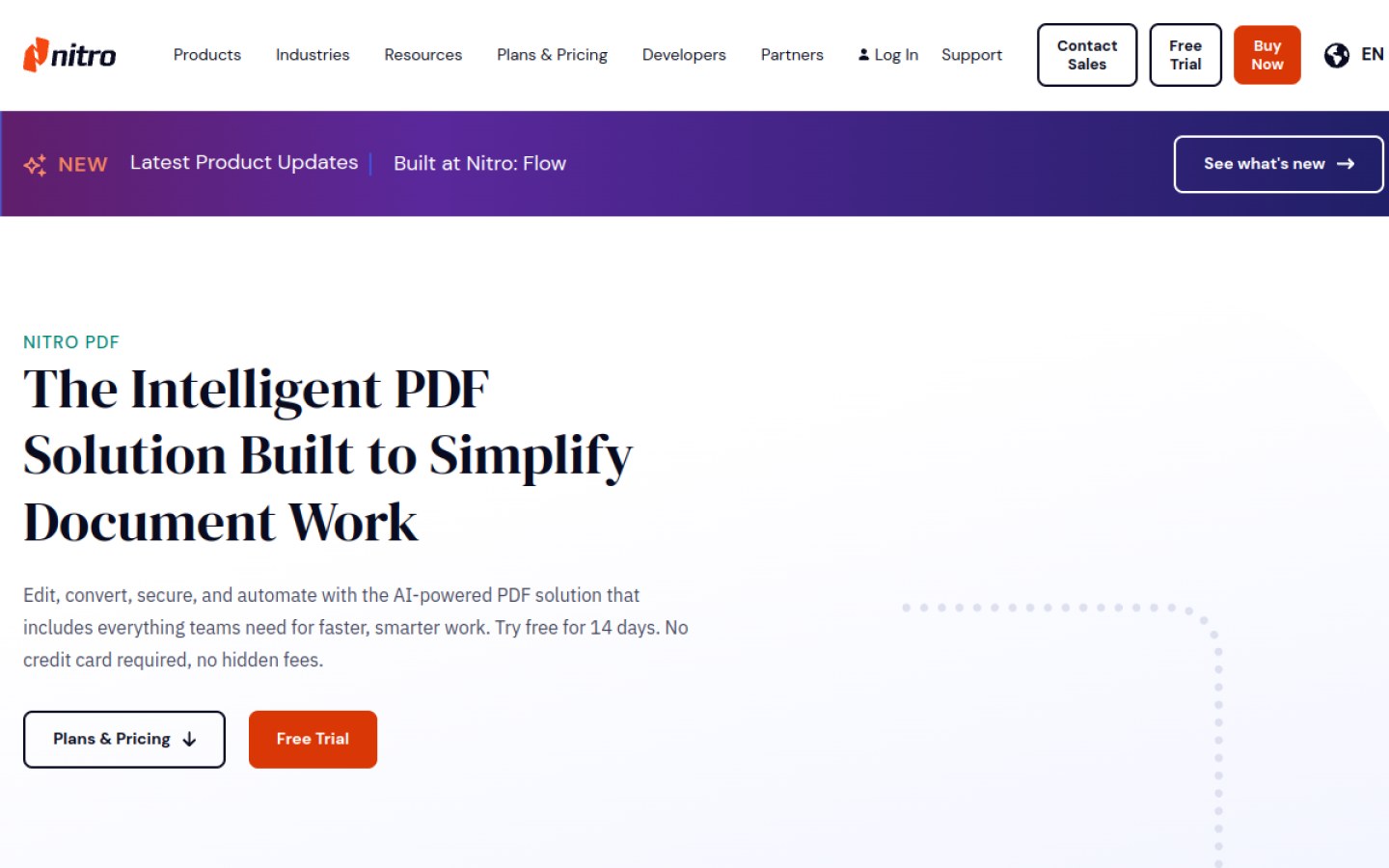
Nitro PDF Pro is a business PDF tool with PDF to Word conversion, OCR, batch conversion and e-signing in one system. It costs $15 a month and is rated 4.4 out of 5 on G2 from 391 reviews, with admin tools for teams.
The trade off is price for individuals. At $15 a month it costs more than iLovePDF or Smallpdf for the same conversion job. It suits business teams that need PDF editing, signing and admin controls together.
Sejda is a simple online PDF tool with PDF to Word conversion, plus merge, split, compress and edit tools in the browser. It costs $63 a year and is rated 4.5 out of 5 on G2 from 42 reviews, with a free plan for three tasks a day.
The trade off is the thin review base and no OCR. Its 4.5 rating rests on only 42 reviews, and scanned PDFs convert as images. It suits anyone who wants the simplest online converter for text-based PDFs.
A scanned PDF is a picture of text, not real text. A basic converter turns it into a Word file with an image, which you cannot edit.
OCR reads the picture and turns it into real text. Acrobat, PDFelement, Foxit and Nitro all include OCR, while Sejda and the free tiers of online tools do not.
Check your files first. If you can select text in the PDF, any converter works. If you cannot, you need OCR.
How we chose
We started from the PDF tools with the largest G2 and Capterra review bases, then kept the eight that convert PDF to Word accurately.
Prices come from each vendor pricing page, checked on 26 November 2026. Adobe Acrobat at $19.99 a month and iLovePDF at $5 a month were confirmed in November 2026 checks. Ratings come from G2 or Capterra on the same day.
We left out free tools with no verifiable rating and converters that only handle images. No vendor paid for a place, and we do not claim hands-on testing for this list.
How to choose a PDF to Word converter
Start with whether your PDFs are scanned or text-based, then match the tool to that job.
Check if your PDFs are scanned. If you cannot select text in the PDF, you need OCR, so pick Acrobat, PDFelement, Foxit or Nitro.
Test with a real file. Convert one of your own PDFs and check tables, fonts and layout before paying.
Decide online or desktop. Desktop tools keep files private, while online tools are faster for occasional use.
Check batch needs. If you convert many files, pick a tool with batch conversion rather than converting one at a time.
FAQ
What is the best PDF to Word converter?
Adobe Acrobat Pro is the best PDF to Word converter for accuracy, keeping tables, fonts and layout intact in most files. It costs $19.99 a month and is rated 4.7 out of 5 on Capterra from 4,264 reviews.
Is there a free PDF to Word converter?
Yes. iLovePDF, Smallpdf and Sejda all offer free plans for occasional conversion, with limits on tasks and file size. iLovePDF Premium at $5 a month is the cheapest paid pick.
Can I convert a scanned PDF to Word?
Yes, but you need OCR. Acrobat, PDFelement, Foxit and Nitro all include OCR for scanned PDFs, while Sejda and free online tools convert scanned pages as images you cannot edit.
Does PDF to Word conversion keep tables and formatting?
The best converters keep most tables, fonts and layout, but complex files still need cleanup. Acrobat is the most accurate here, while online tools may struggle with complex layouts.
Is it safe to convert PDFs online?
Online converters upload your files to a server, so avoid them for sensitive documents. Desktop tools like Acrobat, PDFelement and Foxit keep files on your computer.
Which PDF converter is best for batch conversion?
Adobe Acrobat, Foxit, PDFelement and Nitro all offer batch conversion for many files at once. iLovePDF and Smallpdf add batch conversion on their paid plans.
SaaS SEO and WordPress specialist with about 8 years of experience. Rakib compares WordPress plugins, themes, hosting and software using public pricing, documentation and user reviews. See how we rank.