Draftable is the best document comparison software for legal teams, with accurate Word and PDF comparison from $129 per user a year. Pick Diffchecker for cheap file diffing at $15 a month, and Beyond Compare for a one-time $35 purchase.
How we make this list: we compare pricing pages, product documentation and public user reviews, then re-check every price before each update. No product paid for a place. Disclosure.
Draftable leads for legal teams at $129 per user a year, with a free online comparison tool.
Diffchecker is the cheapest paid option at $15 per user a month.
Beyond Compare and Araxis Merge are one-time purchases at $35 and $129.
Adobe Acrobat Pro and Foxit add comparison to full PDF editing from about $20 a month.
Litera Compare is quote-only and built for large law firms.
What document comparison should do
Document comparison shows what changed between two versions of the same file. A redline for a contract, a diff for a specification and a check for a brief all answer the same question: what moved, and by whom.
Accuracy matters more than features. A tool that misses a changed number in a contract is worse than no tool at all, which is why law firms pay for Draftable and Litera Compare instead of using a free diff.
The field splits three ways: dedicated comparators such as Draftable and Diffchecker, file tools such as Beyond Compare and Araxis Merge, and PDF editors such as Acrobat and Foxit that compare as one feature among many. Our guide on document creation software covers the tools that write the files first.
Check the file formats before you buy. Word comparison is universal, PDF comparison is common, and Excel, PowerPoint and legal redlining vary widely between tools.
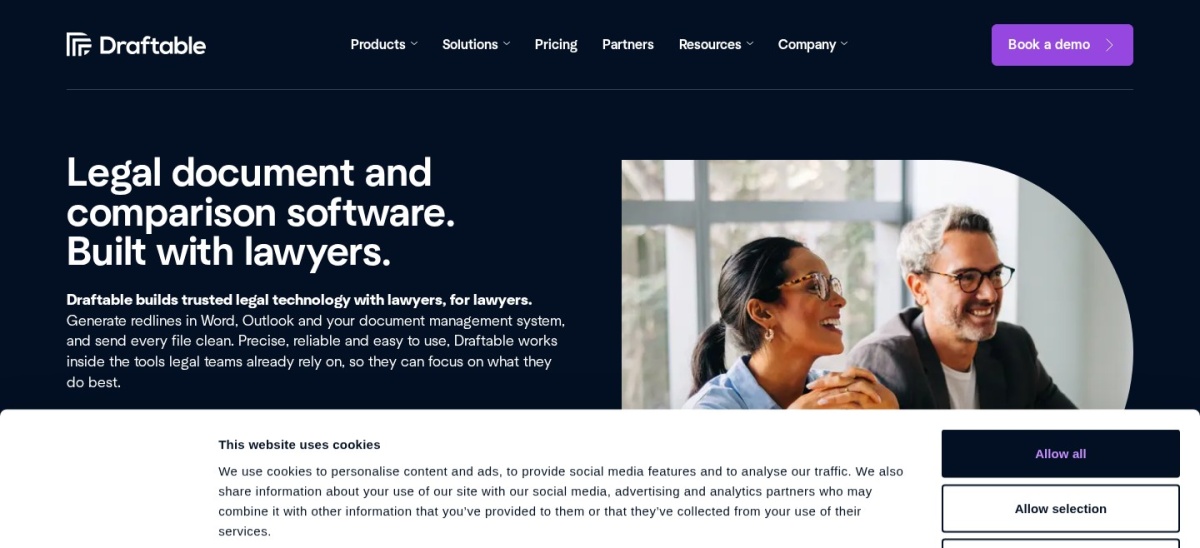
Draftable is a document comparison tool built for legal teams. It compares Word, PDF, Excel and PowerPoint files side by side and produces accurate change reports. The Basic plan costs $129 per user a year, and Draftable Online compares two files free in the browser.
The trade off is a tiny review base: Draftable holds a 4.4 out of 5 G2 rating from only 4 reviews, so the score says little on its own. Legal features cost $261 per user a year. It suits law firms that compare contracts daily and need accuracy they can trust.
Litera Compare is the enterprise document comparison tool for large law firms, formerly known as Workshare Compare. It compares Word documents, PDFs and Excel files with detailed change reports and integrates with document management systems.
The trade off is price: Litera publishes no prices and sells by quote only, so small firms cannot budget for it without a sales call. It suits large firms that need governed, audited comparison across thousands of documents.
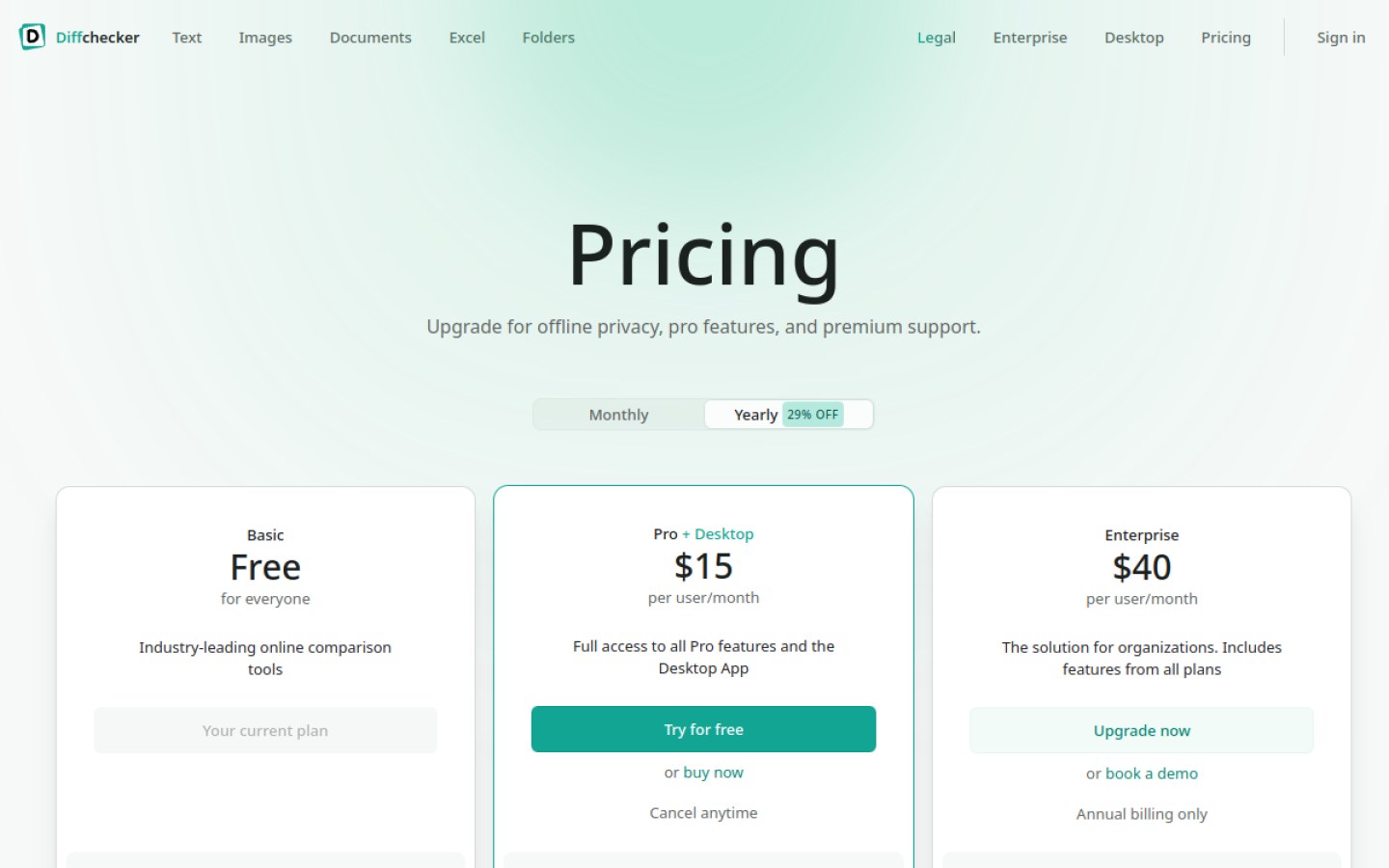
Diffchecker is a fast, simple comparison tool for text, images, PDF, Word and Excel files. The Pro plan costs $15 per user a month, and a free plan covers basic diffing in the browser without an account.
The trade off is depth. Diffchecker is lighter than Draftable on legal redlining and change reporting, and its G2 base is only 20 reviews. It suits developers, editors and small teams that compare files every week.
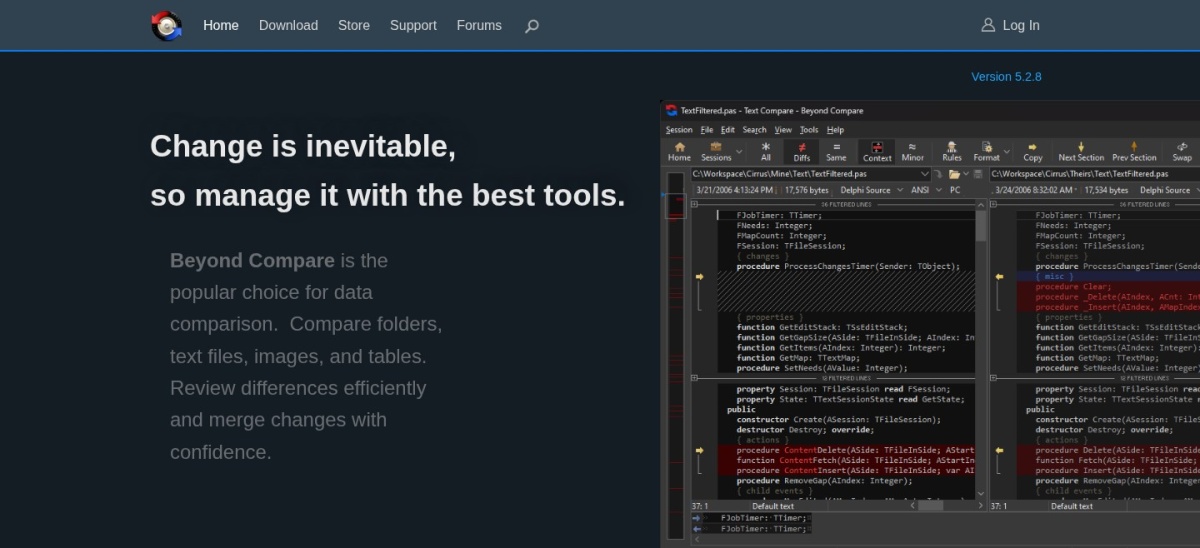
Beyond Compare is a file and folder comparison tool for Windows, Mac and Linux. It compares text, data and folders, synchronises directories and merges files, all for a one-time $35 Standard licence with a 30-day free trial.
The trade off is that it is a desktop tool, not a web app. There is no browser version and no real-time collaboration, so teams share files through other means. It suits developers and IT staff who compare folders and code every day.
4.7/5on Capterra (4,264 reviews, checked Nov 2026)
Starts at$19.99/mo
Best PDF editor with comparison
Cheapest paid planPro, $19.99/mo
Free planNo, 7-day trial
PDF comparisonYes, with change report
PlatformsWindows, Mac, web, mobile
adobe.com
Adobe Acrobat Pro homepage, captured Nov 2026.
Adobe Acrobat Pro is a full PDF editor that also compares two PDF files side by side and lists every change in a report. It costs $19.99 a month billed annually and covers editing, signing, forms and OCR alongside comparison.
The trade off is price for one feature. Acrobat is worth $19.99 a month only if you also edit, sign or fill PDFs regularly. It suits teams that already live in PDF and want comparison inside the editor they use daily.
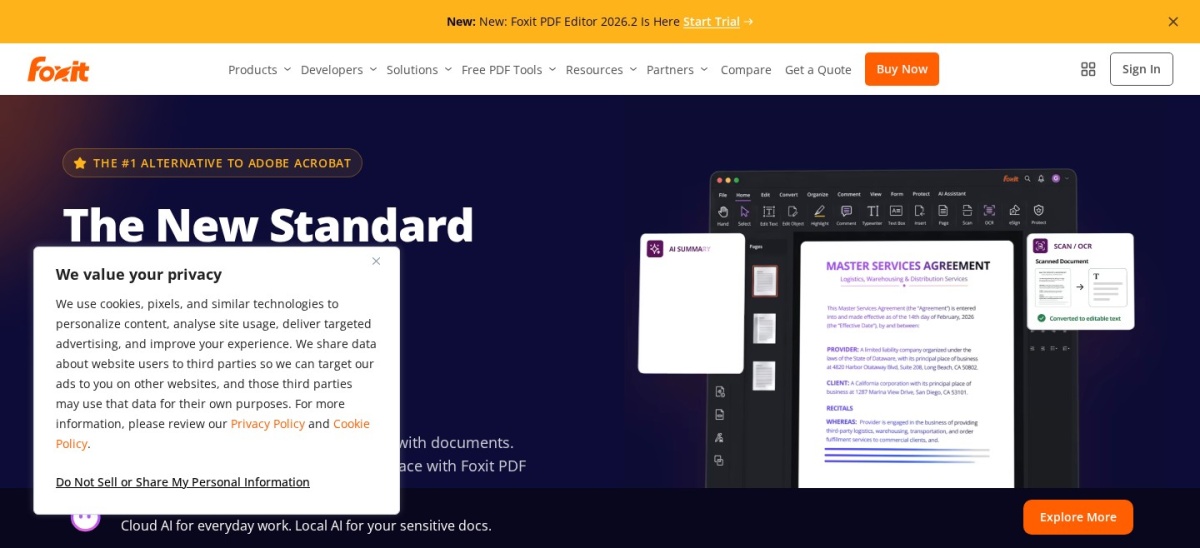
Foxit PDF Editor is a full PDF editor with side-by-side document comparison, editing, signing and form filling. The individual plan costs $129.99 a year, which undercuts Acrobat Pro for teams that want the same core features.
The trade off is that the price rests on secondary sources: Foxit's pricing page returned a 404 when we checked it on 25 November 2026. It suits teams that want Acrobat-style editing and comparison at a lower annual price.
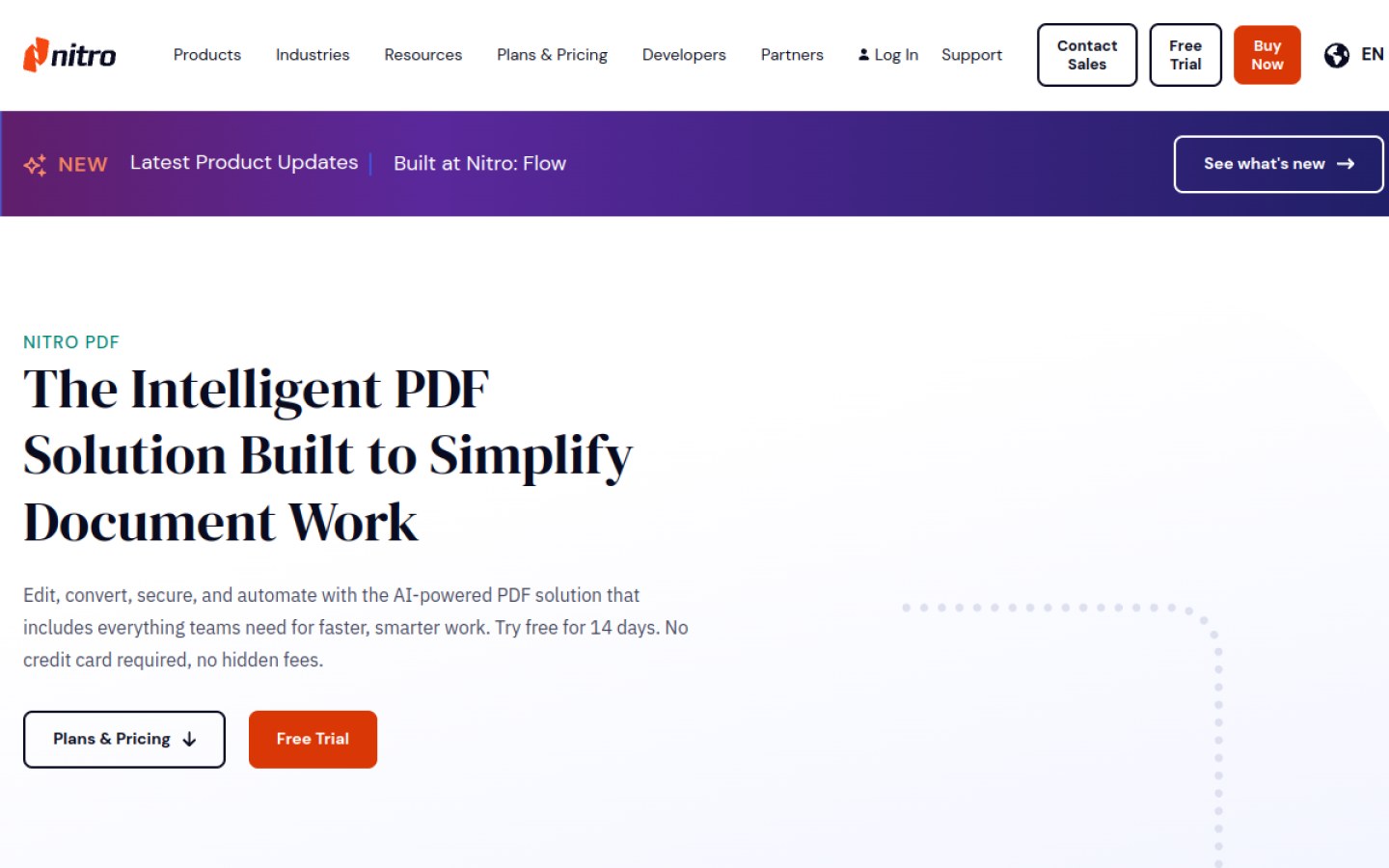
Nitro PDF Pro is a business PDF editor with document comparison, editing, signing and form tools. The Standard plan costs $15 per user a month billed annually, confirmed on Nitro's pricing page, and a Classic perpetual licence costs $270 for three years.
The trade off is platform. Nitro is strongest on Windows, with fewer features on Mac, and the G2 base is smaller than Foxit's. It suits business teams that compare and edit PDFs on Windows every day.
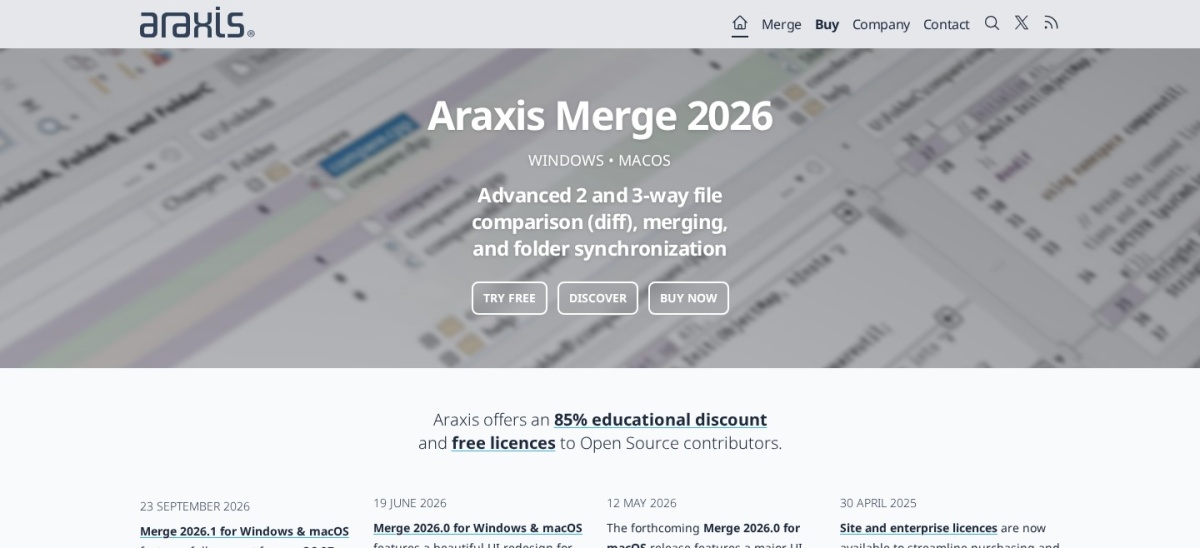
Araxis Merge is a professional file comparison and merging tool for Windows and Mac. It compares text, data and folders with three-way merge, and the Standard licence costs $129 once, with no subscription.
The trade off is a small review base of 28 G2 reviews and a price that suits professionals rather than casual users. It suits developers and technical writers who merge complex files every week.
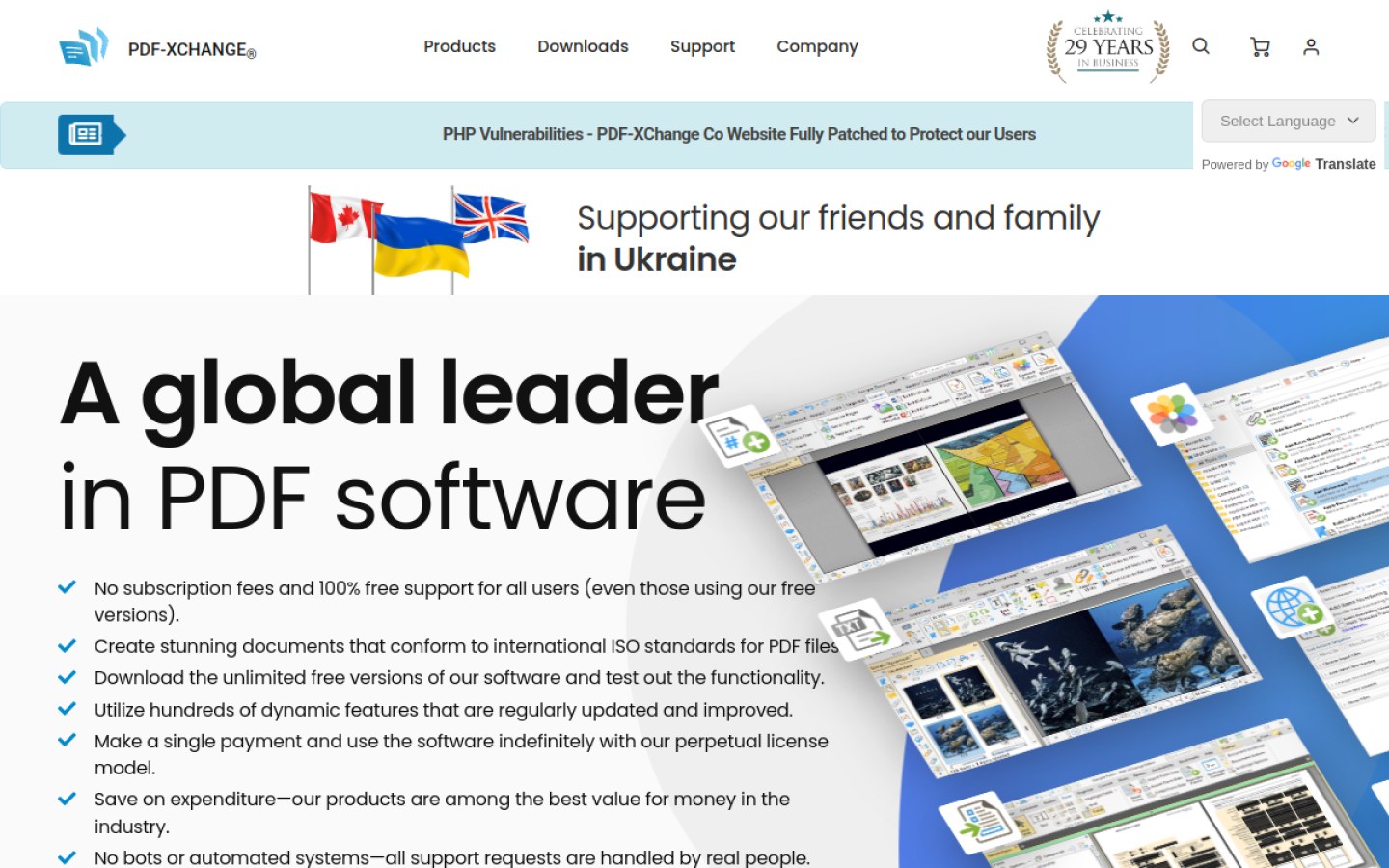
PDF-XChange Editor is a Windows PDF editor with document comparison, annotation and OCR. The full licence costs $62 once, and a free version covers basic viewing and annotation, which makes it the cheapest serious PDF tool here.
The trade off is platform: PDF-XChange runs on Windows only, with no Mac version. It suits Windows users who want PDF comparison and editing for a single payment.
Draftable Online compares two files free in the browser, and WinMerge covers code and text for free, but neither handles tracked legal redlines.
Paid tools add side-by-side Word and PDF comparison, change reports and integration with document management systems.
If you compare documents weekly, $15 a month for Diffchecker is the cheapest serious option. If you compare daily, Draftable's accuracy is worth $129 a year.
How we chose
We started from the established document comparison tools with public ratings on G2, Capterra or Trustpilot, then kept those with a published price or a clear quote process and a real product behind them.
Prices come from each vendor's pricing page, checked on 25 November 2026, and ratings and review counts come from G2, Capterra or Trustpilot on the same day. Where a vendor shows a sale, the list shows the regular price.
We left out tools with no verifiable rating and tools that have been retired. No vendor paid for a place, and we do not claim hands-on testing for this list.
How to choose document comparison software
Start with the file formats you compare, then match the tool to that job.
List your file formats. Word, PDF, Excel and image comparison are different features. A tool that compares Word may not compare PDFs.
Test with a real changed file. Compare two versions of a contract or report and check that every change is found. Missed changes are the real cost.
Check for a free plan first. Draftable Online and Diffchecker's free plan cover occasional comparisons without any payment.
Decide between subscription and one-time. Beyond Compare and Araxis Merge cost once; Draftable and Diffchecker cost monthly. Occasional users save with a one-time licence.
FAQ
What is the best document comparison software?
Draftable is the best document comparison software for legal teams. It compares Word and PDF files accurately from $129 per user a year, and the free online tool handles one-off comparisons without a subscription.
What is the cheapest document comparison tool?
Diffchecker is the cheapest paid option at $15 per user a month, with a free plan for basic file comparison. Beyond Compare costs $35 once, which is cheaper over a few years for occasional use.
Can I compare PDF files online for free?
Yes. Draftable Online compares two Word or PDF files free in the browser, and the free Diffchecker plan covers basic text and file comparison. Free tools do not produce legal redlines or detailed change reports.
Draftable vs Litera Compare: which is better?
Draftable suits small and mid-size law firms at $129 per user a year, with a free online tool. Litera Compare suits large firms that need enterprise deployment, but its price is available only on request.
Does Adobe Acrobat compare documents?
Yes. Adobe Acrobat Pro compares two PDF files side by side and lists every change in a report. It costs $19.99 a month billed annually, which is worth it only if you also need full PDF editing.
Is Beyond Compare a one-time purchase?
Yes. Beyond Compare costs $35 once for the Standard edition, with no subscription. It compares files and folders on Windows, Mac and Linux, and it includes a free 30-day trial.
SaaS SEO and WordPress specialist with about 8 years of experience. Rakib compares WordPress plugins, themes, hosting and software using public pricing, documentation and user reviews. See how we rank.