Best Document Management Software for Law Firms in 2026: 9 Tools Compared
WLWPLegible EditorsLast verified 23 Nov 2026How we rank14 min read
★ Short answer
NetDocuments is the best document management software for law firms: the cloud DMS most large firms run on, with matter workspaces, ethical walls and deep search. Pick iManage Work for the deepest governance at scale, or LexWorkplace at $395 a month if you want a true DMS with published pricing.
How we make this list: we compare pricing pages, product documentation and public user reviews, then re-check every price before each update. No product paid for a place. Disclosure.
NetDocuments is the best document management software for law firms, the cloud DMS most large firms run on, though its 3.9 G2 rating rests on only 38 reviews and pricing is by quote.
LexWorkplace is the only true legal DMS with published pricing: Core is $395 a month for the firm with 3 users included, confirmed on the vendor pricing page on 23 November 2026.
Clio Manage starts at $49 a user a month on the current vendor pricing page; the $39 EasyStart price in October 2026 comparisons is no longer published.
iManage Work is the enterprise standard for governance at scale at 4.4 on G2 from 359 reviews, but pricing is quote-only and implementation takes months.
Smokeball is the highest-rated tool here at 4.7 on G2 from 388 reviews, with document automation from 20,000 precedents, but pricing is quote-based at around $139 a user a month.
What document management for law firms actually does
Law firms do not just store files; they file everything by client and matter, version every change, manage email as documents and search the full text of everything. The wrong system becomes a shared drive with a login page, and a discovery request exposes it fast.
The dedicated systems on this list, NetDocuments, iManage Work and LexWorkplace, are true document management systems: document profiling, version control, email management and full-text search. The practice platforms, Clio, MyCase, Smokeball, Filevine, PracticePanther and CosmoLex, include document modules instead, and firms buy them for the whole practice, not the filing.
Pricing is the hardest part of this category. Only LexWorkplace publishes a price, and the enterprise names price by quote based on firm size and products. The figures in this list come from vendor pricing pages checked on 23 November 2026, or from published comparisons where the vendor does not publish a price.
Security and compliance matter more than price in legal document management: look for encryption, audit trails and ethical wall controls, and check your bar's ethics rules on cloud storage before choosing on features. Every file you store is client confidential material.
The 9 best document management software tools for law firms
01
NetDocuments
3.9/5on G2 (38 reviews, checked Nov 2026)
PricingCustom/yr
Best document management for law firms
Starting priceCustom (quote only)
Customers7,000+ worldwide
Integrations150+
SecurityEthical walls, DLP
netdocuments.com
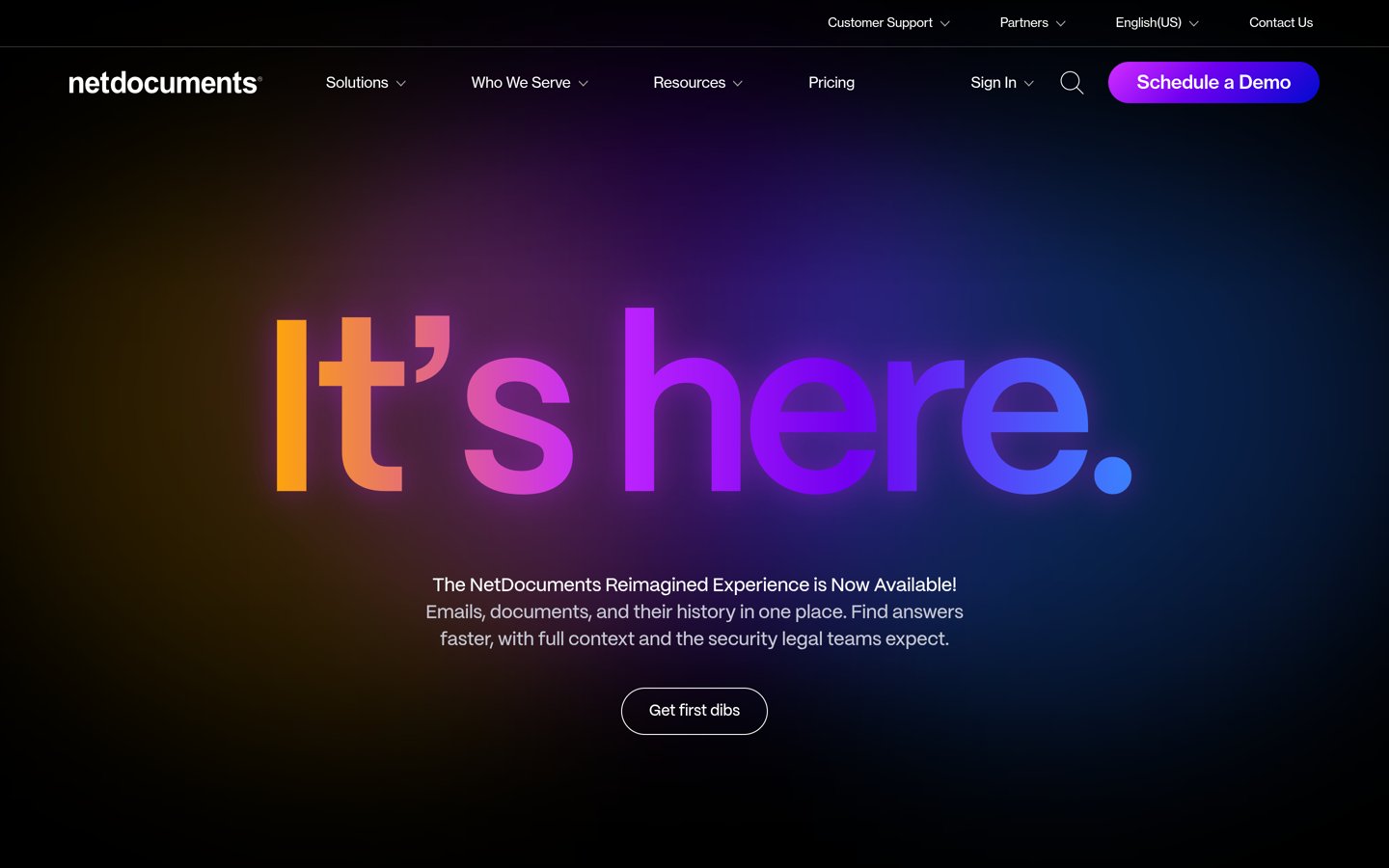
NetDocuments homepage, captured Nov 2026.
NetDocuments is the most widely used cloud document management system in large law firms: documents live in matter workspaces, so everything for a case, emails, pleadings, discovery and correspondence, sits in one place with consistent permissions. Versioning, check-in and check-out, and audit trails are built in.
The trade off is enterprise buying. Pricing is quoted by size through the vendor or resellers, implementation needs planning, and the 3.9 G2 rating rests on only 38 reviews, the smallest sample here. For a mid-size or large firm that needs a serious, scalable DMS, it is the benchmark.
What we like
Matter-centric organisation with versioning and audit trails
iManage Work is the other enterprise standard, used by many of the world's largest firms. It manages documents and emails together, which matters because much of a firm's knowledge lives in inboxes, and its governance features, including ethical walls and need-to-know security, are among the best available.
The trade off is complexity and cost. iManage needs skilled administration, implementation is a project measured in months, and pricing is quote-only and substantial, with no free trial. Smaller firms will find NetDocuments or LexWorkplace easier to adopt, but for demanding governance needs it is top tier.
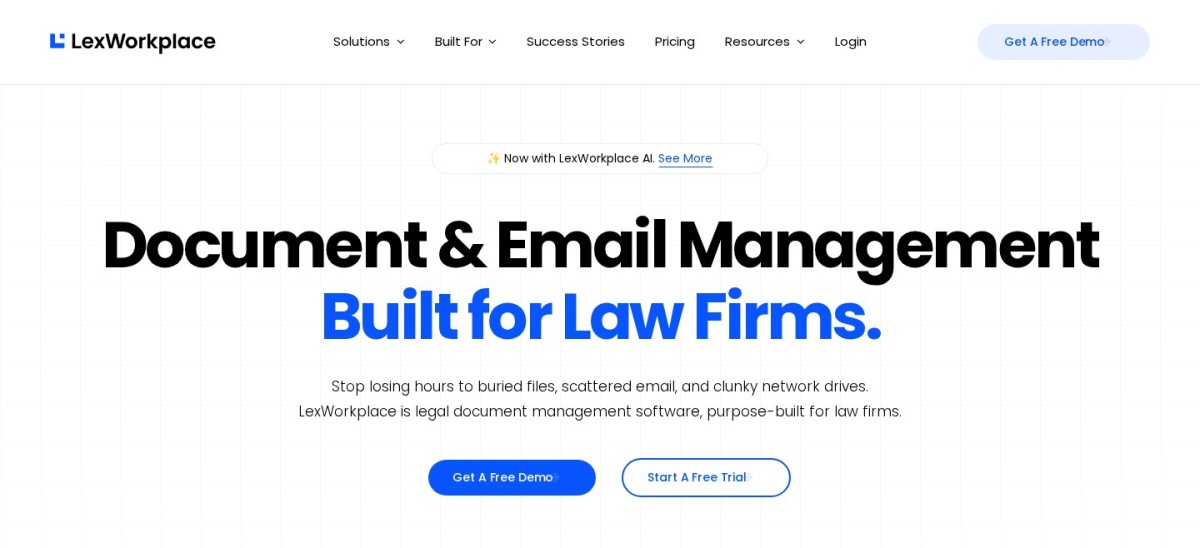
LexWorkplace is the rare legal DMS that tells you the price upfront: from $395 a month for the firm, with document profiling, version control, Outlook email management and full-text search across document content, built cloud-native with full Mac support. AI features are included rather than gated behind a premium tier.
The trade off is scale and ecosystem. The sweet spot tops out around 75 users, the integration marketplace is smaller than iManage's, and the 4.2 Capterra rating rests on only 14 reviews. For firms that iManage and NetDocuments price out, published pricing plus true DMS features is a combination nobody else offers.
Clio Manage is the most widely used practice management platform for law firms, and its document features are a solid part of the package: documents attach to matters and contacts, with versioning, sharing, e-signatures and a client portal, plus deep Office and Google Workspace integrations. The wider platform covers time, billing, calendaring and trust accounting.
The trade off is depth. Document management alone does not match NetDocuments or iManage for governance and scale, and costs rise as you add features and add-ons. The $39 EasyStart price quoted in October 2026 comparisons is gone; the current vendor page starts at $49 a user a month.
What we like
Largest legal practice management ecosystem
Documents plus billing, calendaring and trust accounting
Huge integration library with 300+ apps
Rated 4.6 out of 5 on G2 from 997 reviews
Watch out for
Document features are good but not enterprise-DMS deep
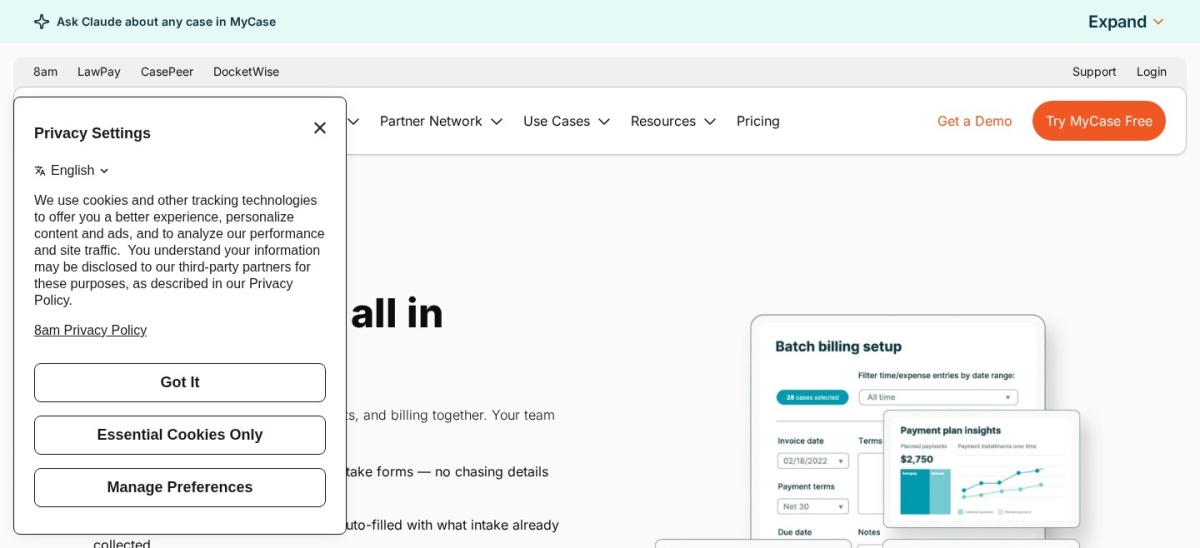
MyCase is the small-firm all-in-one: case management, billing, client communication and document storage in one subscription starting at $50 a user a month, with higher tiers at $100 and $130. Cases, contacts, calendars, billing and documents live together, and a client portal lets clients view documents, pay bills and message the firm securely.
The trade off is depth and tier jumps. Document handling covers the essentials, but a dedicated DMS goes deeper on security, governance and search, and the tier jumps are large, so a firm that needs one Pro feature pays for the whole tier. Within its sweet spot, it is the easiest buying decision in legal software.
What we like
Practice management and documents in one system
Strong client communication and portal
Built-in payments
Rated 4.4 out of 5 on G2 from 390 reviews
Watch out for
Document management is less deep than a dedicated DMS
Smokeball is a practice management platform with strong document features, built for small law firms. Its standout is automatic time and activity tracking: work on a document, email or matter is captured as you go, and document automation with templates and a library of over 20,000 precedents speeds up routine drafting.
The trade off is price and platform. Pricing is quote-based at around $139 a user a month, well above Clio or MyCase, and Smokeball is Windows-first, which excludes Mac-based firms. Firms that live in documents will earn it back in drafting time; firms that do not should buy cheaper.
What we like
Automatic time tracking from document activity
Excellent document automation with 20,000+ precedents
Filevine is the case-centric platform: it organises everything around the case, with documents, tasks, deadlines, messages and notes in one timeline. That design suits personal injury, mass tort and other high-volume practices, where a file's documents, medical records and correspondence need to be visible together and easy to find.
The trade off is setup and price opacity. Customisation is deep, so firms build their own workflows, templates and reports, and pricing is quoted rather than published, so budget conversations happen after a demo. For firms that want documents embedded in a case workflow, it is one of the best options.
PracticePanther is the simple, transparent all-in-one: published tiers run $49, $69, $89 and $114 a user a month, with matters, documents, billing and a client portal in one clean interface. Documents attach to matters with sharing and e-signatures, and workflow automation handles the repetitive administrative work that eats small-firm hours.
The trade off is depth and tier mechanics. Document management is a module, not a DMS, tier upgrades apply across every seat, and the deeper financial workflows need the top tier. For a firm moving from shared drives and spreadsheets, it brings order without a steep learning curve.
CosmoLex is the system that combines practice management, document management and legal accounting in one place, which is unusual and valuable: billing, trust accounting and business accounting sit alongside matter documents, so financial and case data stay together. Documents attach to matters with versioning and sharing, and the system integrates with Office and common tools.
The trade off is polish and price transparency. The interface feels dated next to MyCase or Clio, document management is less advanced than a dedicated DMS, and the vendor pricing page publishes no prices, so expect a custom quote. For a small firm that values integrated accounting, the combination is unmatched.
What we like
Built-in legal accounting with documents
Trust accounting included
Matter-centric organisation
Rated 4.2 out of 5 on G2 from 331 reviews
Watch out for
Interface feels dated
Document features less advanced than a dedicated DMS
If documents are the job, buy a true DMS. NetDocuments, iManage Work and LexWorkplace profile every document by matter and client, version every change, manage email as documents and search full text, which is what discovery and client security questionnaires demand.
If documents are one part of running the firm, buy the platform. Clio, MyCase, Smokeball, Filevine, PracticePanther and CosmoLex attach documents to matters alongside billing, calendaring and client communication, so one subscription covers the practice.
Many firms end up with both: a platform for the work and a DMS for the archive. That is fine, as long as one system owns the matter record and the other does not become a second source of truth.
How we chose
We compared document management tools law firms actually use, from enterprise DMS platforms to practice management tools with document modules, and kept only tools with a verifiable rating on G2 or Capterra. Every tool here has a published price, a reported starting price or a vendor-confirmed custom quote.
Prices come from each vendor's pricing page, checked on 23 November 2026, or from published comparisons where the vendor page does not publish a price. Ratings come from G2 or Capterra on the same day. Where a vendor shows a sale, the list shows the regular price.
We left out tools with no verifiable rating, including Worldox, OpenText eDOCS, HighQ and SuiteFiles, and general tools that firms rarely use for legal documents. No vendor paid for a place, and we do not claim hands-on testing for this list.
How to choose document management software for law firms
Start with whether you need a true DMS or a practice platform, then check the matter structure.
Decide whether you need a true DMS or a practice platform. If discovery, version control and email management are the job, buy NetDocuments, iManage or LexWorkplace. If documents ride along with billing and calendaring, buy Clio, MyCase or PracticePanther.
Check the matter structure before anything else. Documents must file by client and matter, version every change and search full text. A tool without matter-centric filing costs hours on every discovery request.
Price the tier with your minimums and add-ons. LexWorkplace includes 3 users at $395 a month, Clio starts at $49 a user, and Smokeball runs around $139. Price the tier your firm actually qualifies for, not the headline.
Test the migration with your own folders. Move a real matter, with its emails and versions, during the trial. A painful migration can wipe out the productivity gain, and it only shows up with real files.
FAQ
What is the best document management software for law firms?
NetDocuments is the best document management software for law firms because it is the cloud DMS most large firms run on, with matter workspaces, ethical walls and deep search. iManage Work is the better pick for the deepest governance at scale, and LexWorkplace for published pricing.
How much does document management software for law firms cost?
LexWorkplace is the only true DMS with published pricing at $395 a month for the firm. Clio starts at $49 a user a month, PracticePanther at $49, MyCase at $50, Smokeball around $139, and NetDocuments, iManage and Filevine price by quote.
What is the difference between a DMS and practice management software?
A true DMS profiles every document by matter and client, versions every change, manages email as documents and searches full text. Practice management software such as Clio or MyCase stores documents as a module alongside billing and calendaring, without that depth.
Do law firms need a document management system?
Firms that handle discovery, volume litigation or client security questionnaires do. A DMS keeps every version, files email with the matter and proves who touched what, which a shared drive cannot. Small firms often manage with a practice platform instead.
Is there free document management software for law firms?
No tool on this list offers a free plan. LexWorkplace offers a 7-day trial, Clio a 7-day trial, and MyCase, Smokeball, Filevine, PracticePanther and CosmoLex offer free trials. Budget for at least $49 a user a month for a small firm.
Which document management software integrates with Outlook?
NetDocuments, iManage Work and LexWorkplace all manage email alongside documents with Outlook integration, filing messages into matter workspaces. Clio and MyCase integrate with Office and Google Workspace but do not file email as documents.