Adobe Acrobat is the best PDF editor app for most people, with the deepest editing, OCR and e-signing tools in one place. Pick Foxit for a lower yearly price, PDFelement for the cheapest full desktop editor, and Sejda for a low-cost browser and desktop mix.
How we make this list: we compare pricing pages, product documentation and public user reviews, then re-check every price before each update. No product paid for a place. Disclosure.
Adobe Acrobat is the most complete editor here, with OCR, redaction, comparison and e-signing from $19.99 a month on an annual plan.
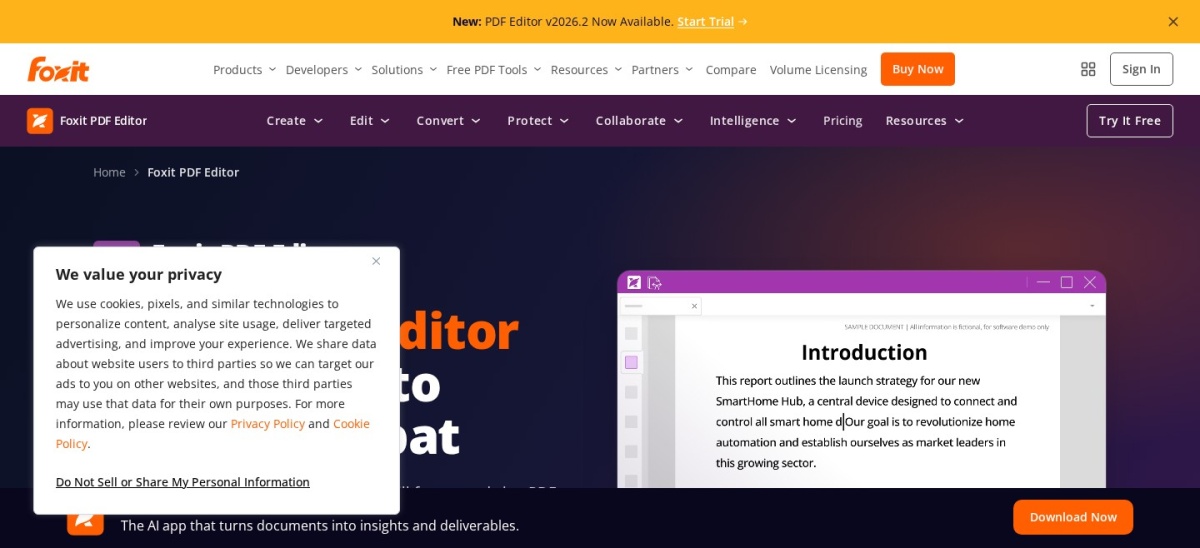
Foxit matches most of Acrobat at $129.99 a year, with a perpetual licence at $209.99 for buyers who dislike subscriptions.
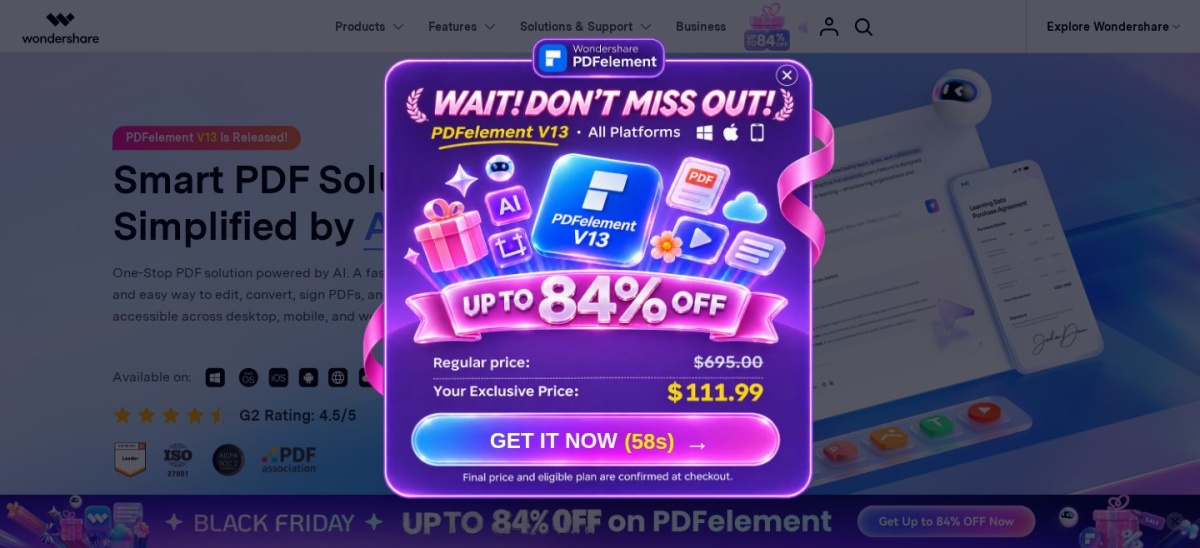
PDFelement is the cheapest full desktop editor at $79.99 a year, and its one-time licence costs $129.99.
UPDF and Sejda are the budget picks: UPDF at $49.99 a year and Sejda at $63 a year, both with free plans.
PDF-XChange Editor is the only Windows-only pick and the only one with a $62 one-time licence.
What to check before you pay for a PDF editor
Most PDF editors cover the same basics: edit text and images, merge and split pages, fill forms and sign. The differences show up in OCR quality, redaction, batch work and how files are handled.
Desktop editors keep files on your machine, which matters for contracts and medical forms. Browser tools upload files to a server, so check the privacy policy before you send anything sensitive. Our guide to the best PDF software for small business compares the same tools for office use.
Subscriptions look cheap per month and add up over years. A one-time licence from PDF-XChange or Foxit can cost less than two years of a subscription, so compare the three-year total before you buy.
Free plans are real but limited. Most cap daily tasks, watermark output or hide OCR and editing behind the paid plan, so try the free version on a real file first.
Adobe Acrobat is the reference PDF editor, from the company that created the PDF format. Pro covers text and image editing, page tools, conversion to Office formats, OCR for scans, redaction, file comparison and e-signing, on desktop, web and mobile.
The trade off is price. Pro costs $19.99 a month on an annual plan, or $239.88 for the year, which is more than Foxit, Nitro or PDFelement charge for similar editing. It suits people who edit PDFs daily and need the format to open cleanly everywhere.
Foxit PDF Editor is the closest Acrobat alternative in this list, with text and image editing, conversion, OCR, batch work, redaction and shared review. It holds a 4.6 out of 5 rating on G2 from more than 3,700 reviews, the highest score among the full desktop editors here.
The trade off is that e-signing requests and mobile apps need Editor+ at $159.99 a year, and the base plan includes only a small AI credit allowance. It suits teams that want Acrobat-style editing with admin controls at a lower yearly price.
PDFelement is a desktop PDF editor from Wondershare that covers text and image editing, conversion to Office formats, OCR, form building, redaction and e-signing. One licence covers desktop, mobile and web, and the yearly plan is the cheapest full editor subscription in this list.
The trade off is the pricing page. The yearly plan lists at $129 and is usually shown on sale at $79.99, and the AI assistant costs extra. It suits buyers who want a full desktop editor for the lowest yearly subscription price.
What we like
Lowest yearly price for a full desktop editor
OCR in 29 languages on Windows
One licence covers desktop, mobile and web
Watch out for
List price and sale price differ, so check the renewal terms
Nitro PDF is a desktop PDF editor built around a Microsoft Office ribbon interface, with editing, conversion, batch OCR, redaction and document automation. Standard costs $15 per user a month billed annually and includes an admin portal that tracks conversions and signatures.
The trade off is that e-signing is a separate Nitro Sign subscription, and the desktop app is Windows-first. It suits Windows-heavy teams that want an Office-style editor with admin tools.
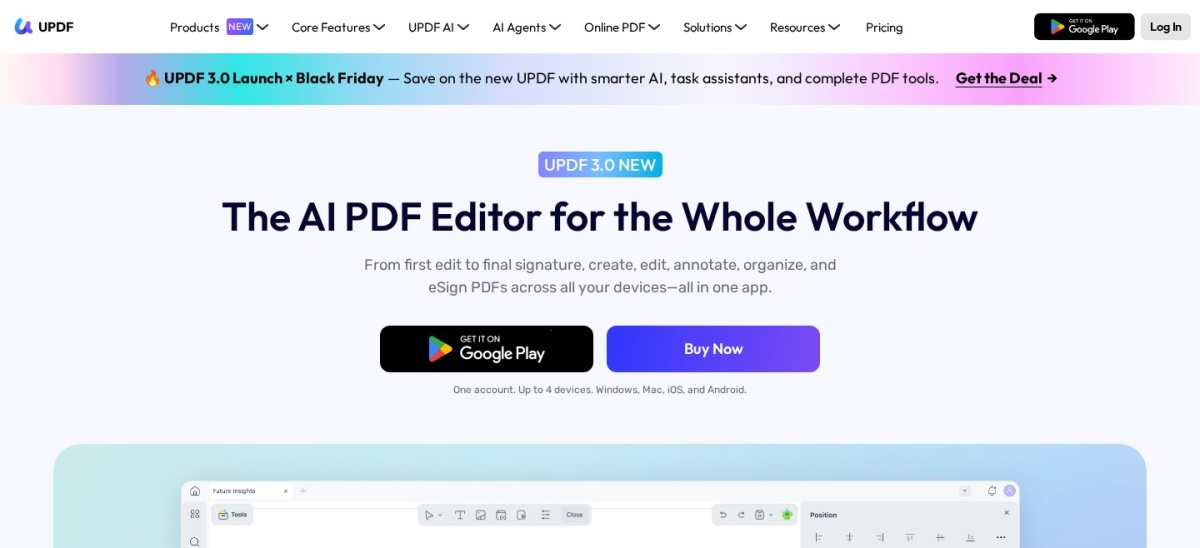
UPDF is a cross-platform PDF editor from Superace that covers editing, annotation, conversion, OCR, forms and e-signing. One Pro licence covers four devices across Windows, Mac, iPhone and Android, and the yearly plan costs $49.99, the lowest subscription price in this list.
The trade off is that the AI assistant is a separate subscription, and the free plan watermarks saved files. It suits people who edit PDFs on several devices and want the lowest yearly price.
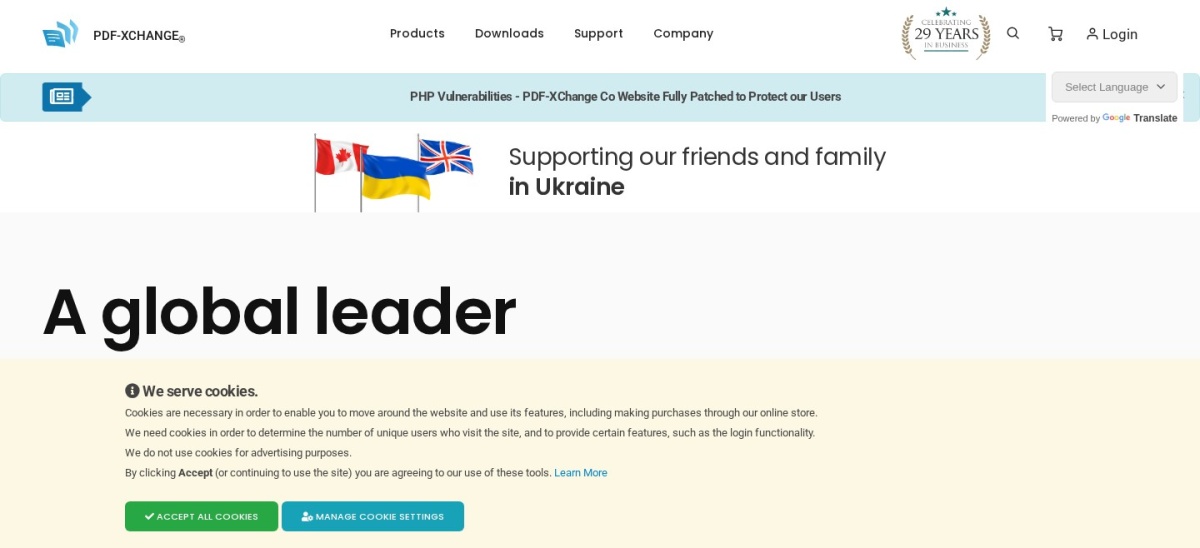
PDF-XChange Editor is a deep Windows PDF editor with a free version that covers about 70% of its features. The paid licence costs $62 once and includes a year of updates, which makes it the cheapest way to own a full editor in this list.
The trade off is that it runs on Windows only, with no Mac, web or mobile app, and the interface is busier than Acrobat or Foxit. It suits Windows power users who want to buy once and skip subscriptions.
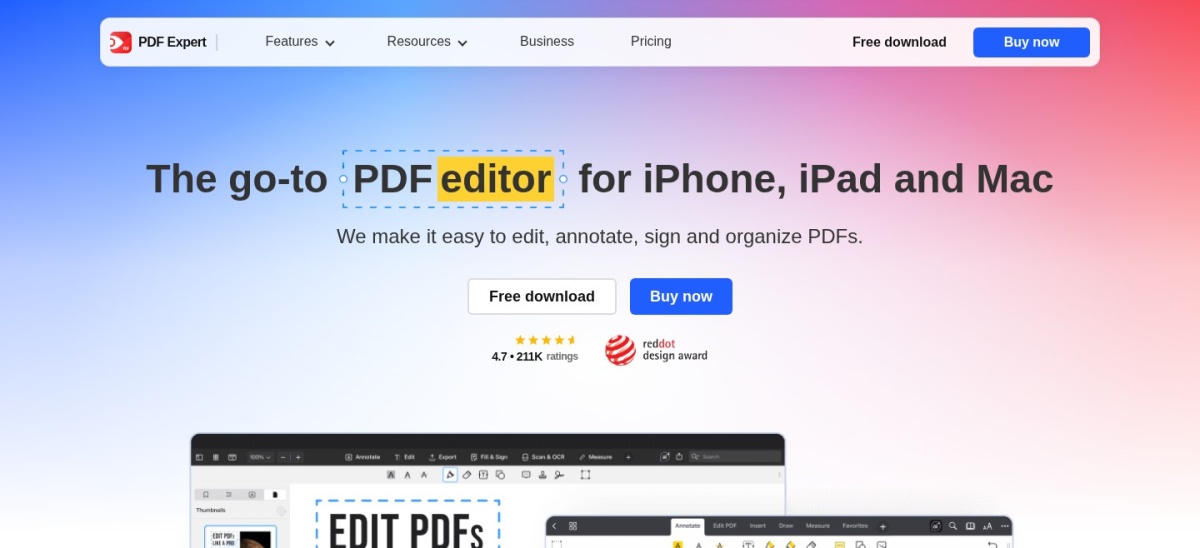
PDF Expert is a fast PDF editor from Readdle built for Mac, iPhone and iPad, with text and image editing, annotation, page tools, form filling and signing. It holds a 4.7 out of 5 rating on G2, the highest in this list, though from only 33 reviews.
The trade off is platform range. The yearly plan covers Apple devices, the lifetime licence is Mac only, and Windows users get a limited version. It suits people who read and edit PDFs mainly on a Mac or iPad.
Smallpdf is a browser-first PDF toolkit with more than 30 tools for compressing, converting, merging, editing, protecting and summarising PDFs. The free plan covers two tasks a day, and Pro removes the limits and adds OCR, text editing and a desktop app.
The trade off is that files are processed on Smallpdf servers, so it is a poor fit for confidential documents, and Pro costs $108 a year. It suits people who want quick browser tools without installing a desktop editor.
Sejda is a browser PDF editor with a desktop app that processes files locally, so a contract or medical form never leaves your machine. The free plan allows three tasks a day, and the annual plan costs $63 a year for unlimited desktop and web use.
The trade off is polish. The interface is plain next to Smallpdf, and the free plan caps files at 50 MB and 200 pages. It suits occasional users who want local processing at the lowest annual price in this list.
Free plans cover simple jobs well. Most let you edit text, merge pages, compress files and sign a document without paying.
Paid plans mostly add OCR, redaction, batch work and e-signing requests. Those are the tools that turn a PDF app into a daily work tool.
If you edit PDFs once a month, a free plan plus a week pass can cost less than a yearly subscription. Sejda sells a $7.95 week pass for exactly that job.
For daily editing, a subscription or a one-time licence pays for itself in saved time. Pick the cheapest plan that includes OCR if you work with scans.
How we chose
We started from the PDF editors people actually buy, then kept the nine with a verified rating on G2 or Capterra and a published price. Every tool here edits real PDF text, not just annotations.
Prices come from each vendor's pricing page, checked on 25 November 2026, using the regular price rather than a sale price. Ratings and review counts come from G2 or Capterra on the same day.
We left out editors with no verified rating and tools that only convert files without editing them. No vendor paid for a place, and we do not claim hands-on testing for this list.
How to choose a PDF editor app
Start with where your files live and how often you edit them, then match the tool to that job.
Decide desktop or browser. Desktop editors keep files local and suit confidential work. Browser tools are faster for quick jobs but upload your files.
Check OCR and redaction. If you scan paper or hide sensitive text, confirm both are in the plan you would buy, not only in the top tier.
Compare the three-year cost. A $62 one-time licence beats a $108 yearly subscription after one year. Add renewal prices before you commit.
Try the free plan on a real file. Open a scanned form, edit a paragraph and export it. Watermarks and missing tools show up fast.
FAQ
What is the best PDF editor app?
Adobe Acrobat is the best overall PDF editor app for most people. Pro covers editing, OCR, redaction, comparison and e-signing in one place, and it holds a 4.5 out of 5 rating on G2 from more than 5,700 reviews.
What is the cheapest good PDF editor?
UPDF is the cheapest subscription at $49.99 a year, and PDF-XChange Editor is the cheapest to own at $62 once. Both cover editing, OCR and forms, though UPDF covers four devices and PDF-XChange runs on Windows only.
Is there a free PDF editor that edits text?
Yes. Sejda, Smallpdf, UPDF, PDF-XChange Editor and PDF Expert all offer free plans that edit text. Free plans cap daily tasks, watermark output or hide OCR, so check the limits on a real file before you rely on one.
Do I need Acrobat if I only sign PDFs?
No. Smallpdf, Sejda and PDF Expert all handle signing on their free or cheaper plans. Acrobat Pro is worth it only when you also need OCR, redaction, comparison and batch work every week.
Is Foxit a good Acrobat alternative?
Yes. Foxit PDF Editor covers the same core editing, OCR and redaction for $129.99 a year instead of $239.88, and it holds a higher G2 rating at 4.6 out of 5. Editor+ adds mobile apps and e-signing requests.
Are browser PDF editors safe for private files?
They upload your files to a server, so avoid them for contracts, medical forms and anything confidential. Use a desktop editor such as Sejda Desktop, PDF-XChange or Acrobat when the file must stay on your machine.
SaaS SEO and WordPress specialist with about 8 years of experience. Rakib compares WordPress plugins, themes, hosting and software using public pricing, documentation and user reviews. See how we rank.