WLWPLegible EditorsLast verified 24 Nov 2026How we rank11 min read
★ Short answer
Sejda is the best tool to crop PDF files for most people: its free Crop PDF tool needs no account and handles files up to 50 MB. Pick iLovePDF for a higher 100 MB free limit, or PDFgear if you want a free desktop editor with no watermark.
How we make this list: we compare pricing pages, product documentation and public user reviews, then re-check every price before each update. No product paid for a place. Disclosure.
Sejda crops PDFs free with no account, but free use stops at 3 tasks an hour.
iLovePDF gives the highest free crop limit at 100 MB per task, and Premium is $60 a year.
PDFgear and PDF24 Tools are fully free, with no paid plan behind them.
Smallpdf is the plainest crop workflow, but Pro costs $108 a year.
UPDF is the cheapest paid desktop editor at $49.99 a year, and PDF-XChange costs $62 once.
What to look for in a PDF crop tool
Cropping a PDF means cutting away the margins or edges of a page, not shrinking the file. The text and images outside the crop box are hidden, and most tools keep the original page size unless you save a new file.
Most people crop a scan with wide margins, a slide deck printed with borders, or a form that needs one corner kept. A browser tool is enough for that, and the free plans in this list cover single files.
Look for a tool that lets you set exact margins, crop single pages or all pages at once, and download without a watermark. Our guide on properly sizing images in WordPress covers the same idea for images: cut the waste before you publish.
Paid plans matter when you crop every day. They remove hourly and daily caps, raise file-size limits, and add batch work and desktop apps.
Sejda is a browser PDF editor with a dedicated Crop PDF tool that needs no account. You upload a file, drag a box around the part to keep, and set exact margins before you download the cropped file. The free plan covers 3 tasks an hour, files up to 50 MB, and documents up to 200 pages.
The trade off is the hourly limit. Three free tasks an hour is enough for a single file, but a batch of PDFs will make you wait or pay. The $5 week pass covers a one-off project, and the $63 a year plan adds the desktop app. It suits anyone who crops PDFs now and then and wants no install.
What we like
Crop tool works without an account
Exact margins and page-by-page crop
$5 week pass for one-off projects
Desktop app included in the annual plan
Watch out for
Free plan stops at 3 tasks an hour
Free files capped at 50 MB and 200 pages
Paid plans remove the hourly limit and add the desktop appVisit sejda.com
02
iLovePDF
4.6/5on G2 (584 reviews, checked Nov 2026)
Paid from$5/mo
Best free online PDF all-rounder
Crop toolYes, in the free plan
Free crop limit100 MB per task
PlatformsWeb, desktop, mobile
Paid planPremium, $5/mo billed yearly
ilovepdf.com
iLovePDF homepage, captured Nov 2026.
iLovePDF is a web PDF toolbox with a free Crop PDF tool beside merge, split, and compress. You pick the area to keep on each page, and the free plan handles files up to 100 MB per crop task with no account needed. Premium lifts the cap to 4 GB per task and removes the task limits.
The trade off is that the free plan limits how many documents you can process, and some tools cap batch sizes. Premium costs $5 a month billed yearly, or $9 month to month. It suits people who crop PDFs often and also merge, split, or compress them in the same place.
What we like
Crop is free up to 100 MB per task
No account needed for basic use
Premium is the cheapest in this list at $60 a year
Watch out for
Free plan limits the number of documents
Monthly billing costs $9, nearly double the yearly rate
Premium adds 4 GB files, unlimited tasks, and desktop and mobile appsVisit ilovepdf.com
03
Smallpdf
4.5/5on G2 (306 reviews, checked Nov 2026)
Paid from$9/mo
Best for the simplest crop workflow
Crop toolYes, drag to select
Free planDaily limits apply
PlatformsWeb, desktop, mobile
Paid planPro, $9/mo billed yearly
smallpdf.com
Smallpdf homepage, captured Nov 2026.
Smallpdf is a web PDF suite with a Crop PDF tool that keeps the steps short: upload, drag a box around the area to keep, and download. The free plan covers light use with daily limits, and files stay on Smallpdf's servers only while they are processed. It is the plainest path from upload to cropped file in this list.
The trade off is the free cap. Once you pass the daily limit you need Pro at $9 a month billed yearly, or $15 month to month, which is dear for cropping alone. It suits occasional users who value a clear interface and also use Smallpdf for compressing or converting files.
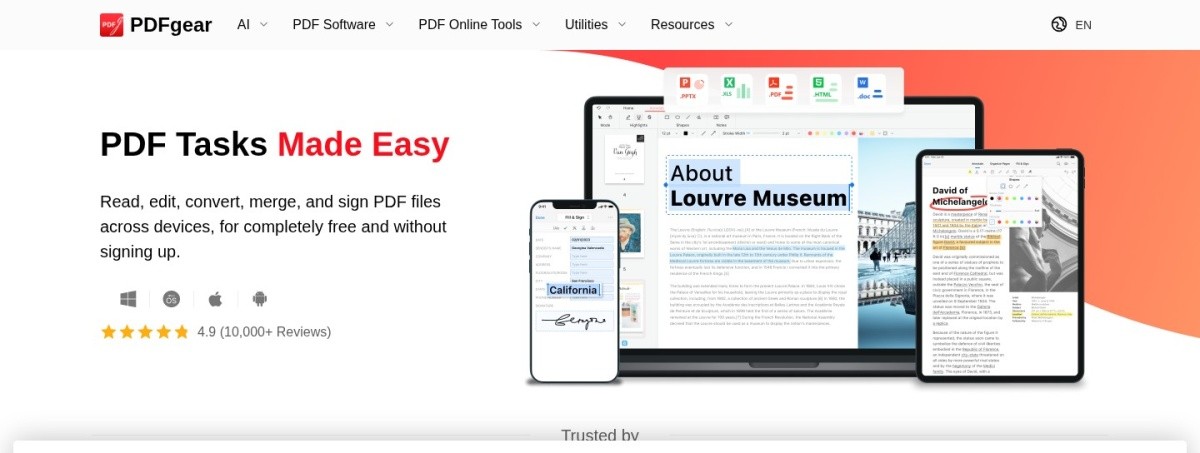
PDFgear is a free PDF editor for Windows, Mac, and mobile, with free online tools beside it. It crops pages in the desktop app with no file-size cap, no watermark, and no account, and the online crop tool handles files up to 100 MB. Editing, OCR, and conversion are free too.
The trade off is support and backing. There is no paid plan, so there is no paid support line, and the vendor has said some advanced features may charge later. It suits anyone who wants a free desktop editor for cropping and light edits without uploading files.
What we like
Free on every platform, with no watermark
Desktop app works offline
OCR and conversion included at no cost
Watch out for
No paid support plan for offices
Some advanced features may charge later
There is no paid plan; everything in the editor is freeVisit pdfgear.com
05
PDF24 Tools
4/5on Trustpilot (121 reviews, checked Nov 2026)
PriceFree
Best free no-signup PDF toolbox
Crop toolYes, free online
Free limitNone stated
File deletion1 hour after processing
Paid planNone, fully free
tools.pdf24.org
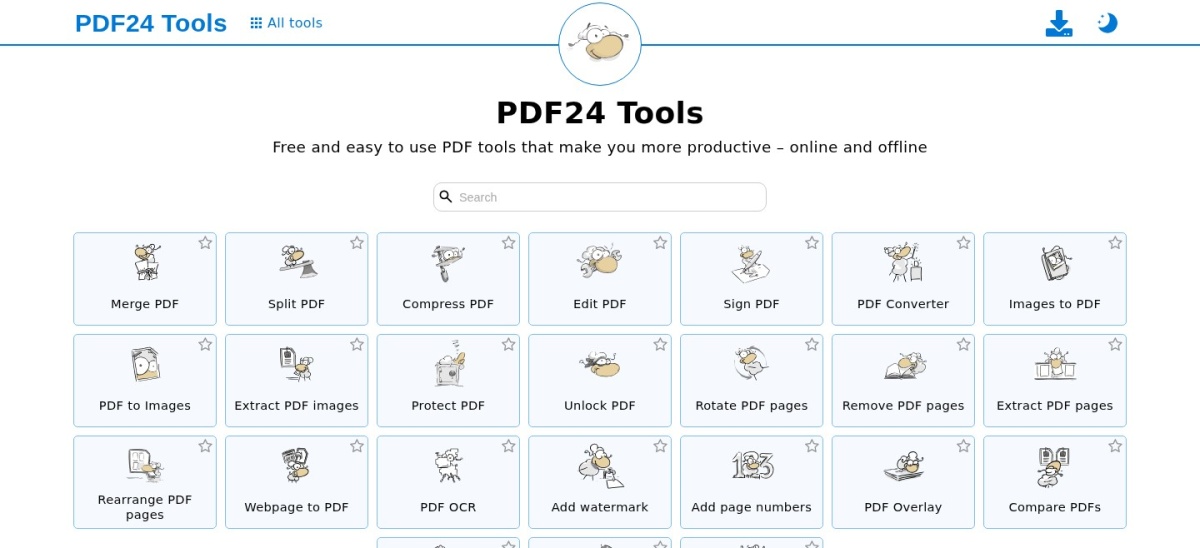
PDF24 Tools homepage, captured Nov 2026.
PDF24 Tools is a free set of online PDF tools from PDF24, with a Crop PDF tool among more than 30 others. You upload a file, set the crop area, and download the result without an account or a download limit. Files are deleted from its servers an hour after processing.
The trade off is polish. The tool grid looks plain beside Smallpdf or iLovePDF, and the online set covers page work rather than full text editing. The Windows app, PDF24 Creator, is also free. It suits anyone who wants a free crop with no account and no daily cap.
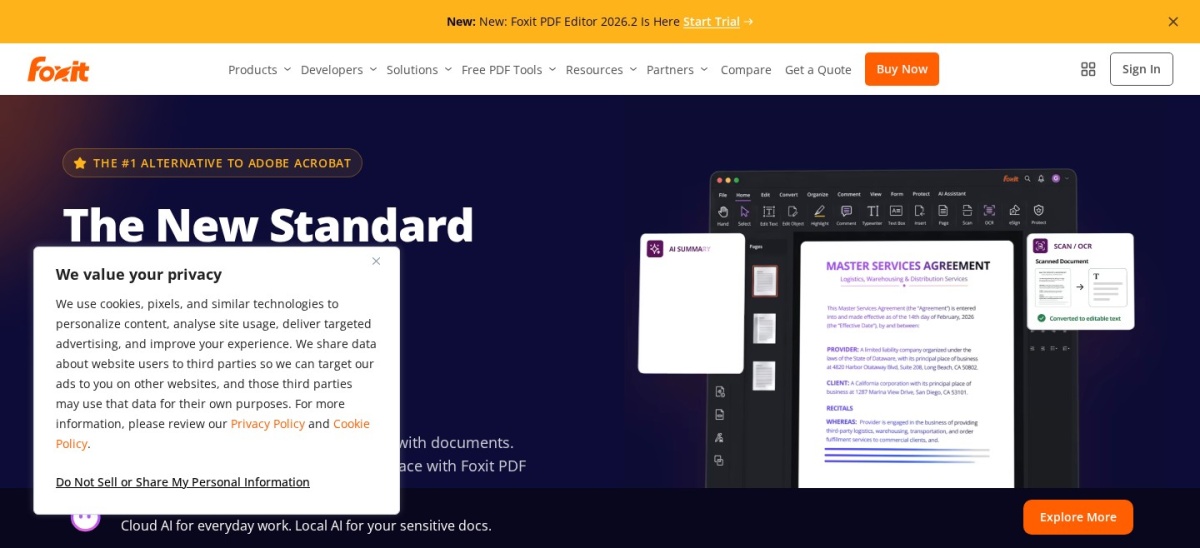
Foxit PDF Editor is a desktop PDF editor for Windows, Mac, and the web, with crop pages in its Organize tools. It opens large files fast and covers editing, OCR, forms, and conversion in one app. A 14-day trial needs no card, and a perpetual licence costs $209.99 once.
The trade off is price and weight. At $129.99 a year it costs far more than the free tools above, and it is a full editor where a simple crop is a small job. It suits offices that crop, edit, and sign PDFs all day and want an Acrobat-class app at a lower price.
What we like
Fast with large files
Crop, OCR, forms, and e-sign in one app
Perpetual licence available for $209.99
Watch out for
No free plan, only a 14-day trial
$129.99 a year is dear for cropping alone
Paid plans add the full editor; the trial needs no cardVisit foxit.com
07
UPDF
4.5/5on G2 (510 reviews, checked Nov 2026)
Paid from$49.99/yr
Best budget desktop editor
Crop toolYes, in page tools
Free planYes, with limits
PlatformsWindows, Mac, iOS, Android
Paid planPro, $49.99/yr
updf.com
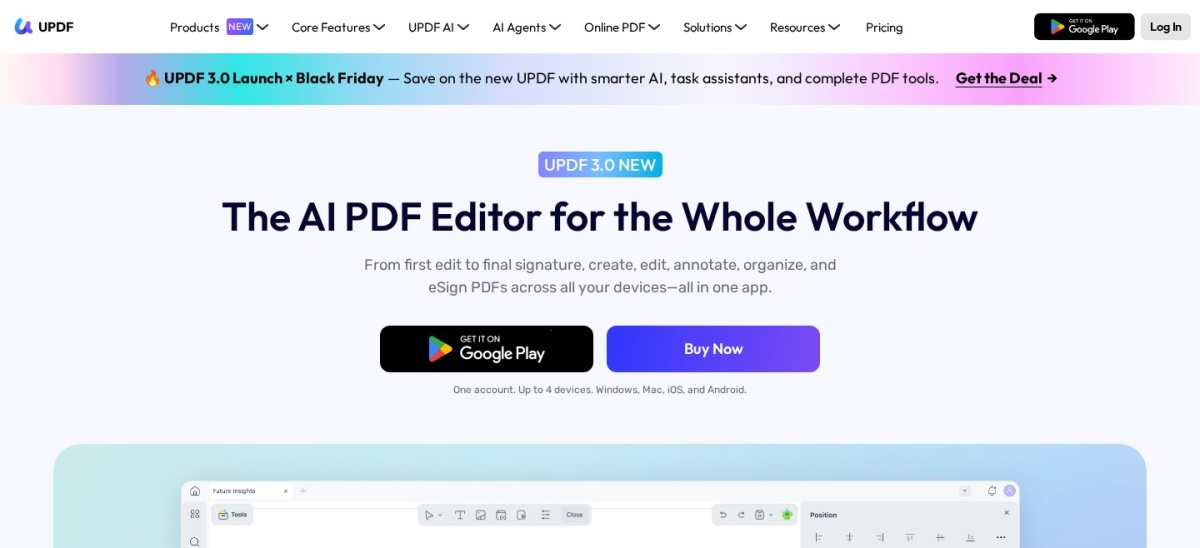
UPDF homepage, captured Nov 2026.
UPDF is a PDF editor for Windows, Mac, iPhone, and Android, with crop pages in its page tools. One account covers up to four devices, and Pro adds OCR, conversion, and 10 GB of cloud storage. The free version covers basic use, with limits on conversions and batch work.
The trade off is the free tier. Free saves can carry a watermark, and conversions stop at two a day, so regular use needs Pro at $49.99 a year. It suits readers and editors who want a low-cost desktop app across phone and computer.
What we like
Lowest paid desktop plan in this list
One account covers up to four devices
Works on Windows, Mac, iOS, and Android
Watch out for
Free saves can carry a watermark
Free conversions stop at two a day
Pro removes the watermark and limits for $49.99 a yearVisit updf.com
08
PDF-XChange Editor
4.6/5on G2 (148 reviews, checked Nov 2026)
Paid from$62once
Best one-time licence, no subscription
Crop toolYes, free version
Free limitLicensed tools watermark
PlatformsWindows only
Paid plan$62 one-time licence
pdf-xchange.com
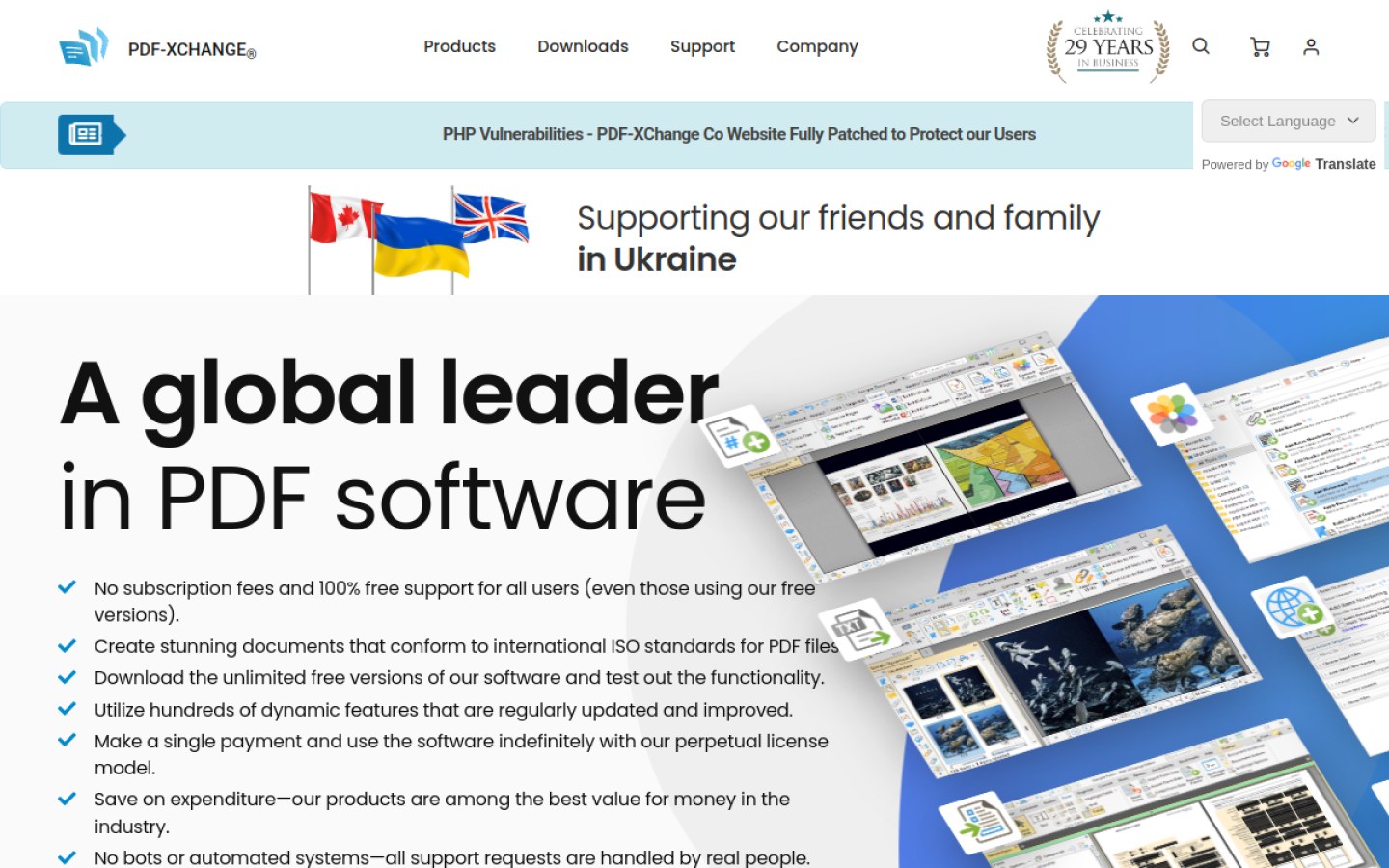
PDF-XChange Editor homepage, captured Nov 2026.
PDF-XChange Editor is a Windows PDF editor with a free version that covers viewing, annotation, and basic cropping. A single-user licence costs $62 once, with a year of maintenance, and there is no subscription to renew. It opens very large files fast.
The trade off is reach. It runs on Windows only, and files saved with licensed features carry a watermark until you pay. The $62 licence is the cheapest way in this list to own a desktop editor outright. It suits Windows users who crop and edit PDFs and dislike subscriptions.
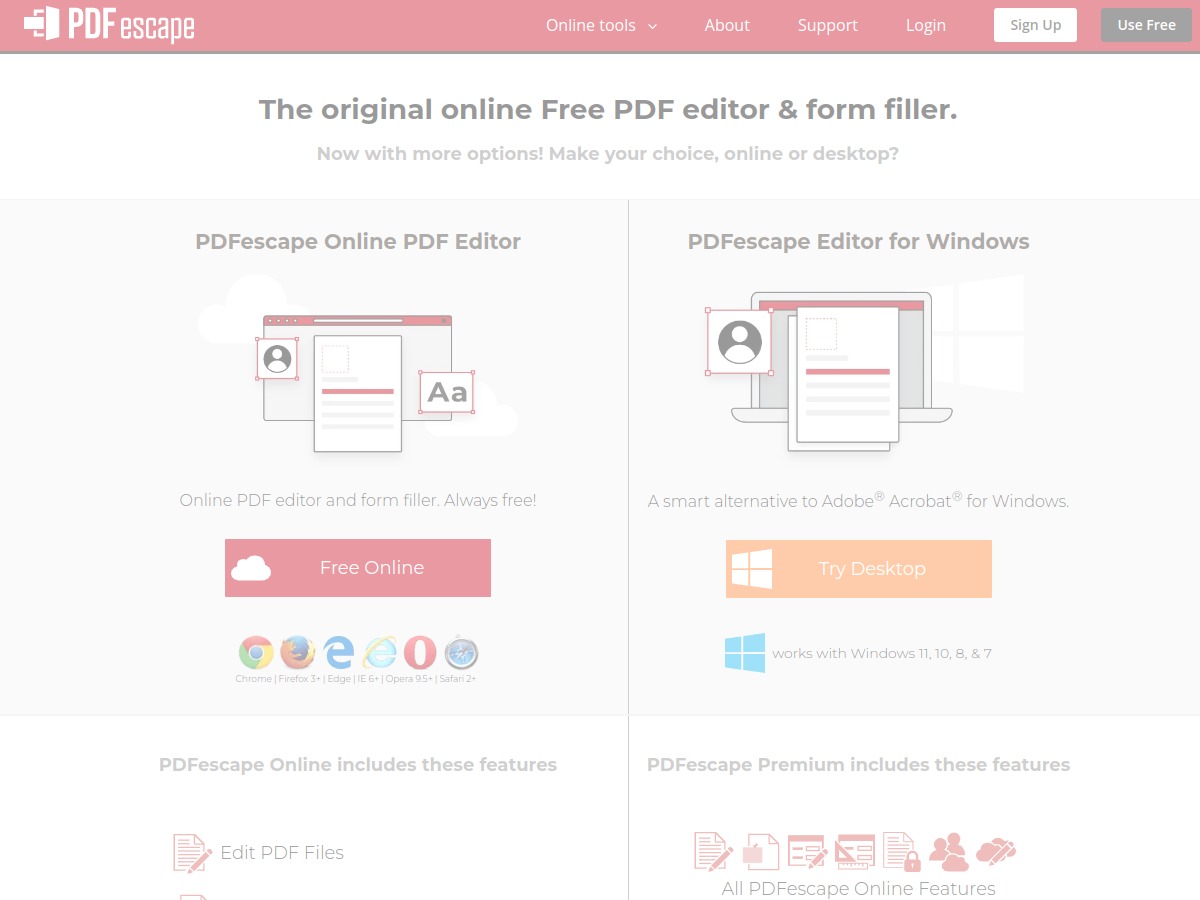
PDFescape is a free online PDF editor and form filler with a Crop tool in its Page tab. You select the area to keep and set the crop size, then save the file. The free plan handles files up to 10 MB and stores 10 files for 7 days.
The trade off is size and ads. Free files stop at 10 MB, storage is short-lived, and the free editor shows ads. Premium costs $2.99 a month billed yearly and lifts files to 40 MB with 100 stored files. It suits light use where forms matter as much as cropping.
Open the tool and upload your PDF. Browser tools need no install; desktop tools need a download first.
Drag a box around the part of the page you want to keep. Set exact margins if the tool offers them, and choose whether to crop one page or every page.
Download the cropped file and check the first and last pages. Cropping hides the cut area rather than deleting it, so check the file size if that matters.
If the crop looks wrong, go back and widen the box a little. A tight crop can cut off headers, page numbers, or signatures.
How we chose
We started from the PDF tools people actually use to crop pages, then kept nine with a real crop tool, a free way in, and a published price.
Prices come from each vendor's pricing page or a November 2026 read of it, checked on 24 November 2026. Ratings come from G2, Capterra, or Trustpilot on the same day. Where a vendor shows a sale, the list shows the regular price.
We left out tools with no crop function and tools that hide cropping behind a quote-only plan. No vendor paid for a place, and we do not claim hands-on testing for this list.
How to choose a tool to crop PDF
Start with how often you crop, then pick the cheapest tool that covers that volume.
Count how many PDFs you crop. One file a month fits any free plan here. Daily batches need a paid plan or a tool with no caps, such as PDFgear or PDF24 Tools.
Check the file size first. Free plans cap files at 10 MB on PDFescape, 50 MB on Sejda, and 100 MB on iLovePDF and PDFgear online. Pick a tool whose cap fits your largest file.
Decide browser or desktop. Browser tools need no install and work anywhere. Desktop apps such as PDFgear, Foxit, UPDF, and PDF-XChange work offline and suit large files.
Watch for watermarks. Some free versions watermark saved files. Crop one test page and open it before you commit to a tool.
FAQ
What is the best tool to crop a PDF?
Sejda is the best pick for most people. Its free Crop PDF tool needs no account, handles files up to 50 MB, and lets you set exact margins. iLovePDF is the runner-up, with a higher 100 MB free limit per task.
Can I crop a PDF for free?
Yes. Sejda, iLovePDF, Smallpdf, PDFgear, PDF24 Tools, UPDF, PDF-XChange Editor, and PDFescape all crop PDFs without paying. Free plans limit file size, task counts, or both, so check the cap before you upload a large file.
Does cropping a PDF reduce its file size?
Only a little. Cropping hides the cut area, but most tools keep the hidden content in the file. To shrink a file, compress it after cropping, or use a tool that removes the cropped content when it saves.
Can I crop all pages of a PDF at once?
Most tools in this list let you apply one crop box to every page. Sejda, iLovePDF, and Smallpdf all offer it, and desktop editors such as Foxit and UPDF crop page ranges too. Check the tool first if your pages have different margins.
Is it safe to upload a PDF to a free online crop tool?
Check the tool first. PDF24 Tools deletes files an hour after processing, and iLovePDF and Sejda publish their handling rules. For sensitive files, use a desktop app such as PDFgear or PDF-XChange Editor so the file never leaves your computer.
Which tool crops PDFs on a phone?
iLovePDF, Smallpdf, PDFgear, and UPDF all have mobile apps or mobile web tools that crop PDFs. Sejda and PDF24 Tools work in a phone browser too. For frequent phone use, a dedicated app is easier than a browser tab.