Bitwarden leads for open-source value, offering unlimited logins and devices on its free plan with a 4.7 rating across 235 Capterra reviews. 1Password suits households and teams seeking polished sharing, while RoboForm fits budget buyers looking for low-cost multi-device syncing.
How we make this list: we compare pricing pages, product documentation and public user reviews, then re-check every price before each update. No product paid for a place. Disclosure.
Bitwarden offers unlimited passwords and devices on its free tier, with Premium at $19.80/yr.
1Password starts at $3.99/mo regular annual pricing for Individual accounts, with promotional offers noted on its pricing page.
RoboForm offers a free single-device tier and a regular renewal rate of $29.88/yr for Premium.
Keeper Personal lists at $39.99 billed annually ($3.33/mo), with a limited free mobile option.
LastPass lists Teams at $4.25/user/mo billed annually and a 50% promotional discount on individual plans.
What to look for in a password manager
A strong password manager stores unique credentials in an encrypted vault and autofills logins across desktop browsers and mobile apps. Zero-knowledge encryption keeps vault data unreadable to the provider, while built-in generators help eliminate reused passwords.
Check device and sync limits before choosing a free tier. Several services restrict free accounts to a single device or cap stored records, whereas open-source options like Bitwarden and Proton Pass sync across unlimited devices for free.
Look at sharing workflows, passkey support, and two-factor authentication. Built-in TOTP authenticators, emergency access, and secure item sharing save time for families and small teams without adding extra apps.
Pay close attention to renewal pricing and billing terms. Many vendors advertise steep first-year or seasonal discounts that revert to higher standard rates after the initial term.
Bitwarden is an open-source password manager whose free tier includes unlimited logins, notes, cards, and passkeys across unlimited devices. It also supports self-hosting and a free two-person organization for basic sharing.
The trade off is that built-in TOTP codes, 5 GB file attachments, and vault health reports require Premium at $19.80/yr. It suits privacy-minded individuals and teams that want transparent code and low-cost upgrades.
What we like
Unlimited passwords and devices on the free plan
Open-source codebase with self-hosting support
Low-cost Premium tier with built-in TOTP and 5 GB file storage
Supports hardware security keys and passkey management
Watch out for
Organization and collection sharing feels technical for beginners
Some users note occasional browser extension quirks
Premium ($19.80/yr) adds integrated TOTP, 5 GB attachments, emergency access, and vault health reports.Visit bitwarden.com
02
1Password
4.6/5on G2 (1,823 reviews, checked Nov 2026)
Starts at$47.88/yr
Best for polished sharing and families
EncryptionAES-256 + Secret Key
Free trial14-day free trial
PlatformsWindows, macOS, Linux, iOS, Android
Families planUp to 5 family members
1password.com
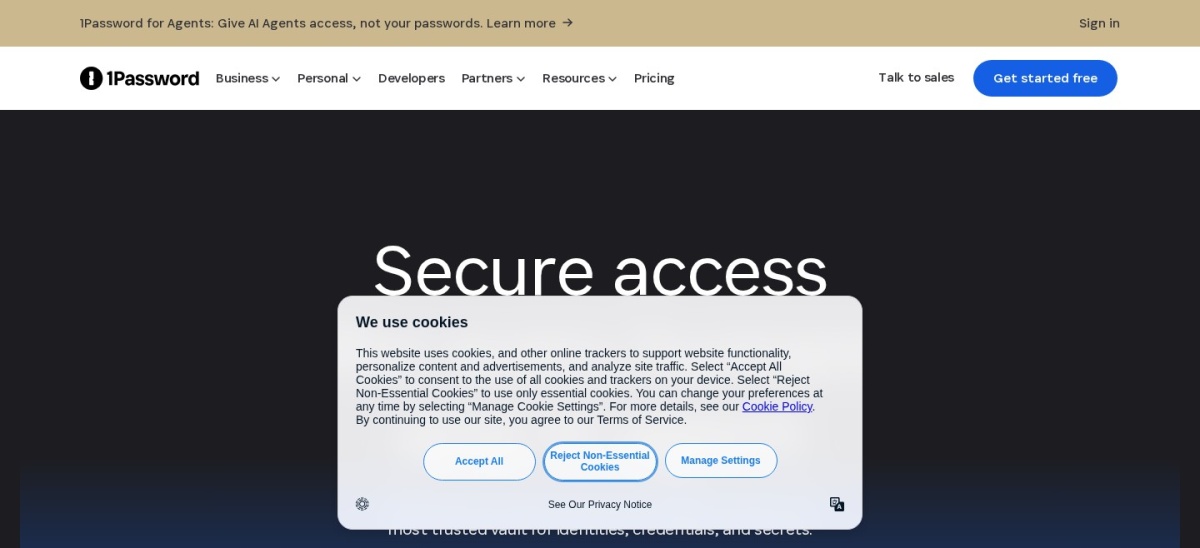
1Password homepage, captured Nov 2026.
1Password is a commercial password and access manager that combines a master password with a Secret Key and offers a 14-day free trial. Its regular annual pricing starts at $3.99/mo ($47.88/yr) for Individual accounts, with promotional first-year rates listed on its pricing page.
The trade off is that there is no permanent free tier after the trial and regular pricing costs more than entry-level rivals. It suits households and businesses that value intuitive vault organization and item sharing.
What we like
Clean apps and browser extensions across major operating systems
Easy secure sharing of vaults and individual items
Includes Watchtower alerts for weak or breached logins
Supports passkeys, biometrics, and travel-friendly vault controls
Watch out for
No free plan beyond a 14-day trial
Higher regular annual cost than budget alternatives
Individual ($3.99/mo regular annual billing) unlocks full cross-device vaults, sharing, and Watchtower alerts.Visit 1password.com
03
RoboForm
4.6/5on Capterra (314 reviews, checked Nov 2026)
Paid from$29.88/yr
Best for budget multi-device sync
EncryptionAES-256
Free tier1 device, unlimited passwords
Regular renewal$29.88/yr for Premium
Family planUp to 5 Premium accounts
roboform.com
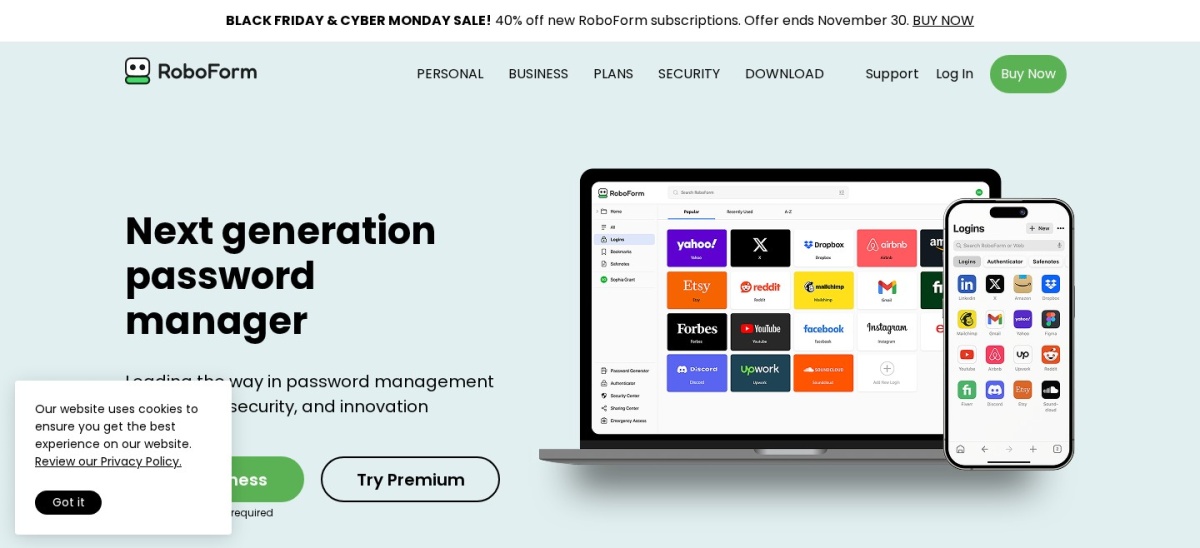
RoboForm homepage, captured Nov 2026.
RoboForm is a long-running password and form-filling tool whose free plan supports unlimited passwords on a single device. Premium introduces a $18.00 first-year offer for new users and renews at a regular rate of $29.88/yr.
The trade off is a more traditional interface than newer competitors and occasional autofill misses on complex forms. It suits budget-conscious users who want multi-device syncing and detailed form profiles.
What we like
Free plan available with unlimited saved passwords on one device
Low regular annual renewal price for multi-device Premium access
Includes emergency access, local-only mode, and 2FA options
Watch out for
Interface feels dated compared with modern password managers
Autofill can require manual adjustment on select sites
Premium ($29.88/yr regular renewal) adds unlimited devices, emergency access, and dark web monitoring.Visit roboform.com
04
Keeper
4.6/5on G2 (1,259 reviews, checked Nov 2026)
Paid from$39.99/yr
Best for business and privileged controls
EncryptionZero-knowledge AES-256
Personal annual$39.99/yr ($3.33/mo)
Family annual$84.99/yr (5 vaults)
Business plansStarter, Business & Enterprise
keepersecurity.com
Keeper homepage, captured Nov 2026.
Keeper is a zero-knowledge security platform offering a limited free personal tier on one mobile device with up to 10 records. Personal plans start at $39.99 billed annually ($3.33/mo) for unlimited devices and records.
The trade off is a restrictive free tier and add-on pricing for extras such as BreachWatch or enterprise modules. It suits teams and individuals who want granular sharing permissions and admin controls.
What we like
Strong admin console, shared folders, and permission controls
Supports passkeys, biometrics, and hardware security keys
Scales from personal vaults to business and enterprise tiers
Watch out for
Free tier is limited to one mobile device and 10 records
Extra monitoring features and tiers add cost over time
Personal ($39.99/yr billed annually) unlocks unlimited devices, unlimited records, and 24/7 support.Visit keepersecurity.com
05
LastPass
4.5/5on G2 (2,134 reviews, checked Nov 2026)
Starts at$51.00/yr
Best for central team policy management
Teams plan$4.25/user/mo billed annually
Business plan$7.00/user/mo billed annually
Free trial14-day business / 30-day personal
IntegrationsBrowsers, Google Workspace, AD
lastpass.com
LastPass homepage, captured Nov 2026.
LastPass is a widely adopted password and access manager built around browser extensions, mobile apps, and centralized admin consoles. Its Teams plan starts at $4.25/user/mo billed annually ($51.00/yr per user), while individual plans also show a 50% promotional discount on its pricing page.
The trade off is past security incidents that still weigh on user trust alongside higher per-user business pricing. It suits organizations that want familiar browser workflows and policy dashboards.
What we like
Broad browser and directory integrations for workplace teams
Admin console with security policies and user management
Straightforward password generation and autofill
Watch out for
Past security breaches remain a concern for cautious buyers
Business tiers scale higher as team size grows
Teams ($4.25/user/mo billed annually) provides shared team vaults, multi-device sync, and admin oversight.Visit lastpass.com
06
NordPass
4.5/5on G2 (644 reviews, checked Nov 2026)
Paid from$43.08/yr
Best for simple modern vault design
EncryptionXChaCha20
Free tierAvailable with basic vault access
Business rating4.5/5 across 644 G2 reviews
PlatformsDesktop, mobile, web & browsers
nordpass.com
NordPass homepage, captured Nov 2026.
NordPass is a password manager using XChaCha20 encryption with a simple interface, passkey support, and a free plan. G2 lists NordPass Business at $3.59/user/mo ($43.08/yr per user), while personal and business plans offer multi-year and annual options.
The trade off is that active session limits apply on the free tier and promotional pricing differs from renewal rates. It suits users and small teams that prefer a clean interface and passkey support.
What we like
Modern, uncluttered interface across desktop and mobile apps
Supports passkeys, MFA, and secure item sharing
Offers both personal and team/business plans
Watch out for
Free plan restricts active simultaneous logins
Renewal rates can be higher than introductory offers
Paid plans expand active sessions, breach monitoring, authenticator tools, and shared team folders.Visit nordpass.com
07
Proton Pass
4.7/5on Trustpilot (19 reviews, checked Nov 2026)
Paid from$35.88/yr
Best for built-in email aliases
EncryptionEnd-to-end zero-knowledge
Free tierUnlimited items & 10 aliases
Pass Plus$2.99/mo for a 12-month plan
JurisdictionSwitzerland
proton.me
Proton Pass homepage, captured Nov 2026.
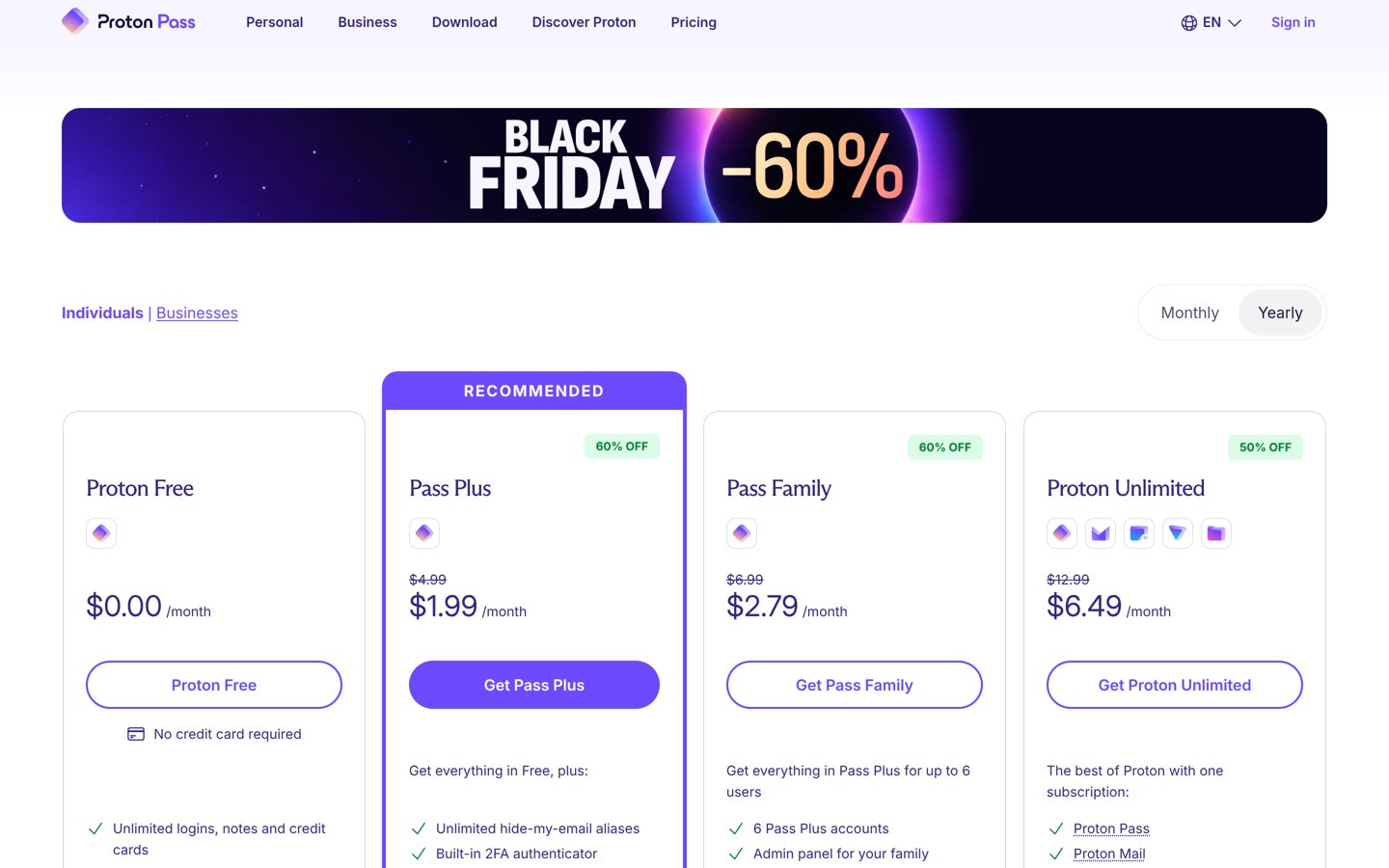
Proton Pass is an open-source, end-to-end encrypted password manager from Proton with a free plan that includes unlimited logins, notes, and devices plus 10 hide-my-email aliases. Pass Plus is listed at $2.99/mo for a 12-month plan ($35.88/yr), with seasonal promotions noted on its pricing page.
The trade off is a smaller review footprint than older rivals and paid-only access to unlimited aliases and built-in 2FA codes. It suits privacy-focused users and existing Proton Mail or VPN subscribers.
What we like
Free plan includes unlimited items, devices, and 10 email aliases
Open-source apps with end-to-end encryption
Tight integration with the Proton privacy ecosystem
Watch out for
Fewer public third-party reviews than long-established competitors
Unlimited aliases and integrated 2FA require a paid plan
Pass Plus ($2.99/mo on a 12-month plan) unlocks unlimited aliases, built-in 2FA, secure sharing, and dark web alerts.Visit proton.me
How we chose
We built this list around widely used, actively maintained password managers with clear public documentation, security features, and distinct strengths across personal, family, and business use.
We checked pricing pages and public review listings on 22 Nov 2026, noting standard annual or renewal pricing alongside any promotional discounts displayed by each vendor.
We excluded unmaintained tools, vague pricing listings, and products without established public ratings or clear cross-platform support. No vendor paid for a place, and we do not claim testing for this list.
How to choose a password manager
Follow four practical steps to pick a password manager that fits your devices and budget.
Start with your device and sync needs. List every phone, tablet, and computer you use daily so you know whether a free single-device plan works or you need multi-device syncing.
Check what the free tier actually includes. Compare record caps, device limits, and two-factor support so you are not forced into a paid plan on day one.
Verify renewal pricing beyond year one. Check the regular annual rate after any first-year or seasonal discount expires to avoid surprise renewal bills.
Confirm sharing and recovery options. Make sure the plan supports secure credential sharing, passkeys, and account recovery or emergency access if you manage accounts with others.
FAQ
Is a free password manager safe enough for everyday use?
Yes, provided it uses strong zero-knowledge encryption, supports unique passwords, and lets you enable two-factor authentication. Paid plans mostly add convenience features like built-in 2FA codes, file storage, or family sharing.
Should I store 2FA codes inside my password manager?
Storing two-factor codes inside your password manager makes logging in faster, though some security-conscious users keep critical 2FA codes in a separate authenticator app. Either approach is far stronger than reusing passwords without 2FA.
What happens if I stop paying for a password manager?
Policies vary by vendor: some downgrade you to a limited free tier, while others restrict syncing or editing until you renew or export your data. Always export an encrypted or CSV backup before canceling a subscription.
Do I still need a password manager if I use passkeys?
Yes, because most websites and services still rely on passwords alongside or instead of passkeys. A password manager that supports both passwords and passkeys helps you transition smoothly across accounts.
Why do password manager renewal prices often jump after the first year?
Many providers run introductory or seasonal discounts for new subscribers and renew at standard annual rates later. Checking the regular price helps you budget accurately over multiple years.
How do family plans differ from individual plans?
Family plans typically give each household member a separate, private vault while allowing shared vaults or folders for common logins. Most cover roughly five to ten users under one subscription.
SaaS SEO and WordPress specialist with about 8 years of experience. Rakib compares WordPress plugins, themes, hosting and software using public pricing, documentation and user reviews. See how we rank.