VeraCrypt is the best file encryption software for most people: it is free, open source, and rated 4.5 out of 5 on G2, with encrypted containers, drives and hidden volumes. Pick NordLocker for simple encrypted cloud storage, or Tresorit when you need compliance paperwork for sensitive work.
How we make this list: we compare pricing pages, product documentation and public user reviews, then re-check every price before each update. No product paid for a place. Disclosure.
VeraCrypt is free and rated 4.5/5 on G2, and it encrypts containers, whole drives and hidden volumes.
NordLocker's 500 GB plan renews at $59.88 a year after a $35.88 first year, so watch the renewal price.
Tresorit's cheapest paid plan is $57 a year, and its free Basic plan gives 3 GB with a 500 MB file limit.
Cryptomator and 7-Zip cost nothing on desktop; Cryptomator adds encryption to cloud folders you already use.
Folder Lock and WinZip are the cheapest paid picks at $39.95 and $39.96 a year, but Folder Lock's price is a one-time licence.
What file encryption software should cover
File encryption scrambles a file so only someone with the password or key can read it. Without the key, the contents look like random data, even if the file is stolen or the storage provider is breached.
There are two main kinds here. Local tools encrypt files, folders or whole drives on your own computer. Cloud tools encrypt files before they leave your device, so the storage provider cannot read them either.
Look for AES-256 encryption, which is the standard used across this list, and check whether the provider holds a copy of your key. With zero-knowledge tools, only you hold the key, which also means a lost password usually means lost files.
Price matters less than fit. Free tools cover most personal needs, while paid plans mostly add storage, sharing controls and compliance paperwork. Keep a copy of your recovery key or password somewhere safe — our 3-2-1 backup guide explains the habit.
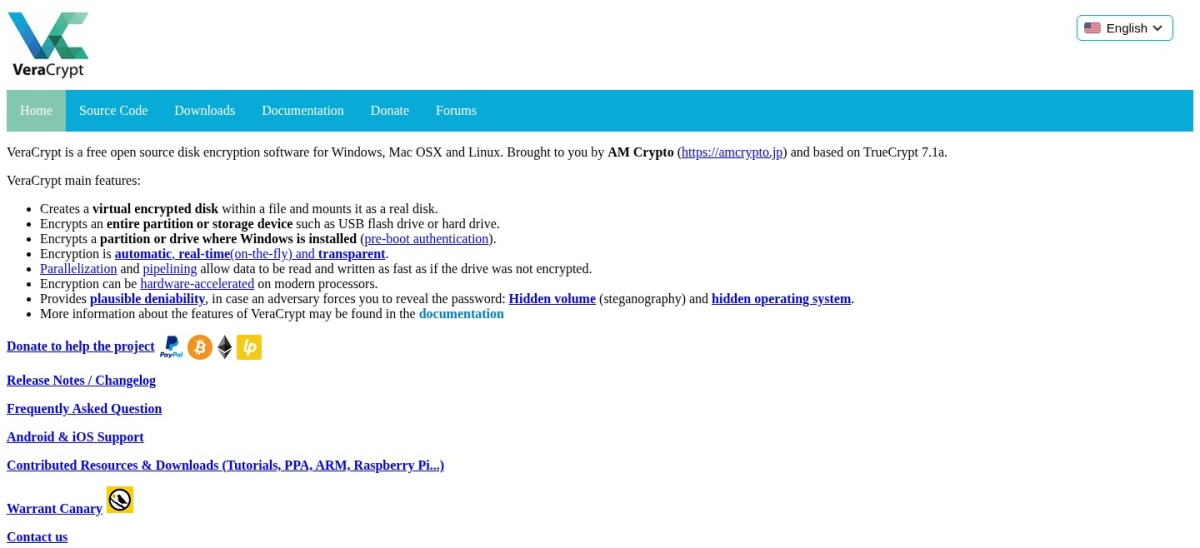
VeraCrypt is a free, open-source disk encryption tool for Windows, macOS and Linux. It creates encrypted containers that mount as virtual drives, encrypts whole partitions and USB drives, and can encrypt the Windows system partition with a password before boot. It also offers hidden volumes for plausible deniability.
The trade off is the learning curve. The interface is plain and dated, there is no official mobile app, and a forgotten password means the data is gone, with no recovery option. It suits people who want the strongest free encryption and are happy to set it up themselves.
What we like
Free forever, with no paid tier or account
Encrypts containers, drives and the whole system partition
Hidden volumes and a choice of ciphers, including AES-256
Open-source code, independently audited in 2016 and 2020
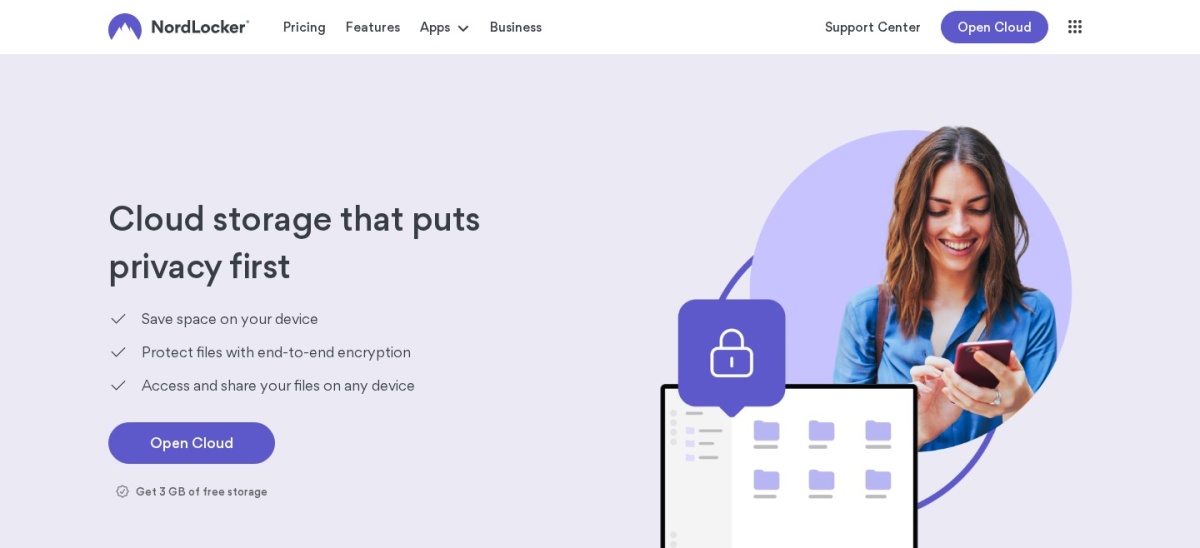
NordLocker is encrypted cloud storage from Nord Security, the company behind NordVPN. Files are encrypted on your device before upload, and the free plan includes 3 GB of storage with the same encryption as paid plans. Paid plans add 500 GB or 2 TB and sync files across desktop and mobile.
The trade off is the renewal price. The 500 GB plan costs $35.88 in the first year and renews at $59.88 a year, and the 2026 rebuild dropped local lockers, so it is cloud storage only. It suits people who want simple encrypted storage without managing keys or containers.
What we like
Simple drag-and-drop interface, rated 4.2/5 on G2
Zero-knowledge encryption on every plan, including free
Syncs across Windows, Mac, iOS and Android
Watch out for
Renewal price is much higher than the first-year price
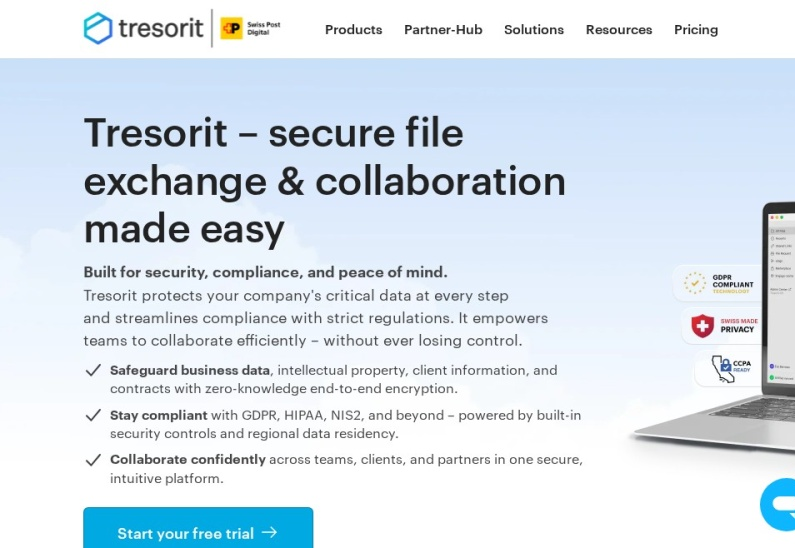
Tresorit is a Swiss encrypted cloud storage service built around zero-knowledge encryption, so not even Tresorit can read your files. The free Basic plan includes 3 GB of storage, and paid personal plans start at $4.75 a month billed yearly for 50 GB. It includes secure sharing, file requests and audit logs.
The trade off is price and limits. The free plan caps files at 500 MB and 2 devices, higher plans cost much more than mainstream storage, and business plans start at 3 users. It suits lawyers, health workers and finance teams who need compliance paperwork with their encryption.
What we like
Zero-knowledge encryption on every file by default
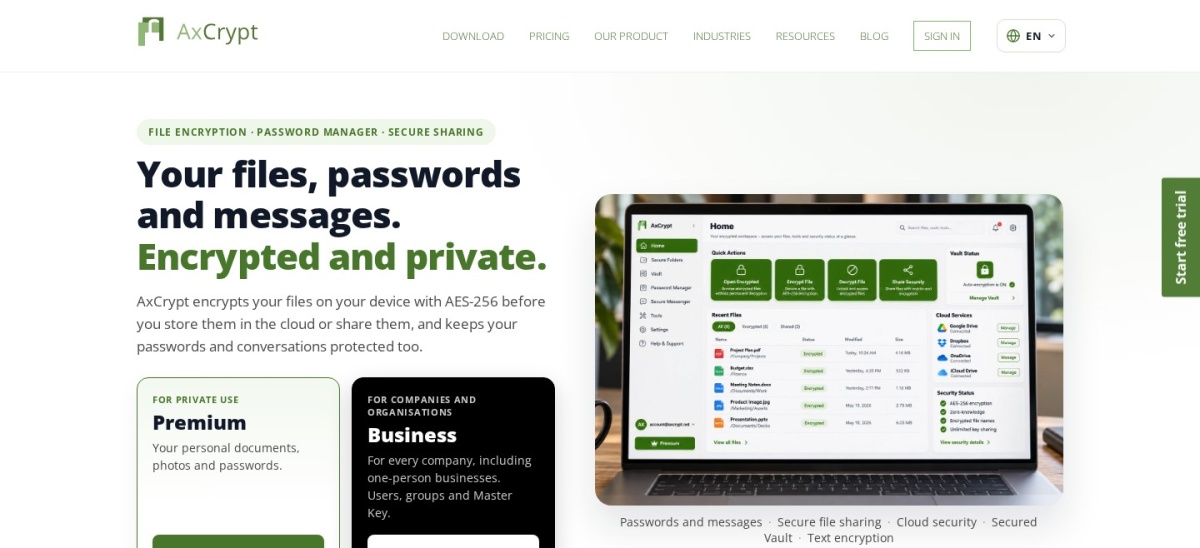
AxCrypt is a file encryption tool that has been around since 2001. It encrypts individual files and folders with AES-256, adds key sharing so others can open your files without your password, and can auto-protect folders that sync to Dropbox or Google Drive. A free Viewer opens and decrypts files.
The trade off is that encrypting needs Premium at $59.99 a year, and it does not encrypt whole system drives. It suits individuals who want to protect specific documents and share them securely without learning a complex tool.
What we like
Rated 4.9/5 on Capterra from 27 reviews
Simple right-click encryption and key sharing
Works with folders synced to cloud storage
Watch out for
Free version only opens files; encryption is paid
No whole-drive or system encryption
Small review base compared with larger vendors
Premium adds encryption, key sharing and a password managerVisit axcrypt.net
05
Cryptomator
4.1/5on G2 (12 reviews, checked Nov 2026)
PriceFree
Best free encryption for cloud folders
Free planDesktop, unlimited vaults
EncryptionAES-256, open source
Cloud supportDropbox, Drive, iCloud, more
Paid planMobile apps, one-time
cryptomator.org
Cryptomator homepage, captured Nov 2026.
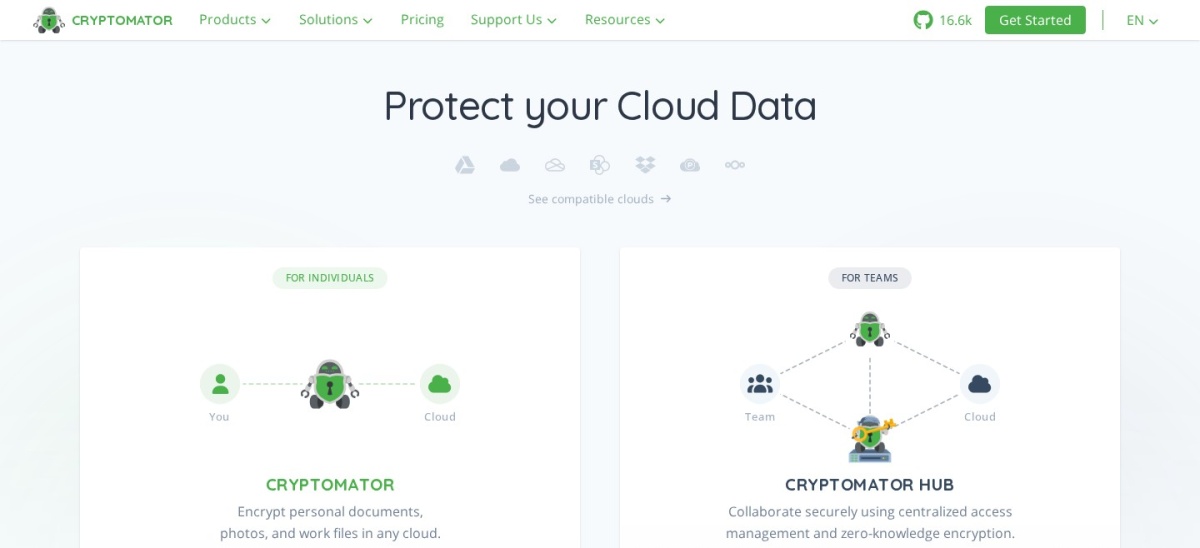
Cryptomator is a free, open-source tool that encrypts files in vaults inside the cloud folders you already use. It encrypts file contents and file names, works with Dropbox, Google Drive, iCloud and others, and stores nothing itself. The desktop app is free for personal use with unlimited vaults.
The trade off is that it is only an encryption layer. You still need a cloud account for storage and sync, full access on each phone is a separate one-time purchase, and there is no web app. It suits people who like their current cloud storage but want its contents unreadable to the provider.
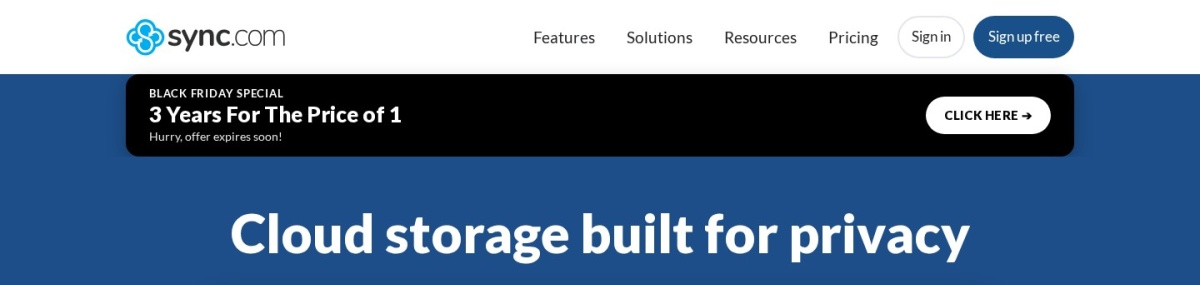
Sync.com is a Canadian cloud storage service that encrypts every file end to end by default, so even Sync.com cannot read them. The free plan includes 5 GB, and Solo Basic gives 2 TB for $96 a year with 180 days of file history. It also offers HIPAA and GDPR compliance documentation.
The trade off is speed and convenience. Encryption on your device slows uploads, there are few third-party app integrations, and a forgotten password cannot be recovered without the recovery key from signup. It suits people storing client records or medical notes who want privacy by default.
What we like
Zero-knowledge encryption on every file, no add-on needed
2 TB for $96 a year is strong value
Rated 4.3/5 on G2 from 56 reviews
Watch out for
Uploads are slower than mainstream storage
Few integrations with other apps
No password recovery without your recovery key
Paid plans add storage and longer file historyVisit sync.com
07
WinZip
4.5/5on Capterra (53 reviews, checked Nov 2026)
Starts at$39.96/yr
Best paid archiver with encryption
EncryptionAES-256
Free trial21 days
Cloud linksDropbox, Drive, OneDrive
Paid planStandard, $39.96/yr
winzip.com
WinZip homepage, captured Nov 2026.
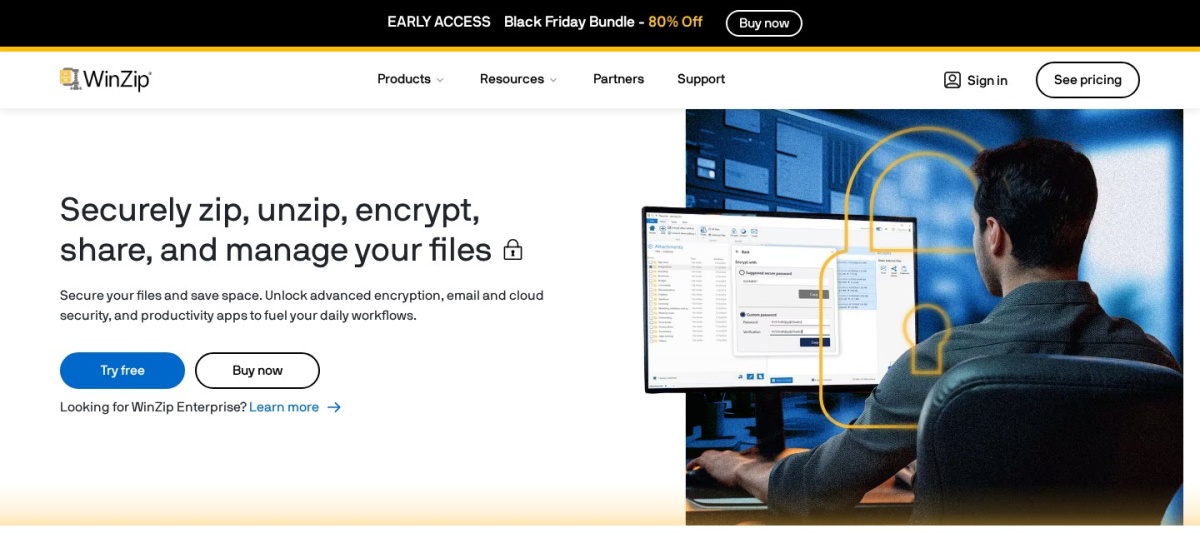
WinZip is a long-running file compression tool for Windows and Mac that locks archives with AES-256 encryption. It zips and unzips most archive formats, links to Dropbox, Google Drive and OneDrive, and adds PDF and photo tools. A 21-day trial is available, with no free edition after it.
The trade off is paying for a job free tools do. Standard costs $39.96 a year, and reviewers report aggressive renewal reminders and billing problems after cancellation. It suits workplaces that already use WinZip and want encryption, cloud links and office tools in one app.
What we like
Rated 4.5/5 on Capterra from 53 ratings
AES-256 encryption with a familiar interface
Cloud storage links and email sharing built in
Watch out for
No free edition, only a 21-day trial
Subscription cost for basic zipping and encryption
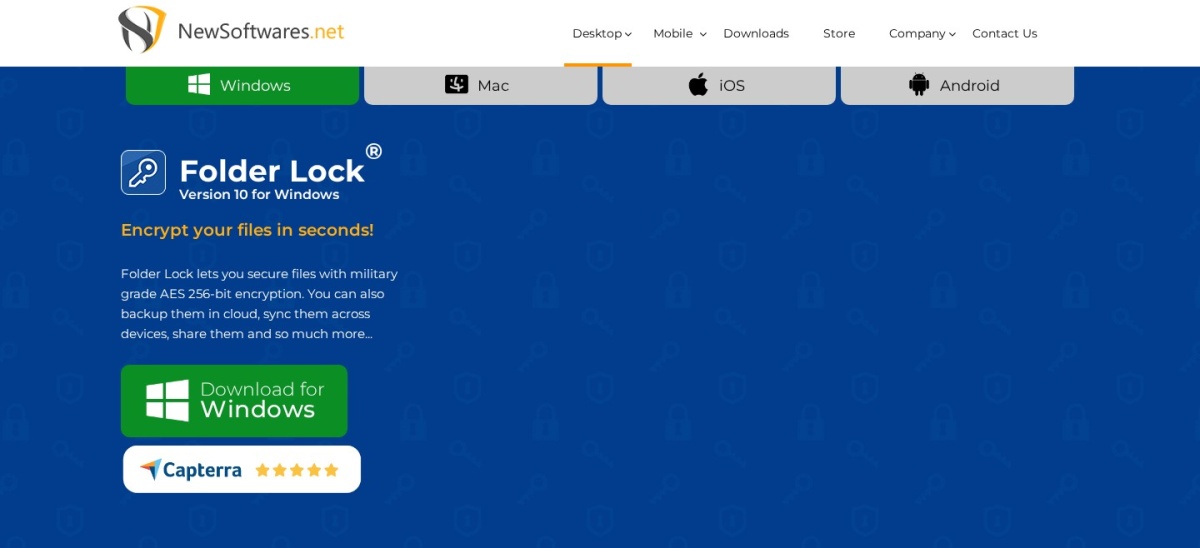
Folder Lock is a Windows-first tool from NewSoftwares that locks and encrypts files, folders, drives and USB sticks with AES-256. It also includes a file shredder, a password wallet and an option to back up encrypted files to the cloud. A single licence costs $39.95 once, with no subscription.
The trade off is polish and scope. The interface looks dated, independent reviews have criticised its password handling, and cloud backup storage costs extra from $5 a month. It suits Windows users who want a one-time purchase rather than another yearly subscription.
What we like
Rated 4.5/5 on G2 from 16 reviews
One-time licence, no yearly subscription
Locks files, folders, drives and USB sticks
Watch out for
Dated interface and weak password handling in reviews
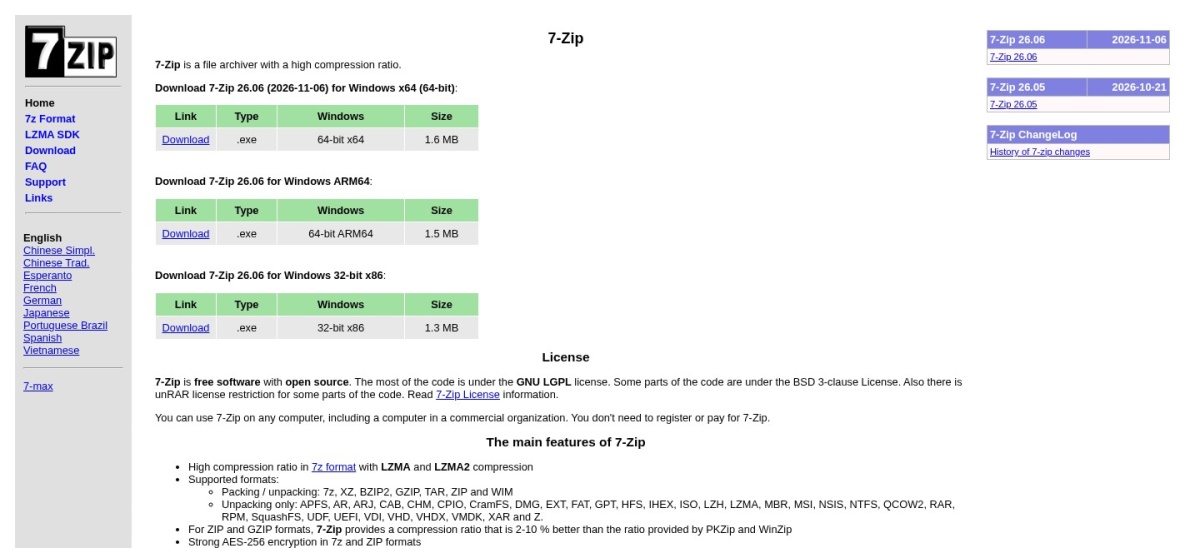
7-Zip is a free, open-source file archiver for Windows that adds strong AES-256 encryption to 7z and ZIP archives, including file names. It sits in the right-click menu, so encrypting a folder is a few clicks, and there is no account, trial or payment of any kind.
The trade off is scope. It encrypts one archive at a time, runs on Windows only, has a plain interface and offers no cloud storage, sync or key management. It suits anyone who needs to send a password-protected archive once in a while.
Local tools such as VeraCrypt and 7-Zip encrypt files on your own computer. Nothing leaves your device, there is no monthly bill, and you keep full control of the keys.
Cloud tools such as NordLocker, Tresorit and Sync.com encrypt files before upload and sync them across devices. You get backup and sharing, but you pay every year and trust the vendor's apps.
Cryptomator sits between the two: it encrypts folders inside storage you already pay for, so you keep your provider and add encryption on top.
If you only need to protect files on one computer, start local and free. If you need the same files on a phone and a laptop, or you share them, pick a cloud tool.
How we chose
We started from the file encryption tools that appear most often in roundups and review sites, then kept 9 that are still sold or offered, encrypt files, drives or cloud folders as their main job, and have public user ratings.
Prices come from each vendor's pricing page, checked on 25 November 2026, and show the regular price, not a first-year sale. Ratings come from G2, Capterra or SourceForge on the same day, with the source named for each tool.
We left out tools that are no longer sold, such as Boxcryptor, and tools with no public rating. No vendor paid for a place, and we do not claim hands-on testing for this list.
How to choose file encryption software
Start with where your files live, then match the tool to that place.
Decide local or cloud. If your files stay on one computer, a free local tool such as VeraCrypt or 7-Zip is enough. If they travel between devices, pick a cloud tool such as NordLocker or Sync.com.
Check what happens if you forget the password. Zero-knowledge tools cannot reset your password for you. Make sure you can store a recovery key somewhere safe before you encrypt anything important.
Match the encryption to the file. Whole-drive tools suit laptops that might be lost or stolen. File and vault tools suit documents you share or store in the cloud.
Try the free plan first. Most tools here have a free plan or trial. Encrypt a test folder, close the app, and check you can open it again before you move real files.
FAQ
What is the best file encryption software?
VeraCrypt is the best file encryption software for most people. It is free and open source, rated 4.5 out of 5 on G2, and it encrypts containers, whole drives and hidden volumes on Windows, Mac and Linux.
Is free file encryption software safe?
Yes, if it uses AES-256 and comes from an established project. VeraCrypt, Cryptomator and 7-Zip are free, open source and widely reviewed, and their code can be inspected. The risk is usually a lost password, not the encryption itself.
What happens if I forget my encryption password?
In most cases the files are gone for good. Zero-knowledge and local tools have no password reset, because nobody else holds your key. Always store your password or recovery key somewhere safe before you encrypt important files.
Does encryption slow down my computer?
A little, but modern computers handle AES-256 with hardware support, so the slowdown is small for local files. Cloud tools can feel slower because files are encrypted on your device before each upload, which adds time to large transfers.
Is cloud encryption the same as local encryption?
No. Local encryption protects files on your own computer or drive. Cloud encryption protects files before they are uploaded, so the storage provider cannot read them. Some tools do both, and Cryptomator adds encryption to cloud folders you already use.
Do I still need backups if my files are encrypted?
Yes. Encryption protects files from being read, not from being lost or damaged. A forgotten password, a failed drive or ransomware can still destroy encrypted files, so keep a separate backup of anything important.
SaaS SEO and WordPress specialist with about 8 years of experience. Rakib compares WordPress plugins, themes, hosting and software using public pricing, documentation and user reviews. See how we rank.