pfSense is the best firewall for most homelabs, with a free Community Edition and a 4.7 out of 5 G2 rating from 326 reviews. Pick OPNsense for a cleaner interface, Sophos Firewall Home for a free enterprise-grade firewall, or UniFi Express 7 if you want plug-and-play hardware.
How we make this list: we compare pricing pages, product documentation and public user reviews, then re-check every price before each update. No product paid for a place. Disclosure.
pfSense is the default homelab firewall: free Community Edition, 4.7 out of 5 on G2 from 326 reviews, and the largest community.
OPNsense matches pfSense on features with a cleaner interface, but its 4.8 G2 rating rests on only 5 reviews.
Sophos Firewall Home Edition is a full enterprise firewall free for home use, capped at 4 CPU cores.
Seven of the nine tools cost nothing to run, and the cheapest paid upgrade is MikroTik's $45 one-time licence.
Firewalla is the only plug-and-play box here, but its 2.6 out of 5 Trustpilot score is the lowest in the list.
What a homelab firewall should cover
A homelab firewall sits between your internet connection and everything you run at home: servers, cameras, smart devices, and test VMs. It decides what gets in, what gets out, and which parts of your network can talk to each other.
Most homelab owners pick one of two paths: free firewall software on a spare mini-PC, or a small hardware box that works out of the box. Software gives you more control and costs nothing but hardware; a box costs more up front and asks less of you.
Look for VLAN support, a VPN server, and intrusion prevention before anything else. Our guide on what a web application firewall is explains how a network firewall differs from the app-level filters on a website.
Budget matters less than it looks. Seven of the nine tools here are free to run, and the paid options range from a $45 one-time licence to a $3,000-a-year support plan you will probably never buy.
pfSense is an open source firewall and router from Netgate that turns a spare PC, a virtual machine, or a Netgate appliance into a full network gateway. The free Community Edition covers stateful firewalling, VLANs, traffic shaping, and VPN with IPsec, OpenVPN, and WireGuard, plus add-on packages for intrusion prevention and ad blocking.
The trade off is that Plus is no longer free on your own hardware. The free Home+Lab licence ended in 2023, so Plus on a DIY box or VM now costs $129 a year per instance, while Community Edition stays free with community support only. It suits homelab owners who want the best-documented firewall and do not mind learning its interface.
OPNsense is a free, open source firewall and routing platform based on FreeBSD, built by Deciso with a community of more than 300,000 users. The Community Edition includes stateful firewalling, VLANs, traffic shaping, and VPN, plus Suricata intrusion prevention, Unbound DNS, and a plugin system, all managed from a clean web interface.
The trade off is the small review base behind its high score. Its 4.8 out of 5 G2 rating comes from only 5 reviews, and the paid Business Edition costs €149 a year, about $174, for a slower upgrade track and commercial plugins. It suits homelab owners who want a modern interface and frequent releases.
What we like
Free Community Edition with all features included
Cleanest interface of the open source firewalls
Two major releases a year with fast security fixes
Business Edition adds GeoIP and central management
Watch out for
G2 rating rests on only 5 reviews
Smaller package ecosystem than pfSense
Business Edition runs behind the community release
Business adds a commercial firmware repository and OPNcentralVisit opnsense.org
03
Sophos Firewall
4.7/5on G2 (869 reviews, checked Nov 2026)
PriceFree
Best free enterprise-grade firewall
Free editionHome Edition
CPU limit4 cores
Threat protectionIPS, web filter, sandbox
VPNIPsec and SSL VPN
sophos.com
Sophos Firewall homepage, captured Nov 2026.
Sophos Firewall Home Edition is the full Sophos Firewall software, free for home and lab use on your own hardware or a virtual machine. It includes intrusion prevention, web filtering, application control, sandboxing, and VPN, with the same web console as the paid XGS appliances.
The trade off is the home-use limits and the install. Home Edition is capped at 4 CPU cores, needs a dedicated machine or VM because it wipes the disk, and the paid path means buying XGS hardware by quote. It suits labs that want commercial-grade inspection without paying for it.
Untangle NG Firewall, now sold by Arista as Edge Threat Management NG Firewall, is a modular firewall that runs on your own hardware, a virtual machine, or the cloud. The free core includes the firewall, intrusion prevention, OpenVPN, captive portal, and reports, and paid apps add web filtering, application control, and WireGuard.
The trade off is the per-device pricing. Complete costs $25 a month for up to 12 devices, so a lab with more than 12 devices jumps to $50 a month, and Arista ended the old $50-a-year Home subscription in 2024. It suits labs that want filtering and reports without building rules by hand.
IPFire is a hardened Linux firewall distribution that is free in every sense: one edition, no licences, and no features held back for paying customers. It includes a stateful firewall, Suricata intrusion prevention, IPsec, WireGuard, and OpenVPN, a Squid web proxy, and colour-coded network zones for trusted, guest, and DMZ traffic.
The trade off is a smaller community and fewer packages. Its 4.0 out of 5 PeerSpot rating comes from only 4 reviews, the interface is less polished than pfSense or OPNsense, and add-ons are limited to the Pakfire catalogue. It suits labs that want every feature free and hardware needs kept low.
What we like
Every feature free, no paywall anywhere
Suricata IPS and three VPN protocols included
Runs well on modest or older hardware
Colour-coded zones make segmentation clear
Watch out for
Rating rests on only 4 PeerSpot reviews
Smaller community than pfSense or OPNsense
Fewer add-ons than the BSD firewalls
There is no paid plan; support comes from the communityVisit ipfire.org
06
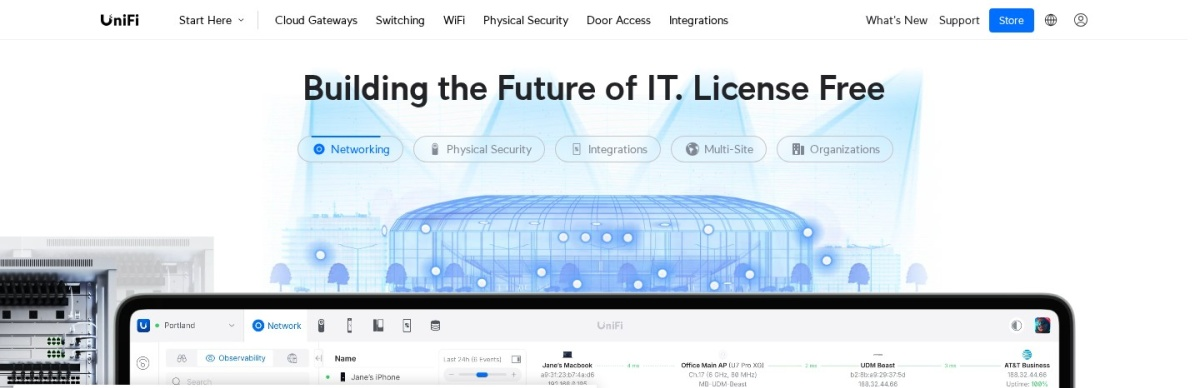
UniFi Express 7
4.5/5on G2 (39 reviews, checked Nov 2026)
Starts at$199/once
Best plug-and-play UniFi gateway
Wi-FiWi-Fi 7, tri-band
WAN port10 GbE
IDS/IPS throughput2.3 Gbps
SubscriptionNone
ui.com
UniFi Express 7 homepage, captured Nov 2026.
UniFi Express 7 is a compact UniFi Cloud Gateway with built-in tri-band Wi-Fi 7, a 10 GbE WAN port, and a 2.5 GbE LAN port. It runs the full UniFi Network application with firewall rules, VLANs, traffic inspection, and intrusion detection, and there is no subscription fee for the software.
The trade off is the single wired port and the checkout price. One 2.5 GbE LAN port means a switch for wired devices, and the US store lists $199 but adds a memory surcharge that brought the checkout total to $219 in October 2026. It suits homes that want UniFi management without building a firewall box.
What we like
Wi-Fi 7 and 10 GbE WAN in a small box
No subscription fees for the software
Rated 4.5 out of 5 on G2 from 39 reviews
IDS/IPS rated at 2.3 Gbps
Watch out for
Only one 2.5 GbE LAN port
Store surcharge lifts checkout above the $199 list
Firewall depth is less than pfSense or OPNsense
Higher UniFi gateways add ports and throughputVisit ui.com
07
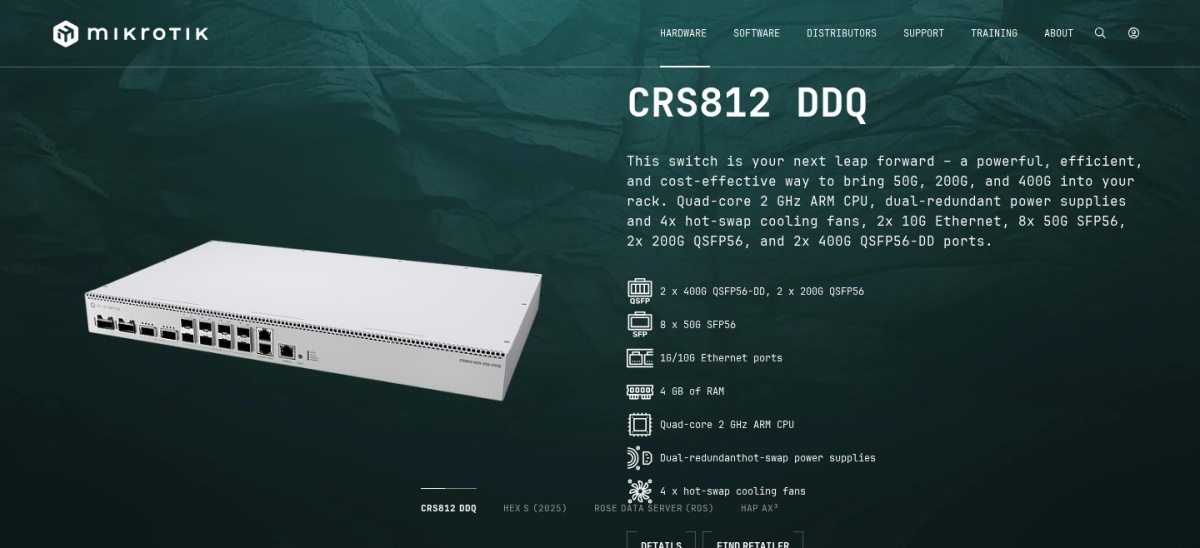
MikroTik RouterOS
4.6/5on G2 (30 reviews, checked Nov 2026)
Paid from$45/once
Best for cheap hardware and CLI control
Free tierCHR at 1 Mbps
LicenceLevel 4, $45 one-time
FirewallStateful, with address lists
ManagementWinBox, web, CLI, API
mikrotik.com
MikroTik RouterOS homepage, captured Nov 2026.
MikroTik RouterOS is a full routing and firewall operating system that ships on cheap MikroTik hardware or runs as a virtual Cloud Hosted Router. It covers a stateful firewall, VLANs, VPN, traffic shaping, scripting, and containers, and a Level 4 licence costs $45 once, with no yearly fee.
The trade off is the learning curve. WinBox and the command line assume networking knowledge, the licence levels are confusing, and the free CHR tier is capped at 1 Mbps per interface. It suits engineers who want deep control on very cheap hardware.
VyOS is an open source network operating system built on Debian, with routing, firewalling, and VPN in one declarative command-line config. The free rolling release includes zone-based firewalling with nftables, WireGuard, IPsec, and OpenVPN, and the config file is plain text that works well with version control.
The trade off is that there is no web interface and supported releases cost far more than a homelab budget. LTS images need a subscription, and the cheapest paid tier on VyOS's own site is Production at $3,000 a year. It suits engineers who live in a terminal and want their firewall config in git.
What we like
Free rolling release with full features
Config is plain text, easy to back up
Rated 4.5 out of 5 on G2 from 57 reviews
Strong routing with FRR under the hood
Watch out for
No graphical interface at all
LTS builds need a $3,000-a-year subscription
Rolling releases can carry rough edges
Production adds LTS images and support for an HA pairVisit vyos.io
09
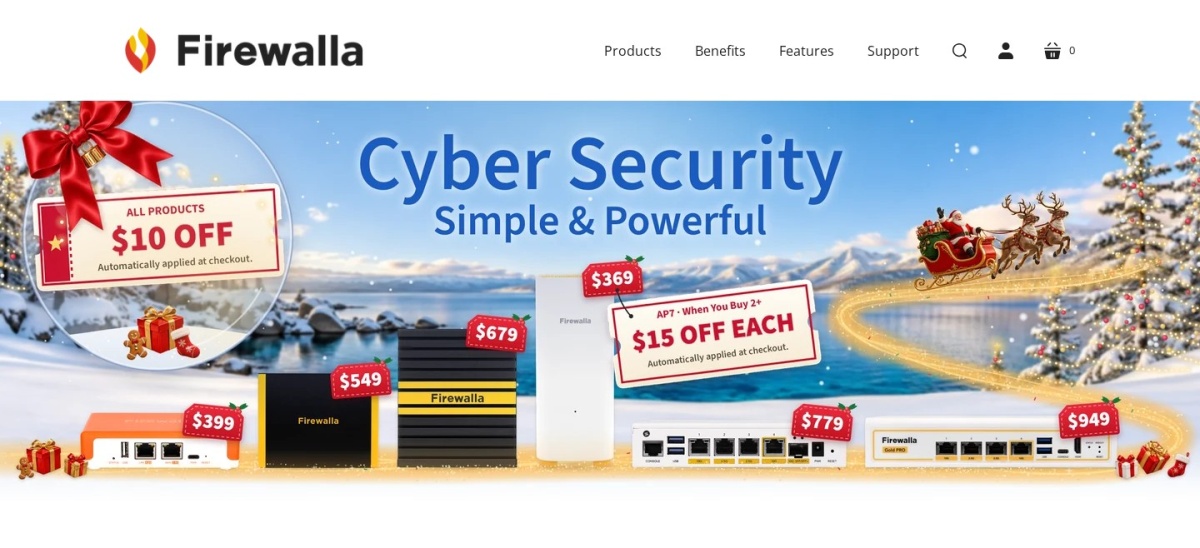
Firewalla Purple SE
2.6/5on Trustpilot (22 reviews, checked Nov 2026)
Starts at$299/once
Best plug-and-play hardware firewall
Throughput500 Mbps
Ports2x 1 GbE
ManagementPhone app and web portal
SubscriptionNone, one-time price
firewalla.com
Firewalla Purple SE homepage, captured Nov 2026.
Firewalla Purple SE is a small hardware firewall you plug in front of your router and manage from a phone app, with no subscription fee. It covers intrusion prevention, ad blocking, VPN server and client, VLANs, and per-device rules, and it shows live traffic and alerts for every device on the network.
The trade off is the rating and the ceiling. Its 2.6 out of 5 Trustpilot score from 22 reviews is the lowest here, with most complaints about support and returns, and 500 Mbps throughput caps it below gigabit plans. It suits homes that want a set-and-forget box instead of a DIY firewall.
Free firewall software is genuinely free here. pfSense CE, OPNsense Community, IPFire, and the VyOS rolling release cost nothing, and Sophos Home Edition and Untangle's core are free too.
What you pay for is support, steady upgrades, or hardware. pfSense Plus is $129 a year, OPNsense Business is €149 a year, and VyOS support starts at $3,000 a year, which is far beyond a home budget.
Hardware boxes flip the model: you pay once and the software is included. UniFi Express 7 is $199, Firewalla Purple SE is $299, and neither charges a subscription.
How we chose
We started from the firewalls homelab owners actually run: the open source distributions, the free home editions from commercial vendors, and the small hardware boxes built for home networks. We kept only tools that are actively sold or maintained in 2026.
Prices come from each vendor's own pricing or store page, checked on 25 November 2026. Ratings come from G2, except IPFire, which has no G2 listing and uses PeerSpot, and Firewalla, which uses Trustpilot. Where a vendor lists a sale price, the list shows the regular price.
We left out firewalls sold only by quote with no home edition, and router firmware that is not a firewall product. No vendor paid for a place, and we do not claim hands-on testing for this list.
How to choose a firewall for your homelab
Start with your internet speed and how much setup you want to do, then pick the firewall that fits.
Check your internet speed first. A 500 Mbps box like Firewalla Purple SE cannot keep up with a gigabit plan. Match the firewall's rated throughput to your connection before anything else.
Decide between software and a box. Free software on a spare mini-PC costs nothing but needs setup. A UniFi or Firewalla box costs $199 to $299 and works in minutes.
List the features you will actually use. VLANs, a VPN server, and intrusion prevention cover most labs. Do not pay for web filtering or sandboxing you will never turn on.
Plan for updates. A firewall only helps if it gets patches. Pick a tool with an active release cycle and a way to update it without rebuilding the box.
FAQ
What is the best firewall software for homelabs?
pfSense is the best pick for most homelabs. Its free Community Edition covers firewalling, VLANs, traffic shaping, and VPN, it is rated 4.7 out of 5 on G2 from 326 reviews, and it has the largest community and the most documentation.
Is pfSense or OPNsense better for a homelab?
Both are free and cover the same ground. pfSense has the bigger community and more packages, while OPNsense has a cleaner interface and ships two major releases a year. Pick pfSense if you want the most guides and forum answers, or OPNsense if you prefer its interface.
Can I run a firewall on old hardware?
Yes, most of these tools run on a spare mini-PC with two network ports. IPFire and pfSense CE are known for running well on modest hardware, and a used thin client is a common homelab choice. Check the minimum RAM and ports on the vendor's download page first.
Do I need to pay for a homelab firewall?
No. Seven of the nine tools here are free to run, including pfSense CE, OPNsense, IPFire, and Sophos Home Edition. You pay only if you want vendor support, a steadier upgrade track, or a hardware box, and the cheapest paid option is MikroTik's $45 one-time licence.
What is the easiest firewall for a homelab beginner?
UniFi Express 7 is the easiest start: a $199 box with Wi-Fi 7 built in, managed from the UniFi app, with no subscription. Firewalla Purple SE is the other simple option at $299, managed from a phone app. Both trade some depth for a setup that takes minutes.
Is Sophos Firewall Home Edition really free?
Yes, Sophos provides the full firewall software free for home and lab use, with intrusion prevention, web filtering, and VPN included. The limits are 4 CPU cores and a dedicated machine or VM, since the installer wipes the disk. Business use needs a paid XGS appliance.
SaaS SEO and WordPress specialist with about 8 years of experience. Rakib compares WordPress plugins, themes, hosting and software using public pricing, documentation and user reviews. See how we rank.