iLovePDF is the best online tool for PDF rotation for most people, rotating single pages, a range or the whole document in one pass, with a free tier for occasional jobs and Premium for heavy use. Pick PDF24 Tools for unlimited free rotation and Sejda for quick no-account fixes.
How we make this list: we compare pricing pages, product documentation and public user reviews, then re-check every price before each update. No product paid for a place. Disclosure.
iLovePDF rotates single pages, a page range or a whole document in one pass, and Premium costs $60 a year.
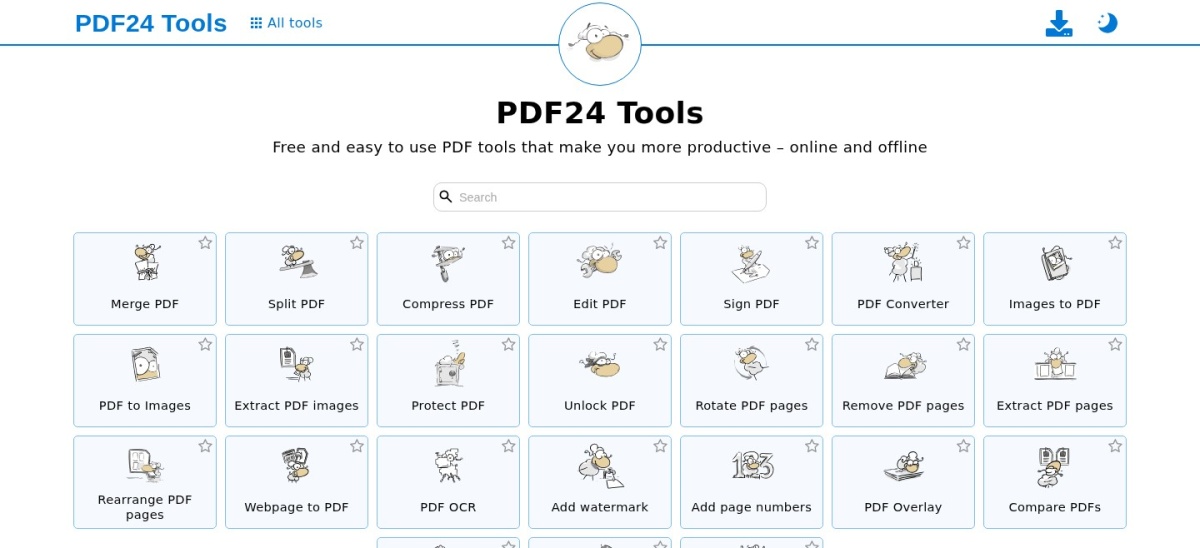
PDF24 Tools rotates unlimited PDFs free with no account and no watermark, online or in its Windows desktop app.
Sejda needs no account and deletes files after 2 hours, but free use stops at 3 tasks an hour.
Smallpdf has the simplest rotate flow but limits free users to about 2 tasks a day, and Pro costs $108 a year.
PDFgear and PDF24 Tools are the only fully free options here with no paid plan behind them.
What to look for in a PDF rotation tool
A sideways page in a scanned form or a phone photo saved as a PDF is the usual reason to rotate. The fix takes seconds when the tool shows page thumbnails and lets you turn one page without touching the rest.
Page-level control is the feature that matters most. Whole-document rotation is easy everywhere, but most jobs need only a few pages turned, so a tool that rotates single pages saves a second pass.
Free limits decide the real cost. Most free tiers cap daily tasks or file size, so check the limit before a batch job. Our guide to the best tool to crop PDF covers the same free tools for a different page job.
Privacy matters when the file is sensitive. Browser tools upload the file to a server, so a confidential document is safer in a desktop tool such as PDF24 or PDFgear, which can work offline.
iLovePDF is the most complete online PDF suite here, and its Rotate PDF tool is the smoothest of the eight. Upload one file or several at once, turn single pages by 90, 180 or 270 degrees, rotate a page range or fix the whole document with one click, then download the result or save it to Google Drive or Dropbox. The free tier covers occasional jobs with no watermark.
The trade off is the free limit. Heavy users hit daily processing caps and need Premium at $60 a year, which adds desktop and mobile apps, OCR and workflows. It suits anyone who rotates PDFs often and wants batch handling in the same place as merge, split and compress tools.
Smallpdf is the simplest rotate tool here. Drag in a PDF, click a page to turn it or hit Rotate All, then apply the change and download. The same clean flow covers more than 30 PDF tools, so a user who already pays for Pro gets rotation beside merge, split, compress and signing in one subscription.
The trade off is the free tier. Free users get about 2 tasks a day and a 5 MB file cap, and rotation on the free tier turns all pages at once rather than single pages. Pro costs $108 a year. It suits occasional users who value a plain interface over batch power.
Sejda is the precision pick for rotation. Its Rotate tool shows page thumbnails, so you click only the sideways pages and turn them by 90, 180 or 270 degrees while the rest stay put. Basic use needs no account, files are deleted after 2 hours, and a desktop app mirrors the online tools offline.
The trade off is the free quota. Free use stops at 3 tasks an hour with files capped at 50 MB or 200 pages, so a long document may need splitting or a paid plan at $63 a year. It suits quick one-off fixes where no account and no watermark matter.
PDF24 Tools is the free champion of this list. Its Rotate PDF tool turns single pages or whole documents with no account, no watermark and no stated task limit, online or in the free Windows desktop app. The wider toolbox covers more than 30 PDF jobs, from merge and split to OCR and redaction.
The trade off is polish. The interface takes more clicks than iLovePDF or Smallpdf for single-page rotation, and support is a help site rather than a person. It suits anyone who rotates PDFs often and refuses to count daily tasks or pay for a simple job.
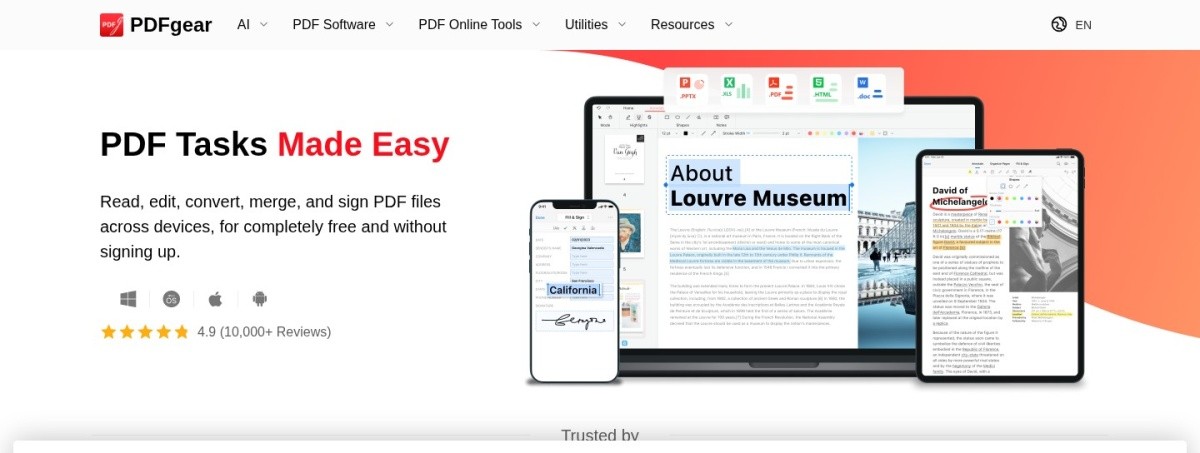
PDFgear is a free desktop PDF editor with a rotate tool that works offline. Open a file, turn pages in the thumbnail view and save, with no account, no watermark and no upload. The same free app covers editing, annotation, conversion and form filling on Windows, Mac and phones.
The trade off is that it is a download, not a browser tool. There is no online rotate page, so a quick fix on a borrowed computer needs an install first. It suits privacy-minded users who would rather keep files on their own machine than upload them.
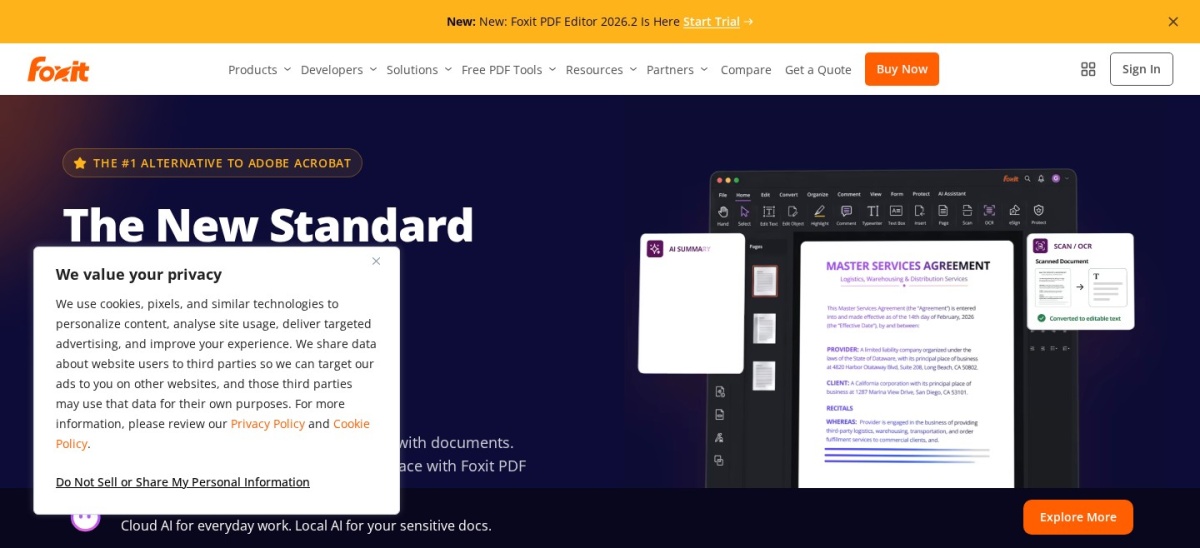
Foxit PDF Editor is a full desktop PDF editor from a vendor with more than 700 million users. Its rotate and organize tools sit beside editing, OCR, forms and eSign, so a rotation job can flow straight into a finished document. The Editor plan costs $129.99 a year per user.
The trade off is weight. Foxit is a paid desktop suite, so it is more than a casual user needs for turning a few pages, and the free Reader cannot rotate. It suits offices that already standardize on Foxit and want rotation inside a full editor.
Adobe Acrobat is the industry-standard PDF editor, and rotation is one small part of a deep toolkit. Open a PDF, turn pages in the thumbnail pane and save, with the same file flowing into edit, convert, sign and share tools. Acrobat Standard costs $179.88 a year for one user.
The trade off is price. Standard is the most expensive paid plan here, and it runs on Windows only, while Pro costs more again. It suits professionals who already live in Acrobat and need rotation beside redaction, comparison and forms.
PDF2Go is a browser toolkit of about 50 PDF apps, including a rotate tool that turns single pages or whole documents online. The free tier handles light jobs with ads and a standard queue, and paid plans add batch processing, priority queue, larger files and AI tools. Starter costs $77 a year.
The trade off is the credit system. Paid plans run on monthly credits that reset each cycle and do not roll over, and extra users cost 5 euros each a month on top. It suits light users who want many small PDF tools in one place without installing anything.
Free plans cover the job well. PDF24 Tools and PDFgear rotate without limits, and the other free tiers handle a few files a day.
Paid plans buy volume and convenience. Unlimited tasks, batch processing, desktop apps and OCR are the usual upgrades, from $60 a year at iLovePDF to $179.88 at Adobe.
Pay only when the free limits bite. If you rotate files daily or handle large batches, a paid plan saves time; for one or two files a month, the free tier is enough.
How we chose
We started from the online PDF tools with a rotate feature and a public review record on G2, Capterra or Trustpilot, then kept the eight that cover rotation without an install.
Prices come from each vendor's pricing page, checked on 26 November 2026. Ratings come from G2, Capterra or Trustpilot on the same day. Where a vendor shows a sale, the list shows the regular price.
We left out tools with no verifiable public rating. No vendor paid for a place, and we do not claim hands-on testing for this list.
How to choose an online PDF rotation tool
Start with how often you rotate, then check the free limit before you commit.
Check the free limit first. Count how many files you rotate in a day and check the file size cap, because most free tiers stop after a few tasks.
Pick page-level control. Choose a tool that shows thumbnails and rotates single pages when only part of the document is sideways.
Watch where the file goes. Browser tools upload the file to a server, so use a desktop tool for contracts, medical forms or anything confidential.
Pay only for batch work. A paid plan is worth it when you rotate files daily; for one or two files a month the free tier is enough.
FAQ
What is the best online tool for PDF rotation?
iLovePDF is the best pick for most people. It shows page thumbnails, rotates single pages, a range or the whole document, and downloads the fixed file in one pass. The free tier covers occasional jobs, and Premium at $60 a year removes the daily limits for heavy use.
Can I rotate a PDF for free?
Yes. PDF24 Tools rotates unlimited PDFs free with no account and no watermark, and PDFgear is also free. iLovePDF, Smallpdf and Sejda all rotate free within daily limits, so a free tool covers most one-off jobs without paying.
Can I rotate only one page of a PDF?
Yes, with the right tool. iLovePDF, Sejda, PDF24 Tools and PDFgear all show page thumbnails and let you turn single pages while the rest stay put. Smallpdf free rotation turns all pages at once, so check the tool before you start.
Is it safe to rotate a PDF online?
It is safe for ordinary files, but the file is uploaded to the vendor's server and stored briefly. iLovePDF deletes uploads within 2 hours and Sejda after 2 hours. For sensitive documents, use a desktop tool such as PDF24 or PDFgear that can work offline.
What is the file size limit for free PDF rotation?
It varies by tool. iLovePDF allows 100 MB per free task, Sejda caps files at 50 MB or 200 pages, and Smallpdf limits free files to 5 MB. PDF24 Tools has no stated limit online, which makes it the best free pick for large files.
Do I need to install anything to rotate a PDF?
No. All eight tools here rotate in the browser with no install, and most need no account either. PDF24 Tools and PDFgear also offer free desktop apps for Windows, which suit offline work and files you would rather not upload.
SaaS SEO and WordPress specialist with about 8 years of experience. Rakib compares WordPress plugins, themes, hosting and software using public pricing, documentation and user reviews. See how we rank.