Adobe Acrobat is the best PDF to Excel converter for most people, since its table reconstruction and OCR handle complex and scanned documents. Smallpdf suits quick one-off conversions in the browser, while Able2Extract is the pick for finance teams with irregular tables.
How we make this list: we compare pricing pages, product documentation and public user reviews, then re-check every price before each update. No product paid for a place. Disclosure.
Adobe Acrobat Pro costs 19.99 dollars a month and sets the accuracy standard for complex tables.
Smallpdf and iLovePDF both have free tiers, but Smallpdf caps free use at two tasks a day.
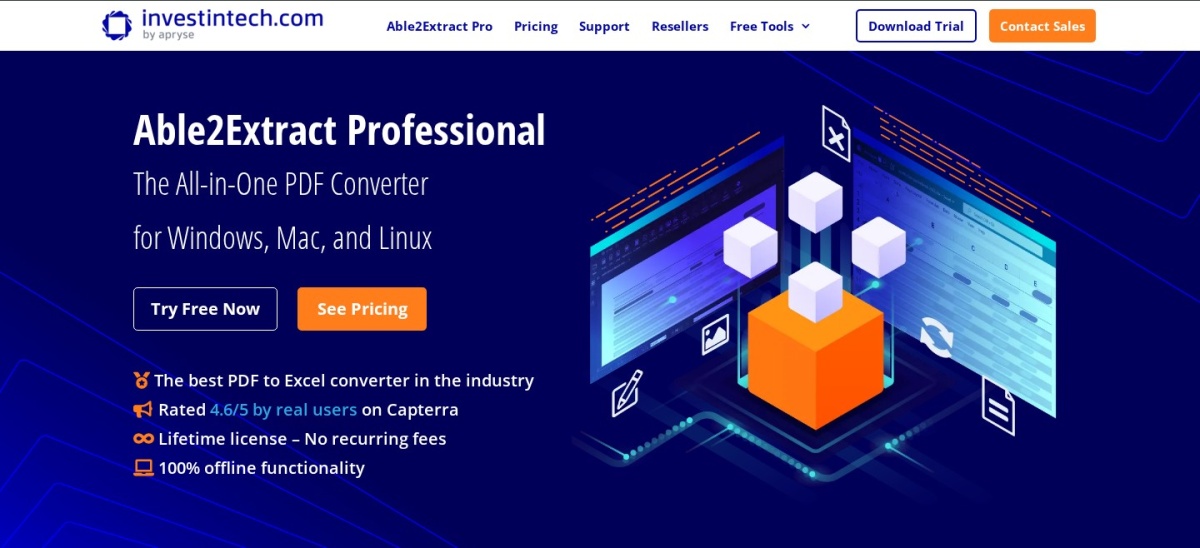
Able2Extract costs 199.95 dollars once and adds custom table pinpointing with OCR templates.
PDFelement costs 79.99 dollars a year and undercuts Acrobat for full editing plus conversion.
Sejda is the cheapest yearly pick here at 63 dollars a year, with a free tier for one-off jobs.
What a PDF to Excel converter should do
Converting a PDF into a usable spreadsheet is harder than it looks once a table spans multiple pages or the source was scanned rather than born digital. A good converter rebuilds rows and columns, not just pasted text.
OCR is the key split. Native PDFs convert with layout tools alone, but scanned statements need optical character recognition, which free web converters often lock behind a paid plan.
Free tiers are real but capped. Smallpdf allows two tasks a day, iLovePDF caps file size, and Adobe offers a free online converter for a single occasional file.
Batch work changes the pick. Acrobat Pro and Able2Extract handle whole folders and custom table areas, while browser tools suit one file at a time. Our guide to PDF editor apps compares the same tools as editors.
Adobe Acrobat is the PDF platform from Adobe, whose free online converter turns PDF tables into Excel spreadsheets and whose Pro plan adds OCR and batch processing. Acrobat Pro costs $19.99 a month on an annual plan, Standard is $14.99, Pro adds OCR in 40 languages and batch processing, and it holds a 4.5 rating on G2 from 5,788 reviews.
The trade off is it is the most expensive pick here, and the free online converter covers only occasional single files before a subscription is needed. It suits analysts and accountants converting complex or scanned financial reports.
Smallpdf is a browser-first PDF toolkit that converts PDF tables into Excel spreadsheets while stating it preserves the original layout and data. It is used by more than 40 million people a month, the free tier caps use at 2 tasks a day, Pro costs $108 a year, and it holds a 4.5 rating on G2 from 305 reviews.
The trade off is the free tier has no OCR and a 5MB file cap, and some guides list Pro at $12 a month instead of $108 a year, so check the annual price at checkout. It suits freelancers converting a handful of PDF reports to Excel each day.
iLovePDF is a web-based PDF toolkit that runs in the browser, with conversion between PDF and Office formats, compression, merging and splitting. It holds a 4.6 rating on G2 from 583 reviews, the free tier covers batch conversion of native PDFs with file size limits, and Premium costs $48 a year.
The trade off is OCR is locked behind Premium, and some guides list Premium at $5 a month billed annually, so the yearly total needs checking at checkout. It suits teams needing free batch conversion of native PDF reports.
Able2Extract is a desktop converter from Investintech built for precise table extraction, with custom table pinpointing and OCR templates. Professional costs $199.95 once for a lifetime licence, it applies automatic OCR even in the free online converter, and it holds a 4.6 rating on G2 from only 15 reviews.
The trade off is the G2 review base is only 15 reviews, and the lifetime licence is the most expensive single payment in this list. It suits finance teams converting scanned statements across mixed operating systems.
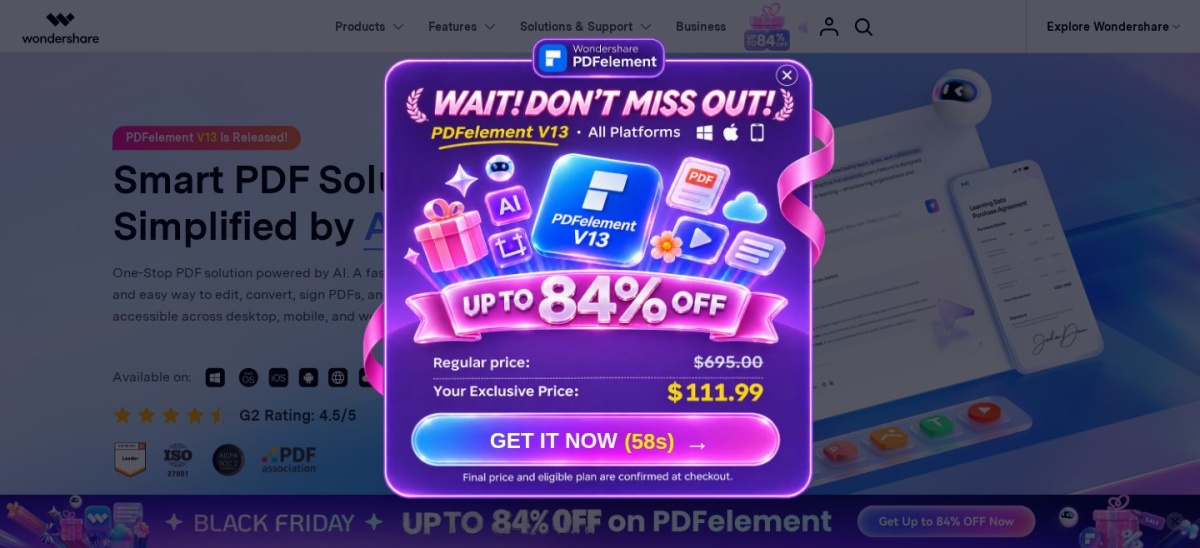
PDFelement is a full PDF editor from Wondershare that converts PDF tables to Excel at a friendlier price than Acrobat. Individual plans start at $79.99 a year for an annual subscription or $129.99 for a perpetual licence, OCR is included, and it holds a 4.5 rating on G2 from 1,046 reviews.
The trade off is the free trial watermarks output, and conversion accuracy on the trickiest tables still trails Acrobat. It suits teams that want editing plus conversion without Acrobat prices.
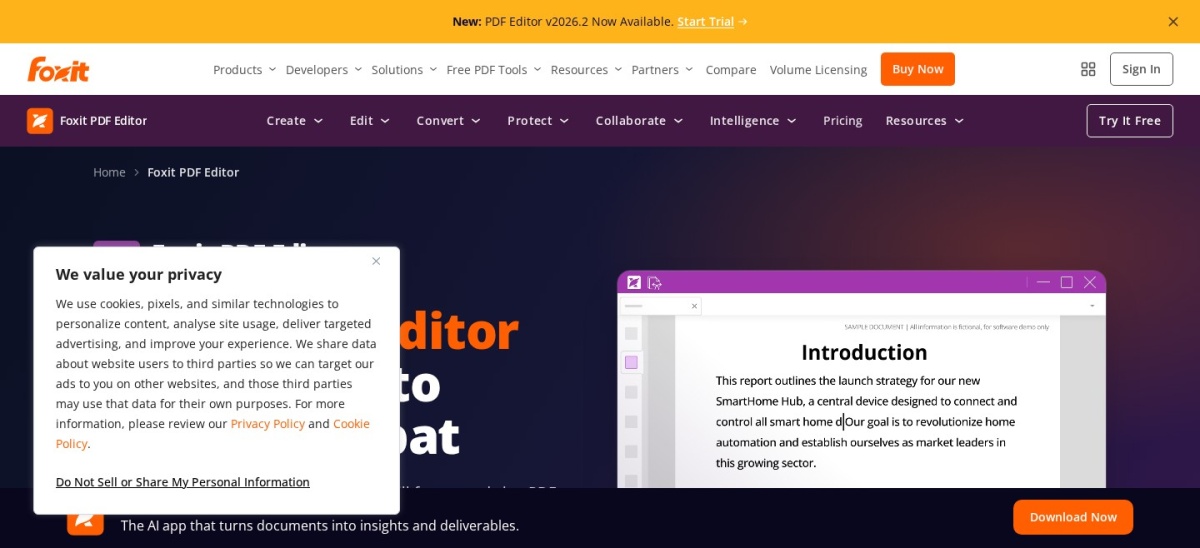
Foxit PDF Editor is a fast PDF editor from Foxit with strong conversion, OCR and managed deployment for IT teams. It costs $129.99 a year, holds a 4.6 rating on G2 from 3,783 reviews, and it is the fastest free reader for offices, with a free reader beside the paid editor.
The trade off is there is no free editor tier, only a free reader, so conversion needs the paid plan from day one. It suits offices that need managed deployment and fast conversion.
Nitro PDF Pro is a desktop PDF editor that keeps files off the cloud and converts whole folders at once, built for Windows-centred teams. It costs $15 per user a month, or $270 once for the Classic licence, holds a 4.4 rating on G2 from 391 reviews, and it bundles OCR with batch conversion.
The trade off is it is Windows-centred, so Mac and Linux teams get a thinner experience, and the monthly price adds up past the one-time Classic licence. It suits Windows teams that want files kept off the cloud.
Sejda is a browser PDF toolkit for one-off projects, with conversion, editing and merging in the browser. It costs $63 a year, holds a 4.7 rating on Capterra from 47 reviews, and the free tier handles one file at a time for occasional jobs.
The trade off is the review base is small at 47 reviews, and the web monthly plan at $7.50 a user costs more over a year than the $63 yearly plan. It suits people with occasional one-off conversion jobs.
Scanned or native: the question that picks your tool
Native PDFs hold real text, so layout tools alone can rebuild the table. Smallpdf and iLovePDF handle these well for free.
Scanned PDFs hold pictures of text, so you need OCR. Acrobat Pro, Able2Extract, PDFelement and Foxit all bundle it, while free web converters offer it only on paid plans or not at all.
Test with your worst file, not your easiest one. A merged header cell or a multi-page table is where cheap converters fail.
For finance teams, Able2Extract is worth the one-time price, since custom table areas and OCR templates fix the files that layout tools miss.
How we chose
We started from the PDF to Excel tools that appear most often in 2026 conversion shortlists, then kept those with a verifiable G2 or Capterra rating and a clear conversion role.
Prices come from each vendor pricing page and review listing, checked on 26 November 2026. Ratings and review counts come from G2 or Capterra on the same day. Where a vendor shows a sale, the list shows the regular price.
We left out tools with no verifiable rating on G2, Capterra or Trustpilot. No vendor paid for a place, and we do not claim hands-on testing for this list.
How to choose a PDF to Excel converter
Start with whether your PDFs are scanned or native, then check the free tier limits.
Check scanned or native. Scanned files need OCR, which free web converters often lock behind a paid plan.
Test your worst file. Try a multi-page table with merged headers before you buy. Easy files hide converter flaws.
Count your volume. Occasional files suit Smallpdf or iLovePDF free tiers. Daily batches suit Acrobat Pro or Able2Extract.
Compare yearly totals. Monthly prices hide the annual cost. Sejda at $63 a year beats a $7.50 monthly plan over twelve months.
FAQ
What is the best PDF to Excel converter?
Adobe Acrobat is the best pick for most people, since its table reconstruction and OCR handle complex and scanned documents. Smallpdf suits quick one-off conversions in the browser, while Able2Extract is the pick for finance teams with irregular tables.
Is there a free PDF to Excel converter?
Yes. Adobe offers a free online converter for occasional single files, Smallpdf allows two free tasks a day, and iLovePDF offers free batch conversion with file size limits. Sejda is free for one file at a time.
Can I convert a scanned PDF to Excel?
Yes, but you need OCR. Acrobat Pro, Able2Extract, PDFelement and Foxit all bundle OCR. Free web converters usually offer OCR only on paid plans, so scanned files need a paid tool.
How much does Adobe Acrobat cost?
Acrobat Standard costs 14.99 dollars a month and Acrobat Pro costs 19.99 dollars a month, both on annual individual plans billed monthly. Pro adds OCR in 40 languages and batch processing.
Is Smallpdf or iLovePDF better?
Smallpdf is faster for a single quick conversion, while iLovePDF is better for free batch conversion of native PDFs. Both cap free use, and both lock OCR behind Premium plans.
What is the cheapest PDF to Excel converter?
Sejda is the cheapest yearly pick here at 63 dollars a year, with a free tier for one-off jobs. Able2Extract costs 199.95 dollars once for a lifetime licence, which beats a subscription after about three years.
SaaS SEO and WordPress specialist with about 8 years of experience. Rakib compares WordPress plugins, themes, hosting and software using public pricing, documentation and user reviews. See how we rank.