Best Rated PDF Reading Software in 2026: 9 Tools Compared
WLWPLegible EditorsLast verified 23 Nov 2026How we rank13 min read
★ Short answer
PDFgear is the best rated PDF reading software: 4.8 out of 5 on G2 from 184 reviews, and it is completely free with full editing, OCR and signing. Pick Foxit PDF Reader for fast office reading, or Adobe Acrobat Reader for the widest file compatibility.
How we make this list: we compare pricing pages, product documentation and public user reviews, then re-check every price before each update. No product paid for a place. Disclosure.
PDFgear rates 4.8 out of 5 on G2 from 184 reviews and costs nothing, with full editing, OCR and signing included.
Foxit PDF Reader is the fastest free reader for offices, rated 4.6 out of 5, with managed deployment for IT teams.
PDF-XChange Editor is the cheapest one-time licence here at $59.50, with OCR in its free version.
Adobe Acrobat Reader is free and the safest default for files that must open exactly as sent, rated 4.5 out of 5 from 5,334 reviews.
Paid plans here run from $48 to $239.88 a year, so a free reader covers most reading and only editing needs a paid plan.
What a good PDF reader should cover
A PDF reader has one job first: open any file quickly and show it as the sender made it. If a reader mangles fonts or layout, nothing else it does matters.
Reading features matter more than editing for most people. Look for single and two-page views, text search, zoom, bookmarks and a night or Read Mode for long documents.
Annotations are the next step. Highlights, comments, stamps and form filling turn a reader into a working tool, and most free readers here include them.
Paid plans add editing, OCR and conversion. If you only read and mark up files, a free reader is enough. Our guide on adding a PDF to WordPress covers the publishing side of sharing those files.
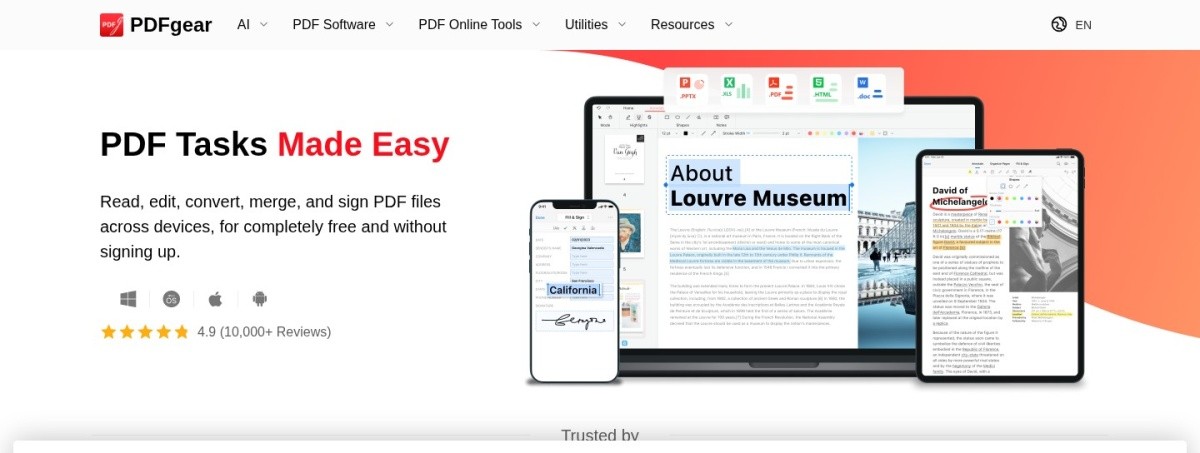
PDFgear is a free PDF reader and editor for Windows and Mac, with mobile apps and online tools beside it. The desktop app opens, annotates, edits, converts, compresses and signs PDFs, and includes OCR for scanned pages, with no account, no watermark and no paid tier.
The trade off is polish. PDFgear lacks the deep form tools and admin controls of paid editors, and some advanced conversions send files to a cloud server for processing. It suits anyone who reads and marks up PDFs every day and wants full editing without a subscription.
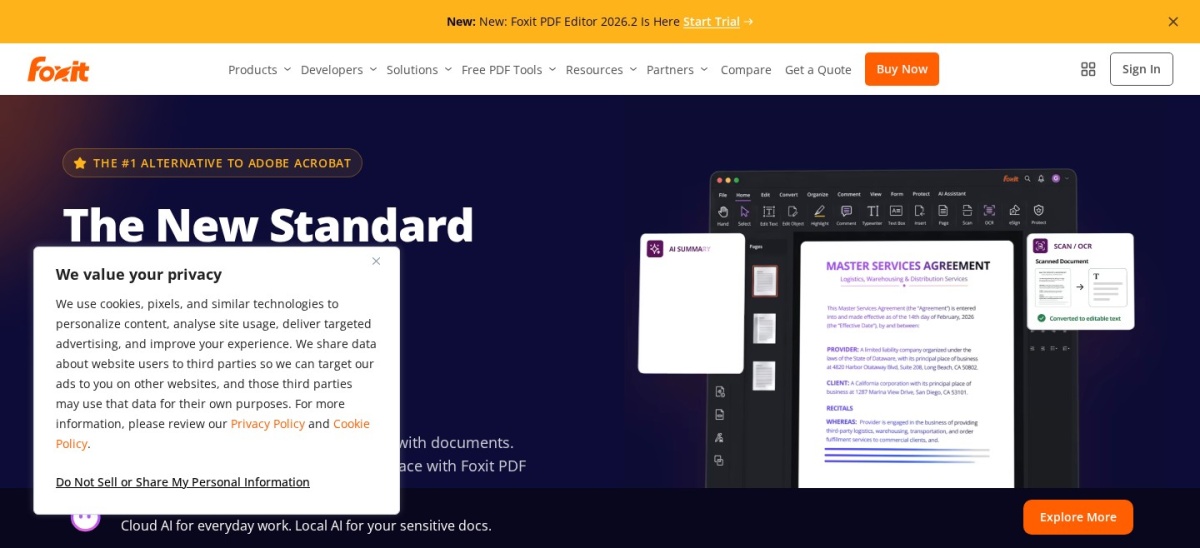
Foxit PDF Reader is a free, lightweight reader for Windows, Mac and Linux, with a ribbon-style interface that feels familiar to Office users. It opens and prints PDFs, highlights text, adds comments and stamps, fills forms and signs documents, and handles large files quickly.
The trade off is the upsell. Editing text, running OCR and converting files need the paid Foxit PDF Editor at $129.99 a year, and the free reader shows prompts for those features. It suits offices and teams that want fast reading with managed deployment and enterprise support.
What we like
Fast and light, even on older hardware
Familiar ribbon interface for Office users
MSI packages for managed deployment
Watch out for
Editing, OCR and conversion need the paid Editor
Upgrade prompts appear in the free reader
Foxit PDF Editor adds editing, OCR and conversionVisit foxit.com
03
PDF-XChange Editor
4.6/5on Capterra (264 reviews, checked Nov 2026)
Paid from$59.50/once
Best one-time licence for Windows
Free planYes, most features
Edit PDF textYes, free
OCRYes, free
PlatformsWindows only
pdf-xchange.com
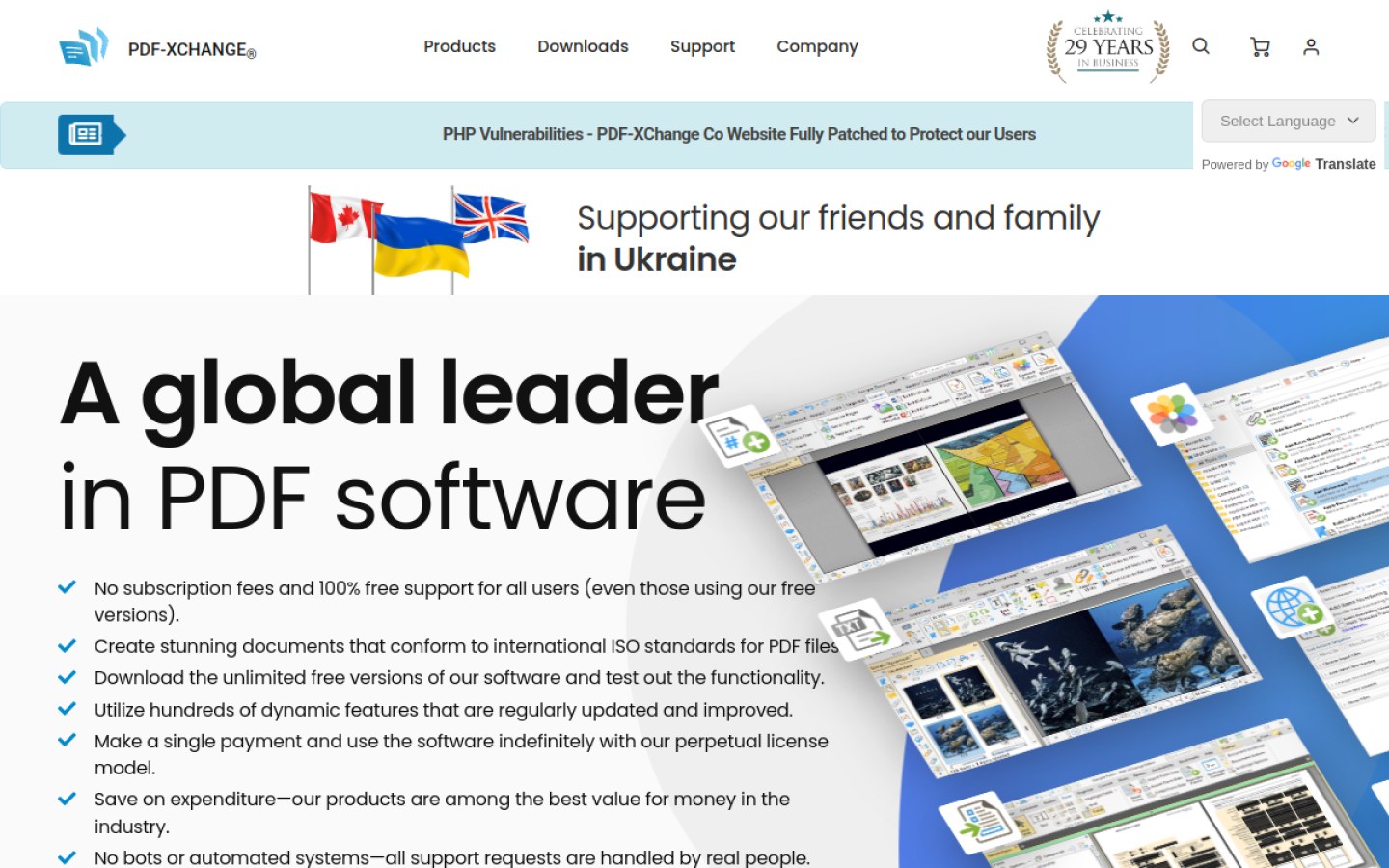
PDF-XChange Editor homepage, captured Nov 2026.
PDF-XChange Editor is a Windows PDF reader and editor from Tracker Software, with a free version that covers far more than most free readers. It reads and annotates PDFs, adds stamps and comments, fills forms, and includes OCR in the free tier.
The trade off is Windows only. There is no Mac version, and the interface packs in many tools, so new users face a learning curve. The one-time licence costs $59.50, with no subscription. It suits Windows power users who want deep features and a single payment.
iLovePDF is a web-based PDF toolkit that runs in the browser, with desktop and mobile apps on the Premium plan. The free plan covers merging, splitting, compressing, converting and signing PDFs, with limits on tasks per hour and file size.
The trade off is the upload. Files go to iLovePDF servers for processing, and the free plan caps file size and task frequency. Premium costs $48 a year billed annually, or $7 a month. It suits occasional users who want many PDF tools without installing software.
Adobe Acrobat Reader is the free PDF reader from the company that created the PDF format, for Windows, Mac, iOS and Android. It opens PDFs, adds highlights and comments, fills forms, signs documents and prints, with single and two-page views, Read Mode and full-screen reading.
The trade off is the price of more. Editing text, converting files and running OCR need Acrobat Pro at $19.99 a month, or $239.88 a year. It suits readers who want the widest file compatibility and a reader that everyone else already uses.
PDFelement is a PDF editor from Wondershare for Windows, Mac, iOS and Android, with a web version through PDFelement Cloud. The free trial lets you read and try the tools, and the paid plan adds editing, annotation, OCR, conversion and form filling.
The trade off is the plan split. The $79.99 yearly plan covers one platform, so Windows and Mac together cost $89.99 a year, and the vendor shows a higher crossed-out regular price beside it. It suits readers who work across a PC, a Mac and a phone.
Smallpdf is a browser-first PDF toolkit with desktop and mobile apps, covering reading, compressing, merging, splitting, converting and signing. The free plan gives access to all 21 tools, limited to two tasks a day, and works without installing anything.
The trade off is the daily cap. Two free tasks a day is enough for occasional jobs, but daily users need Pro at $108 a year, which removes the caps and adds text editing and batch work. It suits people who handle PDFs in the browser a few times a week.
Sejda is a web and desktop PDF toolkit that edits existing PDF text, fills forms, merges, splits and converts files, and runs OCR. The free plan needs no account and covers files up to 200 pages or 50 MB, limited to three tasks an hour.
The trade off is the hourly limit. Three free tasks an hour suits one-off jobs, but regular use needs a paid plan, with Desktop plus Web at $63 a year. It suits anyone with a single PDF project who does not want a subscription.
What we like
Edits existing PDF text on the free plan
No account needed to start
Rare $5 week pass for single projects
Watch out for
Free plan allows only three tasks an hour
Smallest review base in this list, 41 on G2
Desktop plus Web adds offline use and higher limitsVisit sejda.com
09
Nitro PDF Pro
4.4/5on G2 (376 reviews, checked Nov 2026)
Starts at$179.99/once
Best paid Acrobat alternative for Windows
Free planNo, 14-day trial
Edit PDF textYes
OCRYes
PlatformsWindows, Mac
gonitro.com
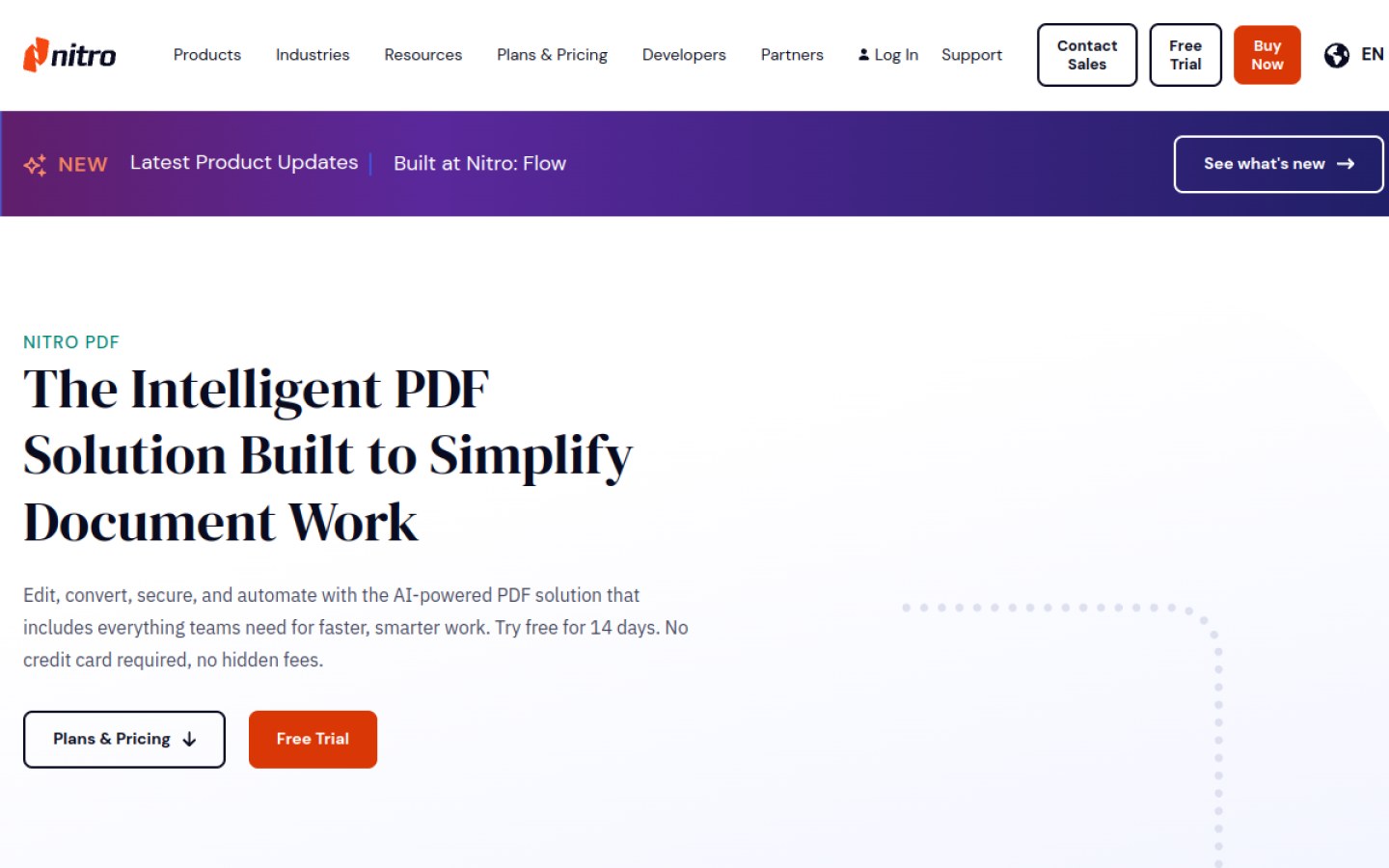
Nitro PDF Pro homepage, captured Nov 2026.
Nitro PDF Pro is a desktop PDF editor for Windows and Mac, built around an Office-style ribbon interface. It edits text and images, converts files, runs OCR, adds signatures and redacts sensitive text, with a 14-day free trial and no free plan.
The trade off is cost and platform. The one-time licence costs $179.99, and the Mac version trails Windows on features. It suits Windows-first teams that want a full Acrobat alternative with a single payment instead of a subscription.
Free readers cover reading and basic markup well. Most here include highlights, comments, form filling and signing at no cost.
Paid plans mostly add editing and OCR. You pay to change existing text, turn scans into searchable files and convert between formats.
Two tools in this list charge nothing at all for those extras. PDFgear includes editing and OCR free, and PDF-XChange Editor includes them in its free Windows version.
If you edit PDFs most days, a paid plan or a one-time licence pays for itself quickly. If you only read and sign, stay free.
How we chose
We started from the highest-rated PDF readers on G2 and Capterra, then kept those with a free plan or trial and an established user base.
Prices come from each vendor's pricing page, checked on 23 November 2026. Ratings and review counts come from G2 or Capterra on the same day. Where a vendor shows a sale, the list shows the listed price and notes the sale in the text.
We left out readers with no public rating to cite. No vendor paid for a place, and we do not claim hands-on testing for this list.
How to choose a PDF reader
Start with how you read PDFs today, then match the tool to that habit.
Decide where you read. Desktop apps suit daily readers; a browser tool suits occasional jobs on any computer.
Check what free covers. If you only read, highlight and sign, a free plan is enough. Editing and OCR are what push most people to pay.
Weigh subscription against one payment. PDF-XChange Editor and Nitro PDF Pro sell one-time licences, while most others charge yearly.
Mind where your files go. Browser tools upload files to process them. If a document is sensitive, use a desktop app that keeps files on your machine.
FAQ
What is the best rated PDF reading software?
PDFgear is the highest rated here at 4.8 out of 5 on G2 from 184 reviews, and it is completely free with full editing, OCR and signing. Foxit PDF Reader and PDF-XChange Editor follow at 4.6 out of 5.
Is there a completely free PDF reader with editing?
Yes. PDFgear is completely free with editing, OCR, conversion and signing included, and no paid tier. PDF-XChange Editor also includes text editing and OCR in its free Windows version.
Is Adobe Acrobat Reader really free?
Yes, Acrobat Reader is free for viewing, annotating, filling forms and signing PDFs. Editing text, converting files and OCR need Acrobat Pro at $19.99 a month, or $239.88 a year.
Which PDF reader is best for Windows only?
PDF-XChange Editor is the strongest Windows-only pick, with deep free features and a $59.50 one-time licence. SumatraPDF is a lighter free option, but it has no public rating to cite.
Do browser PDF tools upload my files?
Yes, web tools such as iLovePDF, Smallpdf and Sejda upload files to their servers to process them. For sensitive documents, use a desktop app such as PDFgear or Foxit PDF Reader, which keeps files on your machine.
What is the cheapest paid PDF reader?
iLovePDF Premium is the cheapest yearly plan here at $48 a year billed annually. PDF-XChange Editor is cheaper still as a one-time payment at $59.50, since you pay once and keep it.