HotDocs is the best document assembly software for law firms needing deep template automation. PandaDoc is best for sales teams, while Formstack Documents is best for generating documents from forms and CRM data.
How we make this list: we compare pricing pages, product documentation and public user reviews, then re-check every price before each update. No product paid for a place. Disclosure.
HotDocs is the top pick for law firms, with deep template automation and conditional logic.
PandaDoc Essentials at $19 per user a month is the best value for sales teams.
Formstack Documents Starter at $110 a month generates documents from forms and CRM data.
MyCase Advanced at $130 a user a month bundles practice management with automation.
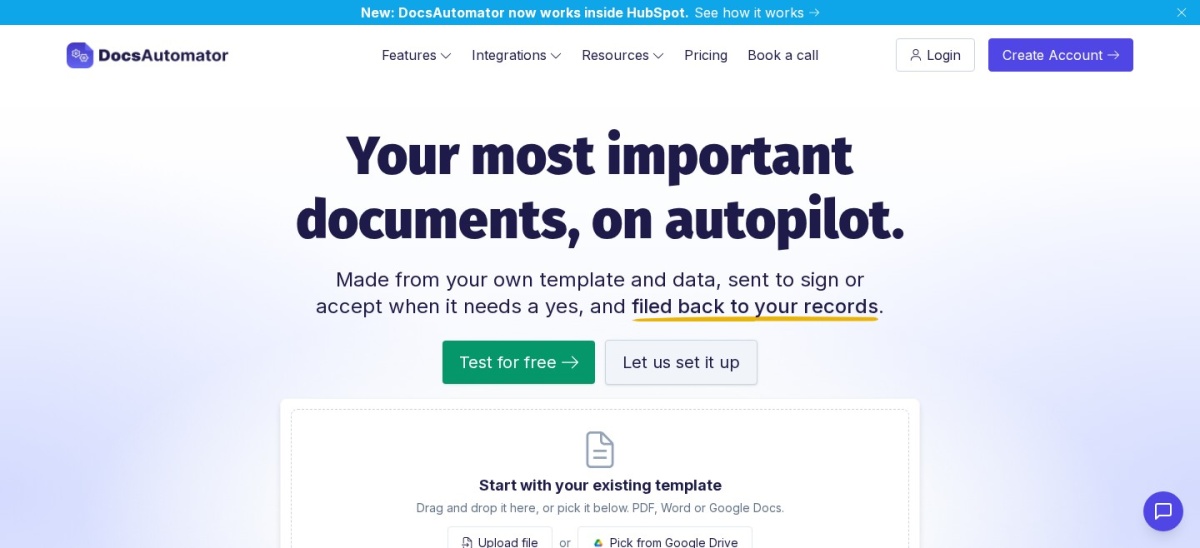
DocsAutomator Professional at $29 a month generates documents from Google Docs, Word and PDF templates.
What document assembly software should do
Document assembly software turns templates into finished documents. You answer a few questions, and the tool fills in names, dates, clauses and numbers, then produces a clean document.
Good tools add conditional logic, so a clause appears only when it applies, and they connect to your CRM or practice system to pull client data automatically.
Law firms use assembly for contracts, wills and court forms, while sales teams use it for proposals and quotes. Our guide on legal document software covers more legal tools.
Pricing splits two ways. Standalone tools such as PandaDoc and Formstack publish prices, while legal platforms such as HotDocs, LEAP and Smokeball are quote-only.
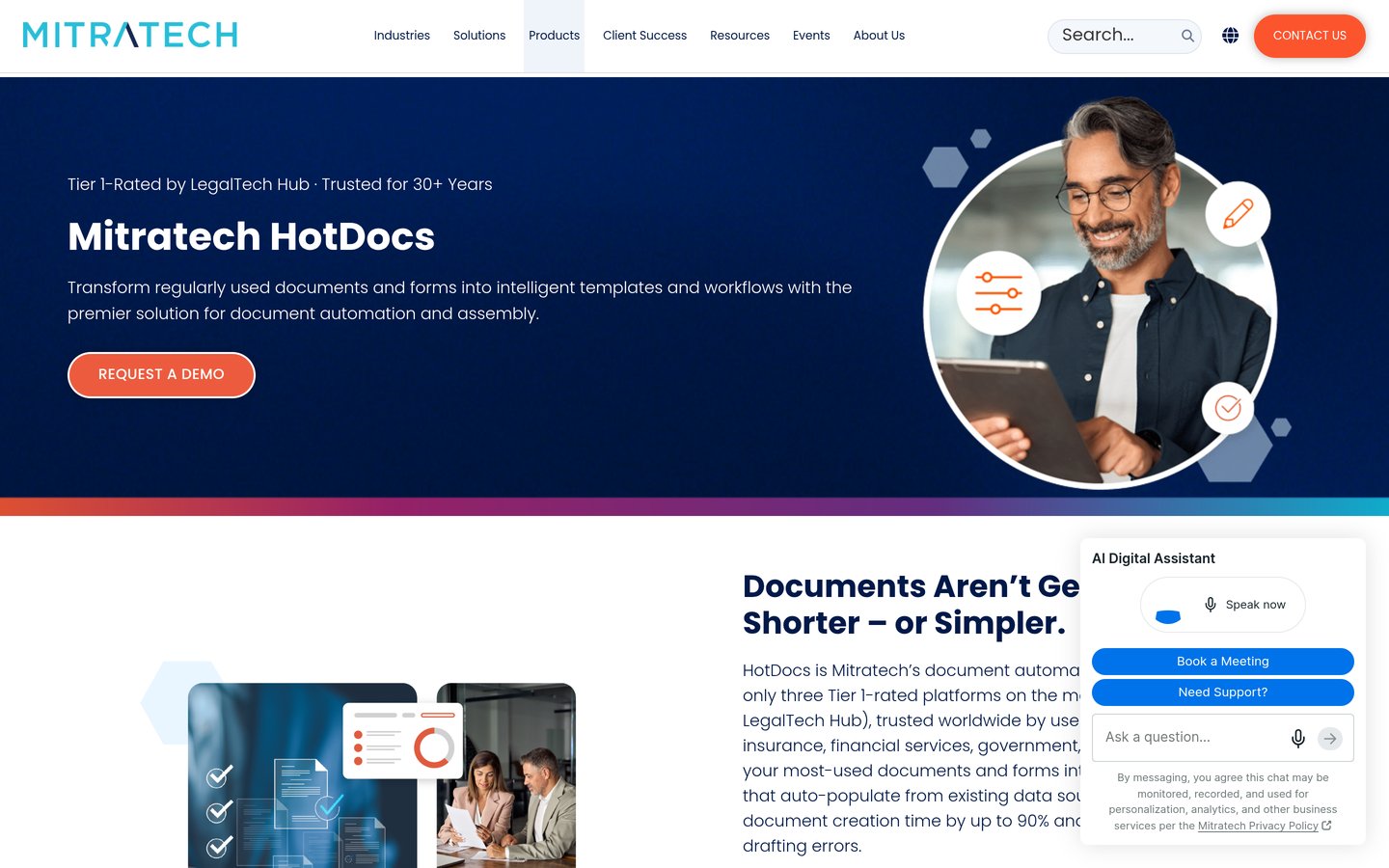
HotDocs is a document assembly tool for law firms that turns templates into finished documents with interviews and conditional logic. Now part of Mitratech after its June 2024 acquisition, it is rated 4.3 out of 5 from 88 G2 reviews, with pricing by quote.
The trade off is transparency and a rating conflict. HotDocs does not publish prices, and PandaDoc's blog lists its G2 rating as 3.8 rather than 4.3, so the 4.3 figure from G2 itself is used here. It suits law firms that need deep template automation.
PandaDoc is a document platform for sales teams, covering proposals, quotes, contracts and e-signatures in one place. Essentials costs $19 per user a month, and it is rated 4.7 out of 5 from 3,863 G2 reviews, the largest review base in this list.
The trade off is focus. PandaDoc is built for sales documents rather than legal assembly, so firms needing court forms or deep legal logic should look at HotDocs or Smokeball. A free e-sign plan covers basic signing. It suits sales teams that send proposals daily.
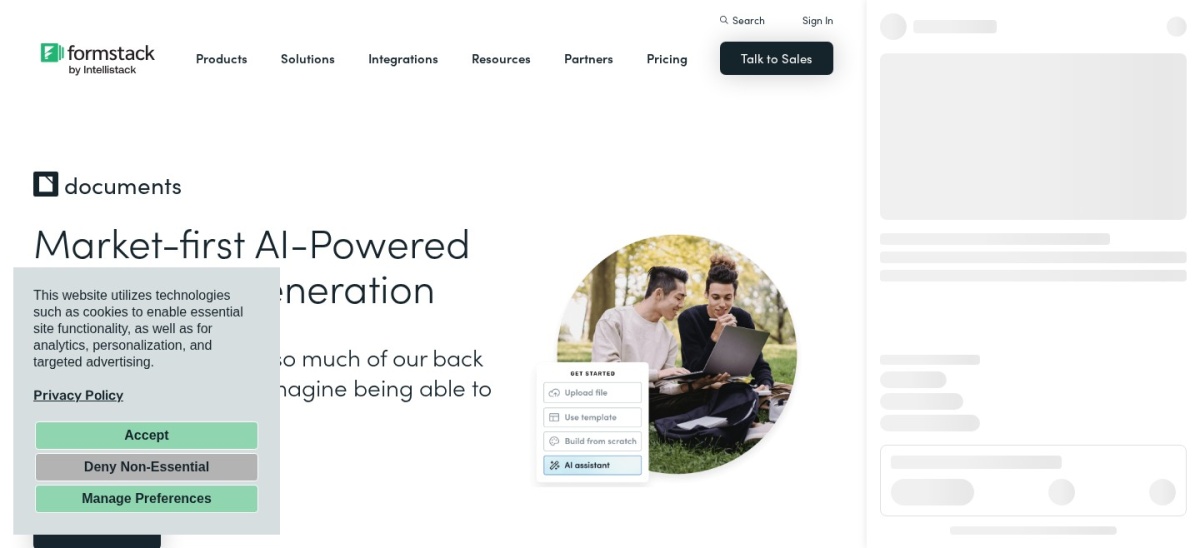
Formstack Documents is a document generation tool, formerly WebMerge, that generates documents from form submissions, spreadsheets and CRM data. Starter costs $110 a month, according to vendor-supplied pricing on G2, with Teams at $220 and Pro at $440 a month.
The trade off is price and a conflicting claim. One source lists Formstack Documents from $29 a month, but G2's vendor-supplied Starter price of $110 is used here as the more reliable figure. It suits teams that generate documents from forms automatically.
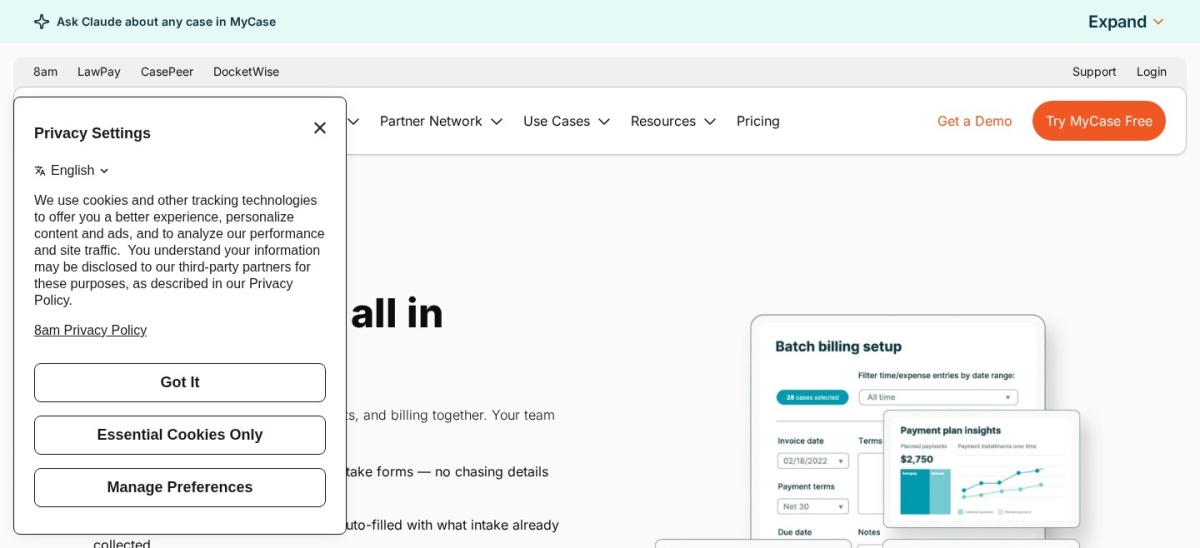
MyCase is a legal practice management platform whose Advanced plan includes Woodpecker document automation. Advanced costs $130 per user a month billed annually, or $150 month to month, with a 10-day free trial.
The trade off is that automation lives on the top tier. Document automation needs the Advanced plan, so smaller firms pay $130 a user a month for the full platform. It is rated 4.5 out of 5 from 436 G2 reviews. It suits firms wanting practice management with automation.
LEAP is a legal practice management platform with document automation, matter management and billing for law firms. It is rated 3.6 out of 5 from 40 G2 reviews, the lowest rating in this list, with pricing not published.
The trade off is the rating. At 3.6 from 40 reviews, LEAP scores lower than its rivals, and quote-only pricing makes comparison hard. It suits law firms that want practice management, billing and automation in one system.
Smokeball is a legal practice management platform with AI-powered document automation for law firms. It is rated 4.9 out of 5 from 54 G2 reviews, the highest rating in this list, with pricing by quote.
The trade off is transparency. Smokeball does not publish prices, so buyers must request a quote, and the 4.9 rating rests on 54 reviews. It suits firms that want AI help drafting documents inside a practice platform.
DocsAutomator is a document automation tool that generates documents from Google Docs, Word and PDF templates, using data from Airtable and other sources. Professional costs $29 a month for 100 documents, or $19 a month billed yearly, and it is rated 4.9 out of 5 from 16 G2 reviews.
The trade off is scale and fit. DocsAutomator suits teams that generate documents from data in Airtable or Google Docs, rather than law firms needing court forms or deep legal logic. The 4.9 rating rests on only 16 reviews, so it is promising but not proven at scale. It suits small teams automating contracts, invoices and proposals.
What we like
Generates documents from Google Docs, Word and PDF
A simple template is a fixed document with blanks to fill in by hand. Assembly automates the filling with interviews and logic.
Conditional logic is the key difference. A will that changes clauses by state, or a contract that adds terms by deal size, needs assembly.
Assembly also pulls data from other systems, such as a CRM or practice platform, so names and numbers are never retyped.
If you produce the same document type often, assembly saves hours. For one-off documents, a simple template is enough.
How we chose
We started from every established document assembly tool with a G2 rating, then kept those with a verifiable review count and a current product page.
Prices come from each vendor's pricing page, checked on 25 November 2026, with regular prices shown. Ratings come from G2 on the same day. Quote-only tools are shown as Custom.
We left out tools with no verifiable rating on G2, Capterra or Trustpilot. No vendor paid for a place, and we do not claim hands-on testing for this list.
How to choose document assembly software
Start from your document types, then check whether you need legal logic or sales speed.
List your document types. Legal templates need HotDocs; sales proposals need PandaDoc; form-based documents need Formstack.
Check conditional logic. If clauses change by state or deal size, you need real assembly, not just templates.
Confirm the price model. PandaDoc and Formstack publish prices; legal platforms are quote-only, so budget for a sales call.
Test with a real template. Build one of your own documents during the trial and check the output before you commit.
FAQ
What is the best document assembly software?
HotDocs is the best document assembly software for law firms needing deep template automation with interviews and conditional logic. It is rated 4.3 out of 5 from 88 G2 reviews, with pricing by quote.
What is document assembly software?
Document assembly software turns templates into finished documents by asking questions and filling in answers, dates and clauses automatically. It adds conditional logic, so a clause appears only when it applies, and it pulls client data from a CRM or practice system.
How much does document assembly software cost?
PandaDoc Essentials costs $19 per user a month, Formstack Documents Starter costs $110 a month, MyCase Advanced costs $130 per user a month, and DocsAutomator Professional costs $29 a month. HotDocs, LEAP and Smokeball are quote-only, so their prices depend on team size.
Is PandaDoc good for legal documents?
It can work, but PandaDoc is built for sales documents such as proposals and quotes rather than legal assembly. Law firms needing court forms or deep conditional logic should look at HotDocs or Smokeball instead.
What is DocsAutomator best for?
DocsAutomator is best for teams that generate documents from data in Airtable, Google Docs or Word templates, such as contracts, invoices and proposals. It costs $29 a month for 100 documents and is rated 4.9 out of 5 from 16 G2 reviews.
Can document assembly software replace a lawyer?
No. Assembly speeds up drafting and cuts errors, but it does not give legal advice or check that a document fits your situation. Use it to draft faster, then have a lawyer review anything that carries legal risk.
SaaS SEO and WordPress specialist with about 8 years of experience. Rakib compares WordPress plugins, themes, hosting and software using public pricing, documentation and user reviews. See how we rank.