Gavel is the best legal drafting software for most law firms, with 10 document templates and Word and PDF automation on its $83-per-month entry plan. Choose PandaDoc for drafting and signing commercial agreements or PerfectIt for improving document consistency and proofreading legal writing.
How we make this list: we compare pricing pages, product documentation and public user reviews, then re-check every price before each update. No product paid for a place. Disclosure.
Gavel earns 4.9/5 from 51 Capterra reviews and supports 10 document templates on Lite.
PandaDoc lets free users create 5 documents per month and offers paid plans from $19 per seat per month.
PerfectIt costs $115 per user per year and earns 4.9/5 from 371 Capterra reviews.
Spellbook serves 5,000 legal teams and offers AI-assisted contract drafting inside Microsoft Word.
Juro earns 4.5/5 from 248 G2 reviews and includes unlimited templates on its quote-based plans.
HotDocs earns 4.3/5 from 88 G2 reviews and supports complex document assembly.
What to look for in legal drafting software
Legal drafting software helps lawyers and business teams prepare agreements, legal forms, correspondence and other documents without repeatedly starting from scratch.
Document automation platforms use approved templates, conditional logic and reusable information to generate documents. AI drafting assistants instead suggest clauses, revisions and alternative language based on instructions.
Look for Microsoft Word compatibility, reusable templates, formatting controls and document version management. These features matter when several people contribute to the same legal document.
Confidentiality is particularly important when processing client information. Check data retention policies, encryption, access controls and whether submitted documents can be used to train AI models.
Legal professionals should review every generated document before approval. Software can reduce repetitive work, but it cannot guarantee legal accuracy or replace professional judgment.
Gavel is a legal document automation platform that converts questionnaires and reusable information into completed documents. Its Lite plan includes 10 document templates, a builder account, Word and PDF automation and a Clio Manage integration.
The trade off is that reusable client-facing forms and more extensive template management require higher plans, while Lite starts at $83 per month on annual billing. It suits law firms that regularly prepare documents from approved templates.
What we like
Conditional document assembly
Word and fillable PDF support
Integration with Clio Manage
High independent review rating
Watch out for
Template creation requires initial setup
Entry plan limits template capacity
Advanced workflows cost more
Higher plans add more templates, reusable data and workflow controls.Visit gavel.io
02
PandaDoc
4.7/5on G2 (3,868 reviews, checked Nov 2026)
Paid from$19/mo
Best for drafting and signing commercial agreements
Entry planStarter
Free documents5 per month
Document editorDrag and drop
Electronic signaturesIncluded
pandadoc.com
PandaDoc homepage, captured Nov 2026.
PandaDoc is a document creation and electronic signature platform for commercial agreements, contracts and business forms. Its free plan allows users to create 5 documents monthly, with an editor and document tracking included.
The trade off is that approval workflows and advanced agreement management require higher plans than Starter, which starts at $19 per seat per month. It suits business teams that want to prepare, distribute and sign agreements through one platform.
What we like
Permanent free plan
Integrated electronic signatures
Customizable document editor
Document tracking and notifications
Watch out for
Limited specialist legal drafting features
Approval workflows require an upgrade
Per-seat costs increase with team size
Starter adds unlimited document uploads and electronic signatures.Visit pandadoc.com
03
PerfectIt
4.9/5on Capterra (371 reviews, checked Nov 2026)
Starts at$115/yr
Best for proofreading legal documents
Entry planProfessional
Free trial14 days
EditorMicrosoft Word
Style checksIncluded
perfectit.com
PerfectIt homepage, captured Nov 2026.
PerfectIt is a professional proofreading application that identifies inconsistent terminology, formatting and undefined abbreviations. Its Professional subscription includes Microsoft Word support, built-in writing styles and software updates, with a 14-day trial available.
The trade off is that PerfectIt checks existing writing rather than generating complete legal documents, and Professional costs $115 per user annually. It suits lawyers and legal editors who want consistent terminology and presentation across lengthy agreements.
What we like
Checks terminology and formatting consistency
Works inside Microsoft Word
Supports established editorial styles
Predictable annual subscription
Watch out for
Does not assemble complete legal documents
Requires manual review of suggestions
PowerPoint support requires an upgrade
Professional adds ongoing access to Word proofreading and style checks.Visit perfectit.com
04
Spellbook
4.7/5on G2 (29 reviews, checked Nov 2026)
PricingCustom pricing
Best for AI-assisted contract drafting
Free trial7 days
EditorMicrosoft Word
AI clause draftingYes
Contract reviewYes
spellbook.com
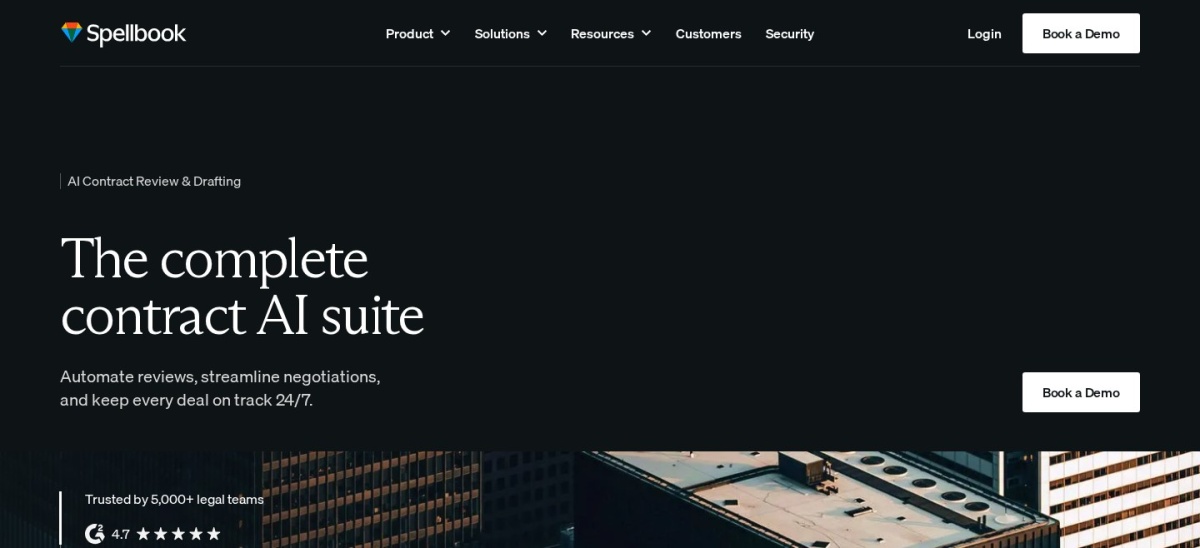
Spellbook homepage, captured Nov 2026.
Spellbook is an AI contract drafting and review assistant that works inside Microsoft Word. The vendor reports adoption by 5,000 legal teams, and prospective customers can access a 7-day free trial.
The trade off is that AI-generated clauses require legal review, and subscriptions use custom pricing rather than a published rate. It suits transactional lawyers and in-house counsel who spend considerable time drafting and negotiating agreements.
What we like
AI-assisted clause generation
Microsoft Word integration
Contract review and revision suggestions
Supports contract negotiation workflows
Watch out for
No public subscription price
Generated language requires verification
Focused primarily on contracts
Paid subscriptions provide ongoing AI contract drafting and review.Visit spellbook.com
05
Juro
4.5/5on G2 (248 reviews, checked Nov 2026)
PricingCustom pricing
Best for collaborative contract drafting
User accountsUnlimited
TemplatesUnlimited
WorkflowsUnlimited
Pricing basisContract volume and integrations
juro.com
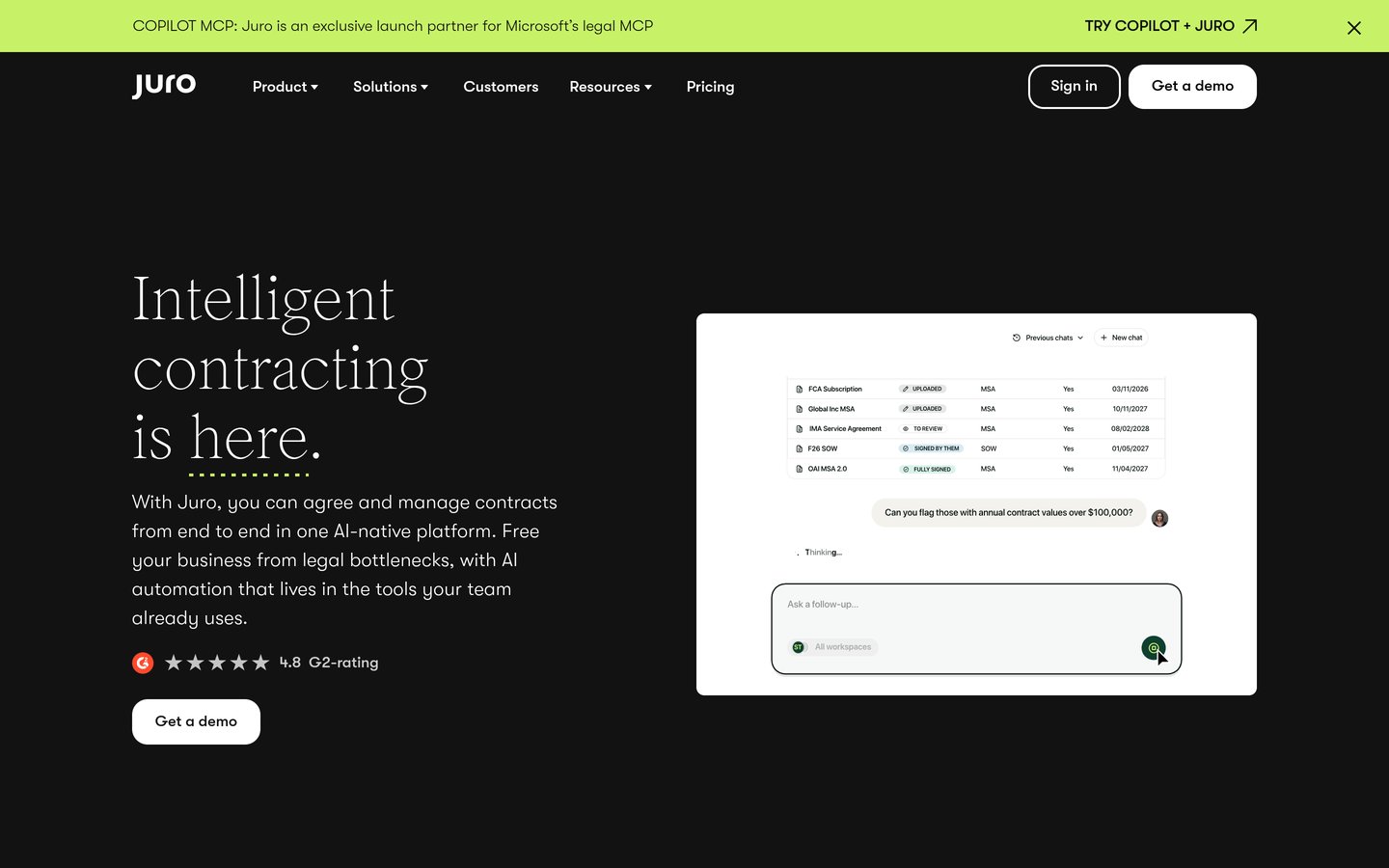
Juro homepage, captured Nov 2026.
Juro is a contract automation platform that combines document drafting, collaboration, approval and agreement management. All its plans include unlimited users, workflows and templates, and the platform earns 4.5/5 from 248 G2 reviews.
The trade off is that pricing depends on contract volume and integration requirements, so customers must request custom pricing. It suits in-house legal departments that want business users to generate agreements from approved templates.
What we like
Unlimited users and templates
Collaborative contract editing
Automated agreement workflows
AI-assisted contract review
Watch out for
No public entry price
Implementation requires workflow configuration
Less suitable for general litigation drafting
Paid plans combine contract creation, collaboration and lifecycle management.Visit juro.com
06
HotDocs
4.3/5on G2 (88 reviews, checked Nov 2026)
PricingCustom pricing
Best for complex legal document assembly
Document assemblyRules-based
DeploymentDesktop and cloud
Batch generationSupported
Version controlIncluded
mitratech.com
HotDocs homepage, captured Nov 2026.
HotDocs is an enterprise document automation platform that turns complex legal forms and agreements into reusable templates. With a 4.3/5 G2 rating from 88 reviews, it supports conditional clauses, guided questionnaires and bulk document generation.
The trade off is that configuring complex templates requires preparation, and Mitratech provides custom pricing through its sales team. It suits larger legal organizations that repeatedly generate lengthy documents governed by detailed business rules.
Legito is a no-code document automation platform that combines interactive legal templates, workflow management and electronic signatures. It offers a 30-day free trial and earns 4.9/5 from 33 Capterra reviews.
The trade off is that subscription costs depend on organizational requirements, with custom pricing available through the vendor. It suits legal and compliance teams that want to build document generation processes around their existing approval procedures.
What we like
No-code interactive templates
Configurable document workflows
Electronic signature support
AI-assisted document creation
Watch out for
No confirmed public entry price
Advanced workflows require configuration
Broader platform than some firms need
Paid subscriptions provide ongoing document automation and workflow management.Visit legito.com
AI legal drafting vs. template-based automation
Template-based drafting uses approved language and predefined rules to assemble documents. It works particularly well when lawyers repeatedly prepare similar agreements, engagement letters or standardized legal forms.
AI drafting generates or revises language based on instructions and document context. It offers greater flexibility when dealing with unfamiliar contract provisions but introduces additional verification requirements.
Many firms benefit from combining approved document templates with AI-assisted editing. Maintain control over standard clauses while requiring qualified professionals to approve proposed changes.
How we chose
We selected established products from legal document drafting, document automation, contract management and professional proofreading categories. We prioritized tools that help prepare, assemble, revise or approve legal documents.
The article uses 22 Nov 2026 as its editorial check date. Pricing and rating figures come from official vendor pages, Capterra and G2 opened during preparation; an exact historical snapshot for that date was not independently confirmed. Annual costs exclude additional seats, taxes and optional services. Quote-based products use zero as a data placeholder, not a free subscription price.
We excluded products without sufficient independent reviews and platforms focused exclusively on document storage. We also excluded products whose current pricing or product identity could not be established reliably. No vendor paid for a place, and we do not claim testing for this list.
How to choose the best legal drafting software
Compare your drafting requirements, document volume and security obligations before purchasing a subscription.
Identify your most frequent document types. Choose template automation for repetitive legal forms and AI drafting for variable contract language. Use proofreading software when document consistency is the primary concern.
Check compatibility with existing software. Confirm that documents can move between your drafting platform, word processor, practice management system and document storage environment without unnecessary formatting changes.
Evaluate confidentiality and review controls. Review vendor security documentation, data retention terms, access permissions and AI training policies before uploading confidential client information.
Calculate the complete subscription cost. Include additional seats, implementation services, document allowances and premium integrations. Request written pricing for platforms that do not publish their subscription rates.
FAQ
What is the best legal drafting software?
Gavel is our top pick for legal document automation because it supports reusable templates, conditional workflows and Word and PDF generation. Spellbook is better suited to lawyers who primarily need AI-assisted contract drafting and review.
Is there free legal drafting software?
PandaDoc offers a permanent free plan for creating and signing basic business documents. Specialist legal automation platforms generally provide limited trials instead of permanent free subscriptions, so check whether their entry plans cover your requirements.
Can AI draft legally accurate contracts?
AI can generate contract language and suggest revisions, but its output may contain incorrect assumptions, unsuitable clauses or omissions. A qualified legal professional should review the completed agreement for accuracy, applicability and consistency before use.
Which legal drafting software works with Microsoft Word?
Spellbook and PerfectIt work directly inside Microsoft Word. Gavel generates Word documents from automated templates, while HotDocs supports document assembly within existing word processing environments. The appropriate choice depends on whether you need drafting, proofreading or automation.
What is the difference between legal drafting and document automation software?
Legal drafting software helps users create or revise legal language. Document automation software assembles documents using predefined templates, collected information and conditional rules. Some products combine these capabilities to support both standardized documents and customized agreements.
How much does legal drafting software cost?
Public entry prices in this comparison range from $115 annually for PerfectIt to $83 per month for Gavel on annual billing. Products offering specialized contract review or enterprise document automation may require customized subscription quotes.
SaaS SEO and WordPress specialist with about 8 years of experience. Rakib compares WordPress plugins, themes, hosting and software using public pricing, documentation and user reviews. See how we rank.