Gavel is the best legal document automation software for most law firms, with Word and PDF automation starting at $83 monthly and a 4.9/5 Capterra rating. Choose Docupilot for affordable template generation or Plumsail Documents for workflows connected to Microsoft applications.
How we make this list: we compare pricing pages, product documentation and public user reviews, then re-check every price before each update. No product paid for a place. Disclosure.
Gavel Lite starts at $83 monthly and supports 10 document templates.
Docupilot costs $29 monthly for 100 document deliveries.
Plumsail Documents starts at $25 monthly and supports Microsoft workflow integrations.
MyCase Advanced provides advanced document automation for $130 per user monthly with annual billing.
Gavel earns 4.9/5 from 51 Capterra reviews.
What legal document automation software should cover
Legal document automation converts reusable templates and structured information into completed agreements, letters, forms and other legal paperwork.
Conditional logic helps legal teams insert appropriate clauses according to client information and transaction requirements. Reusable templates also reduce repetitive formatting and data entry.
Check whether the software supports existing Word documents, fillable PDFs and your practice management platform. Compatibility can reduce the work involved in introducing automation.
Confidentiality, template version control and attorney approval remain important. Generated documents should be reviewed before they are shared or signed.
Gavel is a legal document automation platform that converts questionnaires into completed legal paperwork. Lite includes 10 templates, a builder seat, Word and PDF automation, and Clio Manage integration.
The trade off is that the $83 monthly starting plan has limited template capacity and excludes advanced commerce features. It suits law firms looking to standardize recurring legal documents.
What we like
Designed for legal workflows
Word and PDF support
Clio Manage integration
Watch out for
Entry-level template limits
Electronic signature integration requires an upgrade
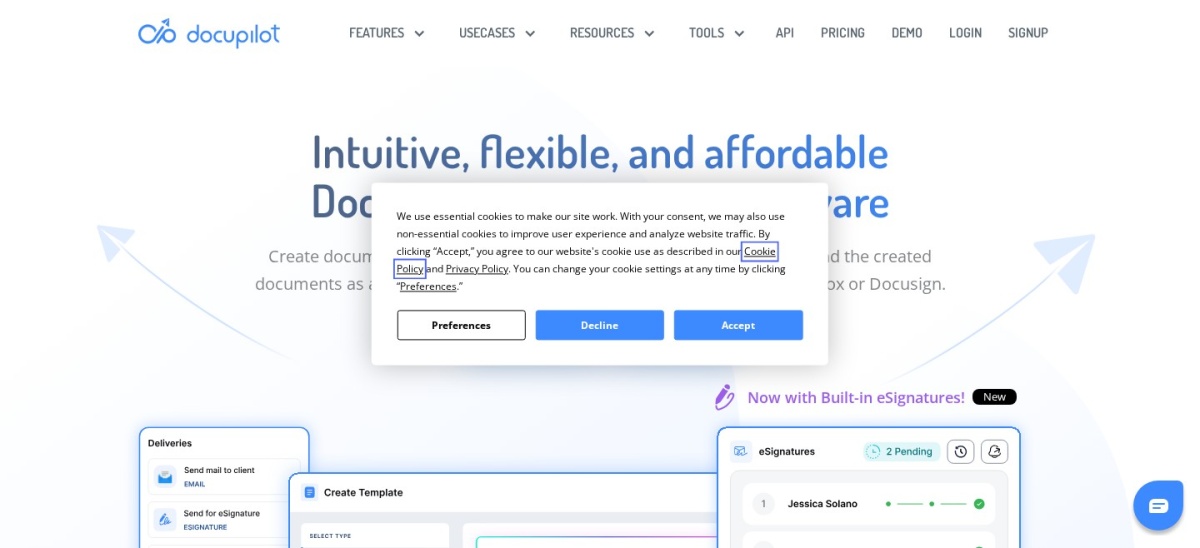
Docupilot is a document generation platform for creating agreements, engagement letters and other recurring paperwork. Starter includes 100 monthly document deliveries and a user account.
The trade off is that the $29 monthly plan has delivery limits, and electronic signatures cost extra. It suits smaller practices with predictable document generation requirements.
Plumsail Documents is a document automation service that connects templates with external data sources. Its Folder subscription supports 200 monthly documents, including workflows connected to Microsoft applications.
The trade off is that subscriptions start at $25 monthly, but complex integrations require configuration and familiarity with automation tools. It suits legal departments already using Microsoft-based systems.
What we like
Power Automate integration
Word and PDF processing
Affordable starting price
Watch out for
Requires workflow configuration
Entry plan lacks a service-level agreement
Higher plans increase document allowances and offer service-level commitments.Visit plumsail.com
04
HotDocs
4.1/5on Capterra (59 reviews, checked Nov 2026)
PricingCustom pricing
Best for complex legal document assembly
Pricing modelVendor consultation
Conditional logicAvailable
Template version controlIncluded
DeploymentCloud and desktop options
mitratech.com
HotDocs homepage, captured Nov 2026.
HotDocs is a document assembly platform for legal departments and organizations with complex drafting requirements. It combines reusable templates, questionnaires, conditional clauses and centralized version management.
The trade off is that subscription pricing requires contacting the vendor, and complex templates involve considerable preparation. It suits established firms managing detailed legal document packages.
What we like
Advanced conditional document assembly
Centralized template version control
Integration with existing business systems
Watch out for
No publicly displayed subscription price
More involved template configuration
Commercial packages cover configurable document assembly and integration requirements.Visit mitratech.com
05
MyCase
4.6/5on Capterra (843 reviews, checked Nov 2026)
Starts at$50/mo
Best for integrated legal practice management
Entry planBasic
Advanced automationAdvanced plan
Advanced plan price$130/user/mo annually
Template editorMicrosoft Word
mycase.com
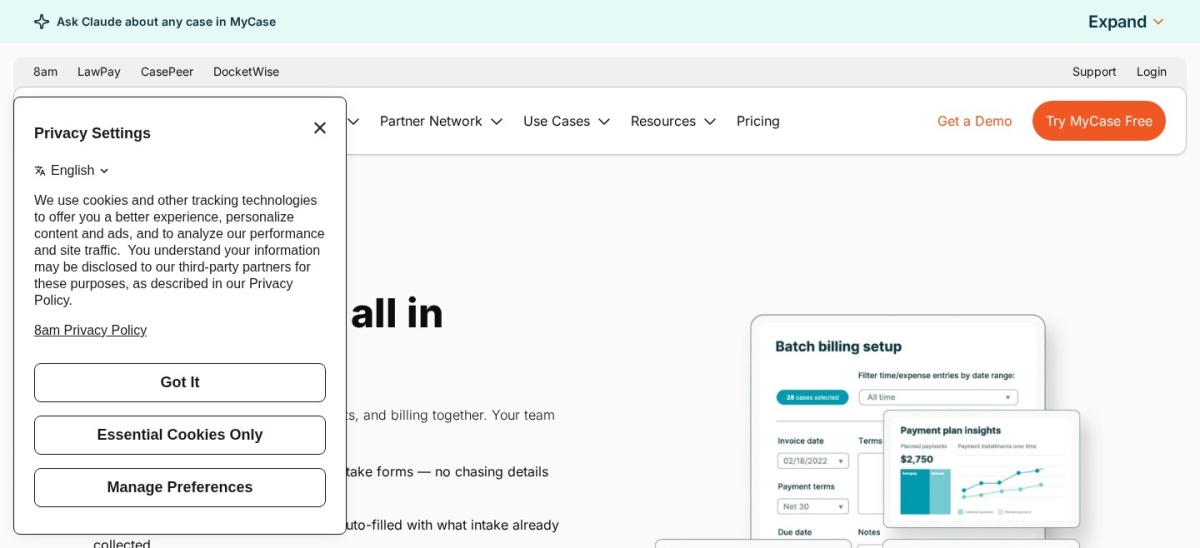
MyCase homepage, captured Nov 2026.
MyCase is a legal practice management platform with document organization, billing and case records starting at $50 per user monthly with annual billing. Its Advanced subscription adds Word-based document automation.
The trade off is that advanced document automation requires the $130 per user monthly Advanced subscription rather than Basic. It suits firms that want document preparation connected directly to their matter records.
Docmosis is a template-driven document generation engine with cloud and self-hosted options. Its Professional cloud subscription includes a user account and a document generation environment.
The trade off is that the $49 monthly starting subscription uses page-based capacity, and integrations may require developers. It suits legal technology teams building document generation into existing applications.
What we like
API-based document generation
Cloud and self-hosted deployment options
Reusable document templates
Watch out for
Technical integration requirements
No dedicated legal practice management system
Business and Enterprise increase user and environment allowances.Visit docmosis.com
07
Formstack Documents
4.7/5on Capterra (114 reviews, checked Nov 2026)
Starts at$250/mo
Best for intake-to-signature workflows
Relevant planSuite
Monthly document deliveries250
Builder users3
Electronic signaturesUnlimited
formstack.com
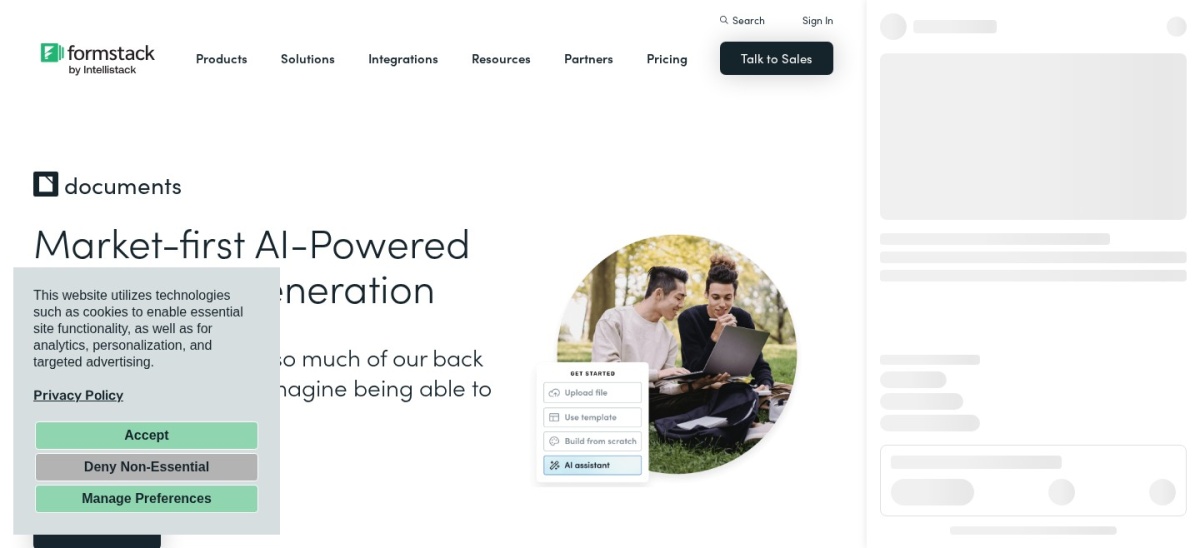
Formstack Documents homepage, captured Nov 2026.
Formstack Documents is a no-code document generation product available through the Formstack Suite. The annual-billing subscription includes 250 monthly document deliveries, 3 builder accounts and unlimited electronic signatures.
The trade off is that the document-inclusive Suite starts at $250 monthly with annual billing, making it expensive for occasional drafting. It suits organizations automating information collection, document preparation and signing together.
How much does legal document automation software cost?
Public starting prices in this comparison range from $25 to $250 monthly. However, subscriptions differ in template limits, document allowances, user accounts and available integrations.
MyCase Basic starts at $50 monthly, but its advanced document automation requires a higher subscription. Formstack pricing represents the cheapest publicly priced package that includes document generation.
HotDocs does not display subscription prices publicly. Its zero annual price value represents custom pricing rather than a free subscription.
How we chose
We shortlisted established document automation products using legal technology comparisons, official product documentation and Capterra reviews. Both legal-specific applications and general-purpose document generation platforms were considered.
The requested editorial date is 22 Nov 2026. Pricing and ratings were checked on 25 Nov 2026. Annual costs use published starting rates, with subscription requirements and billing differences explained where applicable.
We excluded discontinued standalone products and applications with insufficient verified reviews. HotDocs uses the permitted custom pricing exception because its official product page directs buyers to a consultation rather than displaying prices. No vendor paid for a place, and we do not claim testing for this list.
How to choose legal document automation software
Evaluate document complexity, existing systems and subscription requirements before selecting an automation platform.
Identify repetitive legal documents. List frequently prepared agreements, engagement letters and forms that could benefit from reusable templates.
Check conditional logic and formatting. Confirm the software can handle alternative clauses, repeating information, document formatting and variable client details.
Review confidentiality and integrations. Examine data retention policies, access controls, existing software compatibility and document storage arrangements.
Calculate the complete subscription cost. Include document allowances, user accounts, electronic signatures, template preparation and any required subscription upgrades.
FAQ
What is the best legal document automation software?
Gavel is our top overall recommendation because it combines legal workflows, reusable templates and Word and PDF automation. Docupilot offers a lower-cost alternative, while Plumsail Documents is particularly suitable for Microsoft-based automation.
How much does legal document automation software cost?
Public starting prices in this comparison range from $25 to $250 monthly. The actual cost depends on document volume, template complexity, subscription tiers, electronic signature requirements and the number of users.
Can legal document automation replace lawyers?
Document automation reduces repetitive drafting and manual data entry, but it does not replace professional legal judgment. Qualified professionals should still review generated documents for accuracy, appropriate clauses and suitability for individual circumstances.
Can existing Word documents be automated?
Yes. Platforms such as Gavel, MyCase and HotDocs support document templates that incorporate variable information or conditional content. Existing documents generally need preparation and configuration before they can generate customized legal paperwork.
What is the difference between document automation and document management?
Document automation creates new files using templates and structured information. Document management focuses on storing, organizing, retrieving and controlling access to existing documents. Some legal practice management platforms combine both capabilities.
SaaS SEO and WordPress specialist with about 8 years of experience. Rakib compares WordPress plugins, themes, hosting and software using public pricing, documentation and user reviews. See how we rank.