Best Legal Document Software in 2026: 8 Tools Compared
WLWPLegible EditorsLast verified 23 Nov 2026How we rank11 min read
★ Short answer
PandaDoc is the best legal document software for most teams. It combines document creation, templates and unlimited e-signatures from $19 per user a month, and it is rated 4.7 out of 5 on G2. Pick DocuSign for signatures clients already trust and LegalZoom for attorney-drafted templates.
How we make this list: we compare pricing pages, product documentation and public user reviews, then re-check every price before each update. No product paid for a place. Disclosure.
PandaDoc leads the list: 4.7 out of 5 on G2 from 3,868 reviews, with unlimited e-signatures from $19 per user a month.
DocuSign Personal starts at $11 a month, but teams that send more should budget for Standard at $30 per user a month.
LegalZoom gives unlimited access to its form library for $99 a year, or $59 for a single document.
SignNow is the cheapest signing tool for a whole team at $8 a month for the whole account, with unlimited users on every paid plan.
BoldSign has the most generous free plan, with 25 envelopes a month, and paid plans start at $5 a month.
What legal document software should cover
Legal document software covers two jobs that often get mixed up: creating the document and getting it signed. Some tools do both, while others only handle one half.
A good creation tool starts from a template library, fills in names, dates and amounts, and keeps a clean copy of every version. Look for reusable templates and an audit trail that shows who signed and when.
Signing tools matter because a document is only useful once it is signed and stored. Check the monthly envelope or signature limits before you pay, since caps are the most common surprise on cheap plans.
Data handling matters too. Signed documents hold personal details, so check how a tool stores files and who can see them. Our GDPR compliance guide for WordPress explains the same storage questions for a website.
PandaDoc is a document tool that covers creation, sending, tracking and signing in one workflow. The free plan allows 5 documents a month, and the Starter plan at $19 per user a month billed annually adds unlimited documents and e-signatures, templates and document analytics.
The trade off is the seat cap. Starter covers at most 2 seats, so a larger team must move to Business at $49 per user a month for CRM integrations and approval workflows. It suits small teams that write their own contracts and want signing built in.
What we like
Unlimited documents and e-signatures on paid plans
Joint-highest G2 rating in this list, with the most reviews
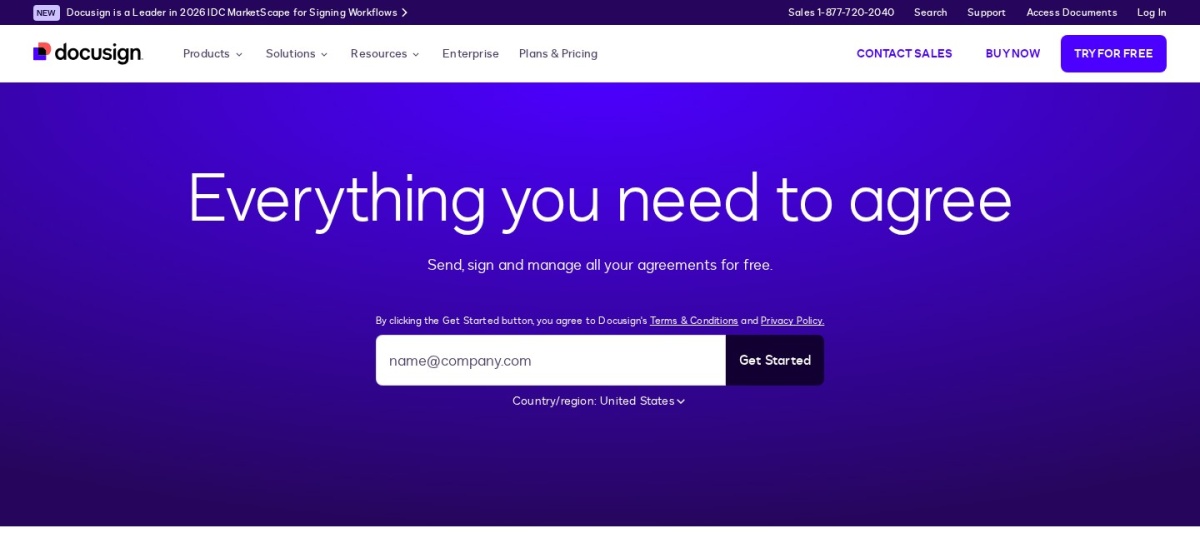
DocuSign is the best-known e-signature tool, so clients rarely need help to sign. Personal costs $11 a month on an annual commitment and allows 5 envelopes a month for one sender, with templates, reminders and an audit trail.
The trade off is the envelope cap. Standard costs $30 per user a month billed annually and includes 100 envelopes per user a year, so heavy senders pay much more than the entry price. It suits teams whose clients expect DocuSign by name.
4.6/5on Trustpilot (34,184 reviews, checked Nov 2026)
Starts at$99/yr
Best for attorney-drafted templates
Free planNo
Single document$59
Template library250+ business templates
Paid planForms & eSign Unlimited, $99/yr
legalzoom.com
LegalZoom homepage, captured Nov 2026.
LegalZoom is a legal services platform with a large library of attorney-drafted forms. The Forms and eSign Unlimited plan costs $99 a year and gives full access to 250+ business templates, with editing and e-signing included, or $59 for a single document.
The trade off is that it is a template library, not a document editor for teams. Attorney help sits in separate plans, with the Business Attorney Plan from $39.09 a month on a one-year plan. It suits small businesses that need ready-made legal forms.
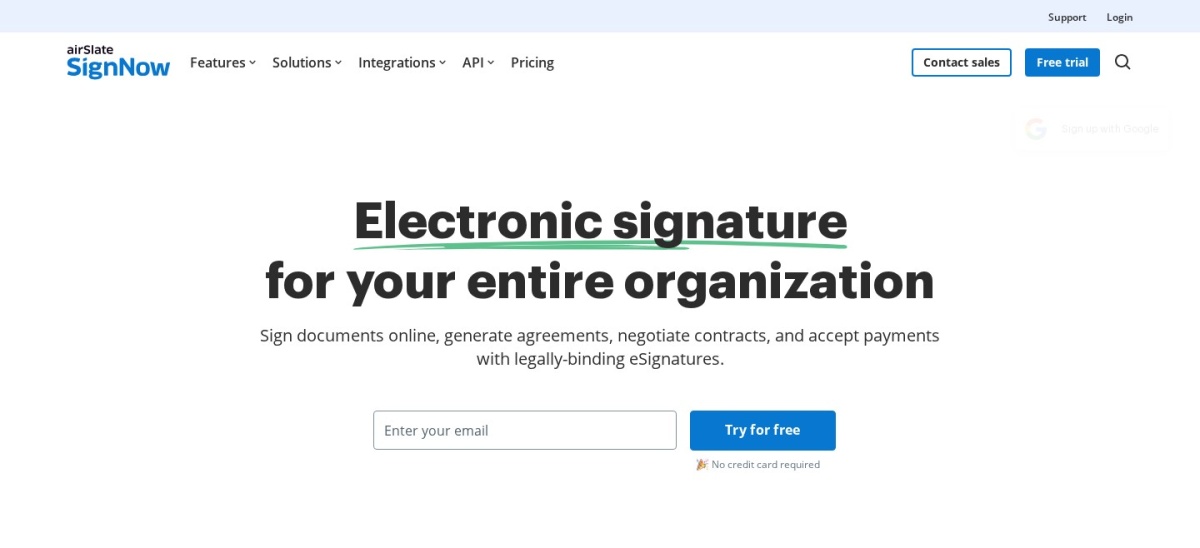
SignNow, from airSlate, charges a flat $8 a month billed annually for its Basic plan, with unlimited users on every paid plan. It includes unlimited templates, fillable forms, reusable templates and mobile apps, so the price does not rise as the team grows.
The trade off is the invite cap. Basic allows 100 document invites a year, and extra invites cost more, so a busy team may need Business Premium at $15 a month. It suits small teams that need many users without per-seat fees.
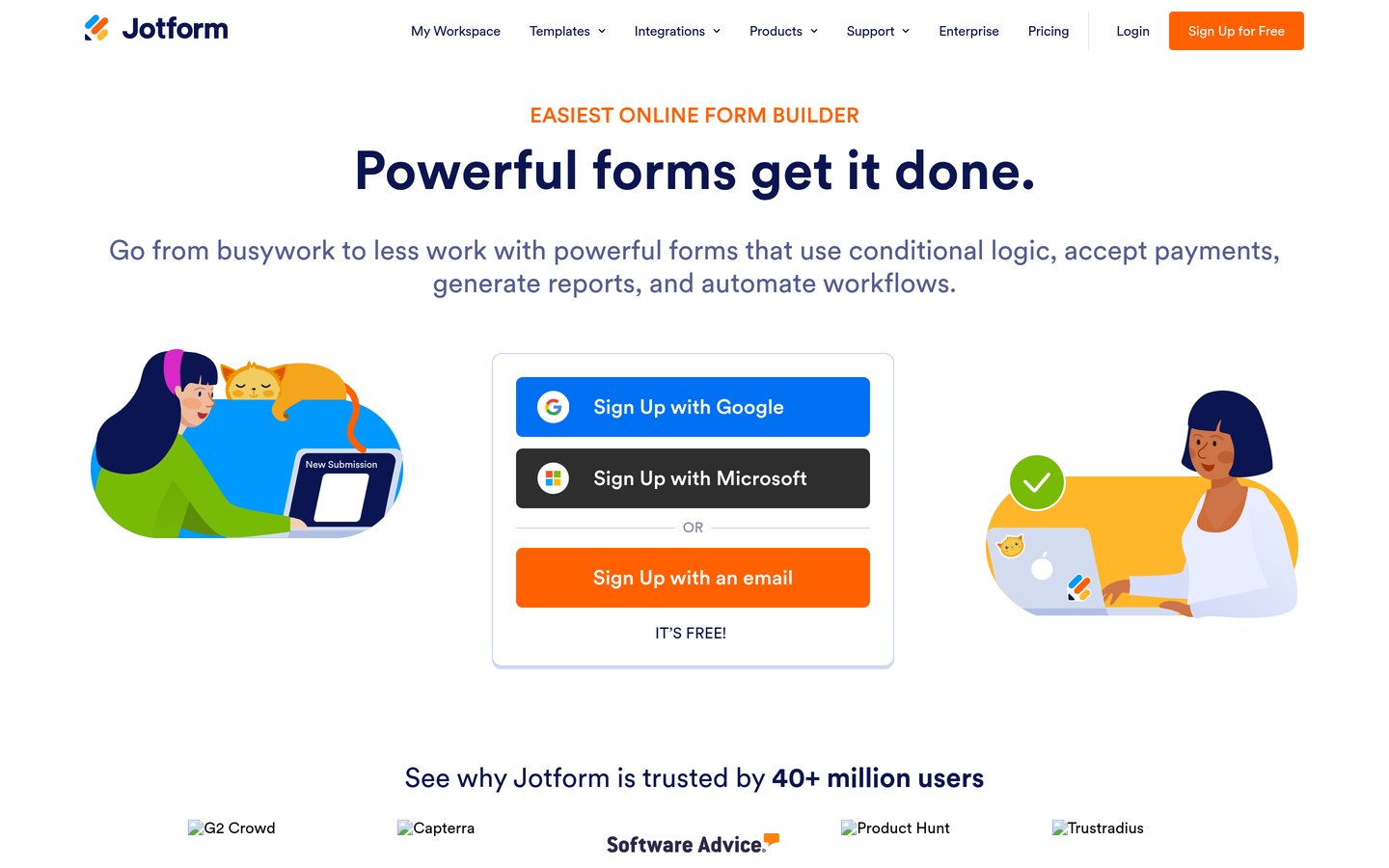
Jotform Sign builds documents with a drag-and-drop builder and collects signatures on the same form. The free Starter plan allows 10 signed documents a month, and the Bronze plan at $34 a month billed annually raises the limits to 25 forms and 1,000 submissions a month.
The trade off is that it is a form tool first. It is less suited to long contracts that need redlining or version control than PandaDoc or DocuSign. It suits teams that gather signed agreements through online forms.
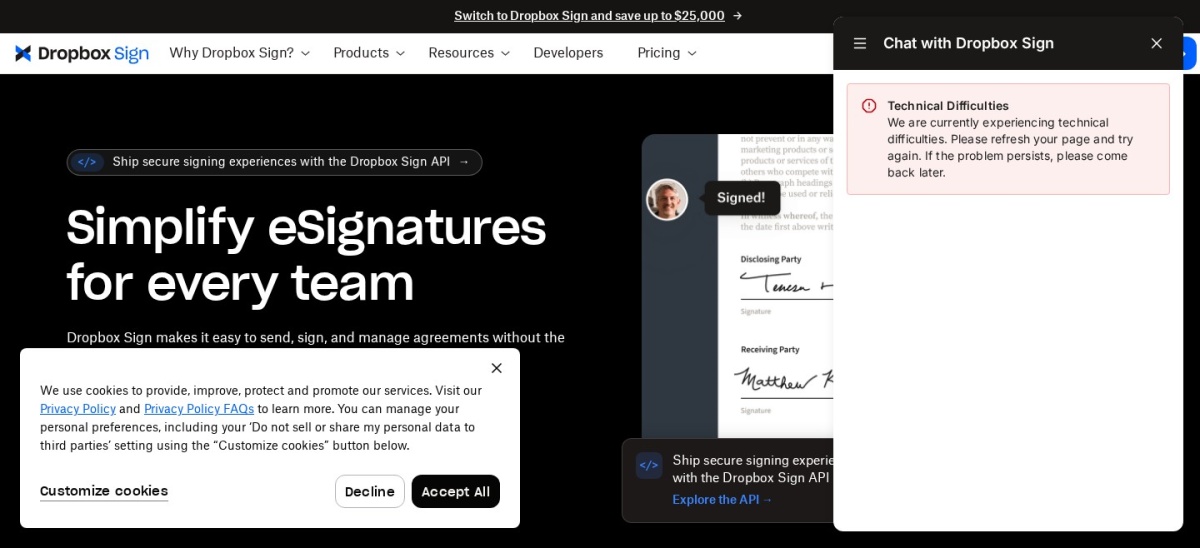
Dropbox Sign, formerly HelloSign, is a focused e-signature tool with a clean interface. The free plan allows 3 documents a month for one sender, and Essentials costs $15 a month billed annually for one user, with unlimited signature requests and 5 templates.
The trade off is the team pricing. Standard costs $25 per user a month with a 2-user minimum, so a small team pays at least $600 a year. It suits solo users and teams already storing documents in Dropbox.
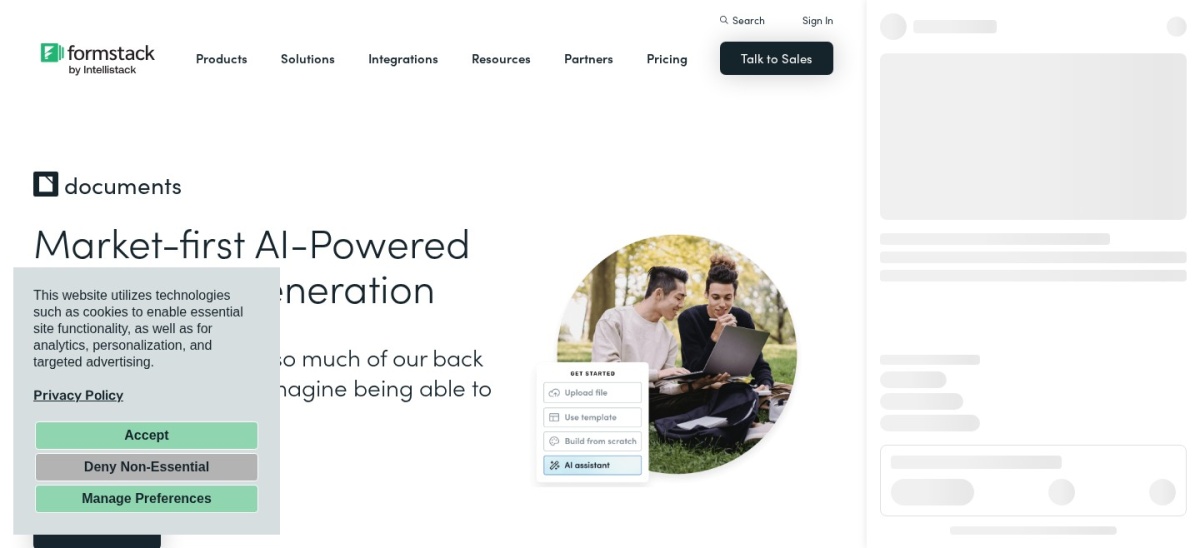
Formstack Documents, formerly WebMerge, merges data from forms and other tools into document templates. The Starter plan costs $110 a month and includes 150 document merges, 2 users, 10 templates and third-party integrations.
The trade off is price and volume. The merge limit drives upgrades, with Teams at $220 a month, so it only pays off for teams that generate documents often. It suits law firms and operations teams that repeat the same paperwork.
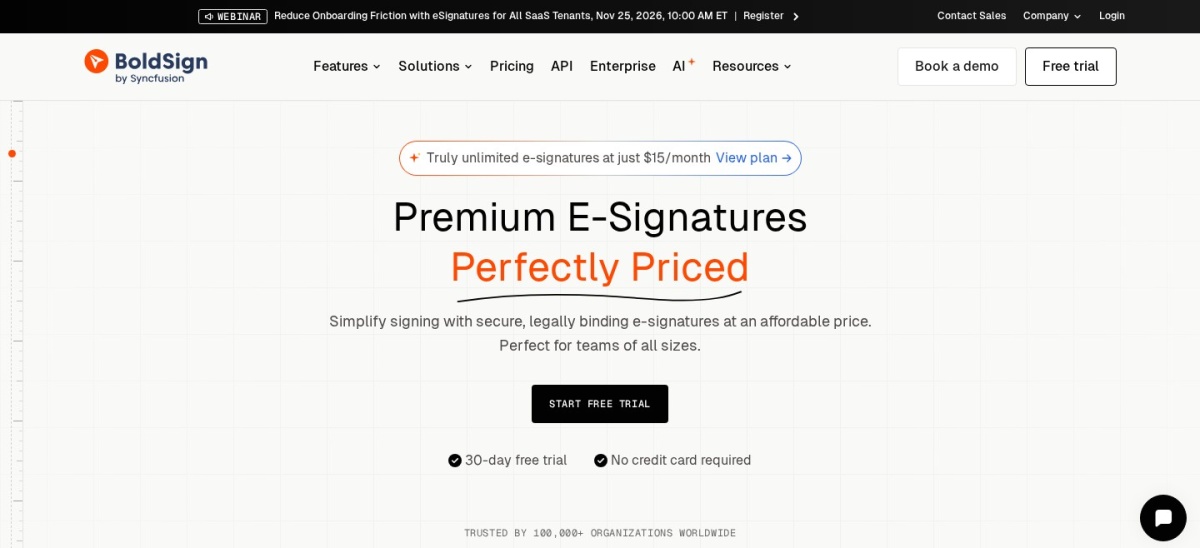
BoldSign, by Syncfusion, is a low-cost e-signature tool with a generous free plan. The free Essentials plan allows 25 envelopes a month, and the Growth plan costs $5 a month billed annually, with Business at $15 a month for unlimited envelopes.
The trade off is scale. Premium caps the whole account at 250 envelopes a month, so very high-volume senders may outgrow it. It suits small businesses that want cheap signing without per-seat pricing.
Template tools such as LegalZoom and Formstack Documents create the document. Signing tools such as DocuSign, SignNow and BoldSign collect the signature. PandaDoc and Jotform Sign do both, which is why they rank near the top here.
If you already have a contract in Word or PDF, a signing tool is enough. If you start from a blank page every time, a template library saves more hours than any signing feature.
Check the limits that match your volume. Free plans cap signed documents, envelopes or merges, and the cap is usually what forces an upgrade, not a missing feature.
How we chose
We started from the best-known legal document, template and e-signature tools, then kept the ones with a published price and a public rating on G2 or Trustpilot.
Prices come from each vendor's pricing page or its G2 pricing listing, checked on 23 November 2026. Ratings and review counts come from G2 or Trustpilot on the same day. Where a vendor shows a sale, the list shows the regular price.
We left out tools with no published price and tools that only sell through a quote. No vendor paid for a place, and we do not claim hands-on testing for this list.
How to choose legal document software
Start with the document you send most often, then match the tool to that job.
Decide if you need templates, signing, or both. A template library helps if you draft new documents often. A signing tool is enough if your contracts already exist as PDFs.
Count how many documents you send a month. Free plans cap envelopes, merges or signed documents. Pick a plan whose cap sits above your busiest month, not your average one.
Check who has to sign and how. Some tools charge per seat, while SignNow and BoldSign cover unlimited users or a flat monthly rate. Match the pricing model to your team size.
Confirm the audit trail and storage. Every signed document should record who signed, when, and from where, and stay stored where your team can find it later.
FAQ
What is the best legal document software?
PandaDoc is the best pick for most teams. It covers document creation, templates and unlimited e-signatures from $19 per user a month, and it is rated 4.7 out of 5 on G2 from 3,868 reviews.
What is the cheapest legal document software?
BoldSign is the cheapest paid option here, with a free plan for 25 envelopes a month and paid plans from $5 a month. SignNow is next at $8 a month for the whole account, with unlimited users.
Do I need a lawyer to use legal document software?
No, for standard documents such as NDAs and service agreements. These tools use templates and guided forms, but they do not give legal advice. Ask a lawyer for anything unusual or high value.
Are electronic signatures legally binding?
Yes, in most cases. Electronic signatures are recognised under laws such as the ESIGN Act and UETA in the United States, as long as the signer agrees to sign electronically and the tool keeps an audit trail.
What is the difference between PandaDoc and DocuSign?
PandaDoc creates documents as well as signing them, with templates, tracking and payments. DocuSign focuses on signing and is the brand most clients already recognise, but its entry plan allows only 5 envelopes a month.
Can I try legal document software for free?
Yes. PandaDoc, Jotform Sign, Dropbox Sign and BoldSign all offer free plans, with limits on documents or envelopes. DocuSign, SignNow and Formstack Documents offer free trials instead.