Rossum is the best document processing automation software for invoice and form processing, with AI extraction from $18,000 a year. Pick Nanonets for cheaper AI processing at $100 a user a month, and Docparser for simple extraction at $39 a month.
How we make this list: we compare pricing pages, product documentation and public user reviews, then re-check every price before each update. No product paid for a place. Disclosure.
Rossum leads for invoice processing from $18,000 a year.
Nanonets is the best value AI option at $100 per user a month.
ABBYY Vantage, Hyperscience and UiPath are quote-only and built for enterprise volume.
Docparser and Parseur cover simple extraction from $39 and $49 a month.
Veryfi starts from $500 a month for usage-based receipt processing.
What document processing automation should do
Document processing automation reads documents and pulls out the data. An invoice becomes a payment line, a form becomes a database row, and a contract becomes a set of searchable fields, all without retyping.
The tools split into AI platforms and simple extractors. Rossum, Nanonets, ABBYY Vantage and Hyperscience use AI to read any layout, while Docparser and Parseur use templates and rules for documents that always look the same.
Prices range from $39 a month to $18,000 a year and beyond, with several enterprise tools priced by quote only. Volume decides the bill: a tool that charges per page is cheap at 100 pages and expensive at 100,000. Our guide on workflow automation software covers the wider automation picture.
Accuracy is the real cost. A tool that misreads one invoice in twenty creates more work than it saves, so trial every tool on your real documents before you buy.
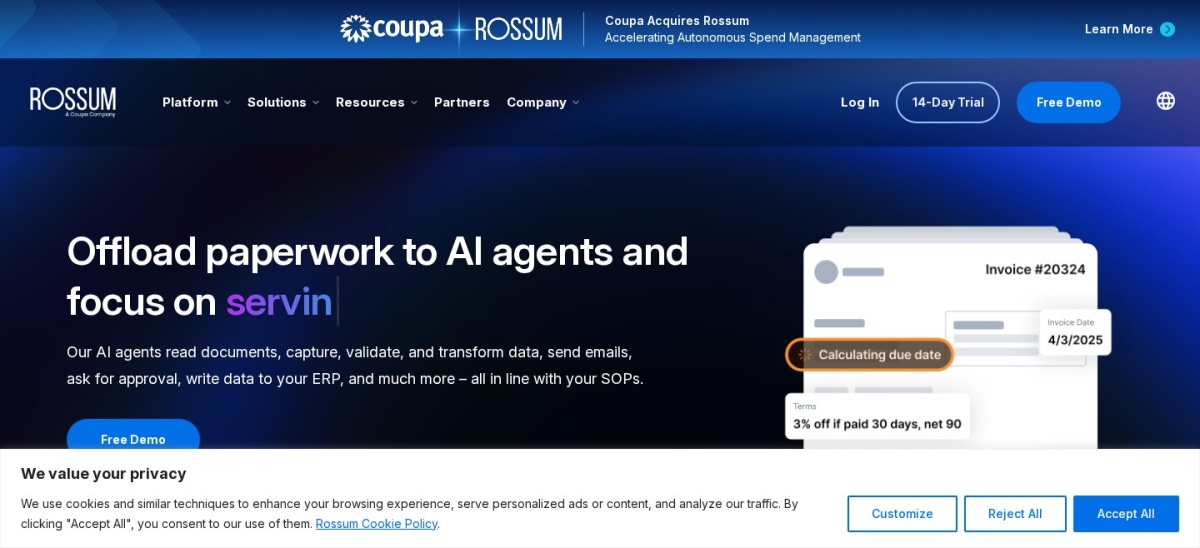
Rossum is an AI document processing platform that reads invoices, receipts and forms in any layout and extracts structured data. The Starter plan starts from $18,000 a year, confirmed on Rossum's pricing page, and a free trial is available.
The trade off is price. Rossum is built for teams processing thousands of documents a month, and $18,000 a year is too much for small volumes. It suits finance teams that process invoices at scale and need high accuracy.
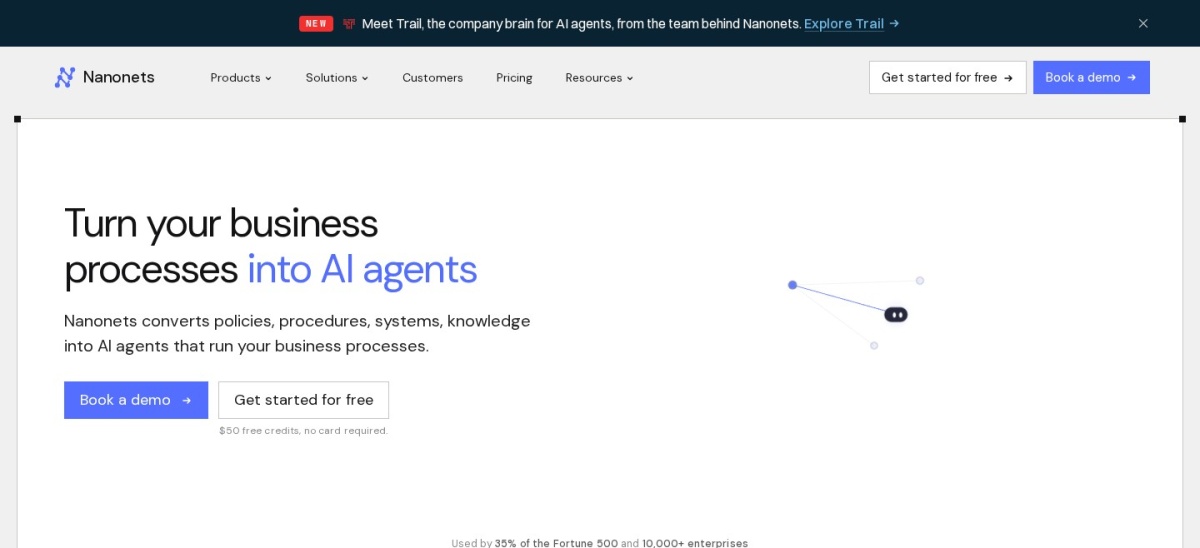
Nanonets is an AI document processing platform that extracts data from invoices, receipts, forms and contracts. The paid plan costs $100 per user a month for 100 credits, confirmed on Nanonets' pricing page, and a free tier covers low volumes.
The trade off is credit math. One hundred credits cover about 100 pages a month, so heavy users need more credits or the pay-as-you-go rate of $0.30 a page. It suits small teams that want AI extraction without enterprise pricing.
ABBYY Vantage is an enterprise AI platform for document processing, built on ABBYY's long history in OCR and capture. It reads invoices, contracts and forms at scale, with pricing by committed page volume and a quote-only model.
The trade off is transparency: ABBYY publishes no prices, so budgeting needs a sales call, and review counts vary across sources. It suits large enterprises that need proven, high-volume document AI.
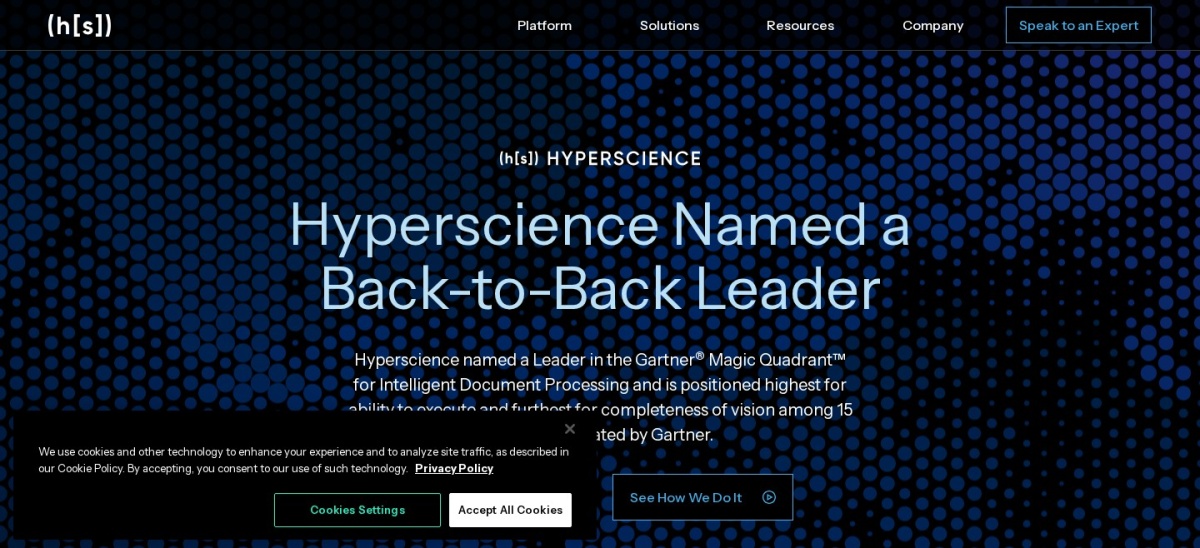
Hyperscience is an AI document processing platform for complex enterprise documents such as insurance claims, loan applications and government forms. It combines machine learning with human review to reach high accuracy on varied layouts.
The trade off is price and scope: Hyperscience sells by quote only and is built for large organisations, not small teams. It suits enterprises that process complex, varied documents at scale.
UiPath is an automation platform, and its Document Understanding module reads invoices, receipts and forms and feeds the data into robotic process automation, with pricing as part of a UiPath platform deal.
The trade off is scope: Document Understanding only makes sense inside a UiPath deployment, and the rating shown is for the UiPath platform as a whole. It suits teams already automating processes with UiPath.
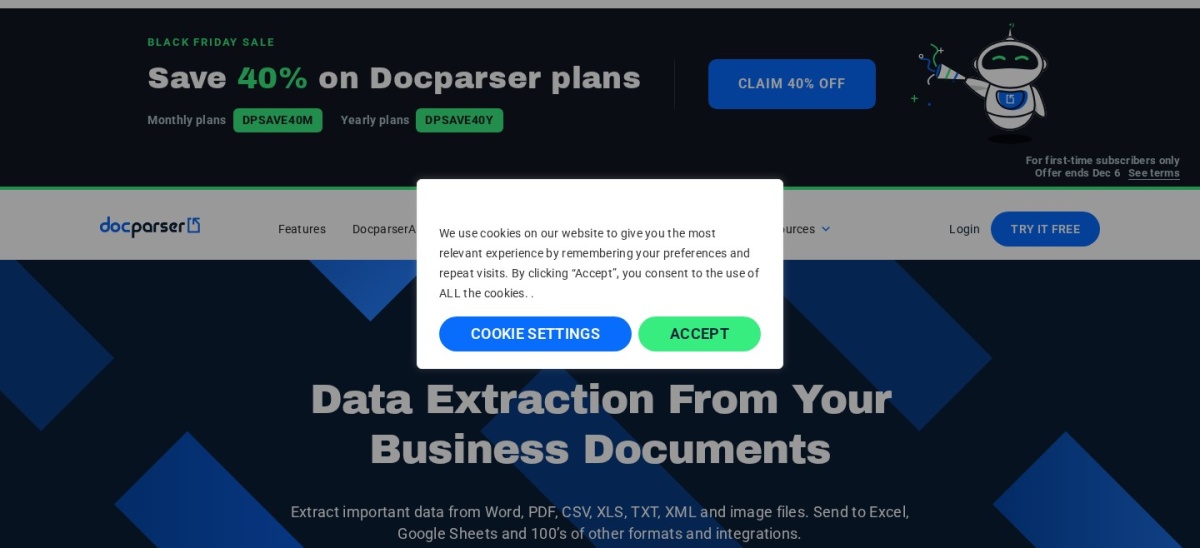
Docparser is a simple document extraction tool that pulls data from PDFs, Word files and images using templates and rules. The Starter plan costs $39 a month for 100 credits, with a free trial and annual billing at $32.50 a month.
The trade off is flexibility. Docparser works best on documents that always look the same, and varied layouts need manual template work. It suits teams that extract data from standard invoices and forms.
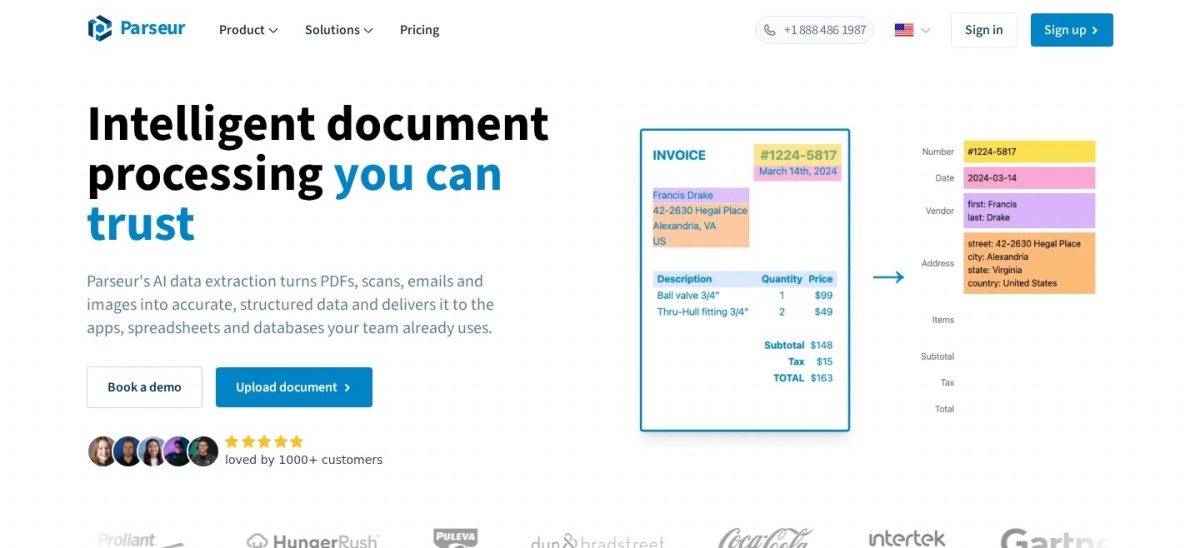
Parseur is a document processing tool that extracts data from emails, PDFs and attachments using AI and templates. The Micro plan costs $49 a month, and a free tier covers 20 pages a month for testing.
The trade off is the review count: the 146 figure is a blended multi-site count, not a pure G2 count, so treat it with care. It suits teams that extract data from emailed documents and attachments.
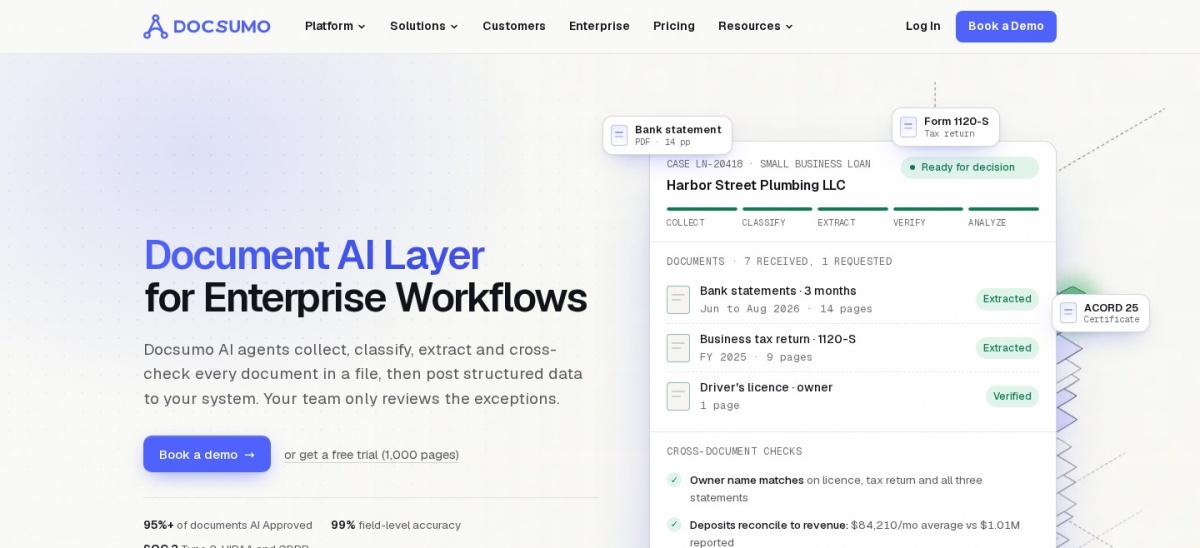
Docsumo is an AI document processing platform for finance, insurance and logistics teams. It extracts data from invoices, bank statements and identity documents, with a free tier covering up to 1,000 pages a month and paid plans by quote.
The trade off is the review count: the 76 figure is a blended multi-site count, not a pure G2 count, and paid pricing needs a sales call. It suits finance teams that want a generous free tier before committing.
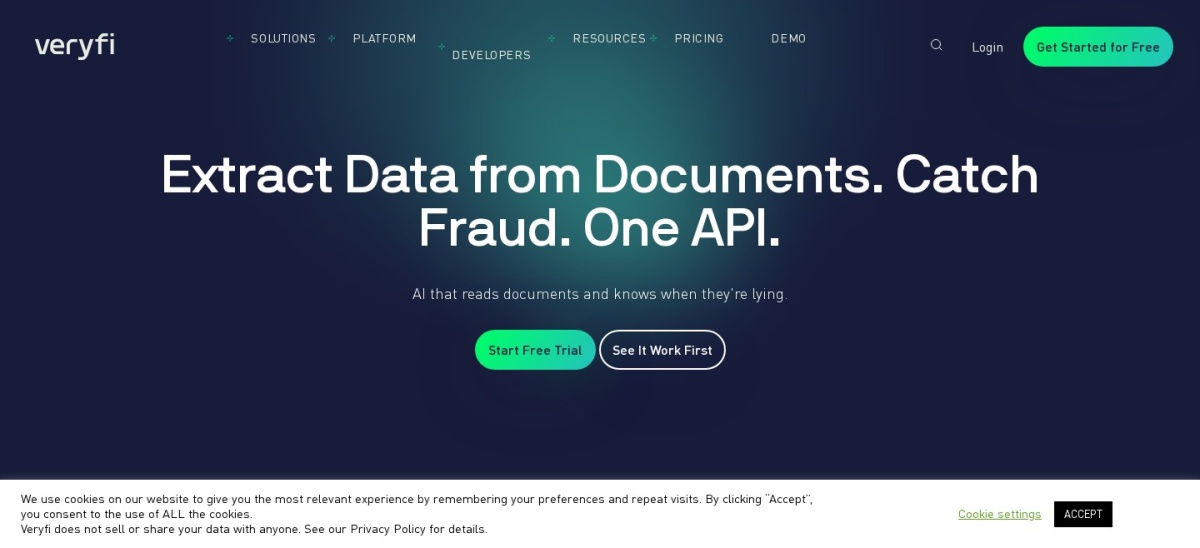
Veryfi is an AI document processing platform for receipts, invoices and expenses. The Starter plan starts from $500 a month on usage-based pricing, and a free tier covers 100 documents a month for testing.
The trade off is the review count: the 249 figure is a blended multi-site count, not a pure G2 count, and $500 a month is a starting point for usage-based billing. It suits teams that process receipts and expenses at volume.
AI extraction reads documents it has never seen before. Rossum and Nanonets handle invoices, receipts and forms in any layout, which suits varied suppliers.
Template extraction is cheaper and more predictable. Docparser and Parseur work well when every document follows the same layout, such as a standard supplier invoice.
Start with templates if your documents are uniform, and move to AI when layouts vary. Most teams outgrow templates within a year.
How we chose
We started from the established document processing automation tools with public ratings on G2, Capterra or Trustpilot, then kept those with a published price or a clear quote process and a real product behind them.
Prices come from each vendor's pricing page, checked on 25 November 2026, and ratings and review counts come from G2, Capterra or Trustpilot on the same day. Where a vendor shows a sale, the list shows the regular price.
We left out tools with no verifiable rating and tools that have been retired. No vendor paid for a place, and we do not claim hands-on testing for this list.
How to choose document processing automation software
Start with the document types you process, then match the tool to that volume.
List your document types. Invoices, receipts, forms and contracts need different extraction. A tool built for invoices may fail on contracts.
Trial with your real documents. Send 50 real documents through the trial and measure accuracy. Vendor demos use clean samples.
Work out the per-page cost. Credits and page pricing punish high volumes. A $39 plan is cheap at 100 pages and dear at 10,000.
Check the output format. The extracted data must flow into your accounting or CRM system. Confirm the integration before you buy.
FAQ
What is the best document processing automation software?
Rossum is the best document processing automation software for invoice and form processing, with AI extraction from $18,000 a year. Nanonets is the best cheaper alternative at $100 per user a month.
What is the cheapest document processing tool?
Docparser is the cheapest paid option here at $39 a month for 100 credits, with a free trial. Parseur costs $49 a month, and Nanonets offers a free tier for low volumes.
Rossum vs Nanonets: which is better?
Rossum suits large teams processing invoices at scale, from $18,000 a year. Nanonets suits smaller teams that want AI extraction from $100 per user a month, with a free tier for testing.
What is intelligent document processing?
Intelligent document processing uses AI to read documents and extract structured data from them. It covers invoices, receipts, forms and contracts, and it replaces manual data entry with automated extraction.
Do I need AI or templates for extraction?
Templates suit documents that always look the same, such as a standard supplier invoice. AI suits varied layouts from many suppliers. Start with templates if your documents are uniform, and move to AI when they vary.
Is there a free document processing tool?
Nanonets, Parseur, Docsumo and Veryfi all offer free tiers for low volumes. Free tiers cap pages or credits, so check the limit before you build a workflow around them.
SaaS SEO and WordPress specialist with about 8 years of experience. Rakib compares WordPress plugins, themes, hosting and software using public pricing, documentation and user reviews. See how we rank.