PandaDoc leads for sales teams that automate proposals and contracts, while Jotform is the cheapest way into approval workflows from a free plan. DocuSign suits agreements that must hold up legally, and airSlate covers unlimited users on a flat monthly price.
How we make this list: we compare pricing pages, product documentation and public user reviews, then re-check every price before each update. No product paid for a place. Disclosure.
PandaDoc is the best pick for sales teams, rated 4.7 out of 5 from 3,868 G2 reviews, with approval workflows and unlimited envelopes.
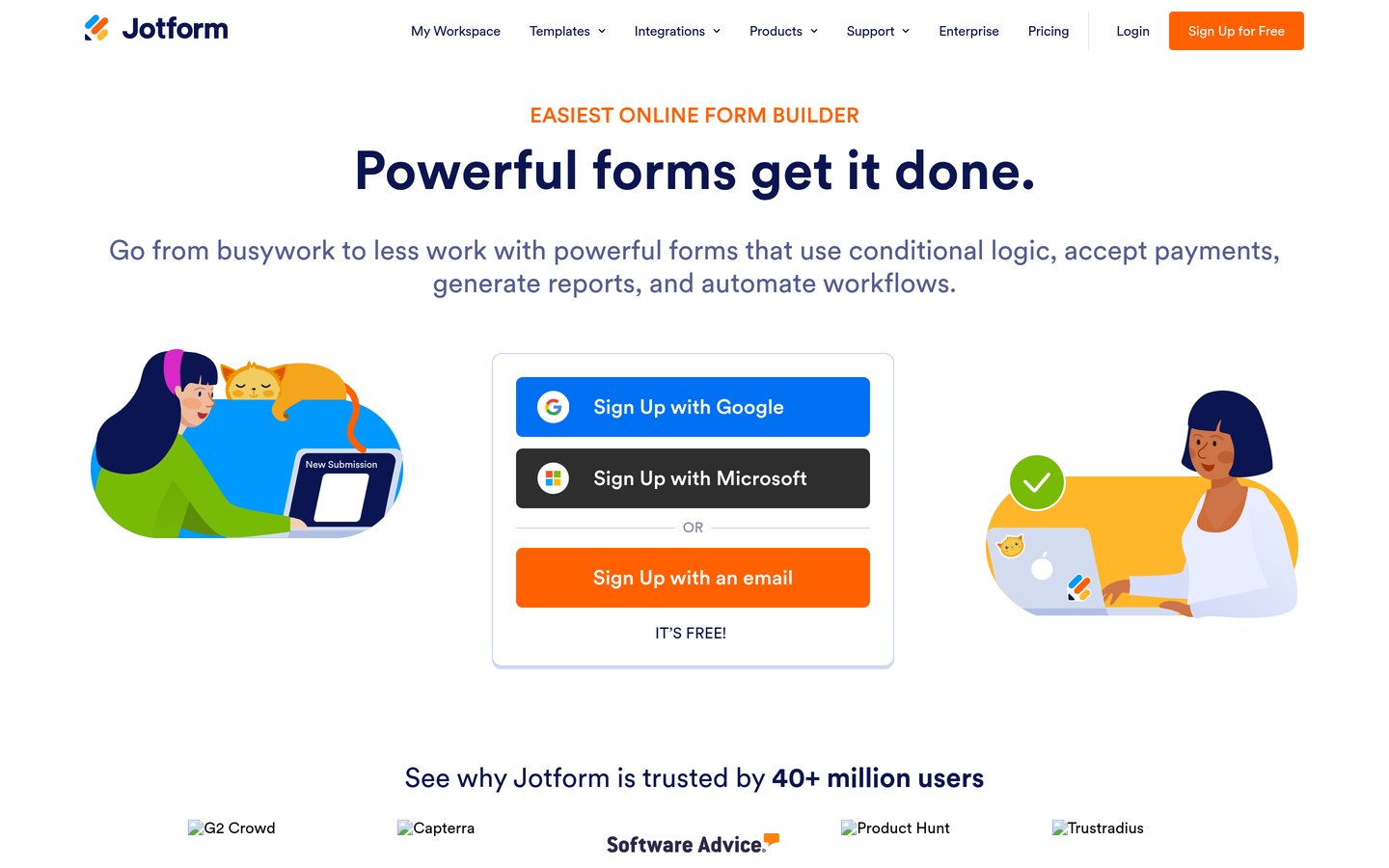
Jotform is the cheapest way into approval workflows, with a free plan that includes unlimited workflow runs.
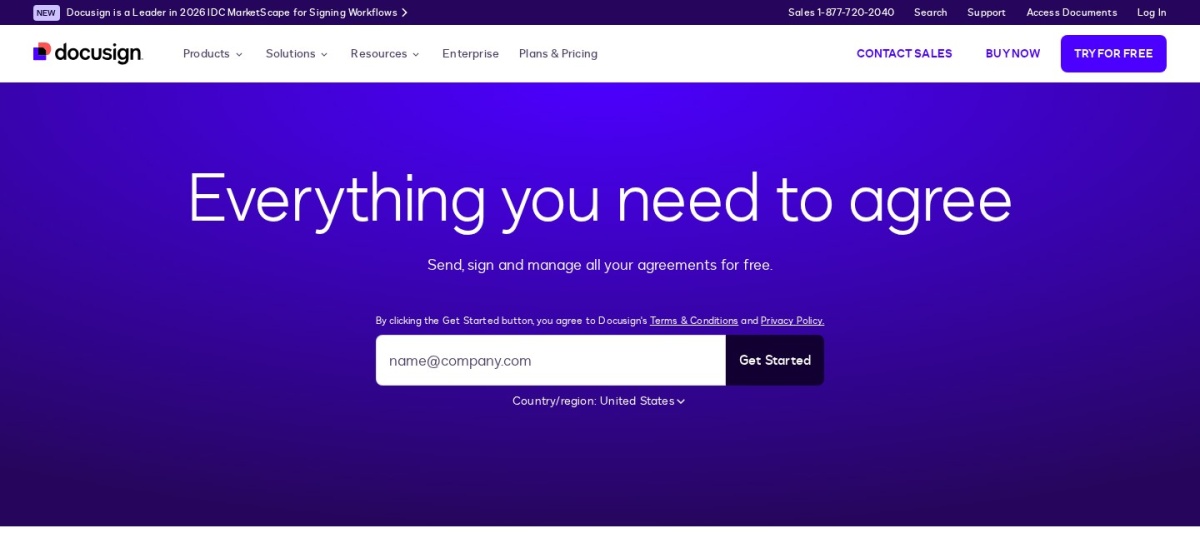
DocuSign Personal costs $11 a month, confirmed on the vendor's own pricing page on 25 November 2026.
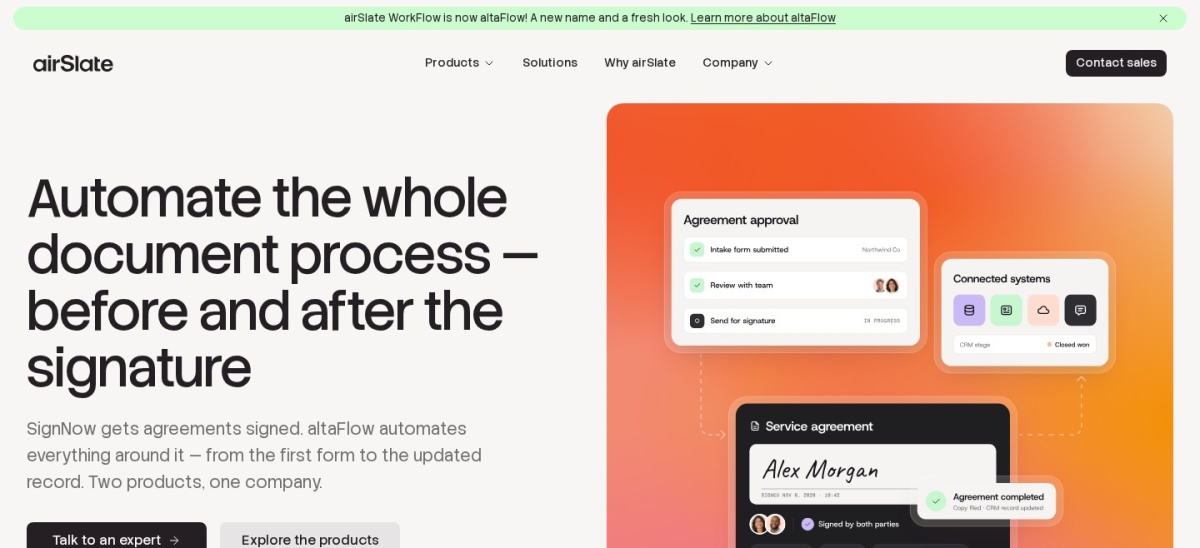
airSlate covers unlimited users for $99 a month, though its workflow product is now called altaFlow.
Nintex and Kissflow serve enterprise process automation, at quote-based and $1,500-a-month prices respectively.
What to look for in a document workflow automation platform
Document workflow automation moves a file through a defined process without anyone chasing it: generate it from data, send it for review, collect approvals and signatures, then file it with an audit trail.
The pieces that matter are document generation, routing, approvals and e-signature. Generation fills a template from CRM or form data, routing sends it to the right people in order, approvals record each decision, and e-signature closes the loop.
Some platforms cover the whole journey. airSlate, Formstack and PandaDoc generate, route and sign in one place, while DocuSign starts with signatures and adds workflow around them. Jotform starts with forms and adds approval steps.
Enterprise platforms such as Nintex, Kissflow and M-Files add governance, process mapping and deep integrations, but they cost far more and take longer to set up. Our guide to workflow automation software covers the wider automation market in more depth.
PandaDoc is a document automation platform that turns proposals and contracts into a repeatable flow: build from templates and a content library, route through approval workflows, collect e-signatures and track engagement. Starter costs $19 a user a month billed annually with unlimited envelopes on paid plans.
The trade off is the plan ladder. Real approval workflows and CRM integrations need the Business plan at $49 a user a month, and the official pricing page is JavaScript-rendered, so the $19 figure rests on a November 2026 secondary read. It suits sales teams whose workflow starts with selling.
Jotform is an online form builder whose Workflows feature turns any form into an approval process with conditional routing, task assignment, notifications and e-signature steps. Bronze costs $34 a month billed annually with 25 forms, 1,000 monthly submissions and 100 signed documents a month.
The trade off is the seat model. Paid plans stay single-user until Enterprise, so a team that routes approvals together needs the custom Enterprise tier. It suits HR, operations and education teams running leave requests, purchase approvals and intake processes on a budget.
DocuSign is the e-signature standard, and its workflow tools route agreements through conditional approvals, templates and integrations with Salesforce, Microsoft 365 and Google Workspace. Personal costs $11 a month with an annual commitment of $132, and includes 5 envelopes a month.
The trade off is the envelope model. Every plan caps envelopes, 5 a month on Personal and 100 a user a year on Standard, and real automation needs Business Pro at $45 a user a month. It suits teams whose agreements must hold up legally above all else.
airSlate is a no-code document workflow platform that generates contracts from CRM data, routes them through approvers, collects e-signatures and writes the result back to connected systems. The entry plan costs $99 a month with unlimited users, and every plan includes e-signature with no envelope fees.
The trade off is the rebrand. The workflow product is now called altaFlow, and 2026 reads report per-document pricing from $1.40 a document and a $399 a month Growth tier, so the $99 figure may be the older airSlate plan. It suits teams that need unlimited users on a flat price.
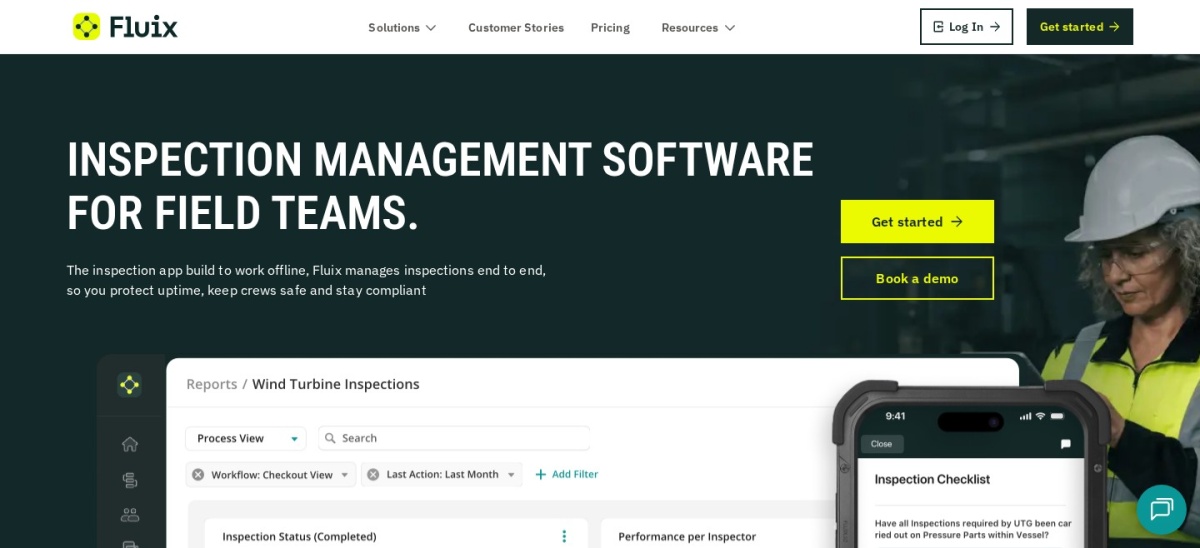
Fluix is a workflow platform for field teams that digitises inspections, permits and safety paperwork into offline-capable digital flows. CREWS costs $29 a user a month with offline mode, form and workflow builders, e-signature and dashboards, and it is used by 12,000 field service teams.
The trade off is the review base. Fluix holds 4.8 out of 5 on G2 but from only 21 reviews, and it is built for field operations rather than office contracts. It suits construction, energy and utilities teams whose documents start on a job site.
What we like
Rated 4.8 out of 5 from 21 G2 reviews
Full offline mode for field work
Multi-step approvals and audit trails
Watch out for
Small review base at 21 G2 reviews
Built for field work, not office contracts
Operations adds approvals at $49 a user a monthVisit fluix.io
06
Formstack
4.3/5on G2 (471 reviews, checked Nov 2026)
Starts at$250/mo
Best form-to-signature workflows
Free planNo, 14-day trial
Cheapest paidSuite, $250/mo
Builder seats3 on Suite
E-signaturesUnlimited on Suite
formstack.com
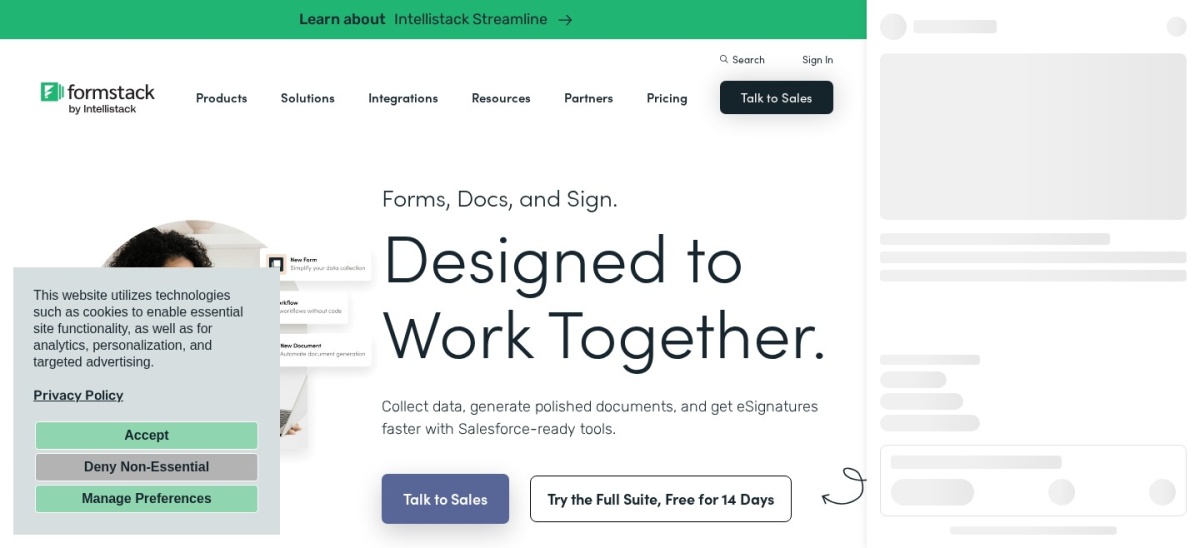
Formstack homepage, captured Nov 2026.
Formstack is a form and document platform that connects the whole chain: a form collects data, a document generates from it, a workflow routes it for approval, and e-signature closes it. The Suite plan costs $250 a month billed annually with three builder users, 100 forms, 5,000 submissions per form and unlimited e-signatures.
The trade off is price and seats. The cheaper Forms plan at $83 a month covers one builder and no document generation, and HIPAA compliance is Enterprise-only. It suits operations teams that live on intake forms and need the full chain in one platform.
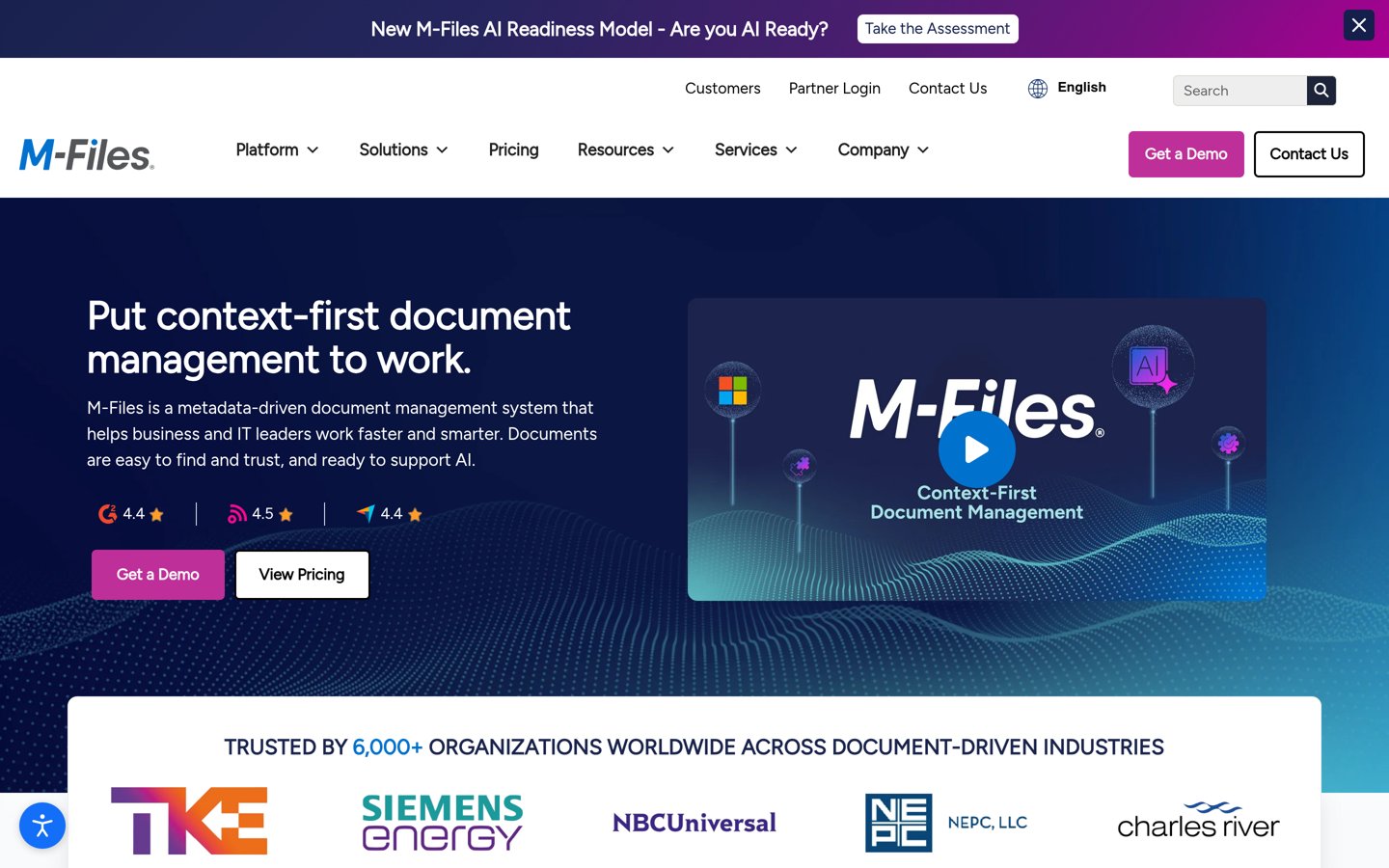
M-Files is a document management platform whose automated workflows route documents for review and approval, with version control, lifecycle management and audit trails built in. Essentials costs $65 a seat a month with Microsoft 365 native experiences, the Aino AI assistant and graphical workflow design.
The trade off is weight. Essentials is a premium per-seat price, and designing the metadata model usually needs training or a partner. It suits regulated industries such as manufacturing and engineering, where document control matters as much as speed.
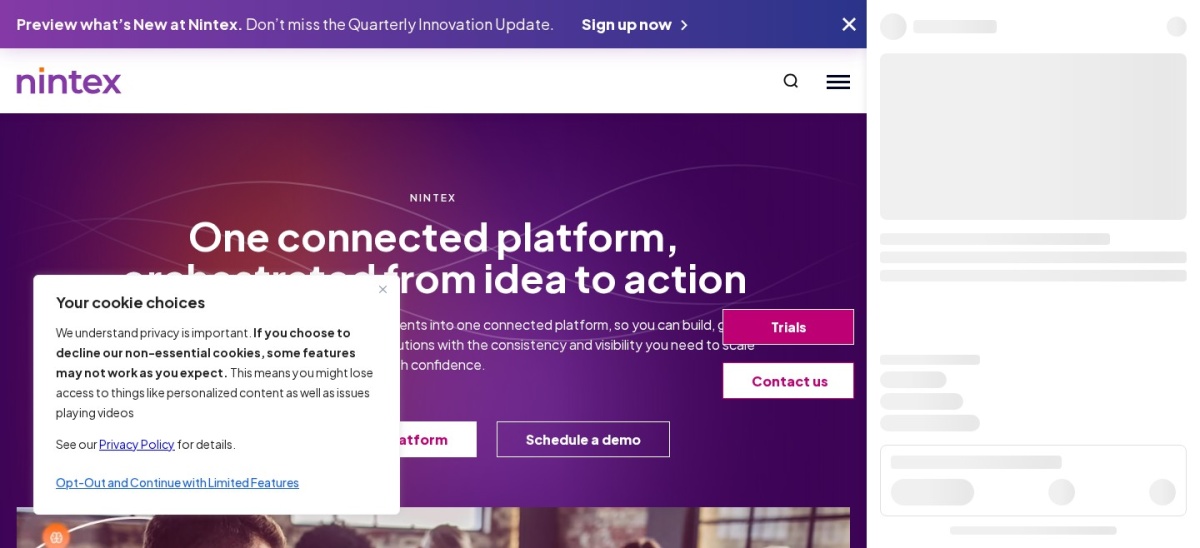
Nintex is the heavyweight for organisations automating processes, not just documents, covering process mapping, workflow, document generation, RPA and e-signature. Document generation pulls data straight from systems of record into formatted Word, Excel, PowerPoint and PDF files.
The trade off is transparency and scale. There is no public pricing, quotes depend on modules, users and automation volume, and implementation can run weeks to months. It suits enterprises standardising complex approval chains across departments, especially on SharePoint and Microsoft 365.
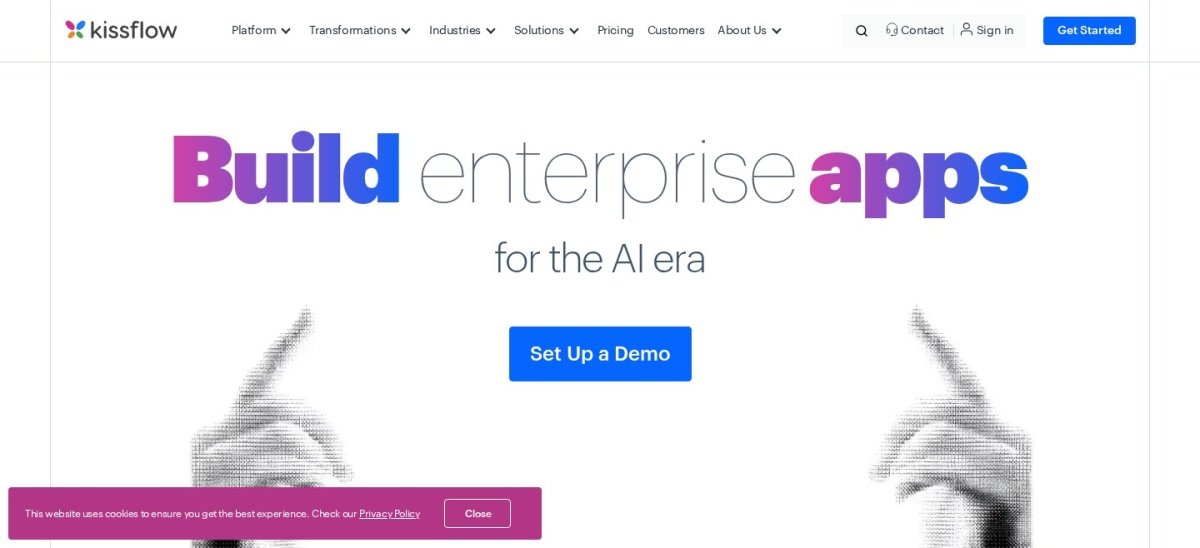
Kissflow is a low-code platform for automating business processes end to end, with document workflows as a core use case. The drag-and-drop designer, pre-built templates and built-in reporting let operations teams build approval and routing flows without developers.
The trade off is the entry price. Basic starts at $1,500 a month for 50 users, which works out near $30 a user a month but rules out small teams, and package pricing needs a quote for exact scope. It suits mid-size companies standardising HR, finance and procurement workflows.
Form-to-signature tools start with a form or a template and end with a signature. Jotform, Formstack and PandaDoc work this way, and they are the fastest route for a single team's approvals, leave requests or sales contracts.
Full process platforms start with the process itself. Nintex, Kissflow and M-Files map every step across departments, add governance and audit trails, and generate documents from systems of record. They suit companies standardising how work flows, not just how one document moves.
Most teams should start small. Automate one real workflow on a cheaper tool, prove it saves time, and only move to an enterprise platform when several departments need the same process.
How we chose
We started from the best-known document workflow platforms with a G2 rating and at least 21 reviews, then kept those with a published paid plan in US dollars or a clear quote-based model.
Prices come from each vendor's pricing page or G2 pricing data supplied by the vendor, checked on 25 November 2026. Ratings and review counts come from G2 on the same day. Where a vendor shows a first-year discount, the list shows the regular price.
We left out retired products such as ProcessMaker, which became Decisions in June 2026 and no longer publishes prices. No vendor paid for a place, and we do not claim hands-on testing for this list.
How to choose a document workflow automation platform
Map one real document journey first, then match the platform to it, because a form tool and an enterprise suite solve different problems.
Map the document journey. Write down each step a document takes today, from creation to approval, signature and filing, and note where it stalls or gets retyped.
Decide what must be signed. If the document needs a legally binding signature, shortlist tools with e-signature built in rather than bolting it on later.
Test with one real workflow. Run a single live process, such as a leave request or a sales contract, through each trial before you migrate anything else.
Check the price at your scale. Per-user prices add up fast, flat plans suit large teams, and enterprise quotes need time, so get the real number for your headcount.
FAQ
What is document workflow automation software?
It is software that routes documents through a defined process automatically: generating documents from data, sending them to the right people for review and approval, collecting e-signatures, and filing the finished result with an audit trail.
What is the best document workflow automation platform?
PandaDoc is the best pick for sales teams automating proposals and contracts, with approval workflows and unlimited envelopes. Jotform is the cheapest route into approvals, DocuSign leads for legally binding signatures, and airSlate suits teams that need unlimited users.
How much does document workflow automation cost?
Entry prices in this list run from free plans at Jotform and PandaDoc to $11 a month for DocuSign Personal and $34 a month for Jotform Bronze. Full platforms cost $65 to $250 a month, while Kissflow starts at $1,500 a month and Nintex is priced by quote.
Do I need e-signature and workflow automation together?
Often yes. Approvals without signatures leave a gap, and signatures without routing create chaos. PandaDoc, airSlate and Formstack bundle both, DocuSign adds workflow around its signature core, and Jotform adds signature steps to form approvals.
What is the cheapest document workflow automation platform?
Jotform has a free Starter plan with unlimited workflow runs, and PandaDoc has a free eSign plan. Among paid options, DocuSign Personal at $11 a month is cheapest, followed by Jotform Bronze at $34 a month and PandaDoc Starter at $19 a user a month.
When should I choose an enterprise platform over a simple tool?
Choose Nintex, Kissflow or M-Files when workflows cross departments, need governance and audit trails, or must generate documents from systems of record. For a single team's approvals, Jotform, PandaDoc or airSlate will be faster and far cheaper to run.
SaaS SEO and WordPress specialist with about 8 years of experience. Rakib compares WordPress plugins, themes, hosting and software using public pricing, documentation and user reviews. See how we rank.