Best Free eSignature Software in 2026: 7 Tools Compared
WLWPLegible EditorsLast verified 23 Nov 2026How we rank12 min read
★ Short answer
PandaDoc is the best free e-signature software for most people, with a free plan covering 5 documents a month, templates and an audit trail, rated 4.7 out of 5 from 3,868 G2 reviews. Pick Dropbox Sign for the simplest sending flow and DocuSign for the most widely recognized name.
How we make this list: we compare pricing pages, product documentation and public user reviews, then re-check every price before each update. No product paid for a place. Disclosure.
PandaDoc gives the most in its free plan: 5 documents a month, templates and an audit trail.
Dropbox Sign is the simplest to send with: 3 free requests a month and unlimited self-signing.
DocuSign is the most widely recognized name, but its free account is limited to a few sends.
SignWell and DottedSign are the cheapest paid upgrades, both from $8 to $10 a month.
Adobe Acrobat Sign suits people who already use Acrobat, with 2 free signature requests every 30 days.
What a free e-signature plan should cover
Most free e-signature plans limit how many documents you can send each month. The cap is the first thing to check, because a plan that covers 3 documents will not suit a team that sends 20.
Templates and reminders matter more than they look. A template turns a repeat contract into a one-minute job, and reminders chase signers who forget.
Every tool here produces a legally binding signature with an audit trail that records who signed and when. That trail is what makes an electronic signature hold up.
PandaDoc is an e-signature and document platform with a free plan that covers 5 documents a month. It includes templates, an audit trail, payment collection and a content library, so a quote can turn into a signed agreement without leaving the tool.
The trade off is price. Paid plans start at $19 per seat a month billed yearly, and the free plan caps you at 5 documents a month. It suits freelancers and small teams that send a few agreements a week and want templates built in.
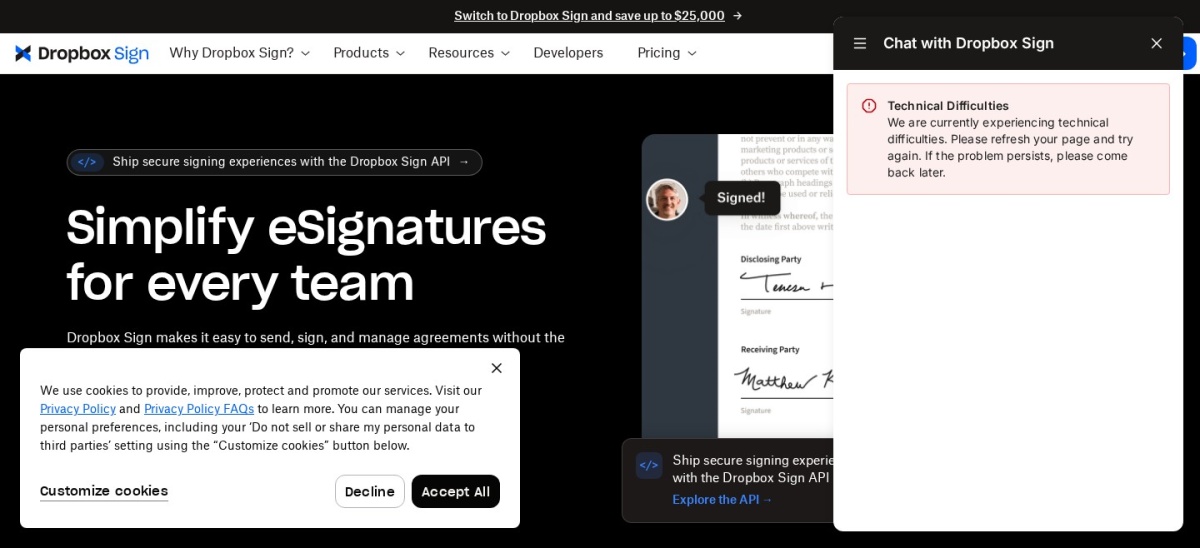
Dropbox Sign is the simplest e-signature tool in this list, built for sending a document and getting it back signed. The free plan covers 3 signature requests a month plus unlimited self-signing, with templates and an audit trail included.
The trade off is limits. Three free requests a month is tight for a busy week, and paid plans start at $15 a month. It suits people who sign occasionally and want the fastest path from document to signature.
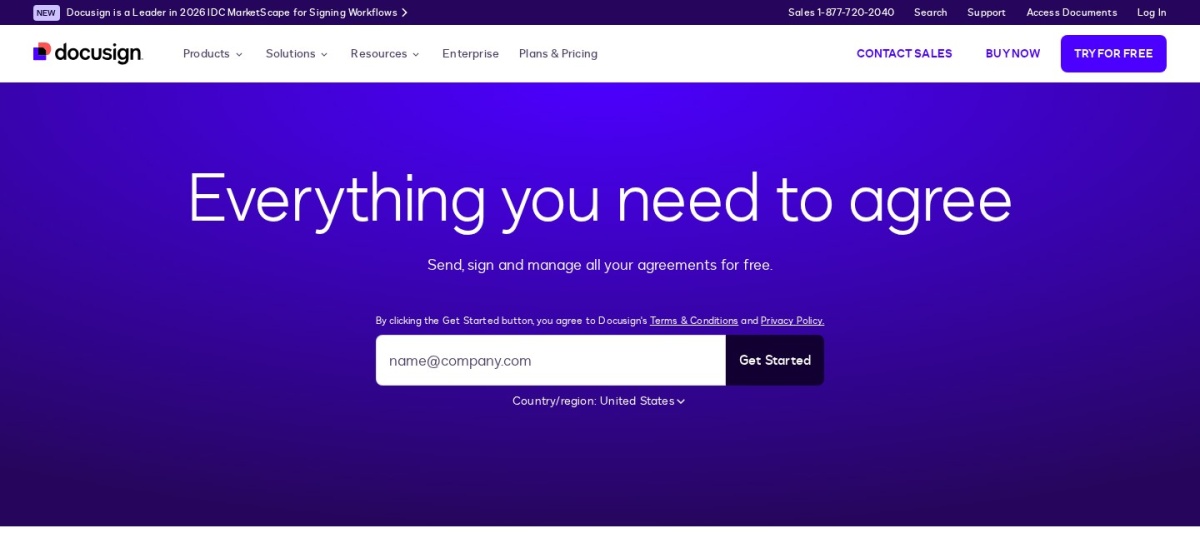
DocuSign is the most widely recognized e-signature name, and its free account lets you send a few envelopes and sign documents yourself. It covers templates, reminders and a full audit trail, and most recipients already know how to use it.
The trade off is the free limit. The free account covers only a few sends, so regular use needs the Personal plan at $10 a month billed yearly. It suits anyone who values a name clients already trust.
SignWell is a light e-signature tool with a clean sending flow and a free plan for occasional use. It includes templates, reminders and an audit trail, and its paid Light plan is one of the cheapest in this list at $10 a month.
The trade off is scale. SignWell fits individuals and small teams, but it has fewer integrations than PandaDoc or DocuSign. It suits freelancers who send a handful of documents a month and want a low paid upgrade.
DottedSign is a mobile-first e-signature tool from Kdan Mobile, built for signing on the go. The free plan covers 3 documents a month with 5 reusable templates, and the Pro plan costs $8 per user a month billed yearly.
The trade off is desktop depth. The mobile apps are strong, but the web app has fewer workflow features than PandaDoc. It suits people who sign from a phone or tablet more than from a desk.
Zoho Sign is the e-signature tool inside the Zoho suite, with a free plan covering 5 envelopes a month. It includes templates, reminders and an audit trail, and it connects with Zoho CRM, Zoho Books and other Zoho apps.
The trade off is the ecosystem. Zoho Sign is strongest for teams already using Zoho, and it has fewer standalone integrations than DocuSign. It suits Zoho users who want signing inside the apps they already pay for.
Adobe Acrobat Sign is the e-signature service inside Acrobat, and a free Adobe account covers about 2 signature requests every 30 days plus unlimited self-signing. It pairs signing with full PDF editing, so you can fix a document and send it without switching apps.
The trade off is cost. Sending more than 2 requests a month needs Acrobat Standard at $14.99 a month, and the standalone Sign product is sold by quote. It suits people who already live in Acrobat and sign occasionally.
Free plans cover occasional signing well. Most include a few sends a month, templates and an audit trail.
Paid plans mostly add volume and branding. You get unlimited sends, custom branding and team controls.
If you send more than a few documents a week, a paid plan costs less than the time spent juggling free limits. See our contract drafting software list for the documents themselves.
For a business that signs every day, the first year of a paid plan often costs less than one missed signature.
How we chose
We started from the e-signature tools with the most G2 reviews, then kept those with a free plan or a free account that lets you send documents.
Prices come from each vendor's pricing page or G2 pricing data, checked on 23 November 2026. Ratings and review counts come from G2 on the same day. Where a vendor shows a sale, the list shows the regular price.
We left out tools with no G2 rating and no free way to send. No vendor paid for a place, and this list is based on pricing, docs and reviews, not on using the tools ourselves.
How to choose free e-signature software
Start with how many documents you send each month, then check the free limit.
Count your monthly sends. Match the free limit to your volume. PandaDoc covers 5 a month, Dropbox Sign 3, Adobe 2 every 30 days.
Check the audit trail. Every tool here records who signed and when. Make sure the trail is included on the free plan, not only on paid plans.
Look at templates. If you send the same agreement often, templates save the most time. See how to draft contracts that fit a template.
Plan for growth. If your volume grows, the cheapest paid upgrade matters. SignWell and DottedSign start under $10 a month.
FAQ
What is the best free e-signature software?
PandaDoc is the strongest free option for most people. Its free plan covers 5 documents a month with templates and an audit trail, and it is rated 4.7 out of 5 from 3,868 G2 reviews.
Are electronic signatures legally binding?
Yes, in the United States electronic signatures are legally binding under the ESIGN Act, as long as the signer agrees to sign electronically and the tool keeps an audit trail.
How many documents can I send for free?
It depends on the tool. PandaDoc allows 5 a month, Dropbox Sign 3 requests a month, DottedSign 3 a month, and Adobe about 2 every 30 days.
Do free plans include an audit trail?
Most do. PandaDoc, Dropbox Sign, DocuSign, SignWell, DottedSign and Zoho Sign all include an audit trail on their free plans.
Which free e-signature tool is best for a team?
Dropbox Sign and PandaDoc work best for small teams. Both add team controls and shared templates on paid plans from $15 to $19 a month.
Can I sign a document myself for free?
Yes. Every tool here lets you sign your own documents for free, and Adobe Acrobat Reader offers unlimited self-signing with a free Adobe account.