Best Contract Drafting Software in 2026: 7 Tools Compared
WLWPLegible EditorsLast verified 22 Nov 2026How we rank12 min read
★ Short answer
PandaDoc is the best contract drafting software for most business teams, combining a document editor, reusable templates, tracking and e-signatures, with paid plans starting at $19 per seat monthly on annual billing. Gavel is better for legal document automation, while Concord suits teams needing contract negotiation and lifecycle management.
How we make this list: we compare pricing pages, product documentation and public user reviews, then re-check every price before each update. No product paid for a place. Disclosure.
PandaDoc leads for everyday business contracts, with a $19/seat/month Starter plan billed annually and a 4.7/5 G2 rating from 3,868 reviews.
Gavel starts at $83/month for its Lite plan, including 10 workflows, 200 fields per workflow and 100 sessions monthly.
Concord combines contract drafting, collaboration, AI extraction and unlimited e-signatures, starting at $499/month for 5 users on annual billing.
Better Proposals is the lowest-priced paid document creation option here at $13/month, with a 10-document monthly allowance.
Qwilr costs $35/user/month with annual billing and reports a 4.6/5 G2 rating from 938 reviews.
SignWell provides a free signing plan with 3 documents monthly, but its document preparation features are less extensive than dedicated contract drafting systems.
What to look for in contract drafting software
Contract drafting software helps teams turn approved language into agreements without repeatedly rebuilding documents. Depending on the product, that can mean reusable templates, document assembly, conditional fields, collaborative editing or AI-assisted drafting.
The first distinction is between document generation and contract lifecycle management. A document generator focuses on creating agreements. A lifecycle platform also manages negotiation, signatures, storage, renewal dates and contractual obligations.
Legal practices often need questionnaires, conditional clauses and Word-compatible documents. Sales and service businesses usually prioritize branded agreements, reusable content, customer details, payment collection and electronic signatures.
Price comparisons need care. Some products charge per editor or sender, while others include multiple users in a platform fee. Advanced approvals, integrations, AI review and clause libraries may also require higher plans.
Automation does not replace legal judgment. Contract templates, AI-generated wording and suggested edits should be reviewed by qualified professionals before use in legally significant agreements.
PandaDoc is a document creation and signing platform for contracts, proposals and agreements. Its free plan supports up to 5 documents monthly, while the $19-per-seat Starter plan provides unlimited document uploads and e-signatures, a drag-and-drop editor, real-time tracking and notifications.
The trade off is that advanced workflow approvals, deeper integrations and more sophisticated document automation require higher-priced plans. Starter costs $19 per seat monthly with annual billing, compared with $35 on monthly billing. It suits sales, operations and service teams drafting repeatable business agreements.
What we like
Combines drafting, tracking and signatures
Reusable document templates and visual editor
Free plan available for occasional documents
Unlimited signatures on the Starter plan
G2 rating of 4.7/5 from 3,868 reviews
Watch out for
Advanced automation is not included in Starter
Per-seat pricing grows with the drafting team
Less specialized than legal document assembly platforms
Business adds advanced document workflows and collaboration features.Visit pandadoc.com
02
Gavel
5/5on G2 (11 reviews, checked Nov 2026)
Starts at$83/mo
Best for automated legal document drafting
Entry planLite, $83/month
Builder seats1 on Lite
Automation workflows10 on Lite
Monthly sessions100 on Lite
gavel.io
Gavel homepage, captured Nov 2026.
Gavel is a legal document automation platform that turns Word documents and PDF forms into guided drafting workflows. Its Lite plan includes 1 builder seat, 10 workflows, 200 fields per workflow, 100 monthly sessions, Clio integration and 500 GB of storage.
The trade off is setup complexity and a higher starting cost than general document editors. Lite is listed at $83/month, and advanced workflows, additional builder seats and integrations require higher plans. It suits legal professionals repeatedly generating similar agreements from structured client information.
What we like
Purpose-built for legal document automation
Supports Word and PDF document generation
Conditional fields and structured questionnaires
Clio integration included on Lite
Client-facing workflows reduce repetitive data entry
Watch out for
More setup than a simple contract editor
Lite limits workflow and session volume
AI contract review is a separate product
G2 rating is based on a small review sample
Standard expands workflow capacity, builder access and integrations.Visit gavel.io
03
Concord
4.2/5on G2 (133 reviews, checked Nov 2026)
Starts at$499/mo
Best for drafting and managing contract lifecycles
Entry planEssentials, $499/month annually
Included users5
DocumentsUnlimited
E-signaturesUnlimited
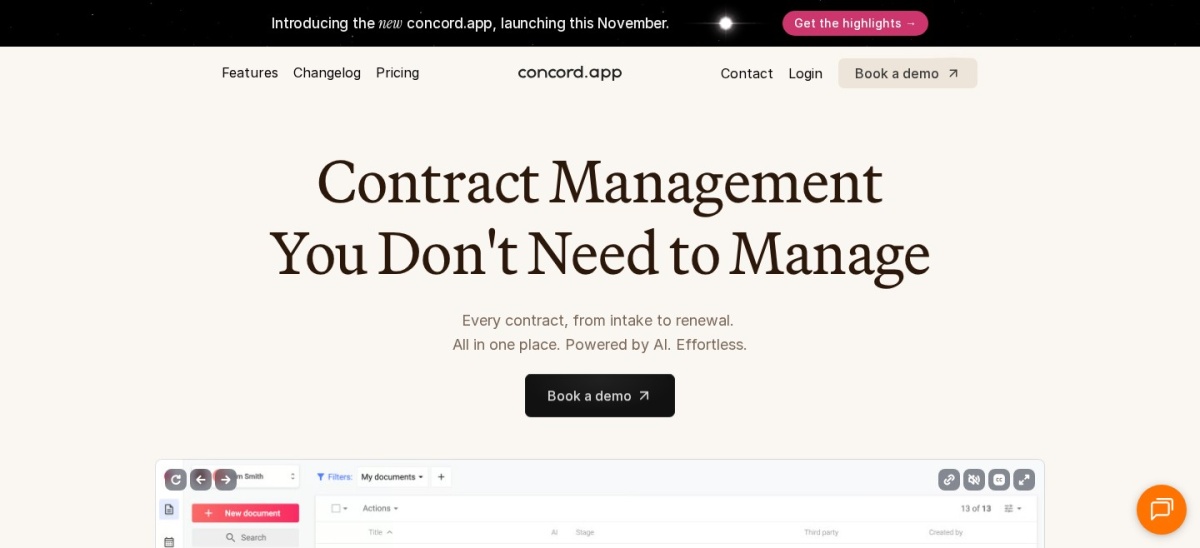
concord.app
Concord homepage, captured Nov 2026.
Concord is a contract management platform combining agreement creation, collaboration, negotiation, signing and post-signature tracking. Its Essentials plan includes 5 users, unlimited documents and e-signatures, AI Copilot and extraction, collaboration tools, deadline reminders and amendment management.
The trade off is the platform-level subscription, which is expensive for occasional drafting. Essentials costs $499/month billed annually, with additional users priced at $49/month; intake forms and advanced approvals require Business. It suits established teams managing negotiations and ongoing contract obligations.
What we like
Drafting and negotiation in one workspace
AI assistance and contract data extraction
Unlimited documents and e-signatures
Deadline reminders and amendment management
Includes multiple users in the base subscription
Watch out for
High starting subscription cost
Advanced approvals require Business
Less economical for individual contract authors
Business adds intake forms, approval workflows and integrations.Visit concord.app
04
Proposify
4.6/5on G2 (1,148 reviews, checked Nov 2026)
Starts at$39/mo
Best for sales contracts and proposals
Entry planBuild, $39/user/month annually
DocumentsUnlimited on Build
E-signaturesUnlimited on Build
Content reuseContent library
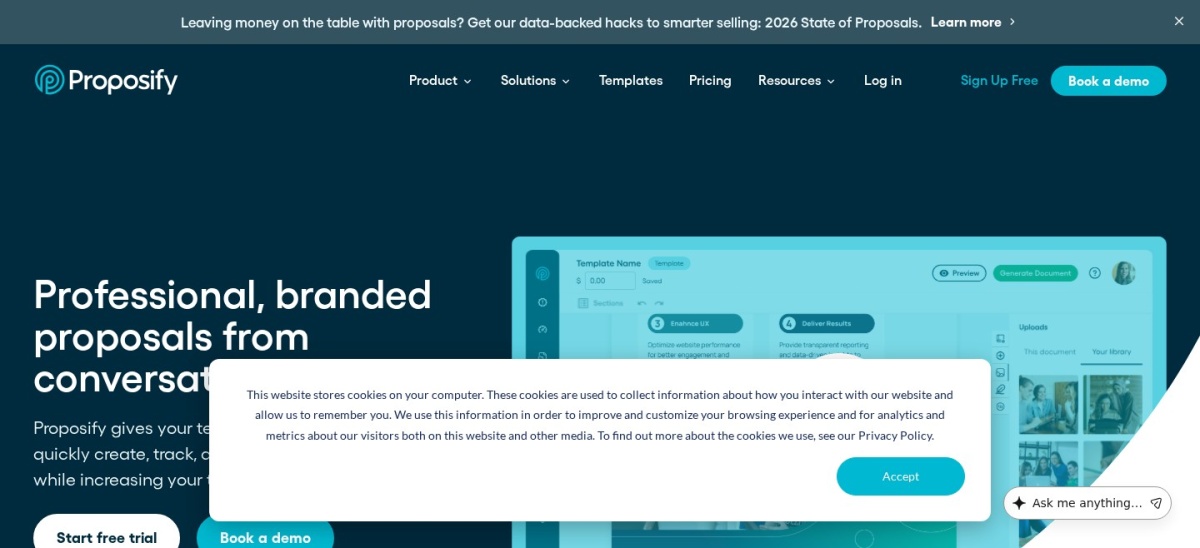
proposify.com
Proposify homepage, captured Nov 2026.
Proposify is a sales document platform for creating proposals, quotes and contracts from reusable layouts and content. The Build plan includes unlimited documents and signatures, a content library, document insights, integrations, automations and a product catalog.
The trade off is its sales-oriented feature set, which is less suitable for complex legal drafting and clause governance. Build costs $39 per user monthly with annual billing, or $49 with monthly billing. It suits agencies and sales teams preparing agreements alongside commercial proposals.
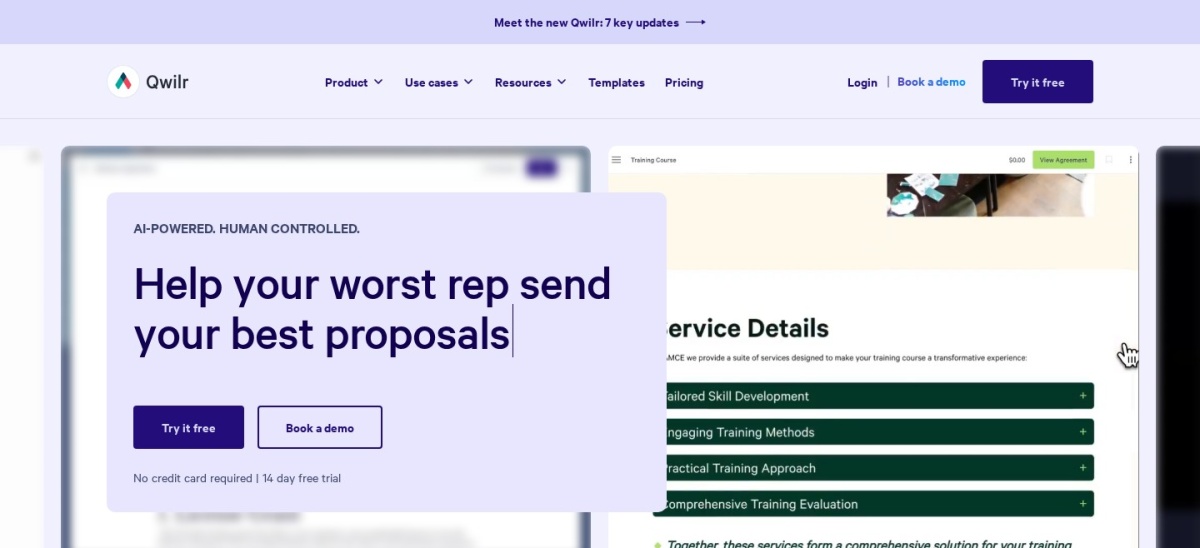
Qwilr is an interactive document platform for proposals, quotes and customer agreements. Its Starter plan begins at $35 per user monthly on annual billing and includes an online editor with unlimited shareable pages, while the platform supports agreement acceptance and electronic signing.
The trade off is that Qwilr prioritizes interactive sales documents rather than traditional Word-based legal drafting. Starter costs $35/user/month with annual billing, and more extensive team automation requires higher tiers. It suits consultancies and sales teams wanting customers to review agreements in a browser.
What we like
Interactive document presentation
Unlimited shareable pages
Online agreement acceptance and signing
Useful for combining proposals and agreements
4.6/5 G2 rating from 938 reviews
Watch out for
Not a dedicated legal drafting platform
Advanced automation is tier-dependent
Per-user pricing can increase team costs
Growth expands team capacity and sales automation.Visit qwilr.com
06
Better Proposals
4.3/5on G2 (51 reviews, checked Nov 2026)
Starts at$13/mo
Best affordable contract templates for freelancers
Entry planStarter, $13/month
Included users1
Document allowance10/month
TemplatesUnlimited
betterproposals.io
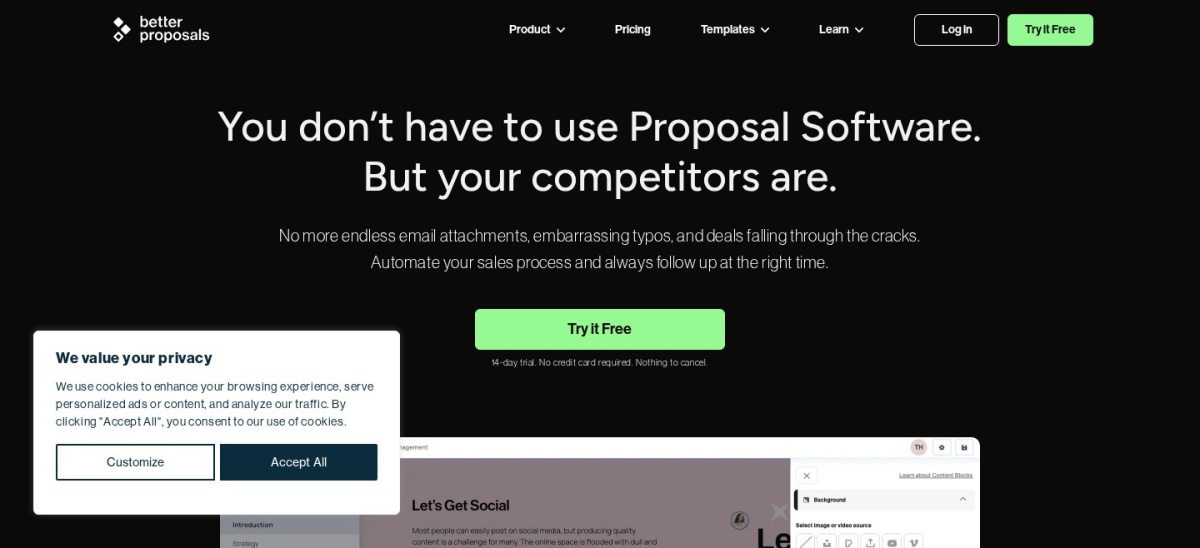
Better Proposals homepage, captured Nov 2026.
Better Proposals is an online document builder for client proposals, quotes and contracts. Its Starter plan costs $13/month and includes unlimited templates, a content library, legally binding digital signatures, interactive pricing tables, payment integrations, analytics and up to 10 documents monthly.
The trade off is the Starter plan's document limit and lack of advanced team controls. Premium starts at $21/user/month for CRM integrations and greater document capacity, while deeper approval features require Enterprise. It suits freelancers and small service businesses drafting routine client agreements.
SignWell is an electronic signature platform with document preparation, reusable templates and signing workflows for straightforward agreements. Its free plan supports 1 sender, 1 template and 3 documents monthly, while Light provides 5 templates per sender and unlimited documents.
The trade off is limited contract drafting depth because SignWell focuses on preparing and executing documents rather than generating complex legal language. Light costs $10/month billed annually, or $12 monthly, with advanced conditional fields reserved for Business. It suits small teams that already have approved contract wording.
What we like
Free plan for occasional agreements
Unlimited documents on Light
Reusable signing templates
Audit trails and document security
4.8/5 G2 rating from 578 reviews
Watch out for
Limited full-text contract drafting capabilities
Conditional fields require Business
Not a contract lifecycle management system
Light adds more templates, unlimited documents and bulk sending.Visit signwell.com
Contract drafting software vs electronic signature software
Contract drafting tools create or assemble agreement text. They may use document templates, questionnaires, variables, conditional clauses and AI writing assistance to prepare contracts from approved language.
Electronic signature platforms handle the execution stage. They add signer fields, collect signatures, generate audit trails and help distribute completed agreements. Some offer templates, but that does not necessarily make them full drafting systems.
PandaDoc and Proposify combine document creation with electronic signatures. Gavel specializes in legal document automation. Concord goes further into negotiation and post-signature management, while SignWell focuses primarily on the signing stage.
Choose based on the bottleneck in your workflow. If preparing contract language consumes most of the time, prioritize drafting and automation. If documents are already approved but signatures are slow, a signing platform may be sufficient.
Should you use AI to draft contracts?
AI features can help generate initial language, summarize clauses, extract information and suggest revisions. Their usefulness depends on whether the software understands your approved templates, policies and document context.
AI-generated clauses can still introduce missing definitions, inconsistent obligations or language that does not reflect the intended agreement. Human review remains important, particularly for liability, indemnity, termination and intellectual property provisions.
Before choosing an AI drafting feature, check how documents are stored, whether uploaded content is used for model training, what access controls exist and whether suggested changes can be reviewed before acceptance.
For repetitive legal work, structured templates with approved clauses can provide more predictable results than generating every agreement from a fresh prompt.
How we chose
We shortlisted established products that support contract creation, document automation, agreement preparation, negotiation or signature workflows. The comparison includes dedicated legal automation software, contract lifecycle management platforms and business document editors, with their different purposes made explicit.
Official vendor pricing pages and publicly available G2 reviews were used for the November 2026 comparison, with reference dates set to 22 Nov 2026. We compared the lowest published paid plans, plan limits, included users and feature restrictions. Public rating and review figures were checked separately from vendor marketing descriptions.
We excluded quote-only products where a standard published entry price could not be confirmed, including several enterprise legal drafting and contract management platforms. We also excluded tools without sufficiently clear pricing information and products that primarily serve unrelated document tasks. No vendor paid for a place, and we do not claim testing for this list.
How to choose contract drafting software
Start by identifying the document work that takes the most time, then compare the software against these practical requirements.
Identify your drafting workflow. Separate repetitive legal agreements, sales contracts, client proposals and signing-only documents. Choose Gavel for structured legal document assembly, PandaDoc for everyday business agreements or Concord when negotiation and post-signature management are equally important.
Check template and automation capabilities. Look for reusable clauses, merge fields, conditional logic, questionnaires and document versioning. Confirm whether those features are included in the entry plan. A simple template editor may be enough for standard agreements, while complex legal workflows need stronger automation.
Calculate the full team cost. Compare annual subscription costs, included users, document limits and additional seat charges. PandaDoc Starter costs $228 per seat annually, while Concord Essentials costs $5,988 annually for its included user allocation. Include required integrations and higher-tier features in the budget.
Review security and approval requirements. Check access permissions, audit trails, signer authentication, retention policies and internal approvals. Confirm whether the system preserves edit history and supports review before signing. Legal teams should also verify confidentiality terms and how AI providers process contract information.
FAQ
What is the best contract drafting software overall?
PandaDoc is the strongest general-purpose choice in this comparison because it combines document creation, reusable templates, tracking and electronic signing. Starter begins at $19 per seat monthly with annual billing. Legal teams needing conditional document assembly should also consider Gavel, while larger contract operations may prefer Concord.
Is there free contract drafting software?
PandaDoc offers a free plan supporting up to 5 documents monthly, and SignWell offers free document preparation and signing for up to 3 documents monthly. These options work for straightforward agreements but lack the deeper automation of dedicated legal drafting platforms. Free access should not be confused with legal advice or document validation.
Which contract drafting software is best for lawyers?
Gavel is a relevant option for lawyers who repeatedly prepare documents from structured templates. It supports Word and PDF automation, conditional fields and client-facing questionnaires. Its Lite plan starts at $83/month. Lawyers who mainly need AI-assisted review and redlining should compare dedicated contract review systems separately.
Can AI write legally binding contracts?
AI can help prepare contract language, but generating text does not by itself make an agreement legally binding. Enforceability depends on factors such as valid consent, agreement terms and applicable law. Important clauses should be reviewed by a qualified professional, and the execution process must satisfy relevant legal requirements.
What is the difference between contract drafting and contract management software?
Contract drafting software focuses on producing and editing agreement language. Contract management software covers a wider process that can include approvals, negotiation, signatures, storage, renewal reminders and obligations. Concord offers a broad lifecycle workflow, whereas Gavel specializes in generating documents from structured legal templates.
How much does contract drafting software cost?
Published entry prices vary considerably. Better Proposals starts at $13/month, PandaDoc at $19 per seat monthly with annual billing, and Gavel Lite at $83/month. Concord Essentials starts at $499/month billed annually for its included users. Total costs depend on seat counts, workflow requirements and upgrades.
Can contract drafting software automatically generate agreements?
Yes. Document automation software can populate approved templates using client information, form answers and conditional rules. Gavel specifically supports structured workflows with fields and questionnaires. Other platforms provide reusable content and document variables, although the level of automation available depends on the subscription tier.
Is contract drafting software secure for confidential agreements?
Security depends on the vendor, plan configuration and organizational practices. Evaluate encryption, account permissions, audit records, document retention and third-party integrations before uploading confidential material. For AI-assisted drafting, confirm how uploaded documents are processed and whether customer content can be used to train models.
Can contract drafting software replace Microsoft Word?
Some business agreements can be drafted entirely in browser-based platforms such as PandaDoc or Concord. However, legal teams may still need Word compatibility for detailed formatting, tracked changes and exchanging drafts with counterparties. Gavel can automate Word documents, making it useful when existing Word templates must remain part of the workflow.