Gamma is the best of the top AI powered presentation software reviews, because Plus costs 9 dollars a seat a month and turns a prompt into a finished deck in under a minute. Beautiful AI suits design-led teams at 14 dollars and 50 cents a month, and Canva suits teams that design in Canva at 12 dollars a month.
How we make this list: we compare pricing pages, product documentation and public user reviews, then re-check every price before each update. No product paid for a place. Disclosure.
Gamma is the best AI presentation tool overall, with Plus at 9 dollars a seat a month and a 4.2 rating on G2 from 91 reviews.
Beautiful.ai leads on design discipline with a 4.6 G2 rating, but Pro costs 14 dollars and 50 cents a month and there is no free plan.
Canva has the highest G2 rating here at 4.7 from 7,971 reviews, though published Pro prices disagree between 120 and 144 dollars a year.
Prezi and Slidebean are the cheapest paid plans at 7 dollars a month, while Pitch charges 10 euros a month for Plus.
Plus AI is the only tool built inside PowerPoint, but its 3.2 G2 rating rests on only 5 reviews.
Which AI powered presentation software should you pick from these reviews?
Gamma leads this list with a 4.2 rating on G2 from 91 reviews, and Plus at 9 dollars a seat a month billed annually. It builds a whole deck from a prompt or a document, and the free plan gives 400 one-time credits.
Prices here run from 7 dollars a month for Prezi Standard and Slidebean Starter to 14 dollars and 50 cents for Beautiful.ai Pro, with Canva Pro at 12 dollars a month. Pitch charges in euros, at 10 euros a month for Plus.
Ratings run from 3.2 for Plus AI to 4.7 for Canva on G2, with review counts from 5 to 7,971, so the small tools are liked by far fewer reviewers than the big ones.
Pick by export first. Teams that must hand over editable PowerPoint files suit Beautiful.ai, Canva or Plus AI, while web sharing suits Gamma or Pitch.
List prices in each vendor's currency, checked Nov 2026
PreziFREE$84
SlidebeanFREE$84
GammaFREE$108
PitchFREE€120
DecktopusFREE$120
Plus AI$120
CanvaFREE$144
VismeFREE$147
Beautiful.ai$174
The 9 best AI powered presentation software reviews
01
Gamma
4.2/5on G2 (91 reviews, checked Nov 2026)
Paid from$9/mo
Best AI presentation software overall
Plus$9/seat/mo annual
Free plan400 one-time credits
Pro$18/seat/mo annual
TrialNo card for free plan
gamma.app
Gamma homepage, captured Nov 2026.
Gamma is an AI-first presentation maker that turns a prompt or a document into a finished deck in under a minute, with layouts, text and images generated together. Plus costs $9 a seat a month billed annually and removes the Gamma branding, and the free plan gives 400 one-time credits.
The trade off is control and export. Layouts are hard to place precisely, PowerPoint exports can shift spacing and fonts, and AI images often look generic. It suits anyone who needs a fast first draft to share as a link or PDF.
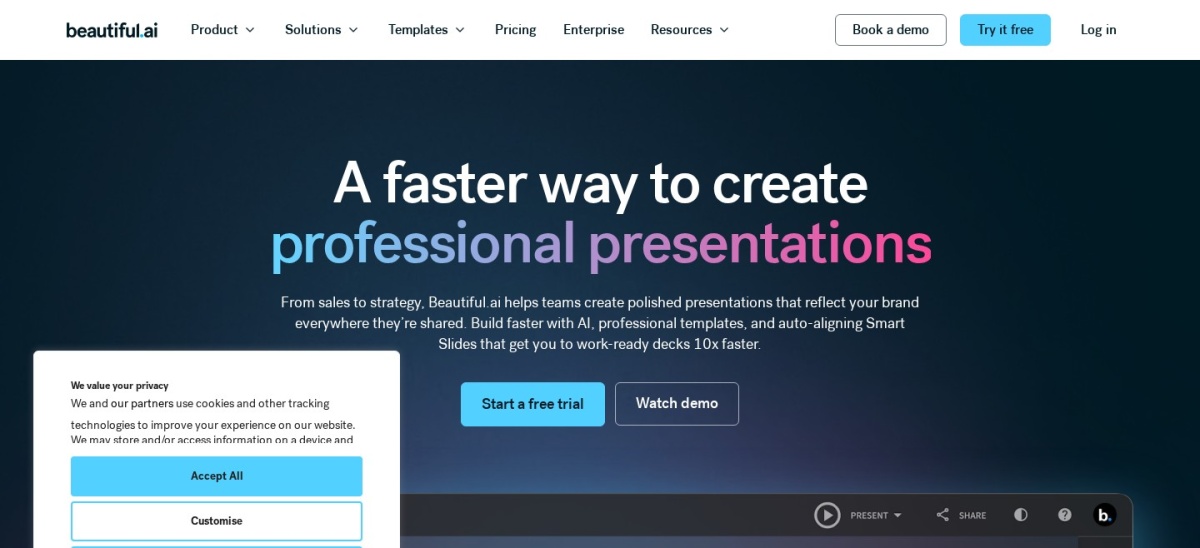
Beautiful.ai is a design-led presentation tool whose Smart Slides reflow text, charts and images as you edit, so a slide never looks unbalanced. Pro costs $14.50 a month billed annually and adds unlimited AI content, custom branding and PowerPoint export.
The trade off is price and freedom. There is no free plan, only a 14-day trial that needs a card, and monthly billing costs $45 a month. It suits consultants and founders who present often and want guardrails that stop a slide looking messy.
Canva is a browser-based design platform with Magic Design and Magic Studio AI, plus the largest template and stock library in this list. Pro costs $12 a month billed annually and adds Brand Kit, Background Remover, Magic Resize and 1 TB of storage.
The trade off is that Canva is a general design tool first. AI credits are capped each month on Pro, the editor can lag on long decks, and heavy AI generation pushes teams toward the Business tier. It suits teams that already design social posts and marketing in Canva.
What we like
Largest template and stock library
Brand Kit and Magic Resize
Free plan is genuinely usable
Watch out for
AI credits capped monthly on Pro
Editor lags on long decks
Published Pro prices disagree, 120 to 144 dollars a year
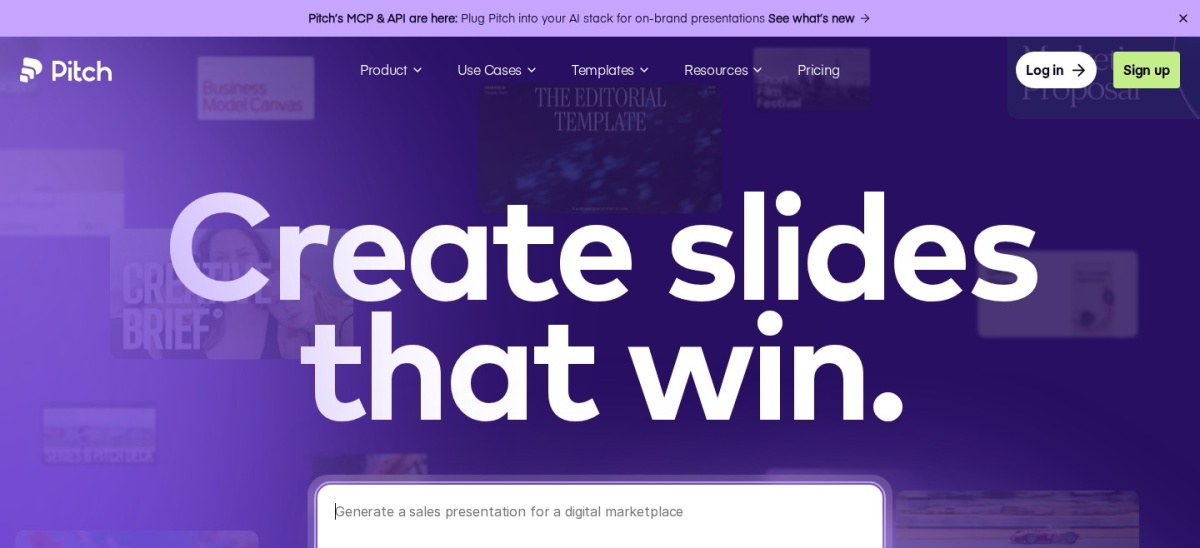
Pitch is a team-first presentation tool with shared workspaces, real-time co-editing, custom templates and viewer analytics on every deck. Plus costs 10 euros a month billed yearly, and the free plan covers up to 5 members with unlimited presentations.
The trade off is the euro pricing and the team focus. Pitch publishes prices in euros, so dollar teams pay the converted amount, and solo users get little that Canva or Gamma do not offer. It suits startup and sales teams that build decks together.
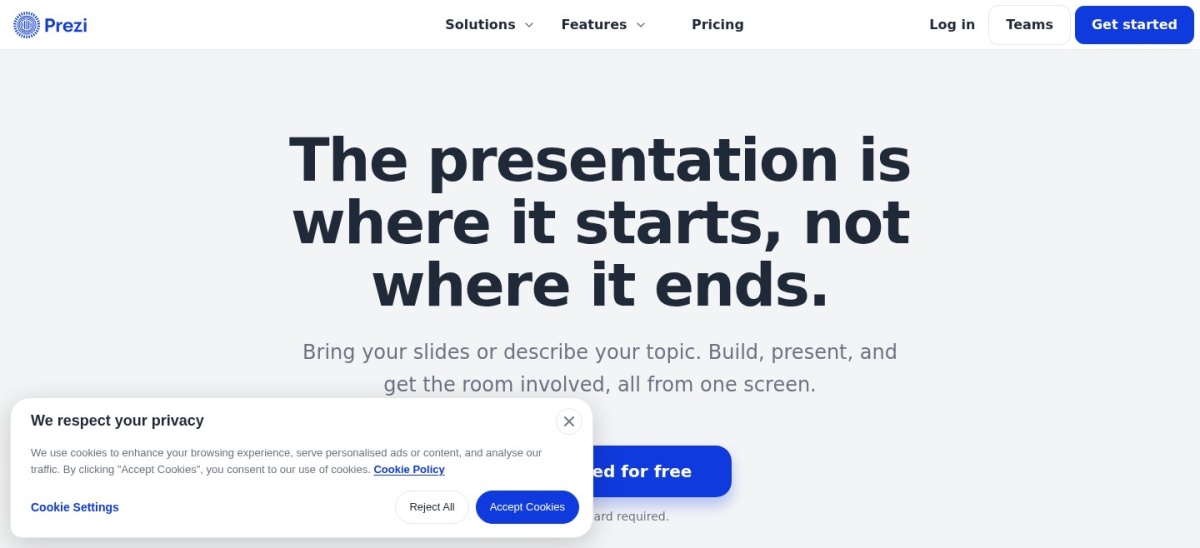
Prezi is a zooming-canvas presentation tool that replaces fixed slides with a non-linear story you move through live. Standard costs $7 a month billed annually and adds privacy controls, and the free Basic plan gives 500 AI credits a month.
The trade off is the format itself. The zooming canvas suits keynotes and teaching but not dense board decks, and PowerPoint export is weak. It suits presenters who want movement and live audience polls rather than linear slides.
Visme is a visual content platform that covers presentations, infographics and documents in one editor, with charts, maps and data widgets other slide tools lack. Starter costs $12.25 a person a month billed yearly and unlocks downloads and brand kits.
The trade off is export and complexity. The editor is heavier than rivals, PowerPoint downloads need Business at $24.75, and the free plan blocks downloads. It suits teams that make reports and data-heavy decks, not just slides.
Slidebean is a pitch-deck builder aimed at founders, with investor-specific templates, financial models and an Investor Finder CRM. Starter costs $7 a month billed yearly, and the free plan allows unlimited presentations without export.
The trade off is the thin review base and the narrow focus. Its G2 rating of 4.4 rests on only 26 reviews, and it is built for fundraising decks rather than general presentations. It suits founders preparing an investor pitch.
Decktopus is an AI presentation tool that starts from a topic or a file and builds a complete deck, then coaches delivery with a Loop rehearsal mode. Pro costs $9.99 a month and includes 750 AI credits a month, exports and Brand Kit from a website URL.
The trade off is the credit meter and the thin review base. Every slide costs 5 credits to generate, its G2 rating of 4.3 rests on 79 reviews, and all purchases are final with no refunds. It suits non-designers who want a guided setup.
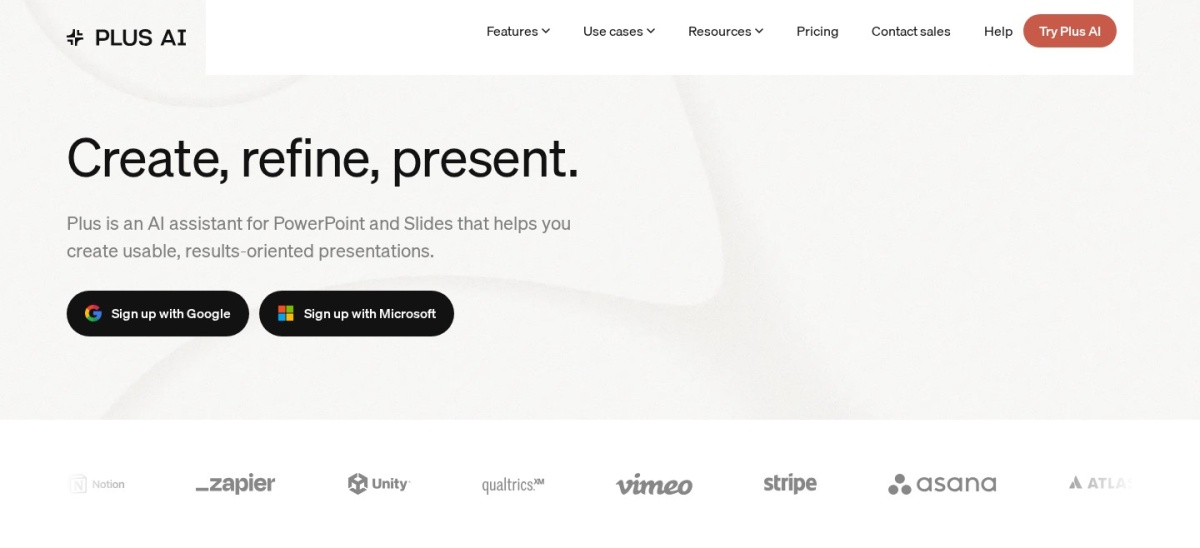
Plus AI is an add-in that works inside PowerPoint and Google Slides, drafting and editing slides where teams already work. Basic costs $10 per user a month billed yearly and includes 1,500 credits, with a 7-day trial that needs a card.
The trade off is the thin review base and the lowest rating here. Its G2 rating of 3.2 rests on only 5 reviews, and there is no free plan. It suits teams that refuse to leave PowerPoint but want AI drafting inside it.
Gamma reviewers praise the speed of the first draft and the clean layouts, but complain that PowerPoint exports shift spacing and fonts and that layouts are hard to place precisely.
Canva and Prezi have the largest review bases here, at 7,971 and 5,725 on G2, while Plus AI has only 5 reviews and Slidebean only 26, so their ratings say less.
Beautiful.ai earns its 4.6 rating for Smart Slides that keep decks on brand, and Decktopus earns 4.3 for a guided setup that non-designers finish without help.
How we chose
We started from the tools that appear most often as AI presentation software in 2026 comparisons, then kept those with a verifiable rating on G2, Capterra or Trustpilot and a published price or free plan.
Prices and ratings were checked on 29 November 2026. Ratings and review counts come from G2 on the same day. Beautiful.ai Pro was confirmed on its own pricing page, Gamma Plus and Canva Pro rest on independent November 2026 reads of their pricing pages, and Pitch charges in euros.
We left out tools with no verifiable G2, Capterra or Trustpilot rating and those priced by quote only. Tome was left out because it shut down its presentation product in April 2025. No vendor paid for a place, and we do not claim hands-on testing for this list.
How to choose an AI powered presentation tool
Match the tool to how the deck leaves your hands, then check the export and the real monthly cost.
Name the delivery format. Teams that must hand over editable PowerPoint files should pick Plus AI, Beautiful.ai or Canva, while web sharing suits Gamma or Pitch.
Check the free plan limits. Gamma gives 400 one-time credits, Canva gives 5 GB of storage, and Pitch is free up to 5 members, so test the workflow before paying.
Count the credits. Gamma, Decktopus and Plus AI all meter AI use with monthly credits, so heavy users should check what a month of decks really costs.
Try the trial before the year. Beautiful.ai and Plus AI offer trials only, so run a real deck through the trial and check the export before committing to annual billing.
FAQ
What are the top AI powered presentation software reviews in 2026?
Gamma is the best of the top AI powered presentation software reviews, because Plus costs 9 dollars a seat a month and turns a prompt into a finished deck in under a minute. Beautiful AI suits design-led teams at 14 dollars and 50 cents a month, and Canva suits teams that design in Canva at 12 dollars a month.
Is there a free AI presentation software?
Yes. Gamma gives 400 one-time credits free, Canva has a free plan with 5 GB of storage, and Pitch is free for teams up to 5 members. Prezi Basic is free but decks are public, and Visme and Slidebean have limited free plans. Beautiful AI and Plus AI offer trials only.
What is the cheapest AI presentation software?
Prezi Standard and Slidebean Starter are the cheapest paid plans here at 7 dollars a month billed annually. Gamma Plus costs 9 dollars a seat a month, Decktopus Pro costs 9 dollars and 99 cents, and Plus AI costs 10 dollars a user a month.
Which AI presentation tool is best for PowerPoint?
Plus AI is the best pick for PowerPoint, because it works inside PowerPoint and Google Slides and exports editable decks by design. Beautiful AI and Canva also export editable PowerPoint files, while Gamma and Pitch suit web sharing more than file delivery.
Does Gamma have a free plan?
Yes. Gamma gives 400 one-time credits free, with up to 10 slides per prompt and exports to PDF, PowerPoint, PNG and Google Slides. Paid plans start at Plus, which costs 9 dollars a seat a month billed annually and removes the Gamma branding.
Is Beautiful.ai worth the price?
Beautiful AI is worth it for consultants and founders who present often and want every slide on brand, because Pro costs 14 dollars and 50 cents a month with unlimited AI content. Teams that present rarely should use the free plans from Gamma, Canva or Pitch instead.
SaaS SEO and WordPress specialist with about 8 years of experience. Rakib compares WordPress plugins, themes, hosting and software using public pricing, documentation and user reviews. See how we rank.