Best AI Presentation Makers in 2026: 8 Tools Compared
WLWPLegible EditorsLast verified 24 Nov 2026How we rank13 min read
★ Short answer
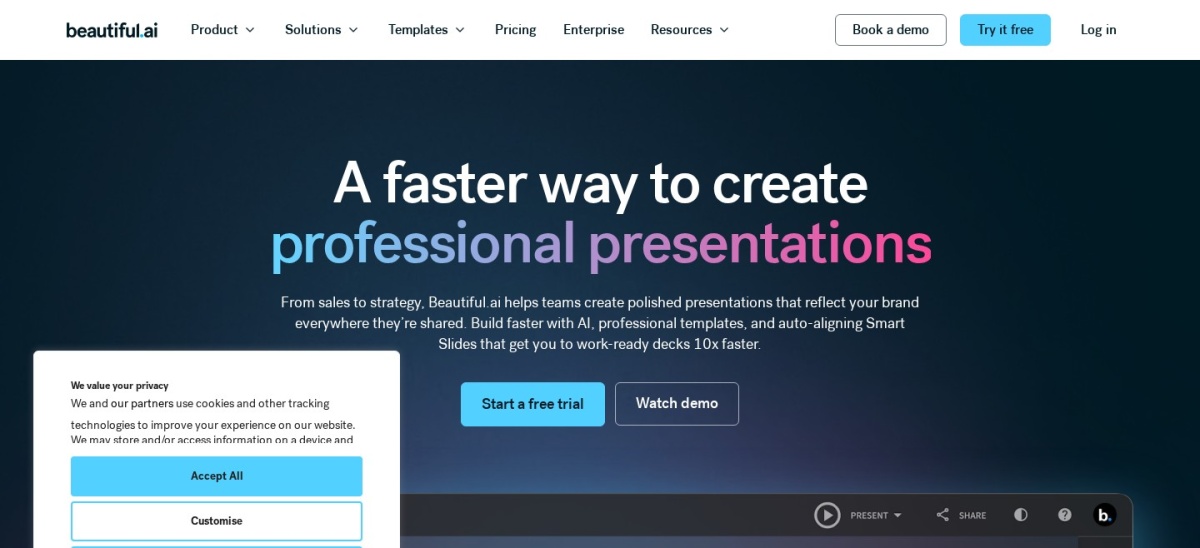
Beautiful.ai is the best AI presentation maker for most people, with auto-formatting Smart Slides and unlimited AI generation on Pro at $14.50 a month billed annually. Pick Presentations.ai for native PowerPoint export and Plus AI if your decks must stay in PowerPoint or Google Slides.
How we make this list: we compare pricing pages, product documentation and public user reviews, then re-check every price before each update. No product paid for a place. Disclosure.
Beautiful.ai leads with 300+ Smart Slide layouts and unlimited AI generation on Pro at $174 a year.
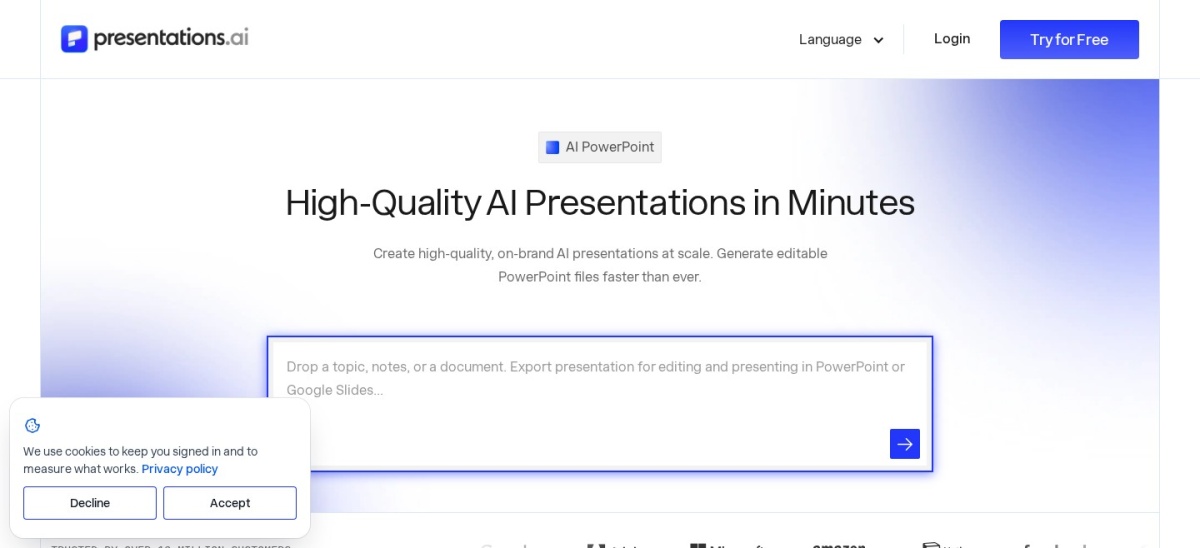
Presentations.ai is the only pick with a free plan that still exports files, and Pro costs $240 a year.
Plus AI and SlidesAI both start at $120 a year and keep your deck inside PowerPoint or Google Slides.
Prezi and Slidebean have the cheapest paid plans here, at $84 a year.
Six of the eight tools cost under $150 a year on their cheapest paid plan.
G2 ratings run from 3.2 for Plus AI to 4.6 for Beautiful.ai and SlidesAI.
What to look for in an AI presentation maker
An AI presentation maker should turn a prompt, outline or document into a deck you can still edit. The best ones keep text, images and charts editable instead of baking them into a flat image.
Check the export first. If your team presents in PowerPoint, a tool with clean PPTX export saves more time than any template. If your deck needs custom visuals, our guide on generating images with AI in WordPress covers the same quality question for AI images.
Watch the credit meter. Most tools in this list ration AI work with monthly credits, and the cheapest plan can run out fast if you regenerate decks often.
Free plans differ more than prices do. Some let you export finished decks, some only let you build them, and two tools in this list have no free plan at all.
Beautiful.ai is a presentation tool built around Smart Slides, layouts that realign, resize and animate your content as you type. The Create with AI workflow drafts an outline first so you can fix the story before it generates slides, and paid plans include unlimited AI content generation, 300+ layouts and editable PowerPoint export.
The trade off is the price of entry. There is no free plan, only a 14-day trial that needs a credit card, and monthly billing costs $45 against $14.50 a month on the annual plan. It suits professionals and teams who make client-facing decks every week and want them to stay on brand.
What we like
Smart Slides keep every deck aligned without manual formatting
Unlimited AI generation on paid plans, with no credit meter
Strong brand controls with locked themes and shared libraries
Editable PowerPoint export and viewer analytics
Watch out for
No free plan, only a 14-day trial that needs a card
Monthly billing costs $45, over three times the annual rate
Layouts can feel rigid for dense, information-heavy slides
Presentations.ai is a dedicated AI deck builder that turns a topic, document, web page or notes into an editable, on-brand presentation. Its Brand Sync applies your colors, fonts and logo automatically, and the free Starter plan includes 200 credits and decks of up to 20 slides with PowerPoint export.
The trade off is the billing. Plans are annual or quarterly only, with no month-to-month option, and Pro at $240 a year is the priciest entry paid plan in this list. It suits solo presenters and small teams who want polished business decks fast and can commit to a year.
What we like
Native, editable PowerPoint export on every plan
Brand Sync keeps decks on brand automatically
Free Starter plan with 200 credits and file export
Turns PDFs, Word documents and web pages into decks
Watch out for
No monthly billing, so you commit to a year up front
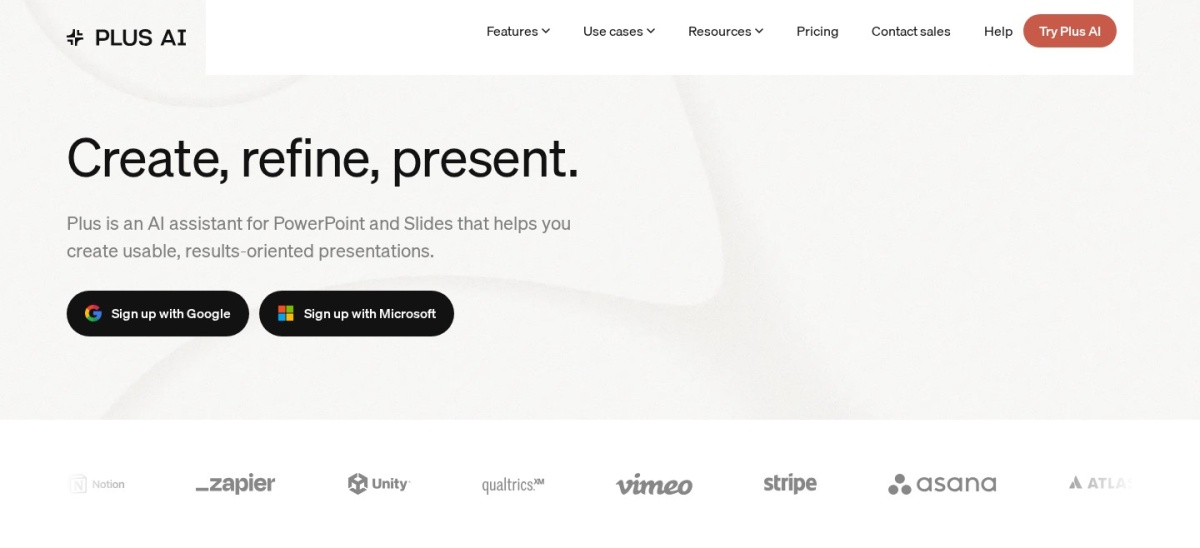
Plus AI is an AI assistant that works inside PowerPoint and Google Slides instead of in a separate app. It generates decks from a prompt, uploads PDF and Word documents, and rewrites or remixes single slides, so the result is always a native file your team can keep editing.
The trade off is the thin public record. There is no permanent free plan, only a 7-day trial that needs a credit card, and its G2 rating of 3.2 comes from just 5 reviews. It suits teams standardized on PowerPoint or Google Slides that want AI without changing where they work.
What we like
Works inside the apps your team already uses
Output stays a native, fully editable file
Rewrite and remix tools for single slides
SOC 2 Type II compliance for business use
Watch out for
No permanent free plan, only a 7-day trial
Lowest G2 rating in this list, from only 5 reviews
Document upload and AI images need Pro at $20 a month
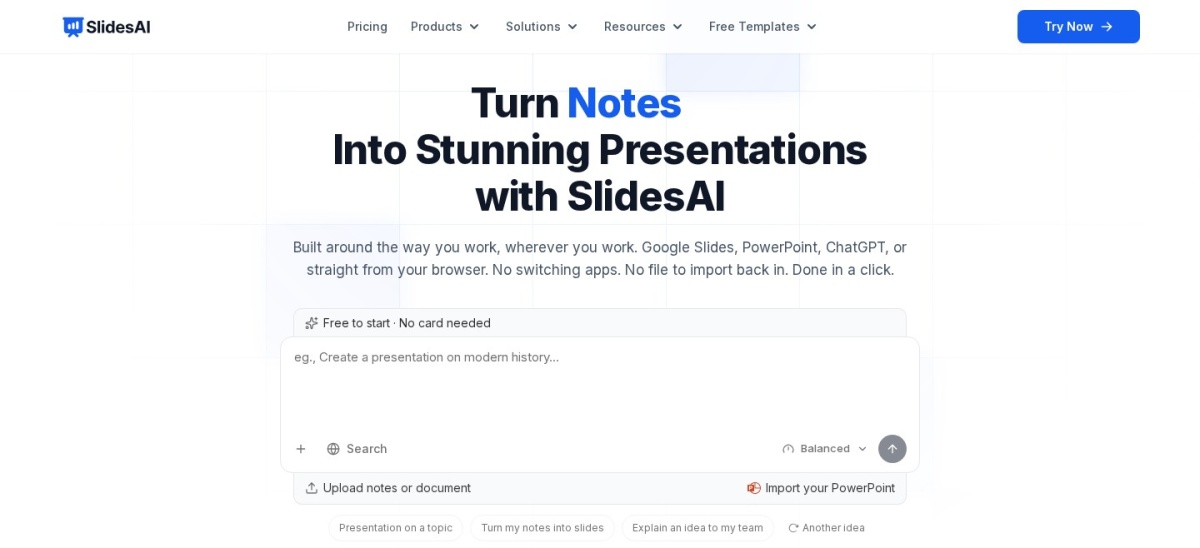
SlidesAI is an add-on that turns a topic, notes, script or document into editable slides inside Google Slides or PowerPoint. Brand Kits import your branded PowerPoint template so decks come out in your colors, fonts and logo, and the site reports more than 3.7 million presentations created with the tool.
The trade off is the caps. The free plan gives 200 AI credits a month, Pro decks stop at 20 slides, and unused credits do not roll over. It suits teachers, students and Google Workspace teams who need a quick first draft in Slides format.
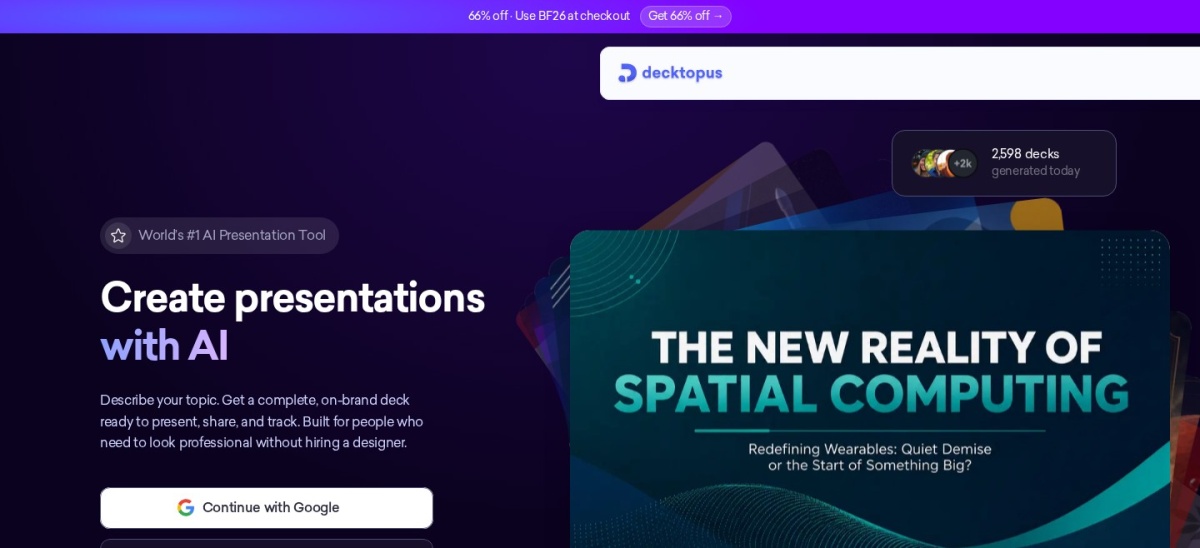
Decktopus is an AI presentation maker that builds a complete deck or carousel from a topic or file, with your brand applied automatically from your website address. Its Loop coach rehearses your delivery with AI feedback, and the site reports more than 4.5 million people use the tool.
The trade off is the credit cap. Pro includes 750 AI credits a month, about 150 slides at 5 credits each, and all purchases are final with no refunds. It suits non-designers who make a few decks a month and want a finished, on-brand result.
What we like
Brand applied automatically from a website address
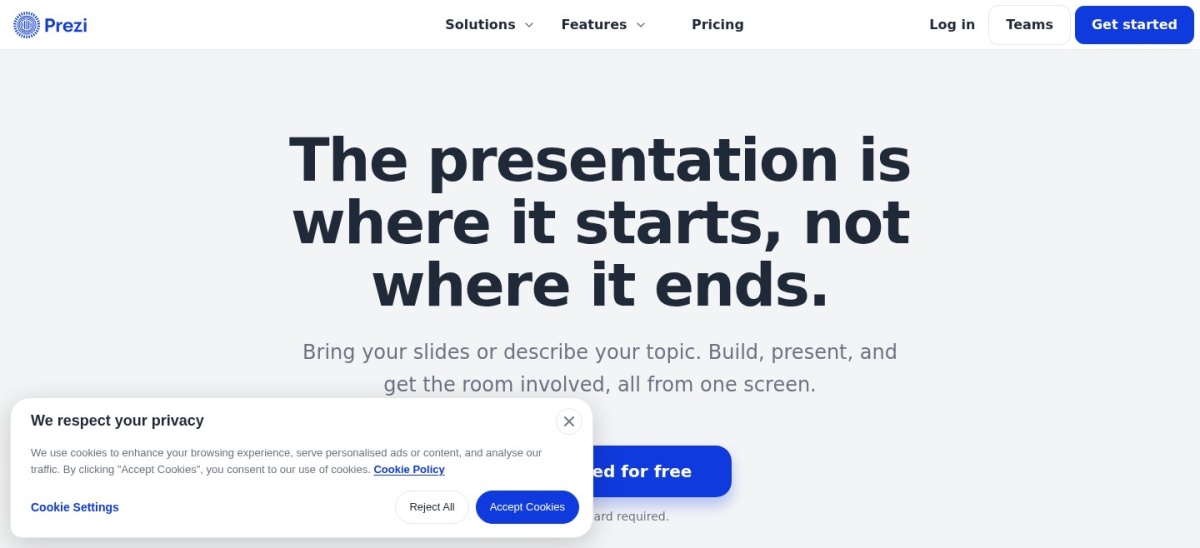
Prezi is a presentation platform on a zoomable canvas, with Prezi AI that builds a deck from a prompt or an uploaded file. Live polls, quizzes and Q&A run inside the presentation and the audience joins from any phone with a QR code, and the site reports more than 170 million people have used it.
The trade off is that the best AI needs the Plus plan. Unlimited AI generation, offline editing and PDF export cost $19 a month on Plus, against $7 for Standard. It suits teachers, trainers and live presenters who want the room to take part.
Slidebean is an AI pitch deck builder aimed at startup founders raising funds. It offers more than 100 startup pitch deck templates, tracks who views each slide, and adds financial modeling tools, and the site says its clients have raised more than $400 million in venture capital.
The trade off is the narrow focus. Free decks cannot be shared or downloaded, and the $99-a-month Accelerate plan is mostly a services bundle with expert sessions. It suits founders who need an investor-ready deck and the fundraising tools around it.
What we like
Pitch decks built for fundraising, not generic slides
Visme is an all-in-one visual platform whose AI Presentation Maker turns a text prompt into a ready-to-use deck. It adds strong charts and data widgets, a Brand Wizard that pulls your fonts and colors from your website, and templates for reports and infographics beside slides, with more than 35 million users reported.
The trade off is that PowerPoint export needs the Pro plan. Starter at $12.25 a month gives 200 AI credits a month and JPG, PNG and PDF downloads, but PPTX export, the Brand Kit and analytics need Pro at $24.75 a month. It suits marketers who need decks plus reports and infographics in one place.
Free plans are good for one-off decks. Most include a small monthly credit allowance and the core generator.
Paid plans mostly add credits and export. Unlimited AI generation, PowerPoint export and brand controls sit behind the paywall on most tools here.
If you present every week, the annual plan is usually the better buy. Monthly billing costs far more on Beautiful.ai at $45 a month against $14.50 on the annual plan.
Check the refund terms before you pay. Decktopus states all purchases are final, and Beautiful.ai monthly plans are non-refundable.
How we chose
We started from the AI presentation makers with an established user base and a public pricing page, then kept the eight with the clearest free or trial terms and the most useful export options.
Prices come from each vendor's pricing page, checked on 24 November 2026. Ratings and review counts come from G2 on the same day. Where a vendor shows a sale, the list shows the regular price.
We left out tools whose homepages block automated screenshots, including Gamma and Canva, and tools that have shut down, including Tome. No vendor paid for a place, and we do not claim hands-on testing for this list.
How to choose an AI presentation maker
Start with where the finished deck has to live, then match the tool to that format.
Check where the deck ends up. If it must be a PowerPoint file, pick a tool with native PPTX export such as Presentations.ai, Plus AI or SlidesAI.
Count how many decks you make a month. Credit caps matter more than the monthly price once you generate every week. Compare the credit allowance, not just the headline price.
Try the free plan or trial first. Build one real deck with your own content before paying, and check the export looks right on the machine you present from.
Check the brand controls. If decks go to clients, you need custom fonts, colors and logos. Those controls sit on paid plans for most tools here.
FAQ
What is the best AI presentation maker?
Beautiful.ai is the best pick for most people. Its Smart Slides auto-format every deck, paid plans include unlimited AI generation, and it is rated 4.6 out of 5 on G2 from 196 reviews. Pro costs $14.50 a month billed annually.
Is there a free AI presentation maker?
Yes. Presentations.ai, SlidesAI, Prezi, Slidebean and Visme all have a free plan or free option, though exports are limited on some. Beautiful.ai and Plus AI have no free plan and offer a 14-day trial and a 7-day trial instead.
Can AI presentation makers export to PowerPoint?
Most can. Presentations.ai exports native PowerPoint files on every plan, and Plus AI and SlidesAI work inside PowerPoint itself. Check the plan first, because Visme needs its Pro plan for PowerPoint export and Slidebean blocks downloads on its free option.
How much does an AI presentation maker cost?
The cheapest paid plans in this list run from $84 a year for Prezi Standard and Slidebean Starter to $240 a year for Presentations.ai Pro. Six of the eight tools cost under $150 a year on their cheapest paid plan.
Do AI presentation makers keep my content private?
It varies by vendor, so read the privacy terms before pasting sensitive material into any tool. Decktopus states your data is excluded from AI training by default. Avoid putting confidential client or financial details into a free plan without checking the terms first.
What happened to Tome?
Tome announced it was sunsetting its slides product in 2025, so it is no longer a usable option and is not in this list. Gamma and Canva were also left out here because their homepages block automated screenshots, not because of quality.