Best AI Presentation Design Tools No Coding in 2026: 7 Tools Compared
WLWPLegible EditorsLast verified 24 Nov 2026How we rank7 min read
★ Short answer
Gamma is the best AI presentation design tool with no coding, turning a prompt into a polished deck in under a minute, free for 400 credits and Plus at $9 a month billed yearly. Beautiful.ai suits design-consistent teams, while Canva suits creators who already design there.
How we make this list: we compare pricing pages, product documentation and public user reviews, then re-check every price before each update. No product paid for a place. Disclosure.
Gamma leads with the fastest prompt-to-deck workflow, free for 400 credits and Plus at $9 a month billed yearly.
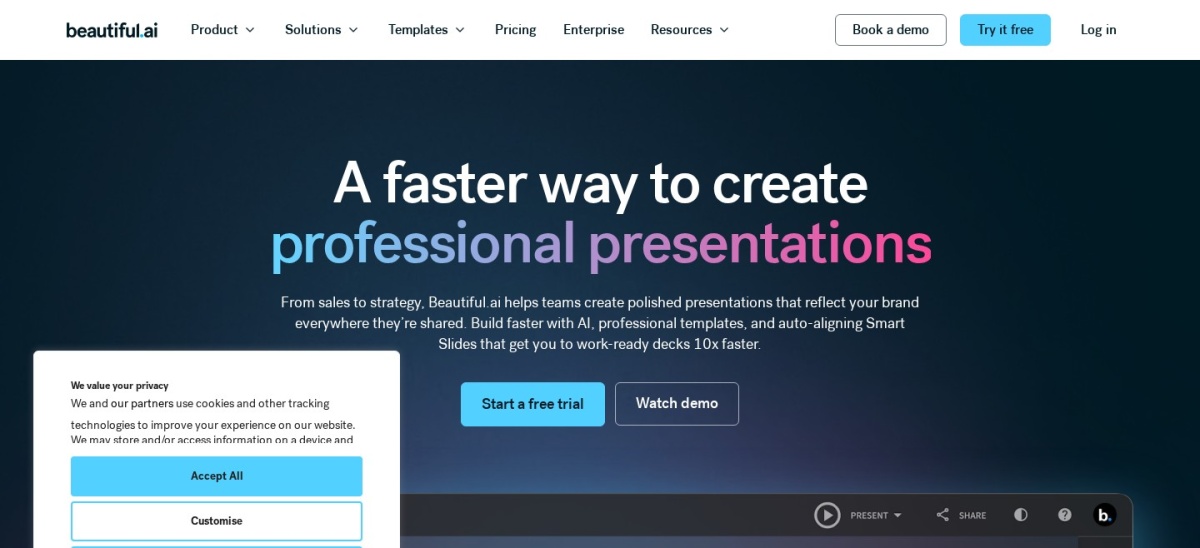
Beautiful.ai enforces design discipline automatically, with Smart Slides that rebalance layout as you edit.
Canva pairs 1,000-plus templates with Magic Design, and Pro costs $12 a month billed yearly.
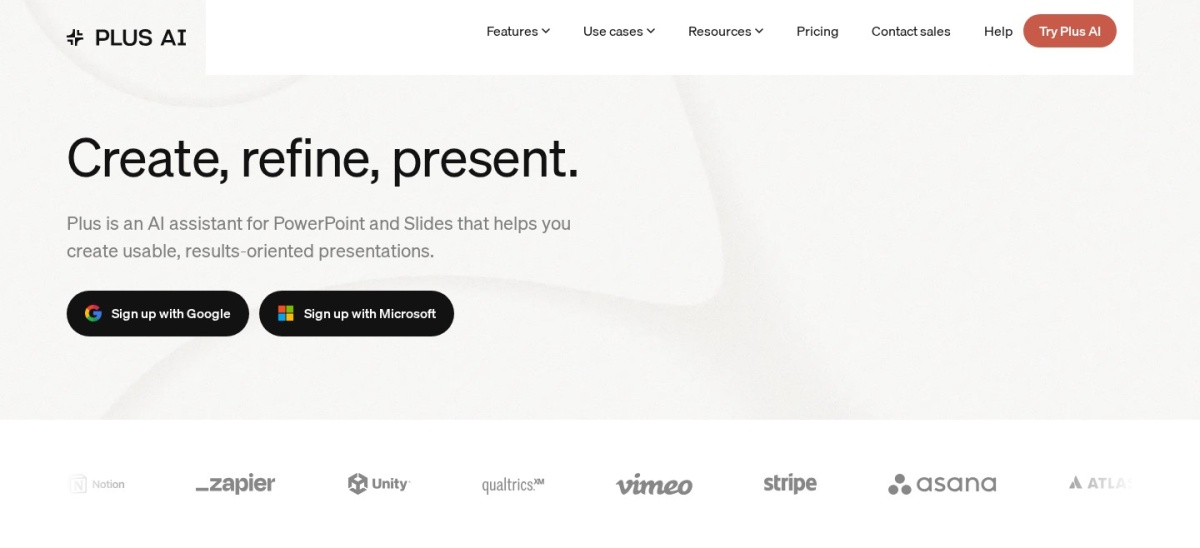
Plus AI works directly inside PowerPoint and Google Slides, so files stay native and editable.
Tome is deliberately excluded: it shut down in April 2025, so any list still recommending it recycles stale copy.
What to look for in an AI presentation design tool
No-coding presentation tools turn a prompt, outline or document into a designed deck, so the skill that matters is writing a clear outline, not code or design training.
Export needs decide this category more than AI quality. PPTX compatibility and watermarks on free plans matter most for corporate and classroom use.
Free tiers are credit-capped, with Gamma at 400 one-time credits and Pitch at 100, so paid plans start near $10 to $15 a month.
Prices for one person run from $7 to $15 a month. Pick by export first: corporate PPTX delivery suits Plus AI, Beautiful.ai or Canva, while web sharing suits Gamma or Pitch.
Gamma is a prompt-to-deck tool that turns a topic into a polished web-native deck in under a minute, with smart layouts applied automatically. The free tier offers 400 one-time credits, and Plus costs $9 a seat a month billed annually, or about $10 month to month, with 1,000 credits a month.
The trade off is credits and export gating decide the deal, since the free tier never refills, PPTX export needs Plus, and free exports carry a Made with Gamma badge. It suits founders, marketers and consultants who want the fastest prompt-to-deck workflow with web sharing.
Beautiful.ai is a design-first tool whose Smart Slides auto-rebalance layout when you add or remove content, preventing overlapping text and awkward whitespace in real time. Pro costs $14.50 a month billed annually, or $45 month to month, with unlimited AI content generation, and Team costs $40 a user a month.
The trade off is there is no permanent free plan, only a 14-day trial with a card required, and monthly billing jumps to $45. It suits corporate teams that need consistent formatting without design review.
Canva is a design platform that combines a huge template universe with AI features such as Magic Design, plus brand kits and stock media. Pro costs $12 a month billed annually, or $144 a year for one person, with Business at $250 a year per person, and the free plan includes up to 20 AI uses.
The trade off is the workflow needs template selection and slide-by-slide customisation, which adds overhead for teams producing many decks a month. It suits creators who already live in Canva and need presentations plus marketing assets in one tool.
What we like
Huge template universe
PPTX export even on the free tier
Brand kits and stock media
Watch out for
AI limits vary by plan
Manual resizing when content overflows
Template workflow takes time
Business adds team controls at $250 a year per personVisit canva.com
04
Pitch
4.4/5on G2 (67 reviews, checked Nov 2026)
Paid from$10/mo
Best for collaborative link-first decks
Free tier5 members
AI credits100 once
AnalyticsPer-slide views
PlatformsWeb
pitch.com
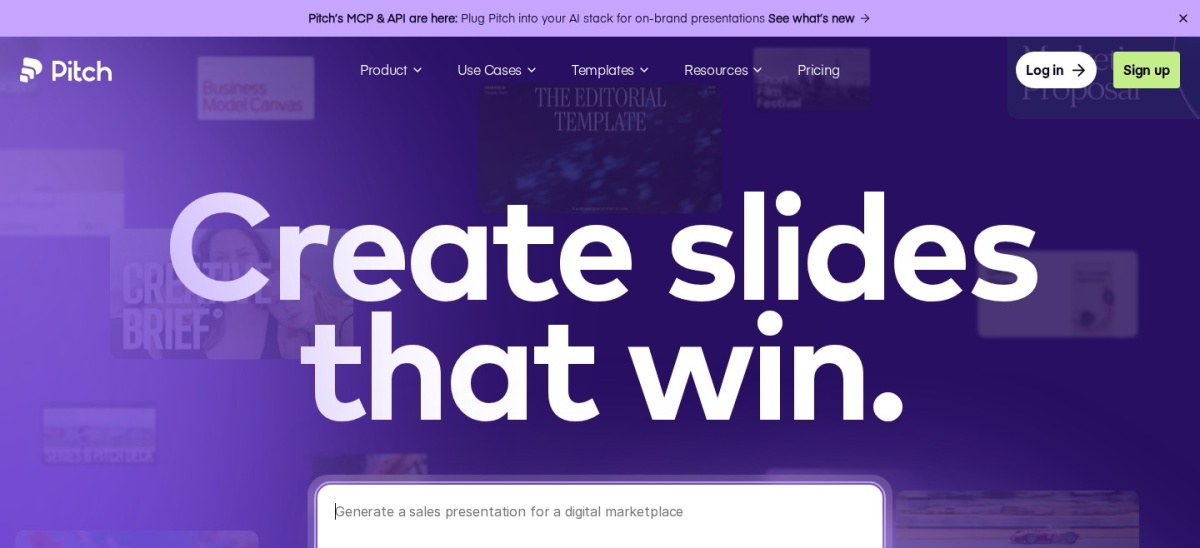
Pitch homepage, captured Nov 2026.
Pitch is a collaborative, link-first presentation tool for founders and sales teams, with per-slide analytics showing how investors or prospects engaged. The free tier covers 5 members with 100 one-time AI credits and unlimited presentations, while Plus is reported from $10 to $13 a month depending on source.
The trade off is reported Plus prices vary, free exports carry a Pitch logo, and AI credits cap monthly. It suits founders and sales teams that share decks by link and need engagement analytics.
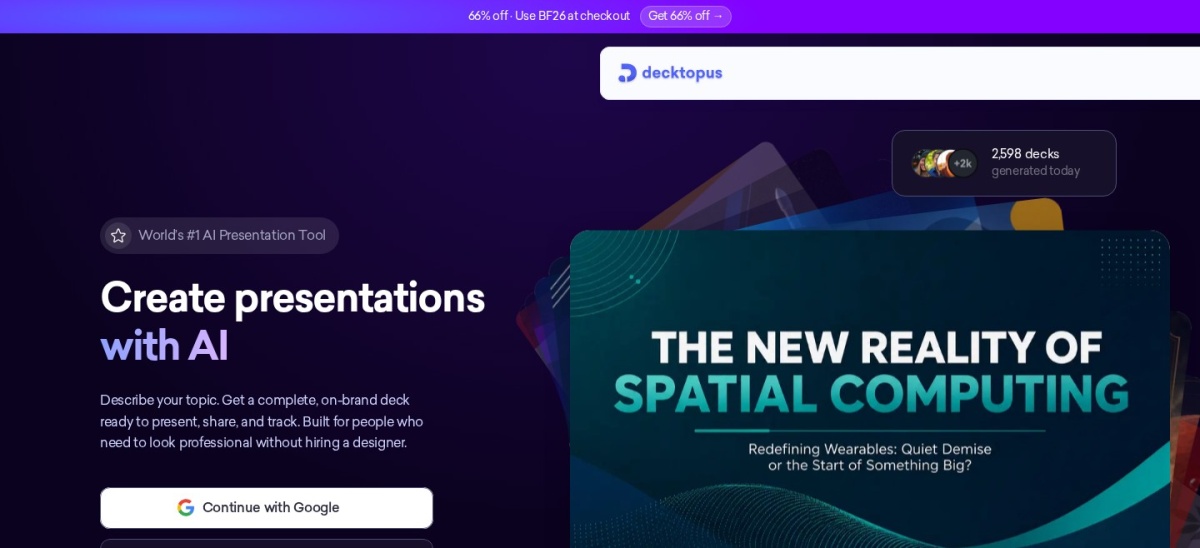
Decktopus is a presentation tool that builds interactive decks with lead capture forms and audio narrations, which suits sales and marketing teams. Pro costs $14.99 a month, with PDF and web link exports, and there is no permanent free plan in most listings.
The trade off is the ecosystem is smaller than Gamma or Canva, and there is no free plan to test with. It suits teams that treat decks as lead generation pages rather than static slides.
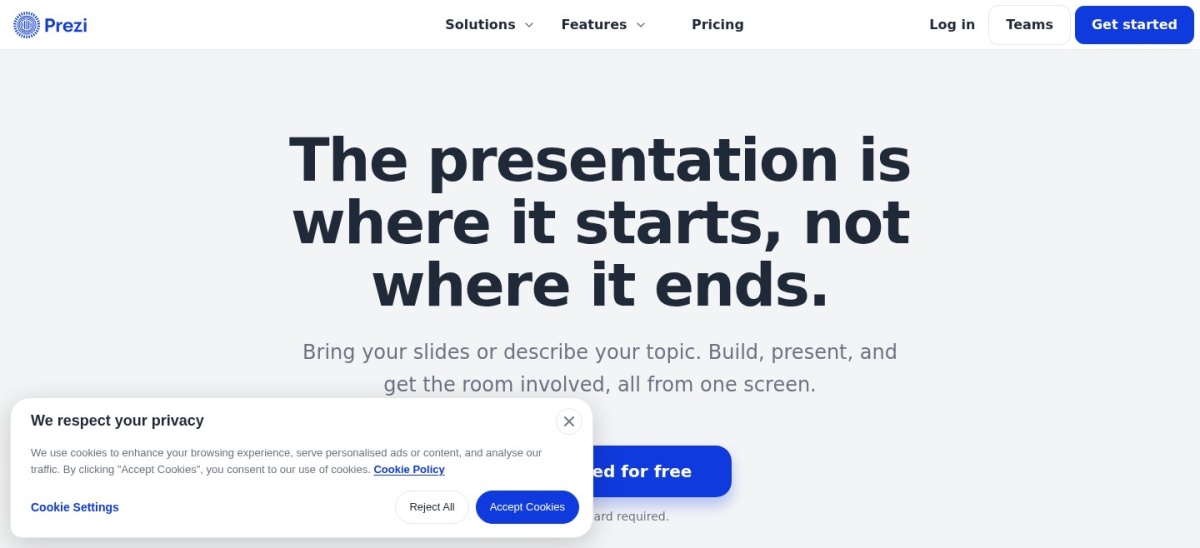
Prezi is a non-linear, zoomable presentation format that stands out in meetings and classrooms, with a spatial deck instead of linear slides. The Basic free tier gives credit-capped AI, Standard costs $7 a month with 500 credits, and Plus and above add unlimited AI.
The trade off is the non-standard format complicates PPTX workflows, and unlimited AI needs higher tiers. It suits presenters who want a distinctive, spatial deck and can accept format trade-offs.
Plus AI is an AI add-on that generates and edits presentations directly inside PowerPoint and Google Slides, so deliverables stay in native files teams already use. Basic costs $10 a user a month billed annually, or $15 month to month, with a 7-day trial giving 1,000 credits and no permanent free plan.
The trade off is there is no permanent free plan, and the best features sit on higher tiers. It suits corporate teams that need AI generation inside PowerPoint or Slides without exporting to a web tool.
We started from the presentation tools named most often in AI presentation round-ups and review sites, then kept seven established tools with a current release and a public price or a free plan.
Prices come from each vendor pricing page, checked on 24 November 2026. Ratings come from G2 on the same day, where a rating was published. Where a vendor shows a sale, the list shows the regular price.
We left out tools with no public review record, and Tome, which shut down in April 2025. No vendor paid for a place, and we do not claim hands-on testing for this list.
How to choose an AI presentation design tool
Start with export needs, then check free credits and watermark rules before you pay.
Start with export needs. Corporate PPTX delivery suits Plus AI, Beautiful.ai or Canva, while web sharing suits Gamma or Pitch, so decide the format before the tool.
Check free tier credits. Gamma gives 400 one-time credits and Pitch gives 100, which caps testing, so check the cap before you build a real deck on the free plan.
Test one real deck during the trial. Build a deck on a real topic and check layout quality, brand fit and export fidelity, since AI quality varies by topic.
Confirm watermark rules on free exports. A vendor badge on a client deck looks unprofessional, so check whether free exports carry a badge before you present.
FAQ
What is the best AI presentation tool with no coding?
Gamma is the best AI presentation tool with no coding, with the fastest prompt-to-deck workflow and a free tier of 400 credits. Beautiful.ai suits corporate teams needing design discipline, and Canva suits creators who already design there.
Can I make presentations without coding or design skills?
Yes. These tools turn a prompt, outline or document into designed slides, so the skill that matters is writing a clear outline, not code or design training. Expect 10 to 15 minutes of cleanup on the first draft.
Is Tome still available for presentations?
No. Tome shut down its presentation product in April 2025, and decks were deleted, so do not buy or rely on any list still recommending it. Gamma and Beautiful.ai are the closest current alternatives.
Do free presentation tools add watermarks?
Many do. Gamma free exports carry a Made with Gamma badge, Pitch free exports carry a Pitch logo, and Canva free exports limit premium elements. Paid plans remove the badges.
Which tool exports best to PowerPoint?
Plus AI and Beautiful.ai offer the cleanest PPTX exports with editable text and shapes, while Canva exports PPTX even on the free tier and Gamma needs Plus for PPTX.
How much do AI presentation tools cost?
Paid plans for one person run from $7 to $15 a month. Prezi Standard costs $7 a month, Gamma Plus $9 a month billed yearly, and Beautiful.ai Pro $14.50 a month billed yearly, with Canva Pro at $12 a month billed yearly.