Best AI Tools for Graphic Design in 2026: 7 Tools Compared
WLWPLegible EditorsLast verified 22 Nov 2026How we rank14 min read
★ Short answer
Canva is the best AI graphic design tool for most users, with a free plan offering 1.6 million-plus templates and Pro starting at $18 per month. Adobe Express is a lower-cost alternative with 250 monthly generative credits, while Kittl is better suited to typography, merchandise and product branding.
How we make this list: we compare pricing pages, product documentation and public user reviews, then re-check every price before each update. No product paid for a place. Disclosure.
Canva Pro costs $18/month at its regular monthly rate and includes 3.6M+ templates, 141M+ design elements and 5 Brand Kits.
Adobe Express Premium costs $9.99/month and includes 250 generative credits, 100GB storage and 430M+ creative assets.
Kittl Pro costs $168/year with annual billing and includes unlimited projects, 2,000 monthly AI tokens and 10,000+ premium templates and mockups.
Picsart Pro costs $126/year with annual billing and includes AI editing, premium templates, brand kits and 100GB storage.
Leonardo.Ai Essential costs $144/year with annual billing and includes 8,500 monthly fast tokens and access to 80+ AI models.
Magnific Premium costs $174/year with annual billing and includes 240,000 annual credits plus access to 250M+ creative assets.
What to look for in AI graphic design software
AI graphic design software helps create and edit visual content using text prompts, automated image editing, templates and generative models. These tools can assist with social media graphics, advertising, illustrations, product images, presentations and branding materials.
Start by identifying your design needs. A small business creating social posts may benefit from a template-based editor, while a designer producing illustrations or product visuals may need more control over image generation, styles and composition.
Look for editable designs, not just generated images. The ability to change text, fonts, layers, colors and individual elements matters when preparing professional graphics. Tools that generate flattened images can require additional editing software.
Check commercial-use rights carefully. Free plans may restrict ownership, private generations, export resolution or commercial licensing. Paid subscriptions often unlock private workspaces, vector downloads, premium assets and broader usage rights.
Finally, compare AI credits, templates, brand management and export options. High-volume design work can consume credits quickly, and a seemingly inexpensive subscription may become less attractive if it requires frequent upgrades.
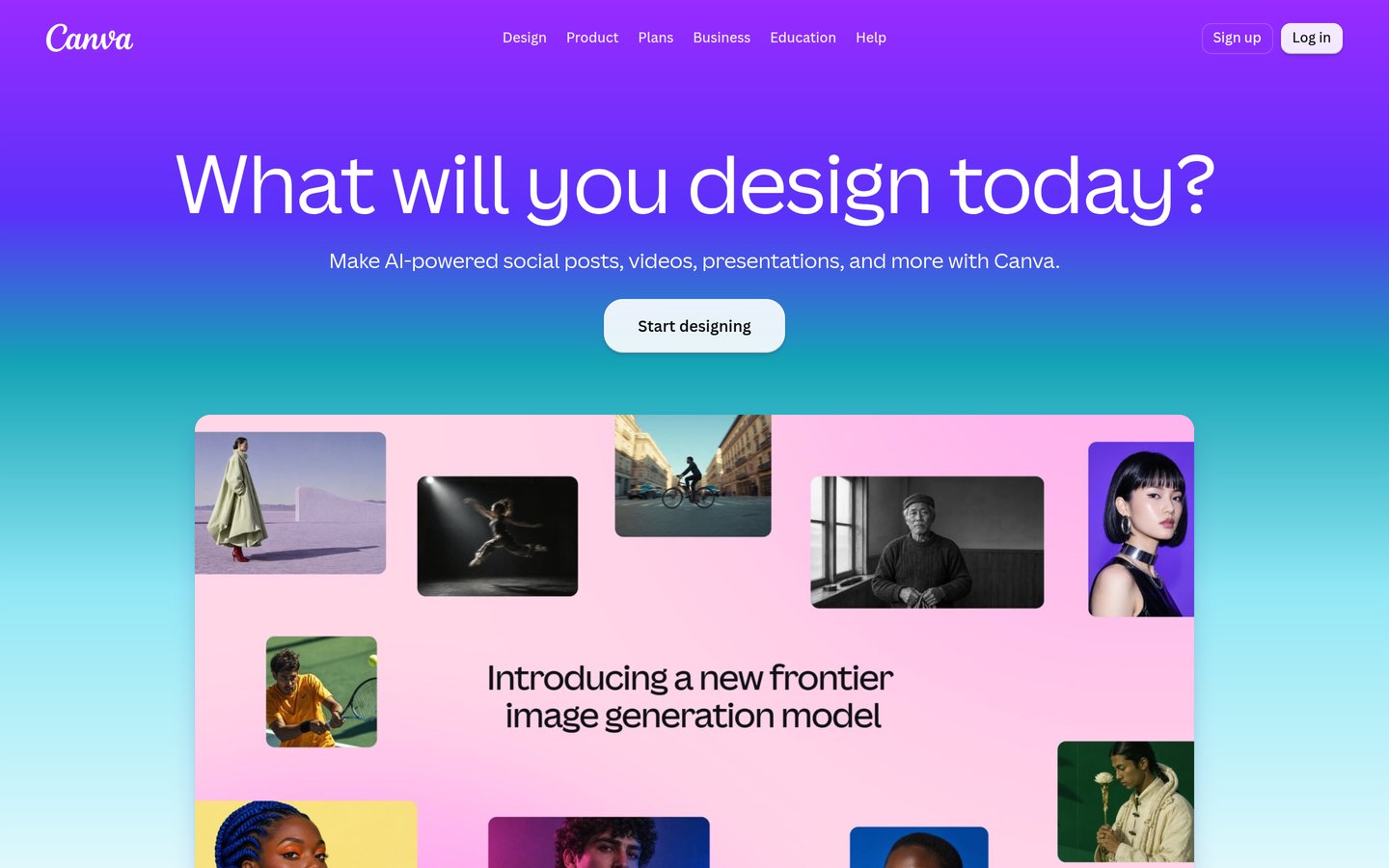
Canva is an AI-assisted visual design platform for creating social graphics, presentations, advertisements, videos and marketing materials. Its free plan includes 1.6 million-plus templates and limited AI tools. Pro costs $18 monthly at the regular rate and includes 3.6 million-plus templates, 141 million-plus elements and five Brand Kits.
The trade off is that advanced AI tools share a monthly usage allowance, and some professional editing workflows require more specialized applications. Business costs $25 per person monthly and expands AI and brand management features. It suits marketers, entrepreneurs and teams producing a wide range of visual content.
What we like
Extensive free template and asset library
AI image generation and editing tools
Brand Kits and reusable design components
Supports social graphics, presentations and videos
Large G2 review base
Watch out for
Advanced AI usage has monthly allowances
Precise vector and layer editing can be restrictive
Some premium assets require a subscription
Pro unlocks premium assets, more AI usage and Brand Kits; Business adds expanded branding and team controls.Visit canva.com
02
Adobe Express
4.4/5on G2 (1,109 reviews, checked Nov 2026)
Paid from$9.99/mo
Best affordable AI design editor for marketing
Entry paid planPremium
AI credits250/month
Premium assets430M+
Cloud storage100GB
adobe.com
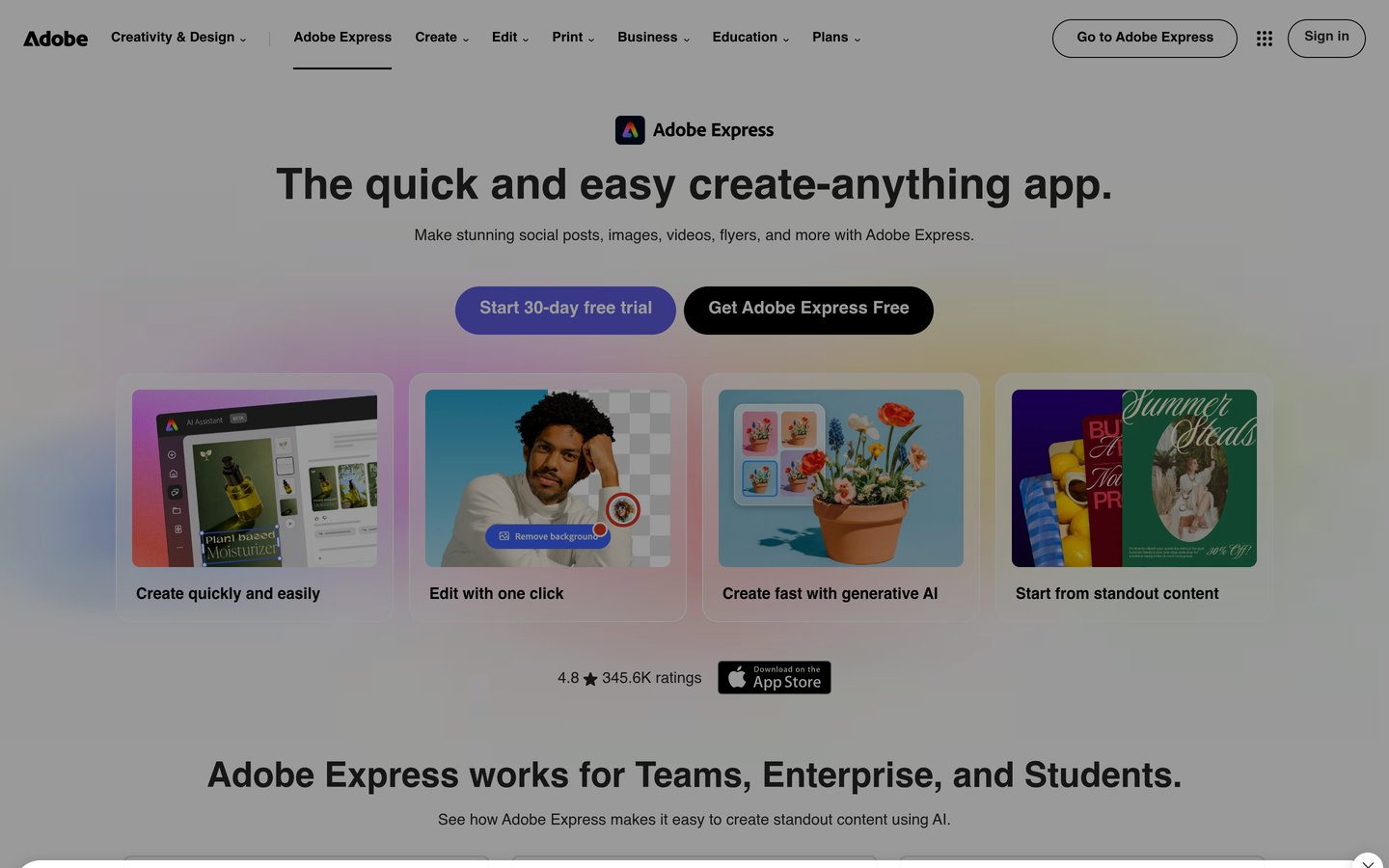
Adobe Express homepage, captured Nov 2026.
Adobe Express is a browser-based graphic design platform for creating social posts, flyers, advertisements and short videos. Its free plan includes 345,000-plus templates, while Premium costs $9.99 monthly and adds 250 generative credits, 430 million-plus assets, advanced editing, Brand Kits and 100GB storage.
The trade off is that the included AI credits can be restrictive for frequent image generation, and advanced illustration or photo manipulation may require other Adobe applications. Firefly Pro costs $19.99 monthly and expands generative capabilities. It suits marketers and content creators wanting accessible design tools with Adobe's creative library.
What we like
Affordable monthly subscription
Free plan with substantial design assets
Firefly-powered image generation
Background removal and automatic resizing
Brand Kits and social scheduling
Watch out for
Premium includes limited generative credits
Advanced photo editing requires other applications
Less control than dedicated vector design software
Best for typography, merchandise and product branding
Entry paid planPro
AI tokens2,000/month
Premium templates10,000+
ProjectsUnlimited on Pro
kittl.com
Kittl homepage, captured Nov 2026.
Kittl is an AI-first design platform focused on typography, illustrations, merchandise, product packaging and branded visuals. Its free plan supports five projects and limited AI access. Pro costs $168 annually and includes unlimited projects, 2,000 monthly AI tokens, 10,000-plus premium templates and mockups, vector exports and 10GB storage.
The trade off is that AI generation uses tokens, while higher-volume design workflows may require Expert at $468 annually. The standard monthly Pro subscription costs $19. It suits merchandise sellers, independent designers and businesses creating coordinated packaging, apparel graphics and promotional materials.
What we like
Strong typography and text styling tools
AI-assisted product and merchandise design
Vector export on paid plans
Extensive mockup and template collection
Supports branded design consistency
Watch out for
AI generation consumes monthly tokens
Free plan limits projects and commercial capabilities
High-volume AI work may require Expert
Pro adds vector exports, unlimited projects and premium assets; Expert expands AI tokens and storage.Visit kittl.com
04
Picsart
4.5/5on G2 (800 reviews, checked Nov 2026)
Paid from$126/yr
Best for AI photo editing and social graphics
Entry paid planPro
Annual billing$10.50/month
Cloud storage100GB
Bulk editingUp to 50 images
picsart.com
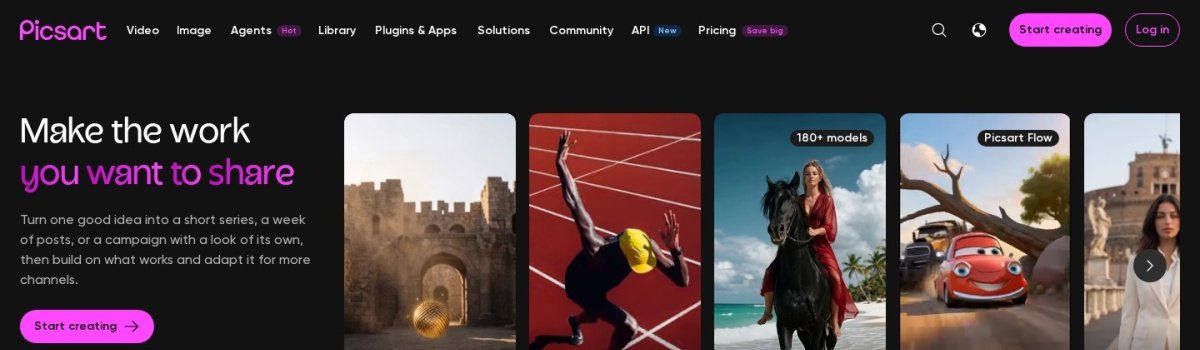
Picsart homepage, captured Nov 2026.
Picsart is an AI creative platform combining image editing, graphic design templates and generative media tools. Pro costs $126 annually and includes advanced background removal, AI image generation, premium templates, brand kits, bulk editing for up to 50 images and 100GB cloud storage.
The trade off is that advanced AI models use credits, and the free editing experience has feature restrictions. Pro costs $15 with monthly billing, while Ultra starts at $60 per month with annual billing and expands creative capacity. It suits social media creators and marketers who frequently edit photographs and promotional graphics.
What we like
AI photo editing and background replacement
Premium social media templates
Bulk editing capabilities
Works across multiple devices
Includes brand management features
Watch out for
Advanced AI models have usage limits
Premium features require a subscription
Complex vector design is not its main strength
Pro adds advanced editing, premium templates and brand kits; Ultra expands credits and team capabilities.Visit picsart.com
05
Leonardo.Ai
4.5/5on G2 (34 reviews, checked Nov 2026)
Paid from$144/yr
Best for original AI illustrations and visual concepts
Entry paid planEssential
Fast tokens8,500/month
AI models80+
Private generationPaid plans
leonardo.ai
Leonardo.Ai homepage, captured Nov 2026.
Leonardo.Ai is a generative design platform for creating illustrations, product concepts, marketing images and other visual assets from text prompts. Its free plan provides 150 fast tokens daily, while Essential costs $144 annually and includes 8,500 monthly fast tokens, private generations, access to more than 80 models and personal model training.
The trade off is that generating highly specific visuals can require several attempts, consuming tokens along the way. Premium costs $30 monthly with annual billing and raises the allowance to 25,000 fast tokens. It suits illustrators, concept designers and marketers who need custom visuals rather than template-based layouts.
What we like
Multiple AI image models
Free daily generation allowance
Private generations on paid plans
Style guidance and image-to-image workflows
Supports personal AI model training
Watch out for
Token costs vary by model and operation
Text-heavy designs may need manual correction
Not a replacement for a full layout editor
Essential adds private images, model access and more tokens; Premium expands capacity and generation options.Visit leonardo.ai
06
Magnific
4.7/5on G2 (214 reviews, checked Nov 2026)
Starts at$174/yr
Best for AI visual production and stock assets
Entry planPremium
Annual billing$14.50/month
Annual credits240,000
Creative assets250M+
magnific.com
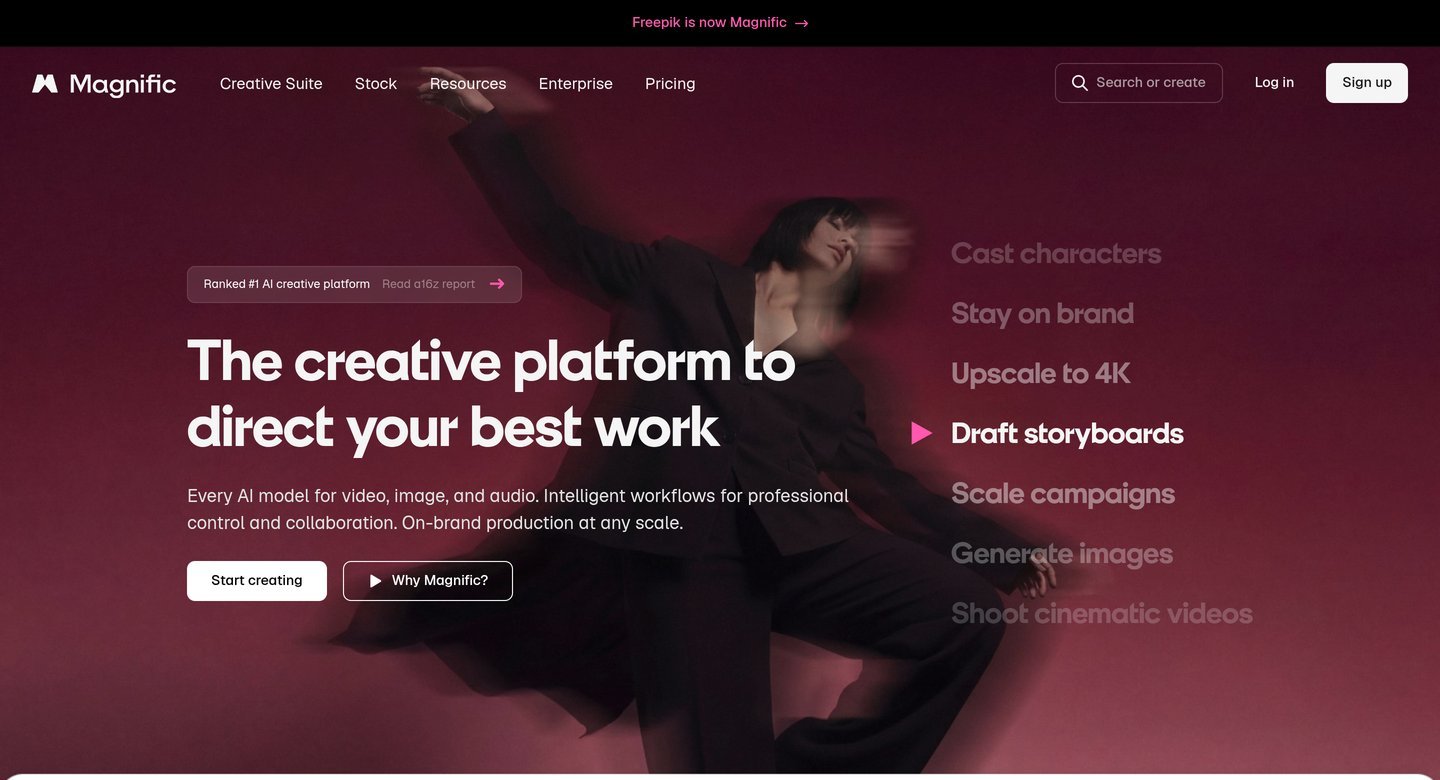
Magnific homepage, captured Nov 2026.
Magnific is an AI creative production platform, formerly associated with the Freepik brand, combining image generation, editing, upscaling and a large stock asset library. Premium costs $174 annually and includes 240,000 annual credits, access to 250 million-plus creative assets, Brand Kit features and commercial AI licensing.
The trade off is that intensive generation and high-resolution enhancement can consume credits quickly. Monthly Premium billing costs $20, while Plus costs $405 annually and increases the credit allowance to 600,000. It suits designers and creative teams combining generated visuals with stock photography, illustrations and other production assets.
What we like
Large stock photography and vector library
AI image generation and upscaling
Commercial licensing on paid plans
Shared creative workspace features
Credits remain available throughout the annual period
Watch out for
Advanced models may consume credits rapidly
Higher-volume plans are more expensive
Some workflows are more focused on media production than layout design
Premium includes AI generation, stock assets and editing; Plus expands credits and generation allowances.Visit magnific.com
07
Pixlr
4.4/5on G2 (750 reviews, checked Nov 2026)
Paid from$1.99/mo
Best for low-cost AI image editing
Entry paid planPlus
Annual billing$1.99/month
AI credits80/month equivalent
Concurrent AI jobs1
pixlr.com
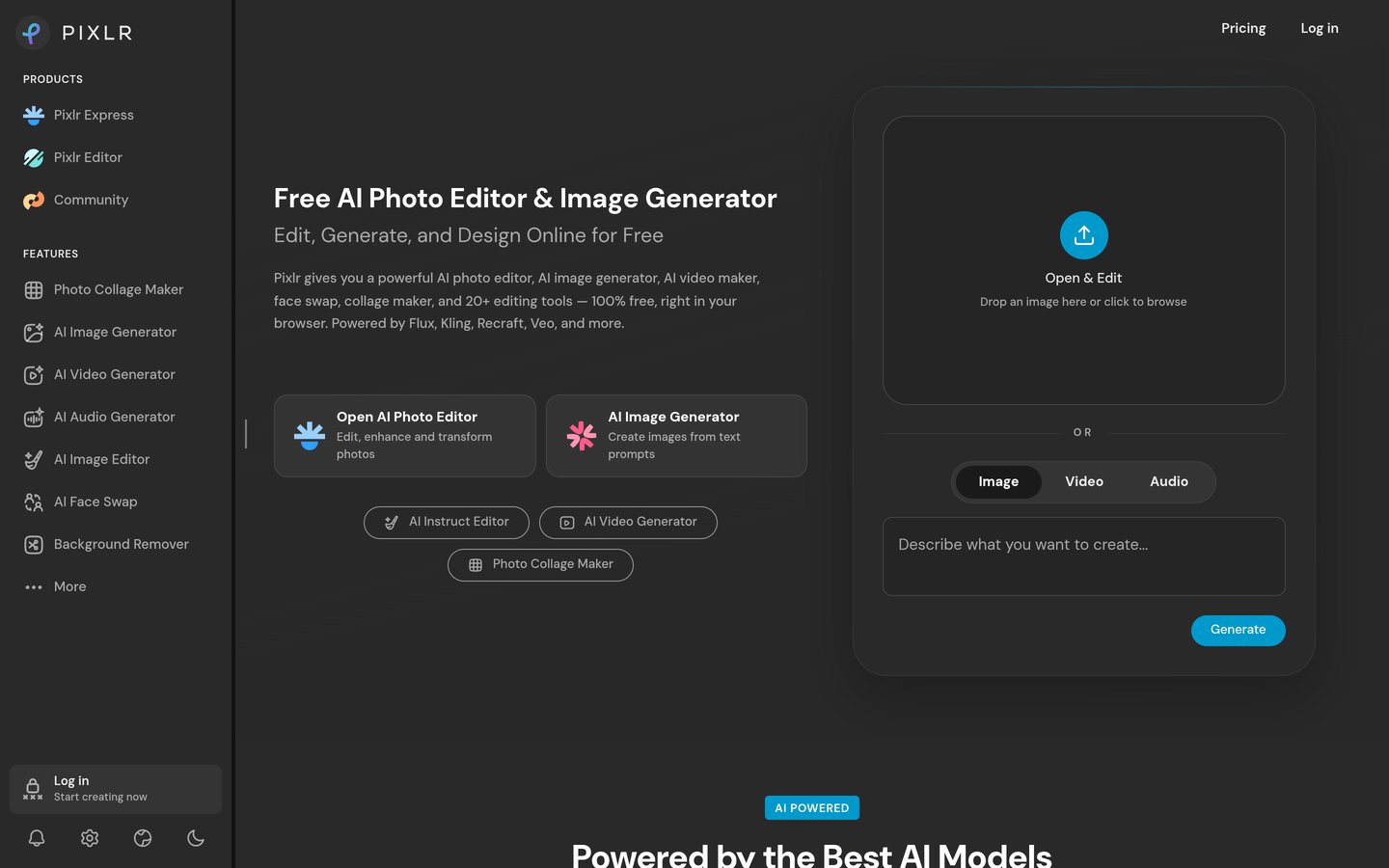
Pixlr homepage, captured Nov 2026.
Pixlr is a browser-based image editor with AI image generation, background removal, object removal and photo enhancement tools. Its free editor supports basic image work, while Plus starts at $1.99 per month with annual billing and includes ad-free editing, unlimited saves and an allowance equivalent to 80 AI credits monthly.
The trade off is that Plus has limited AI capacity and does not unlock the complete premium creative library. Premium costs $7.99 monthly with annual billing and adds broader AI model access, private generation and more credits. It suits budget-conscious creators who mainly edit images and occasionally generate new visual assets.
What we like
Low entry subscription price
Browser-based photo editing
AI image generation and editing
Background and object removal tools
Free editor available
Watch out for
Plus includes limited AI credits
Complete model access requires Premium
Less suitable for large branding projects
Plus removes ads and adds AI credits; Premium unlocks more models, private generation and additional credits.Visit pixlr.com
Which AI graphic design tool fits your workflow?
Different design tasks benefit from different AI tools. Template-based editors, generative image platforms and professional asset libraries solve related but distinct problems.
Canva and Adobe Express are practical choices for routine marketing graphics. Both combine templates, editing controls and AI assistance, allowing users to create social posts, presentations and promotional materials without starting from a blank canvas.
Kittl emphasizes typography, merchandise, packaging and branded product visuals. Its vector export capabilities are useful when designs need to move into print or other professional production workflows.
Leonardo.Ai focuses more heavily on generating original illustrations, concepts and custom visual assets. Magnific combines generative tools with a broad asset library, while Picsart and Pixlr emphasize photo editing and visual transformations.
Businesses with varied creative needs may use a layout editor alongside a specialist image generator. However, compare overlapping features before purchasing multiple subscriptions.
Can you use AI-generated graphics commercially?
Commercial usage rights depend on the platform, subscription and specific asset or model. A paid plan may grant broader usage rights, but it does not automatically guarantee that every generated design is free from intellectual property concerns.
Review whether the platform permits commercial use, whether generated images remain private and whether stock assets have separate licensing conditions. Some free plans restrict commercial distribution or make generated work publicly visible.
Branding requires additional caution. AI-generated logos may resemble existing marks, and access to generated artwork does not necessarily establish trademark exclusivity.
Designers should review generated content for recognizable copyrighted characters, protected logos, inaccurate text and unintended visual similarities. Keep records of licenses and relevant platform terms when producing client deliverables.
For important brand identities, product packaging and widely distributed advertising, consider additional design review and intellectual property checks before publication.
How we chose
We selected established graphic design platforms with AI-assisted creation, image generation, editing, brand management or visual production capabilities. The shortlist includes general-purpose design editors, specialist generative image tools and image editing platforms to represent different workflows.
Official product pricing pages and G2 review profiles were checked on 22 Nov 2026. We compared regular entry subscription prices, excluding temporary promotional offers, and converted monthly rates to annual equivalents where necessary. Public review scores and counts were recorded from the corresponding G2 product profiles.
We excluded tools without sufficiently clear published entry pricing, products focused primarily on unrelated workflows and alternatives lacking adequate public review evidence. We assessed documented features and pricing rather than making claims about independently measured design quality. No vendor paid for a place, and we do not claim testing for this list.
How to choose the best AI tools for graphic design
Identify the kinds of graphics you create most often, then compare the editing capabilities, commercial rights and subscription costs of suitable platforms.
Choose between layout design and image generation. Use a template-based platform when creating social posts, flyers, presentations and marketing graphics. Choose a specialist image generator when you need original artwork, illustrations or concepts. Some businesses benefit from both approaches, but a single platform may cover the required workflow.
Review editing and export capabilities. Check whether the software supports editable text, layers, vector exports, transparent backgrounds and high-resolution downloads. Kittl offers vector export on paid plans, while Canva and Adobe Express emphasize template-based design. Select tools that produce files compatible with your publishing or printing process.
Calculate AI credit requirements. Estimate how many generations and revisions you need monthly. Leonardo.Ai Essential provides 8,500 fast tokens monthly, Kittl Pro includes 2,000 AI tokens, and Adobe Express Premium provides 250 generative credits. These allowances are not directly comparable because different platforms assign different costs to AI operations.
Confirm licensing and total subscription cost. Read commercial-use terms before producing client work, merchandise or branding. Compare standard subscriptions and annual billing discounts rather than temporary promotions. Consider whether additional generation credits, premium assets or higher-tier exports are necessary for your actual projects.
FAQ
What is the best AI tool for graphic design in 2026?
Canva is our overall choice because it combines AI-assisted design, extensive templates, editing tools and brand management in one platform. Its free plan provides more than 1.6 million templates, while Pro starts at $18 monthly. Adobe Express and Kittl are strong alternatives for specific creative workflows.
Can AI create professional graphic designs?
AI tools can create illustrations, social media graphics, advertising assets, product imagery and presentation materials. However, generated content often needs human review for typography, spacing, factual accuracy, accessibility and brand consistency. Professional results depend on the design requirements and the editing capabilities of the selected software.
Which AI graphic design tool is best for beginners?
Canva and Adobe Express are suitable starting points because they provide templates, visual editors and accessible AI tools. Both offer free plans. Canva is particularly useful for general design tasks, while Adobe Express offers integration with Adobe's creative assets and Firefly-powered features.
What is the cheapest AI graphic design software?
Pixlr Plus is among the lowest-cost options in this comparison, starting at $1.99 monthly with annual billing. Adobe Express Premium costs $9.99 per month, while Picsart Pro costs $126 annually. The cheapest choice depends on whether you need image editing, complete designs or high-volume AI generation.
Is Canva better than Adobe Express for graphic design?
Canva is generally better suited to broad template-based design, presentations and brand management. Adobe Express is an appealing alternative for social graphics, photo editing and users interested in Adobe's creative ecosystem. Canva Pro costs $18 monthly, while Adobe Express Premium costs $9.99 monthly at their published regular rates.
Which AI tool is best for designing logos and merchandise?
Kittl is well suited to merchandise graphics, typography, packaging and product branding. Its Pro plan costs $168 annually and provides vector exports and premium templates. Canva also supports logo and merchandise design, but important brand assets should receive manual review and trademark checks.
Can I use AI-generated graphic designs commercially?
Many AI design platforms allow commercial usage under their applicable terms, particularly on paid plans. However, licensing rules vary by tool, generated model and stock asset. Commercial permission does not guarantee exclusive ownership or trademark protection, so review the relevant terms before using designs in products or advertising.
What is the difference between AI image generators and AI design tools?
AI image generators primarily create visual assets from prompts or reference images. AI design tools provide broader editing capabilities, including text, layout, templates, branding and export controls. Leonardo.Ai emphasizes image generation, while Canva and Adobe Express combine generative features with complete design editors.
Will AI replace graphic designers?
AI can automate parts of image creation, background removal, resizing and repetitive layout work. Graphic designers still contribute creative direction, brand strategy, typography, accessibility judgment and quality control. AI tools are most useful when they support professional decision-making rather than replacing all design expertise.