Best AI Project Management Software in 2026: 7 Tools Compared
WLWPLegible EditorsLast verified 22 Nov 2026How we rank14 min read
★ Short answer
ClickUp is our top AI project management software pick for teams needing tasks, documents, timelines and AI-assisted workflows together. Its Core plan lists a regular price of $12 per user monthly with annual billing. Asana suits structured project coordination, while monday AI Workspace offers visual boards and AI agents.
How we make this list: we compare pricing pages, product documentation and public user reviews, then re-check every price before each update. No product paid for a place. Disclosure.
ClickUp leads for flexible project management, with a 4.6/5 Capterra rating from 4,645 reviews and a regular Core price of $144 per user yearly.
Asana Starter costs $10.99 per user monthly with annual billing and includes 50,000 AI Studio credits per billing account monthly.
monday AI Workspace starts at $9 per seat monthly with annual billing, with AI features and 1,000 monthly AI credits shown on Basic.
Notion earns 4.7/5 from 2,846 Capterra reviews, while its Plus plan starts at $10 per member monthly.
Trello offers the cheapest paid entry at $5 per user monthly with annual billing, including AI features and unlimited boards.
Smartsheet Pro starts at $9 per member monthly with annual billing and includes 250 automations per month.
What makes AI project management software worth using?
AI project management software combines traditional task tracking with features that help teams organize work, summarize information, automate repetitive steps and identify what needs attention.
The most useful capabilities depend on your workflow. AI summaries help teams process updates, while workflow automation reduces repetitive administration. AI agents can carry out selected actions, but their availability and usage limits vary by plan.
Check whether the platform supports dependencies, timelines, dashboards, recurring tasks and workload visibility. A useful AI assistant cannot replace the basic planning tools needed to finish projects.
Price comparisons also require care. Some vendors charge per user, others enforce seat minimums, and AI credits or advanced assistants can cost extra. The prices below represent the cheapest published paid plans, not necessarily unlimited AI access.
4.6/5on Capterra (4,645 reviews, checked Nov 2026)
Paid from$12/mo
Best AI project management software overall
Free planUnlimited tasks and members
AI capabilityClickUp Brain
Project viewsList, board, calendar and Gantt
Entry paid planCore, regular $12/user/mo
clickup.com
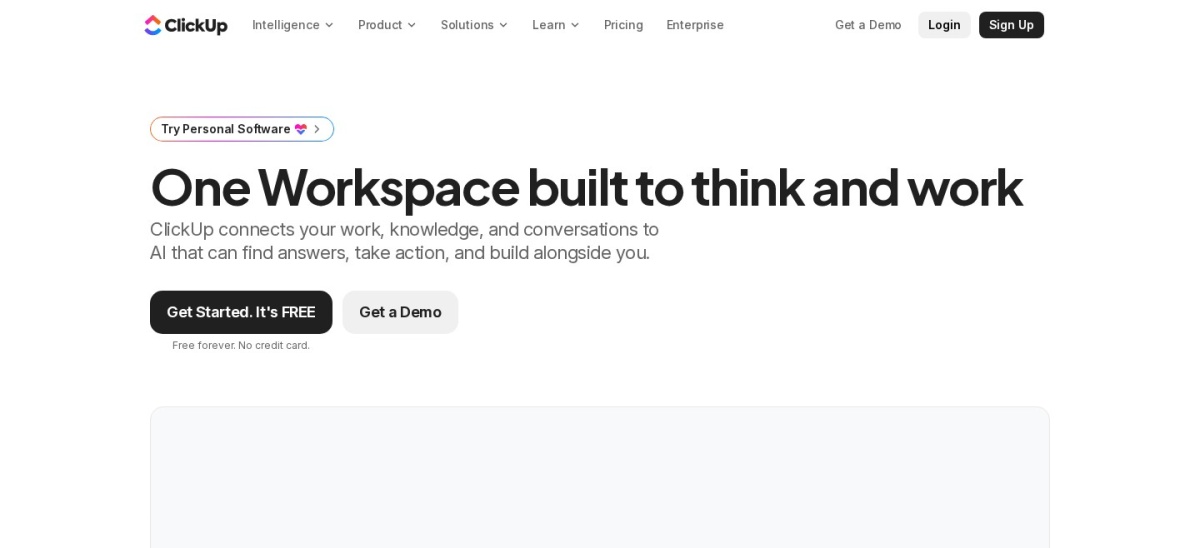
ClickUp homepage, captured Nov 2026.
ClickUp is an AI-supported work management platform combining tasks, documents, calendars, dashboards and collaboration. Its Free Forever plan includes unlimited tasks, unlimited free members and 60 MB of storage. Core adds unlimited Gantt charts, custom fields, unlimited storage and a trial of ClickUp Brain² with 1,000 pooled credits per user monthly.
The trade off is complexity and the difference between trial AI access and full AI features. Core is advertised at a discounted $9 per user monthly with annual billing, against a stated regular price of $12. It suits growing teams managing multiple projects that want flexible workflows and room to expand.
What we like
Unlimited tasks and free members on the free plan
Multiple project views and collaborative documents
Core includes 1,000 monthly automations
AI assistant and workflow features available
Good fit for combining project and operational work
Watch out for
Many settings and views can overwhelm beginners
Core AI access includes trial restrictions
Advanced AI functionality requires higher-tier access or additional usage
Core adds unlimited Gantt charts, custom fields, storage and AI trial credits.Visit clickup.com
02
Asana
4.5/5on Capterra (13,779 reviews, checked Nov 2026)
Paid from$10.99/mo
Best for structured team project coordination
Free planPersonal
AI featuresAI Teammates, Dash and Studio
AI Studio allowance50K credits/account/mo
Entry paid planStarter, $10.99/user/mo
asana.com
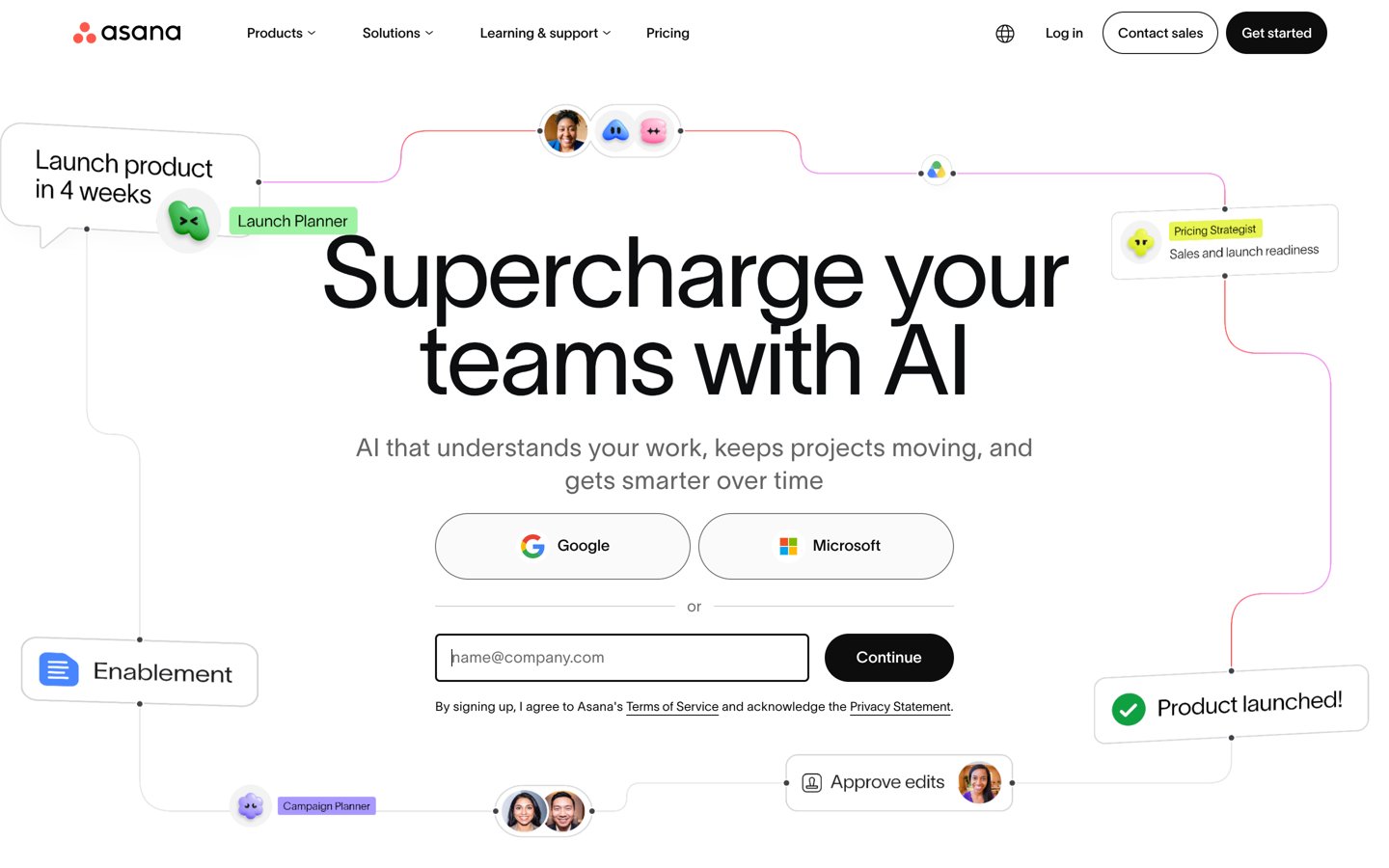
Asana homepage, captured Nov 2026.
Asana is a project management platform for coordinating tasks, responsibilities, deadlines and cross-functional work. Its free Personal plan supports basic project organization, while Starter adds timeline and Gantt views, automation and Asana AI. Starter includes 50,000 AI Studio credits per billing account monthly and 5 AI Teammates and Dash requests per user monthly, subject to account limits.
The trade off is that AI requests are limited, and advanced capabilities may require higher plans or additional capacity. Starter costs $10.99 per user monthly with annual billing, compared with $13.49 on monthly billing. It suits marketing, operations and project teams that value clear ownership and predictable workflows.
What we like
Clear task ownership and deadline management
Timeline and Gantt views on Starter
AI Studio credits included with Starter
Useful for coordinating cross-functional projects
Large Capterra review base
Watch out for
AI request allowances can constrain frequent use
Advanced portfolio features require upgrades
Notifications and complex projects can become difficult to manage
Starter adds timelines, Gantt views, automation and included AI usage.Visit asana.com
03
monday
4.6/5on Capterra (6,134 reviews, checked Nov 2026)
Paid from$9/mo
Best for visual project workflows and AI agents
Free planUp to 2 seats and 3 boards
AI allowance1,000 credits/mo on Basic
AI capabilitiesAgents, Sidekick and app builder
Entry paid planBasic, $9/seat/mo
monday.com
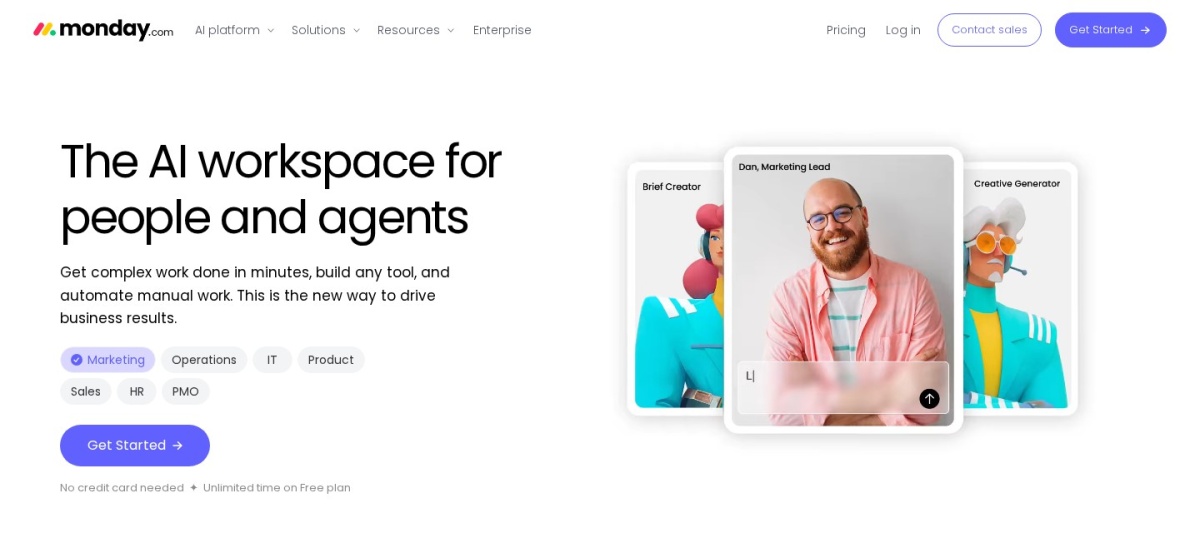
monday homepage, captured Nov 2026.
monday is a visual AI work management platform for organizing projects, processes and team collaboration. Its free plan supports up to 2 seats and 3 boards, while Basic adds unlimited items and viewers. Basic also lists AI agent workforce, Sidekick and app-building capabilities with 1,000 monthly AI credits and limited agent availability.
The trade off is that advanced AI usage and richer project planning can require additional credits or higher plans. Basic costs $9 per seat monthly with annual billing, and the displayed pricing includes a special AI-credit discount. It suits teams that prefer customizable boards and visual progress tracking.
What we like
Visual boards that adapt to different workflows
Free plan for small teams
Basic includes monthly AI credits
AI agents and workflow-building capabilities
Useful templates for common business processes
Watch out for
Advanced AI capacity may require extra credits
Some timeline and automation features require higher plans
Seat requirements can increase total subscription costs
Basic adds unlimited items, free viewers and limited AI capabilities.Visit monday.com
04
Notion
4.7/5on Capterra (2,846 reviews, checked Nov 2026)
Paid from$10/mo
Best for AI-supported documentation and projects
Free planPages, databases and basic forms
AI accessTrial capabilities on Free and Plus
Project featuresSubtasks, dependencies and properties
Entry paid planPlus, $10/member/mo
notion.com
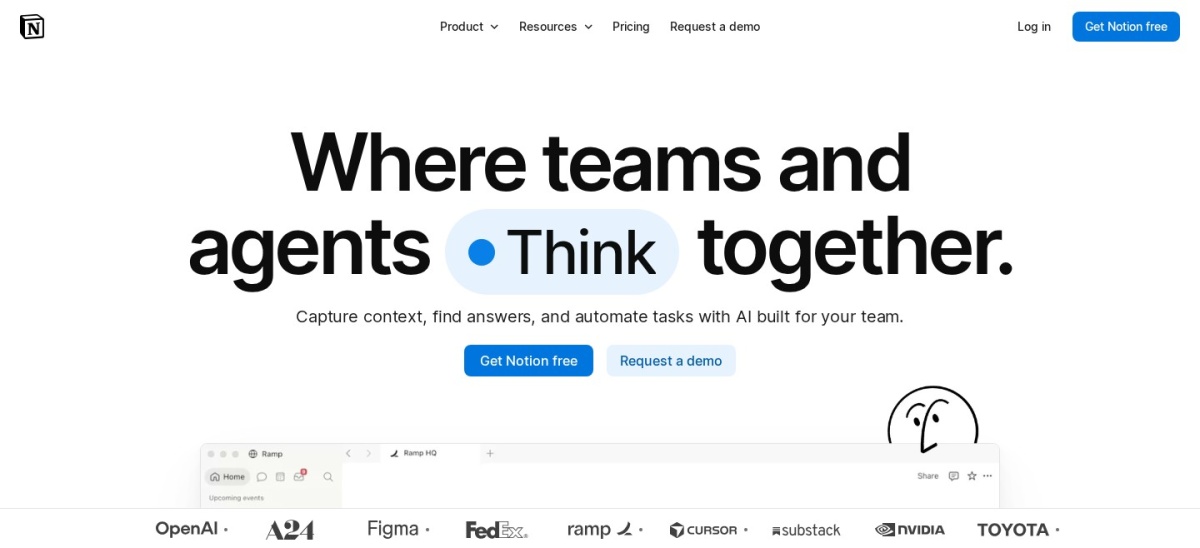
Notion homepage, captured Nov 2026.
Notion is a connected workspace for project databases, documents, knowledge bases and team collaboration. Its free plan includes pages, databases, subtasks, dependencies and trial AI capabilities. Plus costs $10 per member monthly with annual billing and adds collaborative blocks, custom forms, charts and expanded collaboration options.
The trade off is that Plus does not provide unlimited AI access, and Custom Agents use a separate credit-based model after the trial. Notion also requires more manual setup than dedicated project scheduling platforms. It suits content teams, product groups and organizations that manage projects alongside substantial documentation.
What we like
Combines project tasks and documentation
Flexible databases with dependencies
Free plan supports personal project organization
Customizable templates and linked information
Rated 4.7/5 on Capterra
Watch out for
AI capabilities on Plus are trial-limited
Custom Agents have separate credit costs
Advanced resource scheduling is less central than in specialist PM tools
Plus adds collaborative blocks, custom forms, charts and larger file uploads.Visit notion.com
05
Wrike
4.4/5on Capterra (3,045 reviews, checked Nov 2026)
Paid from$10/mo
Best for complex project delivery and operations
Free planBasic task and project organization
AI platformWrike Work Intelligence
Project planningGantt and interactive timelines
Entry paid planTeam, $10/user/mo
wrike.com
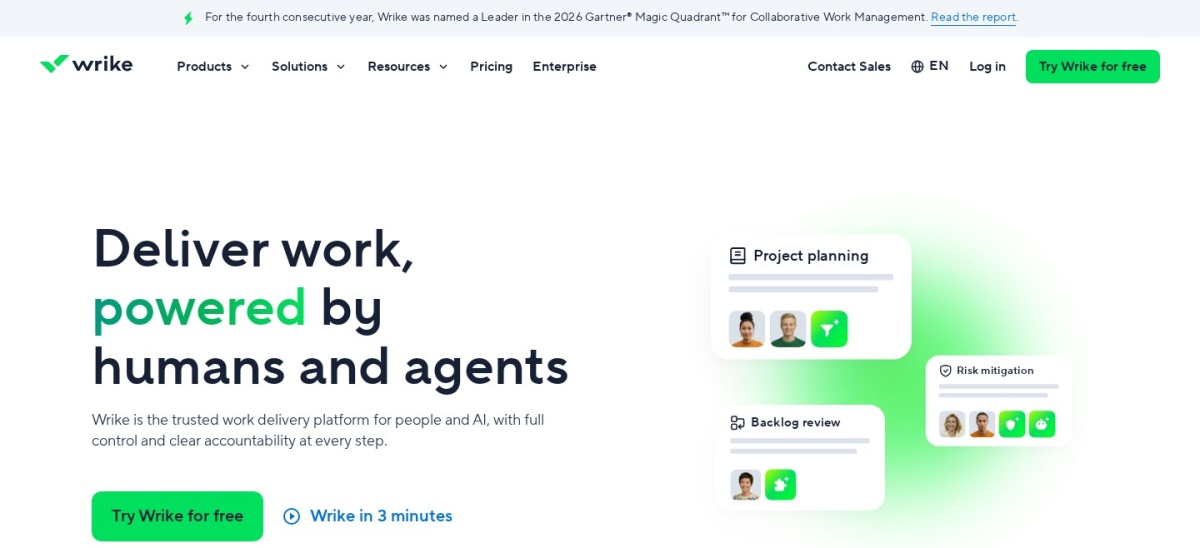
Wrike homepage, captured Nov 2026.
Wrike is a work management platform designed for teams coordinating projects, requests, approvals and operational processes. Its free plan covers basic task organization, while the Team plan supports 2 to 15 users and expands project planning. The platform includes Wrike Work Intelligence, with AI capabilities covering workflow assistance and project information.
The trade off is that advanced AI agents, higher automation capacity and enterprise workflow features are associated with more expensive plans. Team starts at $10 per user monthly, with seat purchasing rules affecting the overall bill. It suits project managers handling structured work across departments.
What we like
Strong support for structured project delivery
Interactive Gantt planning
AI assistant and intelligent workflow features
Useful request and approval processes
Suitable for multi-department operations
Watch out for
Advanced AI capabilities require higher plans
Seat purchasing rules affect entry costs
Setup can be demanding for simple projects
Team adds expanded project planning, collaboration and structured workflow features.Visit wrike.com
06
Trello
4.5/5on Capterra (23,647 reviews, checked Nov 2026)
Paid from$5/mo
Best budget AI project management tool
Free planUp to 10 collaborators
Free boardsUp to 10 per workspace
Automation1,000 runs/mo on Standard
Entry paid planStandard, $5/user/mo
trello.com
Trello homepage, captured Nov 2026.
Trello is a visual project management platform built around boards, lists and cards. Its free plan supports up to 10 collaborators, 10 boards per workspace and 250 monthly command runs. Standard adds AI-assisted capture, unlimited boards, advanced checklists, custom fields and 1,000 monthly command runs.
The trade off is that Trello provides simpler project planning than platforms designed for complex dependencies and resource management. Standard costs $5 per user monthly with annual billing, while Premium costs $10 per user monthly for additional views. It suits freelancers and small teams managing straightforward workflows.
What we like
Lowest paid entry price in this comparison
Simple Kanban workflow
AI features included with Standard
Unlimited boards on paid plans
Large public review base
Watch out for
Limited advanced project portfolio features
Timeline and dashboard views require Premium
Complex dependency tracking may require other tools
Standard adds AI features, unlimited boards, custom fields and more automation.Visit trello.com
07
Smartsheet
4.5/5on Capterra (3,579 reviews, checked Nov 2026)
Starts at$9/mo
Best for spreadsheet-style AI project management
Free accessTrial available
AI capabilityConversational AI features
Automations250 per month on Pro
Entry paid planPro, $9/member/mo annually
smartsheet.com
Smartsheet homepage, captured Nov 2026.
Smartsheet is an intelligent work management platform combining spreadsheet-style project planning with reports, forms and automation. Its Pro plan includes unlimited sheets, forms and reports, conversational AI features, and 250 automations monthly. Users can organize projects through Gantt, table, board and calendar views.
The trade off is that the spreadsheet-style interface may feel less approachable than simpler task boards, and advanced portfolio management requires higher plans. Pro costs $9 per member monthly with annual billing, compared with $12 on monthly billing. It suits operations teams familiar with spreadsheets and structured reporting.
What we like
Familiar spreadsheet-style interface
Conversational AI features on Pro
Unlimited sheets, forms and reports
Multiple project views
250 monthly automations included
Watch out for
No permanent free plan listed
Advanced portfolio features require upgrades
Less suitable for teams wanting simple task boards
Pro includes conversational AI, unlimited sheets and 250 monthly automations.Visit smartsheet.com
Which AI project management features actually matter?
AI tools differ considerably. Some focus on generating text and summarizing tasks, while others connect agents, automation rules and project information to complete selected work.
AI summaries are helpful for status updates, meeting notes and project reports. They reduce the need to read every individual comment, but important decisions still need human verification.
AI agents can support recurring workflows, information retrieval and selected project actions. Check which actions an agent can perform, what permissions it uses and whether usage credits apply.
Scheduling and dependencies matter when projects have fixed deadlines or interconnected deliverables. Verify whether the platform provides automatic rescheduling or only traditional timeline views.
Start with the feature your team will actually use. Paying for extensive AI functionality is unnecessary when basic boards, reminders and straightforward automation solve the problem.
Why the cheapest project management plan may not be the cheapest AI option
The price ladder compares the cheapest published paid subscription for each platform, normalized to a yearly per-user or per-member amount. It does not represent the full cost of every AI feature.
ClickUp separates trial AI access from fuller assistant capabilities. Asana includes defined AI request and credit allowances. monday lists monthly AI credits, while Notion uses a separate credit model for Custom Agents.
Some platforms also enforce minimum user counts or sell seats in groups. A displayed per-user price can therefore differ from the minimum amount your organization must purchase.
Before subscribing, compare your expected AI usage, required seats, automation limits, integrations and billing terms. Request a total subscription estimate rather than relying only on the advertised entry price.
How we chose
We selected established project management platforms with public product information, published subscription pricing and substantial review histories. The comparison covers conventional project management tools that have introduced AI assistants, agents, intelligent workflow capabilities or AI-supported organization.
We checked official pricing pages and public Capterra ratings on 22 Nov 2026. The annualized prices use published entry plans, and advertised promotions are distinguished from regular prices where explicitly identified. Ratings reflect Capterra's published overall scores rather than an independent product assessment.
We excluded tools without accessible published entry prices, products relying exclusively on usage-based pricing, and alternatives whose AI functionality or project management scope could not be established sufficiently from public documentation. No vendor paid for a place, and we do not claim testing for this list.
How to choose the right AI project management software
Start by identifying the project management problems your team needs to solve before comparing AI assistants, workflow features and subscription costs.
Identify your main workflow. Choose whether your priority is team task coordination, cross-functional planning, content production, software delivery or operational reporting. ClickUp provides flexible workspaces, Asana emphasizes structured coordination, and Smartsheet offers spreadsheet-style planning.
Match AI features to repetitive work. List the activities that consume time, such as generating task descriptions, summarizing discussions, organizing incoming requests or building recurring workflows. Check whether the entry plan includes these features or only offers trial access.
Calculate the complete subscription cost. Multiply the per-user price by the number of required seats and include AI credits, additional assistants, automation limits and optional integrations. Check minimum seat requirements and whether annual billing is necessary to receive the advertised price.
Validate permissions and integrations. Review how the software connects to your existing calendar, documents, communication apps and reporting tools. Confirm that AI agents respect access controls and that project owners can approve or review automated actions.
FAQ
What is the best AI project management software in 2026?
ClickUp is our top overall choice because it combines task tracking, documents, dashboards, multiple project views and AI-supported workflows. Its free plan is suitable for basic project organization, while paid subscriptions add advanced planning features. Asana and monday are strong alternatives for structured coordination and visual workflows.
Is there free AI project management software?
Yes. ClickUp, Asana, monday, Notion, Wrike and Trello offer free project management plans. However, free task management does not always include ongoing access to AI features. Some platforms provide trial AI capabilities, while others reserve assistants or agents for paid subscriptions.
Which AI project management software is cheapest?
Trello has the cheapest published paid entry in this comparison at $5 per user monthly with annual billing, equal to $60 yearly. Its Standard plan adds AI features, unlimited boards and expanded automation. More advanced project management tools may justify higher subscriptions for complex workflows.
Can AI project management software create project plans?
Some platforms can generate task structures, project outlines, checklists or workflow suggestions from written instructions. Their capabilities vary, and generated plans may overlook business constraints, resource availability or external dependencies. Project managers should review proposed schedules and responsibilities before relying on them.
Does AI project management software automatically schedule tasks?
Not every AI project management platform provides automatic scheduling. Some tools emphasize intelligent summaries or workflow automation, while their calendars and Gantt charts still require manual planning. Check specifically for automatic rescheduling, workload balancing and dependency-aware scheduling if those capabilities are essential.
Is ClickUp better than Asana for AI project management?
ClickUp is a good fit for teams wanting flexible workspace configuration, documents and different project views. Asana is appealing when structured task ownership and cross-functional coordination matter more. Their AI offerings also use different access models, so compare included capabilities and usage allowances before choosing.
Can Notion replace dedicated project management software?
Notion can manage many projects through databases, tasks, dependencies, calendars and shared documentation. It is particularly suitable for teams combining project tracking with knowledge management. Organizations requiring advanced resource allocation, centralized portfolio controls or specialized scheduling may prefer a more dedicated project management platform.
Are AI assistants included in project management subscription prices?
Sometimes, but often with restrictions. Asana Starter includes defined AI request and credit allowances, monday Basic lists AI credits, and ClickUp Core offers trial AI access. Notion Plus provides trial AI capabilities, while Custom Agents follow a separate credit model. Review each vendor's usage rules carefully.
Is AI project management software suitable for small businesses?
Yes. Small businesses can benefit from task reminders, project summaries, standardized workflows and automated administration. Trello is suitable for simple visual tracking, while ClickUp and monday offer broader customization. The best choice depends on existing processes, required integrations, team size and willingness to manage AI usage costs.