Best AI Data Analytics Tools in 2026: 7 Tools Compared
WLWPLegible EditorsLast verified 22 Nov 2026How we rank12 min read
★ Short answer
Microsoft Power BI is the best overall AI data analytics tool for business reporting, with a 4.5/5 G2 rating and Pro licenses at $14 per user per month, billed yearly. ThoughtSpot is better for natural-language exploration, while Zoho Analytics suits smaller teams looking for affordable dashboards and assisted analysis.
How we make this list: we compare pricing pages, product documentation and public user reviews, then re-check every price before each update. No product paid for a place. Disclosure.
Microsoft Power BI earns 4.5/5 from 1,671 G2 reviews and offers Pro licenses for $168 per user annually, although Copilot requires additional eligible capacity.
ThoughtSpot starts at $25 per user monthly with annual billing, but its Essentials plan requires at least 5 users.
Zoho Analytics starts at $24 monthly with annual billing, covering 2 users and 500,000 rows.
Tableau Cloud Creator costs $75 per user monthly with annual billing; Tableau Agent capabilities depend on the edition and license.
Metabase offers free self-hosted analytics, while managed Starter hosting begins at $90 monthly with annual billing.
Qlik Cloud Analytics Starter costs $300 monthly with annual billing for 10 users and 10 GB of data; Databox Business starts at $399 monthly with annual billing.
What matters when choosing an AI data analytics tool
AI data analytics tools help teams explore datasets, identify patterns, create reports, and ask business questions without writing every query manually. Some specialize in natural-language analysis, while others add AI features to established business intelligence platforms.
Start with data connectivity. A reporting tool is useful only when it can access your spreadsheets, databases, applications, or data warehouse. Check refresh schedules, connector availability, and whether the platform requires a separate data integration service.
Next, distinguish between AI-assisted dashboards, conversational analytics, and predictive modeling. These capabilities solve different problems. A tool that explains existing sales trends may not be able to forecast demand or automatically identify statistical relationships.
Pricing needs careful attention. Some vendors charge per user, while others price by data capacity, AI usage, or organization size. An inexpensive entry license does not necessarily include advanced AI features or unlimited sharing.
Finally, evaluate governance. Access controls, documented metric definitions, and traceable queries matter when employees use AI-generated answers to make financial or operational decisions. AI output should remain verifiable against the underlying data.
Best for overall business intelligence and reporting
Entry planPower BI Pro
G2 rating4.5/5 from 1,671 reviews
Free optionPower BI Desktop
AI capabilitiesCopilot with eligible capacity
microsoft.com
Microsoft Power BI homepage, captured Nov 2026.
Microsoft Power BI is a business intelligence platform for building reports, modeling data, and exploring performance across connected sources. Power BI Desktop is free for report authoring, while Pro costs $14 per user monthly with annual billing and enables publishing and sharing reports through the Power BI service.
The trade off is that Pro does not independently unlock every AI feature. Copilot requires eligible Microsoft Fabric or Power BI capacity, creating additional licensing considerations beyond the $168 annual Pro subscription. It suits organizations that need established reporting, detailed data models, and integration with Microsoft business applications.
What we like
Free desktop report authoring
Broad database and application connectivity
Detailed data modeling with DAX
Established dashboard and reporting capabilities
AI assistance available through eligible Copilot deployments
Watch out for
Copilot requires additional eligible capacity
DAX and advanced modeling require learning
Sharing and deployment involve licensing decisions
Pro adds cloud publishing and report sharing; Copilot requires eligible capacity.Visit microsoft.com
02
ThoughtSpot
4.4/5on G2 (347 reviews, checked Nov 2026)
Starts at$25/mo
Best for natural-language data exploration
Entry planEssentials, annual billing
Minimum users5
Data allowanceUp to 25 million rows
Advanced AISpotter AI Agents on Pro
thoughtspot.com
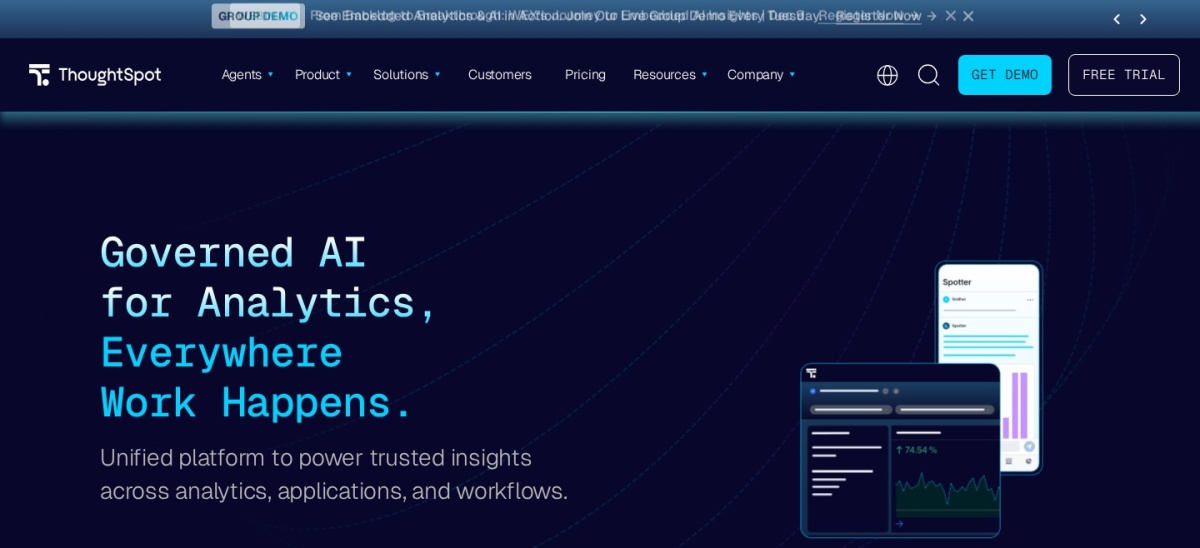
ThoughtSpot homepage, captured Nov 2026.
ThoughtSpot is an analytics platform built around searching and exploring business data. Essentials starts at $25 per user monthly with annual billing, supports 5 to 50 users and up to 25 million rows, and includes interactive dashboards and actionable insights.
The trade off is that the $25 entry rate requires a minimum of 5 users, making the minimum Essentials subscription $1,500 annually. More advanced natural-language exploration and Spotter AI Agents belong to higher plans. It suits teams that want business users to investigate metrics without depending on analysts for every question.
What we like
Search-oriented analytics experience
Interactive dashboards for business teams
Supports substantial datasets on Essentials
Advanced AI agents available on higher plans
Watch out for
Minimum user commitment raises entry cost
Advanced AI features require higher plans
Reliable answers depend on prepared and governed data
Best for affordable AI-assisted business analytics
Entry planBasic, annual billing
Included users2
Basic plan rows500,000
Free plan2 users, 10,000 rows
zoho.com
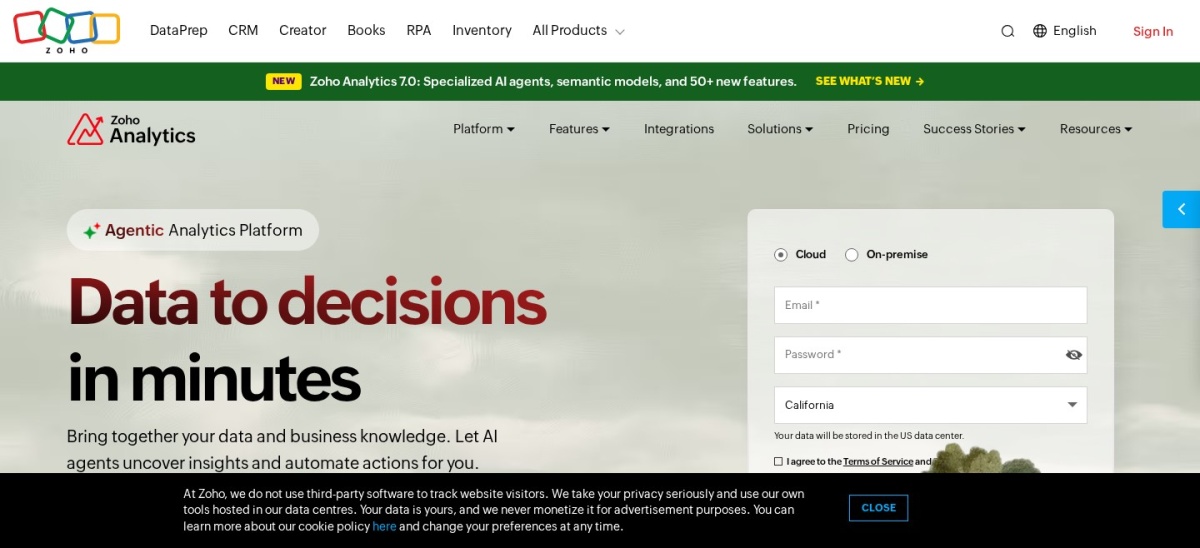
Zoho Analytics homepage, captured Nov 2026.
Zoho Analytics is a cloud analytics platform combining data preparation, dashboards, reporting, and AI-assisted analysis. Its free plan supports 2 users and 10,000 rows, while Basic costs $24 monthly with annual billing and expands capacity to 500,000 rows for 2 users.
The trade off is that the $288 annual Basic plan has limited included users and row capacity, with larger deployments requiring upgrades or add-ons. Advanced AI functionality also varies by edition. It suits smaller businesses that want scheduled reporting, visual dashboards, and accessible analytics without an expensive initial subscription.
What we like
Free plan for small datasets
Affordable Basic subscription
Built-in reporting and visualization tools
Integrates with Zoho business applications
AI-assisted analysis available across the platform
Watch out for
Entry plan has a 500,000-row allowance
Limited included users on Basic
Advanced capabilities may require higher tiers
Basic increases data capacity and supports expanded cloud reporting.Visit zoho.com
04
Tableau
4.4/5on G2 (4,238 reviews, checked Nov 2026)
Paid from$75/mo
Best for advanced data visualization
Entry author licenseCreator, Standard Edition
Creator price$75/user/month, billed annually
Free optionTableau Public
AI analyticsTableau Pulse; Agent varies by edition
tableau.com
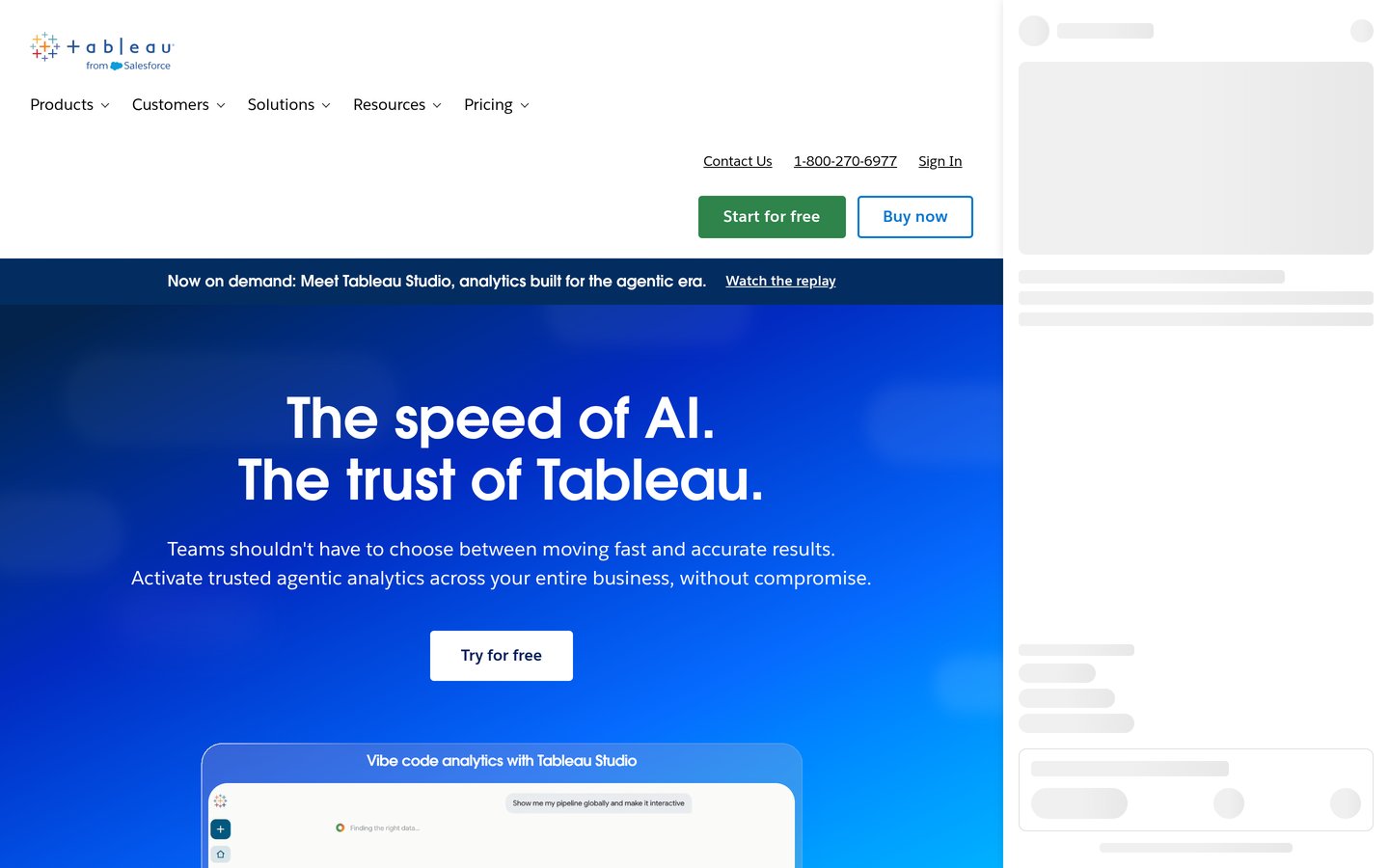
Tableau homepage, captured Nov 2026.
Tableau is a visual analytics platform for exploring relationships, building interactive charts, and publishing business dashboards. Tableau Cloud Standard Creator costs $75 per user monthly with annual billing and includes authoring capabilities, Tableau Desktop, Tableau Prep Builder, and access to Tableau Pulse.
The trade off is pricing and AI availability. A Creator license costs $900 annually, and Tableau Agent capabilities vary by edition and license, with broader agentic analytics offered through Cloud+ and the Tableau+ bundle. It suits organizations that value detailed visualization, governed reporting, and established analytics workflows.
What we like
Flexible interactive visualizations
Tableau Prep supports data preparation
Tableau Pulse delivers metric-focused insights
Different licenses support authors and viewers
Tableau Public offers a free learning option
Watch out for
Creator license costs $900 annually
Advanced agentic AI is edition-dependent
Tableau Public is unsuitable for private business data
Complex deployments require administration
Creator enables private cloud authoring; advanced Tableau Agent features depend on higher editions.Visit tableau.com
05
Metabase
4.4/5on G2 (147 reviews, checked Nov 2026)
Paid from$90/mo
Best for open-source and database analytics
Free optionSelf-hosted open source
Cloud entry planStarter, annual billing
Included users5
AI setupBring your own model or AI provider
metabase.com
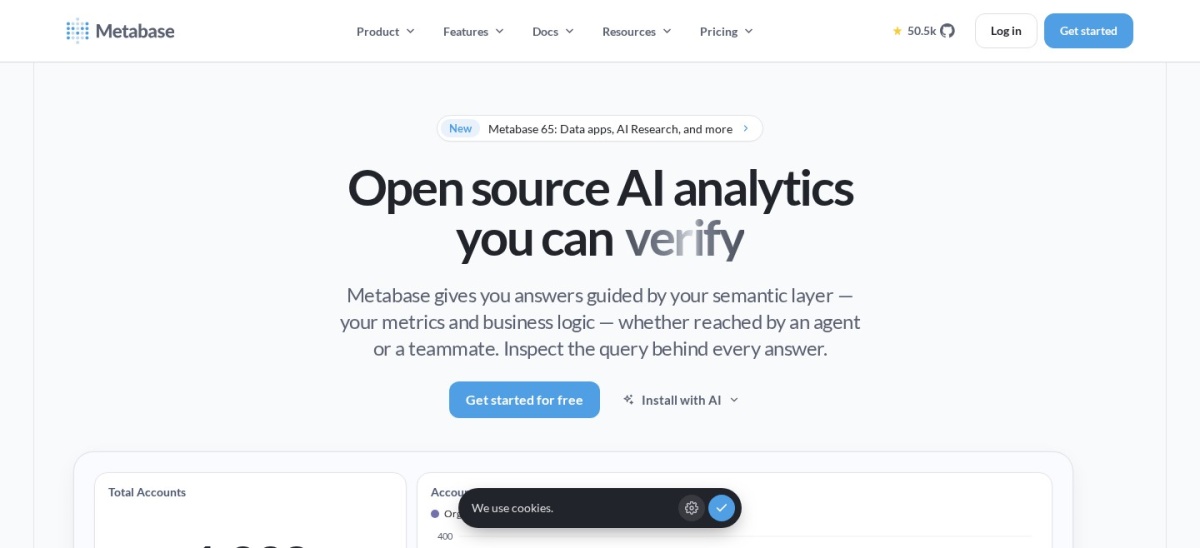
Metabase homepage, captured Nov 2026.
Metabase is an open-source business intelligence platform for querying databases, building dashboards, and exploring data through visual questions or SQL. The self-hosted edition is free, while Cloud Starter costs $90 monthly with annual billing, includes 5 users, and supports more than 20 data sources.
The trade off is that self-hosting requires infrastructure management, while managed hosting begins at $1,080 annually. AI features can use your own provider credentials, and optional managed AI usage may create additional costs. It suits technical teams that want transparent analytics, database connectivity, and control over deployment.
Qlik Cloud Analytics is a business intelligence platform for combining data sources, discovering relationships, and building interactive dashboards. Starter costs $300 monthly with annual billing, includes 10 users and 10 GB of analysis data, and provides AI-powered analytics, Answers Agents access, and an MCP server.
The trade off is its $3,600 annual entry cost and fixed Starter data capacity, which cannot be expanded through additional data purchases on that tier. More advanced generative AI and predictive capabilities require higher plans. It suits teams handling connected operational datasets that benefit from Qlik's associative exploration model.
Standard adds larger data capacity, broader AI features, and governance capabilities.Visit qlik.com
07
Databox
4.4/5on G2 (195 reviews, checked Nov 2026)
Starts at$399/mo
Best for AI-powered KPI monitoring
Entry planBusiness, annual billing
Included usersUp to 10
Data sourcesUp to 30
AI allowance1,500 credits per month
databox.com
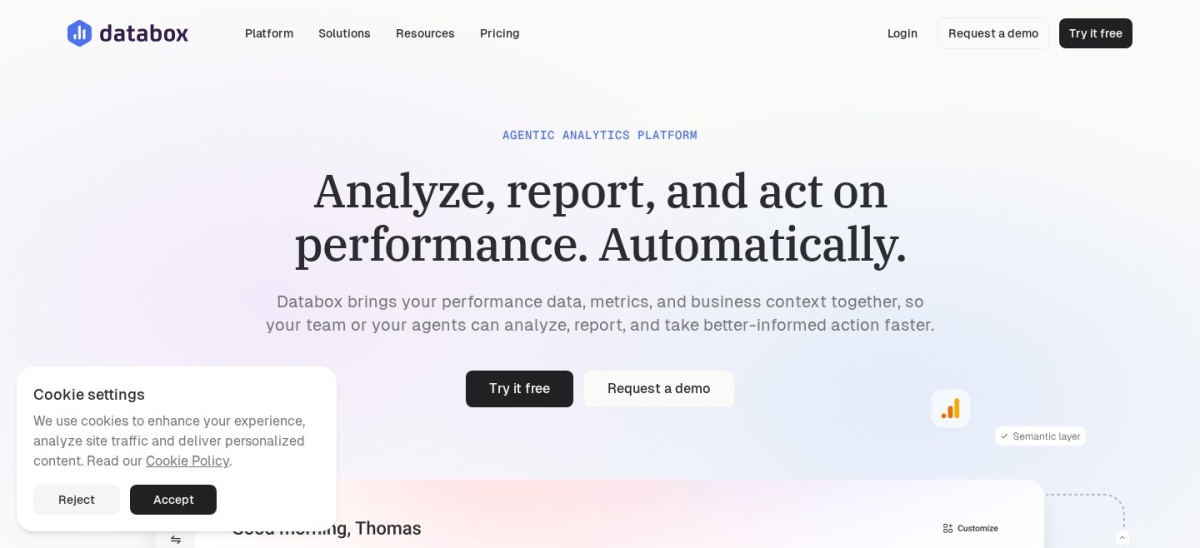
Databox homepage, captured Nov 2026.
Databox is a business analytics platform for tracking KPIs, connecting operational systems, and generating AI-assisted insights. Its Business plan costs $399 monthly with annual billing and includes up to 10 users, 30 data sources, and 1,500 monthly AI credits for supported analytics workflows.
The trade off is its $4,788 annual starting price and credit-based AI allowance, which may require additional purchases as usage grows. Databox also discontinued its permanent free plan in favor of a 14-day trial. It suits teams that prioritize recurring performance monitoring, shared metrics, and AI-assisted operational reporting.
What we like
Connects business applications and databases
AI Analyst supports questions about connected data
Governed metrics and semantic-layer features
Includes goals, dashboards, and reporting
Business plan supports up to 10 users
Watch out for
No permanent free plan
Higher subscription cost than entry-level BI tools
AI features consume monthly credits
Included data sources are limited
Business includes governed analytics, AI Analyst, reporting, and automation capabilities.Visit databox.com
AI analytics vs traditional business intelligence
Traditional business intelligence focuses on connecting data, building reusable reports, and monitoring defined metrics. Analysts usually configure the underlying data models, calculations, filters, and dashboards.
AI analytics adds natural-language interfaces, automated explanations, assisted data preparation, and sometimes prediction. Instead of building every visualization manually, users may ask questions and receive suggested charts or summaries.
The distinction is not absolute. Established platforms such as Power BI, Tableau, and Qlik now incorporate AI features, while AI-focused products increasingly provide conventional dashboards and data governance.
The most useful choice depends on your workflow. Choose conversational analytics for exploratory questions, traditional BI for standardized reporting, and predictive features when forecasting is central to the business problem.
Why entry-level AI analytics pricing can be misleading
A listed subscription price does not always represent the complete cost of using AI. Microsoft Power BI Pro supports collaboration, but Copilot requires eligible capacity beyond the basic license.
ThoughtSpot's Essentials price is stated per user, yet its minimum user requirement increases the smallest possible subscription. Tableau also separates core authoring from some advanced agentic analytics capabilities.
Metabase can use external AI model credentials, so model usage may be billed separately. Databox instead provides an included AI credit allowance that can become another cost consideration as activity increases.
Compare annual commitments, minimum seats, data capacity, integration requirements, and the exact AI features included before choosing a product based on its advertised monthly rate.
How we chose
We began with established business intelligence and AI analytics products offering dashboards, exploratory analysis, natural-language capabilities, or assisted reporting. We prioritized products with substantial public review histories and published information about their analytics workflows.
Vendor pricing pages and G2 review profiles were checked on 22 November 2026. Prices represent published regular entry-plan rates, with annual-billing equivalents where applicable. Ratings and review totals come from G2, and entry licenses are distinguished from more expensive AI capabilities.
We excluded products without a verifiable regular subscription price, products relying only on variable usage pricing, and tools with insufficient public review evidence. We also excluded products whose entry-plan AI capabilities could not be distinguished from higher-tier features. No vendor paid for a place, and we do not claim testing for this list.
How to choose the right AI data analytics tool
Start by identifying the decisions your team needs to make, then compare data access, AI capabilities, governance, and total subscription costs.
Identify the type of analysis you need. Choose between recurring dashboards, conversational exploration, predictive modeling, and automated insights. Power BI and Tableau are suited to structured reporting, while ThoughtSpot emphasizes accessible exploratory analytics.
Check data sources and preparation requirements. List the databases, spreadsheets, advertising systems, CRM applications, and warehouses your team uses. Confirm available connectors, refresh options, transformation features, and any additional integration costs.
Verify which AI features your entry plan includes. Do not assume an advertised AI assistant comes with the cheapest subscription. Check capacity requirements, AI usage allowances, model-provider fees, user permissions, and restrictions on automated analysis.
Calculate the full annual commitment. Compare the minimum user count, base subscription, additional seats, data capacity, and AI charges. Include the effort needed to build reliable metrics and maintain integrations, not just the advertised license price.
FAQ
What is the best AI data analytics tool in 2026?
Microsoft Power BI is the best overall choice for businesses prioritizing dashboards, reporting, and data modeling. Its Pro plan costs $14 per user monthly with annual billing. Teams primarily interested in asking natural-language questions should also consider ThoughtSpot, although its advanced AI capabilities require higher subscriptions.
What is the best free AI data analytics tool?
Metabase offers a free self-hosted edition with database queries, dashboards, and AI integration options using an external model. Power BI Desktop is another useful free reporting application. Zoho Analytics offers a hosted free plan for smaller datasets. AI usage and hosting may still create separate costs.
Can AI data analytics tools analyze Excel spreadsheets?
Yes. Several platforms support spreadsheet-based analysis, either through direct file imports, connectors, or data preparation workflows. Power BI, Tableau, and Zoho Analytics are relevant options. Check supported file formats, refresh behavior, and whether AI features can work directly with imported spreadsheet data.
Do AI analytics tools require SQL knowledge?
Not always. Products such as ThoughtSpot, Zoho Analytics, and Power BI provide visual or natural-language interfaces for many analysis tasks. SQL remains useful for complex queries, data validation, and troubleshooting. A no-code interface does not eliminate the need to understand the underlying dataset.
Can AI analytics tools predict future sales?
Some analytics platforms support forecasting or machine learning, but prediction is not included in every entry plan. Qlik offers predictive capabilities on higher tiers, while other products provide forecasting through specialized features or integrations. Always validate predictions against historical data and document their assumptions.
What is the difference between Power BI and Tableau for AI analytics?
Power BI combines business reporting, data modeling, and optional Copilot features through eligible Microsoft capacity. Tableau emphasizes interactive visualization and offers Tableau Pulse and edition-dependent AI assistance. Power BI Pro has a lower entry authoring price, while Tableau's advanced agentic features depend on higher editions.
How much do AI data analytics tools cost?
Pricing varies considerably. Power BI Pro costs $168 per user annually, Zoho Analytics Basic starts at $288 annually, and Metabase Cloud Starter costs $1,080 annually. Team platforms may require larger minimum commitments, and advanced AI features can create additional licensing or usage expenses.
Are AI-generated data insights always accurate?
No. AI-generated summaries and calculations can be misleading when source data is incomplete, metrics are poorly defined, or queries are interpreted incorrectly. Use consistent metric definitions, access controls, and review processes. Important financial or operational conclusions should be checked against source records.
Which AI analytics platform is best for small businesses?
Zoho Analytics is a practical starting point for smaller organizations because its Basic plan includes 2 users and 500,000 rows for $288 annually. Power BI Pro is another option for teams already comfortable with Microsoft applications. Metabase is attractive when technical staff can manage databases and hosting.