Best Budget AI Culling Software in 2026: 9 Tools Compared
WLWPLegible EditorsLast verified 23 Nov 2026How we rank13 min read
★ Short answer
Aftershoot is the best budget AI culling software for most photographers: it culls thousands of frames fast for $10 a month billed yearly. FilterPixel adds editing for $14.99 a month, while Imagen's $12 culling add-on suits Lightroom Classic users.
How we make this list: we compare pricing pages, product documentation and public user reviews, then re-check every price before each update. No product paid for a place. Disclosure.
Aftershoot culls thousands of frames fast from $10 a month billed yearly.
FilterPixel scores and groups every frame, with editing included from $14.99 a month.
Imagen's culling add-on costs $12 a month and fits Lightroom Classic users best.
Photo Mechanic is the fastest manual culler, at $149 a year or $299 one-time.
Capture One, DxO PhotoLab and Luminar Neo cull inside editors that cost $129 to $299 outright.
What to look for in budget AI culling software
AI culling software sorts a shoot into keepers and rejects before you edit. It checks focus, closed eyes, duplicates and blur, and the best tools group similar frames so you pick one winner per burst.
Start with the culling job. Wedding and event shooters need AI selection for thousands of frames, while portrait shooters can cull by hand in Photo Mechanic or Lightroom Classic and save the subscription.
Then check what the price covers. Aftershoot Select culls only, so editing costs extra, while FilterPixel and Imagen bundle culling with edits. One-time licences such as DxO PhotoLab and Luminar Neo cost more up front but nothing per month.
Finally, check the rating base. Most tools here hold solid scores, but Imagen has only 10 G2 reviews and Zoner only 12, so treat those scores as a rough guide rather than a settled verdict.
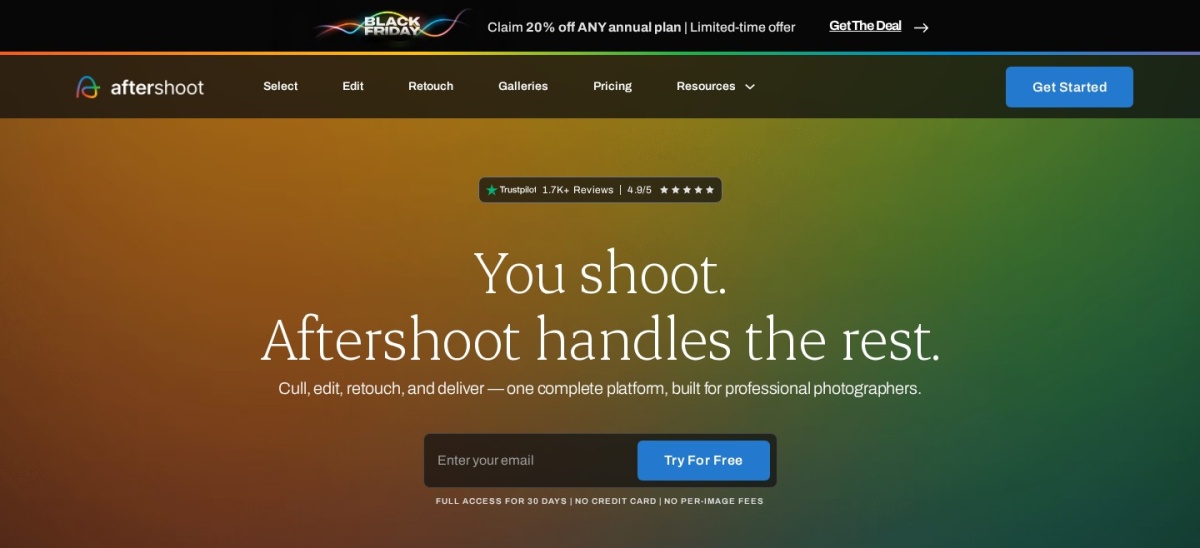
Aftershoot is an AI culling tool for wedding and event photographers that sorts thousands of frames into keepers and rejects. It checks focus, closed eyes, duplicates and blur, then applies AI edits in your own style, with Select starting at $10 a month billed yearly.
The trade off is that the cheapest plan only culls. Editing costs $30 a month for Edit or $45 for Complete, so a full cull-and-edit workflow costs more than the headline price. It suits high-volume shooters who want the cull done fast.
4.8/5on Trustpilot (179 reviews, checked Nov 2026)
Starts at$14.99/mo
Best for high-volume AI culling
CullingAI scores, genre modes, DeepCull
PlansStandard, Pro, Studio
Entry planStandard, $14.99/mo billed yearly
DeepCull20 shoots a year on Standard
filterpixel.com
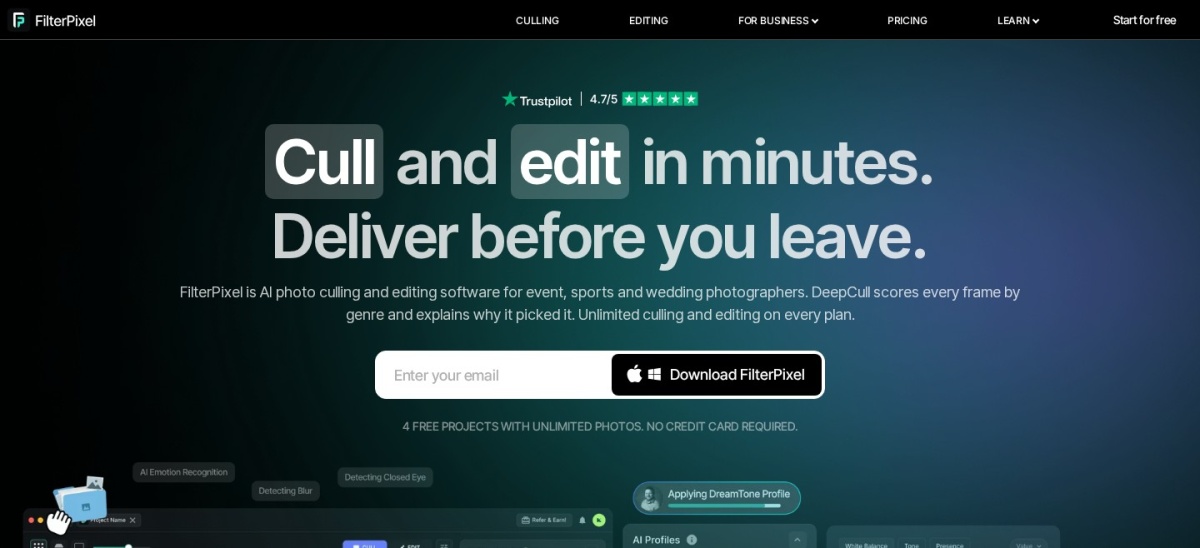
FilterPixel homepage, captured Nov 2026.
FilterPixel is an AI culling and editing tool for photographers who shoot in volume. It scores every frame, groups similar shots and flags blur and closed eyes, with genre modes for weddings, sports and events, starting at $14.99 a month billed yearly.
The trade off is price confusion. The site shows $14.99 a month on annual billing and $19.99 monthly, and a 50% Black Friday sale was running when we checked, so read the plan table before paying. It suits event shooters who want culling and edits in one app.
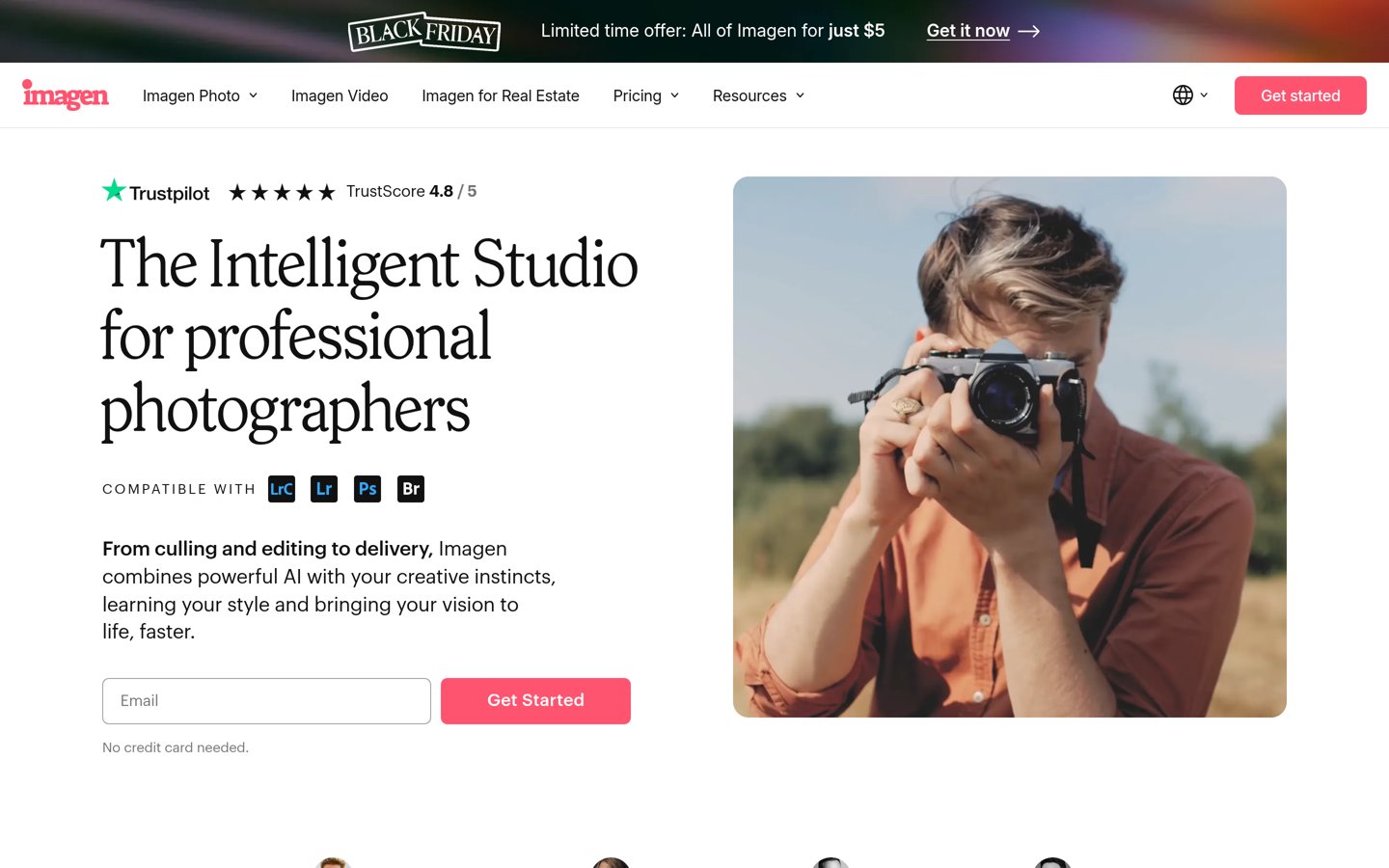
Imagen is an AI photo editing service with a culling add-on for Lightroom Classic users. It picks the best frames from a shoot for $12 a month billed yearly, then edits in your own style at $0.05 a photo with a $7 monthly minimum.
The trade off is that culling is an add-on, not a standalone app. You need Lightroom Classic for the workflow, and editing is metered per photo, so large shoots add up. It suits Lightroom users who want culling and editing in one place.
Photo Mechanic is the fast RAW browser photographers use to cull a shoot before editing. It shows full-resolution previews without importing, with keyboard-driven picks and ratings, for $149 a year or $299 as a one-time licence.
The trade off is that it culls, it does not edit. There is no AI selection, so every keep-or-reject call is yours, and the $149 yearly plan costs more over time than the $299 one-time licence. It suits shooters who want speed and control.
Lightroom Classic is Adobe's desktop photo app for culling, organising and editing in one place. Its compare view, flags and ratings sort a shoot fast, and the Photography plan costs $9.99 a month with cloud storage included.
The trade off is that it is not an AI culler. Selection is manual, so large wedding shoots take longer than with Aftershoot or FilterPixel, and the plan is a subscription with no one-time licence. It suits photographers who already edit in Adobe.
What we like
Culling, catalog and editing in one app
Compare view sorts similar frames
Cloud storage included
Largest community and tutorials
Watch out for
No AI culling, selection is manual
Subscription only, no perpetual licence
Slower than dedicated cullers on big shoots
Photography plan is $9.99/mo with cloud storage includedVisit adobe.com
06
Capture One
4.5/5on G2 (78 reviews, checked Nov 2026)
Starts at$18/mo
Best for studio tethering and colour
PlanFrom $18/mo, or $299 perpetual
CullingTethered capture and review
ColourPrecise colour grading tools
PlatformsWindows and Mac
captureone.com
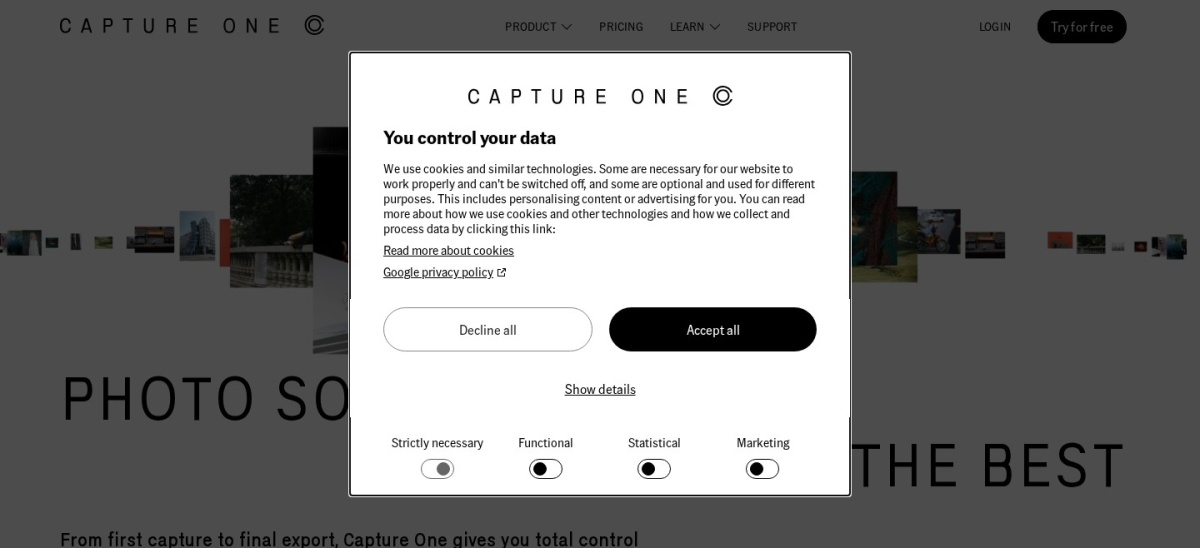
Capture One homepage, captured Nov 2026.
Capture One is a professional RAW editor for studio and tethered shooting, with fast review and precise colour tools. It culls as you shoot, straight from the camera, from $18 a month or $299 as a perpetual licence.
The trade off is price and learning curve. At $18 a month it costs more than Lightroom Classic, and its deep toolset takes time to learn, so it fits studio work better than quick event culls. It suits fashion and product photographers.
DxO PhotoLab is a one-time RAW editor with the best noise reduction in this list. Its DeepPRIME engine rescues high-ISO shots, and lab-measured lens modules fix distortion and vignetting automatically, from $159.99 as a one-time licence.
The trade off is that culling is basic. PhotoLab is built for image quality, not fast selection, so it suits photographers who cull elsewhere and edit here. Some listings show $249.99 for PhotoLab 10, so check the edition before buying.
What we like
Best noise reduction in this list
Automatic lens corrections
One-time licence, no subscription
Works offline after activation
Watch out for
Culling tools are basic
Edition prices vary ($159.99 vs $249.99)
No cloud sync or mobile app
Essential starts at $159.99 one-time; check the edition firstVisit dxo.com
08
Luminar Neo
4.4/5on G2 (115 reviews, checked Nov 2026)
Starts at$129/once
Best AI creative edits on a budget
PriceFrom $129 one-time
AI toolsRelighting, masking, sky swap
CullingBrowse and rate in one app
LicenceOne-time, desktop app
skylum.com
Luminar Neo homepage, captured Nov 2026.
Luminar Neo is an AI photo editor that also handles browsing and culling in one app. Its AI relighting and masking speed up creative edits, and it costs from $129 as a one-time licence, though some AI features need a subscription after a year.
The trade off is the licence catch. The one-time licence covers the desktop app, but AI tools need a subscription after the first year, so the real cost is higher than $129. It suits creators who want AI edits without a monthly plan.
What we like
AI relighting and masking built in
One-time licence from $129
Browsing and culling in one app
Good for creative edits
Watch out for
AI tools need a subscription after a year
Culling is weaker than dedicated tools
Some listings show $99 sale pricing
From $129 one-time; AI features may need a subscriptionVisit skylum.com
09
Zoner Photo Studio X
3.8/5on G2 (12 reviews, checked Nov 2026)
Starts at$5.99/mo
Best budget all-in-one for Windows
Price$5.99/mo or $59/yr
CullingBrowse, rate and organise
EditingRAW development and video
PlatformsWindows only
zoner.com
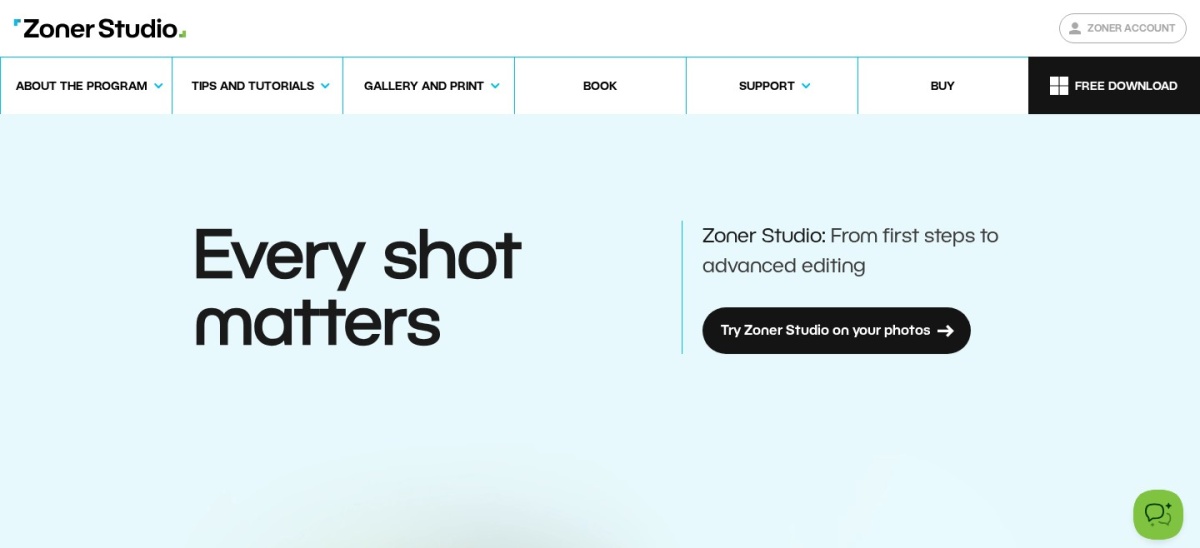
Zoner Photo Studio X homepage, captured Nov 2026.
Zoner Photo Studio X is a budget Windows app that organises, develops and edits photos in one place. It browses, rates and culls shoots, then handles RAW edits and even video, for $5.99 a month or $59 a year.
The trade off is that it is Windows only and lightly rated. With 3.8 out of 5 from 12 G2 reviews, it is the weakest-rated tool here, and it has no AI culling. It suits Windows photographers on a tight budget.
AI culling wins on volume. Aftershoot and FilterPixel sort thousands of frames in minutes, while manual culling in Photo Mechanic or Lightroom Classic takes hours on a wedding shoot.
Manual culling wins on control. You make every keep-or-reject call, which matters for portraits where expression beats sharpness, and it costs nothing beyond the app.
Most photographers mix the two: AI for the first pass, then a manual review of the keepers. Start with the tool that fits your shoot size, not the one with the longest feature list.
How we chose
We started from the AI culling tools most often named in photo culling comparisons, then kept nine that are actively sold, with public pricing, and usable by working photographers.
Prices come from each vendor's pricing page, checked on 23 November 2026. Ratings come from G2, Capterra or Trustpilot on the same day. FilterPixel's own pages show conflicting prices, and Capture One and DxO list different perpetual prices by source, so check the plan table before buying. Where a vendor shows a sale, the list shows the regular price.
We left out quote-only tools and tools with no public rating. No vendor paid for a place, and we do not claim hands-on testing for this list.
How to choose budget AI culling software
Start with your shoot size, then match the tool to your editing app.
Count your frames per shoot. If you cull thousands of frames per wedding, pick Aftershoot or FilterPixel. Under a few hundred frames, Photo Mechanic or Lightroom Classic is enough.
Check what the price covers. Select culls only, so add editing costs before comparing. One-time licences such as DxO PhotoLab cost more up front but nothing monthly.
Match your editing app. Lightroom Classic users get the most from Imagen, while Capture One users should cull inside Capture One rather than buying a second app.
Try the free trial on a real shoot. Cull one full shoot, not a demo set, and check the keepers against your own picks before you pay.
FAQ
What is the best budget AI culling software?
Aftershoot is the best pick for most photographers. It culls thousands of frames fast, checks focus and closed eyes, and Select starts at $10 a month billed yearly, with editing available on higher plans.
Is there a free AI culling tool?
No fully free AI culler is in this list. Aftershoot, FilterPixel and Imagen all charge, though most offer a free trial. Photo Mechanic and Lightroom Classic cost money too, so budget for at least the entry plan.
How much does Aftershoot cost?
Aftershoot Select costs $10 a month billed yearly, or $15 billed monthly. Editing costs more: Edit is $30 a month, Retouch is $20 and Complete is $45, all billed yearly.
Can I cull photos without AI?
Yes. Photo Mechanic shows full-resolution RAW previews without importing, and Lightroom Classic sorts shoots with flags, ratings and a compare view. Both are fast, but every keep-or-reject call is yours.
Is FilterPixel worth $14.99 a month?
It is worth it for high-volume shooters who want culling and editing in one app. FilterPixel scores every frame, groups similar shots and adds genre modes for weddings and sports, and it holds 4.8 out of 5 on Trustpilot.
Do I need Lightroom to use Imagen?
Yes, for the full workflow. Imagen's culling add-on is built for Lightroom Classic users, and its edits sync back to your catalog. Without Lightroom, Aftershoot or FilterPixel are better picks.