Best AI Tool for PowerPoint Presentation in 2026: 9 Tools Compared
WLWPLegible EditorsLast verified 22 Nov 2026How we rank13 min read
★ Short answer
Gamma is the best AI tool for PowerPoint presentations for most people. It drafts a whole deck from a prompt in under a minute, has a real free plan with 400 credits, and exports to PowerPoint. Pick Beautiful.ai for on-brand team decks, and Plus AI if you must work inside PowerPoint itself.
How we make this list: we compare pricing pages, product documentation and public user reviews, then re-check every price before each update. No product paid for a place. Disclosure.
Gamma Plus costs $9 a month billed yearly, or $108 a year, with a free plan of 400 credits and PowerPoint export on every plan.
Beautiful.ai Pro costs $14.50 a month billed yearly, or $174 a year, with unlimited AI content and 300+ Smart Slides.
Plus AI Basic costs $10 per user a month billed yearly, with 1,500 credits, and works inside PowerPoint and Google Slides.
Microsoft 365 Personal costs $99.99 a year and includes Copilot in PowerPoint with usage limits.
SlidesAI Pro costs $10 a month billed yearly, and its free plan allows 12 presentations a year inside Google Slides.
What to look for in an AI presentation tool
AI presentation tools fall into two camps. Standalone apps such as Gamma and Beautiful.ai design the whole deck for you, while add-ins such as Plus AI work inside the PowerPoint or Google Slides file you already have.
Export matters more than generation. A deck that looks good on the web can shift fonts and layouts when exported to PowerPoint, so check the exported file before you present.
Credit limits decide the real cost. Some tools meter every AI action in credits, while others give unlimited AI content on paid plans. Count how many decks you make each month before you pick a plan.
If your team already pays for Microsoft 365 or Google Workspace, the AI built into PowerPoint or Slides may cover most of your needs. Our guide on best AI tools for content creators covers the wider creative workflow.
Gamma is an AI-first presentation maker that drafts a whole deck from a topic in under a minute. Type a prompt or paste notes, and it writes the content, picks images and designs the layout, with documents and simple websites in the same workflow.
The trade off is the web-first format. Gamma decks live in the browser, and PowerPoint exports can shift layouts and fonts. It suits founders and marketers who want a fast first draft to share as a web link.
What we like
Fastest prompt-to-deck generation in this list
Real free plan with 400 credits and no card
PowerPoint export on every plan including free
Watch out for
PowerPoint exports can shift layouts and fonts
Credit-metered AI, so heavy use burns credits fast
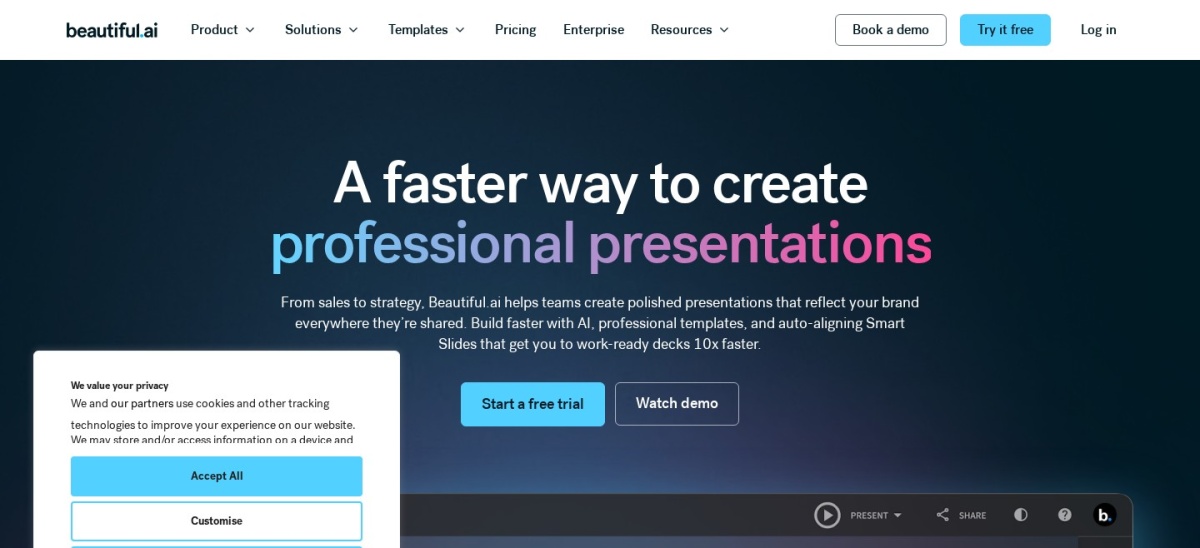
Beautiful.ai is a design-led presentation tool with 300+ Smart Slides that reflow automatically when you add a bullet. Paid plans give unlimited AI content generation, PowerPoint import and export, viewer analytics and strict brand controls.
The trade off is price and the lack of a free plan. Pro costs $14.50 a month billed yearly, or $45 month to month, with only a 14-day trial that needs a card. It suits teams that need every deck to match a brand template.
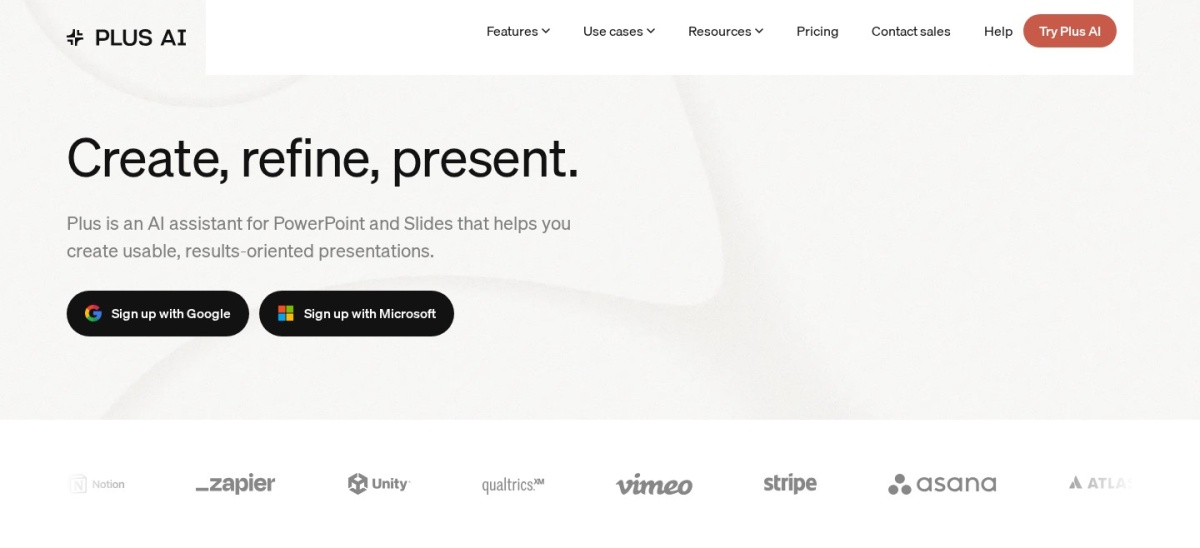
Plus AI is an add-in for PowerPoint and Google Slides, so you edit a real .pptx file instead of moving to a new editor. Basic costs $10 per user a month billed yearly, or $15 month to month, with 1,500 AI credits a month.
The trade off is the small review base. It holds 3.2 out of 5 on G2 from only 5 reviews, with support and reformatting complaints. It suits companies where clients insist on native PowerPoint files.
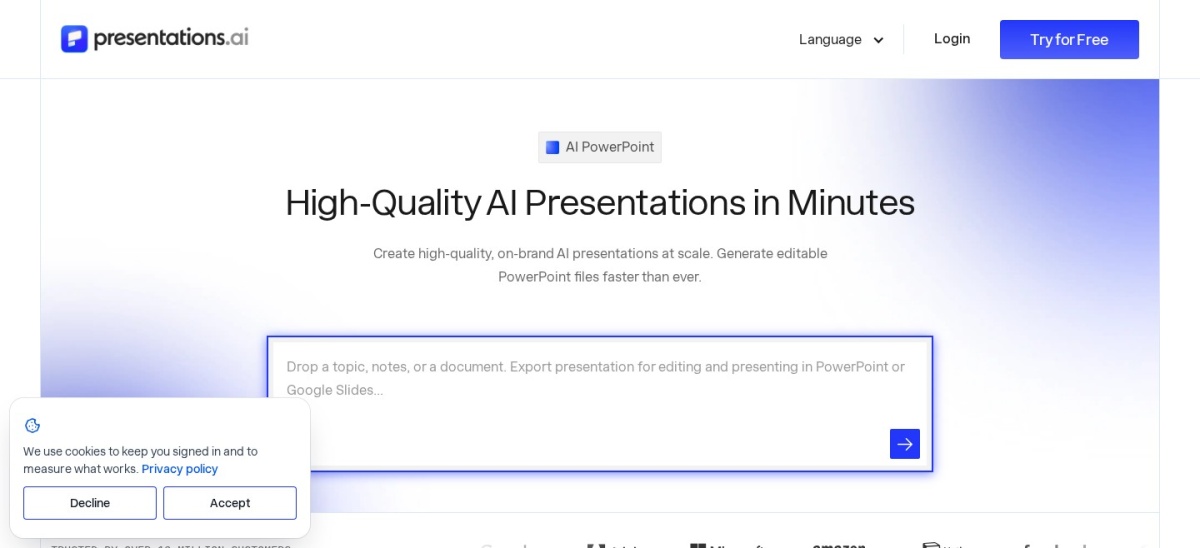
Presentations.ai is a standalone deck builder that creates polished business drafts quickly from a prompt. The free Starter plan gives 200 credits, and Pro costs $20 a month billed yearly, with PowerPoint export on the free plan.
The trade off is fine-grained editing. Published assessments conflict on how well it handles detailed edits after generation. It suits solo presenters who want a usable first draft fast.
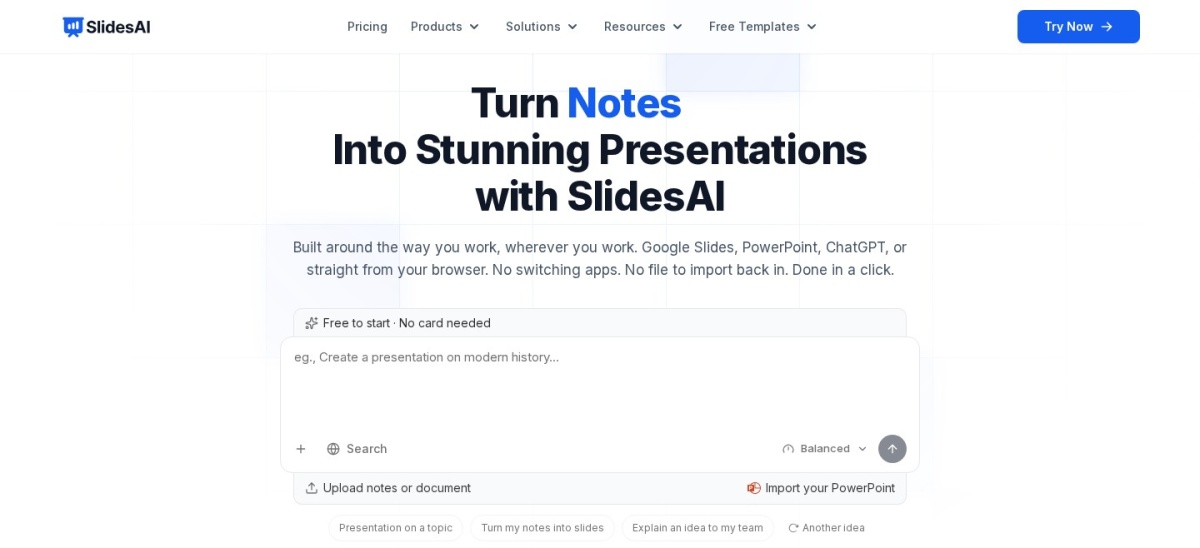
SlidesAI is a tool that works directly inside Google Slides: paste text, choose a style, and get a deck. The free plan allows 12 presentations a year, and Pro costs $10 a month billed yearly, or $120 a year, with a PowerPoint add-in as well.
The trade off is polish. Output is simpler than Gamma or Beautiful.ai and usually needs editing before external sharing. It suits teachers, students and office workers who live in Google Workspace.
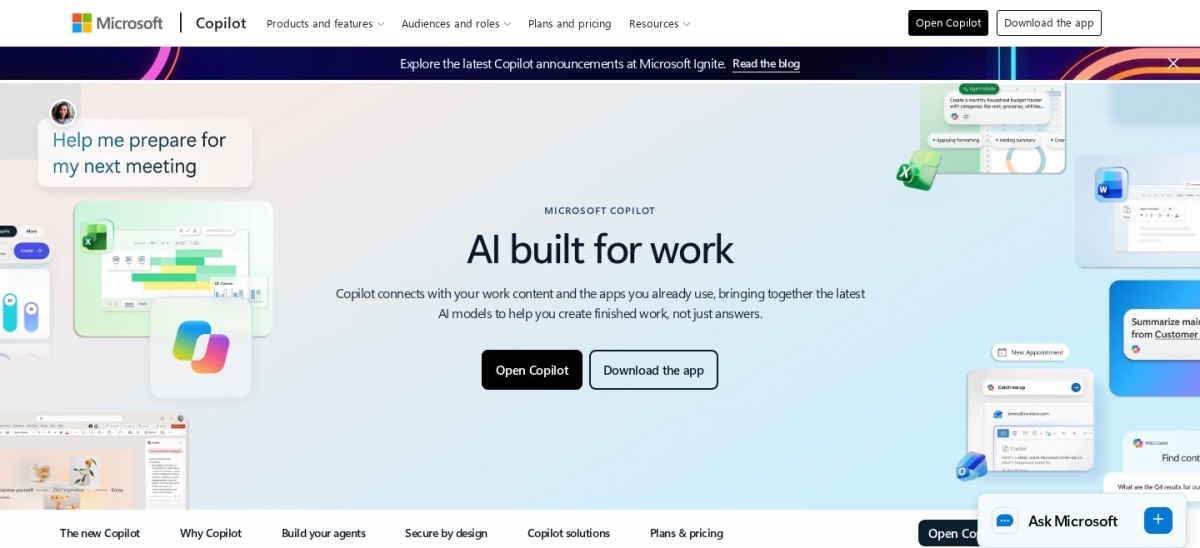
Microsoft 365 Copilot homepage, captured Nov 2026.
Microsoft 365 Copilot is built into PowerPoint for Microsoft 365 subscribers, so you can draft a presentation from a prompt or a file without leaving the app. Microsoft 365 Personal costs $99.99 a year and includes Copilot in PowerPoint with usage limits.
The trade off is the bundle. You pay for the whole Microsoft 365 subscription, not just Copilot, and the business add-on costs $21 per user a month on annual billing. It suits companies already standardized on PowerPoint.
What we like
Native PowerPoint, no new editor to learn
Included with a subscription many teams already pay for
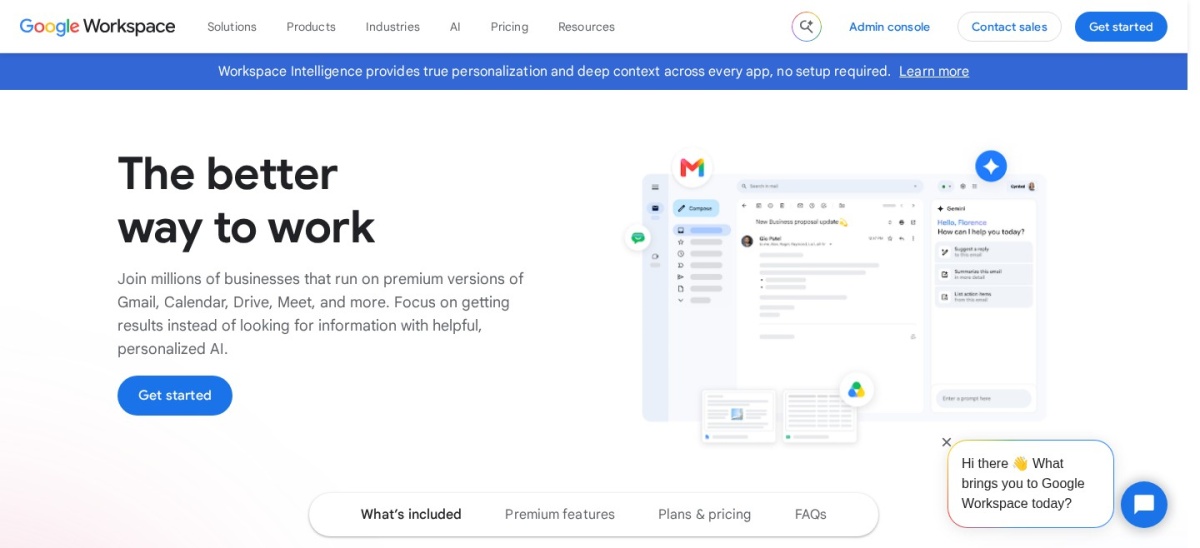
Google Slides with Gemini homepage, captured Nov 2026.
Google Slides with Gemini is the AI deck builder inside Google Workspace, with full deck generation from June 2026 for Business Standard and higher plans. Google AI Pro costs $19.99 a month, and Business Standard starts at $14 per user a month.
The trade off is the bundle. You need an eligible Google AI or Workspace plan, and there is no standalone Slides AI plan. It suits teams that already live in Google Docs and Slides.
Canva is a design platform with AI presentation tools, Magic Studio and thousands of templates. The free plan covers basic design and limited AI, and Pro costs $12 a month on annual billing ($144 a year), with more AI credits, brand kits and 100GB of storage.
The trade off is generation depth. Canva is stronger on design and templates than on writing a deck from a prompt. It suits design-led teams that want a polished deck in a tool they already use.
Decktopus is a deck builder that generates a full deck through a guided question-and-answer flow, asking about audience, purpose and tone before building. Pro costs $9.99 a month billed yearly, or $119.88 a year, with speaker notes generated beside every slide.
The trade off is customization. The guided flow feels restrictive if you prefer a blank prompt and full control. It suits small businesses that want a structured, speaker-ready deck without starting from scratch.
Free plans cover a few decks well. Gamma gives 400 one-time credits, Presentations.ai gives 200 credits, and SlidesAI gives a free plan with 12 presentations a year.
Paid plans mostly add credits and export control. You get more AI generations, branding removed and, on some tools, viewer analytics.
Beautiful.ai has no free plan, only a 14-day trial that needs a card. If you want to test before paying, start with Gamma or Presentations.ai.
How we chose
We started from the AI presentation makers that appear most often in 2026 comparisons, then kept those with a live pricing page and a public rating.
Prices come from each vendor's pricing page as reported in October and November 2026 checks, and ratings come from G2 on the same period. Where a vendor shows a sale, the list shows the regular price.
We left out tools with no clear pricing or no PowerPoint export. No vendor paid for a place. This list is based on pricing, docs and reviews, not on using the tools ourselves.
How to choose an AI presentation tool
Start with where the deck will be presented, then check export and credit limits.
Decide where the deck lives. If you present from a web link, Gamma works well. If you must hand over a .pptx file, pick Plus AI or Beautiful.ai.
Check the free plan first. Gamma gives 400 credits with no card, and Presentations.ai gives 200. Test a real brief before you pay.
Count your monthly decks. Credit-metered tools suit occasional use, while unlimited AI on Beautiful.ai suits teams that make decks every week.
Export and open the file. Open the exported PowerPoint file and check fonts, layouts and charts before the meeting, not during it.
FAQ
What is the best AI tool for PowerPoint presentations?
Gamma is the best pick for most people, with fast prompt-to-deck generation, a real free plan and PowerPoint export. Beautiful.ai suits teams that need strict brand control, and Plus AI suits people who work inside PowerPoint.
Can AI make a PowerPoint presentation for free?
Yes. Gamma, Presentations.ai, SlidesAI, Canva and Decktopus all offer free plans or trials, though the free credits are limited and some exports carry a badge.
Does Gamma export to PowerPoint?
Yes. Gamma exports to PowerPoint, PDF and PNG on every plan, including the free plan, though layouts and fonts can shift in the exported file.
Which AI tool works inside PowerPoint?
Plus AI works as an add-in inside PowerPoint and Google Slides, so you edit a real .pptx file. Microsoft Copilot is built into PowerPoint for Microsoft 365 subscribers.
Is Beautiful.ai worth the price?
Beautiful.ai costs $14.50 a month billed yearly, or $174 a year, and gives unlimited AI content with strict layout rules. It is worth it for teams that need every deck on brand, but there is no free plan.
How much does an AI presentation tool cost?
Entry plans start at $9 a month for Gamma Plus and $9.99 a month for Decktopus Pro. Beautiful.ai Pro costs $14.50 a month, and Presentations.ai Pro costs $20 a month, all on annual billing.