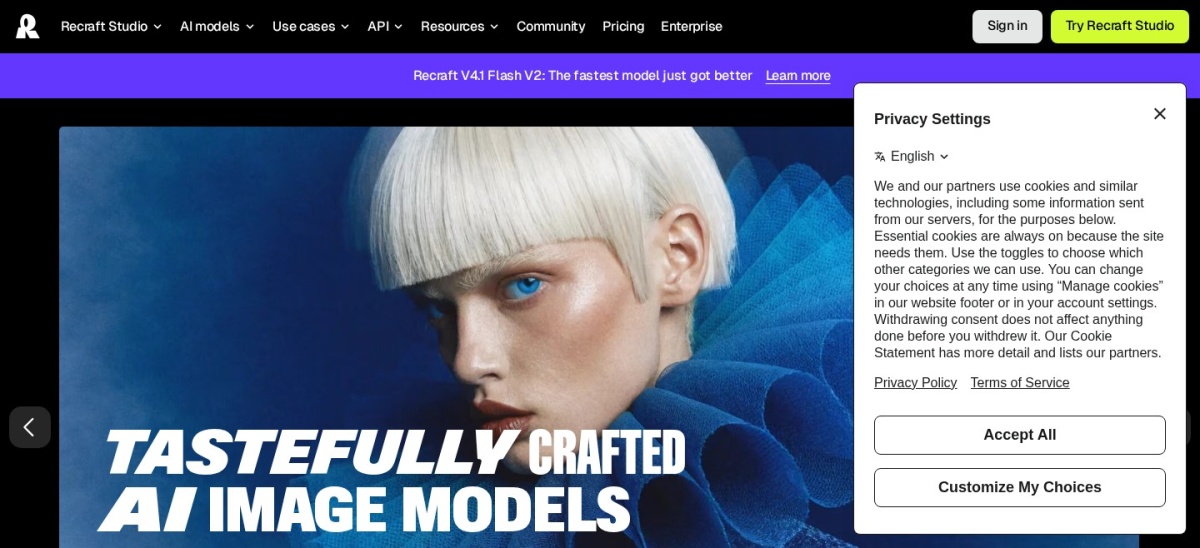
Recraft leads the top ai text to vector software for most designers, turning a text prompt into editable SVG from $12 a month. Illustrator suits print professionals who edit by hand, while Kittl is the pick for merch and templates.
How we make this list: we compare pricing pages, product documentation and public user reviews, then re-check every price before each update. No product paid for a place. Disclosure.
Recraft writes native SVG from a text prompt with its V4.1 model, from $12 a month, and holds a 4.7 G2 rating from 456 reviews.
Illustrator is the print pick, with Text to Vector Graphic inside the pro editor at $22.99 a month.
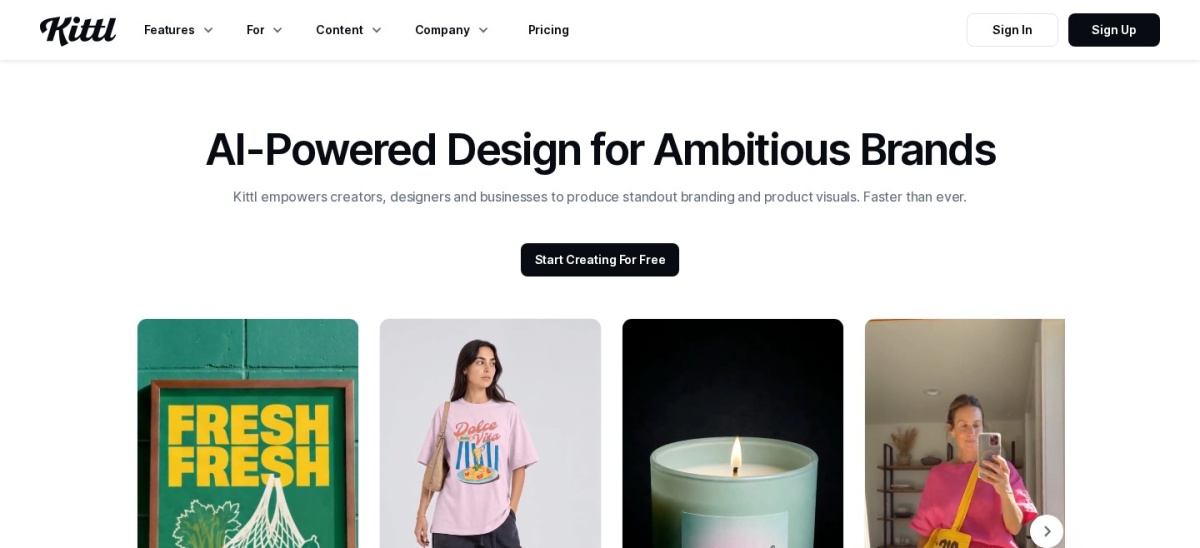
Kittl pairs AI vector generation with merch templates and mockups from $19 a month.
Vectorizer.AI and Vector Magic trace existing images to SVG from about $10 a month, but they do not generate from a prompt.
Inkscape is free and edits any SVG well, but it has no built-in text-to-vector AI.
How do you choose the top ai text to vector software?
Start with what the tool actually returns. Some write real SVG paths from a prompt, some trace a raster image, and some only edit vectors made elsewhere.
Native SVG matters when you need to edit. A traced file often has hundreds of extra anchor points, while a native file keeps clean, grouped layers.
Commercial rights decide whether the art can earn money. Free plans often keep ownership with the vendor, so read the licence before using a logo for a client.
Our guide to the best illustration software compares the same editors on file formats and print work, if you want a second view.
Recraft is an AI design tool whose V4.1 Vector model writes editable SVG directly from a text prompt, with clean paths and grouped layers. The Basic plan costs $12 a month for 1,000 credits, and paid plans grant full ownership and commercial rights.
The trade off is credits. Subscription credits do not roll over, and failed generations can still spend them, so heavy users watch the meter. It suits designers who need logos, icons and flat illustration as real SVG.
What we like
Native SVG from a text prompt, not a trace
Style-locked vectors keep brand work consistent
Rated 4.7 on G2 from 456 reviews
Watch out for
Credits do not roll over each month
Trustpilot reviews complain about refunds
Free images are public and not for commercial use
Pro at $20 a month adds 2,000 credits and more modelsVisit recraft.ai
02
Adobe Illustrator
4.6/5on G2 (6,208 reviews, checked Nov 2026)
Starts at$22.99/mo
Best for print and pro editing
Free trial7 days
Text to VectorYes, Firefly Vector
ExportsSVG, EPS, PDF, AI
Entry planSingle app, $22.99/mo
adobe.com
Adobe Illustrator homepage, captured Nov 2026.
Adobe Illustrator is the vector editor most professionals use for logos, icons and print work, and Text to Vector Graphic generates editable vector scenes, subjects, icons and patterns inside the app. The single-app plan costs $22.99 a month on an annual plan billed monthly.
The trade off is the subscription and the learning curve. Some partner models generate raster images that Illustrator then traces, so results can need a Simplify pass. It suits print professionals who edit every path by hand.
What we like
Deepest vector toolset here
Industry-standard files for print and agencies
Generative Shape Fill and Concept to Vector built in
Watch out for
Most expensive tool in this list
Steep learning curve for beginners
Some AI output is traced, not native
Teams plan at $37.99 a month adds storage and creditsVisit adobe.com
03
Kittl
4.8/5on Trustpilot (1,167 reviews, checked Nov 2026)
Paid from$19/mo
Best for merch and templates
Free planYes, personal use only
AI tokens on Pro2,000 a month
Commercial licencePro and up, 500K copies
Entry planPro, $19/mo
kittl.com
Kittl homepage, captured Nov 2026.
Kittl is a browser-based AI design platform for logos, merchandise, packaging and marketing assets, with an AI vector generator built into the canvas. Pro costs $19 a month on monthly billing, or $14 on annual billing, and includes 2,000 AI tokens a month.
The trade off is metered AI. Every generation spends tokens, and free designs are for personal use only. It suits creators who sell merch and want templates, mockups and vector tools in one place.
What we like
AI vector generator inside the canvas
Strong typography and merch templates
Rated 4.8 on Trustpilot from over 1,100 reviews
Watch out for
AI is metered by tokens
Free plan has no commercial rights
Smaller template library than Canva
Expert at $34 a month adds 6,000 tokens and daily tokensVisit kittl.com
04
Figma
4.7/5on G2 (1,597 reviews, checked Nov 2026)
Paid from$16/mo
Best for team vector workflows
Free planYes, Starter
Vector outputNative SVG on canvas
AI credits150 a day on free
Entry planProfessional, $16/mo
figma.com
Figma homepage, captured Nov 2026.
Figma is a browser-based design tool with real-time multiplayer editing, vector networks and a design agent that builds native SVG on the canvas. The free Starter plan covers unlimited drafts, and a Professional Full seat costs $16 a month billed annually.
The trade off is focus. Figma is built for interface design, so print layout and prepress are weaker than Illustrator. It suits product teams whose vector art lives inside interface files.
What we like
Real-time multiplayer editing
Design agent writes native SVG
Free Starter plan with unlimited drafts
Watch out for
Weaker for print layout than Illustrator
Free plan caps files and history
AI features are still in beta in places
Professional at $16 a seat adds unlimited files and librariesVisit figma.com
05
Vectorizer.AI
5/5on G2 (2 reviews, checked Nov 2026)
Paid from$9.99/mo
Best for converting images to vector
Free previewYes, downloads paid
ExportsSVG, EPS, DXF, PDF
Upload limit3 megapixels
Entry planWeb Images, $9.99/mo
vectorizer.ai
Vectorizer.AI homepage, captured Nov 2026.
Vectorizer.AI is a browser tool that turns PNG, JPG, GIF, BMP and WebP images into editable SVG, EPS, DXF or PDF files. The Unlimited Web Images plan costs $9.99 a month with unlimited uploads and downloads, and previews are free.
The trade off is scope. It does not generate art from a text prompt, so pair it with a generator, and some conversions leave open paths that cut machines reject. It suits anyone with an existing raster logo to convert.
Vector Magic is a bitmap-to-vector converter that turns JPG, PNG and GIF images into SVG, EPS, PDF, AI and DXF files. The online edition costs $9.95 a month, and the desktop edition at $295 one time adds batch processing, offline use and AI output.
The trade off is age. It uses traditional tracing rather than AI generation, and downloads need a paid plan even after a free preview. It suits laser cutting, sign making and print shops that need precise traces.
Inkscape is a free, open-source vector graphics editor for Windows, macOS and Linux, with node editing, snapping and path operations. It imports and exports SVG, AI, EPS, PDF and PNG, and costs nothing to use.
The trade off is AI. Inkscape has no built-in text-to-vector generation, so you generate elsewhere and edit here. It suits designers who want a free, full editor for SVG work without a subscription.
Native generators write path data directly from your prompt, so shapes stay grouped and editable. Recraft V4.1 and Illustrator Text to Vector Graphic work this way.
Tracers start from pixels and guess the paths. Vectorizer.AI and Vector Magic do this very well for logos and cut files, but complex art may need a cleanup pass.
If the file goes to a vinyl plotter, embroidery machine or print shop, native or carefully traced paths matter more than the prompt that made them.
How we chose
We started from the tools named in 2026 roundups of AI vector generators, then kept seven with a verifiable rating on G2, Capterra or Trustpilot and a published price.
Prices come from each vendor pricing page, checked on 29 November 2026. Ratings and review counts come from G2, Capterra or Trustpilot on the same day. Where a vendor shows a sale, the list shows the regular monthly price.
We left out tools with no verifiable rating, including new SVG-native models with no review base. No vendor paid for a place, and we do not claim hands-on testing for this list.
How to choose AI text to vector software
Decide whether you need native SVG or a trace first, then check the licence and the export formats.
Write one clear prompt and check the paths. Ask for a flat logo or icon, then zoom in and count anchor points. Clean geometry beats a pretty preview.
Check the export formats. SVG is the minimum. Print work also needs EPS or PDF, and cut files need DXF, so confirm before you pay.
Read the licence on the free plan. Free art is often public and owned by the vendor. A paid plan is the usual route to commercial rights.
Edit the result in a real vector editor. Even native SVG benefits from a cleanup pass in Illustrator, Figma or Inkscape before it goes to a client or a printer.
FAQ
What is the best AI text to vector software in 2026?
Recraft is the best AI text to vector software for most designers. Its V4.1 model writes editable SVG directly from a text prompt, from $12 a month, with full commercial rights on paid plans.
Can AI turn text into a vector file?
Yes. Recraft, Adobe Illustrator and Kittl all turn a text prompt into editable vector art. Recraft writes native SVG paths, while Illustrator generates vectors inside its desktop editor.
What is the cheapest AI text to vector software?
Inkscape is free, but it has no built-in text-to-vector AI. Among true generators, Vector Magic starts at $9.95 a month and Vectorizer.AI at $9.99, while Recraft Basic is $12 a month.
Is there a free AI text to vector tool?
Yes. Recraft, Kittl, Figma and Vectorizer.AI all have free plans or free previews, but free images are often public and not licensed for commercial use, so check the licence first.
Which AI text to vector tool is best for logos?
Recraft is the best pick for logos, because it writes clean native SVG with locked styles and exports production-ready files. Illustrator is the pick when a logo must survive print production.
Do I still need Illustrator if I use Recraft?
Not always. Recraft covers logos, icons and flat illustration on its own. Illustrator is worth the $22.99 a month when you need print prepress, precise path editing or agency-standard files.
SaaS SEO and WordPress specialist with about 8 years of experience. Rakib compares WordPress plugins, themes, hosting and software using public pricing, documentation and user reviews. See how we rank.