Adobe Illustrator is the best illustration software for most illustrators, rated 4.6 out of 5 on G2 from over 6,200 reviews. Pick Affinity Designer for the same pro vector work free, or Procreate for iPad drawing at $12.99 once.
How we make this list: we compare pricing pages, product documentation and public user reviews, then re-check every price before each update. No product paid for a place. Disclosure.
Adobe Illustrator stays the professional default: the deepest vector toolset, rated 4.6 out of 5 on G2 from over 6,200 reviews.
Affinity Designer gives pro vector, pixel and layout tools free, with paid AI features the only real paywall.
Procreate is the cheapest pro drawing app here at $12.99 once, but it runs on iPad only.
Clip Studio Paint is the pick for comics and manga, from $0.99 a month or $63 once for PRO.
Inkscape and Vectr cost nothing; Inkscape handles real SVG work, while Vectr suits quick, simple graphics.
What to look for in illustration software
Illustration software splits into two kinds: vector editors, which draw shapes that scale without losing sharpness, and raster painting apps, which draw pixels with brushes. Logos, icons and print work need vectors; book covers, comics and concept art often need brushes.
Price models vary more than features. Illustrator and CorelDRAW are subscriptions, Affinity and Inkscape are free, and Procreate and Clip Studio Paint sell one-time licences alongside cheap monthly plans.
Check the file formats your clients and printers expect before you buy. Our guide on adding a logo in WordPress shows why clean vector files matter when a logo has to work at any size.
Ratings here come from G2, checked on 25 November 2026. Two tools in this list have fewer than 25 G2 reviews, so treat their scores as a weak signal and weigh the free plan instead.
Adobe Illustrator is the vector editor most professional illustrators use for logos, icons, print work and brand graphics. It draws clean, scalable artwork with pen tools, brushes, patterns and precise colour control, and its files open anywhere in the print and agency world. The single-app plan costs $22.99 a month on an annual plan billed monthly and includes 100GB of cloud storage.
The trade off is the subscription. There is no perpetual licence, so the $275.88 a year continues as long as you use it, and cancelling an annual plan early can bring a fee. It suits illustrators whose work must hand off cleanly to printers, agencies and clients.
What we like
Deepest vector toolset on the market
Industry standard, so files transfer anywhere
Strong typography and print prepress controls
Includes Adobe Fonts and cloud storage
Watch out for
Subscription only, no one-time purchase
Steep learning curve for beginners
Annual commitment with early-cancellation fees
The full Creative Cloud bundle costs more per monthVisit adobe.com
02
Affinity Designer
4.5/5on G2 (452 reviews, checked Nov 2026)
PriceFree
Best free illustration software
PriceFree for individuals
Vector drawingPen, shapes, curves
Also insidePhoto and layout studios
PlatformsWindows, macOS
affinity.studio
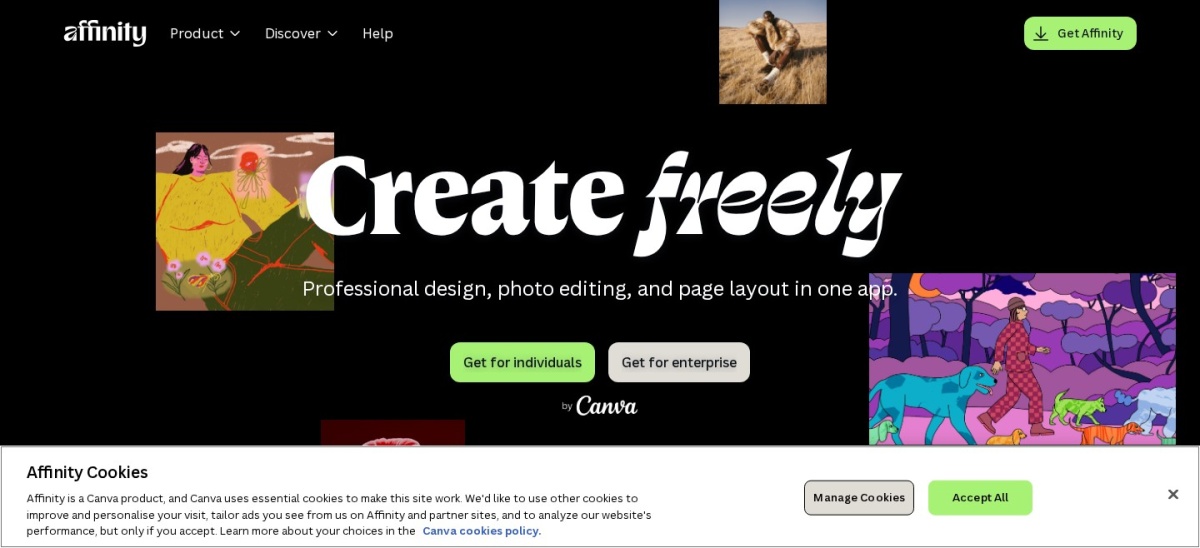
Affinity Designer homepage, captured Nov 2026.
Affinity Designer is the vector studio inside the free Affinity app from Canva, covering vector drawing, pixel painting and page layout in one download. It draws precise logos, icons and illustrations with pen and shape tools, and opens PSD, AI and IDML files. The core app is free for individuals on Windows and macOS.
The trade off is the AI paywall. Generative features need a paid Canva plan, and the unified app has no iPad version yet. It suits illustrators who want professional vector tools without a subscription or a monthly bill.
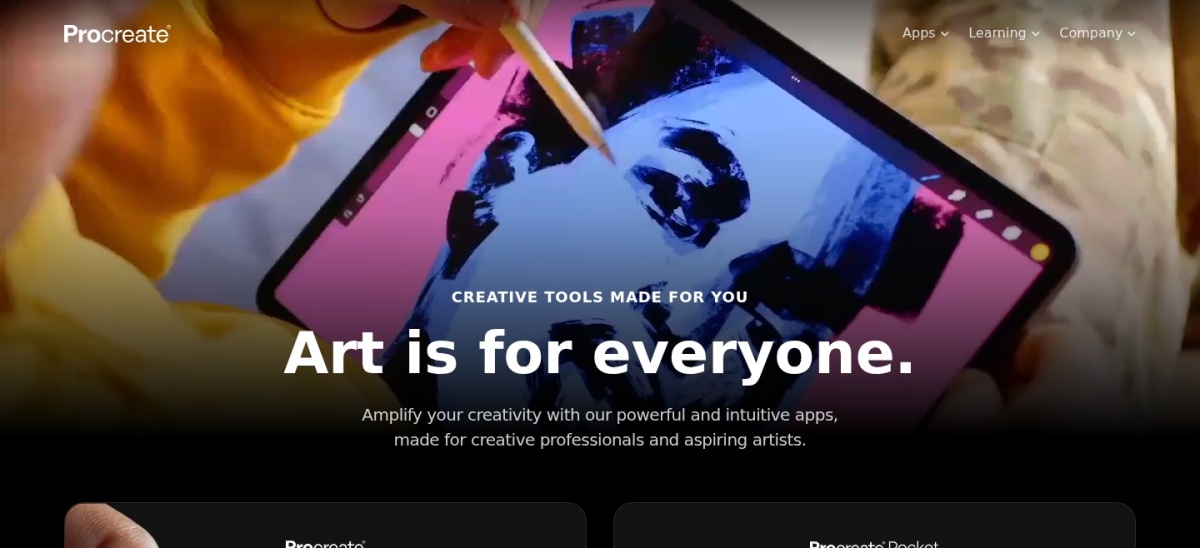
Procreate is a drawing and painting app for iPad, built around Apple Pencil pressure and tilt. It offers a large brush library, layers, masks and frame-by-frame animation in one $12.99 purchase, with no subscription and no in-app purchases. Every update since launch has been free to existing owners.
The trade off is the platform. Procreate runs on iPad only, so Windows, Mac and Android users need a different app, and there is no free version or trial to try first. It suits iPad illustrators who draw and paint by hand every day.
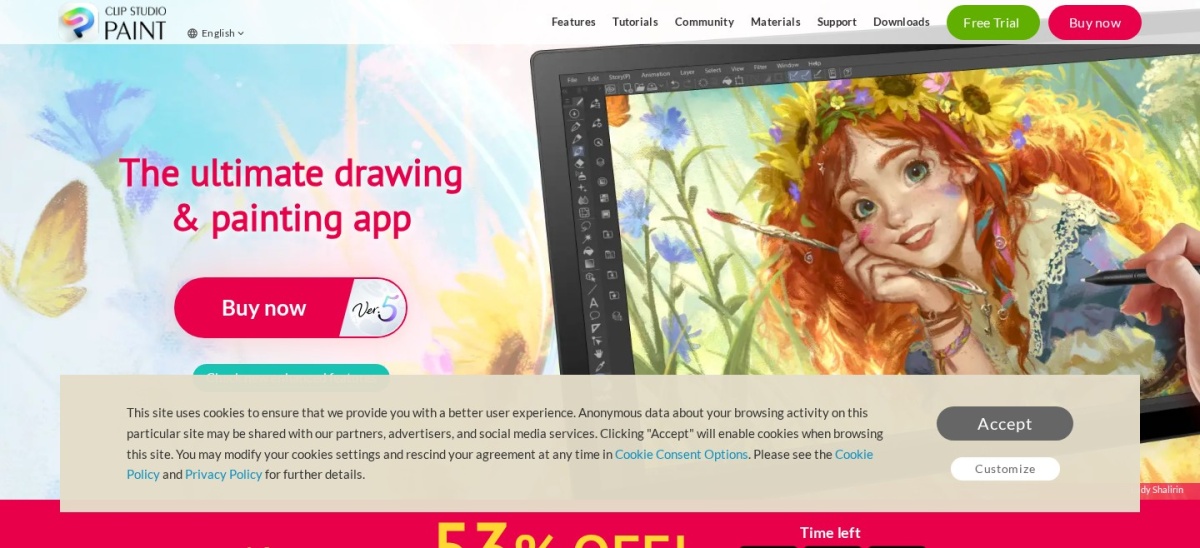
Clip Studio Paint is built for illustration, comics, manga and animation, with pen and brush tools, vector layers and 3D models for reference. The PRO edition covers single-page comics and animation up to 24 frames, while EX adds multi-page projects and unlimited animation. The cheapest plan costs $0.99 a month, and a PRO perpetual licence costs $63 once.
The trade off is the plan maze. Subscriptions, perpetual licences and Update Passes overlap, so the cheapest route depends on whether you need the iPad app or desktop only. It suits comic and manga artists who want line tools and panel features Illustrator does not offer.
CorelDRAW is a vector suite for illustration, page layout and photo editing in one package. It covers logos, signage, packaging and large-format print, with font tools, templates and PowerTRACE bitmap-to-vector conversion. The annual plan costs $269 a year, and a 15-day trial is available.
The trade off is the ecosystem. CorelDRAW has a smaller community than Illustrator, so tutorials and freelancers fluent in it are harder to find, and the macOS version lags Windows in places. It suits print shops and designers who want a suite without a monthly Adobe bill.
Inkscape is a free, open-source vector editor that covers the fundamentals well: bezier drawing, node editing, boolean path operations, layers, gradients and text on paths. Its native SVG format makes it a natural fit for web graphics, icons and diagrams. It runs on Windows, macOS and Linux with no account or upsell.
The trade off is polish and print. There is no native CMYK colour mode, so print designers who need exact colour separations will hit a wall, and performance can drag on files with thousands of objects. It suits illustrators on a zero budget who work mainly for screens and the web.
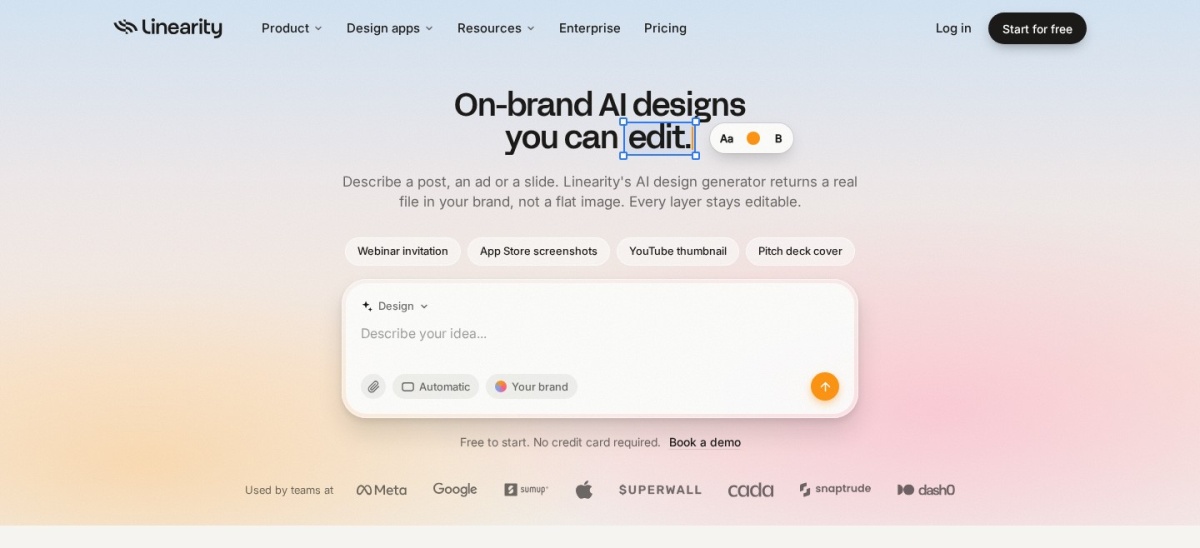
Linearity Curve is a vector editor for Mac, iPad and iPhone, formerly known as Vectornator. Its clean interface covers bezier pen and node tools, Shape Builder, text on path and AI-assisted Auto Trace, which turns rough sketches into editable vectors. A free plan covers the basics, with Pro at $119.90 a year.
The trade off is depth and reach. Curve is Apple-only, so Windows and Android teams cannot standardise on it, and advanced features sit behind the paid tier. It suits Apple-first illustrators who want fast marketing graphics and brand assets without Illustrator's learning curve.
What we like
Clean, approachable interface
Works across Mac, iPad and iPhone
AI Auto Trace converts sketches to vectors
Free plan covers the basics
Watch out for
Apple platforms only
Advanced features require a paid tier
Only 17 G2 reviews, so the rating is a weak signal
Vectr is a free vector editor that runs in the browser and as a desktop app, with no install needed to start drawing. Shape tools, a pen tool, text and simple filters cover social graphics, basic logos and presentation visuals, and files can be shared for real-time collaboration. The core editor costs nothing.
The trade off is the ceiling. There is no gradient mesh, no advanced typography controls and no CMYK, so power users will outgrow it quickly. It suits beginners and non-designers who need a simple graphic fast and do not want to learn a pro tool.
What we like
Free with no learning curve
Runs in the browser with desktop apps too
Real-time collaboration on shared documents
Watch out for
Lacks advanced features professionals expect
No CMYK or gradient mesh
Only 24 G2 reviews, so the rating is a weak signal
Free tools cover the basics well. Affinity, Inkscape and Vectr all draw real vector artwork at no cost, and Affinity adds pixel painting and layout in the same app.
Paid plans mostly add depth and convenience. Illustrator adds print and prepress controls, Clip Studio Paint adds comic tools and animation, and Linearity Pro removes file and export limits.
If illustration earns your income, the subscription usually pays for itself in one job. If it is a side skill, start free with Affinity or Inkscape and pay only when a missing feature blocks real work.
How we chose
We started from the most widely used illustration tools for vector drawing and digital painting, then kept those with a public rating on G2 and a price we could verify on the vendor's own pricing page.
Prices come from each vendor's pricing page, checked on 25 November 2026. Ratings and review counts come from G2 on the same day. Where a vendor shows a sale, the list shows the regular price.
We left out tools whose current paid price could not be verified, including Figma and Sketch. No vendor paid for a place, and we do not claim hands-on testing for this list.
How to choose illustration software
Match the tool to the output you make most, then check price and platform before you commit.
Decide vector or painting first. Logos, icons and print need a vector editor such as Illustrator, Affinity or Inkscape. Book covers, comics and concept art need brushes, so look at Procreate or Clip Studio Paint.
Check your platform. Procreate runs on iPad only and Linearity Curve on Apple devices only. If your team mixes Windows and Mac, pick a tool that runs on both.
Try the free route before paying. Affinity and Inkscape cost nothing, and most paid tools offer a trial. Draw a real job in the free option first and note what is missing.
Check the file handoff. Make sure the tool exports the SVG, PDF or AI files your printer or client expects. A cheap tool that cannot hand off clean files costs more in rework.
FAQ
What is the best illustration software?
Adobe Illustrator is the best illustration software for most illustrators. It has the deepest vector toolset, the widest file compatibility and a 4.6 out of 5 G2 rating from over 6,200 reviews, though it costs $22.99 a month.
What is the best free illustration software?
Affinity Designer is the best free illustration software. Its free app covers vector drawing, pixel painting and page layout, opens PSD and AI files, and runs on Windows and macOS with no subscription.
Is Procreate good for professional illustration?
Yes, for iPad illustrators. Procreate offers pressure-sensitive brushes, layers, masks and animation for a $12.99 one-time purchase. Its limits are the iPad-only platform and no vector tools for logos that must scale.
Do I need Illustrator or is Affinity enough?
Affinity is enough for most logo, icon and print work, and it costs nothing. Illustrator is worth the subscription when clients, printers or agencies expect native AI files, Adobe Fonts or advanced prepress controls.
What is the best illustration software for comics?
Clip Studio Paint is the best pick for comics and manga. It has panel tools, perspective rulers, screentones, speech balloons and vector layers, from $0.99 a month or $63 once for the PRO perpetual licence.
Can I illustrate professionally with free software?
Yes. Inkscape handles real SVG logo and icon work free, and Affinity covers vector, pixel and layout work free. The gap is print colour control and client file compatibility, so proof exports carefully before delivery.
SaaS SEO and WordPress specialist with about 8 years of experience. Rakib compares WordPress plugins, themes, hosting and software using public pricing, documentation and user reviews. See how we rank.