Norton Clean is the best smartphone software for performance, a free junk remover from a trusted security brand with no ads and no paid tier. AVG Cleaner adds battery tools for 30 dollars a year, while Droid Optimizer suits older phones that need a light one-tap clean.
How we make this list: we compare pricing pages, product documentation and public user reviews, then re-check every price before each update. No product paid for a place. Disclosure.
Norton Clean is the best smartphone software for performance: free, ad-free and from a trusted brand.
Five of the seven tools are free to install, but only Norton Clean and Droid Optimizer have no paid tier at all.
AVG Cleaner is the best paid pick at 29 dollars and 99 cents a year, with battery tools included.
Avast Cleanup is the dearest here at 65 dollars and 99 cents a year on renewal.
Files by Google and SD Maid are missing because neither has a G2, Capterra or Trustpilot rating.
PhoneClean is the only iPhone cleaner in the list, and it scores just 2.6 from 29 Trustpilot reviews.
How does smartphone software for performance actually speed up a phone?
Most of the speed a cleaner app can give comes from freeing storage, not from a magic boost button. A phone with little free space slows down because the system has nowhere to write temporary files, so clearing cache and leftover files is the one job that reliably helps.
Ads are the hidden cost of free cleaners. The free tier of AVG Cleaner, Avast Cleanup and CCleaner all show ads, and some run background scans that use battery. Norton Clean is the only tool here with no ads at all, which is why it tops the list.
Android and iPhone are not equal here. Android lets a cleaner app clear caches and leftover files from other apps, while iOS blocks that access, so an iPhone cleaner can only tidy photos, contacts and its own junk. PhoneClean is the only iPhone option in this list.
Ratings in this category are company ratings, not app ratings, because most of these apps have no product page on G2, Capterra or Trustpilot. Norton, AVG, Avast and CCleaner are rated as companies, and their scores cover their whole product range, not just the cleaner app.
4.7/5on Trustpilot (95278 reviews, checked Nov 2026)
PriceFree
Best free phone cleaner with no ads
Best forSimple junk removal
Paid planNone
PlatformsAndroid
AdsNone
norton.com
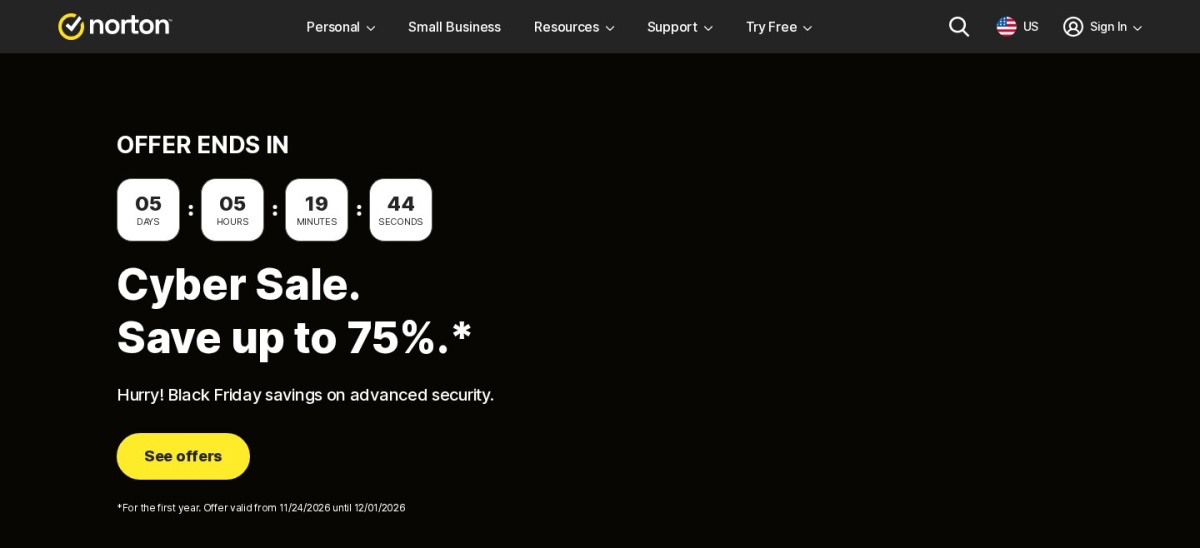
Norton Clean homepage, captured Nov 2026.
Norton Clean is a free junk remover from Norton that deletes residual files, cache and obsolete APKs from an Android phone. It has no ads, no paid tier and no account sign-up, so it does the core job without asking for money or attention.
The trade off is scope: Norton Clean only removes junk and frees storage, with no battery saver, RAM booster or photo cleanup. If you want those extras, AVG Cleaner or Avast Cleanup add them, but both show ads on their free plans.
What we like
Completely free with no paid tier
No ads anywhere in the app
From a trusted security brand
Simple one-tap junk removal
Watch out for
No battery saver or RAM booster
No photo cleanup tools
Android only
Norton Clean is free with no subscription or accountVisit norton.com
02
Droid Optimizer
4.7/5on Trustpilot (21000 reviews, checked Nov 2026)
PriceFree
Best lightweight cleaner for older phones
Best forOlder or low-storage phones
Paid planNone
PlatformsAndroid
AdsYes
ashampoo.com
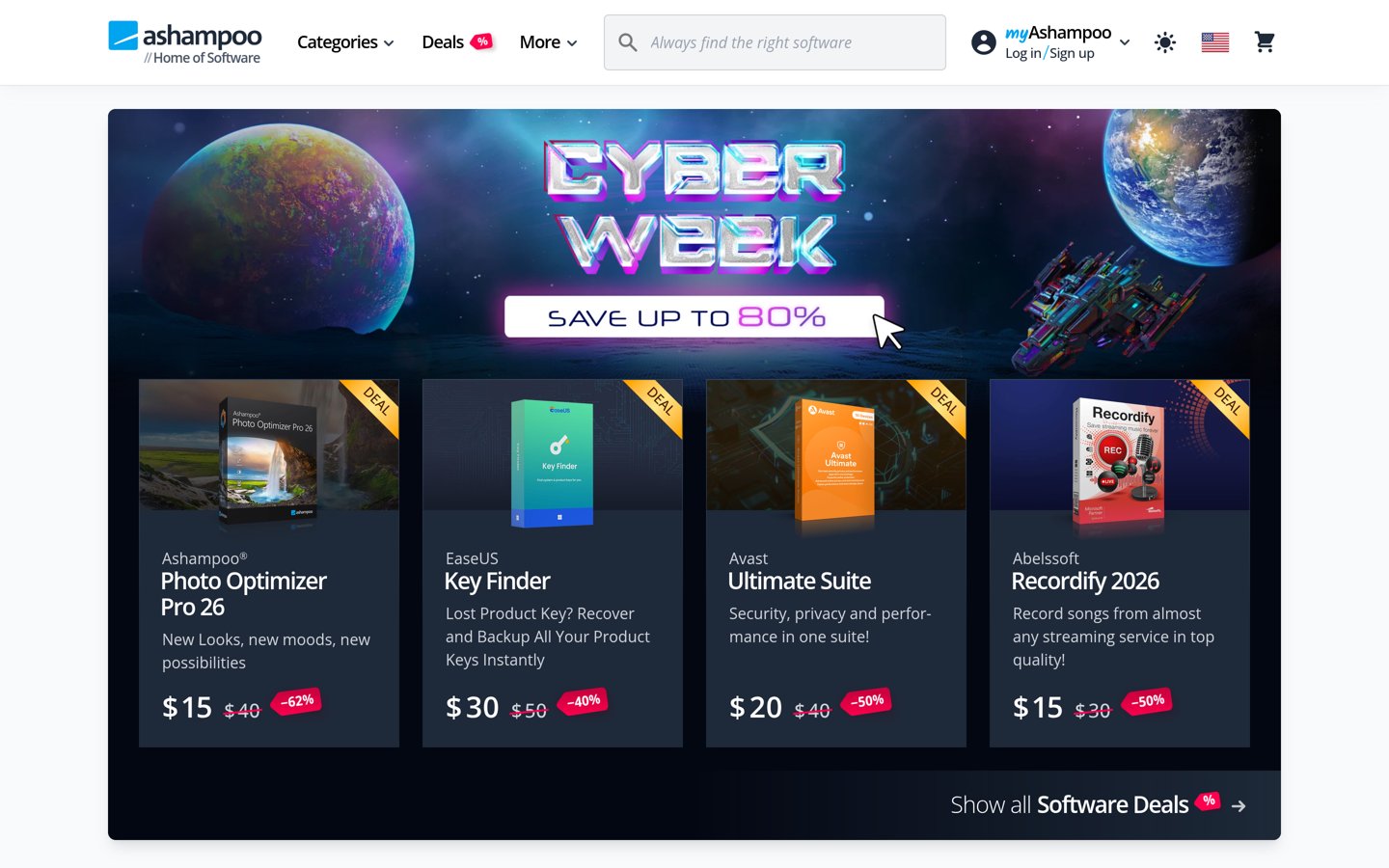
Droid Optimizer homepage, captured Nov 2026.
Droid Optimizer is a lightweight Android cleaner from Ashampoo that clears junk, stops background apps and schedules automatic cleanups. It is built for older or low-storage phones, where a heavy cleaner would use more resources than it saves.
The trade off is that its home site is gone, so new users get it from Google Play rather than the vendor, and its Trustpilot rating covers Ashampoo as a company, not the app itself. It also shows ads on the free plan.
4.5/5on Trustpilot (49702 reviews, checked Nov 2026)
Paid from$29.99/yr
Best set-and-forget cleaner with battery tools
Best forAutomatic maintenance
Paid planPro at $29.99 per year
PlatformsAndroid, Mac
AdsYes on free plan
avg.com
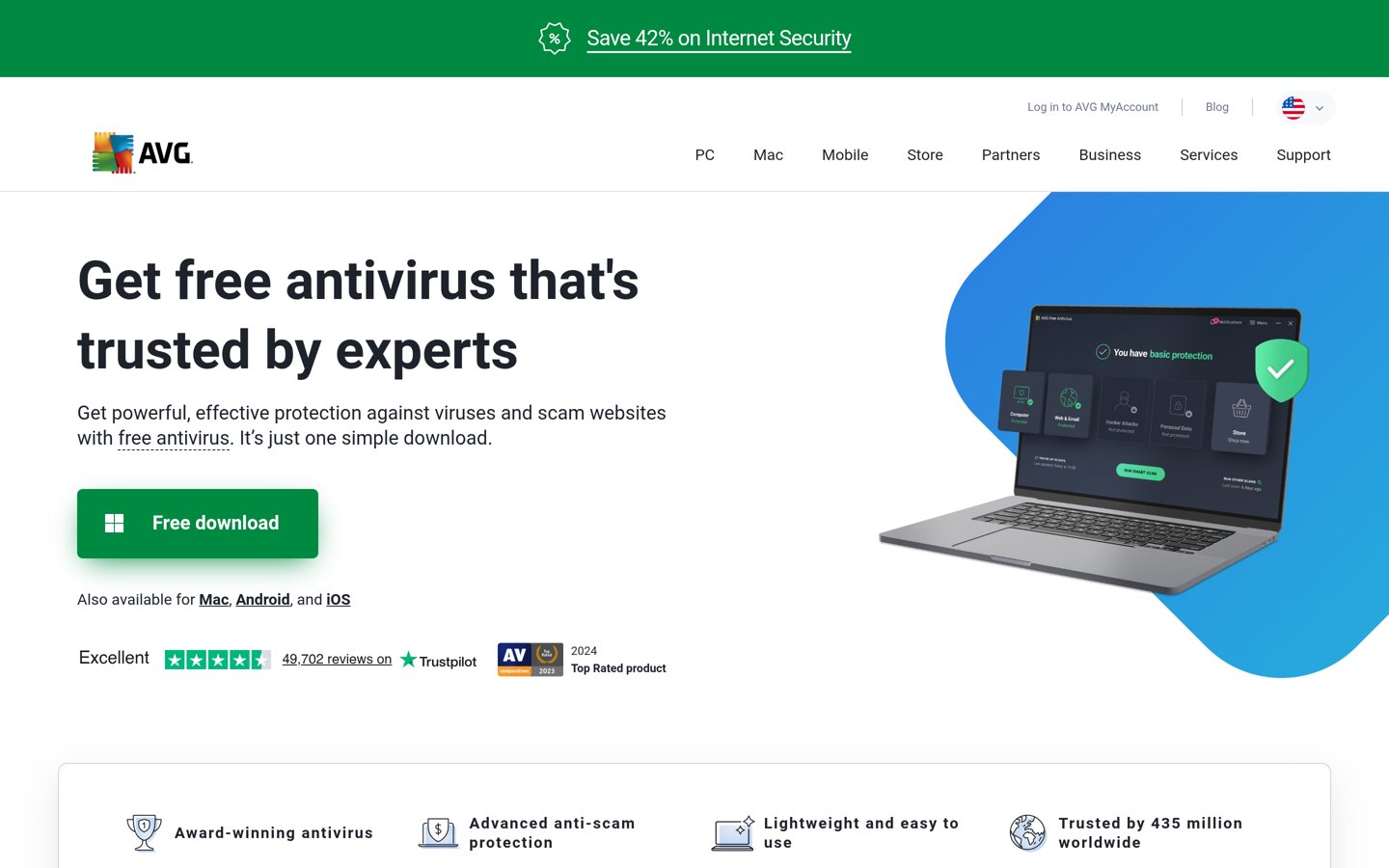
AVG Cleaner homepage, captured Nov 2026.
AVG Cleaner is an Android cleaner from AVG that removes junk, finds duplicate photos and adds battery saving and app hibernation. It can run automatic cleanups on a schedule, so maintenance happens without opening the app.
The trade off is the price and the ads. The free plan shows ads, and the Pro plan costs 29 dollars and 99 cents a year. It is also owned by the same parent company as Avast and CCleaner, so the three tools share much of the same engine.
4.2/5on Trustpilot (47347 reviews, checked Nov 2026)
Paid from$65.99/yr
Best all-in-one cleaner with app hibernation
Best forBattery drain and photo cleanup
Paid planPremium at $65.99 per year
PlatformsAndroid, iOS, Windows, Mac
AdsYes on free plan
avast.com
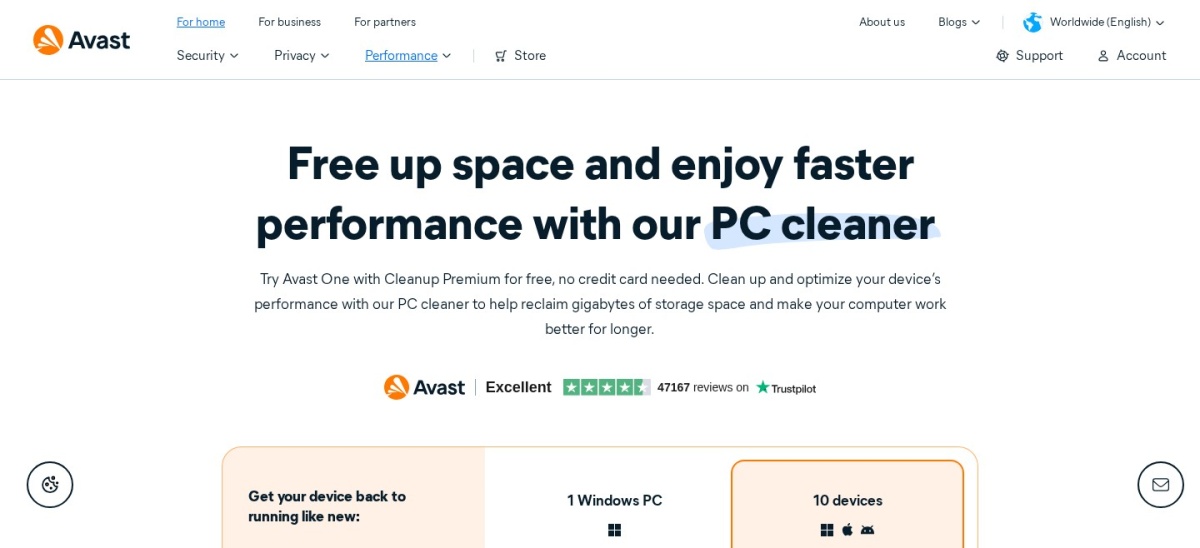
Avast Cleanup homepage, captured Nov 2026.
Avast Cleanup is the most feature-rich cleaner in this list, with junk removal, photo cleanup, app management and a Sleep Mode that pauses background apps to save battery. It runs on Android, iOS, Windows and Mac under one subscription.
The trade off is the renewal price, which climbs to 65 dollars and 99 cents a year after a cheaper first year. The free version also shows ads, and many Trustpilot reviewers complain about renewal charges and hard cancellations.
4.1/5on Trustpilot (28926 reviews, checked Nov 2026)
Paid from$44.95/yr
Best-known cleaner brand for Android
Best forFamiliar brand cleaning
Paid planPro at $44.95 per year
PlatformsAndroid, Windows, Mac
AdsYes on free plan
ccleaner.com
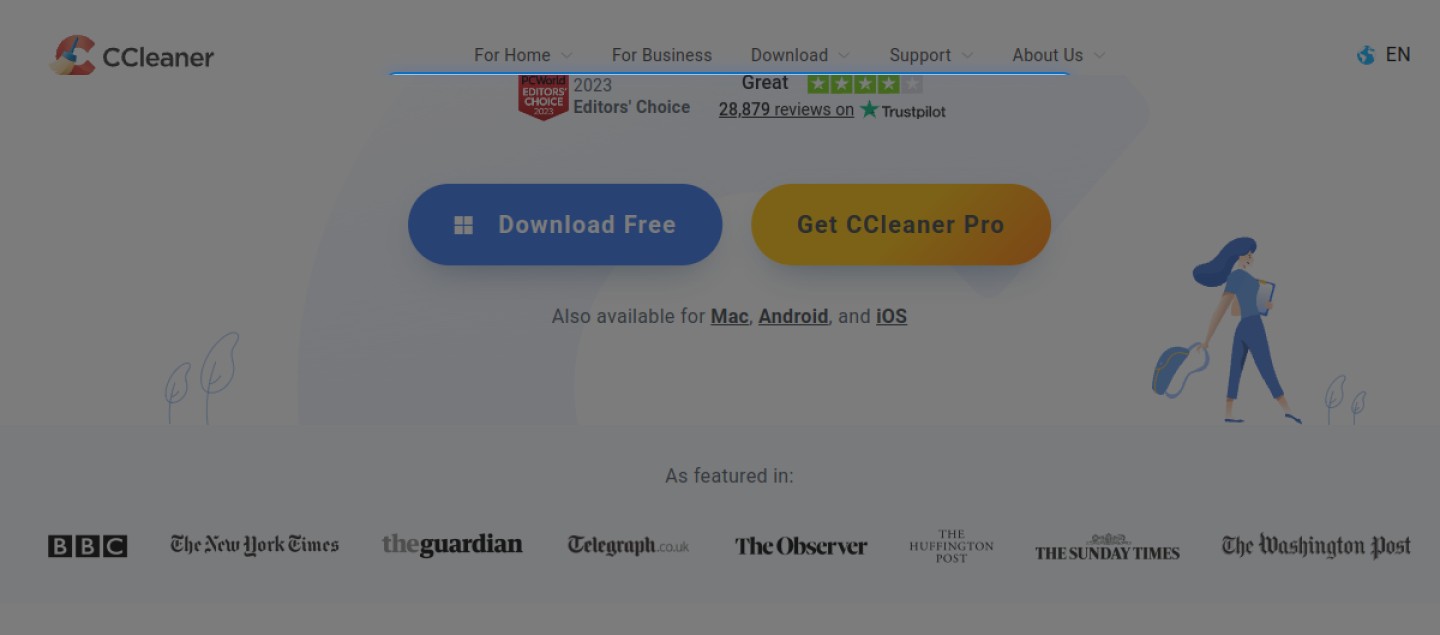
CCleaner homepage, captured Nov 2026.
CCleaner is the best-known cleaner brand in this list, with a free Android app that clears junk, browser history and clipboard content and shows storage, RAM and CPU status. More than 100 million people have downloaded it from Google Play.
The trade off is the upsell pressure. The free version shows ads and pushes the Pro plan, which costs 44 dollars and 95 cents a year, and some users report a persistent background process. Its Trustpilot score of 4.1 also drifts as new reviews land.
3.9/5on Trustpilot (279 reviews, checked Nov 2026)
PriceFree
Best duplicate and WhatsApp media finder
Best forDuplicate and WhatsApp files
Paid planPro via in-app purchase
PlatformsAndroid
AdsYes
systweak.com
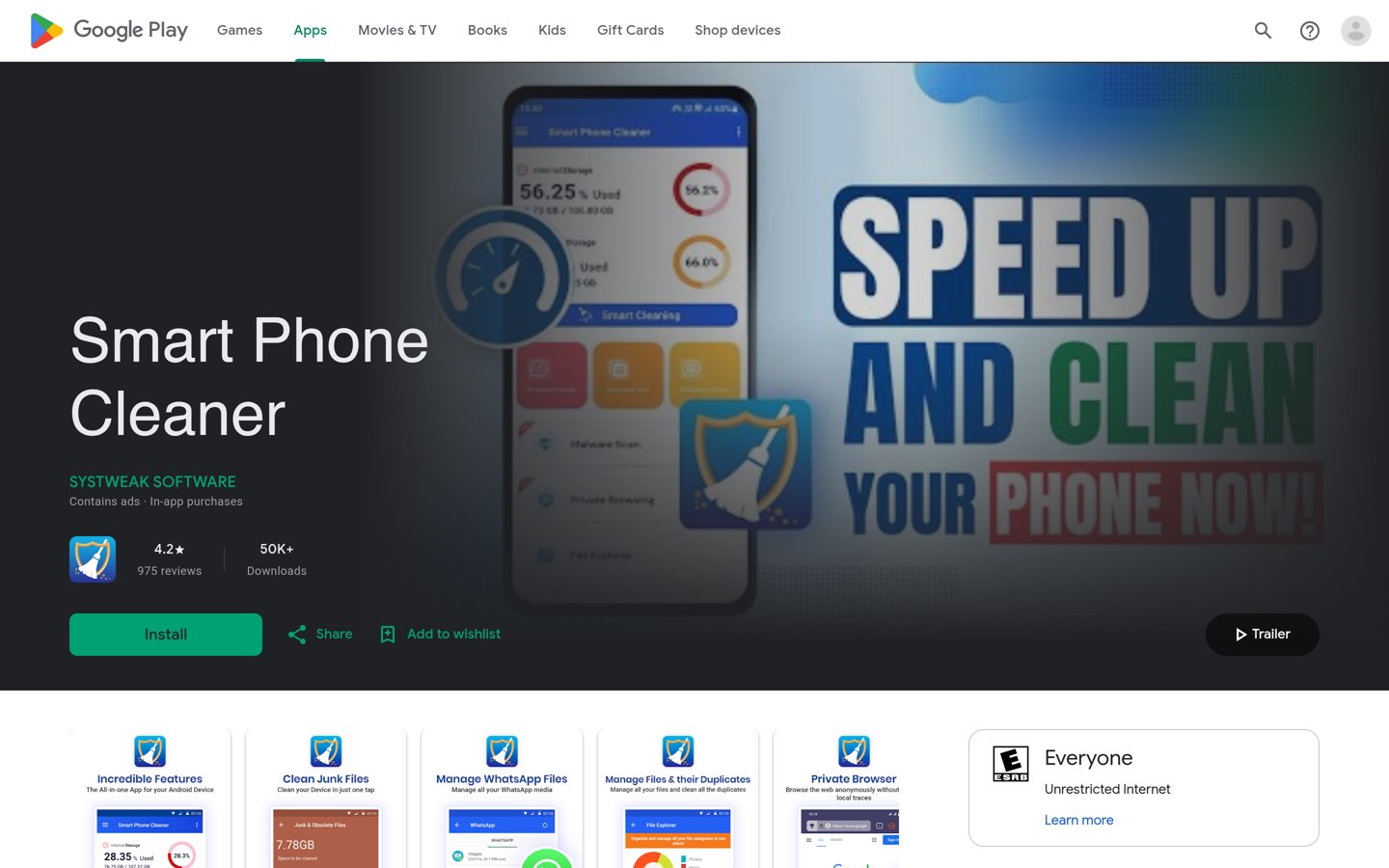
Systweak Smart Phone Cleaner homepage, captured Nov 2026.
Systweak Smart Phone Cleaner is an Android cleaner that finds duplicate files, cleans WhatsApp media and hibernates apps that drain battery. Its duplicate and WhatsApp scans are the most useful tools here for a phone full of forwarded media.
The trade off is the rating and the ads. Only 279 Trustpilot reviews sit behind its 3.9 score, the free version shows ads, and the Pro upgrade price is not published on the vendor site, so check the Play listing before you pay.
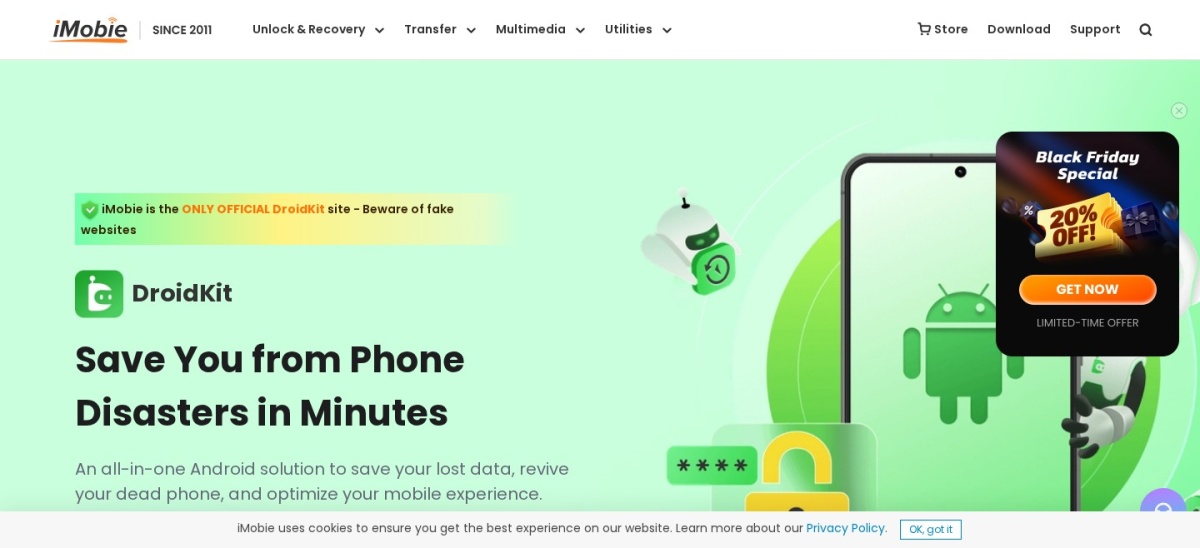
PhoneClean is an iPhone cleaner from iMobie that removes junk files, cleans up photos and frees storage on iOS, where most Android cleaners cannot run. It is the only iPhone option in this list, and its Pro plan costs 19 dollars and 99 cents a year.
The trade off is the rating: 2.6 from only 29 Trustpilot reviews, the weakest in this list, and the reviews cover iMobie as a company rather than PhoneClean itself. Its homepage also promotes a different product, DroidKit, ahead of PhoneClean.
Free cleaners pay for themselves with ads, data or a Pro upsell, and some run background scans that use battery. Norton Clean is the exception here, with no ads and no paid tier, while Droid Optimizer is free but shows ads.
Check the battery screen a week after installing any cleaner. If the app sits near the top of battery use, it is costing more performance than it saves, and a simpler tool is the better pick.
How we chose
We compared phone cleaner and booster apps that run on Android or iPhone and promise faster performance. Every tool here has a numeric rating from Trustpilot, and we used the vendor's own Trustpilot profile where no product-level page exists.
Free matters most in this category, so tools with no paid tier rank above subscription apps. We also weighed ads, battery drain and whether the app shows what it will delete before it cleans.
No vendor paid for a place, and we do not claim hands-on testing for this list. Apps with no G2, Capterra or Trustpilot rating, including Files by Google and SD Maid, were left out and are named in the FAQ.
How to choose smartphone software for performance
Start free, check what the app can actually clean, and watch the renewal price.
Start with the free tier Try Norton Clean or Droid Optimizer first, since both are free with no paid tier, and only pay if you need battery tools or photo cleanup.
Check what it can actually clean Android cleaners clear cache and leftover files, but iOS blocks that access, so iPhone users should expect photo and junk cleanup only.
Count the renewal price Avast Cleanup renews at 65 dollars and 99 cents a year after a cheaper first year, so check the renewal figure before you subscribe.
Watch the ads and battery use Free cleaners pay for themselves with ads and background scans, so check battery usage after a week and drop any app that drains it.
FAQ
What is the best smartphone software for performance?
Norton Clean is the best smartphone software for performance, a free junk remover from a trusted security brand with no ads and no paid tier. AVG Cleaner adds battery tools for 30 dollars a year, while Droid Optimizer suits older phones that need a light one-tap clean.
Do phone cleaner apps actually make a phone faster?
Yes, but only in a limited way. A cleaner frees storage and stops background apps, which helps a phone that is nearly full or short on memory. It cannot fix a worn battery or a slow processor, so expect a smoother phone, not a new one.
Which phone cleaner is completely free?
Norton Clean and Droid Optimizer are completely free, with no paid tier at all. AVG Cleaner, Avast Cleanup and CCleaner are free to install but charge for a Pro plan, and Systweak Smart Phone Cleaner is free with in-app purchases for its Pro features.
Is CCleaner safe for Android?
Yes, CCleaner is a legitimate cleaner from a long-running brand, and its Android app is listed on Google Play with more than 100 million downloads. The free version shows ads and pushes its Pro plan hard, and some users report a persistent background process, so check the battery settings after installing it.
What is the best phone cleaner for iPhone?
PhoneClean is the only iPhone cleaner in this list, with junk and photo cleanup for iOS and a Pro plan at 19 dollars and 99 cents a year. Most Android cleaners do not run on iPhone, because iOS blocks apps from clearing other apps' caches.
Why is Files by Google not on this list?
Files by Google is free, ad-free and made by Google, and most cleaner roundups rank it first. It has no product-level rating on G2, Capterra or Trustpilot, so it cannot meet this list's rating rule, which is why we left it out and flagged the gap here.
Is SD Maid still worth installing?
SD Maid is the deepest cleaner for Android, with leftover-file removal that no other tool here matches. It has no rating on G2, Capterra or Trustpilot, so it cannot meet this list's rating rule, and its interface assumes technical knowledge, which puts off casual users.
SaaS SEO and WordPress specialist with about 8 years of experience. Rakib compares WordPress plugins, themes, hosting and software using public pricing, documentation and user reviews. See how we rank.