Tiptap is the best Slate alternative for most React teams. Its free MIT core is headless and built on ProseMirror, with more than 100 extensions and paid cloud plans from $49 a month, and it holds a 4.6 out of 5 rating on G2. Pick TinyMCE for a ready-made toolbar editor, or CKEditor for track changes and collaboration.
How we make this list: we compare pricing pages, product documentation and public user reviews, then re-check every price before each update. No product paid for a place. Disclosure.
Tiptap is the closest framework swap for Slate: headless, React-friendly and built on ProseMirror, with a free core.
TinyMCE and CKEditor are the finished editors here, with free tiers and paid plans from $79 and $144 a month.
Froala is the only flat licence in the list at $899 a year, with no charge per editor load or user.
Quill, Summernote, ContentTools and Simditor are all free, but they are simpler editors with smaller review bases.
Paid plans in this list run from $49 a month to $144 a month, plus Froala at $899 a year.
What should you look for in Slate alternatives?
Slate is a framework, not a finished editor. It gives React teams a document model and rendering control, and leaves the toolbar, menus and collaboration to the team building on it.
The first choice is how much you want to build. A headless framework such as Tiptap keeps the control Slate offered, while a complete editor such as TinyMCE or CKEditor ships the interface ready to use.
Collaboration and review features are the next split. Real-time editing, comments and track changes are paid features in most tools here, so check the plan before you commit to one. Our guide on using React with WordPress covers the same React-first thinking in a WordPress setting.
Price is measured in different units across this list. TinyMCE and CKEditor charge per editor load, Tiptap charges per cloud document, Froala charges one flat yearly licence, and four tools cost nothing at all. Our guide on adding JavaScript to WordPress shows how a script-based editor is added to a page.
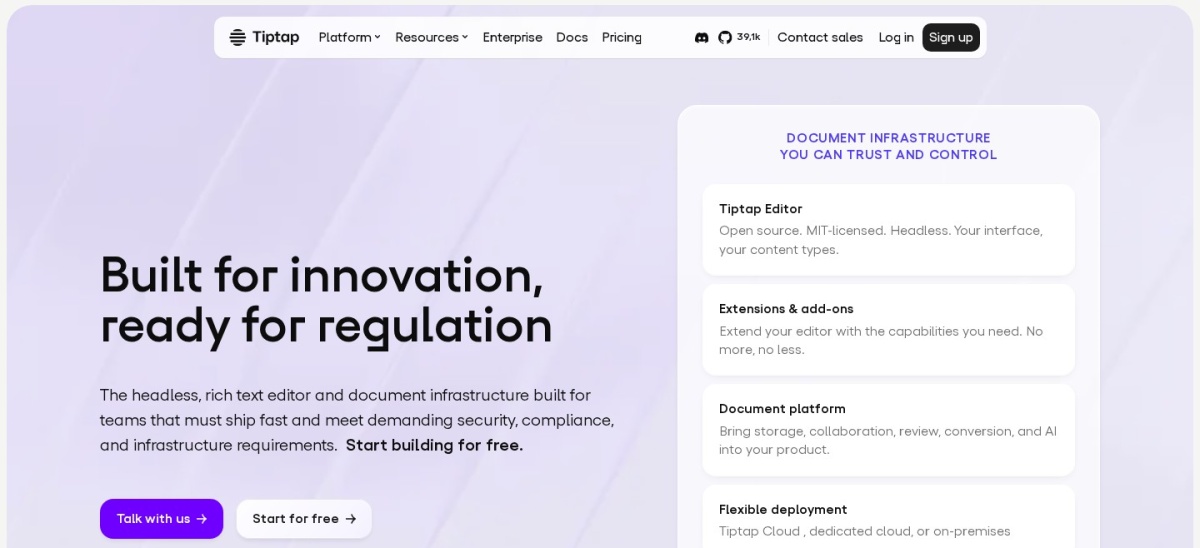
Tiptap is a headless, open-source rich-text editor framework built on ProseMirror. The core is free under the MIT licence, ships no toolbar of its own, and offers more than 100 extensions for tables, images, mentions and collaboration.
The trade off is build time. You design the interface yourself, and comments, document history and managed cloud documents sit in paid platform plans from $49 a month billed yearly. It suits React teams that want Slate-style control with a larger, more active ecosystem.
What we like
Closest framework match to Slate, with a modern React API
Free MIT core with more than 100 extensions
Managed collaboration and AI features on paid plans
Highest G2 rating in this list, at 4.6 out of 5
Watch out for
No toolbar or interface included, so setup takes longer
Only 4 G2 reviews, a thin review base
Paid cloud plans are priced by document count
Paid plans add cloud documents, comments and historyVisit tiptap.dev
02
TinyMCE
4.5/5on G2 (120 reviews, checked Nov 2026)
Paid from$79/mo
Best ready-made editor
Free tierCore, 1,000 loads a month
Editor loads5,000 a month on Essential
FrameworksReact, Vue, Angular
Paid planEssential, $79/mo
tiny.cloud
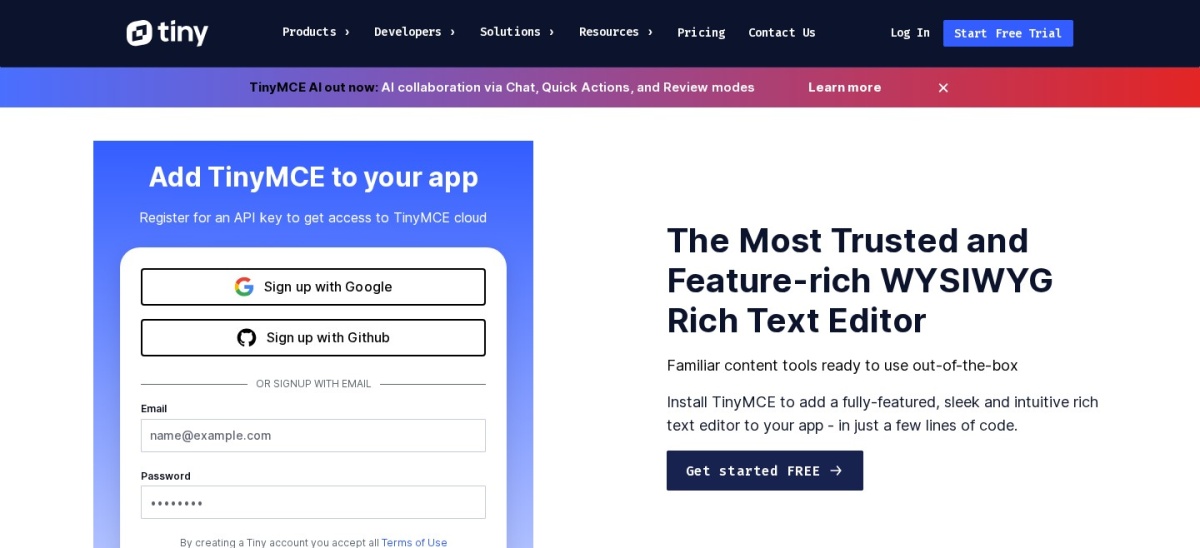
TinyMCE homepage, captured Nov 2026.
TinyMCE is a complete WYSIWYG editor with a familiar toolbar, plugins and official wrappers for React, Vue and Angular. The free Core tier covers 1,000 editor loads a month, and the paid Essential plan at $79 a month raises that to 5,000 loads with a commercial licence and support.
The trade off is metering. Every editor load counts against the monthly allowance, and advanced features such as PowerPaste, collaboration and compliance tools sit on higher plans. It suits teams that want a finished editor in place with little custom code.
What we like
Ready-made toolbar, so it ships fast
Largest review base in this list, at 120 G2 reviews
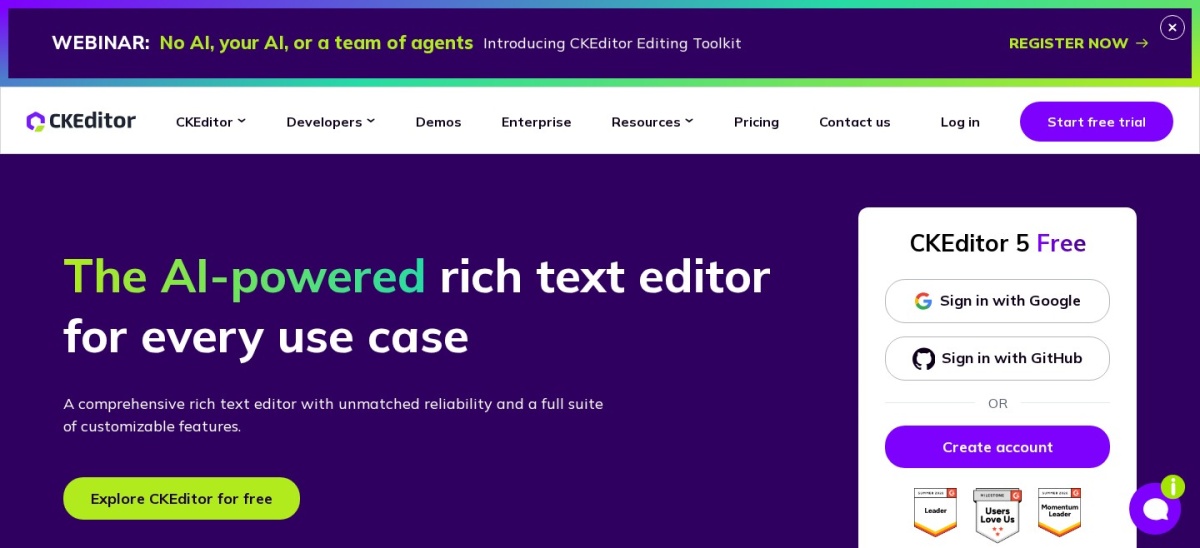
CKEditor 5 is a full rich-text editor with comments, track changes, revision history, Word and PDF export, and real-time collaboration. The free tier covers 1,000 editor loads a month, and the Essential plan at $144 a month billed yearly raises that to 5,000 loads.
The trade off is price. It is the dearest monthly plan in this list, and collaboration and AI are paid add-ons on top of the plan. It suits teams writing documents that need review, approval and export to Word.
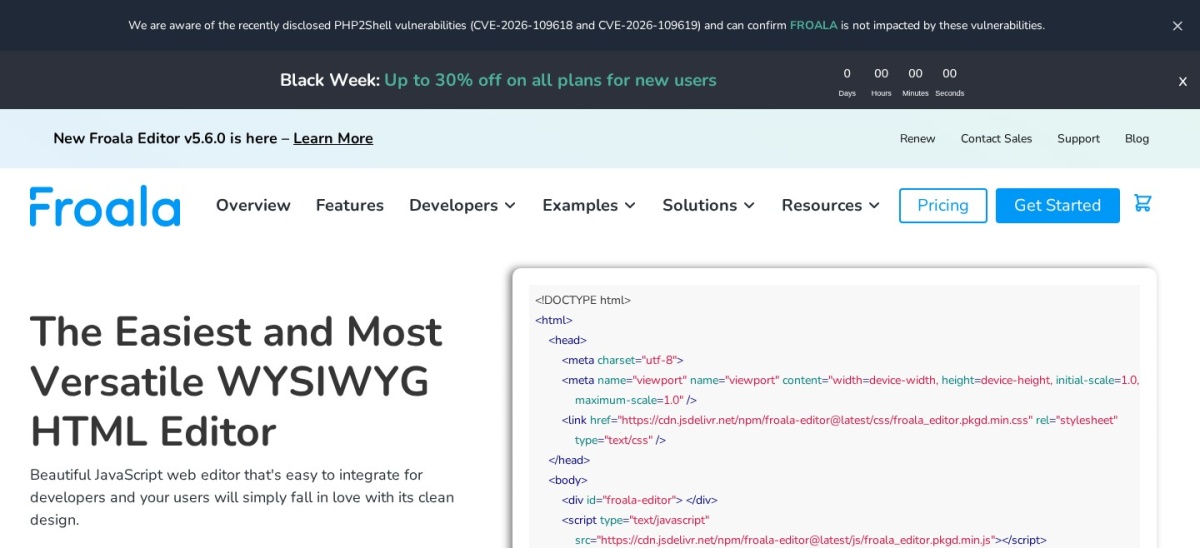
Froala Editor is a JavaScript WYSIWYG editor sold on a flat licence instead of a monthly meter. The Professional plan costs $899 a year at the regular price, covers one product on up to three domains, and includes unlimited editor loads, users and developers, with collaboration and AI Assist included.
The trade off is the licence scope. Professional covers internal apps only, so a SaaS product or OEM distribution needs Enterprise at $1,999 a year, and there is no free plan, only a 30-day trial. It suits teams that want predictable yearly costs with no usage meter.
What we like
Flat yearly price with no load or user metering
Most G2 reviews in this list, at 188
Collaboration and AI Assist included in the licence
Self-hosted, so documents stay on your server
Watch out for
No free plan, only a 30-day trial
Professional cannot be used in a SaaS product
Enterprise at $1,999 a year is needed for SaaS or OEM use
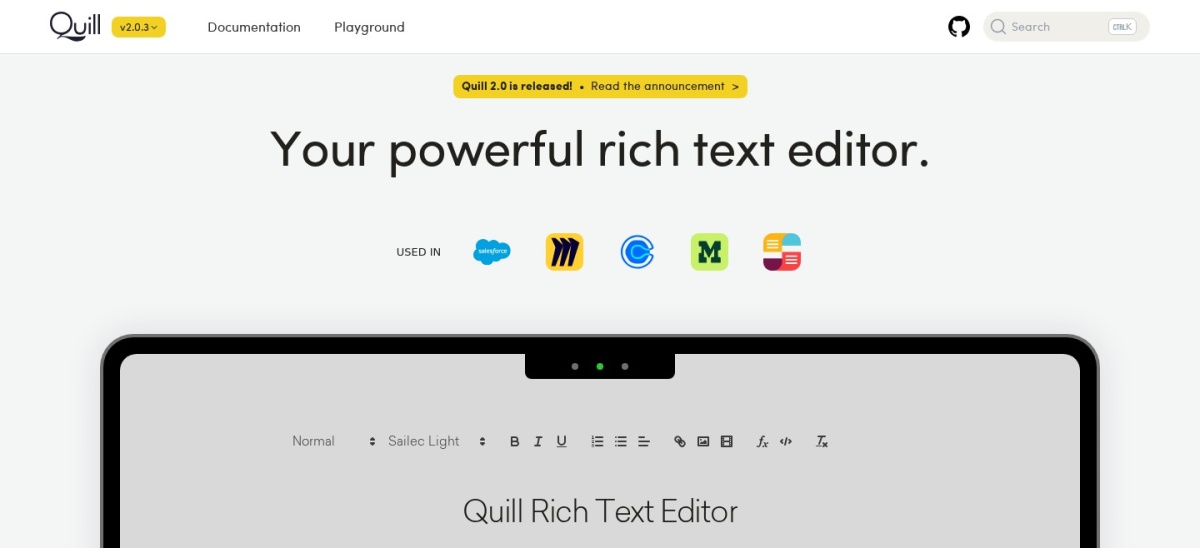
Quill is a free, open-source rich-text editor that stores content as Delta JSON, a format that is easy to save and render elsewhere. Version 2.0.3 is the current core, it includes a basic toolbar out of the box, and there is no paid plan to buy.
The trade off is scope. Quill is a simple editor with a modular design, not a document platform, so collaboration, comments and track changes need extra work. It suits small projects and prototypes that need a free editor fast.
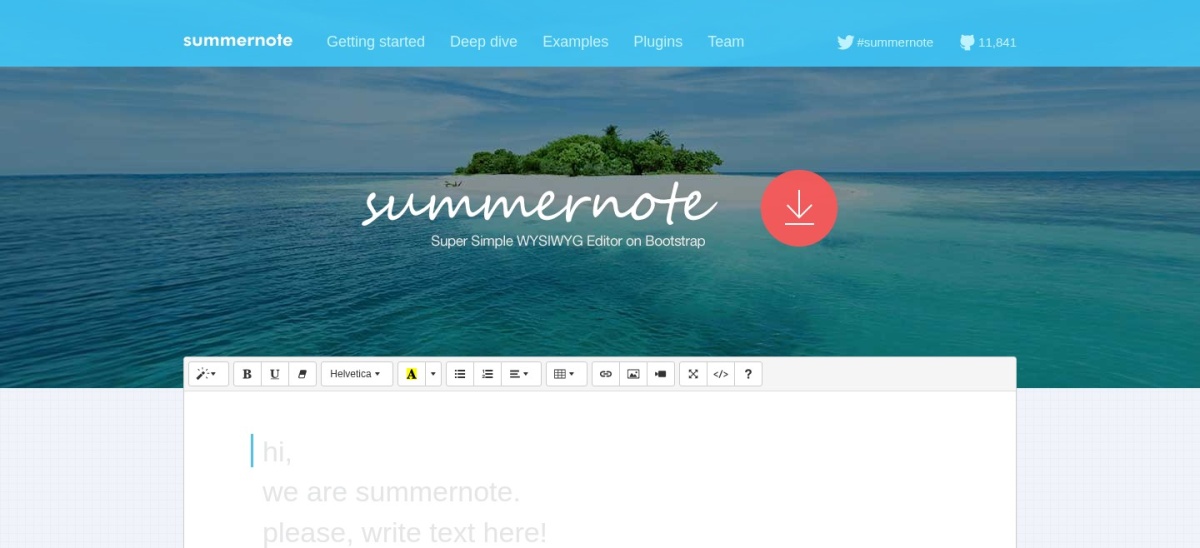
Summernote is a free, open-source WYSIWYG editor built on Bootstrap, with a simple toolbar, image and video handling, and code view. It is MIT licensed, costs nothing, and fits sites that already use Bootstrap and jQuery.
The trade off is age. It is tied to jQuery and Bootstrap, and it is a basic editor with no collaboration or modern framework bindings. It suits older sites and simple forms where a light free editor is enough.
ContentTools is a free, open-source editor that edits content directly on the page, with a floating toolbar that appears when text is selected. It is MIT licensed, has no paid plan, and is built for sites where editors should see the finished page as they type.
The trade off is breadth. It is a focused inline editor, not a full document editor, and it has only 11 G2 reviews, so the public review base is thin. It suits content sites and small teams that want in-place editing without a separate editing screen.
What we like
Edits the live page in place, with no separate screen
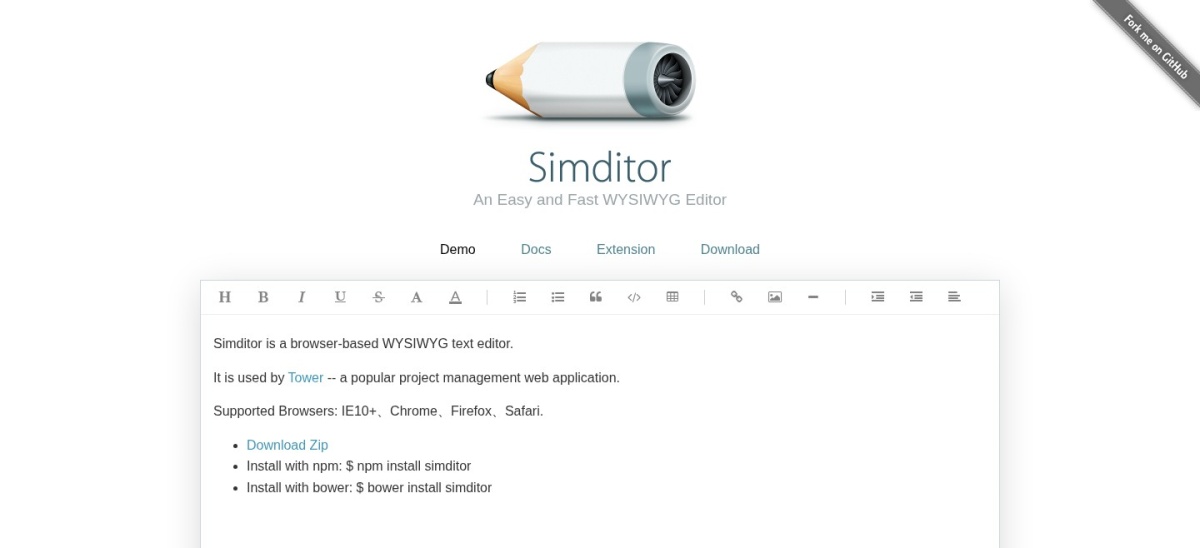
Simditor is a free, open-source WYSIWYG editor from the team behind Tower, a project management app. It covers headings, bold and italic text, lists, links, images and tables, installs from npm, and has no paid plan.
The trade off is maintenance and scope. It is a simple editor with a small public review base of 12 G2 reviews, and it offers no collaboration, comments or document workflow. It suits simple forms and comment boxes where a light free editor is enough.
Four tools in this list cost nothing: Quill, Summernote, ContentTools and Simditor. All four are open-source libraries with no paid plan, so the price stays at $0 for as long as you use them.
The paid tools charge for the parts around the editor. Tiptap charges for cloud documents and comments, TinyMCE and CKEditor charge by editor load, and Froala charges one flat yearly licence.
Free editors still need your time. You build the toolbar for Tiptap, add collaboration yourself for Quill, and handle support through the community for the free tools, while paid plans buy support and managed features.
If the editor is a small part of your product, start free. If editing is the core of your product, budget for a paid plan and the support that comes with it.
How we chose
We started from the editors most often listed as Slate replacements, including the headless frameworks, the complete WYSIWYG editors and the free open-source options, then kept the eight with a verifiable public rating and review count.
Prices come from each vendor's pricing page, checked on 30 November 2026. Ratings and review counts come from G2 on the same day. Where a vendor shows a sale, the list shows the regular price.
We left out editors with no verifiable rating on G2, Capterra or Trustpilot, including Lexical, ProseMirror, Editor.js, BlockNote and Jodit, rather than inventing a rating for them. No vendor paid for a place, and we do not claim to have used these tools ourselves.
How to choose a Slate alternative
Start with how much of the editor you want to build, then check price and review features.
Decide how much to build. Pick Tiptap if you want framework control like Slate, or TinyMCE and CKEditor if you want a finished editor with a toolbar.
List the features you cannot add later. Collaboration, comments and track changes are the hardest to add yourself, so check which plan includes them before you choose.
Work out the real yearly cost. Compare Tiptap at $588 a year, TinyMCE at $948, CKEditor at $1,728 and Froala at $899, and check whether loads, documents or domains are metered.
Run a real document through your shortlist. Try a long document with tables, images and pasted Word text, and check export, paste and mobile behaviour before you commit.
FAQ
What is the best Slate alternative in 2026?
Tiptap is the best Slate alternative for most React teams. Its free MIT core is headless and built on ProseMirror, it offers more than 100 extensions, and it holds a 4.6 out of 5 rating on G2.
Is there a free alternative to Slate?
Yes. Tiptap, TinyMCE and CKEditor all have free tiers, and Quill, Summernote, ContentTools and Simditor are free with no paid plan at all. Tiptap is the best free option for teams that want framework control.
How much do Slate alternatives cost?
Four tools in this list are free. Paid plans start at $49 a month for Tiptap, $79 a month for TinyMCE and $144 a month for CKEditor, while Froala costs $899 a year on a flat licence.
Which Slate alternative is best for beginners?
TinyMCE is the easiest starting point. It ships a ready-made toolbar, official wrappers for React, Vue and Angular, and a free tier, so a team can add a working editor without building an interface.
Which Slate alternative is best for small teams?
Tiptap is the best fit for small teams that build in React. Its free core covers most needs, and the Start plan at $49 a month adds cloud documents, comments and history when the team needs them.
Tiptap or TinyMCE: which should I pick?
Pick Tiptap if you want a headless framework and control over the interface, like Slate. Pick TinyMCE if you want a finished toolbar editor that ships fast, with a free tier and paid plans from $79 a month.
Is Slate the same as the admissions software called Slate?
No. This list covers Slate.js, the open-source rich-text editor framework for React. Technolutions Slate is a separate admissions and enrolment platform for universities, and it is not covered here.
SaaS SEO and WordPress specialist with about 8 years of experience. Rakib compares WordPress plugins, themes, hosting and software using public pricing, documentation and user reviews. See how we rank.