Blender is the best SketchUp alternative for most people because it costs nothing and covers modeling, sculpting and rendering in one free download. Rhino is the pick for precise curved work at a one-time price, while FreeCAD suits measured parts and drawings.
How we make this list: we compare pricing pages, product documentation and public user reviews, then re-check every price before each update. No product paid for a place. Disclosure.
Blender is free and covers modeling, sculpting and rendering, so it is the default pick unless a pipeline forces another tool.
Rhino is the only one-time licence here at $995, with Grasshopper included and no subscription.
FreeCAD is the only fully free parametric option, with a BIM workbench and no commercial limits.
Fusion costs $680 a year and is the best pick for product design, CAM and 3D printing.
Shapr3D earns the highest rating here at 4.8 out of 5, but its free plan covers only 2 projects.
Onshape costs $1,500 a year and makes every free document public, so budget for Standard.
How do you pick the right SketchUp alternative?
The right replacement depends on what SketchUp was doing for you. A building with plans needs a different tool than a curved product concept or a quick room layout.
Free tools cover most hobby and freelance work. Blender, FreeCAD and Tinkercad cost nothing, and each one handles a different job, from renders to measured parts to first prints.
The licence model is the real price question. Rhino costs $995 once and never renews, while Fusion, Shapr3D and Onshape charge every year, so a three-year comparison can flip the cheapest pick. Our 3D modeling guide compares the same tools on price and ratings.
Check SketchUp file support before you switch. Rhino and Onshape open SKP files, while Blender and FreeCAD need a conversion to OBJ, DAE or IFC, so keep SketchUp installed until the move is done.
Blender is a free, open-source 3D creation suite that covers modeling, sculpting, UV work, rigging, animation, simulation and rendering in one download. It runs on Windows, macOS and Linux, ships with the Cycles and Eevee renderers, and its GPL licence allows commercial use with no seat limit and no licence fee.
The trade off is learning time and measured drawing. Blender is built for artists, not CAD, so dimensioned plans and exact parts need add-ons and discipline, and there is no vendor support desk. It suits freelancers, students and indie teams that want a full pipeline without a licence bill.
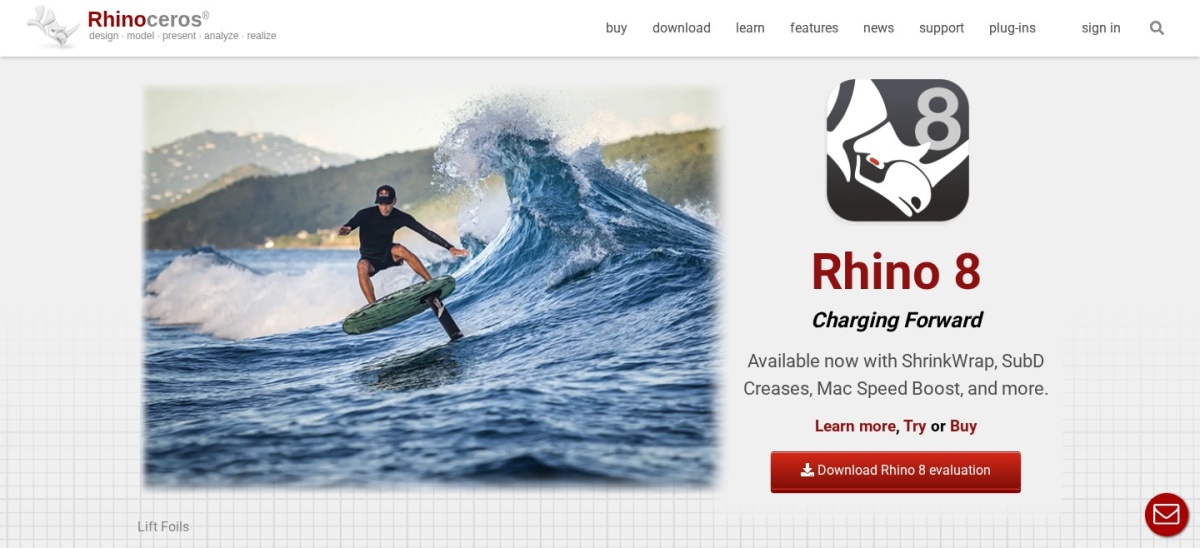
Rhino 3D is a precision NURBS modeler for architecture, product design, jewellery and marine work, from McNeel. A commercial licence costs $995 once, with no subscription and no maintenance fees, and includes Grasshopper for parametric design plus a 90-day trial that covers every feature.
The trade off is the upfront cost and paid upgrades. You pay $995 before you earn anything back, moving to a new major version costs extra, and Rhino has no built-in BIM documentation. It suits designers who model curved, exact forms and want to own their licence outright.
FreeCAD is a free, open-source parametric 3D modeler made for designing real-life objects of any size. Its parametric history lets you change a dimension and rebuild the model, and version 1.1 ships with a built-in BIM workbench, native IFC support and CAM tools for CNC work.
The trade off is polish. The interface takes real time to learn, the workflow feels rougher than a commercial CAD tool, and SketchUp files need converting to OBJ, DAE or IFC first. It suits makers and engineers who sell what they make and want no licence limits at all.
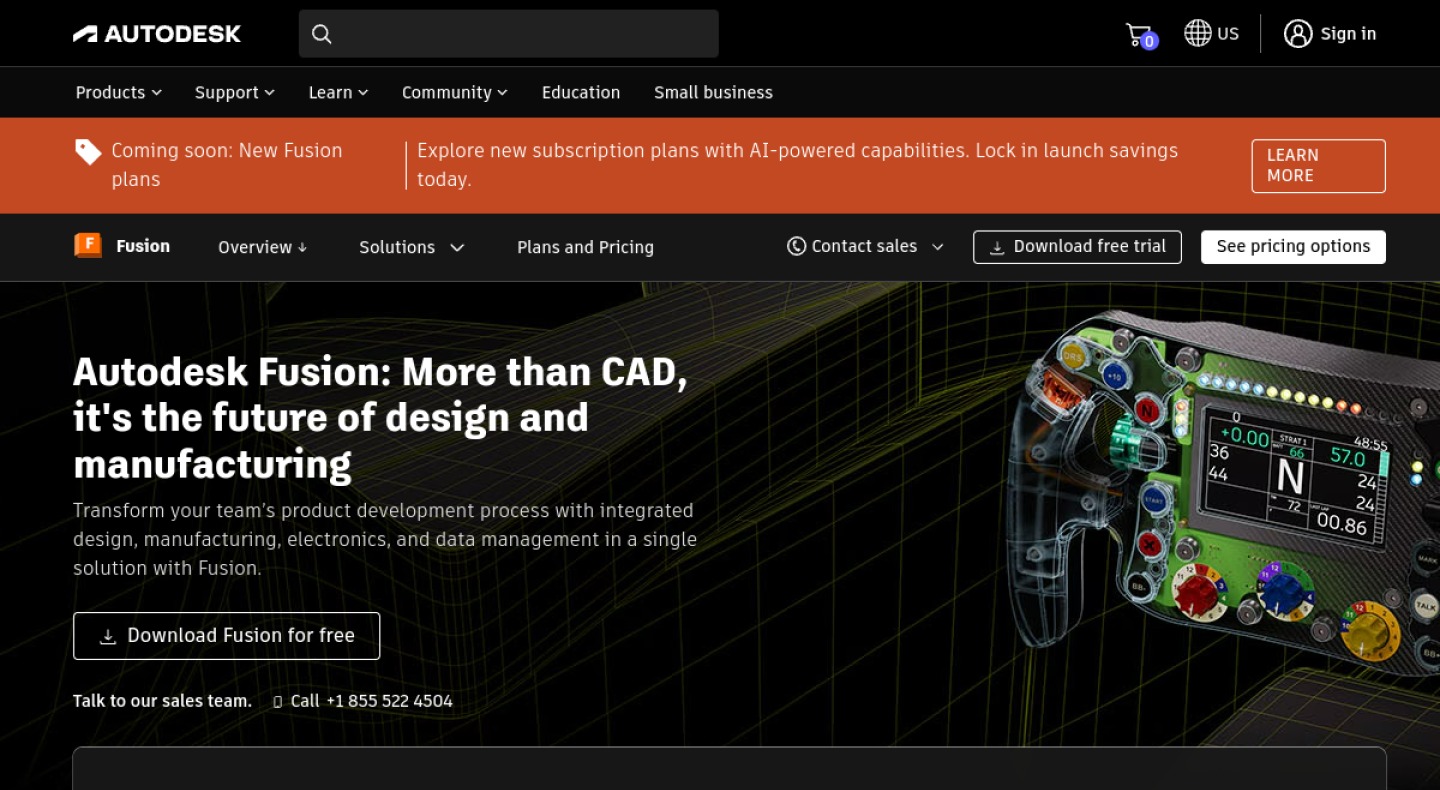
Autodesk Fusion is a cloud-connected CAD, CAM and CAE tool for product design, built around parametric modeling with a timeline. The paid plan costs $680 a year, or $85 a month, and a free personal-use plan covers hobbyists, with 10 editable documents and non-commercial use only.
The trade off is the cloud and the cap. Fusion needs an internet connection for much of its work, the free plan limits you to 10 editable documents, and it is built for parts and products rather than buildings. It suits product designers and makers who want CAD, CAM and simulation in one tool.
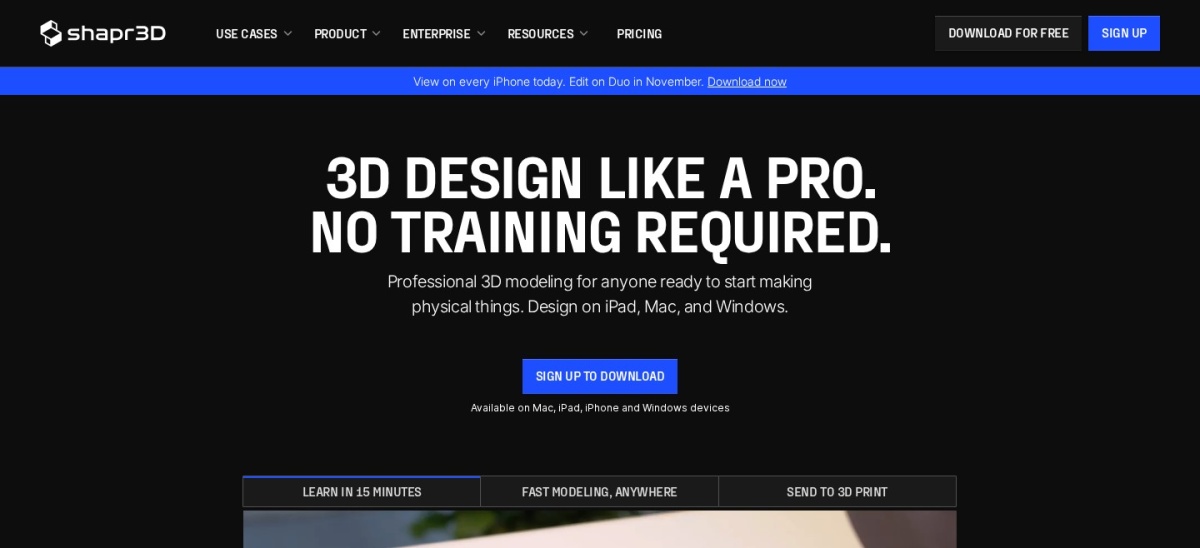
Shapr3D is a direct-modeling CAD app built for sketching with an Apple Pencil or mouse, and the result is a precise solid with real dimensions. The free Basic plan covers 2 projects with basic-resolution export, and Pro costs $299 a year per seat on iPad, Mac and Windows.
The trade off is depth and the free ceiling. Two projects and low-resolution exports are enough to learn on, but real work needs Pro, and Shapr3D trails larger CAD suites on assemblies and drawings. It suits designers who think by sketching and want fast concept models.
Onshape is cloud-native CAD from PTC that runs entirely in a web browser, with nothing to install or update. Two people can edit the same assembly at once, every change is versioned like source code with branching and merging, and the free plan covers non-commercial use with public documents.
The trade off is privacy and price. Every document on the free plan is public, commercial work needs Standard at $1,500 a user a year, and there are no architecture-specific tools. It suits engineering teams that value live collaboration and version control over a desktop app.
Tinkercad is Autodesk's free browser-based 3D design tool for beginners, built around dragging simple shapes together. It runs in any browser with nothing to install, exports STL files for 3D printing, and is the fastest way to a first finished model.
The trade off is power. Tinkercad has very limited tools, no parametric history and no measured drawing features, so anyone who outgrows it moves to FreeCAD or Fusion. It suits beginners, teachers and hobbyists printing their first small parts.
Free tools cover the core job well. Blender models and renders, FreeCAD draws measured parts, and Tinkercad prints a first model, all for nothing.
Paid tools mostly add precision and polish. Rhino gives exact NURBS curves, Fusion adds CAM and simulation, and Onshape adds live collaboration with version control.
If you earn money from the models, check the free licence first. Fusion and Onshape free plans ban commercial work, while Blender and FreeCAD allow it with no seat limit.
How we chose
We started from every program people use instead of SketchUp, then kept the seven with real user ratings on G2 or Capterra and a clear price on the vendor's own site.
Prices come from each vendor's own page, checked on 30 November 2026. Blender, Rhino and FreeCAD prices were read on their own homepages today; Fusion, Shapr3D, Onshape and Tinkercad prices rest on vendor-page reads from November 2026.
We left out tools with no aggregator rating and full BIM suites such as Revit, which cost far more than SketchUp and suit a different buyer. No vendor paid for a place, and we do not claim hands-on testing for this list.
How to choose a SketchUp alternative
Start from the model you make most often, then match the tool to that job.
Name the job SketchUp did for you. Concept models, measured parts, renders and room layouts each point at a different tool, so start there.
Check the licence before the features. Free plans can ban commercial work or make files public, so read the licence terms on the vendor's own page.
Test SketchUp file import on a real model. Open one of your own SKP files, or convert it to OBJ or IFC, and see what survives the move.
Compare three years of cost, not one. A $995 one-time licence beats a $680 yearly subscription after two years, so do the maths before you commit.
FAQ
What is the best free alternative to SketchUp?
Blender is the best free alternative to SketchUp for most people. It costs nothing, covers modeling, sculpting and rendering, and is rated 4.6 out of 5 on G2 from 319 reviews. FreeCAD is the better free pick when you need exact dimensions and parametric parts.
Is there a SketchUp alternative with a one-time price?
Rhino is the only tool here sold as a one-time licence, at $995 with no subscription and no maintenance fees. The licence is permanent and includes Grasshopper, while upgrades to new major versions cost extra. Every other paid tool here charges yearly.
Which SketchUp alternative is best for architecture?
Rhino suits curved and complex architectural forms, while FreeCAD covers measured plans with its BIM workbench. Neither replaces a full BIM suite, so firms that need plans, sections and schedules should look at Revit or Archicad instead.
Can I open SketchUp files in these alternatives?
Rhino reads and writes SketchUp files directly, and Onshape imports them too. Blender, FreeCAD and Shapr3D do not open SKP files, so convert the model to OBJ, DAE or IFC in SketchUp first, or export through an intermediate format.
What is the cheapest SketchUp alternative for commercial work?
Blender and FreeCAD cost nothing for commercial work, with no licence fee and no seat limit. Fusion's free plan is personal use only, and Shapr3D's free plan covers two projects, so both need a paid plan once the work is commercial.
Is Blender really a good SketchUp alternative?
Blender is a strong alternative for modeling, sculpting and rendering, and it is free. It is a weak alternative for measured architectural drawings, because it is built for artists rather than CAD, so pair it with FreeCAD when dimensions matter.
SaaS SEO and WordPress specialist with about 8 years of experience. Rakib compares WordPress plugins, themes, hosting and software using public pricing, documentation and user reviews. See how we rank.