Best 3D Graphics Software in 2026: 9 Tools Compared
WLWPLegible EditorsLast verified 24 Nov 2026How we rank10 min read
★ Short answer
Blender is the best 3D graphics software for most people: it covers modelling, animation and rendering for free, and it holds a 4.6/5 rating on G2 from 319 reviews. Pick Maya for studio animation pipelines and Cinema 4D for motion graphics.
How we make this list: we compare pricing pages, product documentation and public user reviews, then re-check every price before each update. No product paid for a place. Disclosure.
Blender is free and covers the full pipeline, with a 4.6 out of 5 G2 rating from 319 reviews.
Maya and 3ds Max both cost $2,010 a year, or $255 a month, with Indie plans at $330 a year for eligible artists.
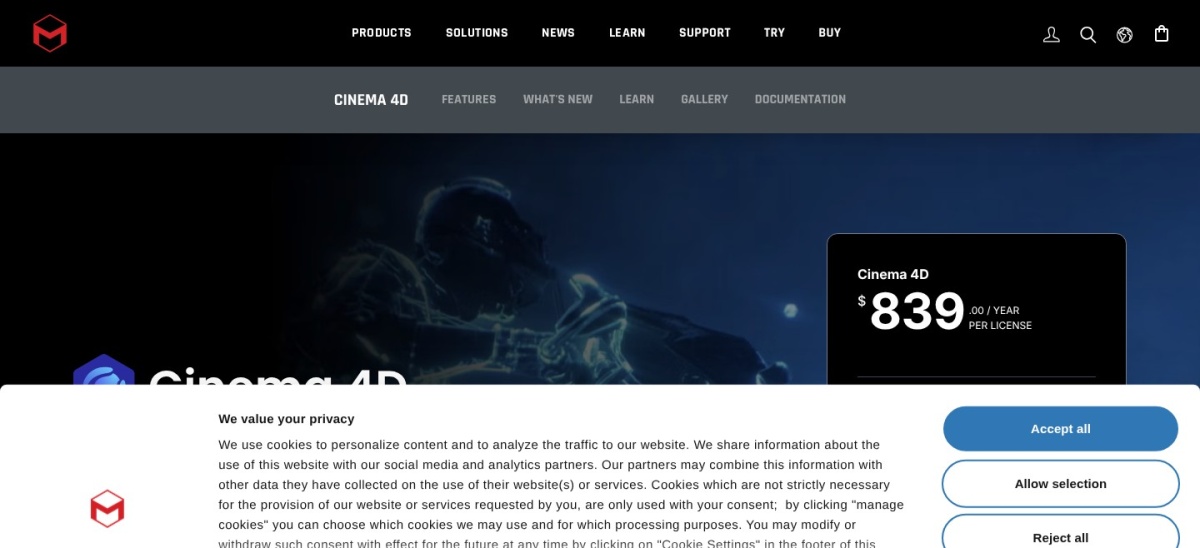
Cinema 4D costs $839 a year and includes the Redshift renderer, which suits motion graphics work.
Houdini Indie gives the full FX toolset for $299 a year, but only for studios under $100,000 in revenue.
ZBrush and SketchUp Pro both cost $399 a year, while Daz Studio is free and Rhino costs $995 once.
What to look for in 3D graphics software
3D graphics software covers modelling, sculpting, animation, simulation and rendering, and no single tool leads in every area. Film studios, game teams, architects and illustrators buy for different work, so the best pick depends on what you make most.
Price is the first split. Blender and Daz Studio cost nothing to start, while Maya and 3ds Max cost $2,010 a year each. Between them sit Houdini Indie at $299 a year and Cinema 4D at $839 a year.
Check the renderer and the file formats before you buy. A tool that cannot open your team's files or render in the style you need will slow every project, even if its modelling tools are strong. Our guide on generating images with AI in WordPress shows how rendered images are used once they leave the 3D app.
Free trials matter here. Most paid tools in this list offer 14 to 90 days to try the full version, so use that time on a real project from your own work, not on the sample files.
Blender is a free, open source 3D creation suite that covers modelling, sculpting, rigging, animation, simulation, rendering, compositing and video editing in one app. Version 5.3.0 shipped on 10 November 2026 with the Cycles and EEVEE render engines included, and it runs on Windows, macOS and Linux with no licence fee for commercial work.
The trade off is support and learning time. There is no vendor support desk, so answers come from community forums and documentation, and the interface takes time to learn. It suits beginners, freelancers and small studios that want a full pipeline without a subscription.
What we like
Full 3D pipeline for free, including commercial use
Cycles and EEVEE render engines included
Large community, so answers and tutorials are easy to find
Runs on Windows, macOS and Linux
Watch out for
No vendor support desk
Interface takes time to learn
Fewer studio pipeline integrations than Maya
No paid plan: the full suite is free, with optional paid trainingVisit blender.org
02
Autodesk Maya
4.3/5on G2 (267 reviews, checked Nov 2026)
Starts at$2,010/yr
Best for studio animation pipelines
Price$2,010/yr, or $255/mo
RendererArnold included
PlatformsWindows, macOS, Linux
Trial30 days
autodesk.com
Autodesk Maya homepage, captured Nov 2026.
Autodesk Maya is 3D animation software for film, television and games, used for character animation, rigging and visual effects. It includes the Arnold renderer and runs on Windows, macOS and Linux, with a 30-day free trial and a free one-year licence for students and educators.
The trade off is price. A standard subscription costs $2,010 a year, or $255 a month, and the Indie plan at $330 a year is only for artists under a $100,000 revenue cap. It suits animators who need the pipeline that most large studios already use.
Cinema 4D is Maxon's 3D software for motion graphics, modelling, animation and rendering, with the Redshift renderer and 5 Team Render nodes included. It runs on Windows and macOS, offers a 14-day free trial, and is known for MoGraph tools that animate clones, text and procedural motion.
The trade off is price for general modelling. At $839 a year, or $109 a month, it costs more than Blender or Houdini Indie while covering less simulation work. It suits motion designers and broadcast artists who work with After Effects workflows.
What we like
Strongest MoGraph toolset in this list
Redshift renderer included
Easier to learn than Maya or Houdini
Good integration with After Effects workflows
Watch out for
No Linux version
Less simulation depth than Houdini
$839 a year is dear for general modelling
Maxon One at $1,265 a year adds ZBrush, Red Giant and moreVisit maxon.net
04
Autodesk 3ds Max
4.3/5on G2 (284 reviews, checked Nov 2026)
Starts at$2,010/yr
Best for game art and arch-viz
Price$2,010/yr, or $255/mo
RendererArnold included
PlatformsWindows only
Trial30 days
autodesk.com
Autodesk 3ds Max homepage, captured Nov 2026.
Autodesk 3ds Max is 3D modelling and animation software for games, architectural visualisation and product renders, with a modifier stack, polygon modelling and the Arnold renderer. It runs on Windows only, with a 30-day free trial and an Indie plan for eligible artists.
The trade off is platform and price. It does not run on macOS at all, and a standard subscription costs $2,010 a year, or $255 a month, the same as Maya. It suits Windows-based artists who model game environments and architectural scenes.
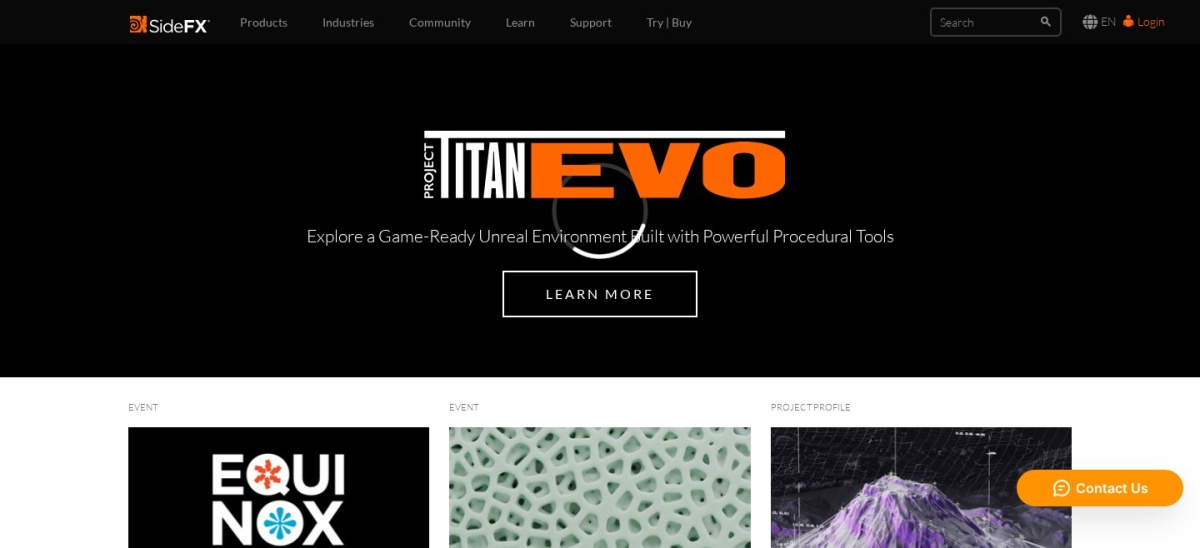
Houdini is SideFX's procedural 3D software for modelling, simulation and visual effects, built around node networks that generate geometry, smoke, fire, fluids, destruction and crowds. Apprentice is free for learning, and Indie gives the full FX toolset for $299 a year to studios under a $100,000 revenue cap.
The trade off is learning time and file compatibility. The node workflow is unlike other tools in this list, and Indie files do not move into commercial Houdini pipelines. It suits effects artists and technical artists who build simulations that must change late in a project.
What we like
Best simulation toolset in this list
Indie gives the full FX toolset for $299 a year
Free Apprentice version for learning
Procedural workflow makes late changes cheap
Watch out for
Steepest learning curve in this list
Indie files do not move to commercial pipelines
Weakest character animation of the top tools
Core at $1,475 a year and FX at $3,505 a year remove the Indie revenue capVisit sidefx.com
06
ZBrush
4.7/5on G2 (104 reviews, checked Nov 2026)
Starts at$399/yr
Best for digital sculpting
Price$399/yr, or $49/mo
Brushes200+ included
PlatformsWindows, macOS, iPad
Trial14 days
maxon.net
ZBrush homepage, captured Nov 2026.
ZBrush is Maxon's digital sculpting software for characters, creatures and high-detail organic models, with more than 200 brushes that work like virtual clay. A subscription covers the desktop app and ZBrush for iPad, with Redshift CPU rendering included, and a 14-day free trial is offered.
The trade off is scope and price. ZBrush is a sculpting tool, not a full animation or rendering suite, and it costs $399 a year, or $49 a month, with no perpetual licence sold since December 2023. It suits character and creature artists who sculpt at very high polygon counts.
What we like
Highest G2 rating in this list, 4.7 out of 5
Handles tens of millions of polygons
Desktop and iPad in one subscription
More than 200 brushes included
Watch out for
Not a full animation or rendering suite
Subscription only, no perpetual licence
Steep learning curve and unusual interface
Maxon One at $1,265 a year adds Cinema 4D, Redshift and Red GiantVisit maxon.net
07
SketchUp
4.5/5on G2 (1,324 reviews, checked Nov 2026)
Paid from$399/yr
Best for fast architectural modelling
PricePro, $399/yr
Free planFree web version
IncludesLayOut and extensions
PlatformsWindows, macOS, web, iPad
sketchup.com
SketchUp homepage, captured Nov 2026.
SketchUp is Trimble's 3D modelling software for architecture, interiors and product design, with a desktop modeler, LayOut for 2D documents and more than 1,000 extensions. Pro costs $399 a year, or $99.99 a month, and a free web version covers non-commercial modelling.
The trade off is rendering and monthly cost. Pro has no built-in photoreal renderer, so Studio at $859 a year adds V-Ray, and paying monthly costs about $1,200 over a year. It suits architects and designers who model buildings fast and document them in LayOut.
What we like
Fastest to learn for building models
LayOut included for 2D documents
More than 1,000 extensions in the warehouse
Free web version for non-commercial use
Watch out for
No built-in photoreal renderer in Pro
Monthly billing costs about $1,200 a year
Weak for organic modelling and animation
Studio at $859 a year adds V-Ray, Scan Essentials and a Revit importerVisit sketchup.com
08
Daz Studio
4.6/5on Capterra (9 reviews, checked Nov 2026)
Paid from$69/yr
Best for ready-made characters
PriceStudio free, Daz+ $69/yr
RendererNVIDIA Iray
FiguresGenesis 9 included
PlatformsWindows, macOS
daz3d.com
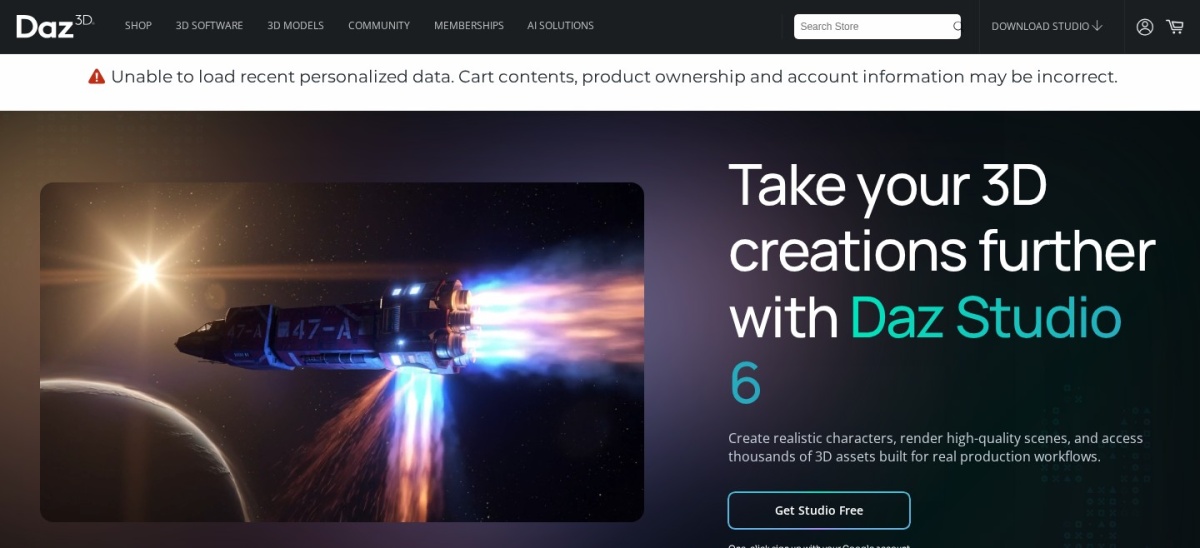
Daz Studio homepage, captured Nov 2026.
Daz Studio is a free 3D program for posing, dressing and rendering ready-made human figures, built around the Genesis 9 figure platform and the NVIDIA Iray renderer. It ships with Starter Essentials content, runs on Windows and macOS, and the business model is a store that sells figures, clothing and scenes.
The trade off is control and cost of content. Daz Studio is not a general modeler, so a custom creature or prop needs another tool, and figures and outfits are bought one by one. It suits illustrators and comic artists who need finished characters fast.
What we like
Full app is free, with figures included
Fastest route to a finished character render
Genesis 9 figures with clothing and poses
Iray renderer included
Watch out for
Not a general modelling tool
Content costs add up in the store
Only 9 Capterra reviews, so the rating is thin
Daz+ at $69 a year adds member pricing; Premier at $199 a year adds more contentVisit daz3d.com
09
Rhino 3D
4.4/5on G2 (192 reviews, checked Nov 2026)
Starts at$995/once
Best for precise curved forms
Price$995, one-time
Trial90 days
IncludesGrasshopper
PlatformsWindows, macOS
rhino3d.com
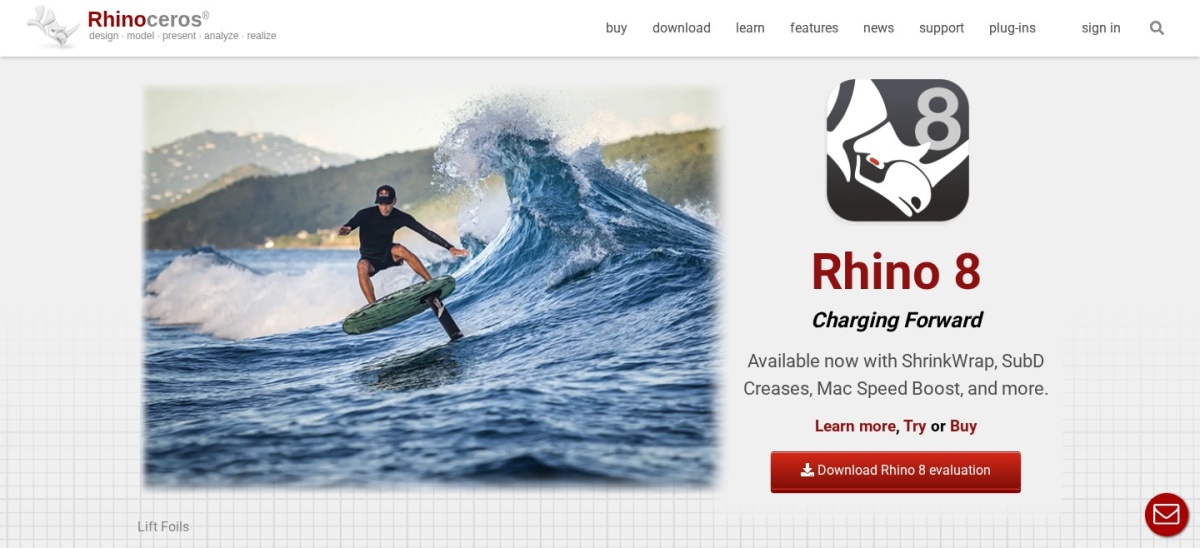
Rhino 3D homepage, captured Nov 2026.
Rhino 3D is McNeel's NURBS modelling software for product design, jewellery, architecture and marine work, with Grasshopper for parametric design and Rhino Render included. A commercial licence costs $995 once, covers Windows and Mac, and includes a 90-day free trial.
The trade off is animation and rendering depth. Rhino's animation tools are basic, and photoreal rendering usually needs a plug-in, while the next version upgrade costs $595. It suits designers who model precise curved forms and want to own the licence outright.
What we like
Only perpetual licence in this list, no subscription
Free plans cover the basics well. Blender is a full suite at no cost, Daz Studio renders finished character scenes for free, and Houdini Apprentice gives the full FX toolset for learning.
Paid plans mostly add commercial use, support and pipeline tools. Houdini Apprentice cannot be used for paid work, and Daz Studio's free figures cover only the starter set.
If you earn money from 3D work, a paid plan pays for itself in pipeline access and support. Start free, then pay once a client project depends on the tool.
Watch for sale prices. SketchUp showed a 25% off Cyber Week offer on its homepage on 24 November 2026, so the $399 Pro price in this list is the regular price, not the sale price.
How we chose
We started from the 3D tools most often named in film, games, architecture and character work, then kept nine established products with a current version and a public price.
Prices come from each vendor's pricing page or a page that quotes it, checked on 24 November 2026. Ratings come from G2 on the same day, except Daz Studio, which uses Capterra. Where a vendor shows a sale, the list shows the regular price.
We left out tools with no public price and tools whose maker has stopped active development. No vendor paid for a place, and we do not claim to have used these tools ourselves.
How to choose 3D graphics software
Start with the work you do most, then match the tool to that work.
Match the tool to your main work. Maya fits character animation, Cinema 4D fits motion graphics, ZBrush fits sculpting and SketchUp fits buildings. A general tool is fine only if your work is general.
Check the price over three years. A $399 a year plan costs $1,197 over three years, while Rhino's $995 one-time licence is paid once and never renews. Add render and plug-in costs before you compare.
Try the free plan or trial on a real project. Blender, Daz Studio and Houdini Apprentice cost nothing to try, and most paid tools offer a trial. Use your own files, not the sample scene.
Check the files your team uses. Ask what formats your clients and collaborators send. If a tool cannot open them cleanly, every handover adds work.
FAQ
What is the best 3D graphics software?
Blender is the best pick for most people. It covers modelling, animation and rendering for free, holds a 4.6 out of 5 G2 rating from 319 reviews, and runs on Windows, macOS and Linux.
Is Blender really free?
Yes. Blender is free and open source under the GPL, so you can use it for commercial work with no licence fee. Development is funded by donations, and the optional Blender Studio training is a separate paid service.
How much does Maya cost?
Maya costs $2,010 a year on the annual plan, or $255 a month on the monthly plan. Maya Indie costs $330 a year for artists with annual gross revenue under $100,000, and a 30-day free trial is offered.
What is the cheapest paid 3D software in this list?
Daz Studio itself is free, and its Daz+ membership costs $69 a year. The cheapest full commercial tool is Houdini Indie at $299 a year, for studios under a $100,000 revenue cap.
Do I need a powerful computer for 3D graphics software?
It depends on the work. Modelling runs on most modern computers, but rendering and simulation need a strong processor and graphics card and plenty of memory. Check each vendor's system requirements before you buy.
Which 3D software is best for beginners?
Blender is the best free start, with a large library of tutorials. SketchUp is the easiest for building models, and Daz Studio is the fastest way to a finished character without modelling from scratch.