Blender is the best free 3D modeling software for most beginners, because it costs nothing, covers modeling, sculpting and animation, and is rated 4.6 out of 5 by 319 G2 reviewers. Start with Tinkercad if you want the easiest first model, or SketchUp Free for simple shapes and rooms.
How we make this list: we compare pricing pages, product documentation and public user reviews, then re-check every price before each update. No product paid for a place. Disclosure.
Blender is the most complete free tool here: a full 3D suite with no paid tier, rated 4.6 out of 5 by 319 G2 reviewers.
Tinkercad is the easiest start: free, browser-based, and rated 4.5 out of 5 by 120 G2 reviewers.
SketchUp Free runs in the browser, and the cheapest paid plan, Go, costs $129 a year.
All nine tools have a real free plan, and paid upgrades run from $129 to $1,500 a year.
FreeCAD and Fusion 360 suit makers who need exact dimensions; FreeCAD is free, while Fusion 360 costs $680 a year.
Houdini Apprentice is free to learn with, but its 4.5 out of 5 G2 rating rests on only 35 reviews.
What beginners should look for in free 3D software
Free 3D software has never been this good. The best free tools now cover the whole path from a first shape to a finished print, and several are the same apps professionals use every day.
Start with how you want to learn. A drag-and-drop app like Tinkercad gives you a finished model in an hour, while a full suite like Blender takes weeks to learn but never runs out of room to grow.
Check the free plan's limits before you invest time. Some free plans cap projects or make your files public, and some paid upgrades cost more in a year than a beginner ever needs.
Match the tool to the job. CAD apps such as FreeCAD and Fusion 360 fit parts with exact dimensions, while Blender and Houdini fit characters, scenes and effects.
The 9 best free 3D modeling software tools for beginners
01
Blender
4.6/5on G2 (319 reviews, checked Nov 2026)
PriceFree
Best free 3D modeling software overall
Free planYes, fully free
PlatformsWindows, macOS, Linux
Sculpting and animationIncluded
Paid planNone, donations only
blender.org
Blender homepage, captured Nov 2026.
Blender is a free, open-source 3D suite that covers modeling, sculpting, UV mapping, rigging, animation, simulation and rendering in one download. It ships with the Cycles and Eevee renderers, runs on Windows, macOS and Linux, and its licence allows commercial use with no seat limit.
The trade off is the learning curve. Blender packs a professional toolset into a dense interface, so a first model takes longer than in a drag-and-drop app. It suits beginners who want one free tool they can keep using as their skills grow.
Tinkercad is Autodesk's free, browser-based 3D design app, built around dragging ready-made shapes together. It runs on any computer with no install, exports STL and OBJ files for 3D printing, and also covers simple circuits and block coding for classrooms.
The trade off is depth. Tinkercad cannot do organic sculpting, precise engineering dimensions or complex assemblies, so most users outgrow it within months. It suits a first project, a school class, or anyone who wants a finished print this weekend.
SketchUp is Trimble's push-pull modeler: draw a shape, pull it into 3D, and you have a wall, a table or a room. The free web version covers basic modeling and the 3D Warehouse library of ready-made models, and it runs in a browser with no install.
The trade off is the paywall for the good parts. Go at $129 a year adds the iPad app, while Pro at $399 a year adds the desktop app and LayOut for drawings. A Cyber Week sale cut Pro to $299.25 when we checked. It suits beginners modeling rooms, furniture and small buildings.
FreeCAD is a free, open-source parametric modeler for parts that need exact dimensions. You sketch a profile, set constraints and dimensions, then extrude it into a solid, and you can change any value later and watch the model update.
The trade off is polish. FreeCAD's interface is rougher than paid CAD, and its workbench system takes a while to learn. It suits makers, engineers and 3D-print fans who want real CAD with dimensions and no licence cost.
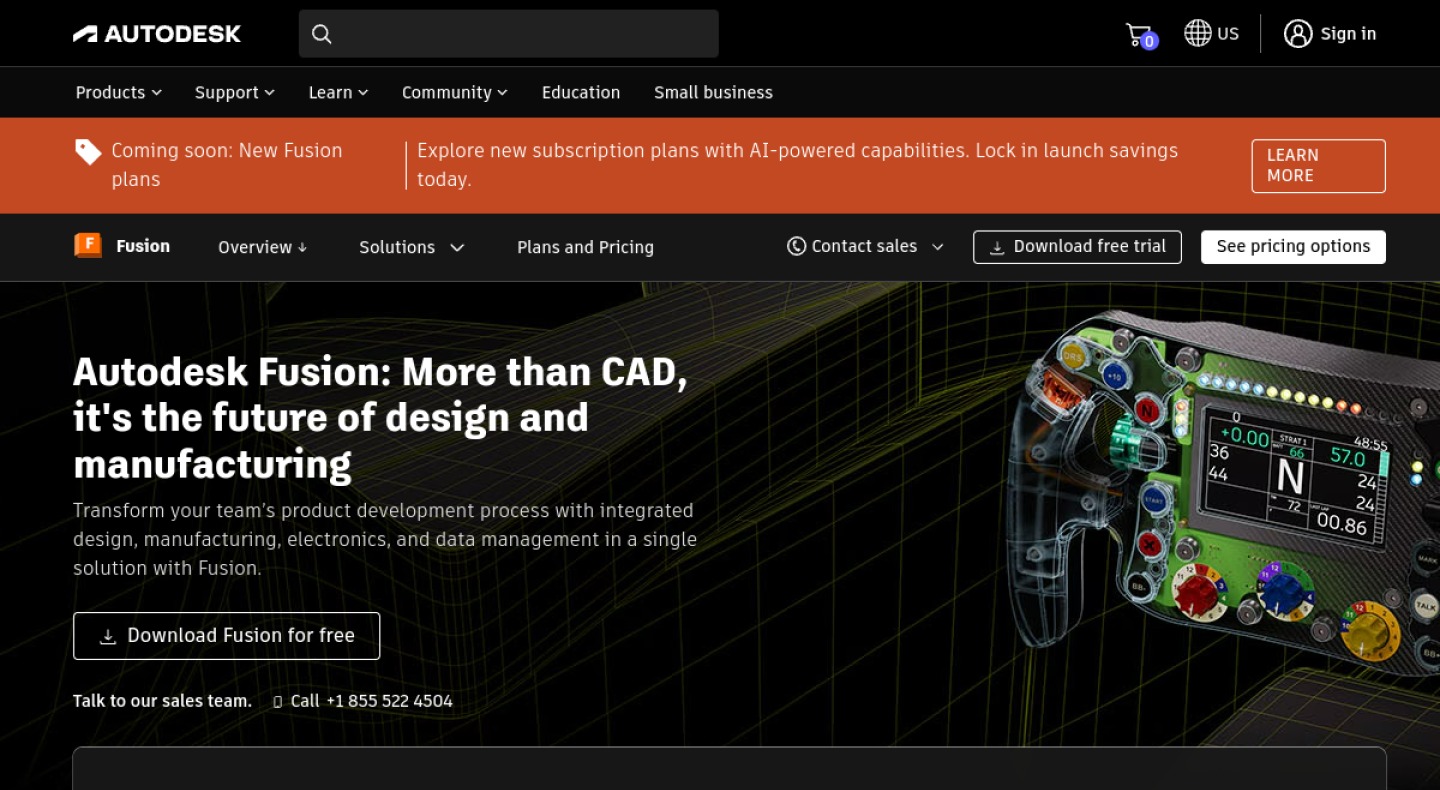
Autodesk Fusion is a professional CAD app for product design, with modeling, assemblies, drawings, simulation and CAM machining in one subscription. Hobbyists can use a free personal licence, and the cloud workspace keeps files in sync across computers.
The trade off is price and platform. The paid plan costs $680 a year, and there is no Linux version, so Linux users must look elsewhere. It suits beginners who want to design real products and grow into paid CAD work.
Onshape is PTC's cloud CAD app that runs entirely in a browser, so it works on any computer, including Chromebooks. It includes parametric modeling, assemblies, drawings, version control with branching, and real-time collaboration where several people edit one model.
The trade off is privacy on the free plan. Free documents are public and for non-commercial use only, and private storage with commercial use starts with Standard at $1,500 a year per user. It suits students and teams who want to learn CAD together online.
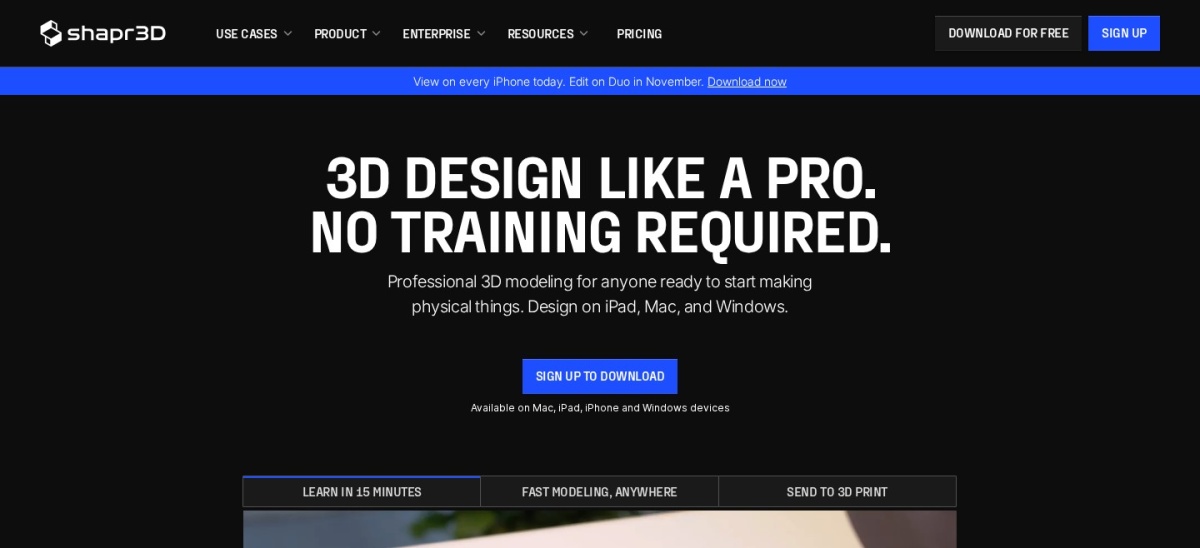
Shapr3D is a sketch-based CAD app built for touch and pen input, and it works on iPad, Mac, Windows and iPhone, with files syncing across up to 3 devices. The free plan covers 2 projects with basic STL and 3MF export for 3D printing, and it runs on the Parasolid geometry kernel used by professional CAD apps.
The trade off is the project limit. Unlimited projects, STEP and IGES export and technical drawings need Solo at $199.99 a year billed annually, or $37.99 a month. It suits beginners who like to sketch ideas by hand and print them.
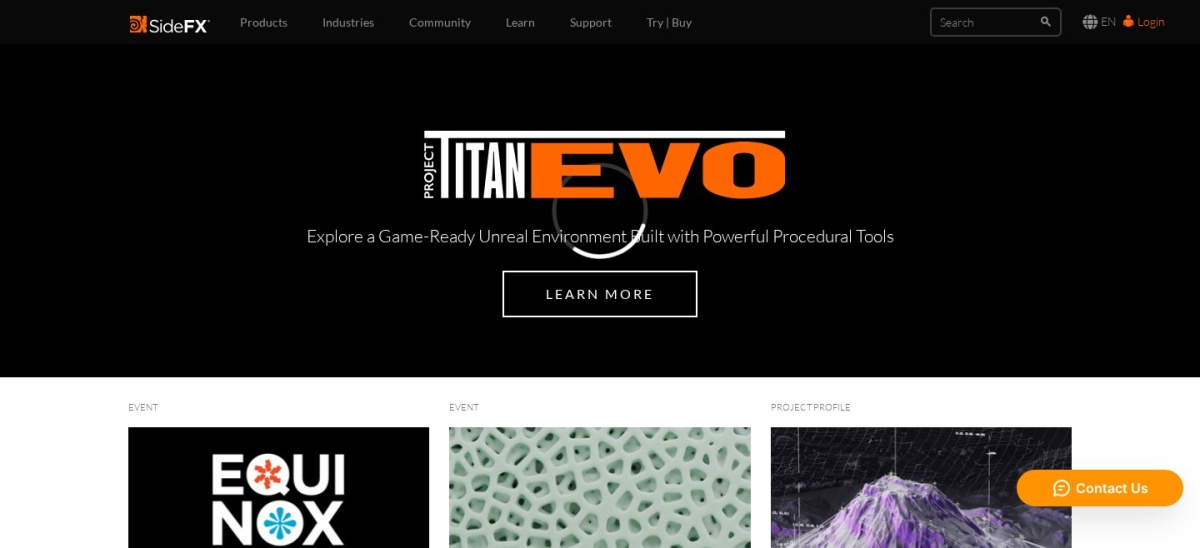
Houdini is SideFX's node-based 3D app behind film and game effects, from smoke and water to collapsing buildings. Apprentice is a free version for students, artists and hobbyists to learn with, with access to almost all the features of the full app.
The trade off is difficulty. Houdini's node workflow is the hardest in this list to learn, and Apprentice is for non-commercial work only, with watermarked renders. Indie costs $299 a year for artists earning under $100,000. It suits beginners aiming at a VFX career.
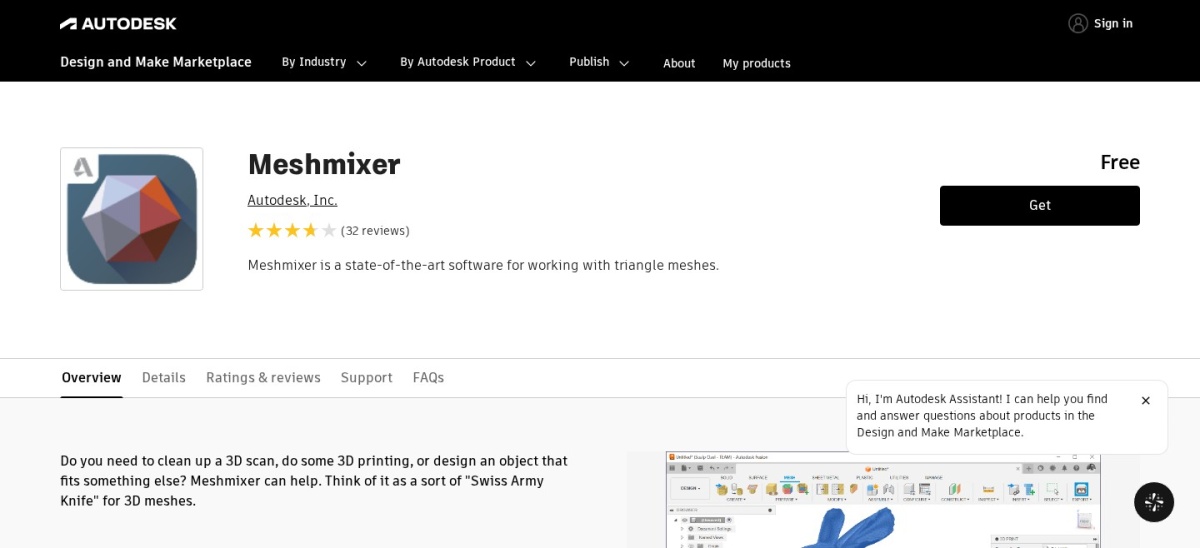
Meshmixer is Autodesk's free tool for fixing mesh files before 3D printing. It repairs holes and bad geometry, hollows models, adds support structures, and edits STL and OBJ files that other modelers export.
The trade off is scope. Meshmixer is a helper, not a full modeler, so you still need another tool to design the model itself. It suits beginners who 3D print and want clean, watertight files without paying for repair software.
Free plans in this list are real tools, not demos. Blender, FreeCAD, Tinkercad and Meshmixer cost nothing at all, and the rest offer free plans you can use for months.
Paid plans mostly add room to grow. You get more projects, private files, commercial use and wider export formats.
The cheapest paid upgrade here is SketchUp Go at $129 a year, and the most expensive is Onshape Standard at $1,500 a year. Start free and pay only when a limit blocks your work.
How we chose
We started from the free 3D tools that appear most often in beginner roundups and on G2, then kept the nine with a real free plan and a public rating.
Prices come from each vendor's pricing page, checked in November 2026. Ratings and review counts come from G2, and where a vendor shows a sale, the list shows the regular price.
We left out tools with no public rating, such as Sculptris and Daz Studio, and single-purpose slicers such as Cura. No vendor paid for a place, and we do not claim to have used these tools ourselves.
How to choose free 3D modeling software for beginners
Start with your first project, not the feature list, then pick the tool that fits it.
Decide what you will make first. A phone stand or a cookie cutter points to Tinkercad or FreeCAD. A character or a scene points to Blender.
Try the free plan before you pay. Model one real project end to end. If a limit blocks you, that tells you which paid plan you actually need.
Check the export formats you need. STL and OBJ cover most 3D printing. STEP or IGES matter only if you send files to a machine shop or another CAD app.
Pick a tool with tutorials you like. Blender, Tinkercad and Fusion 360 all have large tutorial libraries. A tool you can learn beats a tool with more features.
FAQ
What is the best free 3D modeling software for beginners?
Blender is the best free pick for most beginners. It costs nothing, covers modeling, sculpting and animation, and is rated 4.6 out of 5 by 319 G2 reviewers. Tinkercad is easier for a first model, and SketchUp Free is best for simple rooms and furniture.
Is Blender really free?
Yes. Blender is free and open source, with no paid plan, no trial and no feature locked behind a licence. You can use it for commercial work, and the Blender Foundation funds development through donations and grants.
Can I 3D print models made in free software?
Yes. Most tools here export STL or OBJ files, which slicers turn into printer instructions. Tinkercad, FreeCAD, Blender, Fusion 360 and Shapr3D all export print-ready files, and Meshmixer can repair a file that will not slice cleanly.
What is the easiest 3D modeling software to learn?
Tinkercad is the easiest tool in this list. It runs in a browser, uses drag-and-drop shapes, and most people finish a first model in under an hour. SketchUp Free is the next step up for rooms and furniture.
Do I need a powerful computer for free 3D software?
It depends on the tool. Tinkercad, SketchUp Free and Onshape run in a browser and work on modest hardware, even a Chromebook. Blender, Fusion 360 and Houdini run on your computer and need more memory and a better graphics card for large scenes.
Which free 3D software is best for 3D printing?
FreeCAD is the best free pick for printed parts with exact dimensions, and Tinkercad is the easiest start. Blender works well for decorative prints, and Meshmixer repairs files before printing. Fusion 360's free personal licence also suits functional parts.
SaaS SEO and WordPress specialist with about 8 years of experience. Rakib compares WordPress plugins, themes, hosting and software using public pricing, documentation and user reviews. See how we rank.