Best CAD Software for Hobbyist in 2026: 9 Tools Compared
WLWPLegible EditorsLast verified 23 Nov 2026How we rank10 min read
★ Short answer
Autodesk Fusion is the best CAD software for hobbyists. Its free personal-use plan covers professional CAD, CAM and 3D printing, and it is rated 4.5 out of 5 on G2. Pick SketchUp for fast concept models, or FreeCAD for free parametric CAD with no limits.
How we make this list: we compare pricing pages, product documentation and public user reviews, then re-check every price before each update. No product paid for a place. Disclosure.
Fusion is the best hobbyist pick: a free personal-use plan with professional CAD, CAM and 3D printing, rated 4.5 out of 5 on G2.
SketchUp is the fastest to learn, with a free web version and Go at $129 a year for iPad and browser work.
FreeCAD is the best free parametric option at $0, with assemblies, drawings and Python scripting, rated 4.1 out of 5 on G2.
Onshape has the highest rating here at 4.7 out of 5, but its free plan makes every document public.
Tinkercad, LibreCAD, OpenSCAD and Blender are all free forever, so a hobbyist can start without spending anything.
What hobbyist CAD software should cover
Hobbyist CAD splits by job: parametric 3D for printed parts, fast concept modelling for rooms and furniture, and 2D drafting for plans and laser cutting.
Free plans decide most hobbyist purchases. Fusion, SketchUp, Onshape and Shapr3D all offer a free tier, but each caps it differently, from 10 editable documents to public-only files.
Pricing runs from $0 to $1,500 a year per seat. Monthly billing costs far more than yearly on every subscription here, so compare the annual figure and the free tier before you commit.
Our guide on how much a WordPress site redesign costs makes the same point about design tools: the licence is only part of the cost, and learning time matters too.
Autodesk Fusion is a cloud workspace for product design that packs CAD, CAM, simulation and PCB design into one subscription. Hobbyists get a free personal-use plan for non-commercial projects under $1,000 a year, with core modelling tools and a 10-document limit. It is rated 4.5 out of 5 on G2 from 520 reviews.
The trade off is the cloud and the cap. Files live in Autodesk's cloud, the free plan edits only 10 documents at a time, and the paid subscription costs $680 a year. It suits hobbyists who want professional CAD, CAM and 3D printing in one free plan.
SketchUp is the fastest tool here to learn and the easiest way to get a room, a piece of furniture or a building into 3D. Go costs $129 a year for the web and iPad, and Pro costs $399 a year with the desktop app, LayOut documentation and extensions. It is rated 4.5 out of 5 on G2 from 1,327 reviews.
The trade off is depth. Push-pull modelling is fast for concepts but thin for parametric engineering, and the free version runs only in a browser without extensions. Pro lists at $399 a year, with a 25% Cyber Week sale running until 4 December 2026. It suits hobbyists who want quick, presentable models.
FreeCAD is a free, open-source parametric 3D modeller for designing real objects of any size. It covers feature-based modelling, assemblies, technical drawing workbenches and Python scripting, with STEP export for manufacturing. It is rated 4.1 out of 5 on G2 from 61 reviews.
The trade off is polish. The interface is rougher than paid tools, assembly handling is weaker, and support comes from the community. It suits hobbyists and small shops that need real parametric CAD for no money.
Best for hobbyists who want real-time collaboration
Entry price$1,500 per user/yr Standard
Free planYes, public documents only
CollaborationReal-time, multi-user editing
PlatformBrowser, iOS, Android
onshape.com
Onshape homepage, captured Nov 2026.
Onshape is cloud-native CAD that runs entirely in a web browser. Two people can edit the same assembly at once, every change is versioned like source code with branching and merging, and there is nothing to install or update. It is rated 4.7 out of 5 on G2 from 724 reviews.
The trade off is the free plan. It is for non-commercial use and every free document is public, while Standard costs $1,500 per user per year. It suits hobbyists who share projects with friends and want real-time collaboration without a file server.
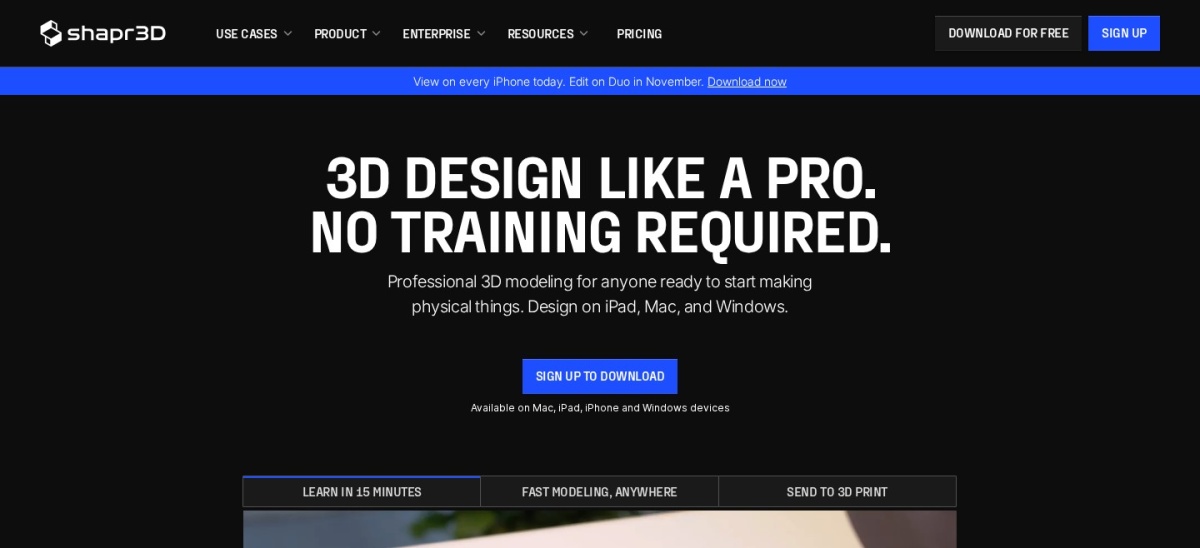
Shapr3D is a professional CAD app built for sketching with an Apple Pencil or mouse, and the result is a precise solid with real dimensions. The free Basic plan covers 2 projects with basic-resolution STL and 3MF export, and Pro costs $299 a year per seat. It is rated 4.8 out of 5 on G2 from 173 reviews.
The trade off is the free tier. Two projects and low-resolution exports are enough to learn on, but real work needs Pro at $299 a year. It suits hobbyists who model on an iPad and want proper CAD instead of a toy app.
What we like
Fastest CAD learning curve on iPad
Precise solids, not mesh sketches
Free Basic plan to learn on
Highest rating here at 4.8 from 173 reviews
Watch out for
Free plan allows only 2 projects
Free exports are low resolution only
Pro is $299 a year per seat
Pro adds unlimited projects and high-resolution exportsVisit shapr3d.com
06
Tinkercad
4.5/5on G2 (120 reviews, checked Nov 2026)
PriceFree
Best first CAD for complete beginners
Entry priceFree, no paid tier
ModellingDrag-and-drop shapes
ExportSTL for 3D printing
PlatformBrowser, nothing to install
tinkercad.com
Tinkercad homepage, captured Nov 2026.
Tinkercad is Autodesk's free browser tool for first-time 3D modelling. You drag shapes together, group them and export an STL file for a 3D printer, with nothing to install and no paid tier at all. It is rated 4.5 out of 5 on G2 from 120 reviews.
The trade off is ceiling. It handles brackets, stands and simple parts well, but it has no parametric history or precise dimension tools for complex designs. It suits complete beginners and anyone printing a first simple part.
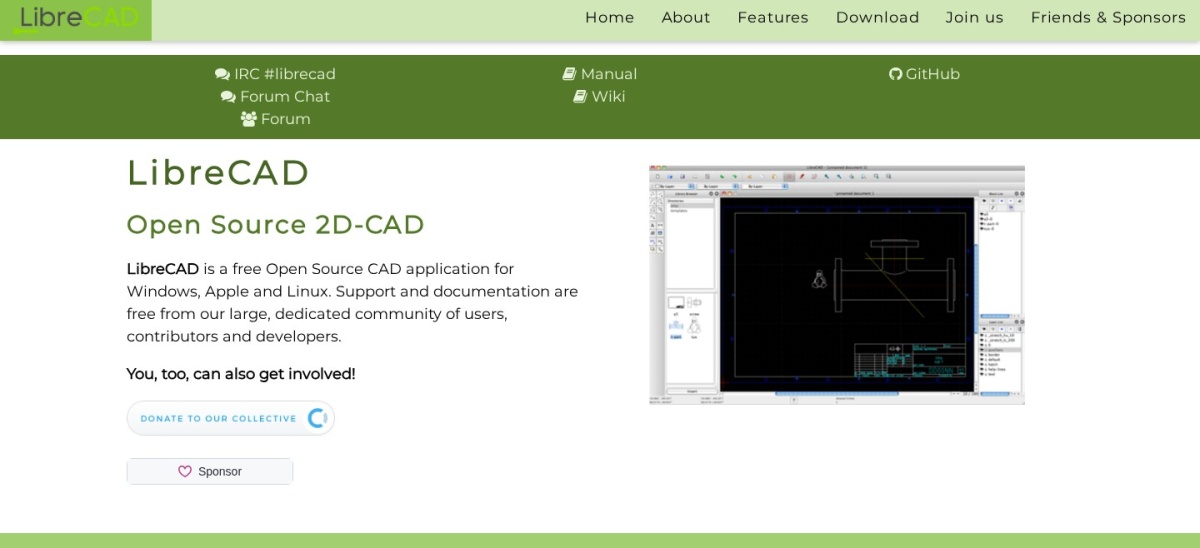
LibreCAD is the best free choice for 2D drafting, with simple tools for floor plans, schematics and mechanical drawings. It is light and fast, running well on old hardware, with layers, blocks, dimensions and hatching for clean technical drawings. It is rated 3.8 out of 5 on G2 from 25 reviews.
The trade off is scope. It is a 2D tool only, so there is no 3D modelling at all, and the interface looks dated next to paid drafting tools. It suits hobbyists who draw plans and laser-cut profiles in two dimensions.
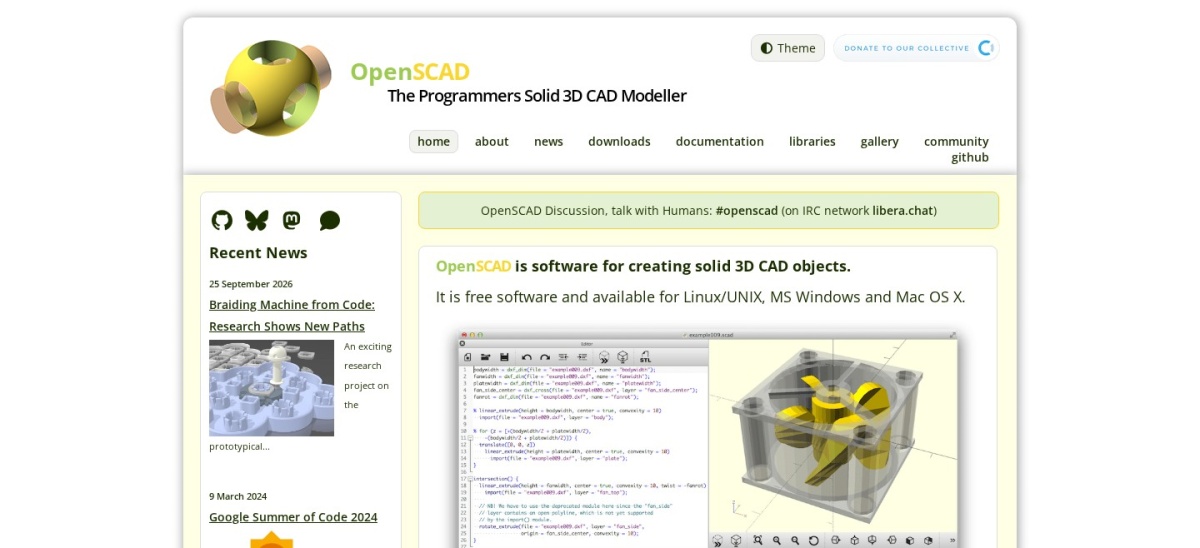
OpenSCAD is a free, open-source tool that builds solid 3D models from a text script instead of mouse clicks. You describe shapes with code and boolean operations, so a parametric part rebuilds itself when you change one number. It is rated 4.3 out of 5 on G2 from 31 reviews.
The trade off is the workflow. There is no mouse-first modelling, so it fits programmers and makers who like code, and it frustrates anyone who wants to drag a shape. It suits hobbyists who print parametric parts and repeat designs with small changes.
Blender is a free, open-source 3D app for modelling, sculpting, rendering and animation. Hobbyists use it to shape organic forms, print STL files and render finished pieces, with a huge library of free tutorials behind it. It is rated 4.6 out of 5 on G2 from 319 reviews.
The trade off is that it is not CAD. There are no dimensions, constraints or parametric history, so precise engineering parts are harder to make than in Fusion or FreeCAD. It suits hobbyists who sculpt, print organic shapes and render their work.
Free plans compared: what the $0 tier really gives you
FreeCAD, Tinkercad, LibreCAD, OpenSCAD and Blender are free forever with no paid tier and no sign-up wall, so nothing is held back.
Fusion, SketchUp, Onshape and Shapr3D use freemium plans. Fusion caps free users at 10 editable documents, Onshape makes free documents public, SketchUp Free runs only in a browser, and Shapr3D Basic allows only 2 projects.
Start with a free plan and a real project. A bracket, a room layout or a laser-cut part will show the limits faster than any feature list.
How we chose
We started from the CAD tools that appear most often in current hobbyist roundups, then kept the nine with the strongest review record and a published price or a free plan.
Prices come from each vendor's pricing page, checked on 23 November 2026. Ratings come from G2 on the same day, except LibreCAD, whose rating comes from a review roundup. Where a vendor shows a sale, the list shows the regular price.
We left out tools aimed only at professionals and car and aircraft makers. No vendor paid for a place, and we do not claim hands-on testing for this list.
How to choose CAD software for hobbyists
Start with what you make, since a printed part, a room layout and a laser-cut profile need different tools.
Name what you make first. Printed parts need parametric 3D, rooms need fast concept modelling, and flat profiles need 2D drafting, so the job picks the tool.
Read the free plan limits. Fusion caps free documents at 10, Onshape makes them public, and Shapr3D allows 2 projects, so check the cap before you invest learning time.
Try the free tier with a real job. FreeCAD, Fusion personal use, SketchUp Free and Tinkercad all let you model a real part before paying, so test with your own work.
Compare the yearly price, not the monthly one. Monthly billing costs far more than yearly on every subscription here, so budget from the annual figure and the renewal terms.
FAQ
What is the best CAD software for hobbyists?
Autodesk Fusion is the best pick for most hobbyists. Its free personal-use plan covers CAD, CAM and 3D printing, and it is rated 4.5 out of 5 on G2 from 520 reviews.
Is there free CAD software for hobbyists?
Yes. FreeCAD, Tinkercad, LibreCAD, OpenSCAD and Blender are free forever, and Fusion, SketchUp, Onshape and Shapr3D all offer free plans with limits on documents, projects or privacy.
How much does Fusion cost for hobbyists?
Fusion for personal use is free for non-commercial projects under $1,000 a year, with a 10-document limit. The paid subscription costs $85 a month or $680 a year.
Which CAD software is best for 3D printing?
Fusion and FreeCAD are the strongest for 3D printing, with parametric parts and STL export. Tinkercad is the easiest start for a first simple print.
What is the cheapest paid CAD software for hobbyists?
SketchUp Go is the cheapest paid plan here at $129 a year, and Shapr3D Pro follows at $299 a year. Both have free plans to learn on first.
Do I need to pay for CAD as a hobbyist?
No. FreeCAD covers parametric 3D, Tinkercad covers first prints, and LibreCAD covers 2D drafting, all at $0. Pay only when a free plan limit blocks your work.