Procreate is the best Sketchbook alternative for iPad artists, with a one-time price of thirteen dollars and the highest G2 score in this list. Clip Studio Paint suits comic artists on desktop, while Krita is the strongest free Sketchbook alternative for Windows, Mac and Linux.
How we make this list: we compare pricing pages, product documentation and public user reviews, then re-check every price before each update. No product paid for a place. Disclosure.
Procreate leads at 4.9 out of 5 on G2 and costs $12.99 once, the cheapest paid start here, but it runs only on iPad.
Four tools cost nothing: Krita, Affinity, Adobe Fresco and GIMP are all free, and Affinity bundles vector, pixel and layout tools in one app.
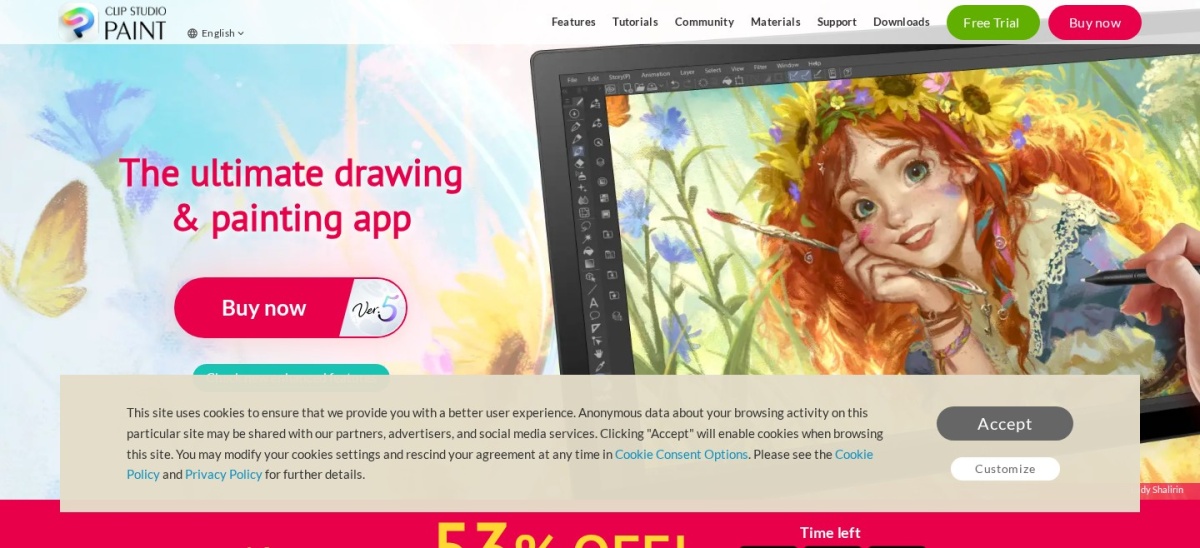
Clip Studio Paint is the best comic and manga pick, with a $26.99 a year plan or a $63 one-time PRO licence for Windows and Mac.
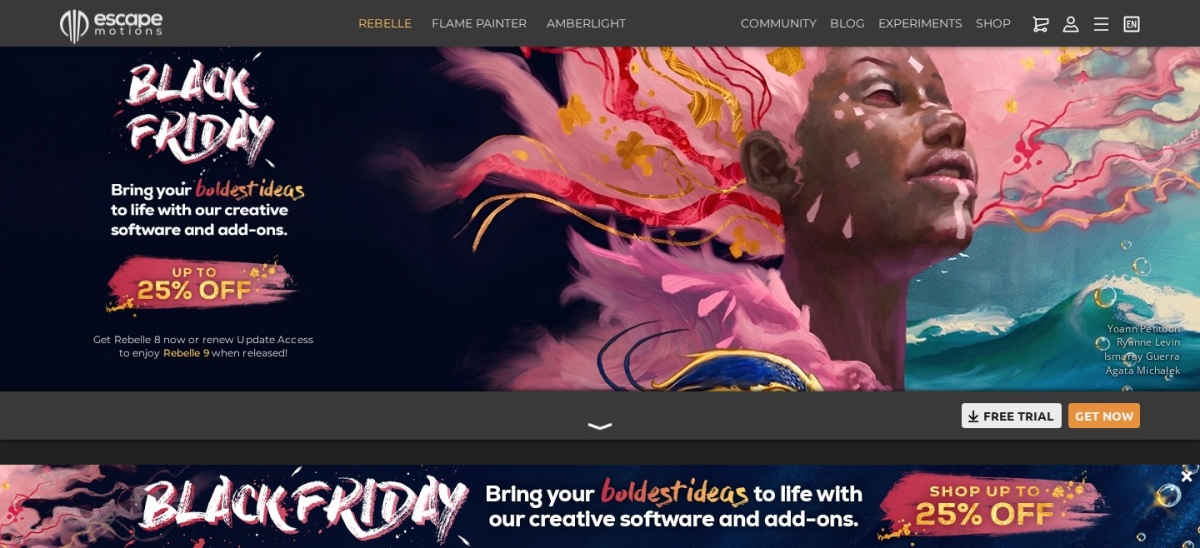
Rebelle holds the second-highest G2 score at 4.8 and the most realistic watercolor and oil brushes, for $89.99 once.
Adobe Fresco became completely free when Adobe cancelled its $9.99 a month Premium tier, so its live brushes now cost nothing.
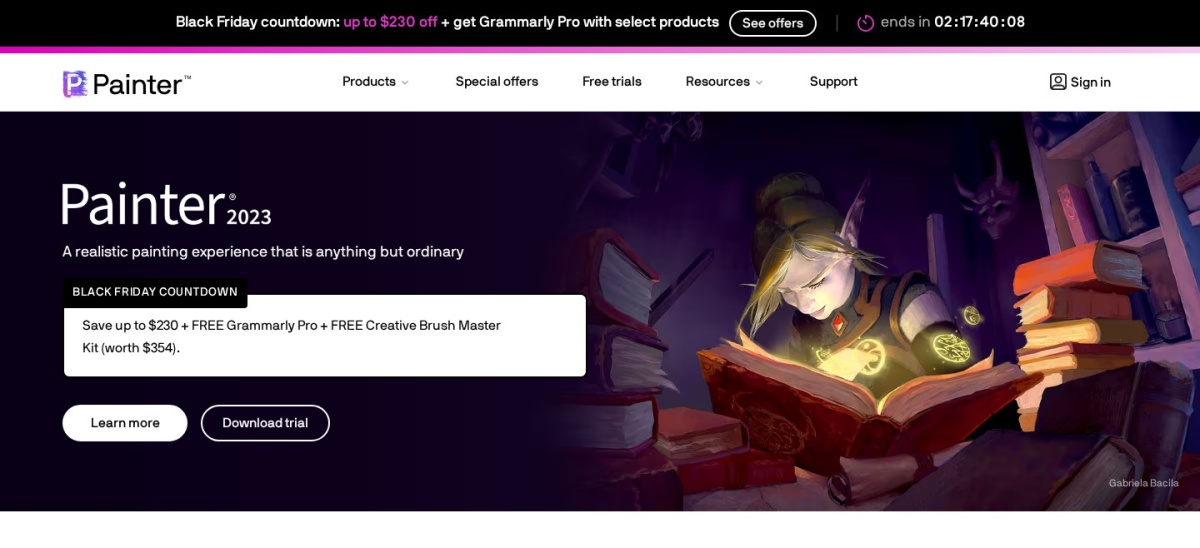
Corel Painter is the dearest pick at $199 a year or $429 once, and only makes sense if natural-media simulation is your actual work.
Which Sketchbook alternatives are worth your money in 2026?
Sketchbook is free on phones and tablets, and Sketchbook Pro for Windows and Mac costs twenty-five dollars once, so an alternative has to earn its price with a better brush engine, more platforms, or tools Sketchbook lacks. The nine apps here cover that whole range, from free desktop painters to a four-hundred-dollar specialist.
Price models split three ways. Procreate, Rebelle and Corel Painter sell once and never bill again, Clip Studio Paint and Photoshop charge by the month or year, and Krita, Affinity, Fresco and GIMP cost nothing at all. A one-time payment wins if you draw for years; a free app wins if you are still learning.
Platform decides more than price does. Procreate and Fresco live on iPad, Clip Studio Paint and Krita run on almost everything, and Corel Painter and Rebelle are desktop only. Pick the app that runs where you actually draw, then check its brush feel and file exports.
Our best digital art software guide compares seven of these same apps head to head on price and G2 ratings, including the free Affinity suite and the one-time Clip Studio Paint licence.
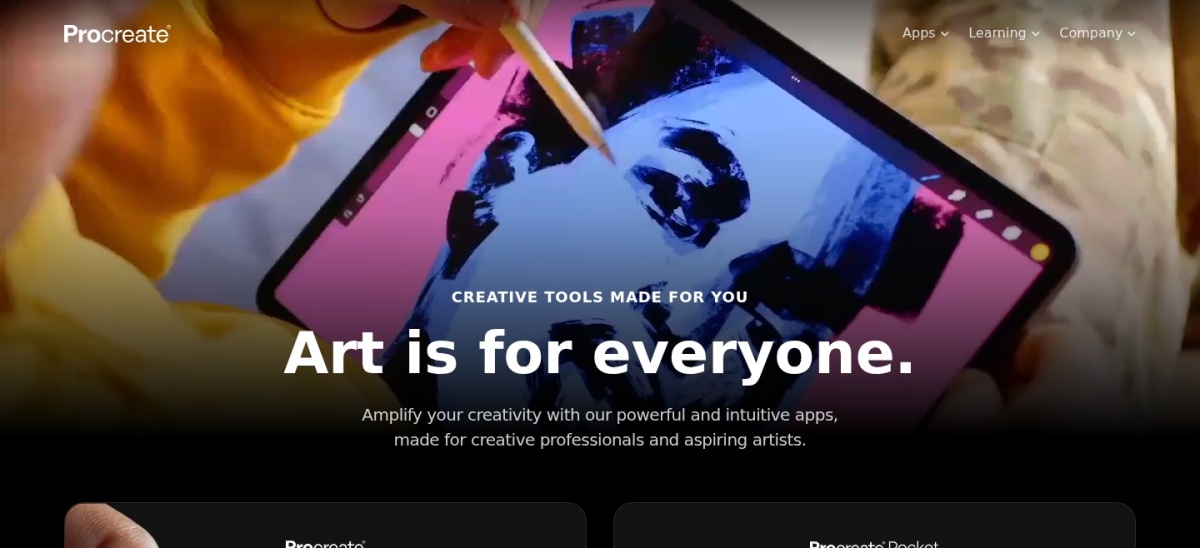
Procreate is the default iPad painting app, with over 300 built-in brushes, Apple Pencil pressure and tilt, 25-plus blend modes, and Animation Assist for frame-by-frame loops. It costs $12.99 once on the App Store, with free lifetime updates and no subscription, and holds a 4.9 G2 score from 73 reviews, the highest in this list.
The trade off is hardware lock-in at $12.99. Procreate runs only on iPadOS, so Windows, Mac and Android artists need a second app, and there is no free plan or trial to test the brushes first. It suits iPad artists who want one payment and the deepest brush controls on a tablet.
Clip Studio Paint is a drawing and comic creation tool with panel frames, speech balloons, screentones, vector layers and poseable 3D reference models. PRO costs $26.99 a year on a single-device plan or $63 once for Windows and Mac, and it holds a 4.4 G2 score from 56 reviews.
The trade off is split licensing across devices and editions. The one-time licence covers Windows and Mac only and freezes at Version 5.0 unless you add a $10.99 a year Update Pass, while iPad, iPhone and Android need a plan. It suits comic and manga artists who draw on a desktop.
Krita is a free, open-source painting program built by artists, with over 100 brush presets, a deep brush engine, frame-by-frame animation and full PSD support. The download from krita.org costs nothing under the GPL licence, and it holds a 4.4 G2 score from 64 reviews.
The trade off is a steeper learning curve and a busy interface. Krita feels closer to Photoshop than to Sketchbook's quiet canvas, and the Android version is still beta, so tablet artists get a rougher ride. It suits desktop artists who want pro painting tools for nothing.
Affinity is a free professional design suite from Canva that merges the old Affinity Designer, Photo and Publisher apps into one window, with vector drawing, pixel painting and page layout together. The core app costs nothing with a free Canva account, and it holds a 4.5 G2 score from 452 reviews.
The trade off is that it is a design suite first and a sketching app second. Vector tools lead, the brush set is thinner than Procreate or Krita, and Canva AI features need a paid Canva Pro plan. It suits artists who also need layout and vector work in one free app.
Rebelle is a digital painting app from Escape Motions that simulates watercolor, acrylic and oil paint with wet blending, pigment mixing and paper grain. Rebelle 8 costs $89.99 once for one licence, and it holds a 4.8 G2 score from 94 reviews, the second highest in this list.
The trade off is that it is a painting specialist, not a sketching app. There is no comic panel tool, no vector layer and no tablet version, and Pro at $149.99 is a stretch for hobbyists. It suits painters who want digital work to look and behave like real paint.
Adobe Fresco is Adobe's painting and drawing app for iPad, iPhone and Windows, built around live watercolor and oil brushes that blend and bleed on the canvas. Adobe cancelled the $9.99 a month Premium tier in October 2024, so the full app is now free, and it holds a 4.5 G2 score from 35 reviews.
The trade off is the platform gap and the thin review base. There is no Mac or Android version, the vector brushes are weaker than Illustrator, and 35 G2 reviews is the smallest base in this list. It suits iPad artists already in the Adobe ecosystem who want realistic paint for nothing.
Adobe Photoshop is the professional standard for photo editing, retouching and finished illustration, with the deepest brush, layer and colour tools in this list. The single-app plan costs $22.99 a month on an annual plan, and it holds a 4.6 G2 score from 13,454 reviews, the largest base here.
The trade off is the subscription and the weight. Photoshop costs $275.88 a year on the annual plan and never stops billing, and its interface is heavier than Sketchbook's quiet canvas. It suits artists who need Photoshop itself for client work, print colour or photo retouching.
Corel Painter is a desktop painting app whose brushes simulate oil, watercolor, chalk and pastel with a fidelity nothing else here matches, backed by more than 900 brushes and physics-based paint mixing. A 365-day subscription costs $199 a year, or $429 once, and it holds a 4.1 G2 score from 60 reviews.
The trade off is price and weight. Painter is the dearest pick here, the interface feels dated next to newer rivals, and there is no tablet version, so it needs a capable desktop. It suits traditional painters who want digital oils and watercolors that behave like the real thing.
GIMP is a free, open-source raster editor that covers painting, retouching and photo manipulation with layers, masks and a large plug-in library. Version 3.2 arrived in March 2026 with non-destructive layers, and it holds a 4.3 G2 score from 1,485 reviews, the second-largest base here.
The trade off is that it is an editor first and a sketching app second. The interface is older than the paid apps, brush handling is less fluid than Krita or Procreate, and there is no official support. It suits artists who want a free Photoshop-class editor that also paints.
Free apps vs one-time purchases: what you actually get
Four apps here cost nothing to use. Krita is open source and free on every desktop, Affinity is free with a Canva account, Adobe Fresco is free since Adobe cancelled its Premium tier, and GIMP is free and open source. None of them locks brushes or layers behind a paywall.
One-time purchases sit between free and subscription. Procreate costs $12.99 once, Clip Studio Paint PRO costs $63 once for Windows and Mac, Rebelle costs $89.99 once, and Corel Painter costs $429 once or $199 a year. You pay once and the app stays yours.
Subscriptions are the dearest route here. Photoshop costs $22.99 a month on an annual plan, and Clip Studio Paint plans start at $26.99 a year. A subscription only wins if you need Photoshop itself or Clip Studio on a tablet, where no one-time licence exists.
How we chose
We started from the drawing and painting apps most often recommended as Sketchbook replacements, then kept the nine with a published price and a G2 or Capterra rating from real reviewers.
Prices come from vendor pricing pages and official store listings, checked in November 2026, with annual billing shown where the vendor discounts it. Ratings come from G2 and Capterra on the same day.
We left out apps with no aggregator rating, such as MediBang Paint and Concepts, and tools with yen-only pricing. No vendor paid for a place, and we do not claim hands-on testing for this list.
How to choose a Sketchbook alternative
Match the app to your device, your budget and the kind of art you make before you pay anything.
Start with your device. Procreate and Fresco need an iPad, Corel Painter and Rebelle need a desktop, and Krita and Clip Studio Paint run almost everywhere. An app you cannot install is no alternative at all.
Decide once, monthly or never. One-time apps cost $12.99 to $429 and never bill again, Photoshop and Clip Studio plans bill every month or year, and four apps here are free. Match the billing to how long you will draw.
Test the brushes on your own work. Sketchbook's appeal is a clean canvas and predictable strokes, so open a real sketch in a trial and check pressure, tilt and palm rejection before you commit.
Check exports before you switch. Make sure your pick opens and saves PSD files and the formats your clients or printers need, since moving a library of sketches between apps is the real cost.
FAQ
What are the best Sketchbook alternatives in 2026?
Procreate is the best Sketchbook alternative for most artists, with a 4.9 G2 score and a one-time price of $12.99 on iPad. Clip Studio Paint is the best desktop pick for comics, and Krita is the best free alternative on Windows, Mac and Linux.
Is there a free alternative to Sketchbook?
Yes. Krita, Affinity, Adobe Fresco and GIMP are all free, and Sketchbook itself is free on phones and tablets. Krita is the strongest free desktop painter, Affinity adds vector and layout tools, and Fresco is the best free iPad painting app.
Is Procreate better than Sketchbook?
Procreate is better for finished illustration, with over 300 brushes, animation tools and a 4.9 G2 score, while Sketchbook is better for fast, clean sketching on a quiet canvas. Procreate costs $12.99 once and runs only on iPad, where Sketchbook is free.
What is the cheapest Sketchbook alternative?
Krita, Affinity, Adobe Fresco and GIMP all cost nothing, so the cheapest alternative is free. Among paid apps, Procreate is cheapest at $12.99 once, followed by Clip Studio Paint at $26.99 a year or $63 once for its PRO licence.
Can I use a Sketchbook alternative on Windows and Mac?
Yes. Krita, Clip Studio Paint, Affinity, Rebelle, Corel Painter, GIMP and Photoshop all run on Windows and Mac. Procreate and Adobe Fresco do not, since Procreate is iPad only and Fresco runs on iPad, iPhone and Windows.
Does Clip Studio Paint work on iPad?
Yes, but only on a subscription plan, from $0.99 a month for first-time subscribers or $26.99 a year for the single-device PRO plan. The $63 one-time PRO licence covers Windows and Mac only, so iPad artists cannot buy it once.
SaaS SEO and WordPress specialist with about 8 years of experience. Rakib compares WordPress plugins, themes, hosting and software using public pricing, documentation and user reviews. See how we rank.