Homebase is the top overall choice among Sling alternatives for small teams that want a free basic tier and flat per-location pricing starting at $30/month ($24/month billed annually) for unlimited employees. For different needs, When I Work fits straightforward per-user scheduling at $2.50/user/month, while 7shifts targets restaurants and Connecteam covers multi-hub deskless crews.
How we make this list: we compare pricing pages, product documentation and public user reviews, then re-check every price before each update. No product paid for a place. Disclosure.
Homebase starts at $0 for 1 location up to 10 employees and $30/month ($24/month annually) per location for unlimited staff, holding a 4.6/5 rating across 1,158 Capterra reviews.
When I Work prices entry scheduling and attendance at $2.50/user/month for a single location or schedule, with a 4.4/5 rating across 424 G2 reviews.
7shifts is built for restaurants and hospitality, carrying a 4.5/5 rating across 130 G2 reviews.
Connecteam offers a flat $29/month (billed annually) or $35/month (billed monthly) Basic plan for the first 30 users, backed by 4.6/5 across 3,506 G2 reviews.
Deputy starts at $5/user/month for Lite scheduling and time tracking and holds 4.5/5 across 978 G2 reviews.
ZoomShift offers a free plan up to 20 active team members and paid tiers starting at $2.50/user/month billed monthly ($2/user/month annually), rated 4.8/5 across 50 G2 reviews.
How do you choose the right Sling alternatives for hourly shifts?
Billing math separates good shift schedulers from budget traps as headcount grows. Flat per-location or flat team-band plans keep costs predictable when you add seasonal staff, whereas per-user rates scale linearly with every extra employee.
Time-clock and compliance rules matter just as much as drag-and-drop shift grids. Many hourly teams need GPS clock-ins, break rules, and overtime alerts tied directly to published shifts rather than standalone calendar invites.
Free tiers often draw a sharp line on headcount, locations, or time tracking. A free plan that caps users or omits time clocks works well for early testing but forces an upgrade once a shift crew expands.
Industry fit shapes daily adoption on both manager and employee phones. Hospitality teams often prioritize sales forecasting and tip tracking, while field and retail teams focus on mobile shift swaps and chat.
For time-clock verification paired with shift scheduling
$4.99/mo
No free plan
4.8/5
Price ladder: cheapest paid plan per year
List prices, USD, checked Nov 2026
When I Work$30
ZoomShiftFREE$30
Buddy Punch$60
Deputy$60
ConnecteamFREE$348
HomebaseFREE$360
7shiftsFREE$480
The 7 best sling alternatives
01
Homebase
4.6/5on Capterra (1,158 reviews, checked Nov 2026)
Paid from$30/mo
Best for single-site hourly teams with a free tier
Free plan1 location, up to 10 staff
Entry paid tierEssentials at $30/mo/location
Annual discount20% off ($24/mo equivalent)
Capterra score4.6/5 (1,158 reviews)
joinhomebase.com
Homebase homepage, captured Nov 2026.
Homebase is a workforce scheduling, time-clock, and team communication app for hourly businesses. Its free Basic plan covers 1 location and up to 10 employees with basic scheduling, basic time tracking, and POS integration.
The trade off is paying $30/month per location on Essentials ($24/month when billed annually with 20% savings) once you exceed 10 staff or add locations, while payroll and Tip Manager cost extra. It suits local shops, cafes, and clinics that want a free start and flat per-site pricing.
What we like
Free Basic plan includes basic scheduling and time tracking for up to 10 employees at one location
Essentials plan supports unlimited employees per location at a flat monthly rate
Optional add-ons cover payroll, Tip Manager, and Task Manager without switching platforms
Strong 4.6/5 rating across 1,158 reviews on Capterra
Watch out for
Free plan is restricted to one location and ten employees
Multi-location teams multiply the per-location monthly fee across every site
Add-ons such as payroll and Tip Manager raise total monthly spend
Essentials adds unlimited employees, advanced scheduling, advanced time tracking, and team communication.Visit joinhomebase.com
02
When I Work
4.4/5on G2 (424 reviews, checked Nov 2026)
Starts at$2.50/mo
Best for straightforward per-user scheduling and attendance
Free planNone (14-day trial available)
Single-site rate$2.50/user/month
Multi-site rate$5/user/month
G2 score4.4/5 (424 reviews)
wheniwork.com
When I Work homepage, captured Nov 2026.
When I Work is an employee scheduling and time-and-attendance platform built for hourly shift teams. It offers a 14-day free trial and includes shift templates, open-shift swaps, team messaging, and built-in time tracking.
The trade off is no free tier and paid pricing starting at $2.50/user/month for a single location or schedule ($5/user/month for multiple locations or schedules). It suits teams that want clean shift calendars and attendance tracking without buying separate modules.
What we like
Clear per-user pricing starting at $2.50/user/month for a single location or schedule
Includes auto scheduling, schedule templates, labor forecasting, and GPS clock-in
Supports shift swapping, time-off requests, and team messaging in one app
Watch out for
No permanent free plan after the 14-day trial ends
Multi-location or multi-schedule setups double the per-user rate to $5/user/month
Per-user billing scales with every employee on the roster
Paid plans include auto scheduling, labor forecasting, time tracking, and shift swap workflows.Visit wheniwork.com
03
7shifts
4.5/5on G2 (130 reviews, checked Nov 2026)
Paid from$39.99/mo
Best for restaurants and hospitality labor control
Free tierComp plan available (1 location, 15 staff)
Monthly list tierEssentials at $39.99/mo
Higher tiersPro ($69.99/mo) and Premium ($149.99/mo)
G2 score4.5/5 (130 reviews)
7shifts.com
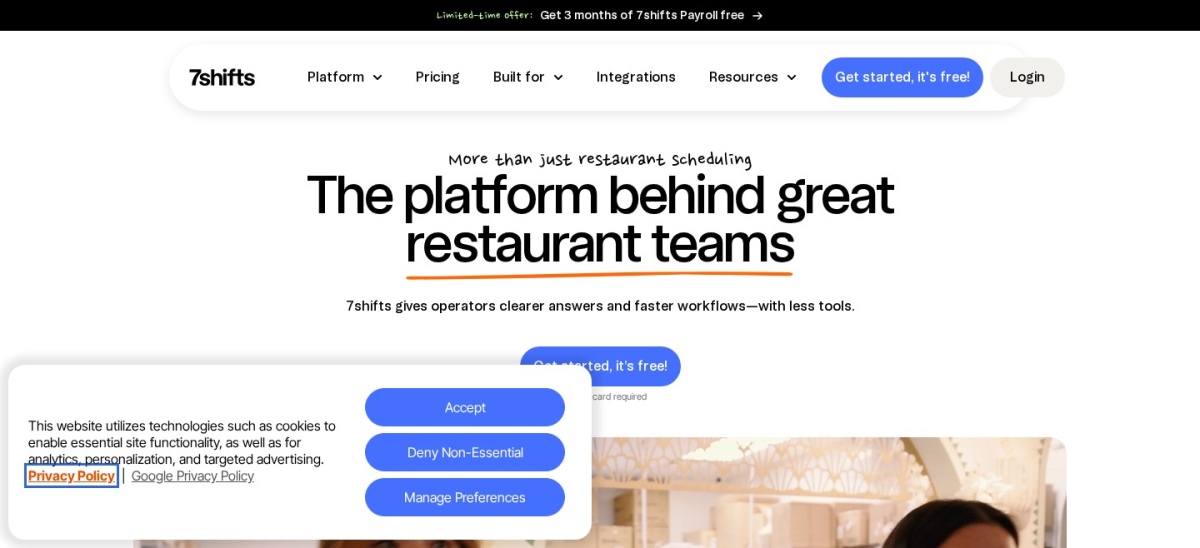
7shifts homepage, captured Nov 2026.
7shifts is a team management and shift-scheduling platform tailored to restaurants and hospitality operators. It provides a free Comp plan for one location up to 15 employees alongside paid plans that add deeper labor and POS controls.
The trade off is higher monthly pricing—starting at $39.99/month on Essentials ($479.88/year at monthly rates)—and a narrow focus on food and beverage operations. It suits independent restaurants and multi-unit hospitality groups that want restaurant-specific scheduling.
What we like
Purpose-built for restaurants with sales forecasting, labor tracking, and staff chat
Offers a free Comp tier for one location up to 15 employees
Rated 4.5/5 across 130 reviews on G2
Watch out for
Entry paid plan at $39.99/month costs more than several general shift tools
Specialized around restaurant and hospitality workflows rather than general industries
Higher tiers jump to $69.99/month and $149.99/month
Paid plans expand scheduling, labor management, and team operations tools beyond the free Comp tier.Visit 7shifts.com
04
Connecteam
4.6/5on G2 (3,506 reviews, checked Nov 2026)
Paid from$29/mo
Best for deskless teams combining shifts, chat, and tasks
Free planSmall Business up to 10 users
Annual Basic price$29/mo ($348/yr) for first 30 users
Monthly Basic price$35/mo for first 30 users
G2 score4.6/5 (3,506 reviews)
connecteam.com
Connecteam homepage, captured Nov 2026.
Connecteam is an operations app for deskless teams that pairs shift scheduling and GPS time tracking with checklists, forms, and internal communication. Qualifying small businesses with up to 10 users can start on its free Small Business plan.
The trade off is paying $29/month billed annually ($348/year) or $35/month billed monthly on Basic for the first 30 users, with extra seats and specialized hubs adding cost. It suits field, cleaning, and service crews that want tasks and updates alongside shifts.
What we like
Includes up to 30 users on the Basic plan at $29/month billed annually ($348/year)
Combines shift scheduling, GPS time clocks, checklists, and forms in one app
High review volume with 4.6/5 across 3,506 reviews on G2
Watch out for
Free plan caps qualifying teams at 10 users
Adding users past 30 or unlocking separate hubs increases monthly fees
Feature breadth can feel heavier than a pure shift-calendar app
Basic unlocks full time tracking with GPS, unlimited jobs, payroll integration, and unlimited checklists and forms.Visit connecteam.com
05
Deputy
4.5/5on G2 (978 reviews, checked Nov 2026)
Starts at$5/mo
Best for compliance-driven rostering and timesheets
Free planNone (free trial available)
Entry tierLite at $5/user/month
Mid & top tiersCore ($6.50/user/mo) and Pro ($9/user/mo)
G2 score4.5/5 (978 reviews)
deputy.com
Deputy homepage, captured Nov 2026.
Deputy is a workforce management platform focused on shift scheduling, timesheets, leave tracking, and labor compliance rules. It offers a free trial rather than a permanent free plan and starts at $5/user/month on Lite for basic scheduling and time tracking.
The trade off is no free tier and higher per-user pricing than budget schedulers, scaling to $6.50/user/month on Core and $9/user/month on Pro plus optional add-ons. It suits regulated workplaces and multi-site teams that prioritize break, overtime, and audit controls.
What we like
Strong scheduling, timesheet, and compliance controls for hourly teams
Clear tiered progression from Lite ($5/user/month) to Core and Pro
Rated 4.5/5 across 978 reviews on G2
Watch out for
No free plan after the trial period
Higher per-user cost than entry-level scheduling tools
Advanced add-ons like HR, Messaging+, and Analytics+ add extra per-user charges
Core and Pro add multi-location workflows, custom access levels, advanced reporting, and included add-ons.Visit deputy.com
06
ZoomShift
4.8/5on G2 (50 reviews, checked Nov 2026)
Paid from$2.50/mo
Best for low-cost per-user shifts with a 20-user free tier
Free planEssentials up to 20 active team members
Monthly Starter$2.50/active user/month
Annual Starter$2/active user/month
G2 score4.8/5 (50 reviews)
zoomshift.com
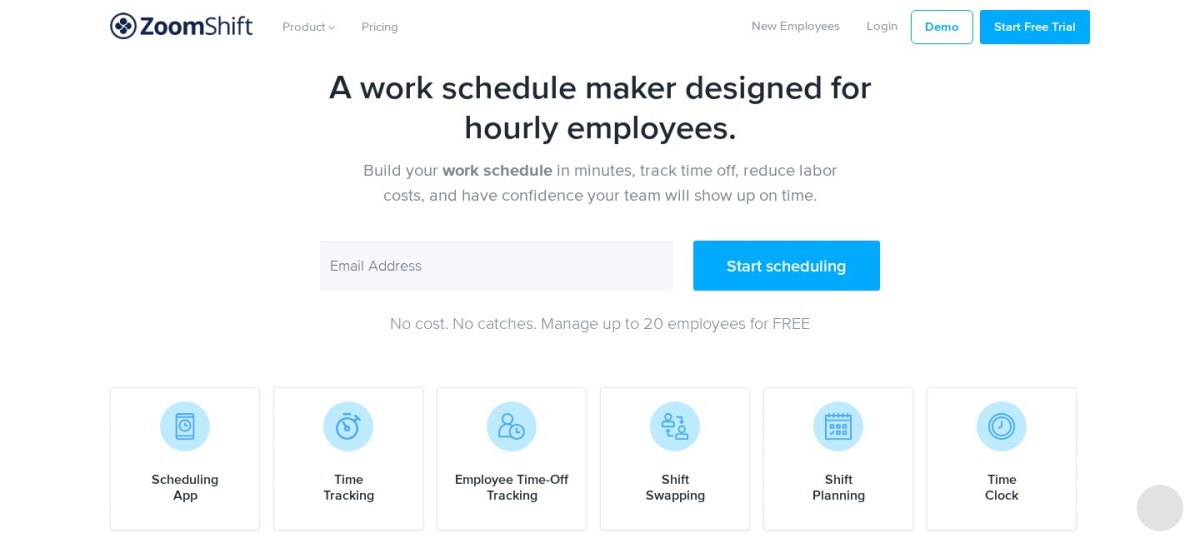
ZoomShift homepage, captured Nov 2026.
ZoomShift is a shift-scheduling and time-tracking app designed for small and growing hourly teams. Its free Essentials plan covers up to 20 active team members for basic scheduling and communication.
The trade off is paid plans starting at $2.50/user/month billed monthly ($2/user/month on annual billing) for Starter and $4/user/month annually on Premium, with fewer reviews than larger rivals. It suits small businesses that want a generous free user cap and low per-seat rates.
What we like
Free Essentials tier supports up to 20 active team members
Low entry pricing at $2.50/user/month billed monthly ($2/user/month annually)
High 4.8/5 rating across 50 reviews on G2
Watch out for
Smaller review sample on G2 (50 reviews) than major competitors
Time tracking and advanced workforce controls require moving to paid tiers
Per-user pricing adds up as headcount increases
Starter adds time tracking on top of Essentials scheduling and team communication.Visit zoomshift.com
07
Buddy Punch
4.8/5on G2 (332 reviews, checked Nov 2026)
Starts at$4.99/mo
Best for time-clock verification paired with shift scheduling
Free planNone (free trial available)
Starter per-user$4.99/user/mo + $19/mo base fee
Higher tiersPro ($6.99/user/mo) and Advanced ($12.99/user/mo)
G2 score4.8/5 (332 reviews)
buddypunch.com
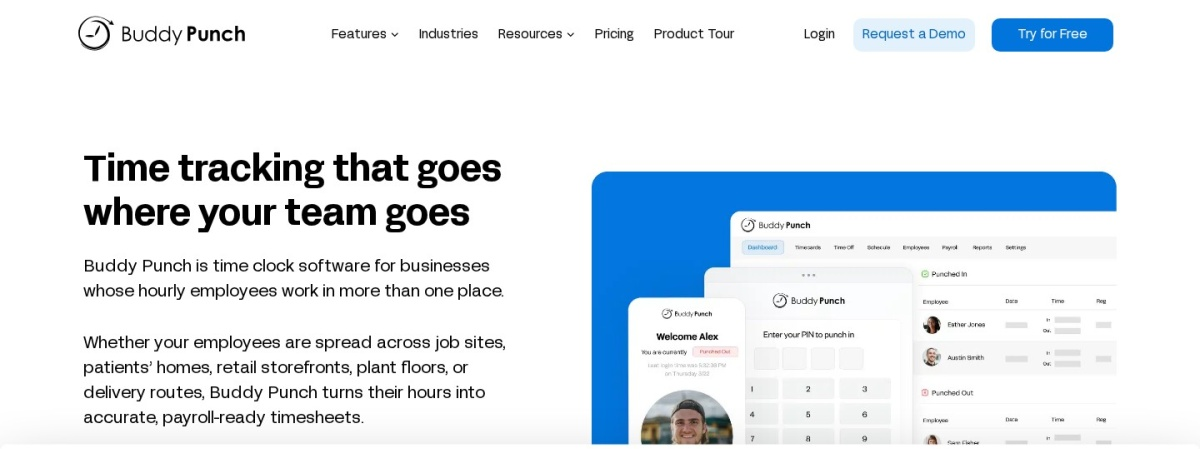
Buddy Punch homepage, captured Nov 2026.
Buddy Punch is a time-clock and employee scheduling tool focused on punch controls, overtime tracking, and shift coverage. It offers a free trial rather than a free plan and starts at $4.99/user/month plus a $19/month base fee on Starter.
The trade off is combining a $19/month base fee with per-user pricing—and paying extra for add-ons such as scheduling ($1/user/month on lower tiers), real-time GPS, and onboarding. It suits teams that prioritize punch verification and overtime tracking alongside schedules.
What we like
Strong time-clock controls including geofences, PIN/kiosk punches, and overtime tracking
Free administrator seats keep manager logins from inflating user counts
Rated 4.8/5 across G2 reviews
Watch out for
Combines a $19/month base fee with per-user charges on every tier
Optional add-ons for scheduling, real-time GPS, and onboarding increase total cost
No permanent free tier beyond the trial
Pro and Advanced bundle scheduling, offline mode, and extra workforce management features.Visit buddypunch.com
How per-seat and flat-rate plans compare for shift teams
Per-user pricing works best when headcount is small or stable, such as a 12-person retail or clinic crew on When I Work at $2.50/user/month or ZoomShift at $2.50/user/month monthly. Every new hire adds a predictable incremental charge.
Flat or location-based pricing often wins when turnover is high or rosters expand past 20 to 30 people. Homebase at $30/month per location for unlimited employees and Connecteam at $29/month annually for up to 30 users on Basic keep base costs steady as shifts fill.
How we chose
We selected established shift-scheduling and workforce time-tracking platforms commonly evaluated as alternatives to Sling (getsling.com) across small businesses, restaurants, and multi-site hourly teams.
Every rating, review count, and entry price was checked on 30 Nov 2026 from vendor pricing pages and third-party review directories (G2 and Capterra), using the cheapest published paid plan without relying on promotional discounts.
We excluded tools that lacked confirmed public pricing or active shift-scheduling workflows for hourly teams, and we never invent ratings, review counts, or prices. No vendor paid for a place, and we do not claim testing for this list.
How to pick the right Sling alternative in 4 steps
Follow these steps to match shift features and billing to your team:
Count your active shift workers and locations first. Compare free tier caps—such as Homebase (10 staff, 1 location) and ZoomShift (20 active users)—against your actual headcount so you know when paid tiers kick in.
Decide between per-user and location- or group-based billing. Model your monthly bill at current and peak seasonal staffing levels to see whether per-user rates or flat tier rates cost less.
Check time-clock and compliance requirements. Confirm whether you need GPS clock-ins, geofences, break tracking, or restaurant labor forecasting before signing an annual contract.
Verify payroll and POS integrations with your existing stack. Make sure timesheets export cleanly to your payroll or point-of-sale system to avoid manual hour re-entry at pay period close.
FAQ
What are the best Sling alternatives in 2026?
Homebase leads for small hourly teams with a free tier and $30/month per-location Essentials pricing, followed by When I Work at $2.50/user/month for straightforward per-user scheduling and 7shifts for restaurants.
Which Sling alternatives offer a free plan?
Homebase offers a free Basic plan for 1 location up to 10 employees, 7shifts offers a free Comp plan for 1 location up to 15 employees, ZoomShift offers a free Essentials plan up to 20 active users, and Connecteam provides a free Small Business tier for qualifying teams up to 10 users.
What is the cheapest paid option among these Sling alternatives?
On a per-user basis, When I Work starts at $2.50/user/month for a single location or schedule and ZoomShift starts at $2.50/user/month billed monthly ($2/user/month annually) on Starter, while Connecteam starts at $29/month billed annually ($35/month monthly) for up to 30 users.
Which option works best for small or first-time shift teams?
Homebase and ZoomShift fit small teams starting out because both include a free tier—up to 10 employees for Homebase and up to 20 active team members for ZoomShift—with straightforward scheduling.
Homebase vs. When I Work: which should I pick?
Pick Homebase if you want a free tier up to 10 staff and flat $30/month per-location pricing for unlimited employees on Essentials; pick When I Work if you prefer per-user pricing starting at $2.50/user/month with a 14-day trial and built-in attendance tools.
Do all shift-scheduling tools include time clocks on their base plan?
No. Some platforms include basic or full time tracking on entry plans, while others gate time clocks, GPS verification, or scheduling modules behind higher tiers or add-ons.
SaaS SEO and WordPress specialist with about 8 years of experience. Rakib compares WordPress plugins, themes, hosting and software using public pricing, documentation and user reviews. See how we rank.