Notion is the best Android app for most people because it combines notes, tasks and wikis in one workspace that syncs everywhere. Canva is the best choice for quick design on the go, while WhatsApp remains the simplest way to message and call.
How we make this list: we compare pricing pages, product documentation and public user reviews, then re-check every price before each update. No product paid for a place. Disclosure.
Notion leads with a 4.7 G2 rating from 14,020 reviews and a free plan that covers notes, tasks and wikis.
Canva brings pro-level design to a phone, with a free plan and Pro at $120 a year.
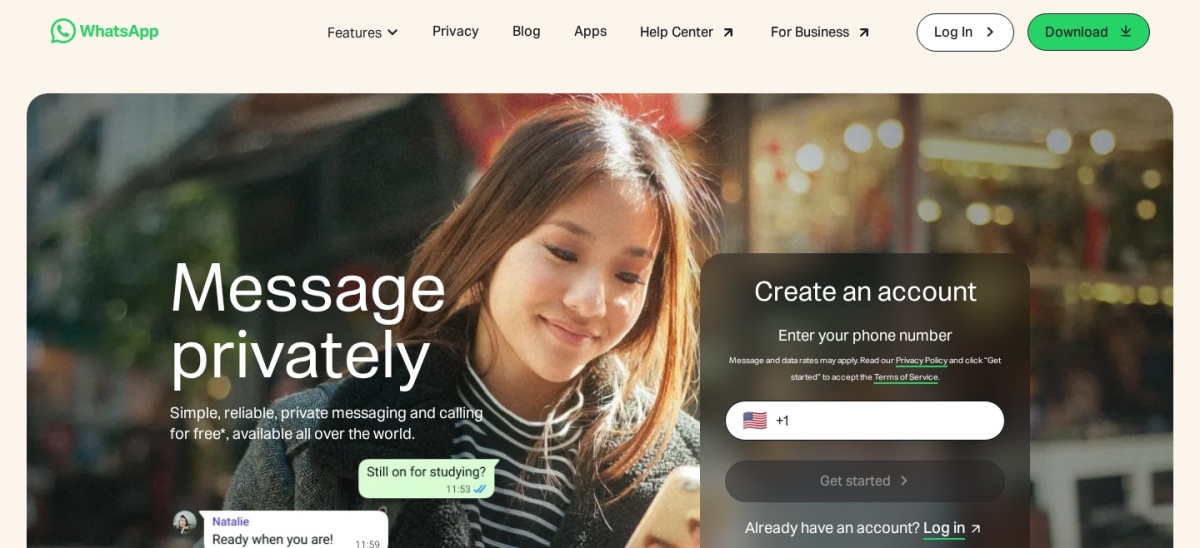
WhatsApp is free and used by billions, with messages, calls and channels in one app.
Todoist is the simplest task app here, with a free plan and Pro at $48 a year.
Slack and Zoom cover work chat and video, with free plans and paid upgrades from $87 a year.
What makes a great Android app
The best Android apps earn their place by working well on a phone, not just on a desktop. A good Android app syncs across devices, works offline where it matters and fits one-handed use.
Free plans matter more on mobile than anywhere else. Every app in this list has a free plan, and the paid upgrades mostly add storage, collaboration or premium templates rather than basic features.
Ratings here come from G2, where reviewers judge the whole product, not just the phone app. A high G2 rating means the service is strong, while the Android app itself is judged on the Play Store.
Pick by the job you do most on your phone. Notes and tasks, design, messaging and video calls each have a clear leader, so match the app to the job rather than downloading everything.
Notion is an all-in-one workspace for notes, tasks, wikis and databases that syncs across Android, iOS, web and desktop. The free plan covers unlimited pages and blocks for individuals, and the Android app is rated 4.6 on Google Play from about 400,000 ratings.
The trade off is complexity. Notion can feel slow to set up, and the best features, including AI and unlimited file uploads, sit in the Plus plan at $10 per user a month. It suits people who want one workspace for notes, tasks and plans.
Canva is a design app with templates for social posts, presentations, posters and videos, built for people with no design training. The free plan includes hundreds of thousands of templates, and the Android app lets you design, edit and share from your phone.
The trade off is that the best templates and assets need Pro at $120 a year, and the free plan shows paid-only content mixed in with free designs. It suits anyone who makes social posts, slides or flyers on their phone.
WhatsApp is the most-used messaging app on Android, with free messages, voice and video calls, groups and channels. It is end-to-end encrypted, works on phones, tablets and desktop, and needs only a phone number to start.
The trade off is that WhatsApp is owned by Meta, and its business tools live in a separate app, while the G2 rating here comes from the Business Platform listing. It suits anyone who wants the simplest free way to message and call.
Todoist is a task manager that turns plain phrases such as tomorrow at 9am into dated tasks with reminders. The free plan covers five projects with basic features, and the Android app syncs tasks across phone, web and desktop.
The trade off is the free limit. Reminders, filters and more than five projects need Pro at $48 a year, and the app is deliberately simple beside Notion. It suits people who want a fast list, not a workspace.
Slack is a team chat app that organises work into channels, with threads, huddles, file sharing and more than 2,600 app integrations. The free plan covers unlimited messages for 90 days, and the Android app keeps teams in touch on the go.
The trade off is noise and cost. Channels can overwhelm small teams, message history is limited to 90 days on the free plan, and Pro costs $7.25 per user a month. It suits teams that live in chat and need their tools connected.
Zoom is a video meeting app that runs group calls with screen sharing, chat, whiteboards and breakout rooms. The free plan covers meetings of up to 40 minutes with 100 people, and the Android app joins calls from anywhere.
The trade off is the 40-minute limit on free group meetings and the price of Pro at $14.99 a month. It suits anyone who joins video calls often and wants the most familiar meeting app.
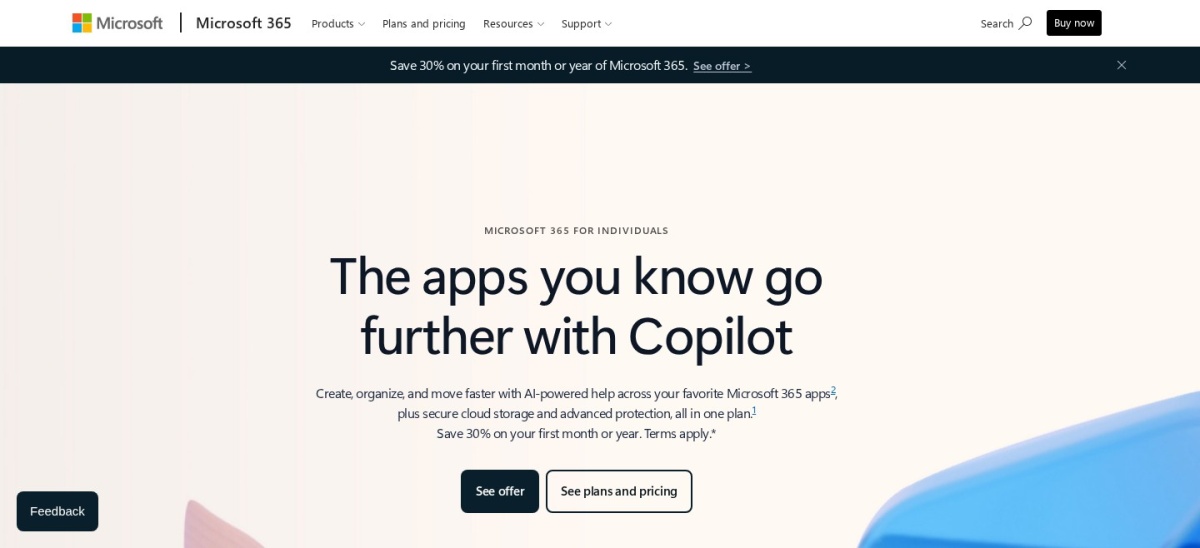
Microsoft 365 is the mobile home of Word, Excel and PowerPoint, with OneDrive storage and Outlook in one app. The free plan covers basic viewing and editing, and Personal at $9.99 a month adds 1 TB of storage and Copilot AI features.
The trade off is that the best features need a subscription, and the app can feel heavy on older phones. It suits people who already use Word and Excel and want their documents on Android.
Adobe Express is a design app for social posts, flyers and short videos, with Adobe templates and Firefly AI image tools. The free plan covers basic design, and the Android app lets you create and post from your phone.
The trade off is that the best templates, brand kits and Firefly features need Premium at $9.99 a month, and the app is narrower than Canva for documents. It suits Adobe users who want quick social graphics.
Mailchimp is an email marketing app that lets you build campaigns, check reports and manage audiences from your phone. The free plan covers 500 contacts, and the Android app keeps small businesses in touch with customers on the go.
The trade off is price as lists grow. Standard costs $20 a month and the price rises with contacts, while the free plan is small. It suits small businesses that run email campaigns from their phone.
Free plans cover the basics well. Every app here has a free plan, and most people never need to pay for notes, tasks, messaging or design.
Paying adds storage, history and premium templates. Notion Plus adds AI, Canva Pro adds premium assets, and Slack Pro adds message history.
Check the billing. Most paid plans cost less per month when billed yearly, so the yearly total is the number to compare.
Start free and upgrade only when you hit a limit. A paywall usually means the app is working for you, not against you.
How we chose
We started from the most-installed Android apps with a verifiable G2 rating, then kept the nine that cover notes, design, messaging, tasks, chat, calls, documents and email.
Prices come from vendor pricing pages and G2 pricing data, checked on 25 November 2026. Ratings and review counts come from G2 on the same day. Where a vendor shows a sale, the list shows the regular price.
We left out apps with no verifiable G2, Capterra or Trustpilot rating. No vendor paid for a place, and we do not claim hands-on testing for this list.
How to choose an Android app
Start with the job you do most on your phone, then check the free plan.
Match the app to the job. Notes and tasks, design, messaging and video calls each have a clear leader. Pick the app for the job you do daily.
Check the free plan first. Every app here has a free plan. Use it for a week before paying, and upgrade only when you hit a limit.
Check sync and offline access. A good Android app syncs across devices and works offline where it matters, so your work survives a dead signal.
Watch the paid price. Most paid plans bill yearly at a lower monthly rate. Compare the yearly total, not the monthly headline.
FAQ
What is the best Android app?
Notion is the best all-round Android app for most people, combining notes, tasks and wikis in one workspace that syncs everywhere. Canva is the best choice for design on the go, while WhatsApp is the simplest way to message and call.
Which Android apps are free?
All nine apps in this list have a free plan. WhatsApp is free with no paid plan at all, while Notion, Canva, Todoist, Slack, Zoom, Microsoft 365, Adobe Express and Mailchimp all offer free tiers with paid upgrades.
What is the best Android app for productivity?
Notion is the best all-round productivity app, with notes, tasks and wikis in one workspace. Todoist is simpler and faster for daily tasks, while Slack covers team chat and Microsoft 365 covers Office documents on the go.
Is Canva free on Android?
Yes, Canva has a free plan with hundreds of thousands of templates and basic design tools. Canva Pro costs $120 a year and adds premium templates, brand kits and background removal for people who design often.
What is the best Android app for messaging?
WhatsApp is the best free messaging app on Android, with messages, voice and video calls, groups and channels, all end-to-end encrypted. Slack is the better choice for work teams that need channels and app integrations.
Do these apps work on iPhone too?
Yes, every app in this list also runs on iPhone, the web and desktop, with sync across devices. That makes them safe picks if you switch phones, since your notes, tasks and chats follow you.
SaaS SEO and WordPress specialist with about 8 years of experience. Rakib compares WordPress plugins, themes, hosting and software using public pricing, documentation and user reviews. See how we rank.