WLWPLegible EditorsLast verified 23 Nov 2026How we rank13 min read
★ Short answer
Slack is the best messaging software for most teams, with unlimited history, more than 2,600 apps and a 4.5/5 rating on G2 from over 39,000 reviews. Pick Microsoft Teams if you already pay for Microsoft 365, or WhatsApp Business to reach customers where they already chat.
How we make this list: we compare pricing pages, product documentation and public user reviews, then re-check every price before each update. No product paid for a place. Disclosure.
Slack leads on breadth: Pro costs $7.25 per user a month billed annually and opens unlimited history plus more than 2,600 apps.
Microsoft Teams is the cheapest paid team chat here at $4 a user a month, and it is bundled in most Microsoft 365 plans.
WhatsApp Business is free to start and reaches customers on the app they already use, but team features need the paid API.
Intercom and Zendesk are the customer-service picks, from $29 and $55 a seat a month, with AI replies billed on top.
Telegram, Google Chat and Discord all have usable free plans; paid upgrades run $4.99 to $9.99 a month.
What messaging software should cover
Messaging software now covers two jobs: talking inside a team and talking to customers. The best pick depends on which job matters more to you.
Team chat tools organise talk into channels, threads and spaces, with search across everything. Slack set that pattern, and Microsoft Teams and Google Chat follow it inside their own suites.
Customer messaging tools put live chat, email and social messages in one inbox. Intercom, Zendesk and Crisp do this, while WhatsApp Business meets customers on their phones. Our guide on adding an AI chatbot to WordPress shows how one of these fits a site.
Price is usually per user or per seat a month, so a small team pays little and a large team pays a lot. Free plans are common, but message history, apps and AI replies are often paid extras.
Slack is a channel-based team chat tool where work is organised by topic, project or team. The free plan keeps 90 days of message history, allows 10 apps and one-to-one huddles, while Pro adds unlimited history, unlimited apps and group huddles.
The trade off is price. Pro costs $7.25 per user a month billed annually, so a 20-person team pays $1,740 a year, and single sign-on needs Business+ at $15. It suits teams that live in chat and want the widest choice of apps.
What we like
Unlimited history and apps on Pro
Slack Connect shares channels with outside partners
Largest app directory in team chat
Strong search across all messages
Watch out for
Free plan keeps only 90 days of history
Per-user price adds up fast for large teams
Single sign-on needs the $15 Business+ plan
Pro adds unlimited history, apps and group huddlesVisit slack.com
02
Microsoft Teams
4.4/5on G2 (19,474 reviews, checked Nov 2026)
Paid from$4/mo
Best for Microsoft 365 teams
Free planYes
Paid planEssentials, $4/user/mo
MeetingsBuilt in
File storageOneDrive and SharePoint
microsoft.com
Microsoft Teams homepage, captured Nov 2026.
Microsoft Teams is a chat and meetings tool built into Microsoft 365. The free plan covers chat, meetings and file sharing, while Essentials at $4 per user a month adds group meetings without a time limit and more storage.
The trade off is focus. Teams works best inside Microsoft 365, and its app choice is narrower than Slack's. It suits offices that already pay for Microsoft 365 and want chat, calls and files in one licence.
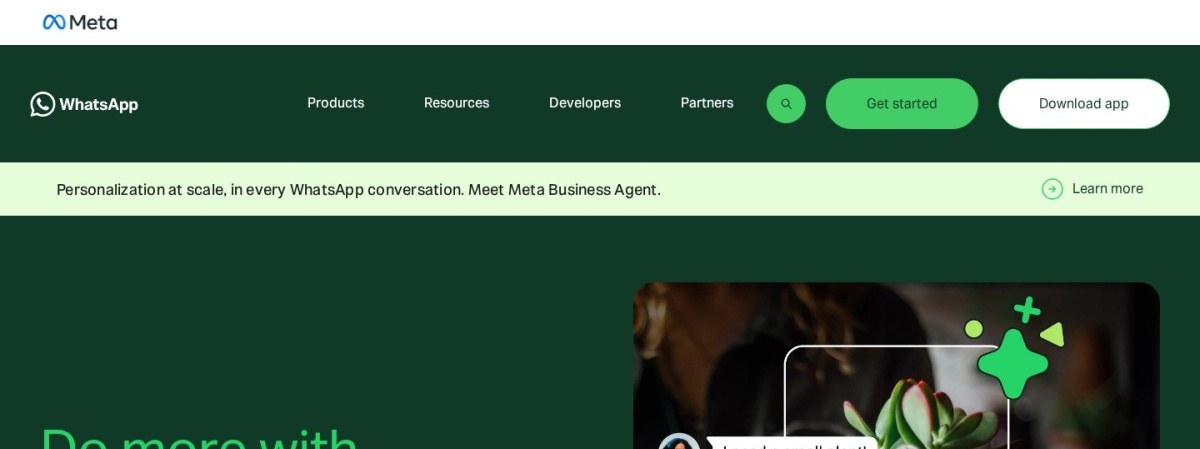
WhatsApp Business is a free app that lets a small business chat with customers on WhatsApp. It adds a business profile, product catalogues, quick replies and labels, so one phone can handle orders and questions.
The trade off is scale. The app suits one or two people, and larger teams need the WhatsApp Business Platform, which charges per conversation. It suits shops and local services whose customers already use WhatsApp daily.
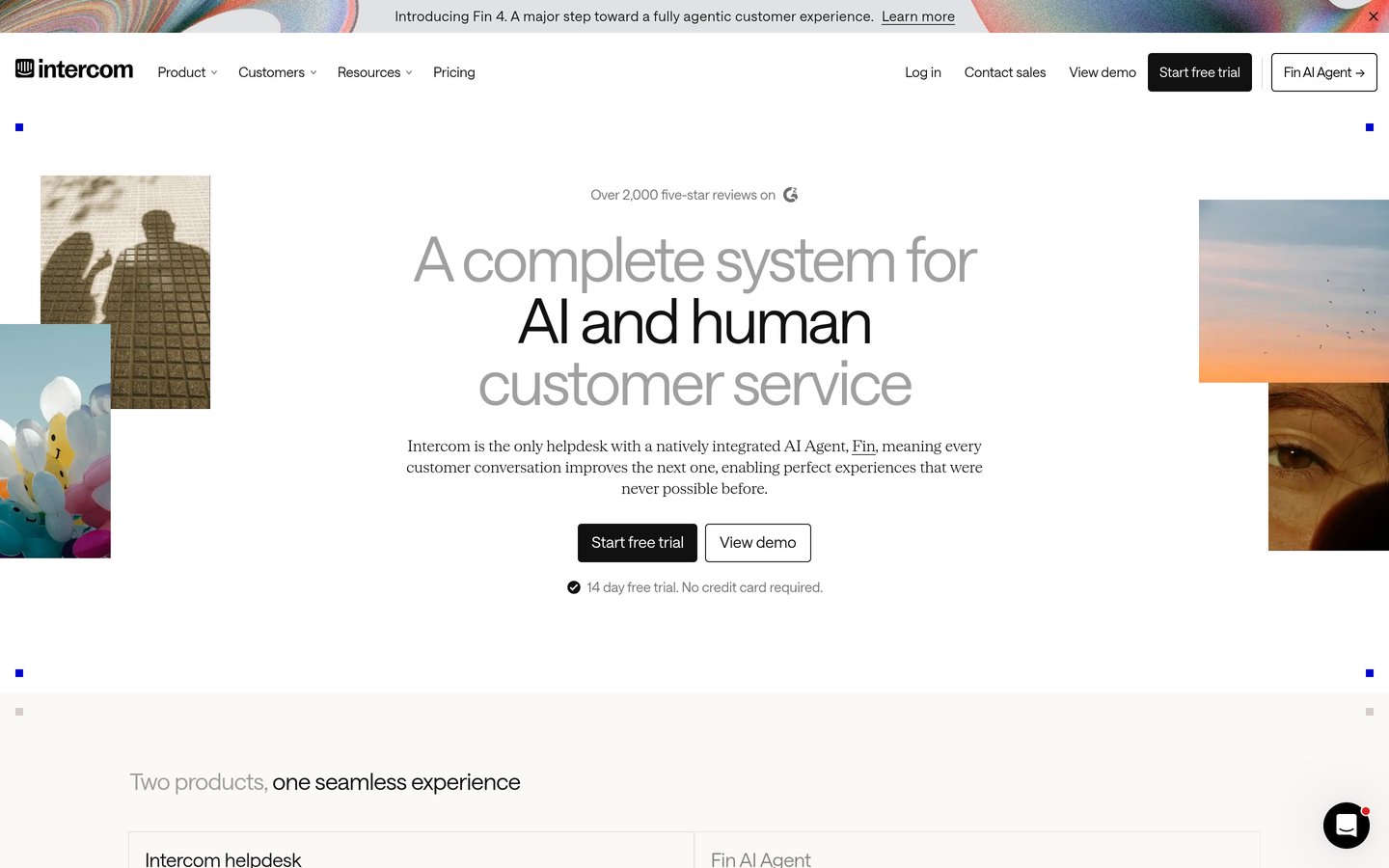
Intercom is a customer messaging platform built around a shared inbox, a help centre and Fin, its AI agent. Essential costs $29 per seat a month billed annually, and Fin answers routine questions for $0.99 per resolved conversation.
The trade off is cost. Seats plus per-resolution AI fees can grow quickly, and the higher plans add more per seat each month. It suits SaaS teams that want AI to clear routine chats before a person steps in.
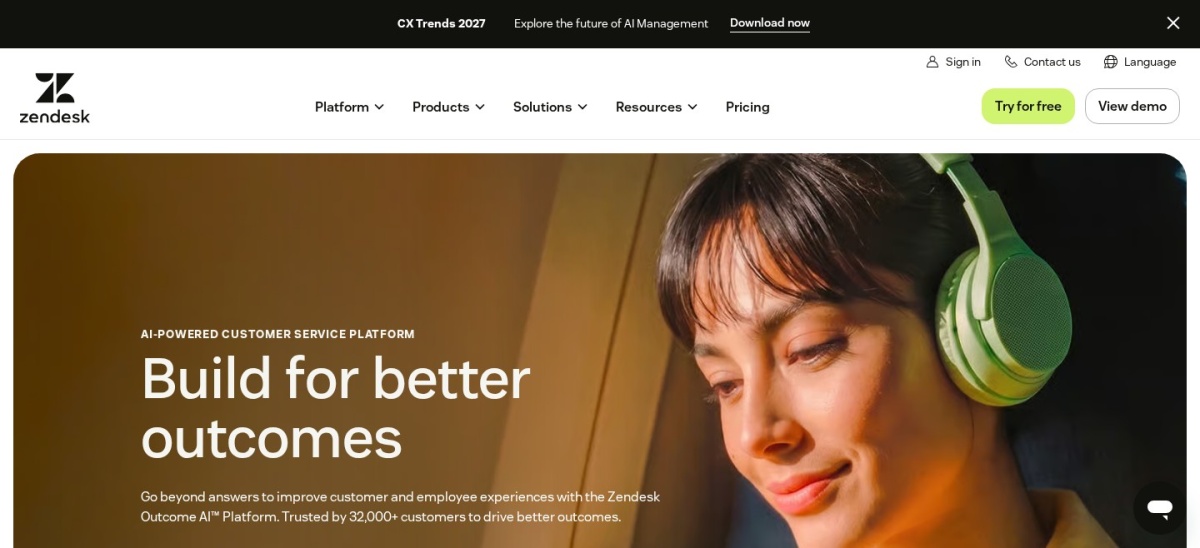
Zendesk is a customer service suite that brings messaging, email, voice and tickets into one agent workspace. Suite Team costs $55 per agent a month billed annually and adds live chat, social messaging and AI agents to the basic ticketing plan.
The trade off is price and setup. The cheaper $19 Support Team plan has no messaging, and AI agents bill per automated resolution after a small allowance. It suits larger teams that need routing, reporting and a knowledge base in one suite.
What we like
Chat, email, voice and tickets in one place
Deep routing, reporting and analytics
Large app marketplace with 1,800+ apps
AI agents included on Suite plans
Watch out for
Messaging needs the $55 Suite Team plan
AI billing is hard to forecast
Setup is heavier than simpler chat tools
Suite Professional adds skills-based routing and CopilotVisit zendesk.com
06
Telegram
4.7/5on Capterra (6,440 reviews, checked Nov 2026)
Paid from$4.99/mo
Best free messaging for large groups
Free planYes
Paid planPremium, $4.99/mo
Group sizeUp to 200,000 members
File uploads2GB free, 4GB Premium
telegram.org
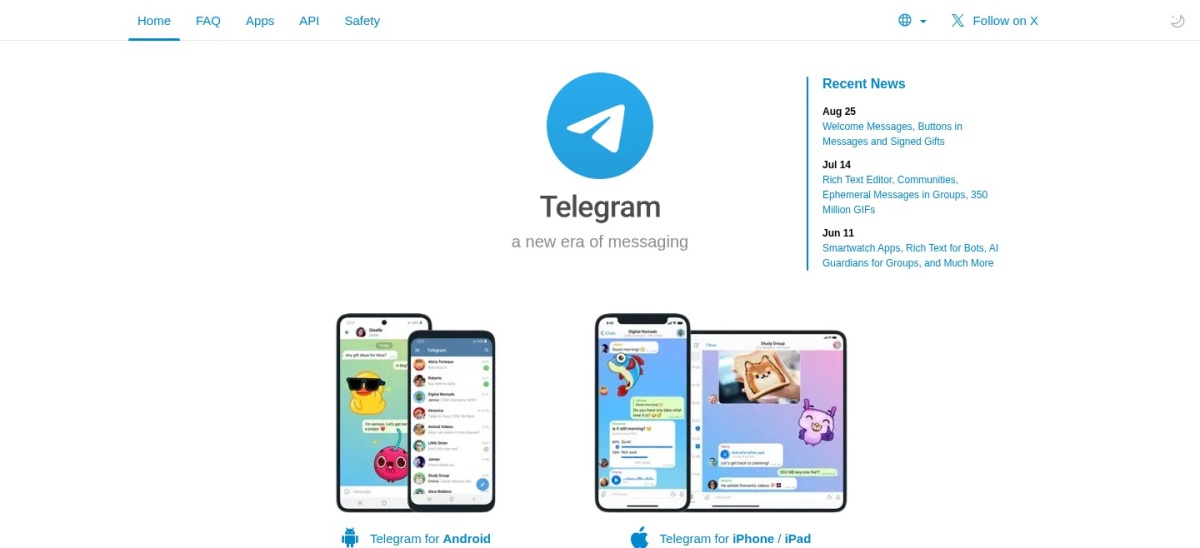
Telegram homepage, captured Nov 2026.
Telegram is a free cloud messaging app with groups of up to 200,000 members, channels for broadcasts and bots for automation. Messages sync across phone and desktop, and free accounts can send files up to 2GB.
The trade off is business depth. Telegram has no shared inbox, ticketing or CRM, so support teams pair it with another tool. Premium costs $4.99 a month for 4GB uploads and faster downloads. It suits communities and teams that need free, fast group chat.
What we like
Free with very high limits
Groups up to 200,000 members
Fast sync across all devices
Channels and bots for broadcasts
Watch out for
No shared inbox or ticketing
Secret chats are not on by default
Fewer business integrations than Slack
Premium adds 4GB uploads, faster downloads and voice-to-textVisit telegram.org
07
Google Chat
4.5/5on Gartner Peer Insights (2,765 reviews, checked Nov 2026)
Paid from$7/mo
Best for Google Workspace teams
Free planYes, personal accounts
Paid planWorkspace Starter, $7/user/mo
SpacesYes, threaded rooms
MeetingsGoogle Meet built in
workspace.google.com
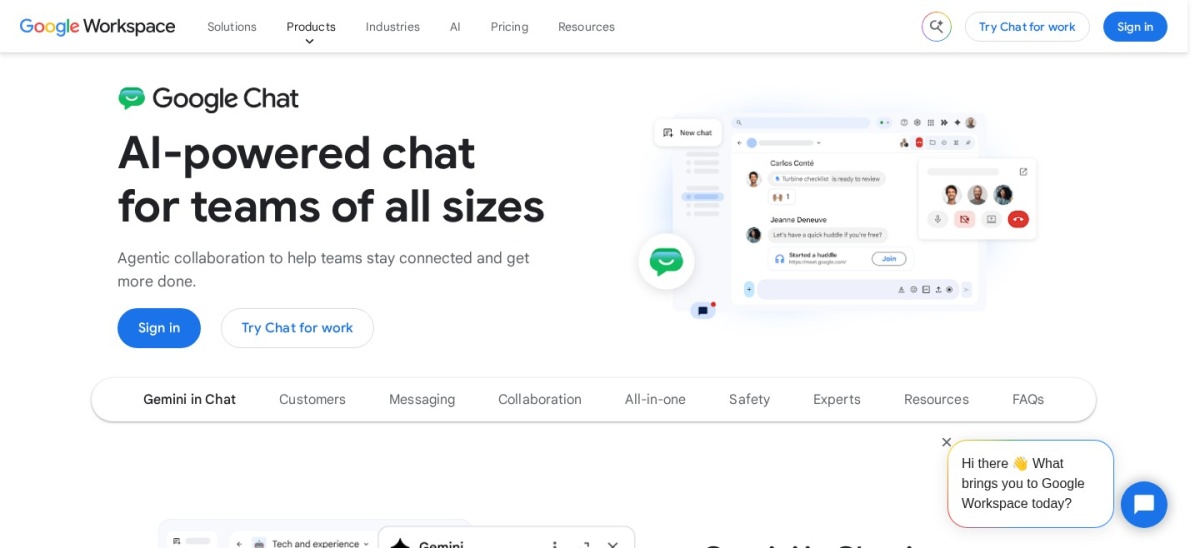
Google Chat homepage, captured Nov 2026.
Google Chat is a simple team chat tool built into Gmail, Docs and Meet. It organises talk into direct messages and threaded spaces, and it comes with Google Workspace Business Starter at $7 per user a month billed annually.
The trade off is depth. Google Chat has fewer apps and automations than Slack or Teams, and threads can be hard to follow in busy spaces. It suits teams that already live in Gmail and Docs and want chat where the work is.
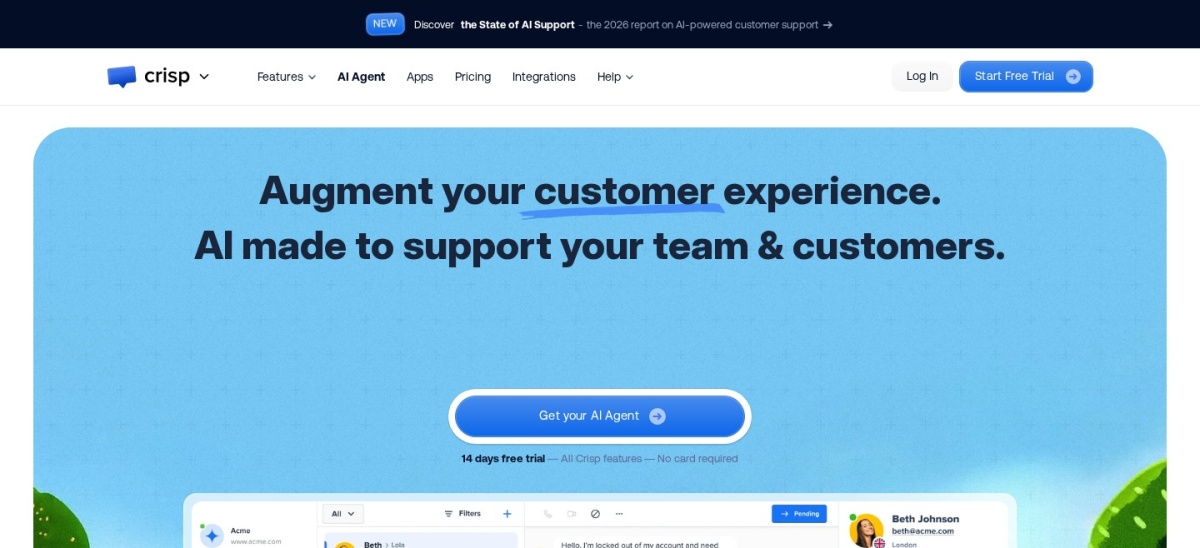
Crisp is a live chat and shared inbox tool with flat pricing per workspace instead of per seat. The free plan covers 2 seats, and Mini costs $45 a month for 4 seats, unlimited conversations and chat triggers.
The trade off is scale. WhatsApp, Instagram and AI chatbot features need the $95 Essentials plan, and the review base is small at 204 G2 reviews. It suits small teams that want predictable pricing and a chat widget that works with WordPress.
What we like
Flat price per workspace, not per seat
Free plan with unlimited conversations
WordPress plugin for the chat widget
Live typing preview and co-browsing
Watch out for
Omnichannel inbox needs the $95 plan
Small review base on G2
AI credits are limited on Mini
Essentials adds omnichannel inbox and a knowledge baseVisit crisp.chat
09
Discord
4.6/5on G2 (44 reviews, checked Nov 2026)
Paid from$9.99/mo
Best free chat for communities
Free planYes
Paid planNitro, $9.99/mo
ServersUnlimited free servers
Voice channelsAlways-on voice rooms
discord.com
Discord homepage, captured Nov 2026.
Discord is a free chat app built around servers, where each community gets text channels, voice rooms and video. Anyone can start a server for free, and Nitro at $9.99 a month adds bigger uploads, custom emoji and HD video.
The trade off is fit. Discord is built for communities, not offices, so it has no shared inbox, ticketing or admin controls for support. It suits creators and gaming groups that want a free place for fans to gather and talk.
Free plans cover the basics well. Most include unlimited one-to-one messages, group chats and mobile apps.
Paid plans mostly add history and admin. You get full search history, guest access, single sign-on and more seats.
For customer messaging, the paid step also adds automation. AI replies, routing rules and reporting sit behind the paywall in Intercom, Zendesk and Crisp.
How we chose
We started from the most widely used messaging tools for teams and customer support, then kept nine with a free plan or trial and a published price.
Prices come from each vendor's pricing page, checked on 23 November 2026. Ratings come from G2, Capterra and Gartner Peer Insights on the same day. Where a vendor shows a sale, the list shows the regular price.
We left out tools with no published price and tools built only for personal chat. No vendor paid for a place, and we do not claim to have used these tools ourselves.
How to choose messaging software
Start with who you need to talk to, then check the price per seat.
Decide who you are messaging. Team chat and customer chat are different jobs. Pick a team tool such as Slack or Teams for staff, and a customer tool such as Intercom or WhatsApp Business for buyers.
Count the seats you will pay for. Most tools charge per user a month, so ten seats at $7.25 cost $72.50 a month. Flat-rate tools such as Crisp charge $45 a month per workspace with 4 seats included.
Check the free plan limits. Free plans often cap message history at 90 days or limit the number of apps. If you need full history, budget for a paid plan from the start.
Try the trial before you pay. Most paid tools offer a 14-day trial. Invite a few teammates, move one real conversation into the tool, and see if the search and notifications work for you.
FAQ
What is the best messaging software?
Slack is the best messaging software for most teams. Pro costs $7.25 per user a month billed annually, with unlimited history and more than 2,600 apps, and it holds 4.5 out of 5 on G2 from over 39,000 reviews.
Is there a free messaging app for business?
Yes. Slack, Microsoft Teams, WhatsApp Business, Telegram, Google Chat, Discord and Crisp all have free plans. Free plans usually limit message history or seats, so check the limits before you rely on one.
What is the cheapest messaging software?
WhatsApp Business and Telegram are free for basic messaging. Among paid team tools, Microsoft Teams Essentials is cheapest at $4 per user a month billed annually, and Google Chat comes with Workspace from $7.
Is WhatsApp Business free?
The WhatsApp Business app is free to download and use. Larger teams that use the WhatsApp Business Platform API pay per conversation, and those fees vary by message type.
Slack or Microsoft Teams: which is better?
Slack is better if you want the widest choice of apps and shared channels with outside partners. Teams is better if you already pay for Microsoft 365, since chat, meetings and files come in the same licence.
Do I need a separate tool for customer chat?
It depends on volume. Small teams can answer customers in WhatsApp Business or Crisp for free. Once chats grow past a few dozen a day, a shared inbox such as Intercom or Zendesk keeps replies from getting lost.