Best Tools for Digital Note Taking in 2026: 7 Tools Compared
WLWPLegible EditorsLast verified 22 Nov 2026How we rank6 min read
★ Short answer
Notion leads for connected notes, tasks, and databases with a free personal plan and Plus starting at $10 per member per month billed yearly. Obsidian fits local-first Markdown writers at $4 per month billed yearly for optional Sync, while Microsoft OneNote pairs freeform notebooks with Microsoft 365 plans starting at $99.99 per year.
How we make this list: we compare pricing pages, product documentation and public user reviews, then re-check every price before each update. No product paid for a place. Disclosure.
Notion holds a 4.6 out of 5 rating across 14,020 G2 reviews, with Plus priced at $10 per member per month billed annually.
Obsidian offers a free core app for personal use and optional Sync at $4 per user per month billed annually.
Microsoft OneNote is rated 4.5 out of 5 across 1,873 G2 reviews, while paid Microsoft 365 Personal storage starts at $99.99 per year.
Goodnotes is rated 4.7 out of 5 across 152 G2 reviews, with Essential starting at $11.99 per year for stylus and PDF workflows.
Simplenote has no paid tier and a 4.2 out of 5 rating across 39 G2 reviews for plain-text capture.
What to look for in a digital note-taking tool
Digital note-taking apps split into distinct models: block workspaces with databases, local Markdown folders, freeform canvas notebooks, and stylus-first PDF editors. Choosing the right fit depends on how you structure ideas and whether you need shared team spaces.
Storage limits and sync rules often determine long-term cost more than headline features. Some tools keep core editing free on local files or browser accounts, while others cap note counts or cross-device sync behind annual subscriptions.
Check export formats and offline behavior before committing a large archive. Plain Markdown and open exports make future migrations easier, whereas proprietary blocks or heavy media attachments can tie you to a single ecosystem.
Billing terms also vary between monthly and annual commitments. Review the regular annual price and see what happens to your existing notes if you downgrade later.
Notion is a modular workspace combining notes, tasks, project trackers, and databases in one place. Its free plan works for individual note-taking with 7-day page history and up to 5 MB per file upload.
The trade off is paying $10 per member per month billed annually (or $12 monthly) on Plus for 5 GB file uploads and 30-day history, while full Notion AI sits on Business at $20 per member per month yearly. It suits teams and structured planners who want linked docs and databases in one app.
What we like
Combines rich note pages, databases, and shared wikis in one workspace
Free tier available for personal use without a time cap
Supports collaborative editing and guest access
Watch out for
Can feel complex to set up for simple quick notes
Full AI features require upgrading to the Business tier
Plus adds 5 GB file uploads, 30-day page history, and expanded workspace sharing.Visit notion.com
02
Obsidian
4.5/5on G2 (14 reviews, checked Nov 2026)
Paid from$4/mo
Best for local-first Markdown and linked notes
Entry paid add-onSync at $4/user/mo billed yearly
Free appFree for personal use on local folders
Publish add-on$8/site/mo billed yearly
Storage formatPlain Markdown files on device
obsidian.md
Obsidian homepage, captured Nov 2026.
Obsidian is a local-first note editor that stores notes as plain Markdown files on your own device with backlinks and graph views. The core app is free for personal use with no account required and supports community plugins.
The trade off is paying $4 per user per month billed annually ($5 monthly) for official Sync with end-to-end encryption if you do not manage your own file syncing. It suits writers, researchers, and developers who want full ownership of plain-text files.
What we like
Notes stay as portable plain Markdown files on your device
Free core app with strong offline access and plugin customization
Optional Sync includes end-to-end encryption and version history
Watch out for
Steeper learning curve when configuring links and plugins
Official cloud sync and web publishing cost extra
Sync adds encrypted cross-device syncing, version history, and shared vaults.Visit obsidian.md
03
Microsoft OneNote
4.5/5on G2 (1,873 reviews, checked Nov 2026)
Paid from$99.99/yr
Best for freeform notebooks and Microsoft 365 users
Entry paid planMicrosoft 365 Personal at $99.99/yr
Free tierFree app with OneDrive storage limits
Note layoutNotebooks, sections, and freeform pages
PlatformsWindows, macOS, iOS, Android, Web
microsoft.com
Microsoft OneNote homepage, captured Nov 2026.
Microsoft OneNote is a digital notebook app that lets you place text, images, tables, and ink strokes freely anywhere on a page. You can start free with notebooks organized into sections and pages across devices.
The trade off is relying on OneDrive storage limits and upgrading to a regular Microsoft 365 Personal plan at $99.99 per year (a lower first-year offer is also listed) if you need expanded cloud storage and Office apps. It suits students, meeting takers, and Microsoft 365 users who like freeform canvases.
What we like
Flexible freeform page layout for typing, clipping, and handwriting
Familiar notebook, section, and page hierarchy
Available across desktop, mobile, and web platforms
Watch out for
Large notebooks can become slow or cluttered to navigate
Cloud storage capacity depends on your Microsoft account tier
Paid Microsoft 365 plans expand cloud storage and bundle desktop Office applications.Visit microsoft.com
04
Evernote
4.4/5on G2 (2,701 reviews, checked Nov 2026)
Paid from$99/yr
Best for web clipping and searchable attachments
Entry paid planStarter at $99/yr
Free plan limit50 notes, 1 notebook, 1 synced device
Evernote is a cross-platform note and clipping app built around notebooks, tags, web clips, and attachment search. Its free plan caps you at 50 notes, 1 notebook, 1 GB of storage, and 1 synced device.
The trade off is upgrading to Starter at $99 per year for 1,000 notes, 20 notebooks, and 3-device sync, or paying more for unlimited notes and AI tools. It suits users who clip lots of web pages and documents and want structured notebooks and tags.
What we like
Mature web clipping and notebook-plus-tag organization
Runs across Windows, Mac, iOS, Android, and web browsers
Includes tasks, calendar views, and offline note access
Watch out for
Free tier is tightly capped at 50 notes and one device
Starter still enforces a 1,000-note limit rather than unlimited notes
Starter raises limits to 1,000 notes, 20 notebooks, 5 GB storage, and 3 synced devices.Visit evernote.com
05
Craft
4.8/5on G2 (4 reviews, checked Nov 2026)
Paid from$4.80/mo
Best for polished documents and daily notes
Entry paid planPlus at $4.80/mo billed yearly
Free plan limit1,500 blocks, 1 personal space, 1 GB
Plus allowanceUnlimited blocks, storage, and 10 spaces
Key toolsDaily notes, tasks, tags, and web publish
craft.do
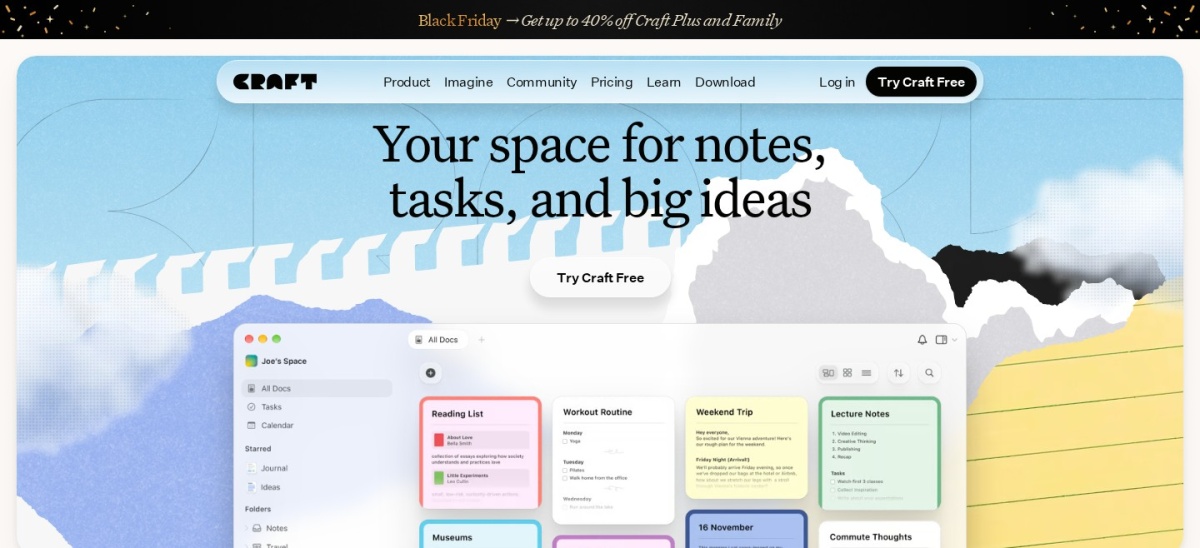
Craft homepage, captured Nov 2026.
Craft is a document and note-taking app combining daily notes, tasks, tags, and styled pages you can share on the web. Its free plan includes 1,500 blocks, 1 personal space, 1 GB storage, and 7-day version history.
The trade off is hitting the 1,500-block ceiling on the free plan and paying $4.80 per month billed annually on Plus (an annual discount code is also shown on the pricing page). It suits writers and professionals who want clean documents, daily notes, and shareable pages.
What we like
Clean document formatting paired with daily notes and task scheduling
Supports offline editing and published web links
Exports to PDF, Markdown, Word (.docx), and PNG
Watch out for
Free plan caps total content at 1,500 blocks and 1 personal space
Team spaces require Family, Team, or Enterprise plans
Plus unlocks unlimited blocks and storage, up to 10 personal spaces, and 30-day history.Visit craft.do
06
Goodnotes
4.7/5on G2 (152 reviews, checked Nov 2026)
Paid from$11.99/yr
Best for stylus handwriting and PDF markup
Entry paid planEssential at $11.99/yr
Free plan limitUp to 3 files and 3 folders
Essential planUnlimited files and audio across platforms
Cross-platform syncIncluded on Pro at $35.99/yr
goodnotes.com
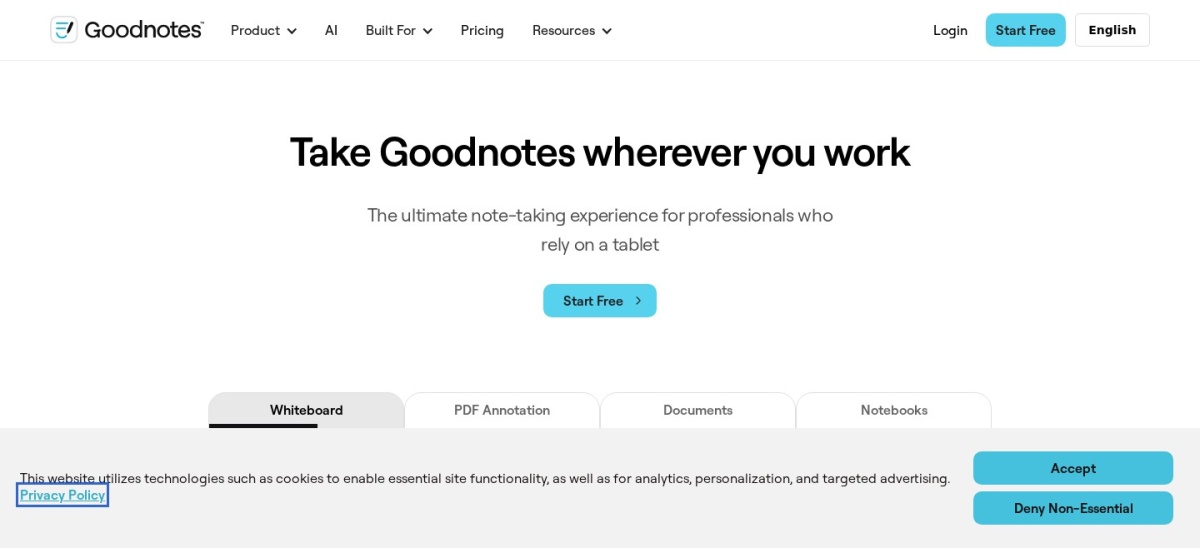
Goodnotes homepage, captured Nov 2026.
Goodnotes is a note-taking app built around digital notebooks, stylus handwriting, and PDF annotation. The free tier is capped at 3 files, 3 folders, and 20 minutes of audio recording.
The trade off is paying $11.99 per year for Essential to get unlimited files, while Goodnotes Cloud sync across platforms requires Pro at $35.99 per year. It suits tablet and stylus users who take handwritten lecture notes or mark up PDFs.
What we like
Low entry price at $11.99 per year for unlimited files on Essential
Strong handwriting, highlighting, and PDF markup workflow
Includes whiteboards, templates, and audio recording
Watch out for
Free tier stops at just 3 files and 3 folders
Cross-platform cloud syncing requires the Pro tier
Essential removes the 3-file limit and unlocks unlimited notebooks and audio recording.Visit goodnotes.com
07
Simplenote
4.2/5on G2 (39 reviews, checked Nov 2026)
PriceFree
Best for fast, free plain-text notes
PriceFree with no paid tier
OrganizationTags and instant search instead of folders
FormattingPlain text with Markdown preview
PlatformsiOS, Android, Windows, Mac, Linux, Web
simplenote.com
Simplenote homepage, captured Nov 2026.
Simplenote is a lightweight note-taking app focused on plain text, tags, fast search, and version history across devices. Every core feature and sync is free with no paid subscription plan.
The trade off is lacking folders, rich media attachments, complex formatting, and built-in AI tools. It suits readers and writers who want quick text notes and checklists without subscriptions or clutter.
What we like
Completely free with no paid tiers or subscription upsells
Fast startup and lightweight sync across desktop, mobile, and web
Includes version history and Markdown preview
Watch out for
No folder hierarchy or rich formatting tools
Not built for complex projects, teams, or heavy attachments
All core note syncing, tagging, publishing links, and version history are included free.Visit simplenote.com
Matching digital note apps to common workflows
For structured project notes, linked pages, and databases that grow into a team knowledge hub, Notion offers the broadest workspace model.
If you prefer local Markdown files you control on disk or quick distraction-free text, Obsidian and Simplenote keep writing straightforward without heavy block layouts.
How we chose
This list brings together established digital note-taking apps across workspaces, Markdown editors, digital notebooks, and quick-capture tools.
All pricing tiers, plan limits, and G2 review ratings in this guide were checked on 22 Nov 2026 from vendor pricing pages and public review listings.
Tools that lacked verifiable current pricing details on a checked pricing page or were not a strong fit for general digital note-taking were left out. No vendor paid for a place, and we do not claim testing for this list.
How to choose the right note-taking app
Start with your daily note format and storage rules before comparing plans.
Decide how you write and organize notes. Pick a structured workspace if you link tasks and databases, a Markdown editor for plain-text notes, or a stylus notebook for handwriting and PDFs.
Check free-tier caps against your real volume. Compare note counts, block limits, and device sync rules so you do not hit a wall after a few weeks.
Look at annual vs. monthly billing. Many apps charge less per month on annual billing or bundle extra storage and sync into higher tiers.
Verify export options before you scale. Make sure you can export your notes in portable formats like Markdown, PDF, or Word if your needs change.
FAQ
Which digital note-taking app is best for structured projects and teams?
Notion stands out for combining notes, tasks, and databases in shared workspaces with a free personal plan and Plus starting at $10 per member per month billed annually. It fits people who want connected pages and project tracking in one tool.
Which note-taking app keeps files locally in Markdown?
Obsidian stores notes as plain Markdown files on your device and is free for personal use. Its optional Sync add-on starts at $4 per user per month billed annually if you want encrypted cross-device syncing.
Is Simplenote really free with no paid plans?
Yes, Simplenote offers plain-text notes, tags, search, and version history across platforms at no cost, with no paid subscription tier. The trade off is a minimal feature set without folders or rich attachments.
What is the catch with Evernote's free plan?
Evernote's free plan limits you to 50 notes, 1 notebook, 1 GB of storage, and 1 synced device. Moving to Starter at $99 per year expands those limits to 1,000 notes, 20 notebooks, and 3 devices.
What is a good low-cost option for stylus handwriting and PDFs?
Goodnotes starts at $11.99 per year on Essential for unlimited files and audio recording, while its free tier is capped at 3 files. Cross-platform cloud sync requires upgrading to Pro at $35.99 per year.
How does Microsoft OneNote pricing work?
OneNote can be used free for digital notebooks, with cloud capacity tied to your OneDrive storage. Paid Microsoft 365 Personal plans list a regular price of $99.99 per year for expanded cloud storage and desktop Office apps.